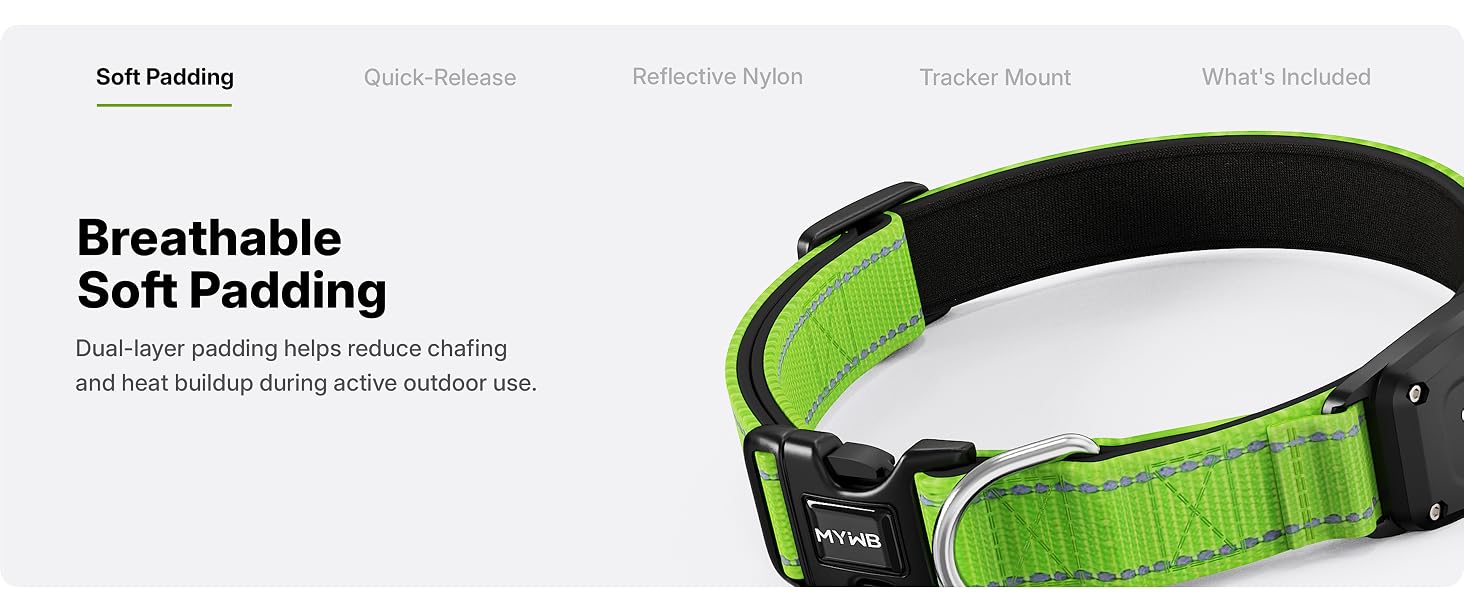
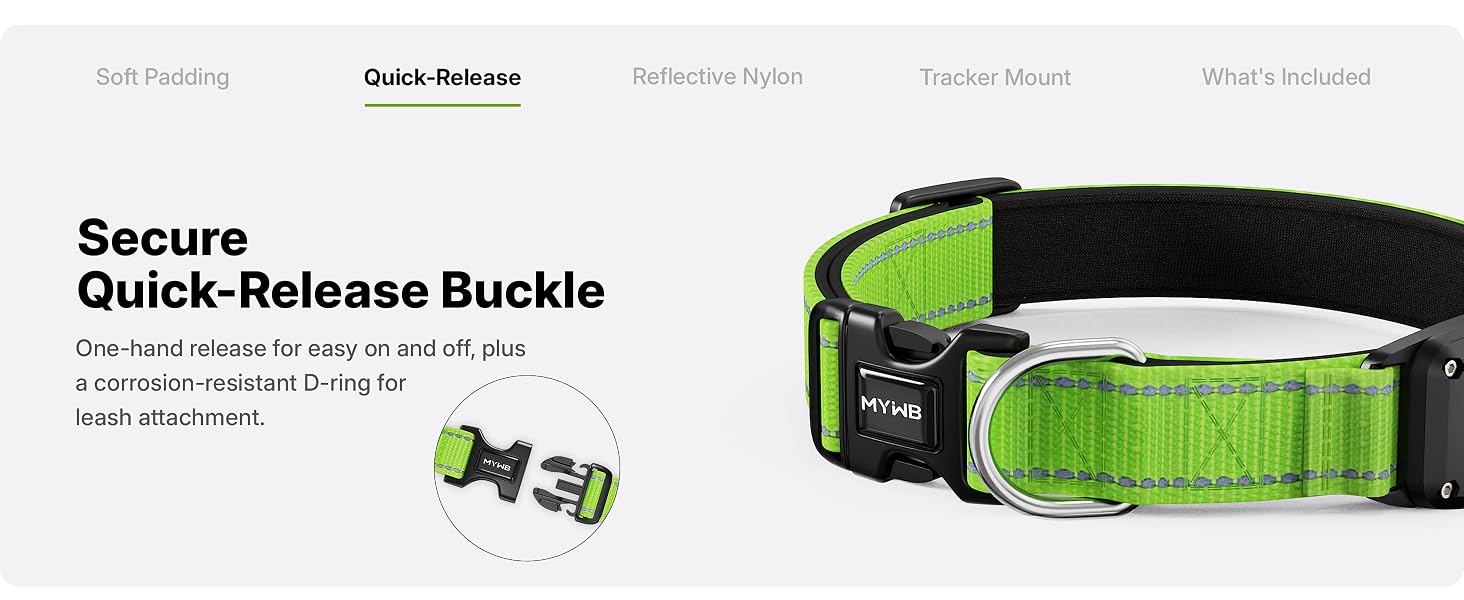
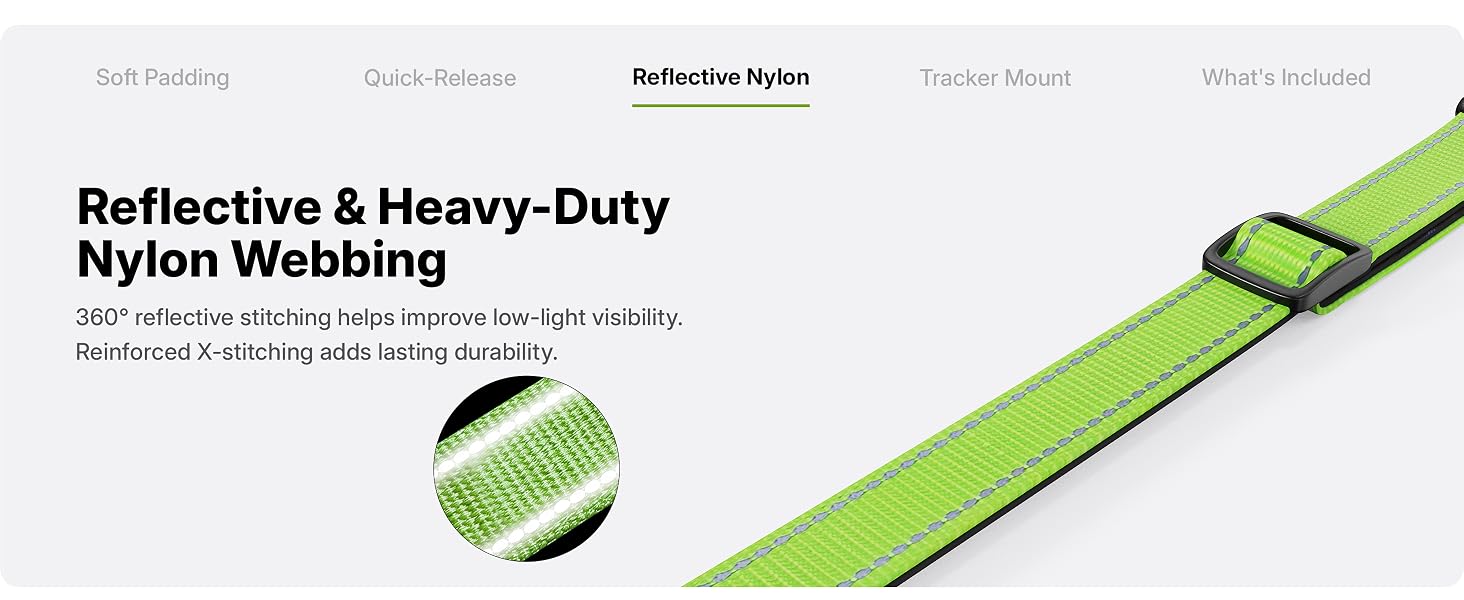
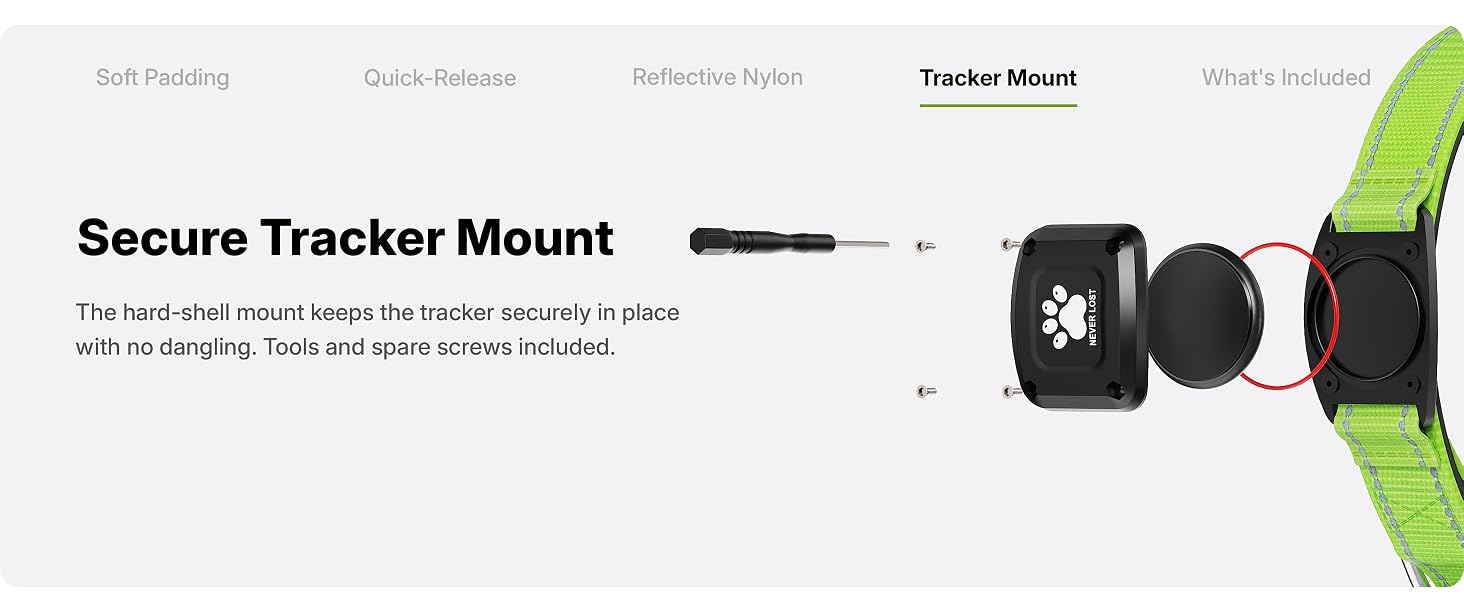
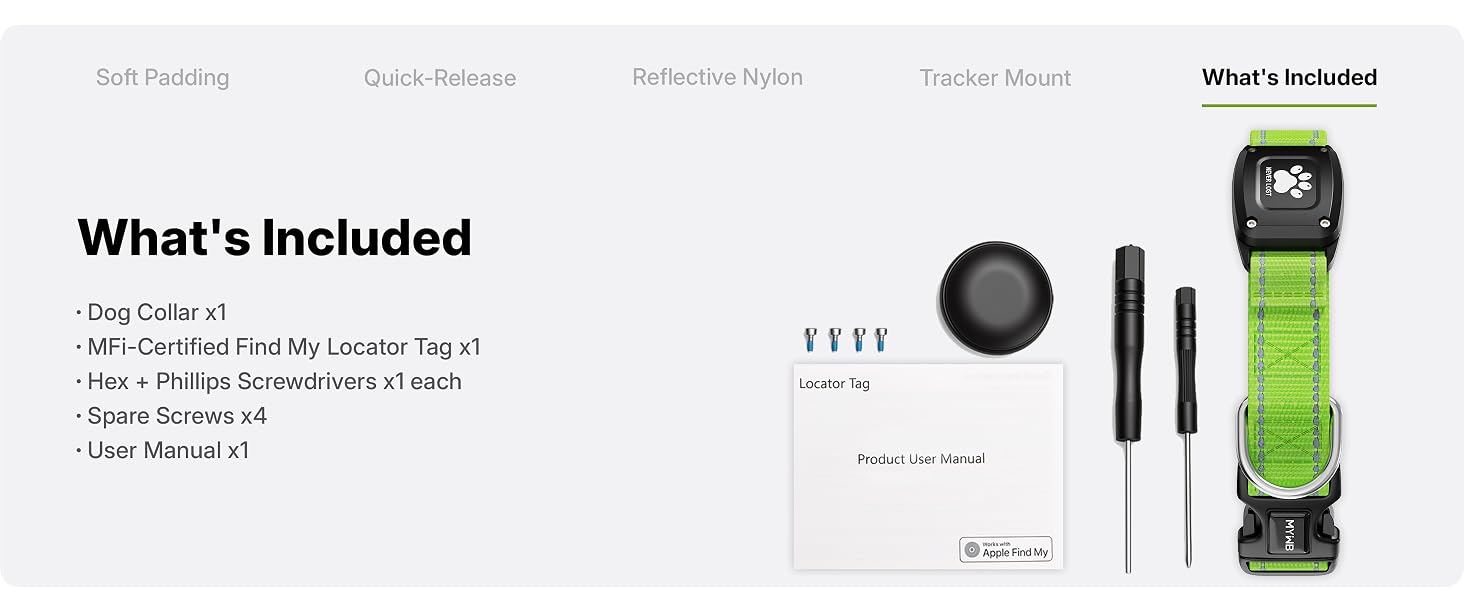
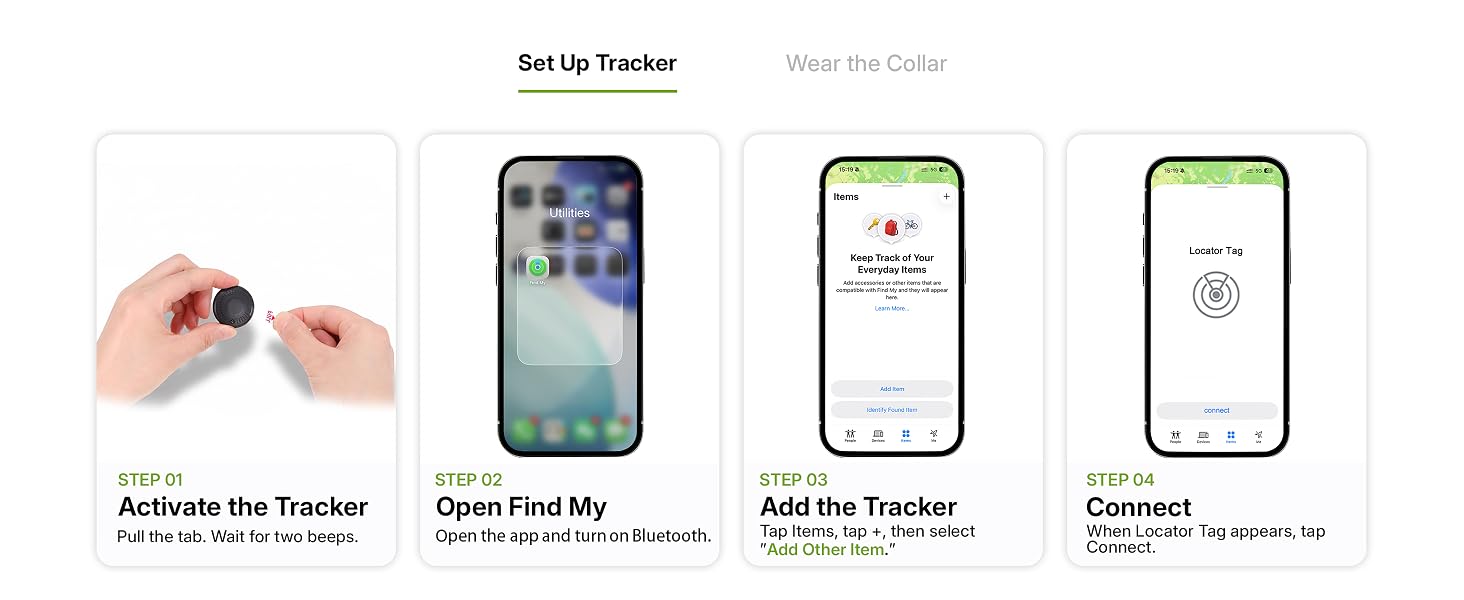
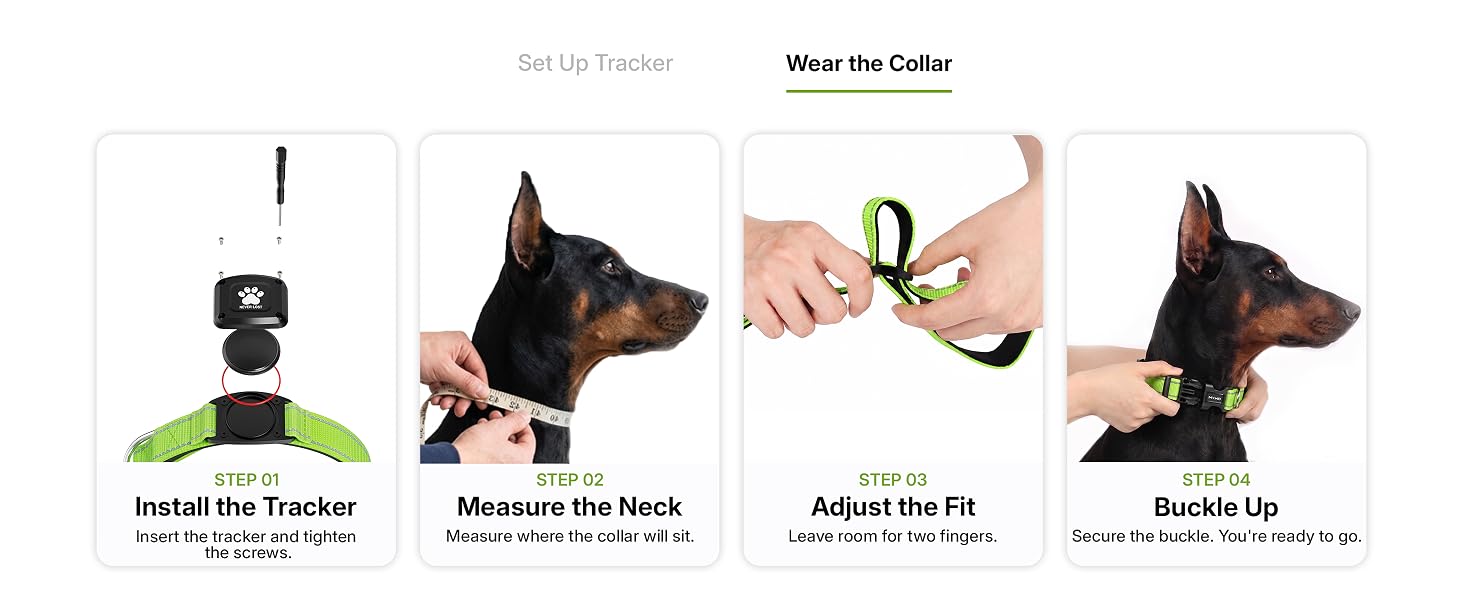
here!
here!
I’m your shopping assistant for PC builds, upgrades, and everything tech.
Got questions? Ask away!
Start a conversation
here!
I’m your shopping assistant for PC builds, upgrades, and everything tech.
Got questions? Ask away!
Start a conversation




Any questions? Ask CelesteSM will help you find out quickly.

The tracker enters sleep mode during pairing. How to exit and re-pair?
If it’s not connected within 2 minutes after removing the insulation sheet, the device will enter sleep mode. Reinstall the battery to exit, then re-enter the pairing broadcast state.
How to correctly restore the tracker to factory settings?
Remove and reinstall the battery 3 times consecutively (interval = 3 seconds). After a long “beep”, the product is restored to factory settings and enters pairing mode.
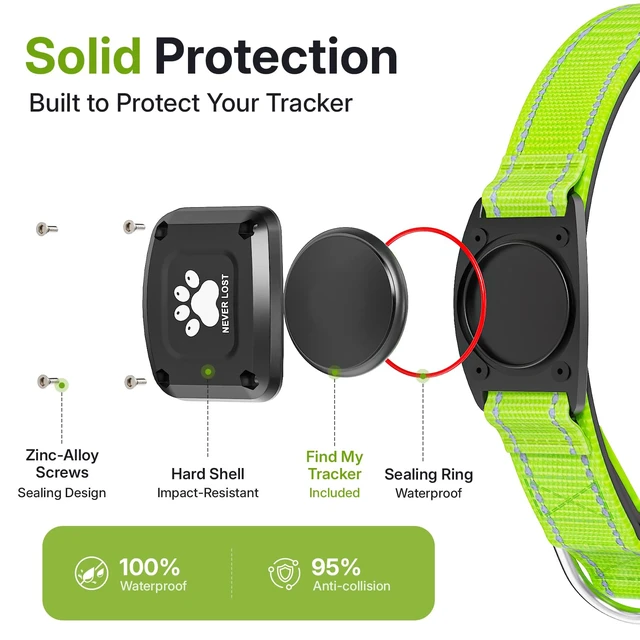
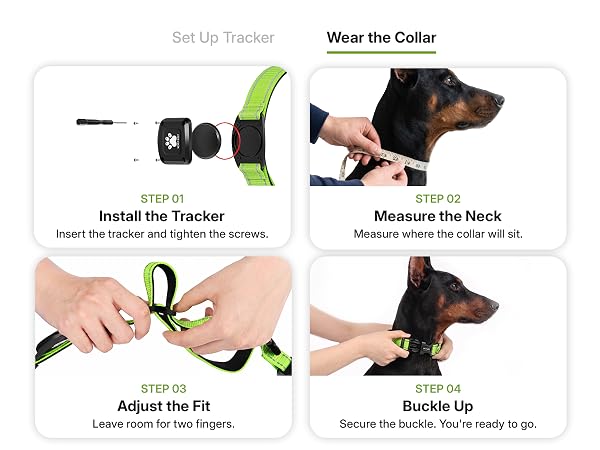
Can I replace the tracker’s battery?
Yes. It uses a CR2032 battery. Use the included screwdriver to remove the back cover, replace the old battery with a new one (ensure the “+” side faces up), and then screw the back cover tightly.
Why does pairing with Apple Find My fail, and how to fix it?
It usually fails due to temporary network glitches or device connectivity issues. Solutions: 1. Switch your phone’s network (WiFi/mobile data); 2. Restore the tracker to factory settings; 3. Re-pair with the Find My app; 4. Restart your phone.
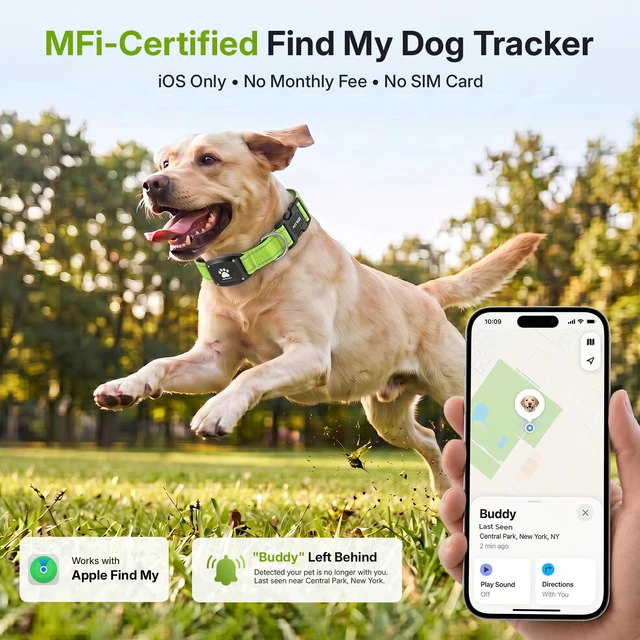
What is Apple Find My app and Find My network?
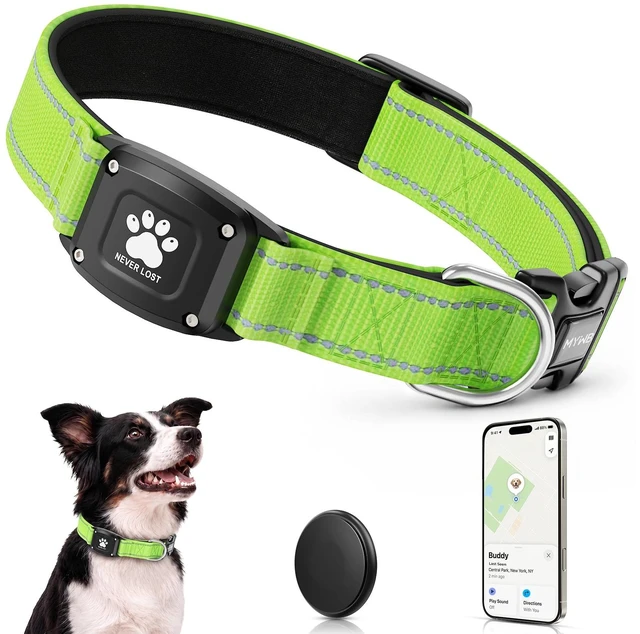
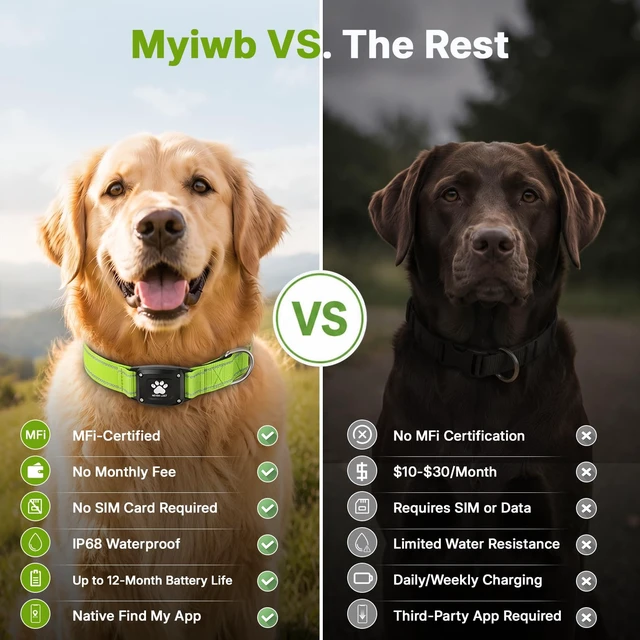
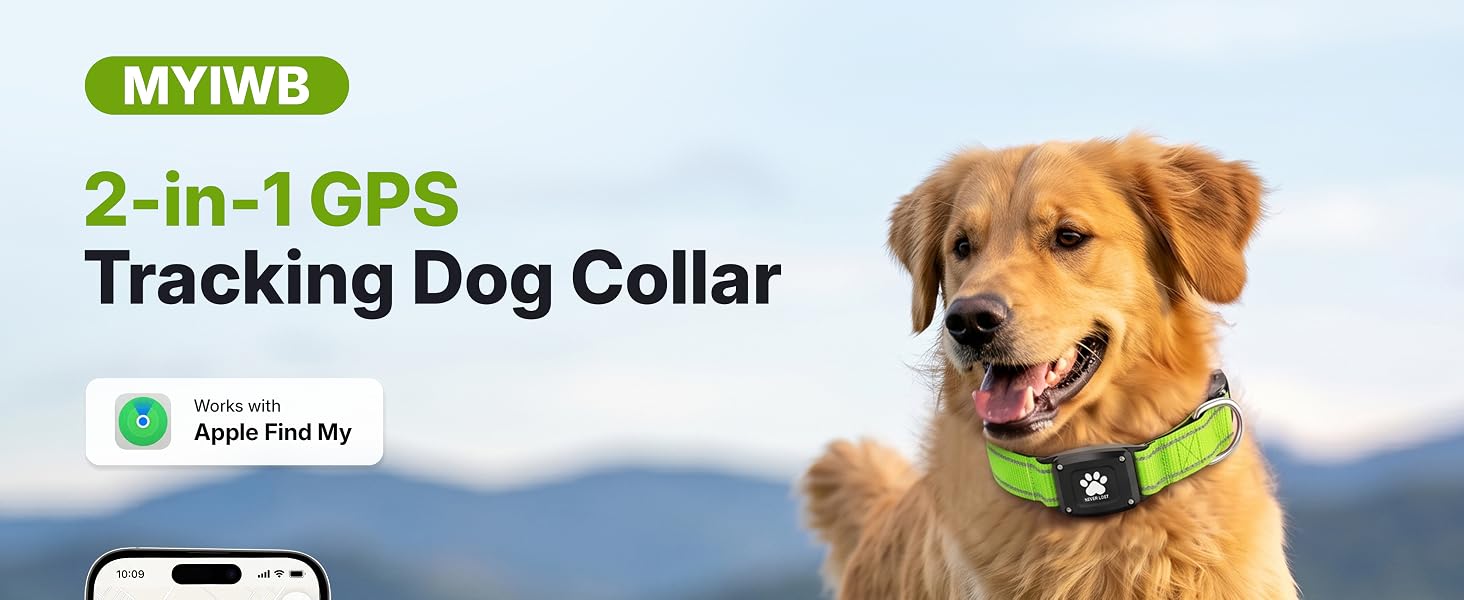
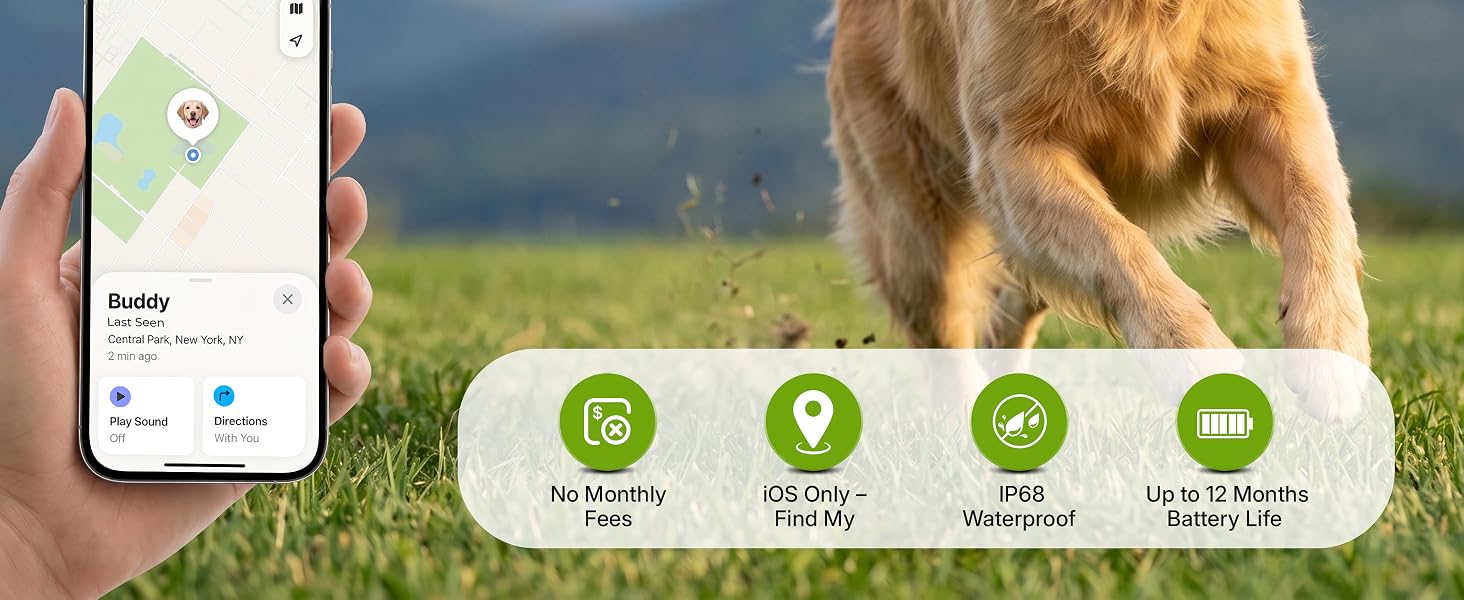
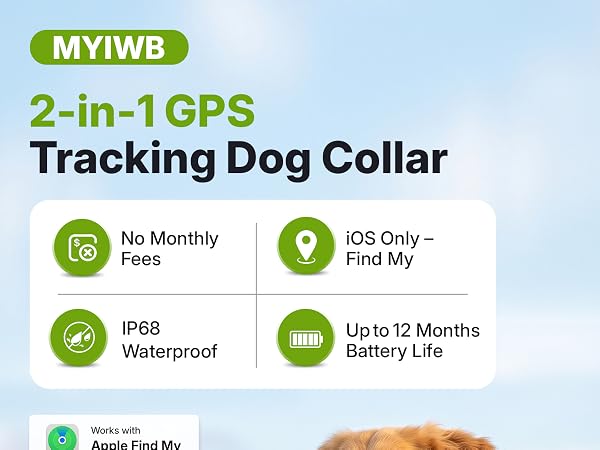
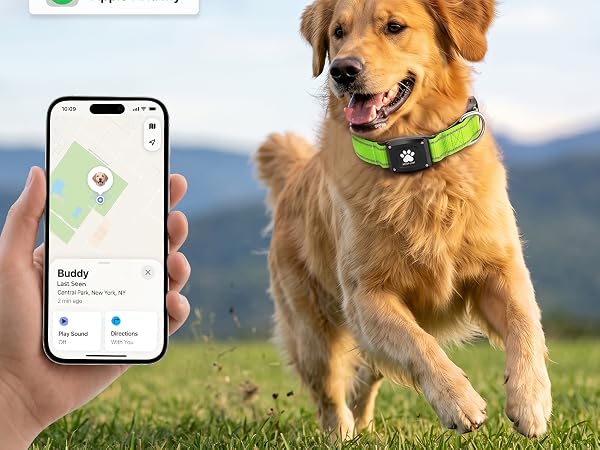
Find My is a pre-installed Apple app. It locates MYIWB pet tracking collar via its network of hundreds of millions of Apple devices, detecting and reporting nearby missing items’ locations.
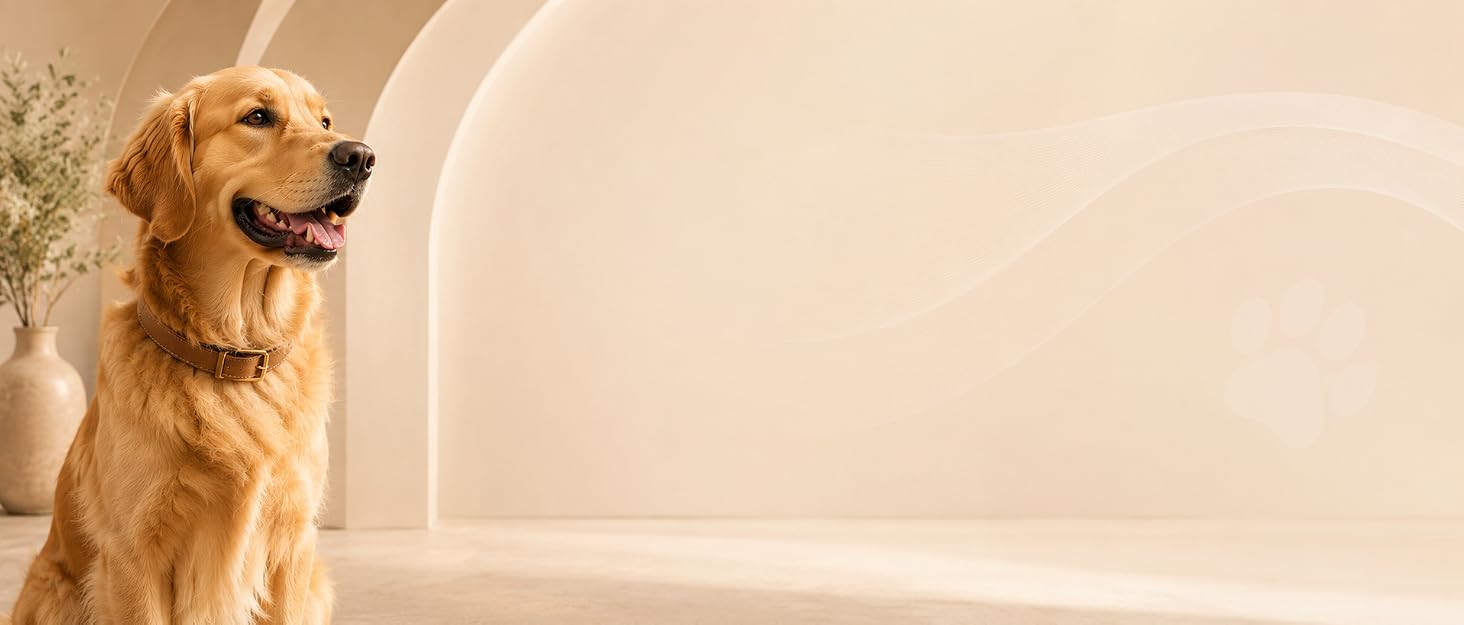

At MYIWB, we believe the best adventures are the ones shared with our pets. Inspired by the bond between dogs and their people, we create thoughtfully designed essentials for everyday life together. From daily walks to weekend escapes, our goal is simple: to bring more comfort, confidence, and joy to every journey.
Wherever the day leads, we hope MYIWB becomes part of the moments that matter most.
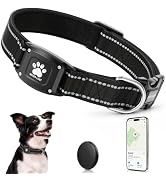

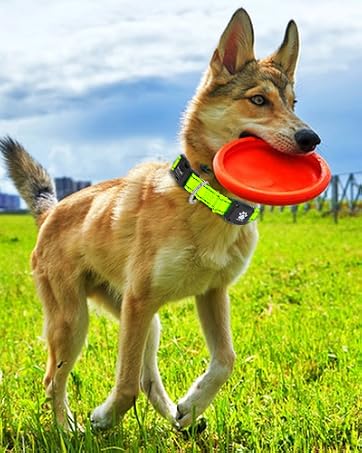
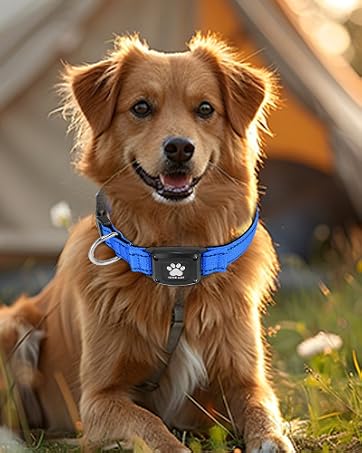
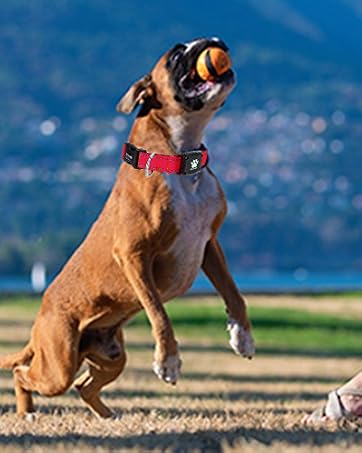
At MYIWB, we believe the best adventures are the ones shared with our pets. Inspired by the bond between dogs and their people, we create thoughtfully designed essentials for everyday life together. From daily walks to weekend escapes, our goal is simple: to bring more comfort, confidence, and joy to every journey.
Wherever the day leads, we hope MYIWB becomes part of the moments that matter most.

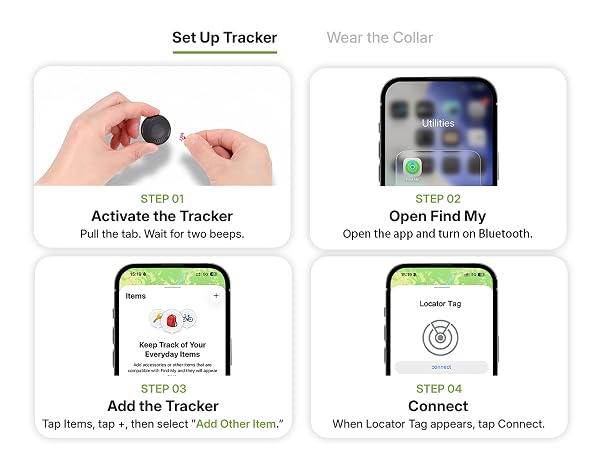
The tracker enters sleep mode during pairing. How to exit and re-pair?
If it’s not connected within 2 minutes after removing the insulation sheet, the device will enter sleep mode. Reinstall the battery to exit, then re-enter the pairing broadcast state.
How to correctly restore the tracker to factory settings?
Remove and reinstall the battery 3 times consecutively (interval = 3 seconds). After a long “beep”, the product is restored to factory settings and enters pairing mode.
Can I replace the tracker’s battery?
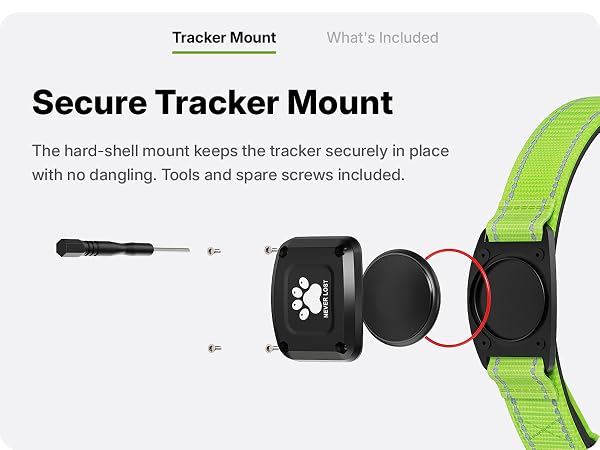
Yes. It uses a CR2032 battery. Use the included screwdriver to remove the back cover, replace the old battery with a new one (ensure the “+” side faces up), and then screw the back cover tightly.
Why does pairing with Apple Find My fail, and how to fix it?
It usually fails due to temporary network glitches or device connectivity issues. Solutions: 1. Switch your phone’s network (WiFi/mobile data); 2. Restore the tracker to factory settings; 3. Re-pair with the Find My app; 4. Restart your phone.
What is Apple Find My app and Find My network?
Find My is a pre-installed Apple app. It locates MYIWB pet tracking collar via its network of hundreds of millions of Apple devices, detecting and reporting nearby missing items’ locations.