




 here!
here!
I’m your shopping assistant for PC builds, upgrades, and everything tech.
Got questions? Ask away!
Start a conversation
here!
I’m your shopping assistant for PC builds, upgrades, and everything tech.
Got questions? Ask away!
Start a conversation



Any questions? Ask CelesteSM will help you find out quickly.
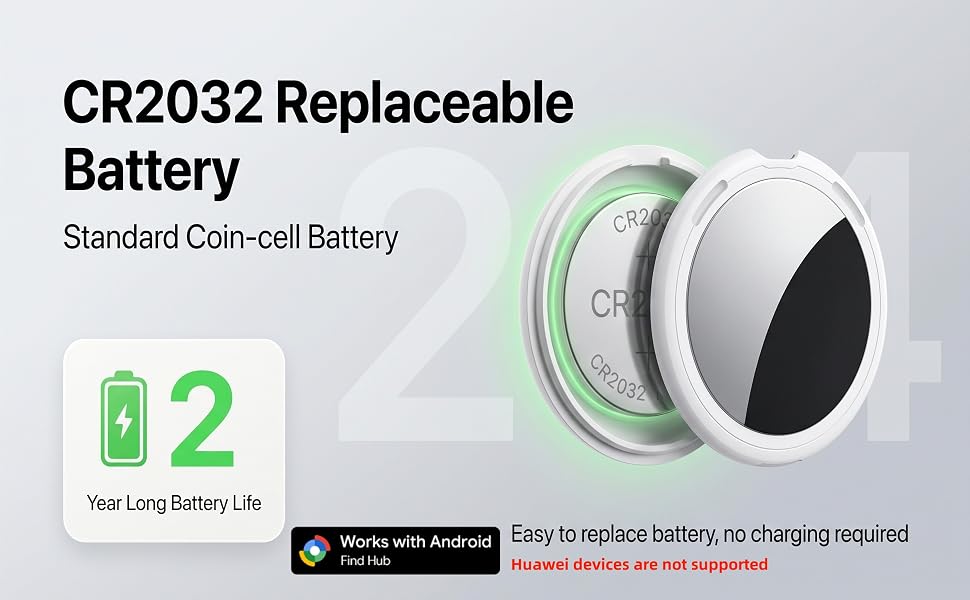
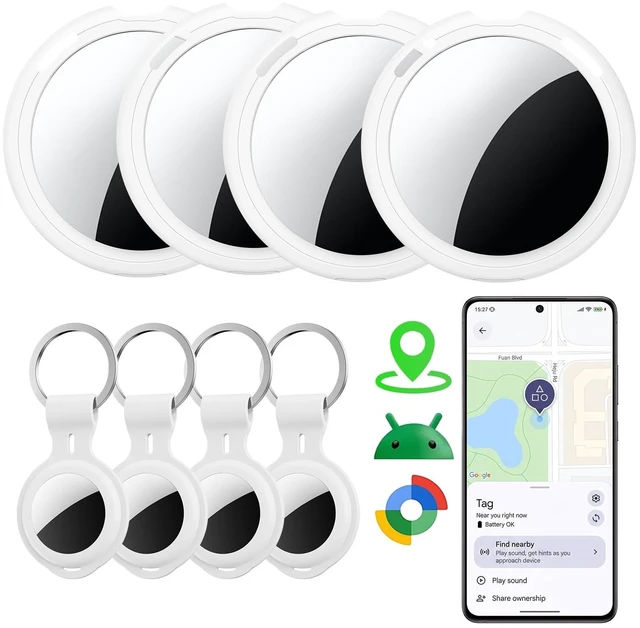
Experience instant tracking and precise global positioning with this smart Bluetooth tracker. Google Find Trackers for Google'S Find Hub App, it ensures your most valuable items are always on your radar. (Please note: Huawei devices are not supported)
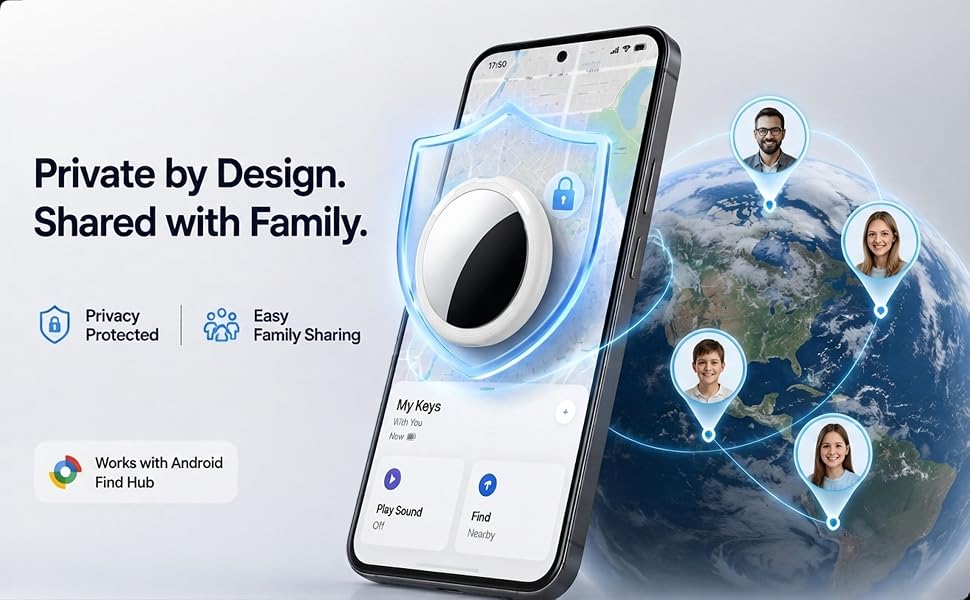
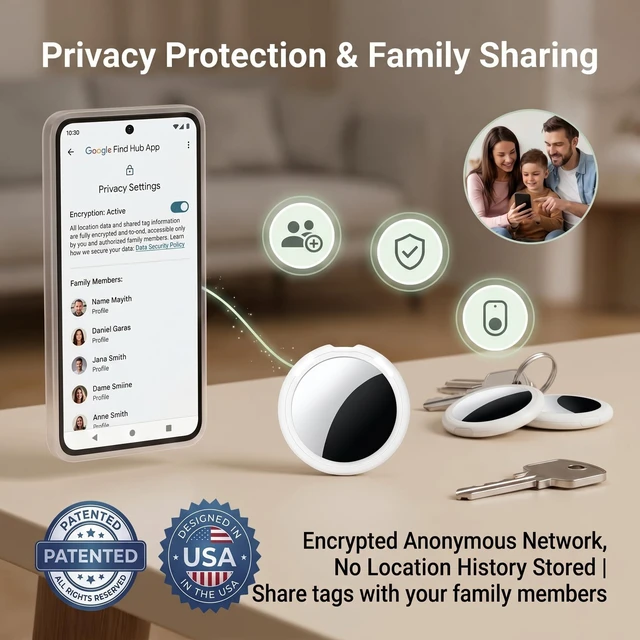
Share your Android tracker tag through Google Find Hub, allowing trusted family members or friends to help locate tagged items and check their location on the map
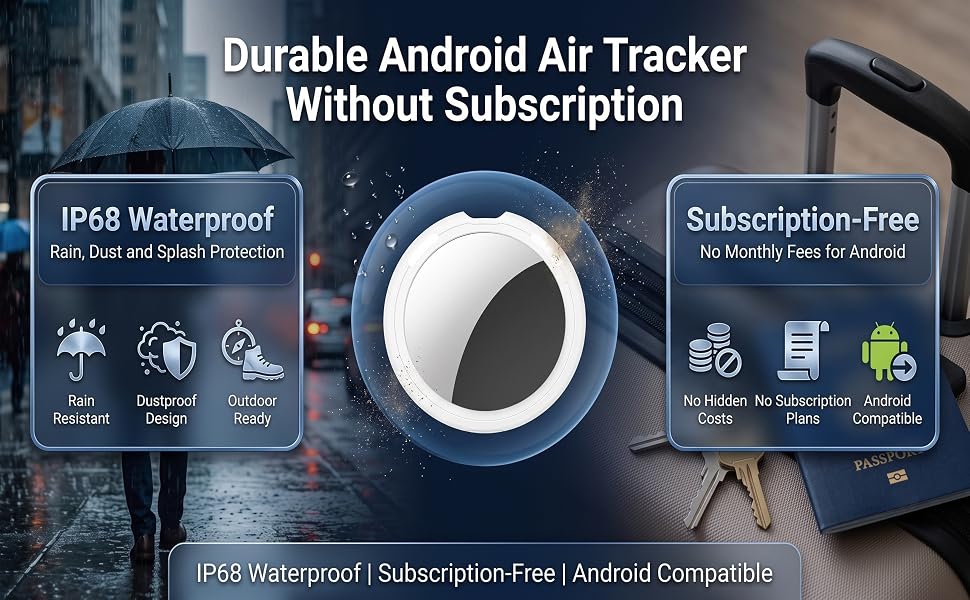
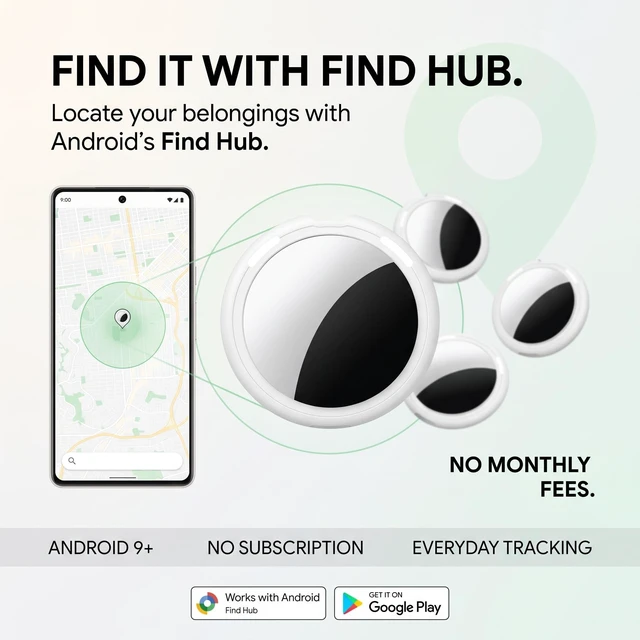
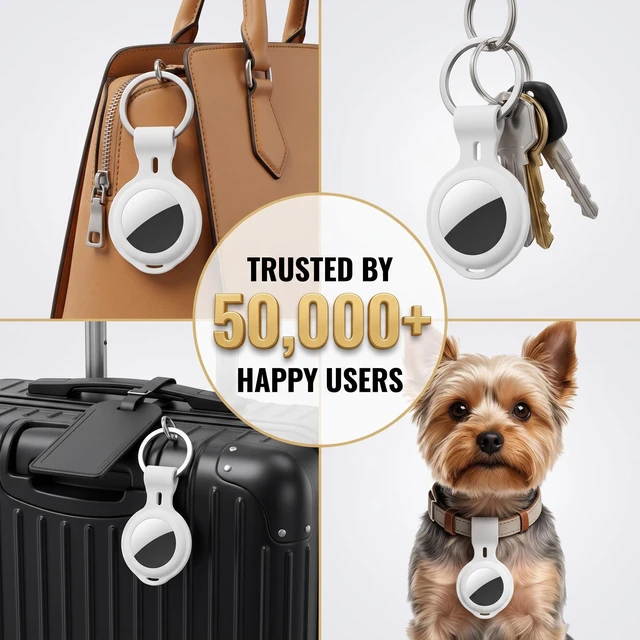
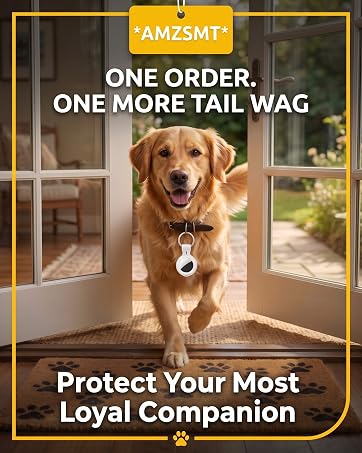
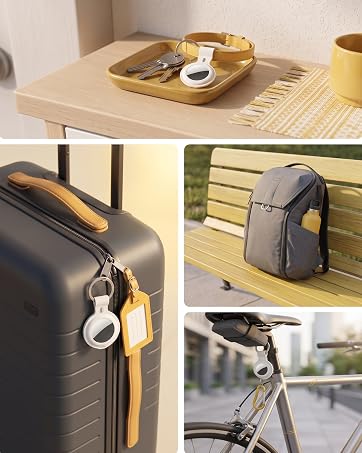
Works with Google Find Hub with no monthly fees. Compact and lightweight with a lanyard, making it easy to attach to keys, wallets, backpacks, luggage, pet accessories, and more
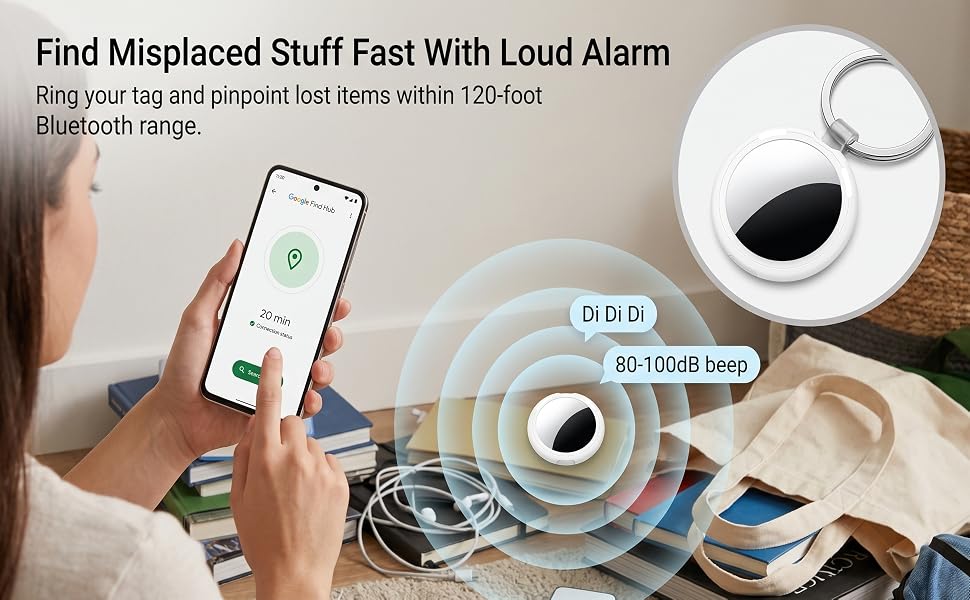
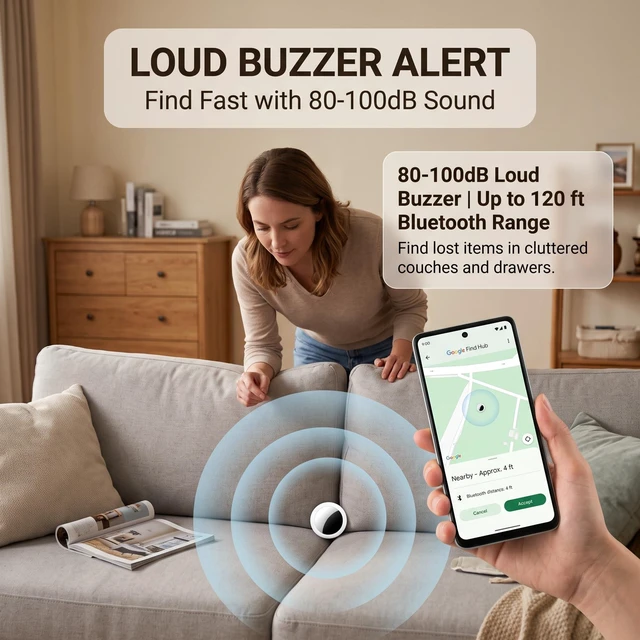
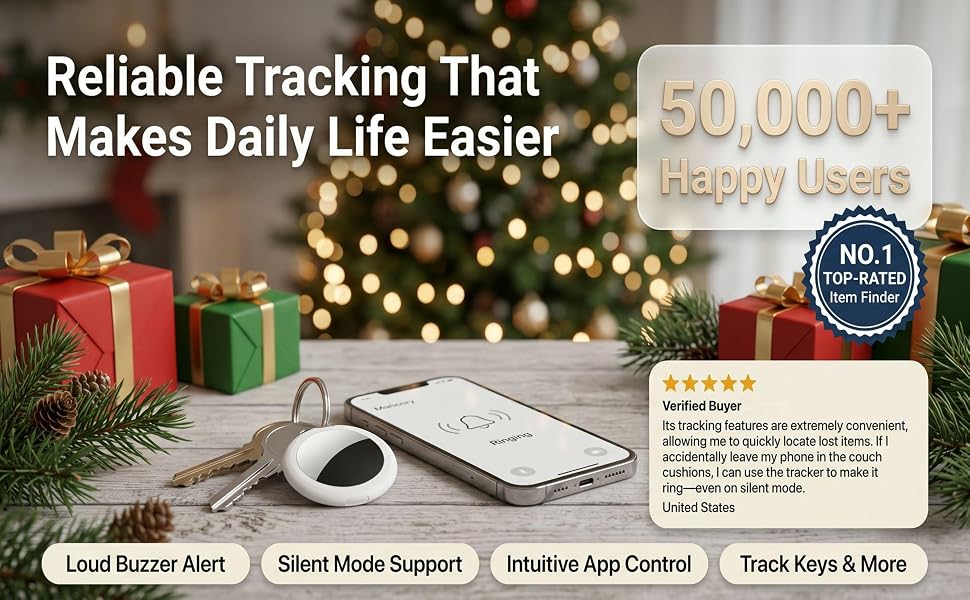
Use Nearby Search in Google Find Hub to check your distance within Bluetooth range up to 120 ft. The built-in 80–100 dB speaker helps you quickly locate items hidden in drawers, cushions, or under furniture
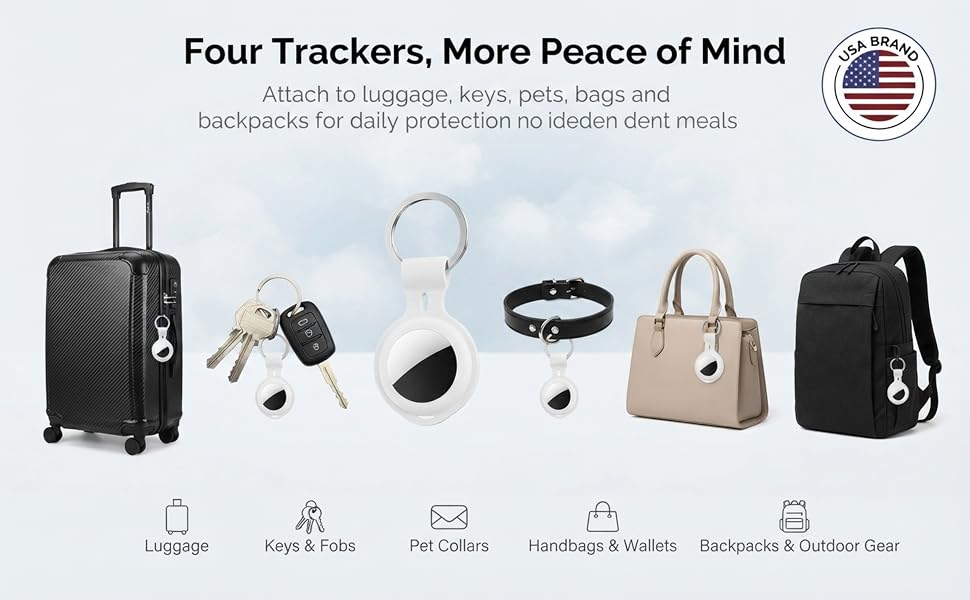
Works with Google Find Hub with no monthly fees. Compact and lightweight with a lanyard, making it easy to attach to keys, wallets, backpacks, luggage, pet accessories, and more
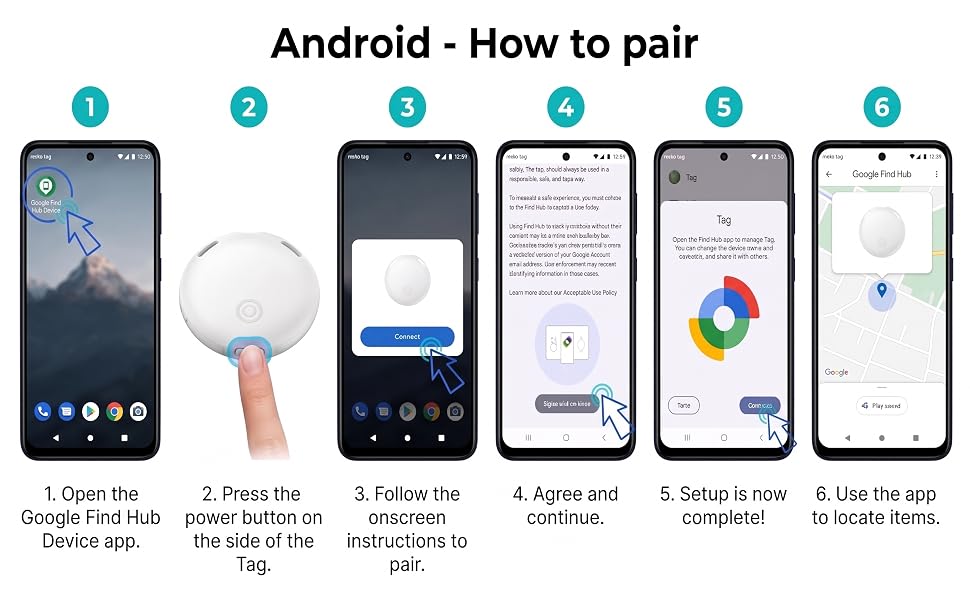
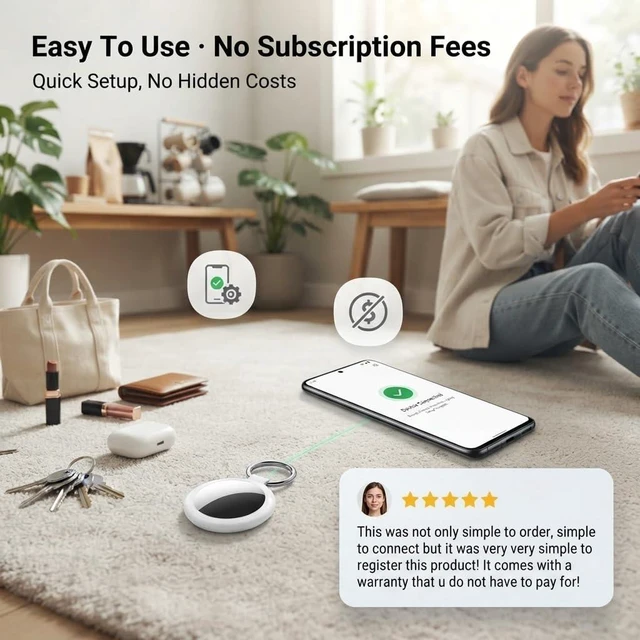
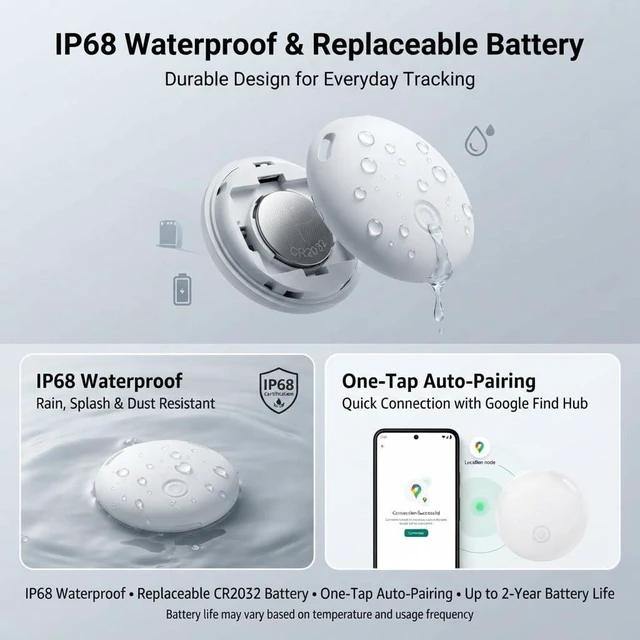
Works with Android 9+ phones and Google Find Hub. Turn on the tracker and Bluetooth, place it near your phone, and follow the on-screen instructions to connect. No complicated setup or repeated pairing
Q:What should I do if my phone does not show a pop-up window after the device is reset?
A:If your mobile network is working normally and Bluetooth is enabled, but turning on the device does not trigger the Find Hub pop-up window on your phone, please follow the steps below:
1.Open your phone’s native Settings, then find and select Google.
2.Select All services, tap Devices, and refresh the page to scan for nearby devices.
3.After Item Tracker appears, select the anti-loss device and tap Connect. Follow the on-screen instructions to complete the pairing process.


Life moves fast, and it’s easy to lose track of the things that matter. A missed key, misplaced bag, or forgotten belonging can turn a simple day into unnecessary stress.
We created AMZSMT with a simple idea: finding what matters should be easier.
Our goal is to create practical, reliable tracking products that help people stay connected to their everyday essentials—so you can spend less time searching and more time living.

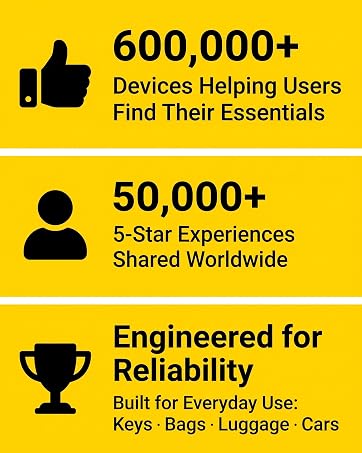

Experience instant tracking and precise global positioning with this smart Bluetooth tracker. Google Find Trackers for Google'S Find Hub App, it ensures your most valuable items are always on your radar. (Please note: Huawei devices are not supported)
Share your Android tracker tag through Google Find Hub, allowing trusted family members or friends to help locate tagged items and check their location on the map
Works with Google Find Hub with no monthly fees. Compact and lightweight with a lanyard, making it easy to attach to keys, wallets, backpacks, luggage, pet accessories, and more
Use Nearby Search in Google Find Hub to check your distance within Bluetooth range up to 120 ft. The built-in 80–100 dB speaker helps you quickly locate items hidden in drawers, cushions, or under furniture
Works with Google Find Hub with no monthly fees. Compact and lightweight with a lanyard, making it easy to attach to keys, wallets, backpacks, luggage, pet accessories, and more
Works with Android 9+ phones and Google Find Hub. Turn on the tracker and Bluetooth, place it near your phone, and follow the on-screen instructions to connect. No complicated setup or repeated pairing
Q:What should I do if my phone does not show a pop-up window after the device is reset?
A:If your mobile network is working normally and Bluetooth is enabled, but turning on the device does not trigger the Find Hub pop-up window on your phone, please follow the steps below:
1.Open your phone’s native Settings, then find and select Google.
2.Select All services, tap Devices, and refresh the page to scan for nearby devices.
3.After Item Tracker appears, select the anti-loss device and tap Connect. Follow the on-screen instructions to complete the pairing process.
Life moves fast, and it’s easy to lose track of the things that matter. A missed key, misplaced bag, or forgotten belonging can turn a simple day into unnecessary stress.
We created AMZSMT with a simple idea: finding what matters should be easier.
Our goal is to create practical, reliable tracking products that help people stay connected to their everyday essentials—so you can spend less time searching and more time living.



