here!
here!
I’m your shopping assistant for PC builds, upgrades, and everything tech.
Got questions? Ask away!
Start a conversation
here!
I’m your shopping assistant for PC builds, upgrades, and everything tech.
Got questions? Ask away!
Start a conversation







Any questions? Ask CelesteSM will help you find out quickly.
Why can't my pet camera connect to WiFi?
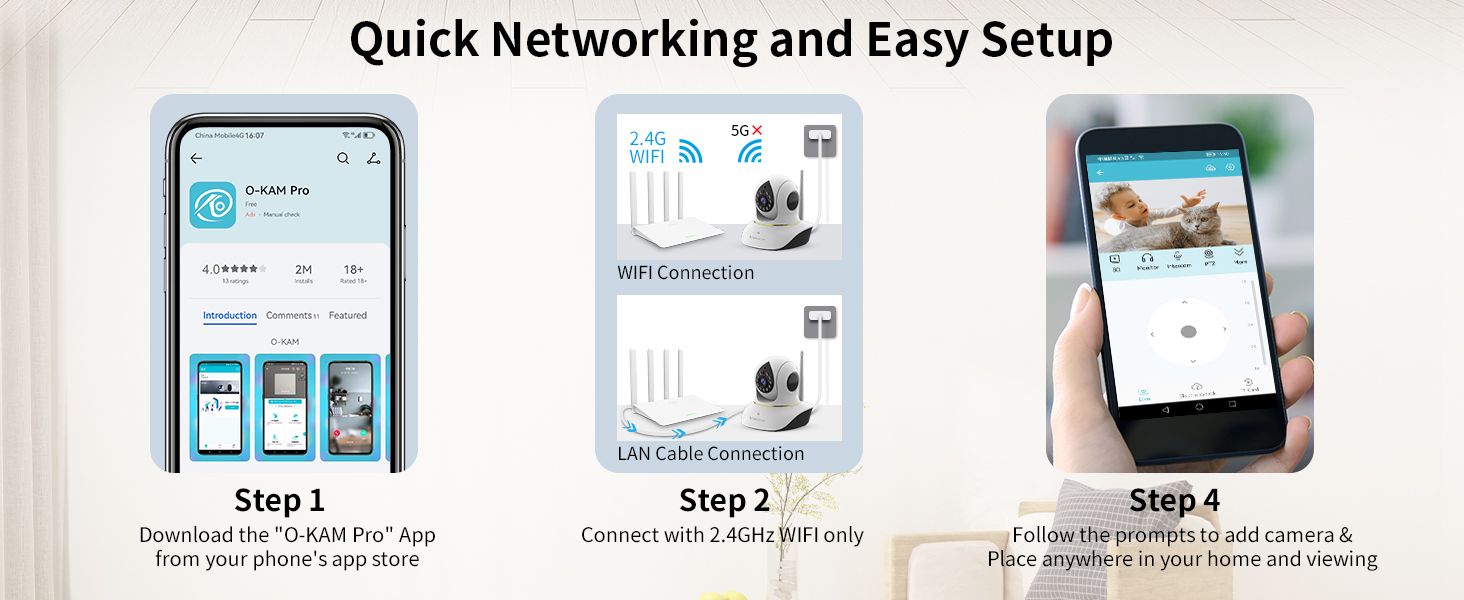
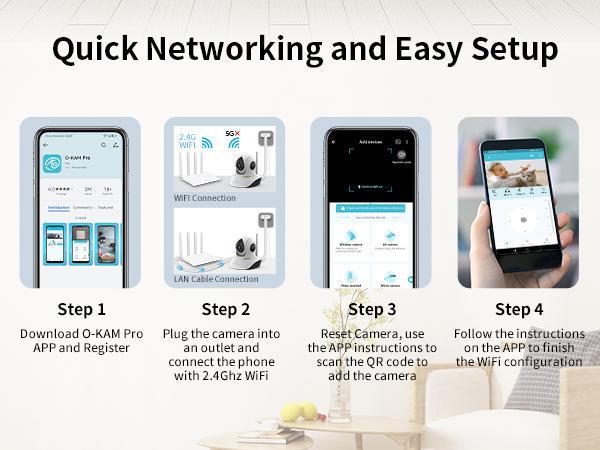
Ensure your phone is connected to a 2.4Ghz WiFi network during initial setup, as our cameras don't support 5Ghz WiFi. Place the camera within 3 feet of your router for setup, We recommend using the latest version of our app for a stable experience.
What should I do if my cat camera disconnects or shows an error message?
For a stable connection, please use our latest O-KAM pro app. Avoid using the outdated Eye4 app. The new O-KAM app offers enhanced stability and a stronger network connection.
Is cloud storage mandatory, or can I use the VSTARCAM camera without it?
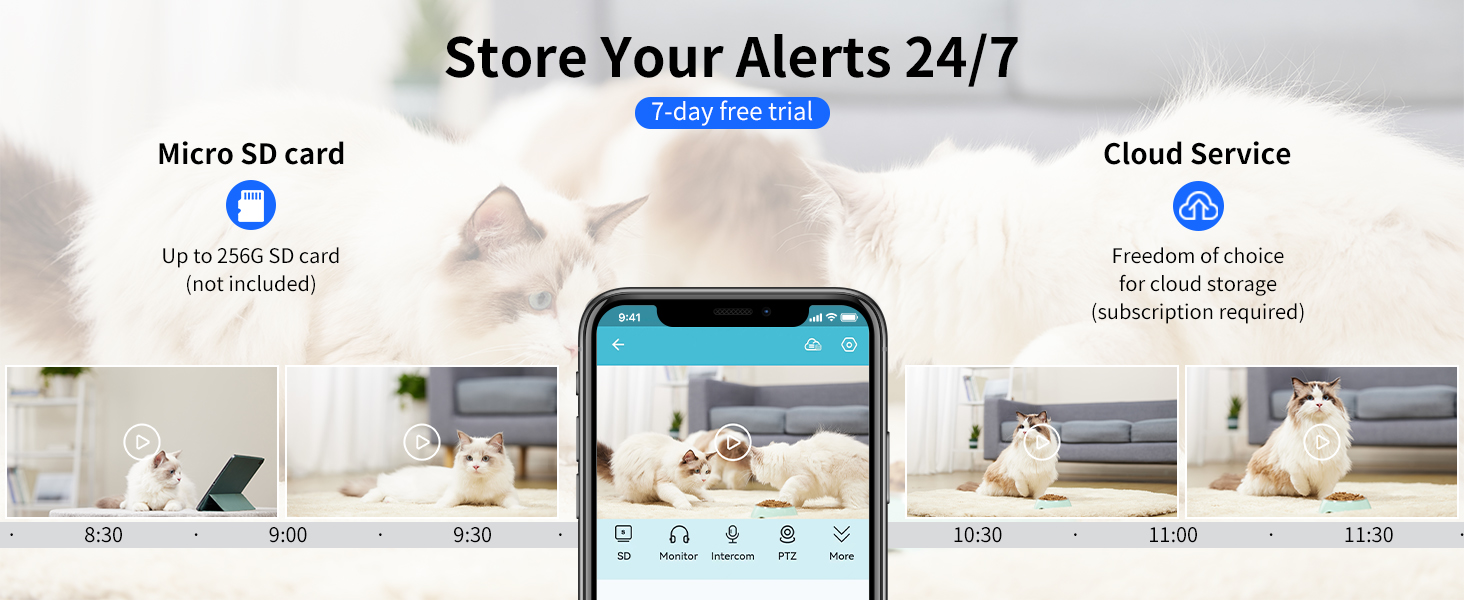
Our indoor pet camera can be used without a subscription to a cloud service. A subscription is required if you want to access video clips stored in the cloud. To avoid additional costs, you can use a memory card.
How to share the cat camera with my family ?
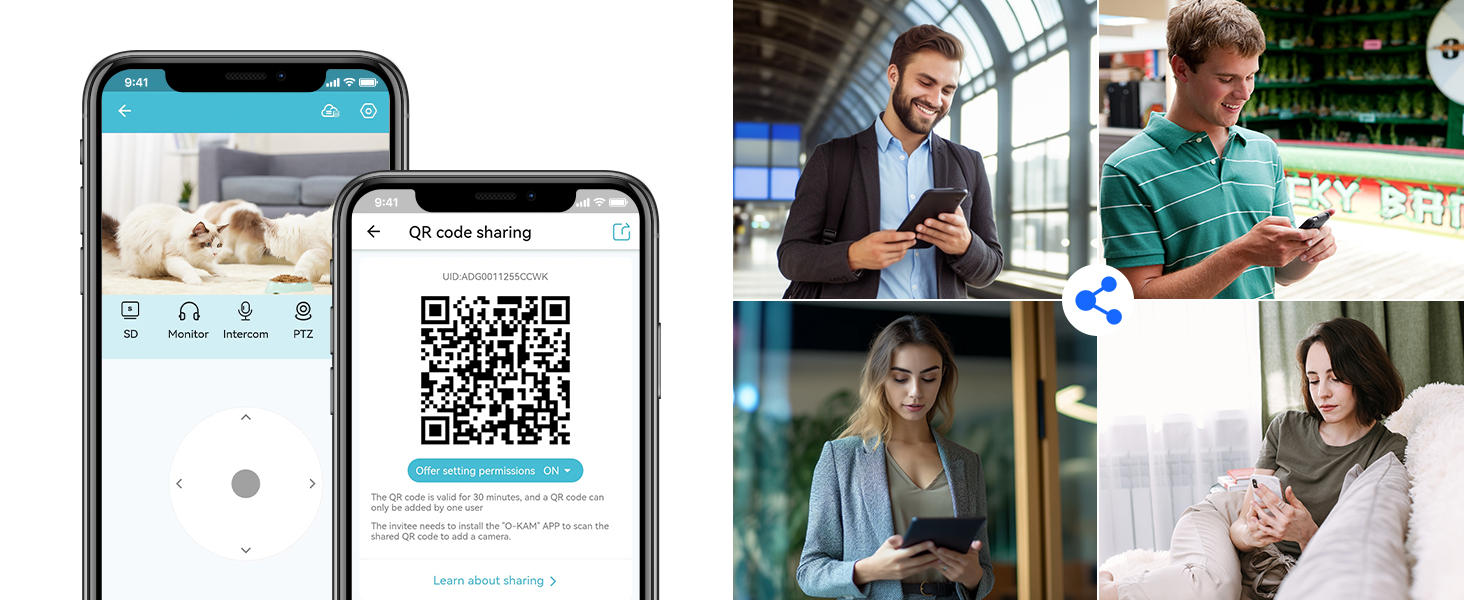
Start by having a family member sign up for a new account, using a new email account when signing up. Go to Settings, select Device Sharing, then enter the device password, Generate Code. Open the app, select the device type, then scan the code
Why does my pet cam rotate on its own in the wee hours of the night?
It has 2 reasons (1. Camera will reboot after a power outage and the camera will rotate itself in a self-testing circle; 2. Camera will silently start up at night, clearing the cache, and will also rotate itself to protect against network outages)
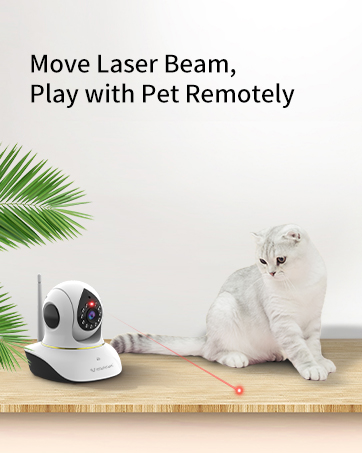
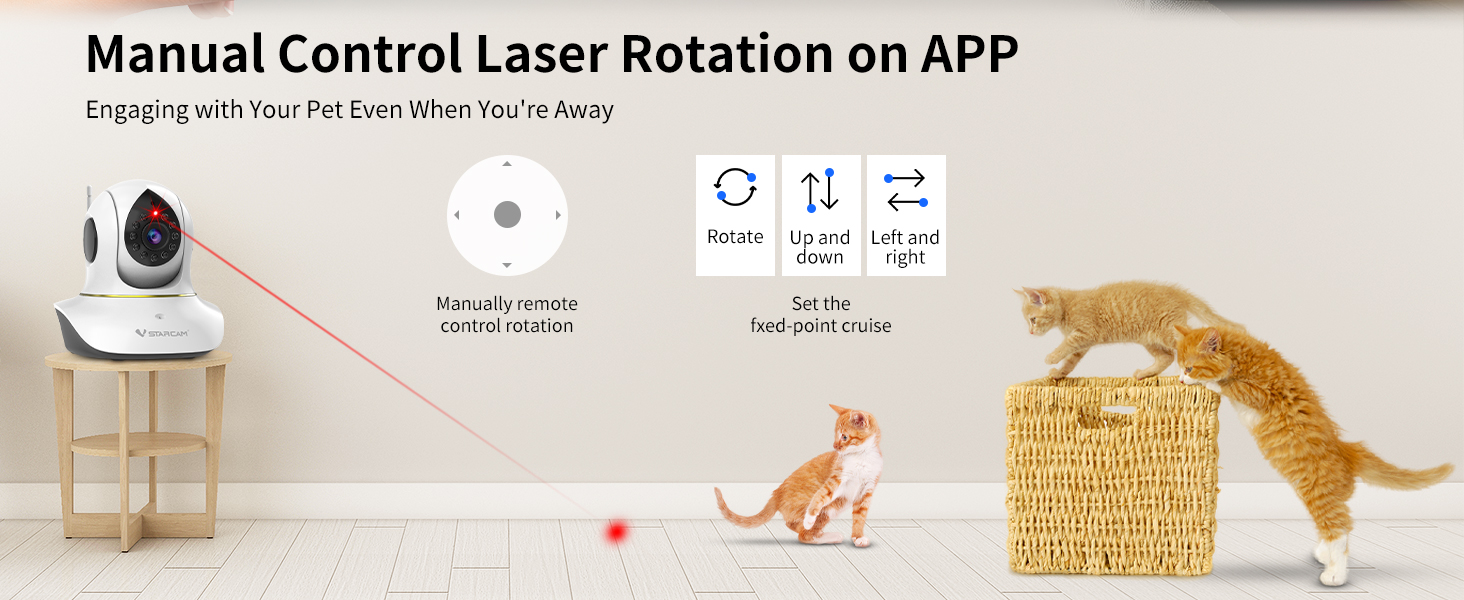
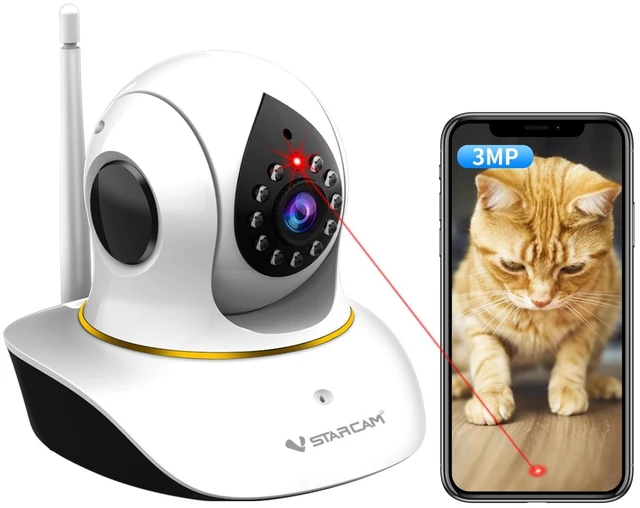
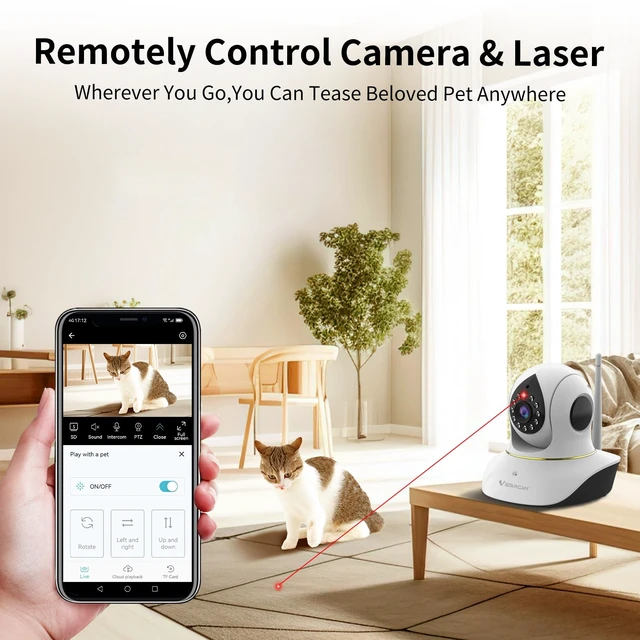
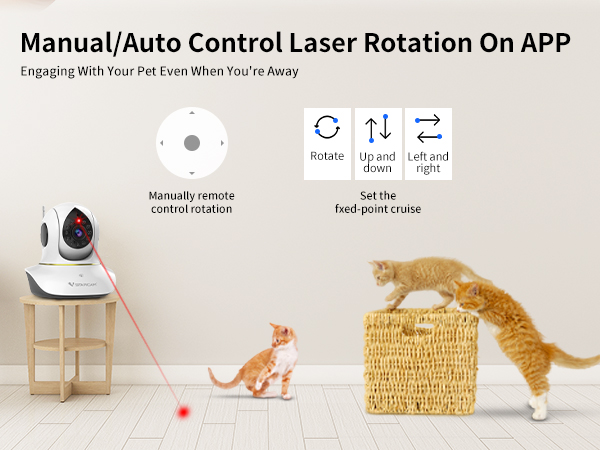
When I was away, I set the laser pointer to start playing, but it rotated downward and couldn't move upward?
1. Please disconnect the camera's power source, wait one minute, then restart it.
2. After restarting, open app, locate the “Gimbal Calibration” function in device settings, and perform it once.
3. Ensure your device firmware and app are up-to-date.
My laser pointer cannot move downwards, and the laser function is not working?
1. Reset to factory settings and update to the latest firmware.
2. Gently and slowly adjust the camera lens up and down.
3. Then restart the device.
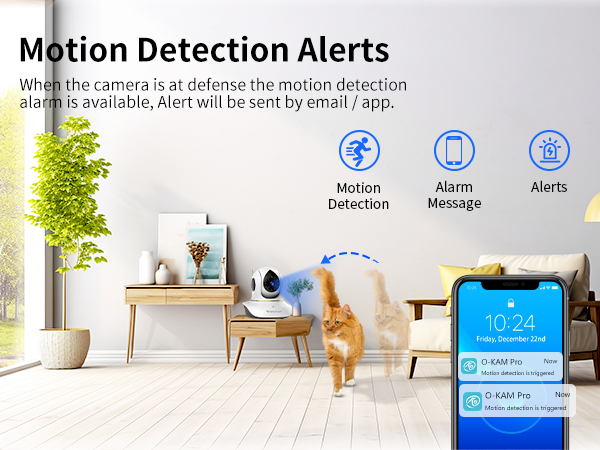
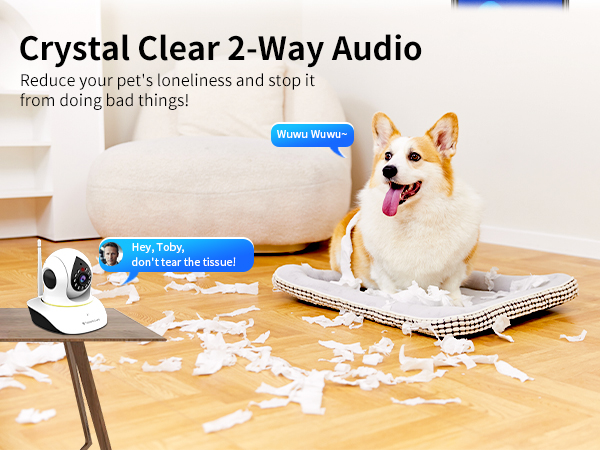
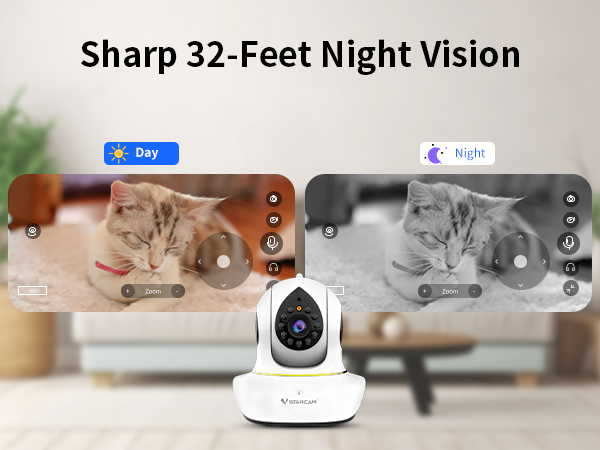
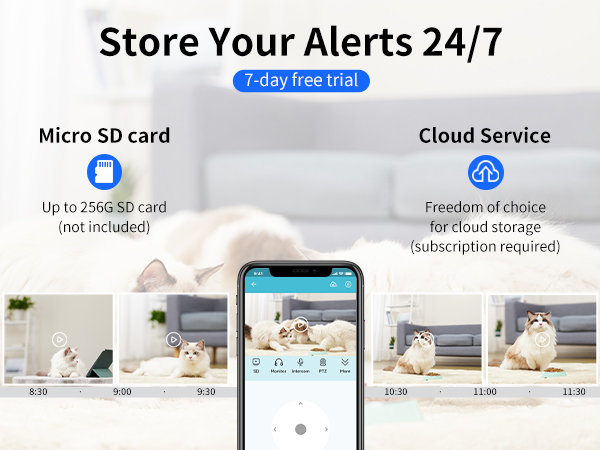

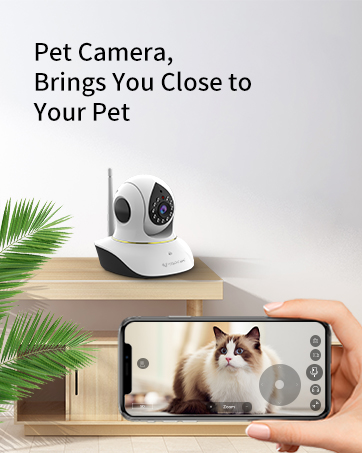
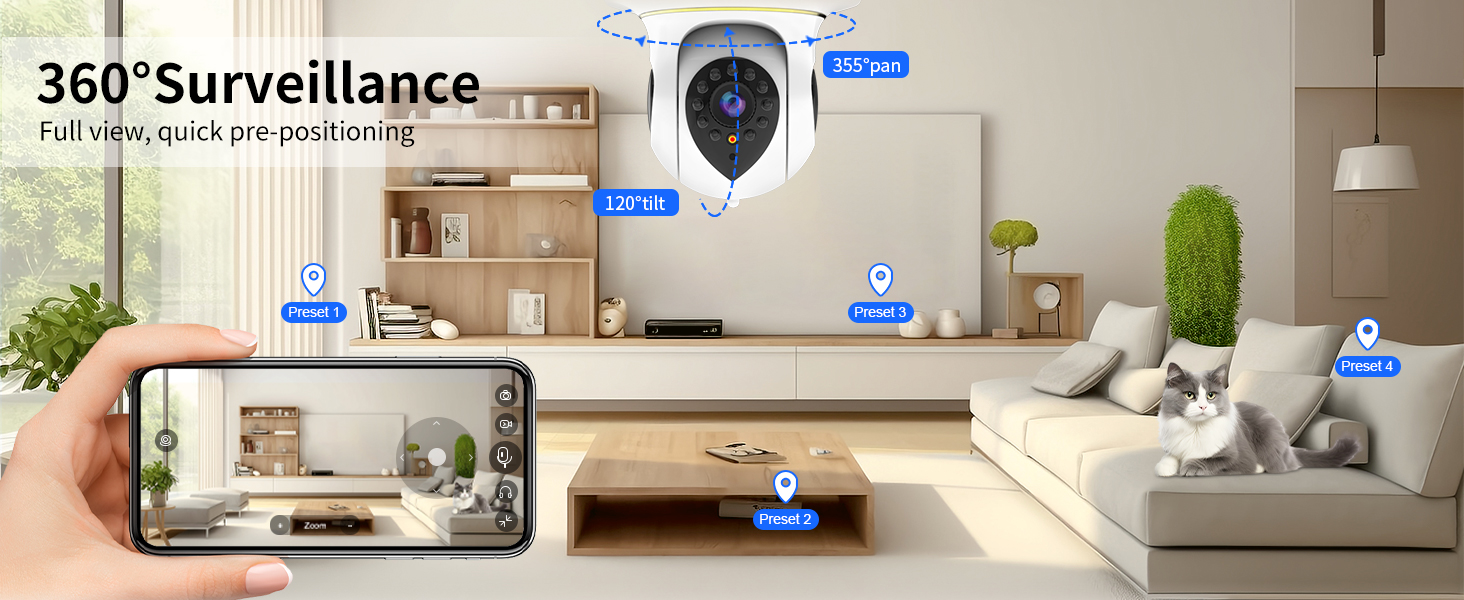
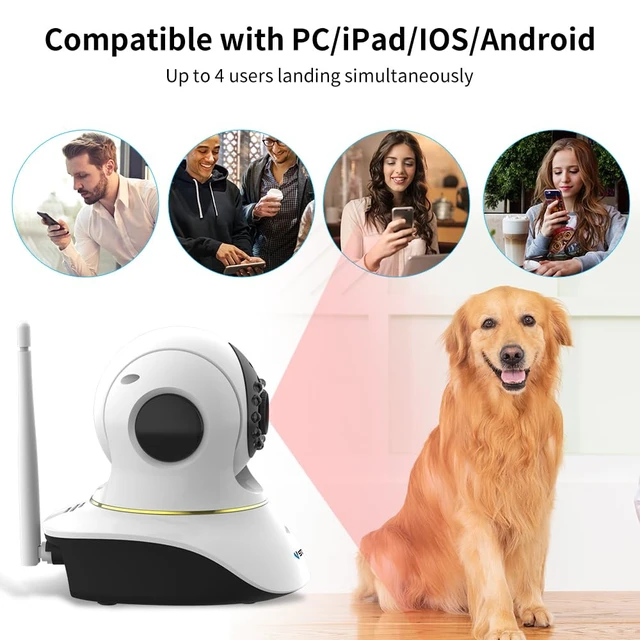
Share moments with family and friends through mobile apps
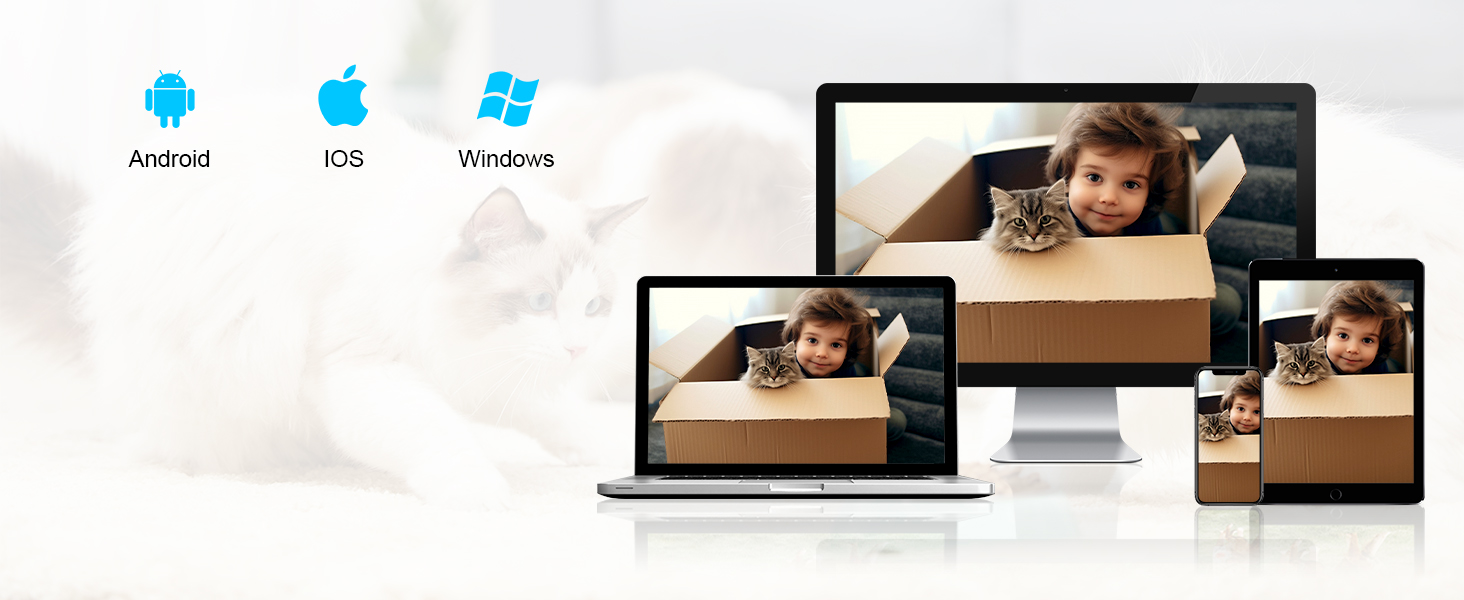
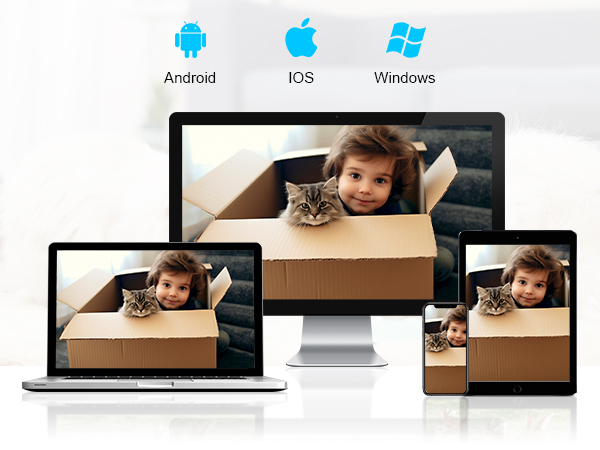
Support real-time viewing on mobile phones/laptops/PC computers and other terminals
Why can't my pet camera connect to WiFi?
Ensure your phone is connected to a 2.4Ghz WiFi network during initial setup, as our cameras don't support 5Ghz WiFi. Place the camera within 3 feet of your router for setup, We recommend using the latest version of our app for a stable experience.
What should I do if my cat camera disconnects or shows an error message?
For a stable connection, please use our latest O-KAM pro app. Avoid using the outdated Eye4 app. The new O-KAM app offers enhanced stability and a stronger network connection.
Is cloud storage mandatory, or can I use the VSTARCAM camera without it?
Our indoor pet camera can be used without a subscription to a cloud service. A subscription is required if you want to access video clips stored in the cloud. To avoid additional costs, you can use a memory card.
How to share the cat camera with my family ?
Start by having a family member sign up for a new account, using a new email account when signing up. Go to Settings, select Device Sharing, then enter the device password, Generate Code. Open the app, select the device type, then scan the code
Why does my pet cam rotate on its own in the wee hours of the night?
It has 2 reasons (1. Camera will reboot after a power outage and the camera will rotate itself in a self-testing circle; 2. Camera will silently start up at night, clearing the cache, and will also rotate itself to protect against network outages)
When I was away, I set the laser pointer to start playing, but it rotated downward and couldn't move upward?
1. Please disconnect the camera's power source, wait one minute, then restart it.
2. After restarting, open app, locate the “Gimbal Calibration” function in device settings, and perform it once.
3. Ensure your device firmware and app are up-to-date.
My laser pointer cannot move downwards, and the laser function is not working?
1. Reset to factory settings and update to the latest firmware.
2. Gently and slowly adjust the camera lens up and down.
3. Then restart the device.