






How do I use the laser measurement function?
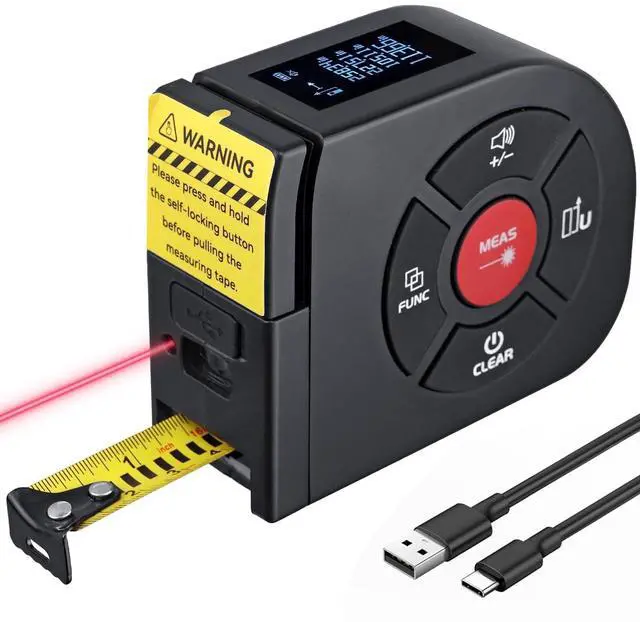
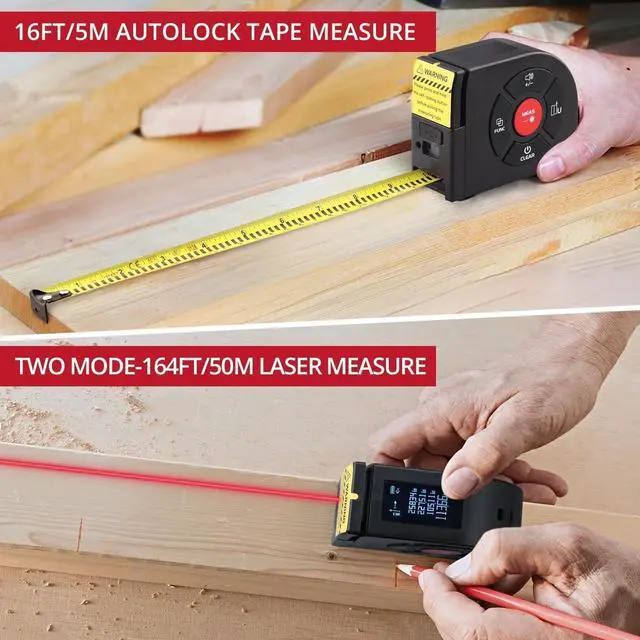
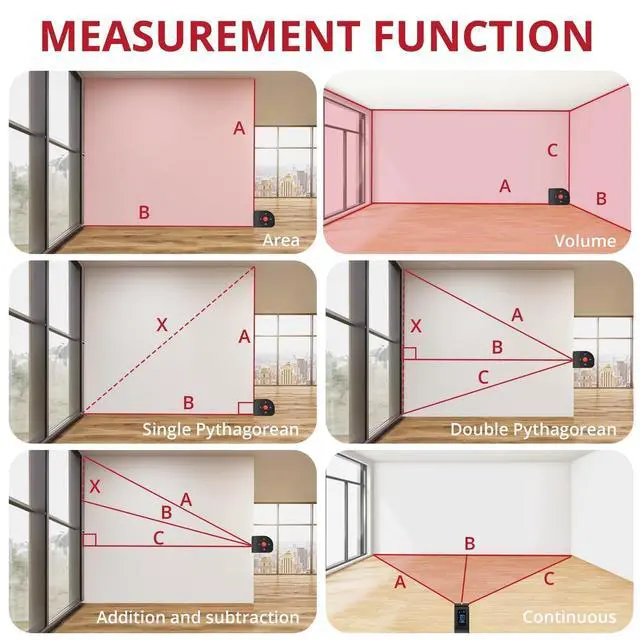
Briefly press MEAS (Measure Key) to turn on the device. Press FUNC to select your desired mode. Aim the laser pointer at the target, then press MEAS again to display results.
How do I switch measurement units?
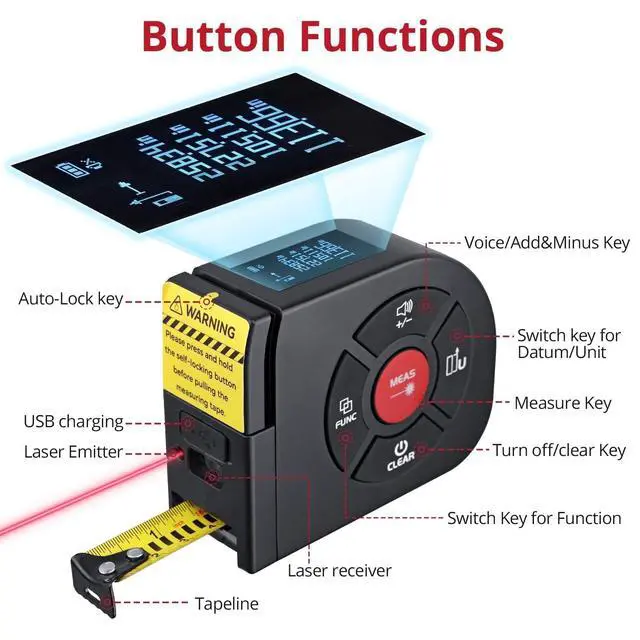
While powered on, long-press the Switch key for Datum/Unit to cycle through meters (m), inches (in), and feet (ft).
How to perform addition/subtraction measurements?
After measuring the first value, briefly press the Voice/± Key to enter relative value mode. Measure the second value to see the sum/difference on screen. Press the key again to return to absolute mode.
How do I use the Base/Unit and Voice/± buttons?
Switch key for Datum/Unit: Briefly press to switch measurement base (default: rear base). Long press to cycle through units: m, in, ft.
?Voice/± Key: Long press to toggle voice (volume fixed). Briefly press for ± calculations.
What do the MEAS, FUNC, and Auto-Lock buttons do?
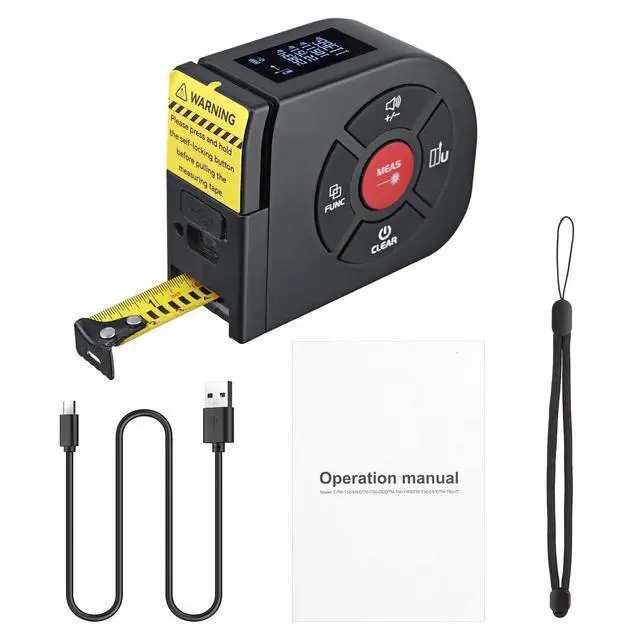
?MEAS(Measure Key): Briefly press to power on or take measurements.
?FUNC Key: Cycle through modes: area, volume, single/double Pythagorean, data history.
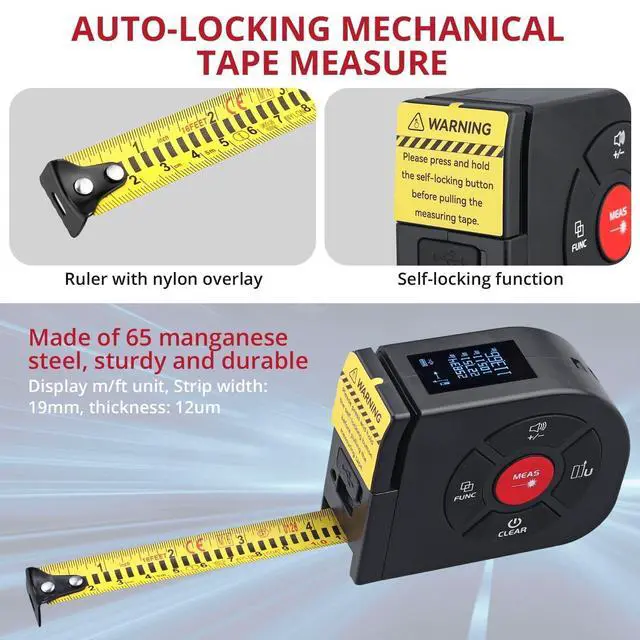
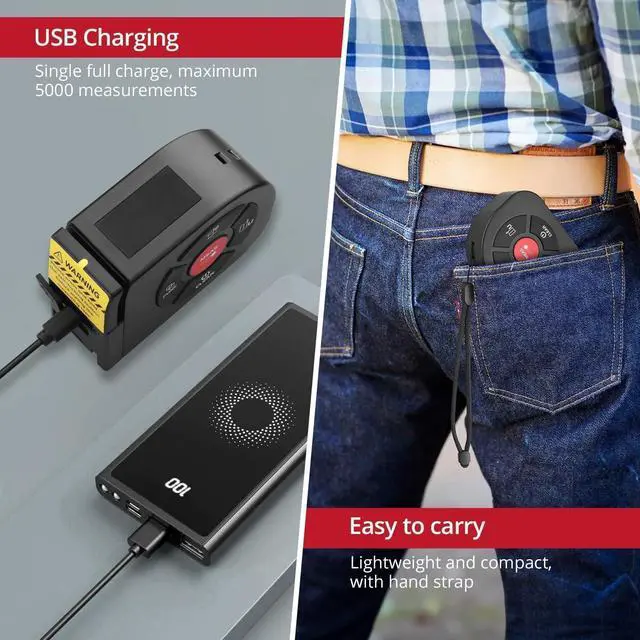
?Auto-Lock key : The tape automatically locks when extended. Press the key to retract.


BINTA specializes in the research, manufacturing, and sales of measurement equipment, emphasizing the pursuit of high precision and accuracy. We are committed to providing users with high-quality tools and exceptional service experiences.
Our products mainly include laser tape Measure , battery monitor, digital multimeters, and other measurement devices. Whether it's in circuit testing or other fields, the BINTA brand is your trusted partner.
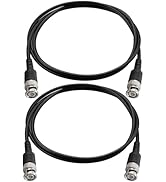
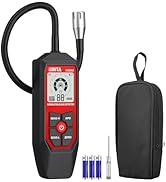
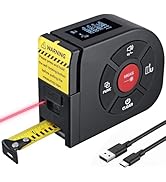
Measuring instrument

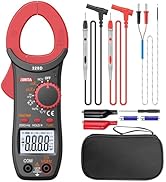
testing instrument
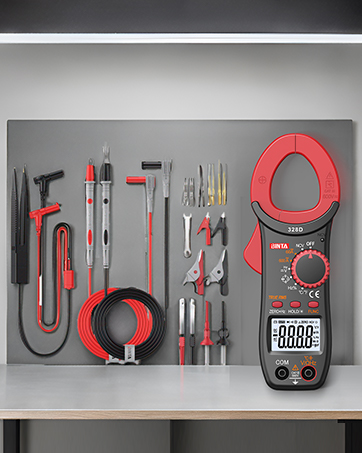


How do I use the laser measurement function?
Briefly press MEAS (Measure Key) to turn on the device. Press FUNC to select your desired mode. Aim the laser pointer at the target, then press MEAS again to display results.
How do I switch measurement units?
While powered on, long-press the Switch key for Datum/Unit to cycle through meters (m), inches (in), and feet (ft).
How to perform addition/subtraction measurements?
After measuring the first value, briefly press the Voice/± Key to enter relative value mode. Measure the second value to see the sum/difference on screen. Press the key again to return to absolute mode.
How do I use the Base/Unit and Voice/± buttons?
Switch key for Datum/Unit: Briefly press to switch measurement base (default: rear base). Long press to cycle through units: m, in, ft.
?Voice/± Key: Long press to toggle voice (volume fixed). Briefly press for ± calculations.
What do the MEAS, FUNC, and Auto-Lock buttons do?
?MEAS(Measure Key): Briefly press to power on or take measurements.
?FUNC Key: Cycle through modes: area, volume, single/double Pythagorean, data history.
?Auto-Lock key : The tape automatically locks when extended. Press the key to retract.
BINTA specializes in the research, manufacturing, and sales of measurement equipment, emphasizing the pursuit of high precision and accuracy. We are committed to providing users with high-quality tools and exceptional service experiences.
Our products mainly include laser tape Measure , battery monitor, digital multimeters, and other measurement devices. Whether it's in circuit testing or other fields, the BINTA brand is your trusted partner.
Measuring instrument
testing instrument