




Guide of Buttons
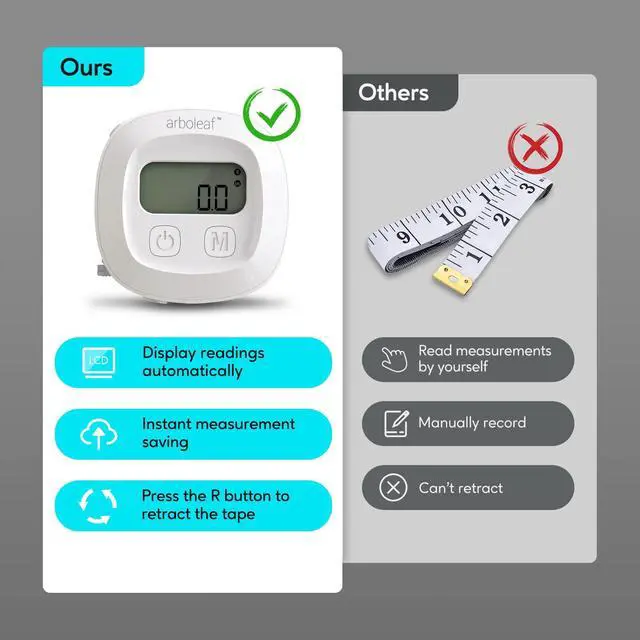
Power Button: Power on or power off the tape
M Botton: switch the unit and save the data
R Button: retract the tape for adjust the circumference and length
Lock Button: press to eject tape buckle
Note: Please download the latest version arboleaf app, the previous version arboleaf can't support Measure Circumference.


Locking Mechanism
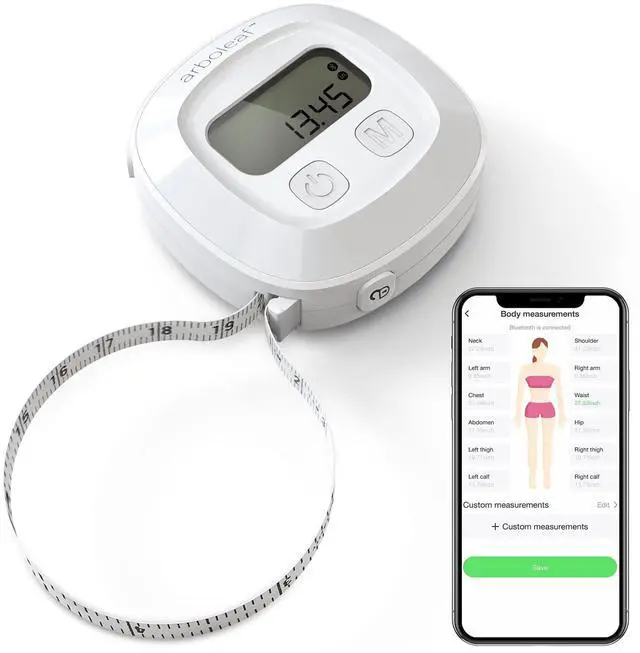
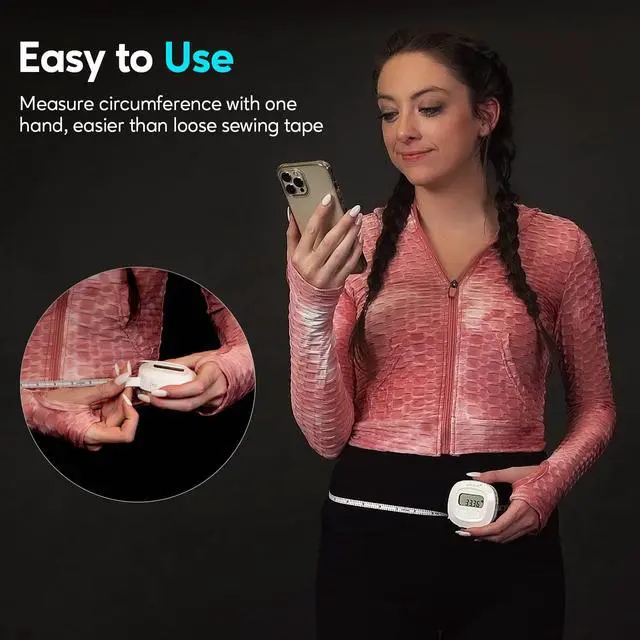
The digital measuring tape has a retractable easy-lock hook, and you need to click the R button in order to get it to tighten around the desired area. Then press the M button once and the tape data would reflect onto the app, makeing it easy and quick to use by yourself.

Easy to Read
Large LCD screen allows you to easily get readings. If you can't see the readings directly when you get it to tighten around the desired area, you can unlock the tape, the data still display steadily on the screen.

Add Unlimited Users
It can track an unlimited amount of users, so this is great for professional trainers and fitness coaches with tons of clients. You can swwitch users by clicking profile at the top left side of the home page. For new users, please download the latest app and register your account; for existing users, please update the app the the latest version(old version can't support it), and log in original account.

Customize Body Parts
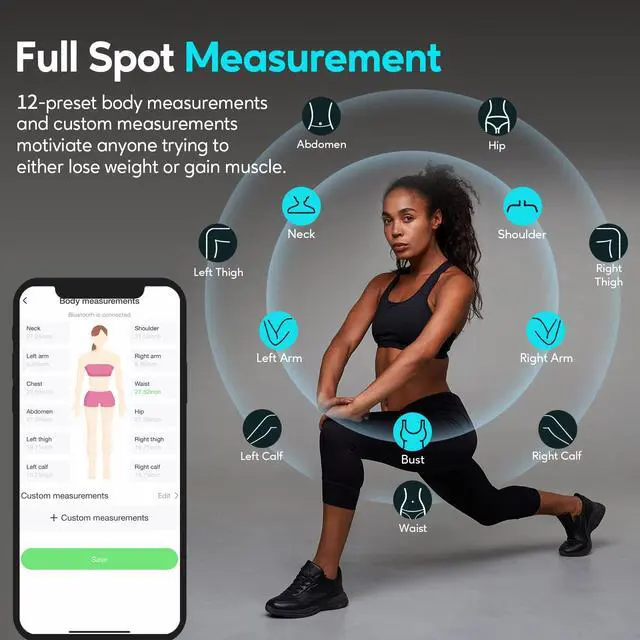
12 preset circumferences are for everyone, and Custom Measurements are for you. For Customize body parts, it support up to 6 body parts.

Long Battery Life
The battery comes in with the arboleaf smart body tape. Place the battery to the battery compartment with the "+" side faced out.

Bluetooth Connectivity
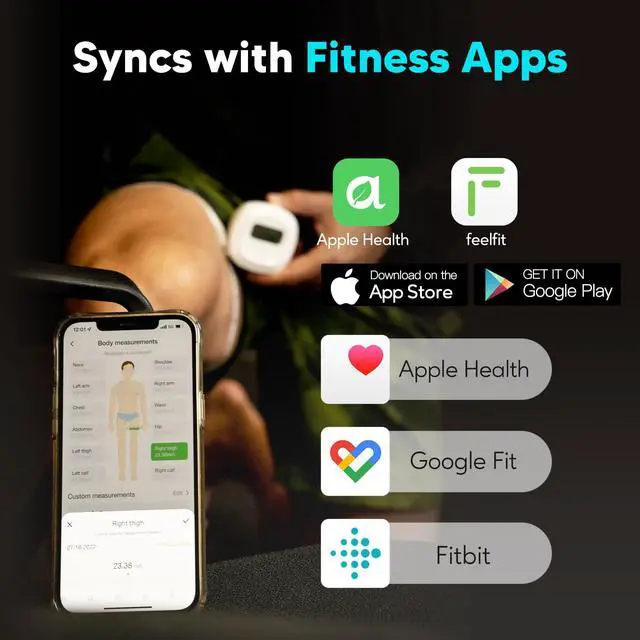
Please enable the Bluetooth so the data can be saved after you press M button.

Frequently Asked Questions & Answers
Q: What can be done for the measurer to go to zero?
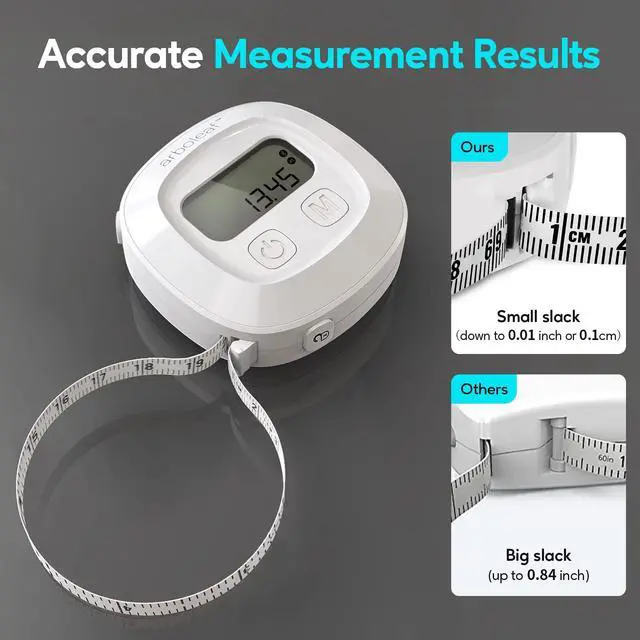
A: For the initial measurement to make sure it is accurate, Please zeroing out by press the On/Off button and M button simultaneously for one second then completely retract the tape until it shows 0.00in. Now you can start measuring.
Q: It does not connect to my Bluetooth and won't pair with my phone.
A: 1. Install the battery and download the latest arboleaf app.
2. Open the app, allow Bluetooth permission. Turn on location permission when using an Android phone.
3. Create a arboleaf account. Sign up and complete your profile
4. Pair your tape measure. Simply pull the tape out or press power button to turn on the smart body tape measure to automatically pair it. Or on your app home screen, tap “+Pair the Device” or Menu(My Device), tap “Smart Tape Measure”, tap “Tape-CF10A” and “Finish” button, and then go to the home page. Your measurer has successfully paired.
Q: Does the smart measuring tape for body measurements read the measurement from the screen to your phone?
A: Yes, the body measure can read the measurement from the screen to your phone. First, choose the circumference you want to record in the app, then pull out the smart tape measure for your body and insert it into the locking pin, and next retract it to a proper position and the display shows the reading; finally, press the M button once to save data.
 Large display body fat scale |  Digital Body Measuring Tape |  Smart Food Scale | |
|---|---|---|---|
| Customer Reviews | — | — | — |
| Price | — no data | — | — |
| Connection | Bluetooth | Bluetooth | Bluetooth |
| App | arboleaf | arboleaf | arboleaf |
| Power | Batteries | Batteries | USB charging |
| Measurement capacity | 500lb (bathroom scale) | 60in (tape measure) | 22lb (food scale) |


The story of Arboleaf starts in Texas. Our philosophy is to advocate healthier lifestyles in today’s smart age. We introduce products for your health, we add mobile apps to make your weight loss journey smarter, so you can do better to achieve your goals in an easier fashion.
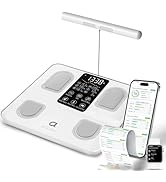
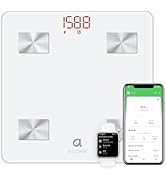
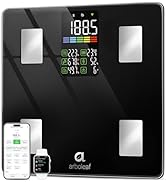
Join arboleaf Family
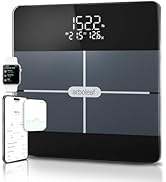
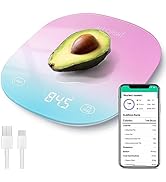
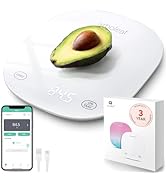
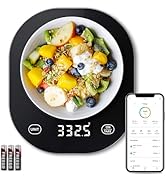
Join arboleaf Family
The story of Arboleaf starts in Texas. Our philosophy is to advocate healthier lifestyles in today’s smart age. We introduce products for your health, we add mobile apps to make your weight loss journey smarter, so you can do better to achieve your goals in an easier fashion.
Join arboleaf Family
Join arboleaf Family
Guide of Buttons
Power Button: Power on or power off the tape
M Botton: switch the unit and save the data
R Button: retract the tape for adjust the circumference and length
Lock Button: press to eject tape buckle
Note: Please download the latest version arboleaf app, the previous version arboleaf can't support Measure Circumference.
How to use digital tape measure?
Step 1. Install the battery
The battery is com with the package and put it in.
Place the battery to the battery compartment with the "+" side faced out.
Step 2. Download the app
a.Download the latest arboleaf at App Store or Google Play.
b. Register and log in your account.
c. Open Bluetooth connectivity.
Step 3. Start to measure and save the data
a. Open the app,click Body Measurements and then Record to go to circumferences page.
b. Then choose one circumference. It will pull up a little box that shows what your measurement is.
c. Once you get the tape in place correctly you can press the "M" button to save the measurement
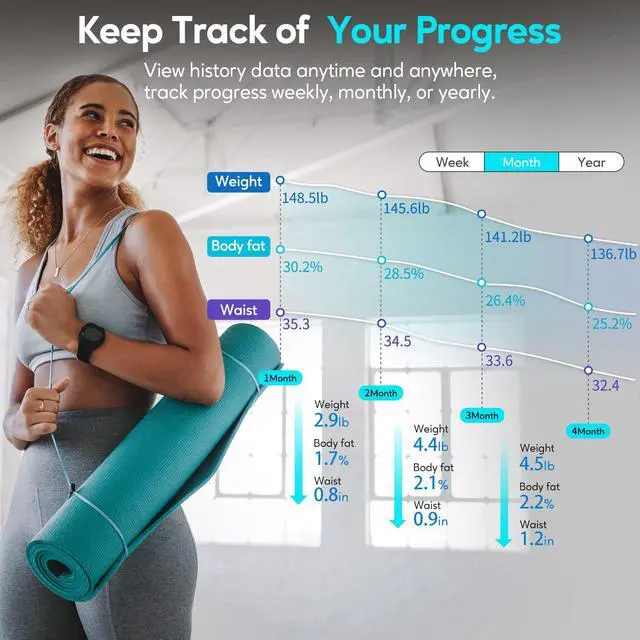
Step 4. Keep track of your progress
Locking Mechanism
The digital measuring tape has a retractable easy-lock hook, and you need to click the R button in order to get it to tighten around the desired area. Then press the M button once and the tape data would reflect onto the app, makeing it easy and quick to use by yourself.
Easy to Read
Large LCD screen allows you to easily get readings. If you can't see the readings directly when you get it to tighten around the desired area, you can unlock the tape, the data still display steadily on the screen.
Add Unlimited Users
It can track an unlimited amount of users, so this is great for professional trainers and fitness coaches with tons of clients. You can swwitch users by clicking profile at the top left side of the home page. For new users, please download the latest app and register your account; for existing users, please update the app the the latest version(old version can't support it), and log in original account.
Customize Body Parts
12 preset circumferences are for everyone, and Custom Measurements are for you. For Customize body parts, it support up to 6 body parts.
Long Battery Life
The battery comes in with the arboleaf smart body tape. Place the battery to the battery compartment with the "+" side faced out.
Bluetooth Connectivity
Please enable the Bluetooth so the data can be saved after you press M button.
Frequently Asked Questions & Answers
Q: What can be done for the measurer to go to zero?
A: For the initial measurement to make sure it is accurate, Please zeroing out by press the On/Off button and M button simultaneously for one second then completely retract the tape until it shows 0.00in. Now you can start measuring.
Q: It does not connect to my Bluetooth and won't pair with my phone.
A: 1. Install the battery and download the latest arboleaf app.
2. Open the app, allow Bluetooth permission. Turn on location permission when using an Android phone.
3. Create a arboleaf account. Sign up and complete your profile
4. Pair your tape measure. Simply pull the tape out or press power button to turn on the smart body tape measure to automatically pair it. Or on your app home screen, tap “+Pair the Device” or Menu(My Device), tap “Smart Tape Measure”, tap “Tape-CF10A” and “Finish” button, and then go to the home page. Your measurer has successfully paired.
Q: Does the smart measuring tape for body measurements read the measurement from the screen to your phone?
A: Yes, the body measure can read the measurement from the screen to your phone. First, choose the circumference you want to record in the app, then pull out the smart tape measure for your body and insert it into the locking pin, and next retract it to a proper position and the display shows the reading; finally, press the M button once to save data.
Large display body fat scale | Digital Body Measuring Tape | Smart Food Scale | |
|---|---|---|---|
| Customer Reviews | — | — | — |
| Price | — no data | — | — |
| Connection | Bluetooth | Bluetooth | Bluetooth |
| App | arboleaf | arboleaf | arboleaf |
| Power | Batteries | Batteries | USB charging |
| Measurement capacity | 500lb (bathroom scale) | 60in (tape measure) | 22lb (food scale) |