





Does the Elkgulf Air Tracker work with Android? What is Apple Find My?
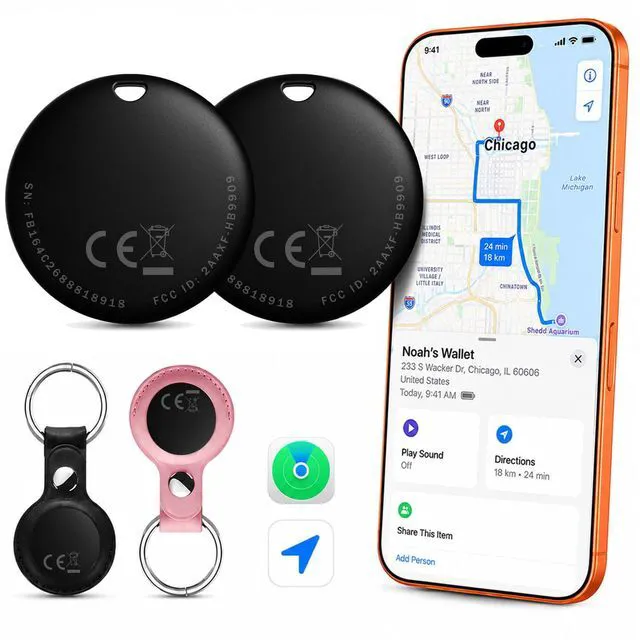
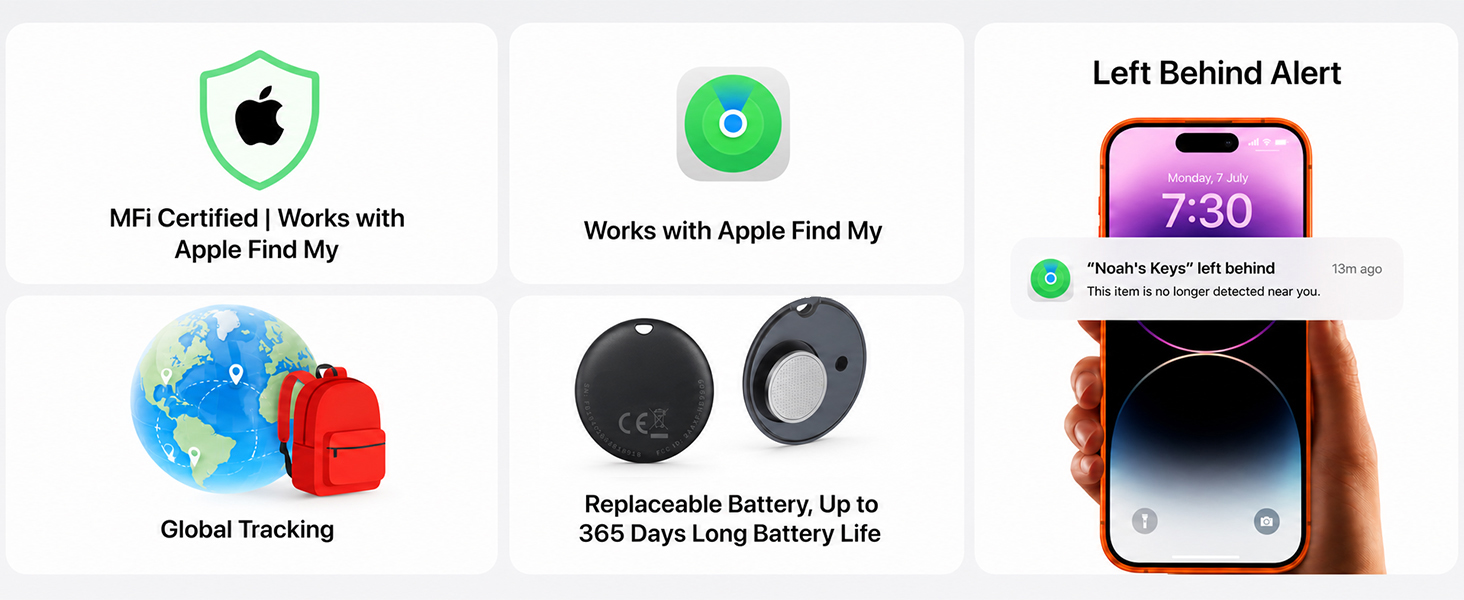
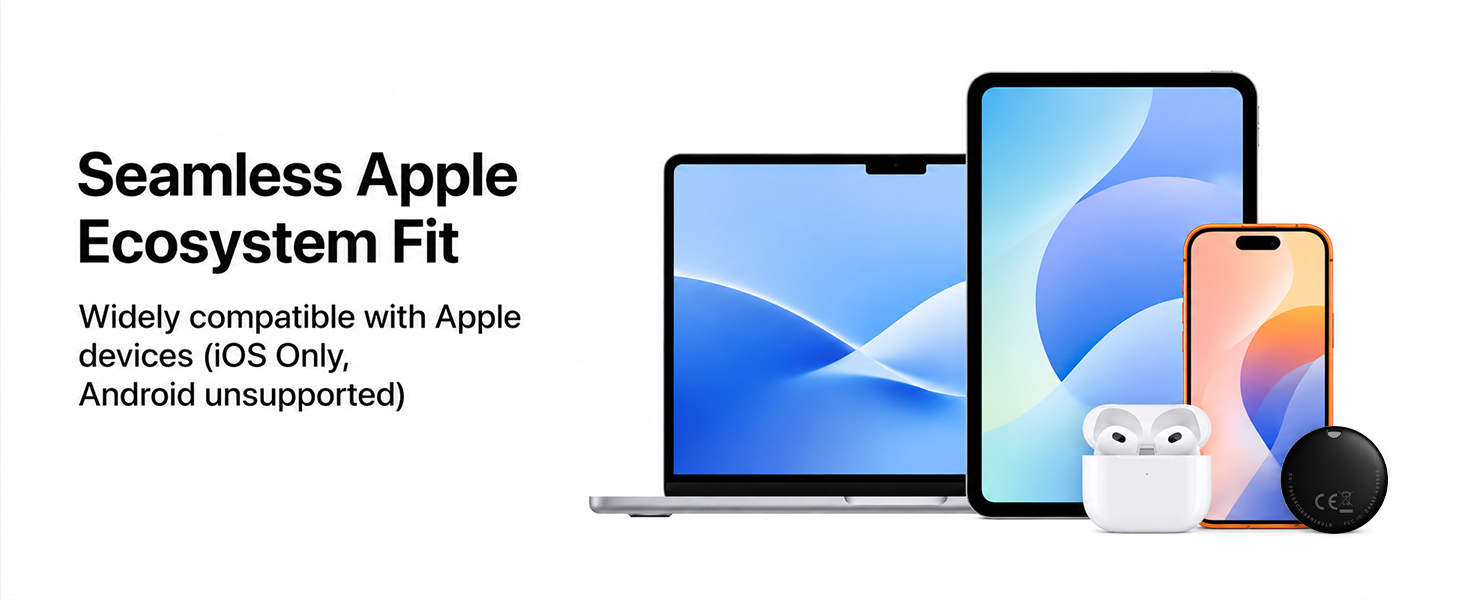
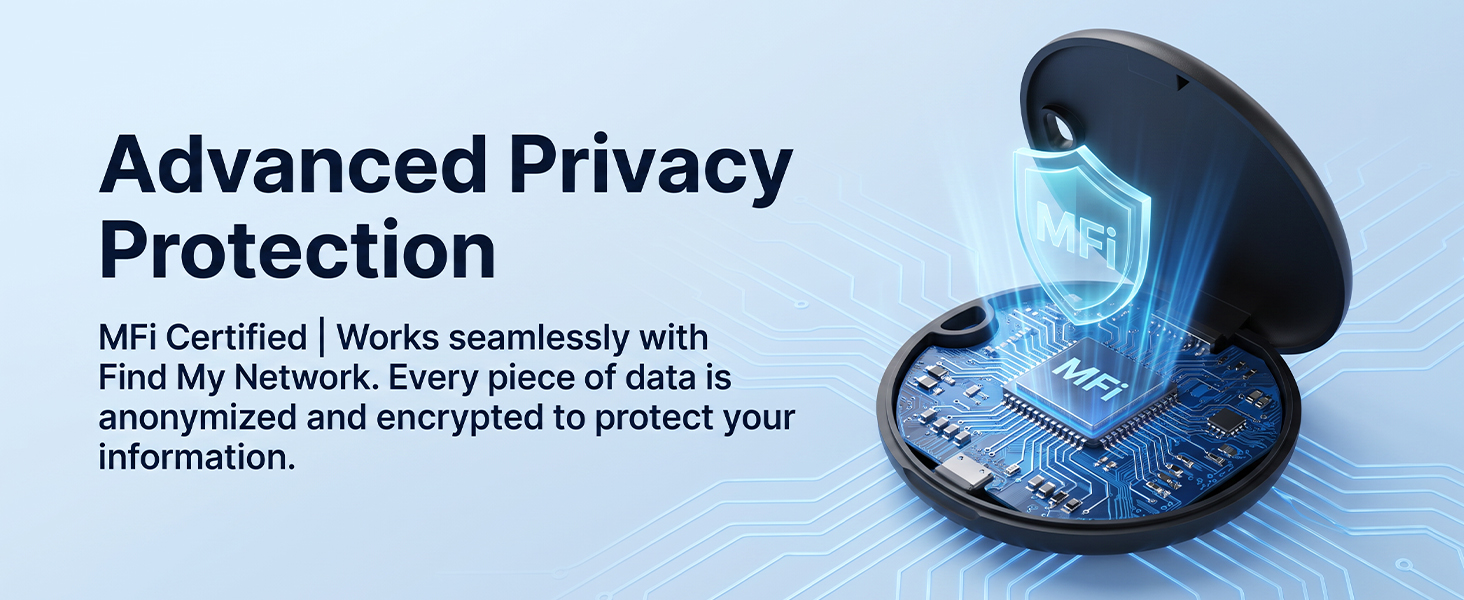
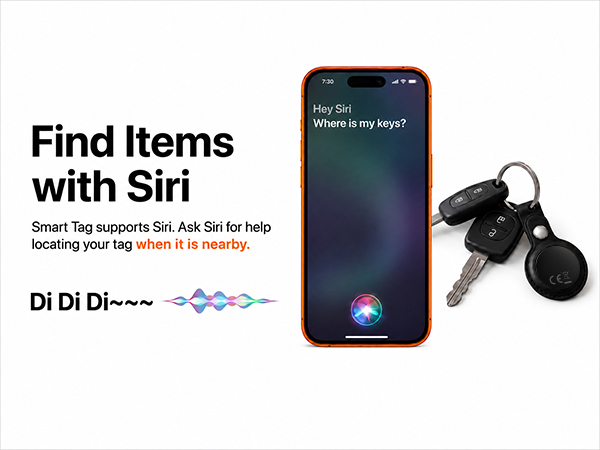
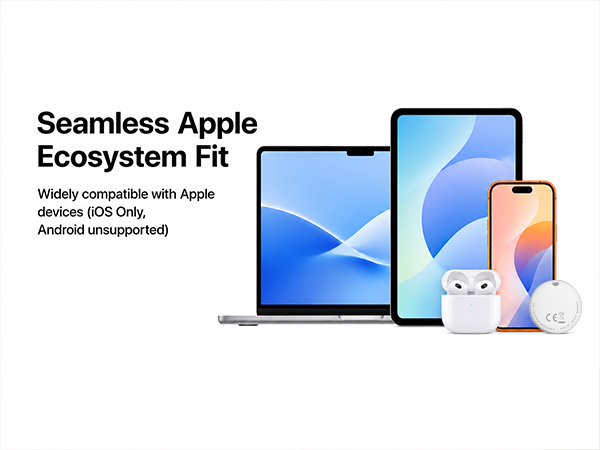
The Elkgulf Air Tracker is iOS only. Apple Find My is Apple's native tracking application that comes pre-installed on supported Apple products. It allows users to locate personal items using Apple's secure and widespread Find My network.
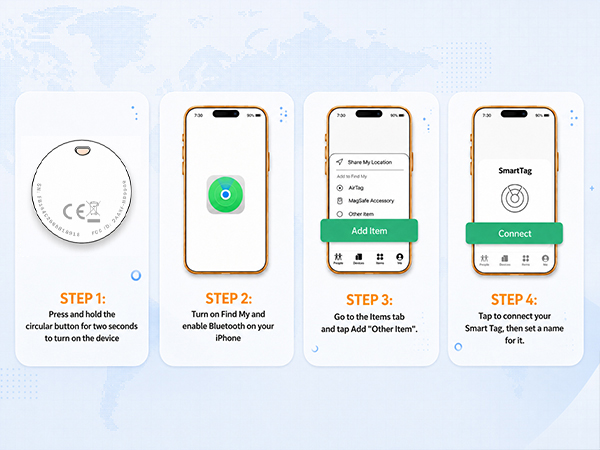
How do I pair my tag with the Apple Find My app?
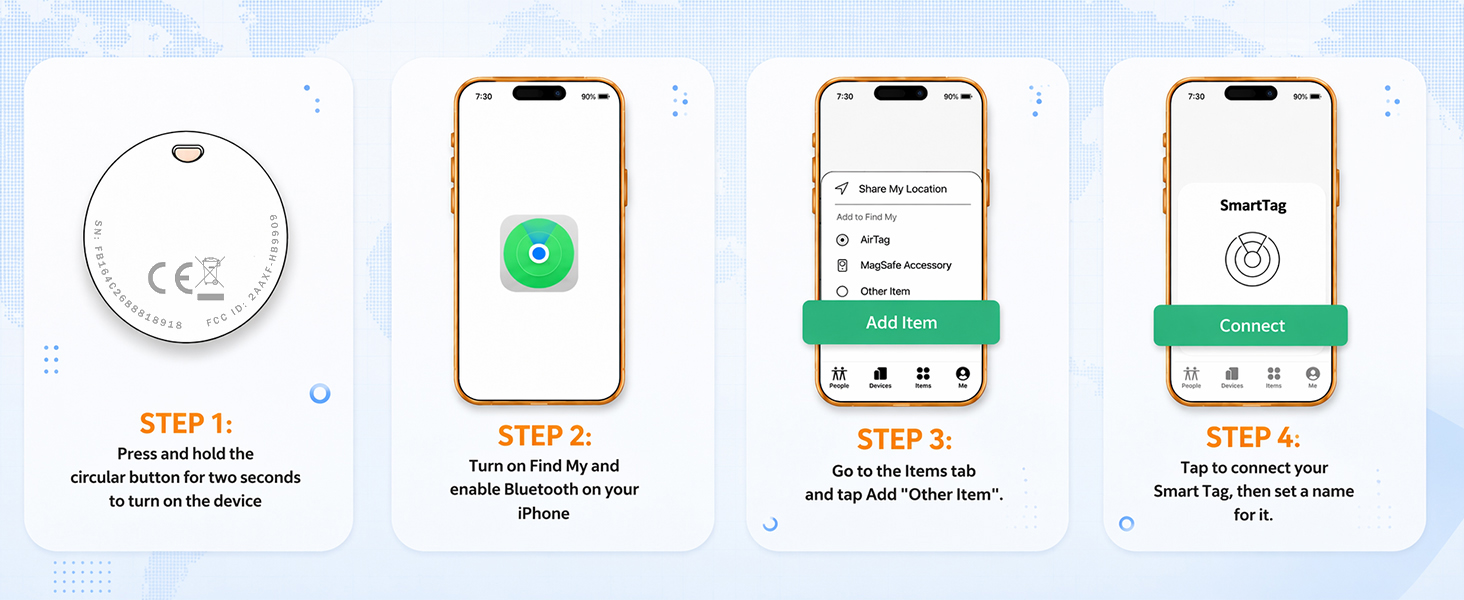
Hold the button on your tag for 3 seconds until it beeps. Open the Find My app, go to Items, tap "+", and choose Add Other Item. Select your tag when it appears, then follow the on-screen instructions to finish pairing.
Why doesn't my tracker update its location in real time?
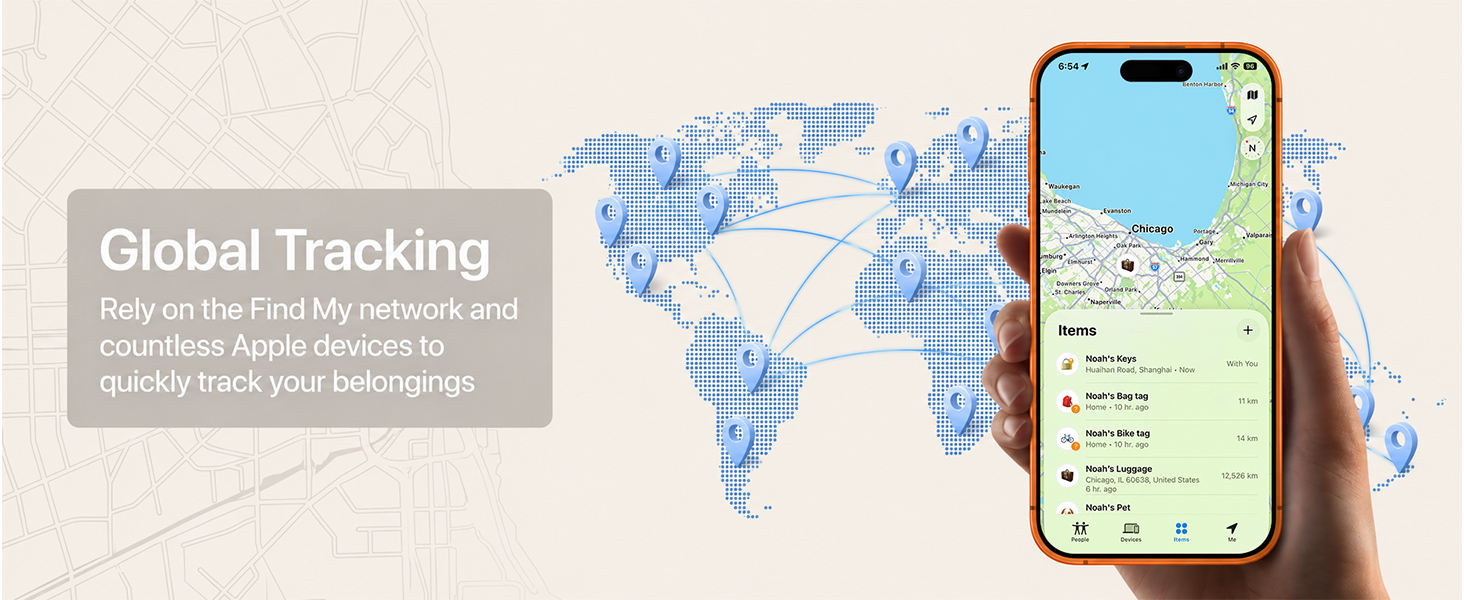
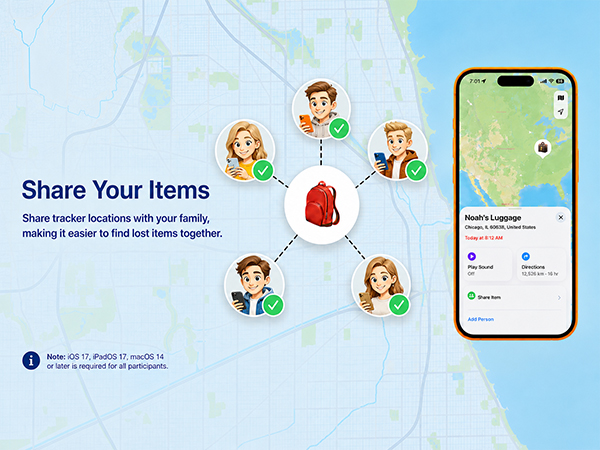
The tracker uses Apple's Find My network instead of real-time GPS. It sends a Bluetooth signal to nearby Apple devices, which securely relay its location. Updates depend on nearby Apple devices, so they may be delayed in areas with limited coverage.
What devices are supported?
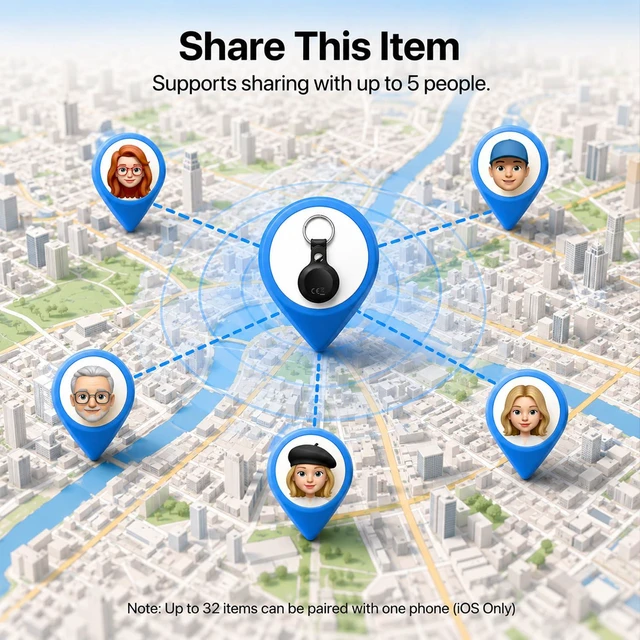
Compatible with iPhone and iPad running iOS/iPadOS 14.5+. You can pair up to 32 trackers with one Apple account. Mac cannot be used for pairing, but it can view your tracker's location in the Find My app on macOS 12.5+.
Can't connect your tracker?
Make sure your iPhone is connected to the internet and Bluetooth is enabled. If the issue persists, quickly press the button 5 times, holding the 5th press until you hear a beep to factory reset the tracker. Then pair it again in the Find My app.
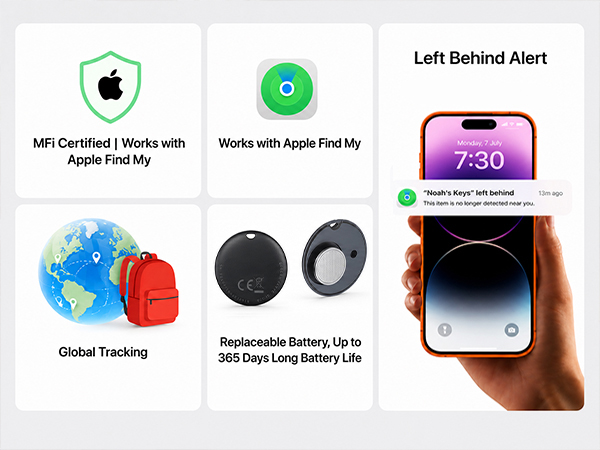
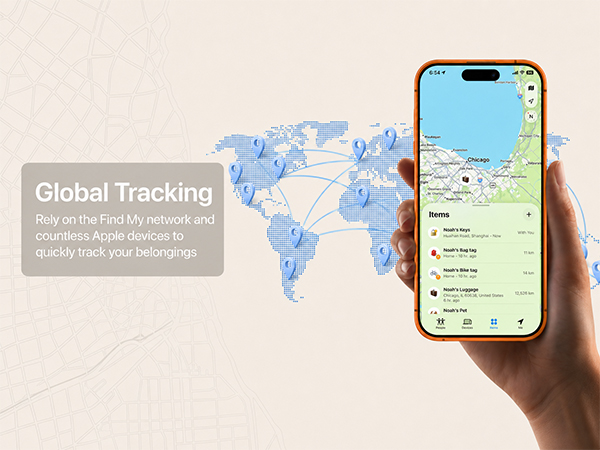
Global Tracking
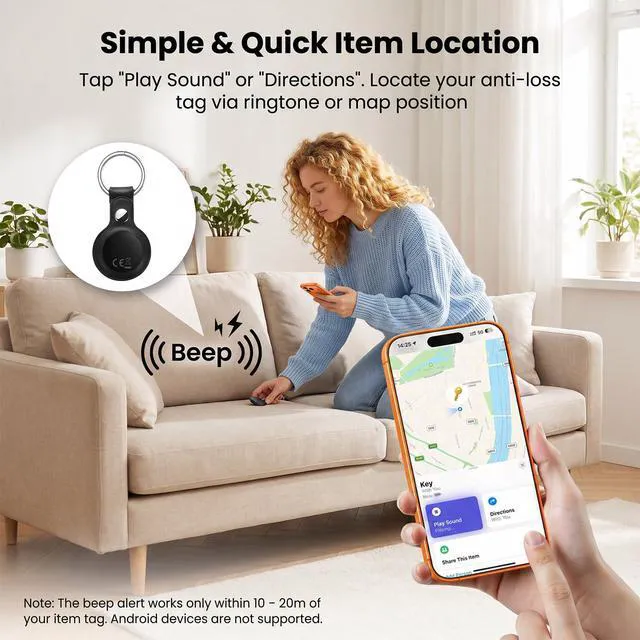
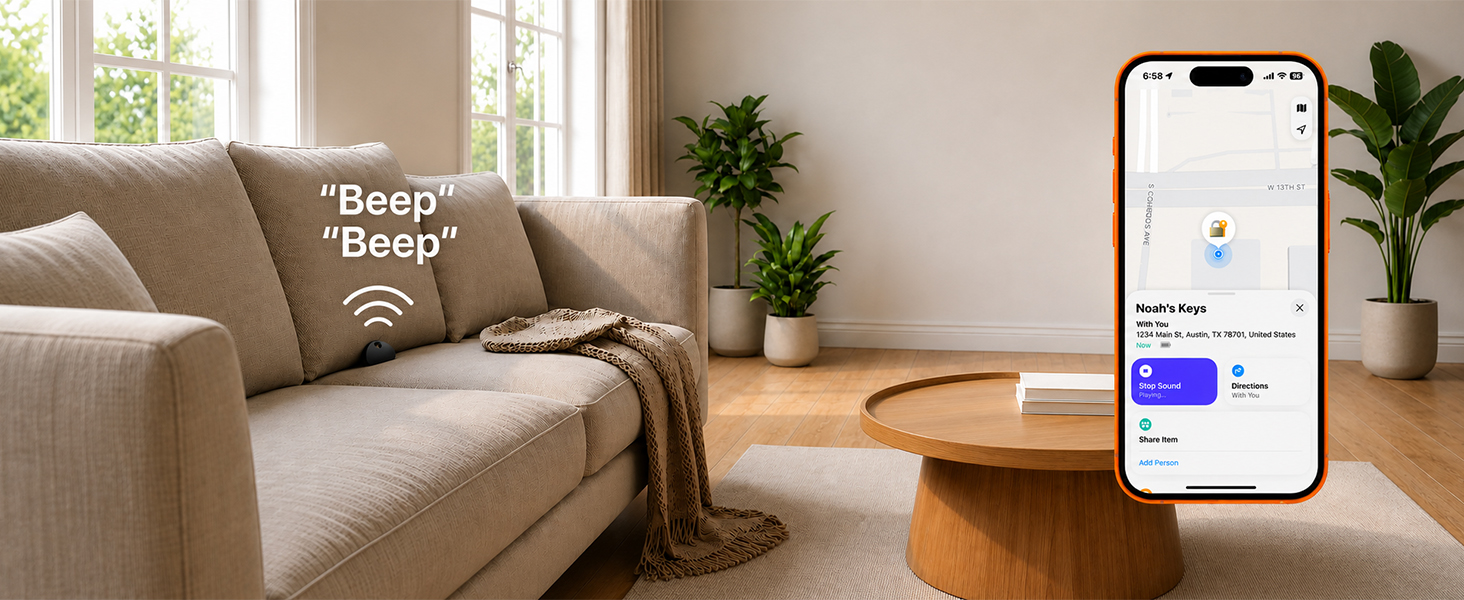
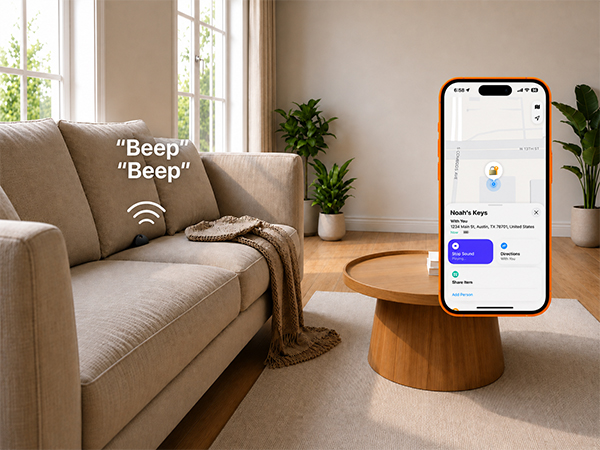
Find Nearby
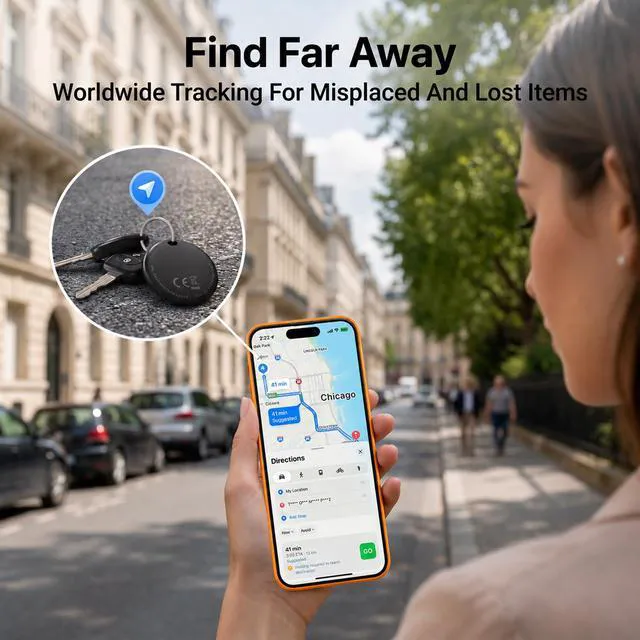
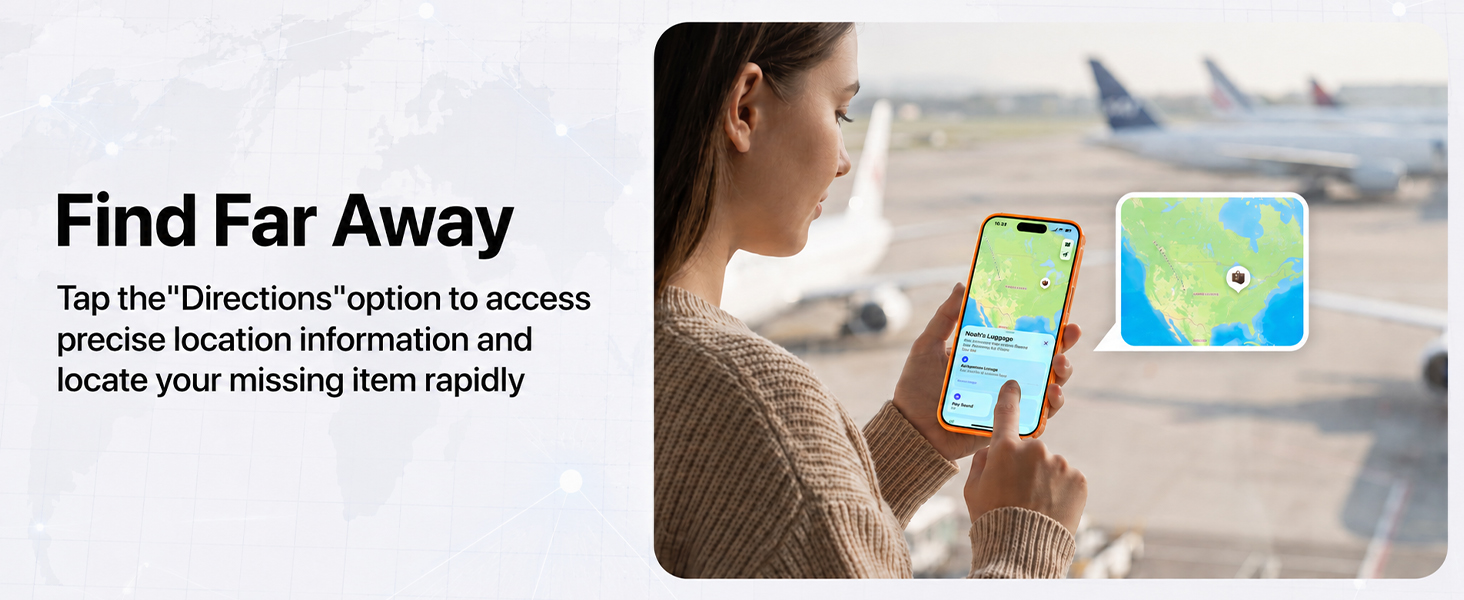
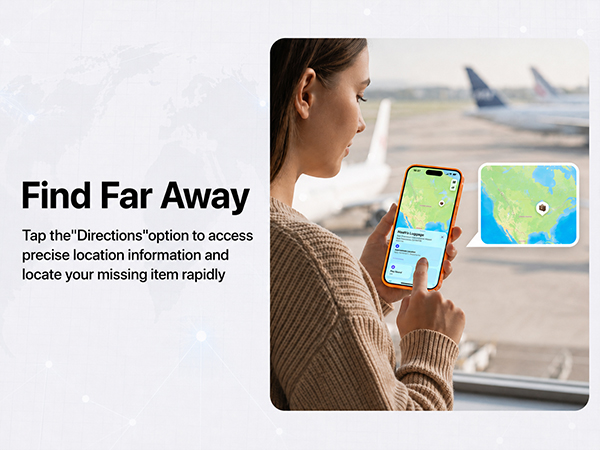
Find Far Away
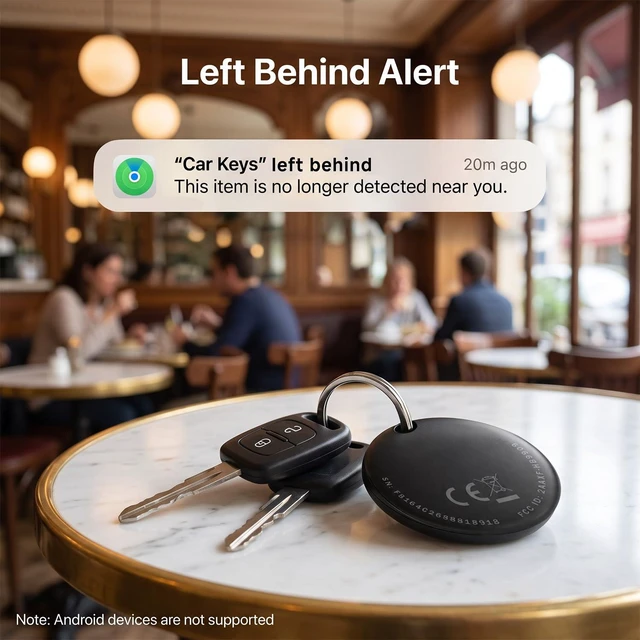
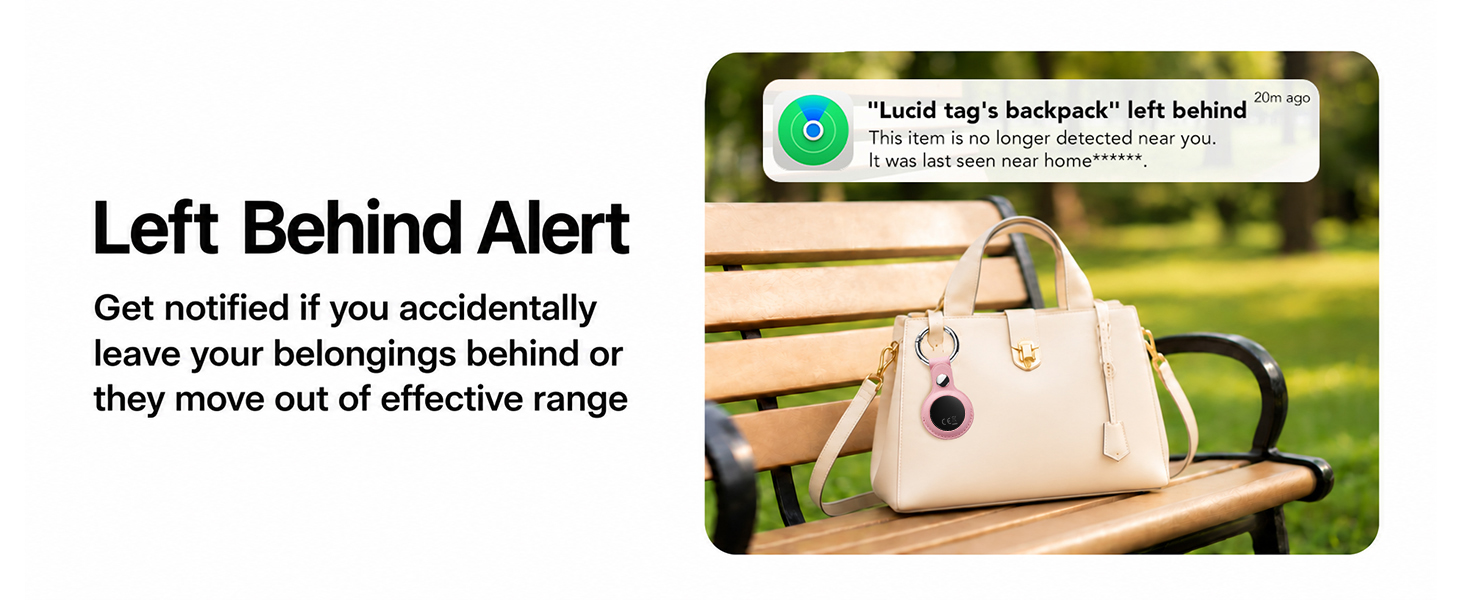
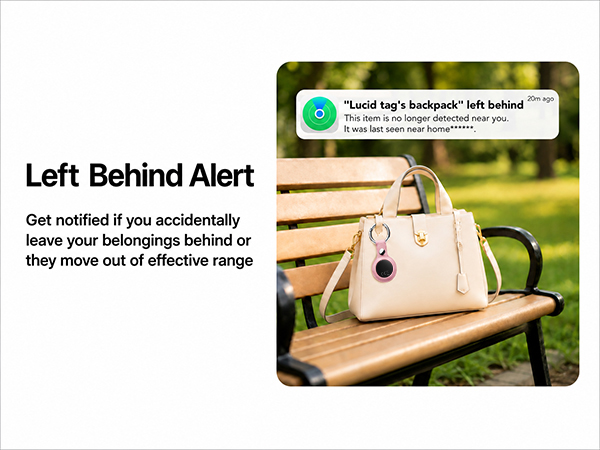
Left Behind Alert
Secure your valuables
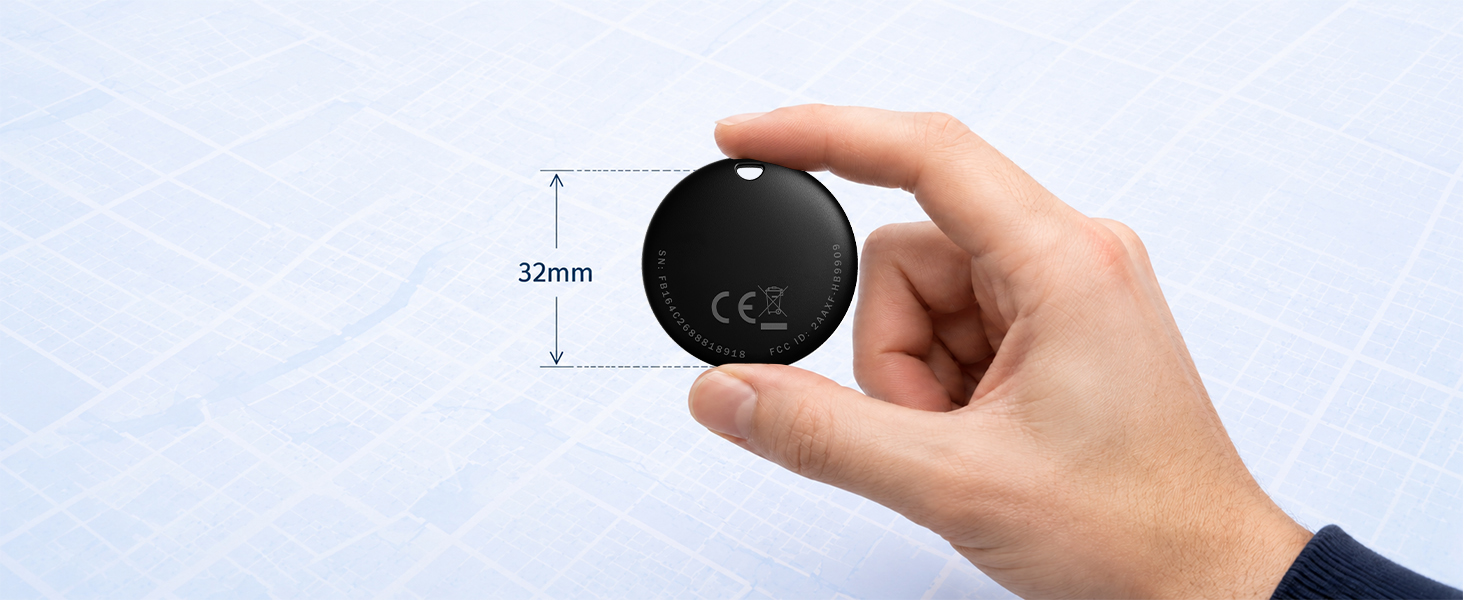
Small Size
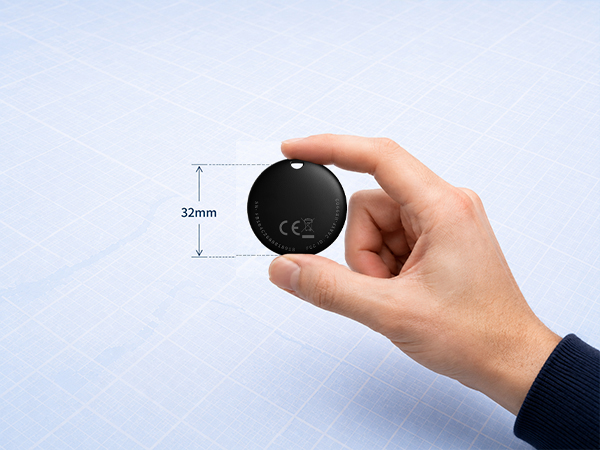
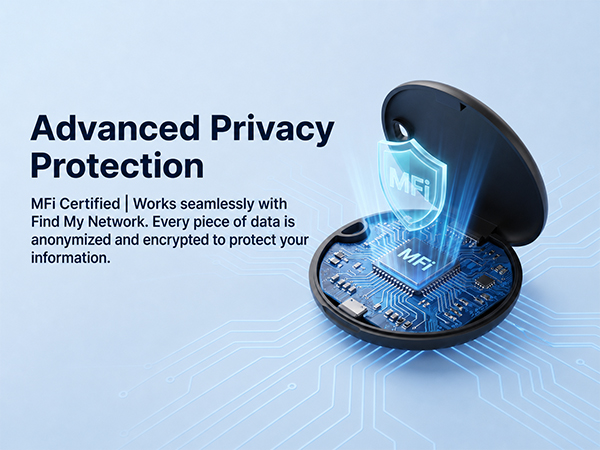
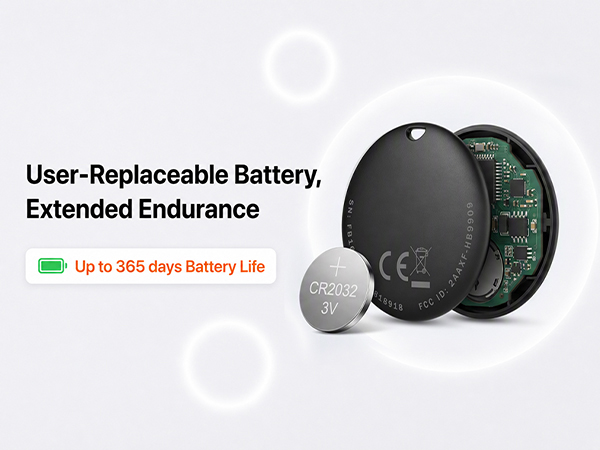
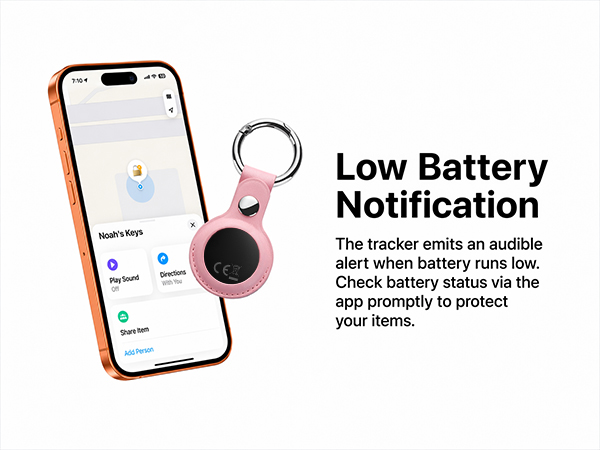
How to connect the device
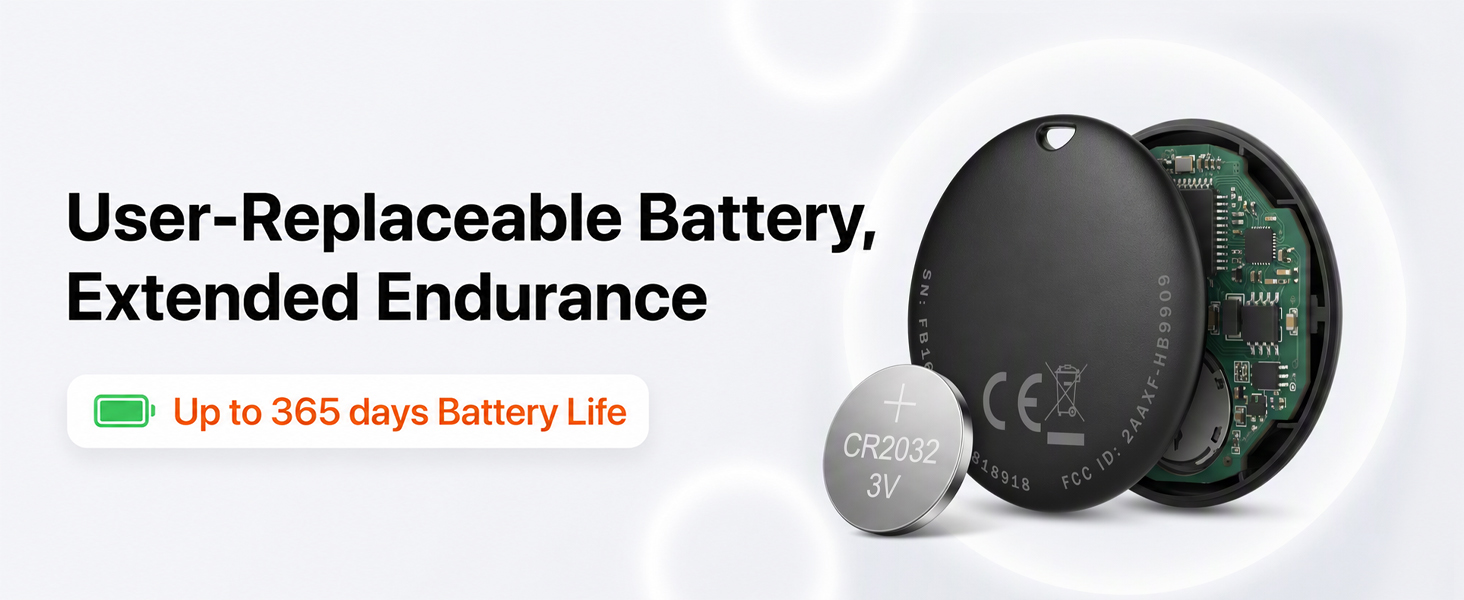
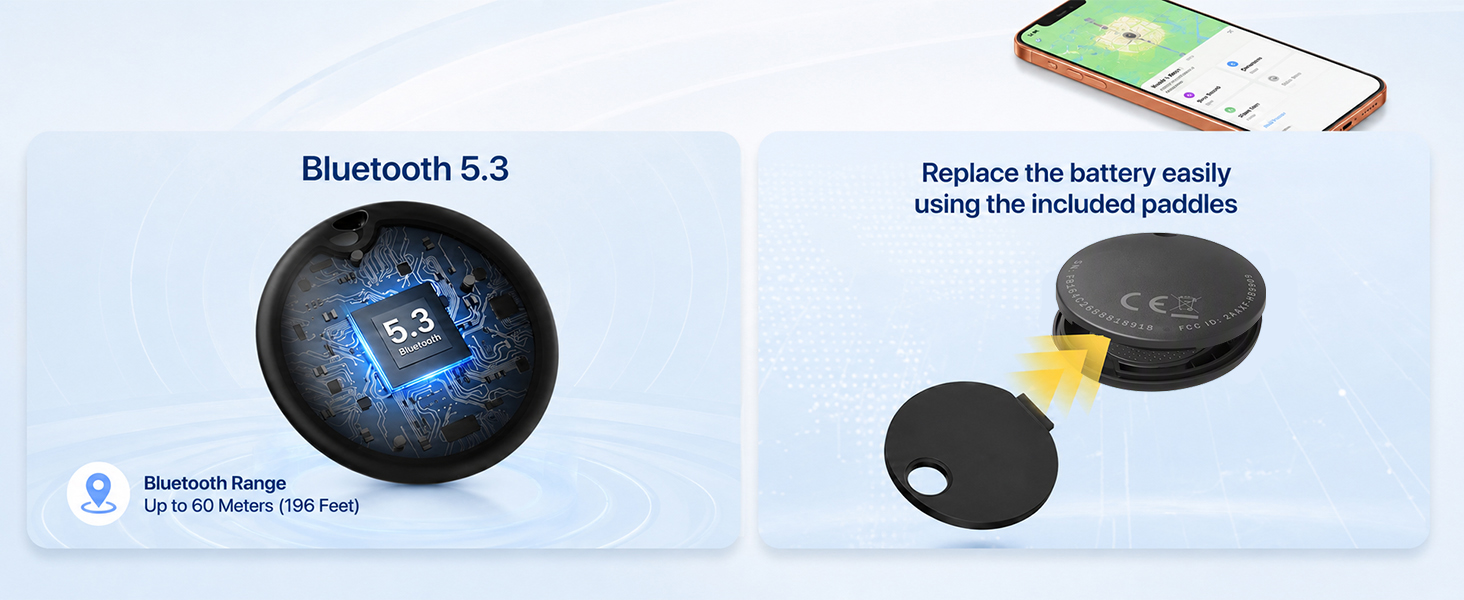
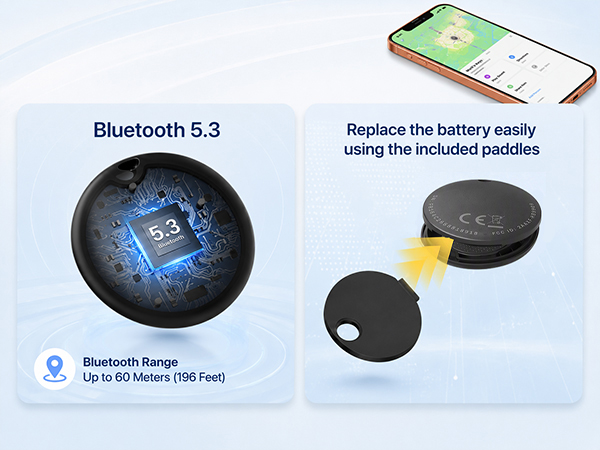
How to replace a battry
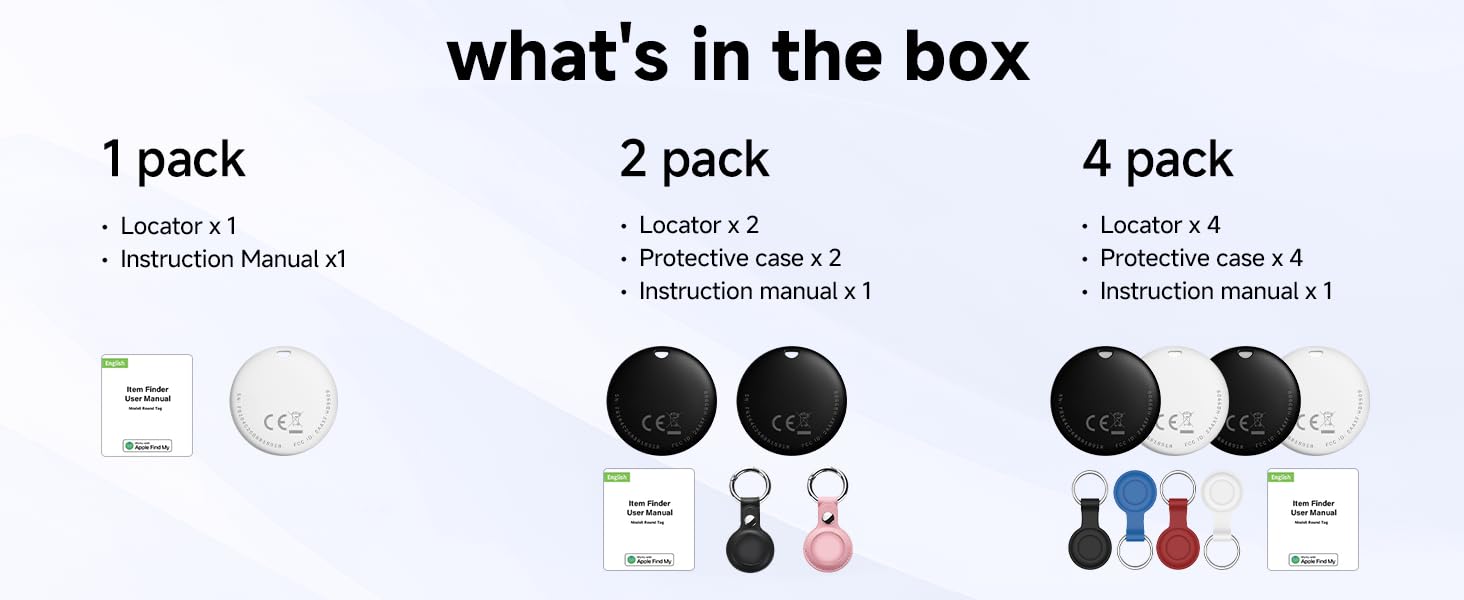
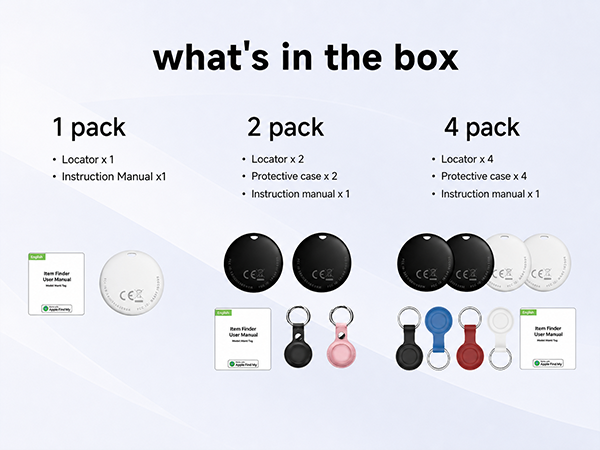
What's in the box

Does the Elkgulf Air Tracker work with Android? What is Apple Find My?
The Elkgulf Air Tracker is iOS only. Apple Find My is Apple's native tracking application that comes pre-installed on supported Apple products. It allows users to locate personal items using Apple's secure and widespread Find My network.
How do I pair my tag with the Apple Find My app?
Hold the button on your tag for 3 seconds until it beeps. Open the Find My app, go to Items, tap "+", and choose Add Other Item. Select your tag when it appears, then follow the on-screen instructions to finish pairing.
Why doesn't my tracker update its location in real time?
The tracker uses Apple's Find My network instead of real-time GPS. It sends a Bluetooth signal to nearby Apple devices, which securely relay its location. Updates depend on nearby Apple devices, so they may be delayed in areas with limited coverage.
What devices are supported?
Compatible with iPhone and iPad running iOS/iPadOS 14.5+. You can pair up to 32 trackers with one Apple account. Mac cannot be used for pairing, but it can view your tracker's location in the Find My app on macOS 12.5+.
Can't connect your tracker?
Make sure your iPhone is connected to the internet and Bluetooth is enabled. If the issue persists, quickly press the button 5 times, holding the 5th press until you hear a beep to factory reset the tracker. Then pair it again in the Find My app.