






How to Connect Alexa?
1. After you have connected your device to AiDot app, go to the Aidotor>Integration>choose Alexa.
2. Put in your Alexa username and password to connect the two accounts.
3. This enables the AiDot skill within Alexa. (Note: the skill is AiDot.)
How to Connect the A19 Smart Light Bulbs?
1: Light up the light bulbs, open AiDot APP and sign in.
2: Paired the light bulbs Tap "+" on the top right of the APP, choose"Add Device", then tap the"Nearby".
3: Select the "Wi-Fi RGBW A19***" to waitting connect.
How to pair the smart light bulb when it's offline?
1: Power on the bulbs.
2: Turn on and off the light for 6 times in a row, the interval is about 1.5s, not too fast or too slow.
3: Turn it on at the 6th time, bulbs will blink twice (RGBW bulb will run a color shift), it means the resetting is done.

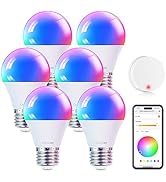
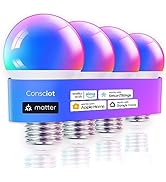
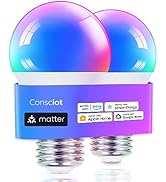
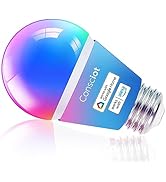
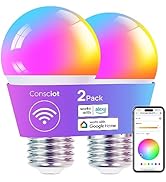
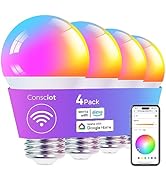
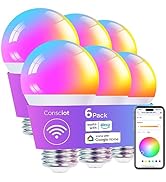

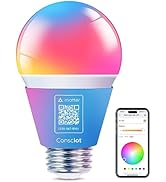
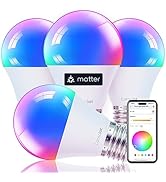
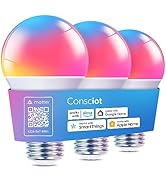
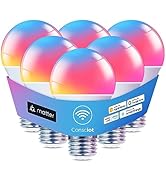

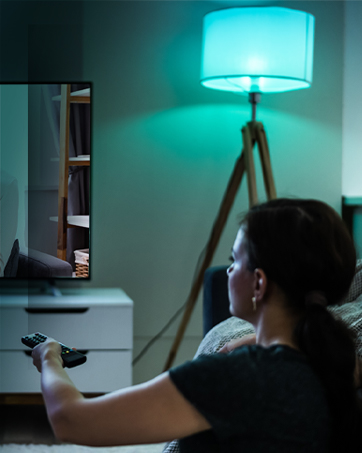
Smart Bulbs, Smart Life
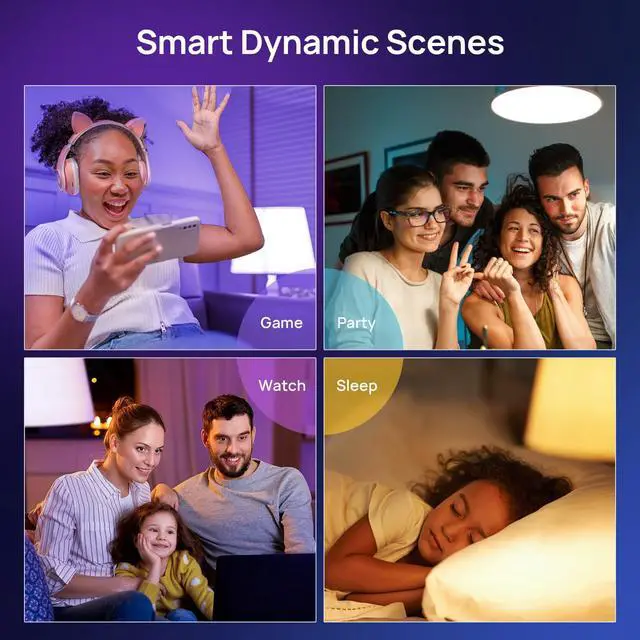
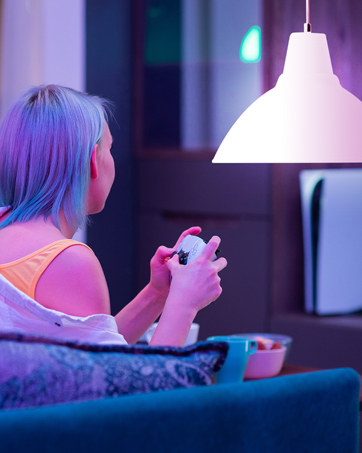
Play Time
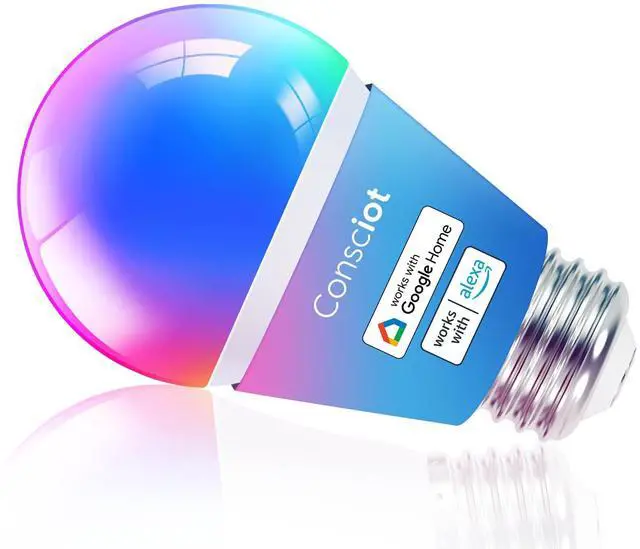
Consciot WiFi Smart Light Bulb
Reading Time
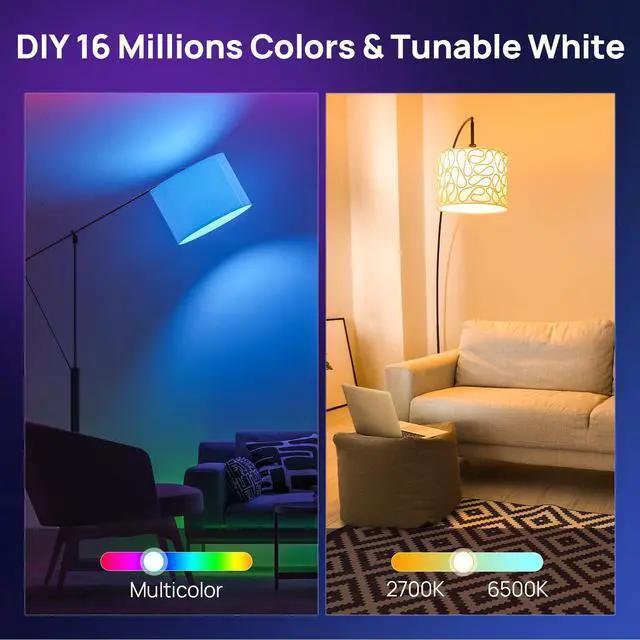
Matter WiFi & BLE Smart bulbs
Party Time
Rest Time


Do NOT install the smart bulb on a circuit with a dimmer switch.
Do NOT install the smart bulb on a circuit with a dimmer switch.
Do NOT install the smart bulb on a circuit with a dimmer switch.


How to Connect Alexa?
1. After you have connected your device to AiDot app, go to the Aidotor>Integration>choose Alexa.
2. Put in your Alexa username and password to connect the two accounts.
3. This enables the AiDot skill within Alexa. (Note: the skill is AiDot.)
How to Connect the A19 Smart Light Bulbs?
1: Light up the light bulbs, open AiDot APP and sign in.
2: Paired the light bulbs Tap "+" on the top right of the APP, choose"Add Device", then tap the"Nearby".
3: Select the "Wi-Fi RGBW A19***" to waitting connect.
How to pair the smart light bulb when it's offline?
1: Power on the bulbs.
2: Turn on and off the light for 6 times in a row, the interval is about 1.5s, not too fast or too slow.
3: Turn it on at the 6th time, bulbs will blink twice (RGBW bulb will run a color shift), it means the resetting is done.