




 here!
here!
I’m your shopping assistant for PC builds, upgrades, and everything tech.
Got questions? Ask away!
Start a conversation
here!
I’m your shopping assistant for PC builds, upgrades, and everything tech.
Got questions? Ask away!
Start a conversation
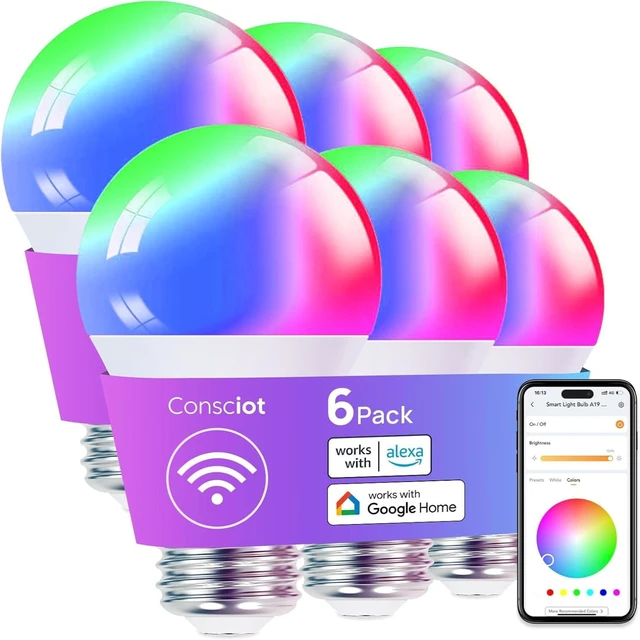

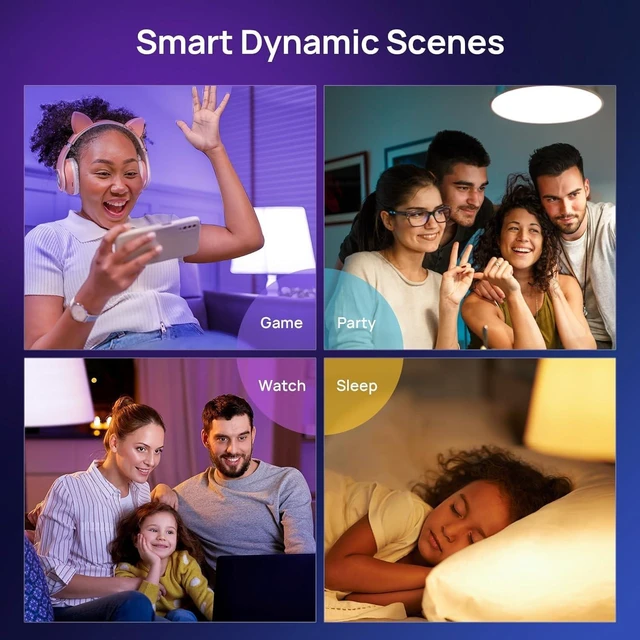
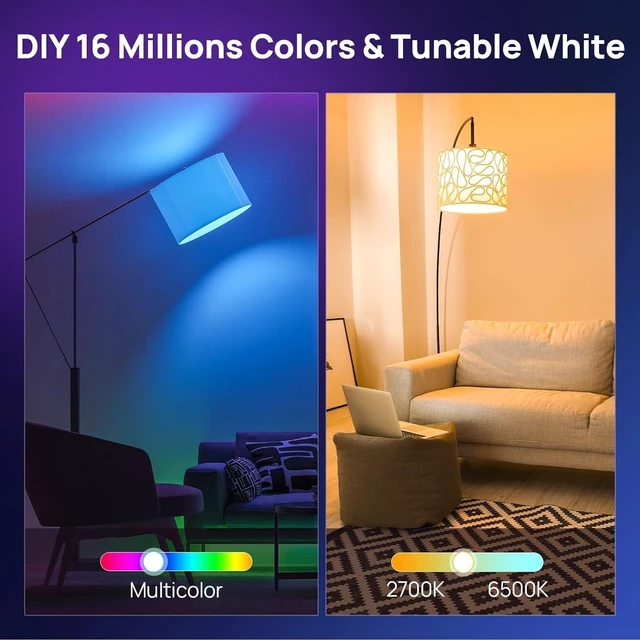
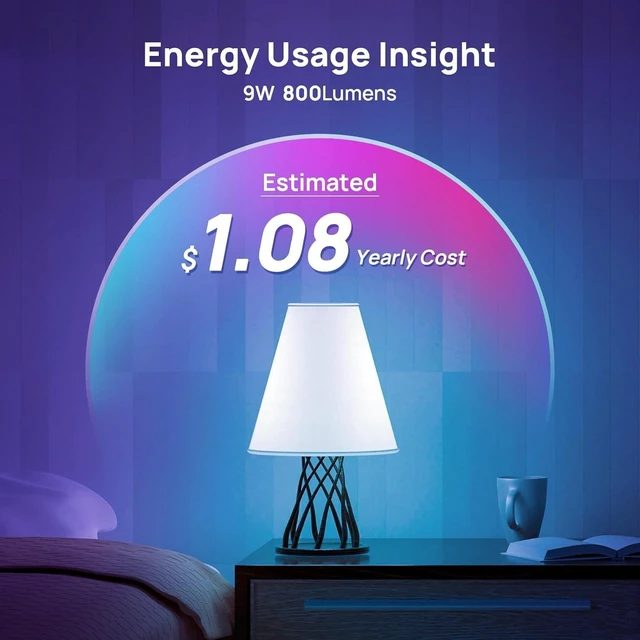



Any questions? Ask CelesteSM will help you find out quickly.


How to Connect Alexa?
1. After you have connected your device to AiDot app, go to the Aidotor>Integration>choose Alexa.
2. Put in your Alexa username and password to connect the two accounts.
3. This enables the AiDot skill within Alexa. (Note: the skill is AiDot.)
How to Connect the A19 Smart Light Bulbs?
1: Light up the light bulbs, open AiDot APP and sign in.
2: Paired the light bulbs Tap "+" on the top right of the APP, choose"Add Device", then tap the"Nearby".
3: Select the "Wi-Fi RGBW A19***" to waitting connect.
How to pair the smart light bulb when it's offline?
1: Power on the bulbs.
2: Turn on and off the light for 6 times in a row, the interval is about 1.5s, not too fast or too slow.
3: Turn it on at the 6th time, bulbs will blink twice (RGBW bulb will run a color shift), it means the resetting is done.


Do NOT install the smart bulb on a circuit with a dimmer switch.
Do NOT install the smart bulb on a circuit with a dimmer switch.
Do NOT install the smart bulb on a circuit with a dimmer switch.


How to Connect Alexa?
1. After you have connected your device to AiDot app, go to the Aidotor>Integration>choose Alexa.
2. Put in your Alexa username and password to connect the two accounts.
3. This enables the AiDot skill within Alexa. (Note: the skill is AiDot.)
How to Connect the A19 Smart Light Bulbs?
1: Light up the light bulbs, open AiDot APP and sign in.
2: Paired the light bulbs Tap "+" on the top right of the APP, choose"Add Device", then tap the"Nearby".
3: Select the "Wi-Fi RGBW A19***" to waitting connect.
How to pair the smart light bulb when it's offline?
1: Power on the bulbs.
2: Turn on and off the light for 6 times in a row, the interval is about 1.5s, not too fast or too slow.
3: Turn it on at the 6th time, bulbs will blink twice (RGBW bulb will run a color shift), it means the resetting is done.




| Brand | Consciot |
| Light Type | LED |
| Special Feature | High Efficiency |
| Wattage | 60 watts |
| Bulb Base | E26 |
| Additional Features | High Efficiency |
| Incandescent Equivalent Wattage | 60 watts |
| Specific Uses For Product | Lamp |
| Light Color | Multicolor |
| Voltage | 120 volts |
| Light Output Maximum | 800 lumens |
| Light Source Wattage | 60 watts |
| Unit Count | 6 Count |
| Package Quantity | 1 |
| Color | 6 Pack |
| Theme | Rainbow |
| Brand Name | Consciot |
| Number of Items | 6 |
| Model Name | Smart light bulbs |
| Model Number | CS10007-RGBTW-US-6-U |
| Manufacturer | Consciot |
| UPC | 810175713052 |
| Item Type Name | LED Bulbs |
| Manufacturer Part Number | CS10007-RGBTW-US-6-U |
| Material Type | Aluminum |


