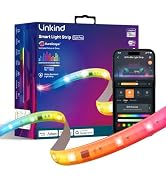
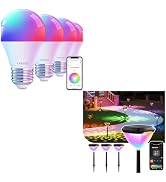
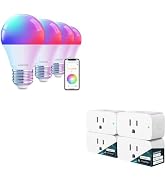
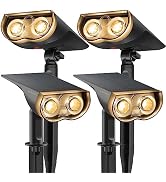
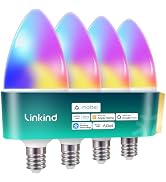
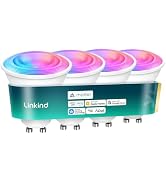
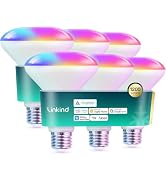
here!
here!
I’m your shopping assistant for PC builds, upgrades, and everything tech.
Got questions? Ask away!
Start a conversation
here!
I’m your shopping assistant for PC builds, upgrades, and everything tech.
Got questions? Ask away!
Start a conversation
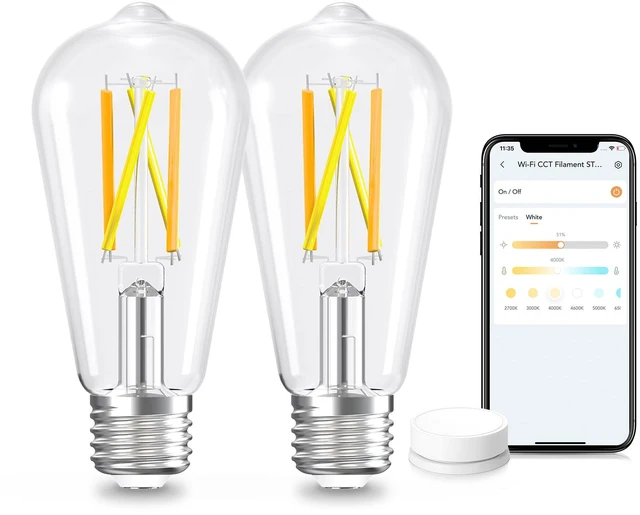
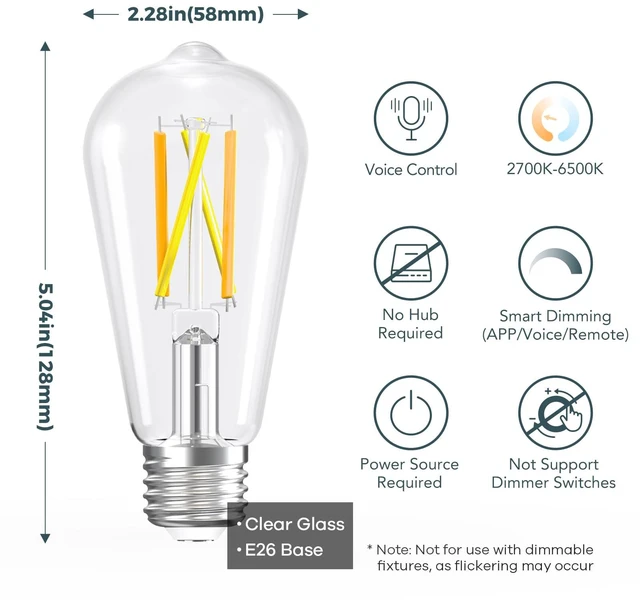




Any questions? Ask CelesteSM will help you find out quickly.


Unpair/Factory default
Unscrew the battery covering by coin and press the reset button for 3 seconds to restore the remote control to factory default.
Re-pair
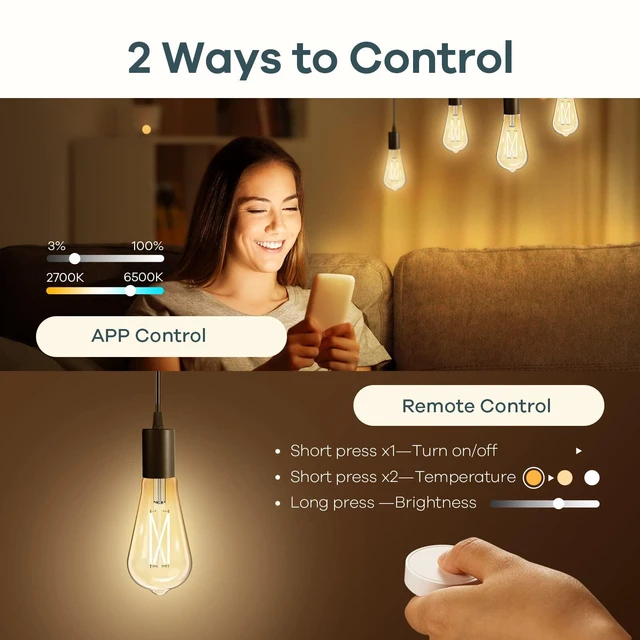
Press On/key 3 times: enter the pairing mode, the indicator will blink. After the pairing is complete, it will be steady on for 3 seconds and then go off.


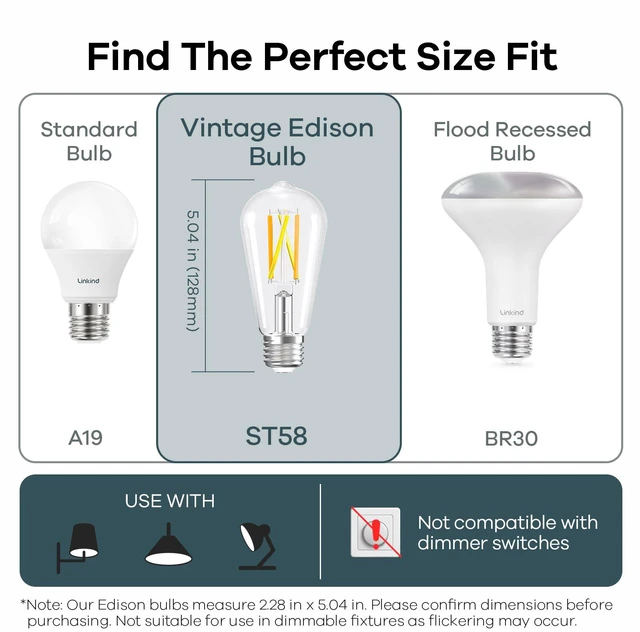
*Note: Not recommend for use with dimmer switches, as it may cause lights to flicker, buzz, or hum.
Unpair/Factory default
Unscrew the battery covering by coin and press the reset button for 3 seconds to restore the remote control to factory default.
Re-pair
Press On/key 3 times: enter the pairing mode, the indicator will blink. After the pairing is complete, it will be steady on for 3 seconds and then go off.


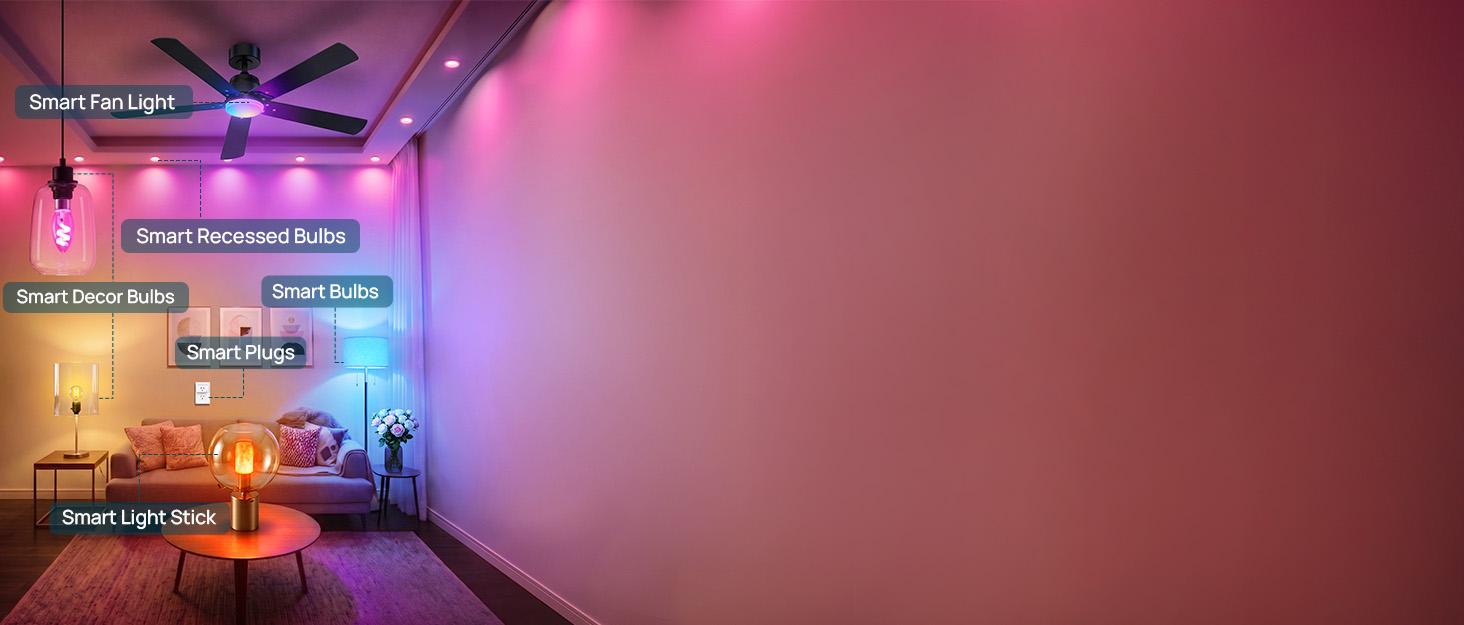
Linkind Smart Light Stick

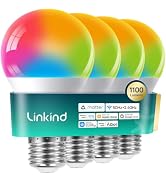

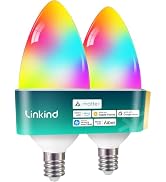

Linkind Smart Light Bulbs

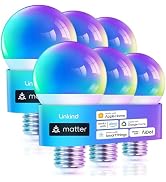
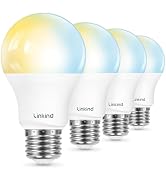


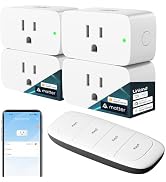
Linkind Smart Plugs



Linkind Smart Recessed Bulbs


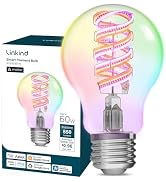
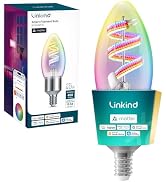
Linkind Samrt Decor Bulbs
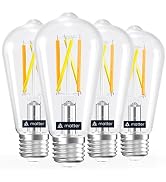
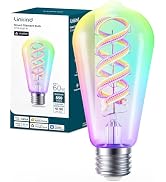

Linkind Samrt Fan Light