



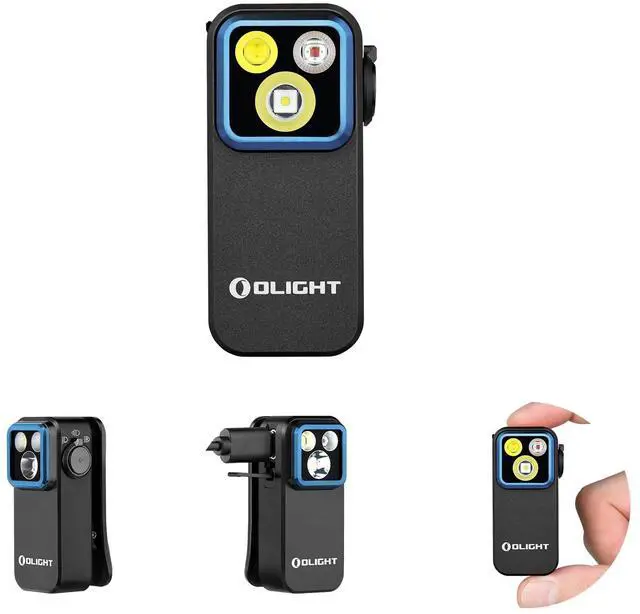


Oclip Pro A+
Merchant Video


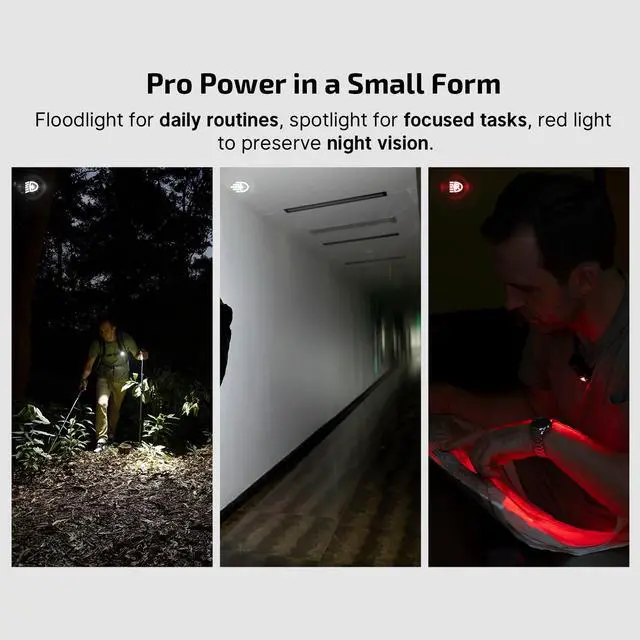
Multiple uses for your choice

Safety Alert

Work Light

Outdoor Uses

Night Walking
Why the Oclip Pro is not bright enough?
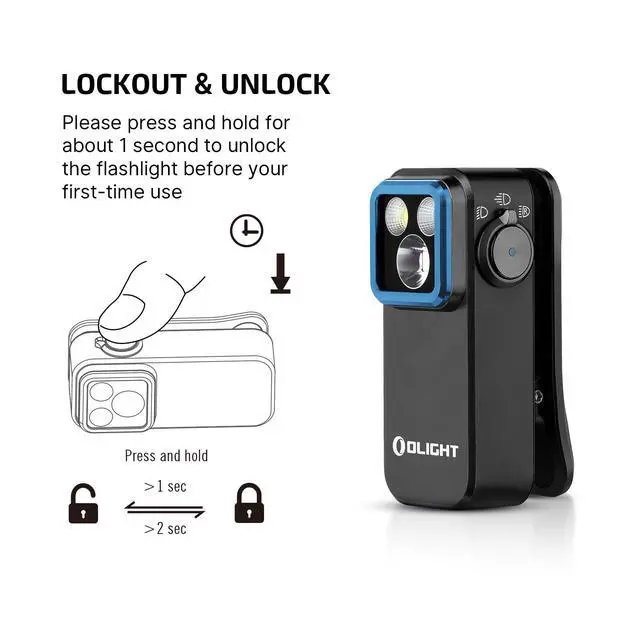
The original mode setting of Oclip Pro is Moonlight mode. Please press and hold the button for 1 second or more to change the light mode after you first time unlock it.
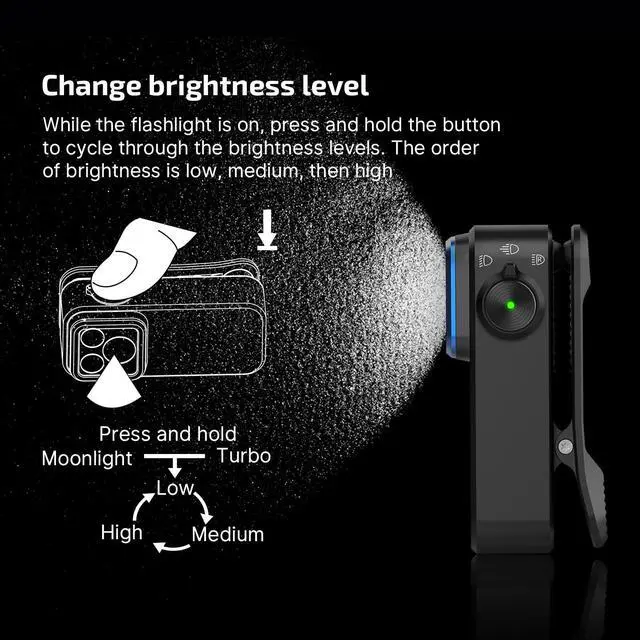
How to change Oclip Pro's brightness?
Press and hold the button to adjust the brightness. The light will cycle through Low, Medium, and High, starting from the current setting. Release the button to confirm your choice. (Note: Moonlight and Turbo modes are not included in the cycle.)
How to turn Oclip Pro's strobe mode on/off?
To activate Strobe mode, press the button three times quickly while the light is off. To turn it off, press and hold the button.
What are the requirements for the charger?
Use only a standard 5V power adapter according to the specifications in the manual.
How to properly maintain Oclip Pro to avoid damage?
1.Do not immerse in water or any other liquid, as this will damage the product.
2.Do not disassemble the product.
Please refer to the instruction manual for full guidelines.
Tech Specs
Products Comparison
 Oclip Pro |  Oclip Ultra |  Oclip |  IMINI 2 |  Arkfeld Pro |  Baton4 |  I1R 2 PRO | |
|---|---|---|---|---|---|---|---|
Price | — | — | — | — | — | — | — |
Max Output | 500 lumens | 530 lumens | 300 lumens | 50 lumens | 1300 lumens | 1300 lumens | 180 lumens |
Max Runtime | 144 hours | 144 hours | 30 hours | 1 hours | 55 hours | 30 days | 12 hours |
Max Throw | 393 ft/120 m | 426 ft/130 m | 229 ft/70 m | 69 ft/21 m | 335 ft/102 m | 558 ft/170 m | 157 ft/48 m |
Light Source | Cool White Light & Red Light | Cool White Light & UV Light | Cool White Light & Red Light | Cool White Light | White Light&UV Light&GreenBeam | Cool White Light | Cool White Light |
Operate Mode | Toggling the selector | Toggling the selector | Side Switch | Pop it off the magnetic cap | Center Button | Side Switch | Twist |
Rechargeable | ? | ? | ? | ? | ? | ? | ? |
Charging Method | Type-C Charging | Type-C Charging | Type-C Charging | USB Plug | MCC1A Magnetic USB Charging | MCC 1A Magnetic Charging Cable | USB A-C Charging Cable |
Waterproof | IPX6 | IPX6 | IPX5 | IPX6 | IPX7 | IPX8 | IPX8 |

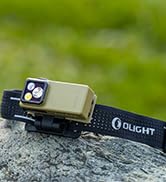
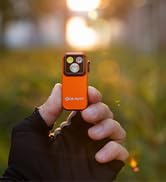
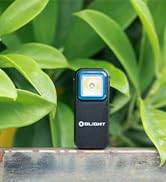
Clip on Flashlights
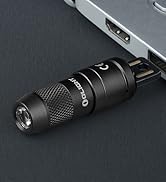
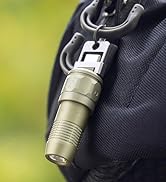
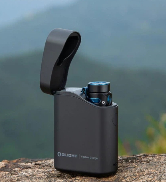
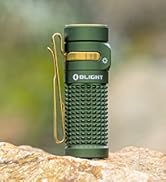
EDC Flashlights
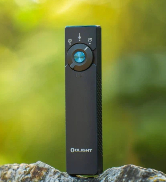
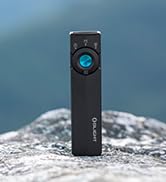
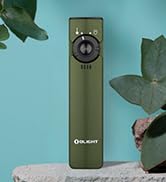
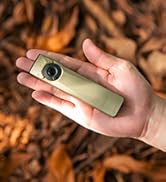
EDC Flashlights
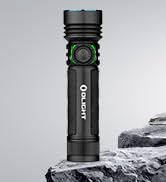
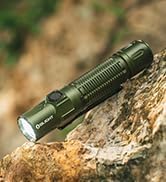
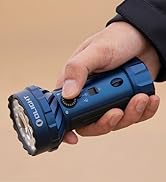
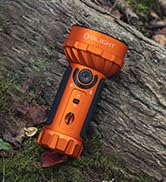
High Lumens Flashlights
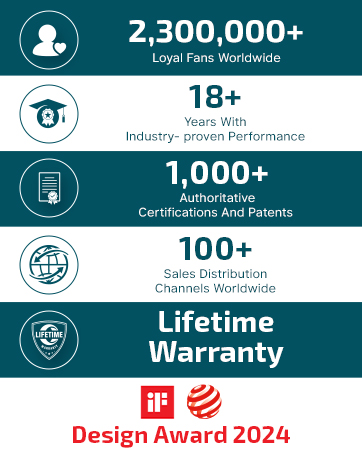
Olight prides itself as a brand that provides high-quality flashlights, including EDC lights, tactical lights, headlamps, bike lights, and camping lights.
Olight is committed to guiding you through the night, enhancing the well-being of society, and most importantly delivering hope and belief to people in need. We hope to make the world brighter with our actions—utilizing everything possible we can to illuminate your world.
Oclip Pro A+
Merchant Video


Multiple uses for your choice
Safety Alert
Work Light
Outdoor Uses
Night Walking
Why the Oclip Pro is not bright enough?
The original mode setting of Oclip Pro is Moonlight mode. Please press and hold the button for 1 second or more to change the light mode after you first time unlock it.
How to change Oclip Pro's brightness?
Press and hold the button to adjust the brightness. The light will cycle through Low, Medium, and High, starting from the current setting. Release the button to confirm your choice. (Note: Moonlight and Turbo modes are not included in the cycle.)
How to turn Oclip Pro's strobe mode on/off?
To activate Strobe mode, press the button three times quickly while the light is off. To turn it off, press and hold the button.
What are the requirements for the charger?
Use only a standard 5V power adapter according to the specifications in the manual.
How to properly maintain Oclip Pro to avoid damage?
1.Do not immerse in water or any other liquid, as this will damage the product.
2.Do not disassemble the product.
Please refer to the instruction manual for full guidelines.
Tech Specs
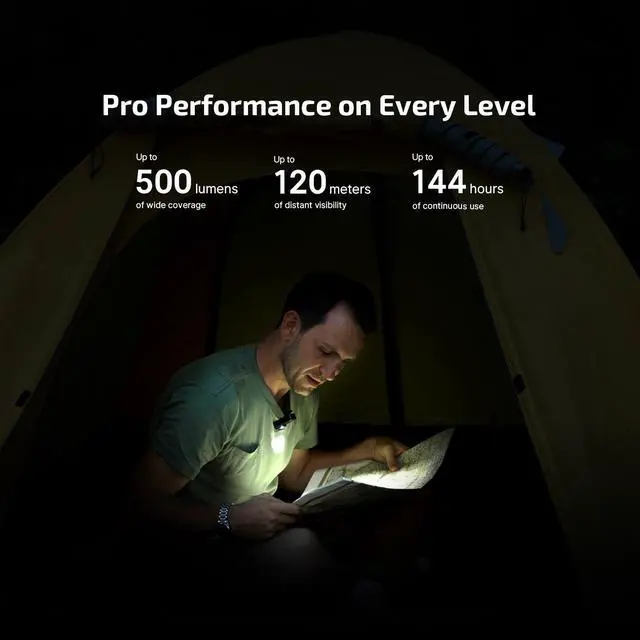
| Max Output | 500 lumens |
|---|---|
| Max Throw | 120 meters |
| Max Runtime | 144 hours |
| Light Source | Floodlight: Cool White LED (5700-6500K); Spotlight: Cool White LED (5700-7000K); Red Light: Red Light LED (620-630nm) |
| Body Material | 6061 Aluminum Alloy |
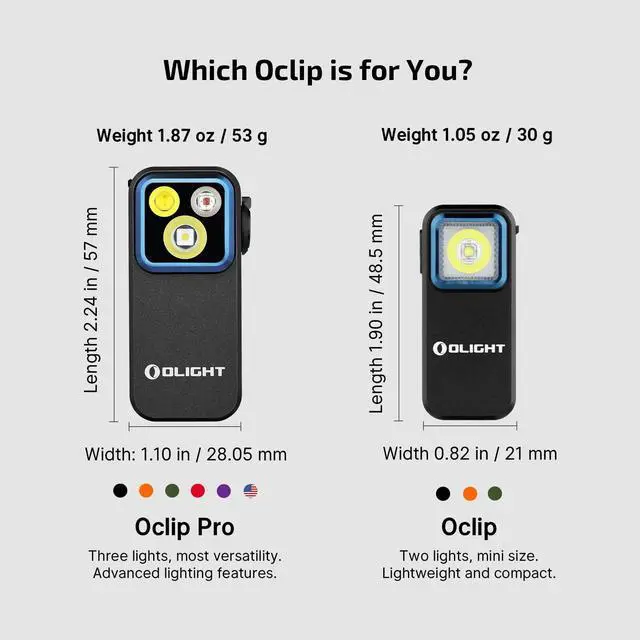
| Weight | 1.87 oz / 53 g |
| Length | 2.24 in / 57 mm |
| Width | 1.10 in / 28.05 mm |
| Thickness | 1.10 in / 27.83 mm |
| Charging Type | Type-C Charging |
| Fully Charged Time | 1h30min |
| Waterproof | IPX6 |
Products Comparison
Oclip Pro | Oclip Ultra | Oclip | IMINI 2 | Arkfeld Pro | Baton4 | I1R 2 PRO |
|---|---|---|---|---|---|---|
| Price | ||||||
| — | — | — | — | — | — | — |
| Max Output | ||||||
| 500 lumens | 530 lumens | 300 lumens | 50 lumens | 1300 lumens | 1300 lumens | 180 lumens |
| Max Runtime | ||||||
| 144 hours | 144 hours | 30 hours | 1 hours | 55 hours | 30 days | 12 hours |
| Max Throw | ||||||
| 393 ft/120 m | 426 ft/130 m | 229 ft/70 m | 69 ft/21 m | 335 ft/102 m | 558 ft/170 m | 157 ft/48 m |
| Light Source | ||||||
| Cool White Light & Red Light | Cool White Light & UV Light | Cool White Light & Red Light | Cool White Light | White Light&UV Light&GreenBeam | Cool White Light | Cool White Light |
| Operate Mode | ||||||
| Toggling the selector | Toggling the selector | Side Switch | Pop it off the magnetic cap | Center Button | Side Switch | Twist |
| Rechargeable | ||||||
| ? | ? | ? | ? | ? | ? | ? |
| Charging Method | ||||||
| Type-C Charging | Type-C Charging | Type-C Charging | USB Plug | MCC1A Magnetic USB Charging | MCC 1A Magnetic Charging Cable | USB A-C Charging Cable |
| Waterproof | ||||||
| IPX6 | IPX6 | IPX5 | IPX6 | IPX7 | IPX8 | IPX8 |
Clip on Flashlights
EDC Flashlights
EDC Flashlights
High Lumens Flashlights
Olight prides itself as a brand that provides high-quality flashlights, including EDC lights, tactical lights, headlamps, bike lights, and camping lights.
Olight is committed to guiding you through the night, enhancing the well-being of society, and most importantly delivering hope and belief to people in need. We hope to make the world brighter with our actions—utilizing everything possible we can to illuminate your world.