Your Browsing History
Meet Your Seller
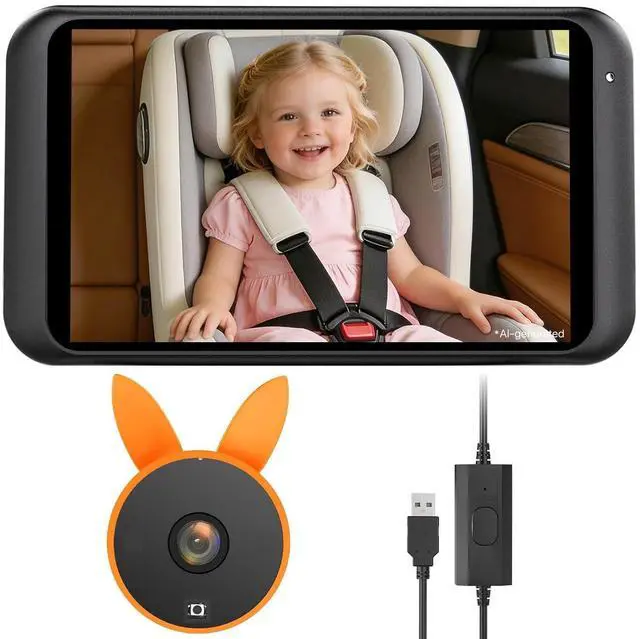
Baby Car Camera Backseat Monitor USB Power
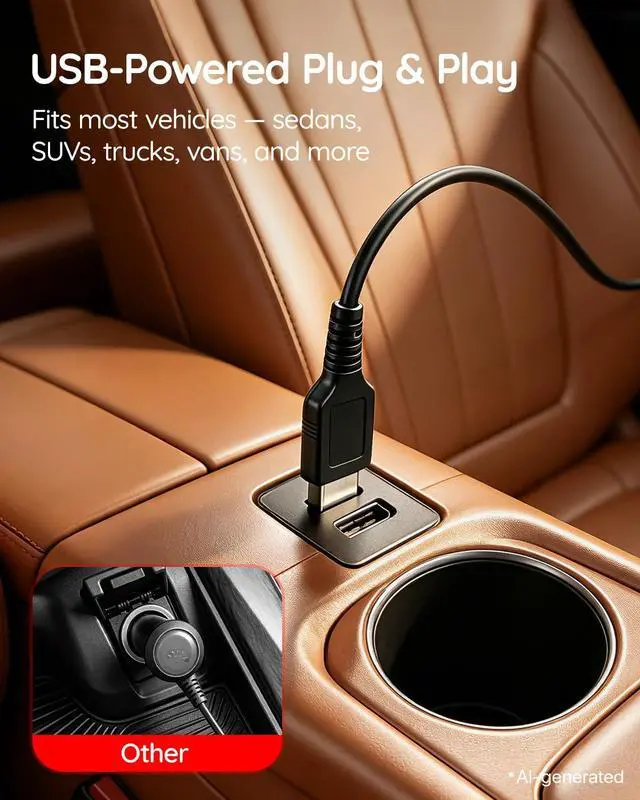
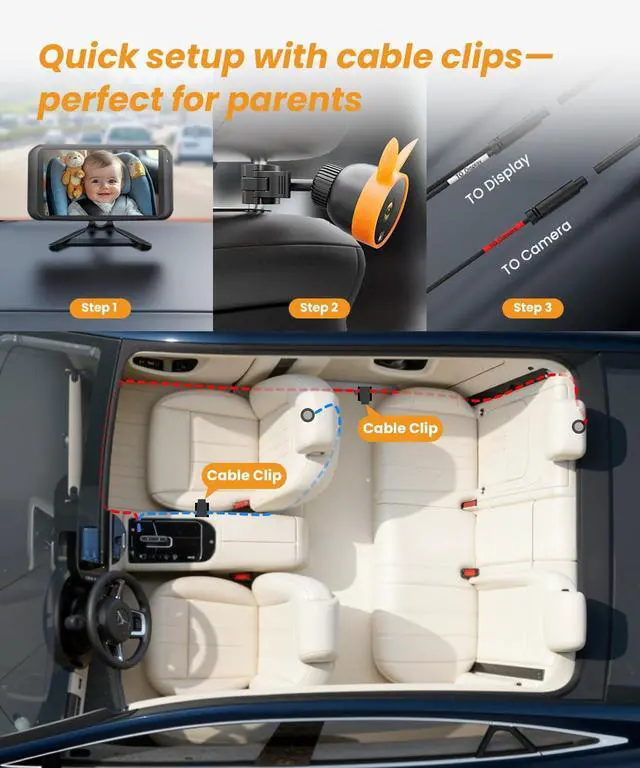
- 3-Min Easy Setup & USB Plug1. Attach the car camera for baby to the headrest 2. Fix the Mirror display to the dashboard 3. Plug in the USB to get it working; Use cable clips *3 to hold the wires tightly to the car to keep car tidy and avoid baby kicking off cords.Perfect for busy parents or pet owner or caregivers who want a hassle-free, no-tool installation.
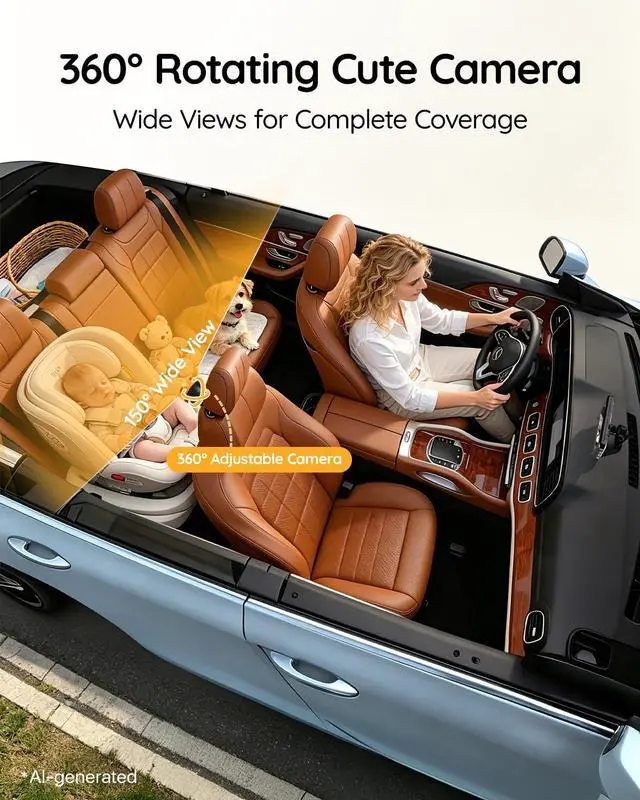
- 360° Rotating Cute Camera: Cute design camera easily calms baby, more suitable for new parents travelling alone with kids 360° angle adjustment function of monitor and camera means mum no longer has to frequently look for an angle to see her child or a pet dangerously turn around to check.Bringing both rear seats into full view, completely eliminating blind spots.
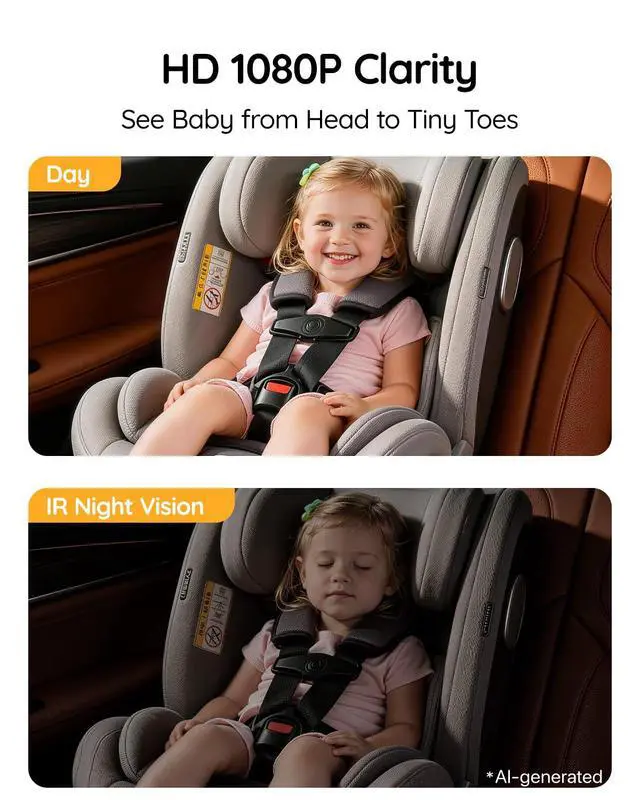
- Crystal View 1080 HD ImageCombining IPS screen and infrared night vision technology, seeing toddlers clearly whether day or night; Parents adjust the screen brightness according to viewing habits, driving more easily.The no-glow IR design won't disturb or irritate your baby's eyesno harsh red glow, no sleep disruption.
- Guardian Eyes on the Go: Mirror mode instantly corrects orientation for rear-facing seats, so what you see on screen matches realityno more reversed views. Perfect for grocery runs, weekend getaways, and cross-country family adventures. No more twisting around or second-guessing just confident, worry-free driving on every single mile, short or long.
+
+
Overview
Specs
Reviews
Any questions? Our AI beta will help you find out quickly.
Try me now
Baby Car Camera Backseat Monitor USB Power
Warranty & Returns
Warranty, Returns, And Additional Information
Warranty
- Please contact the Seller directly for warranty information. Warranty information may also be found on the Manufacturer's website.
- CONTACT
Return Policies
- Return for refund within: 30 days
- Return for replacement within: 30 days
- This item is covered by Mikiomie Dire Return Policy
Manufacturer Contact Info
- For a directory of all our manufacturers, please click below.
- Manufacturers Directory
LOADING...