

Your Browsing History










Any questions? Our AI beta will help you find out quickly.
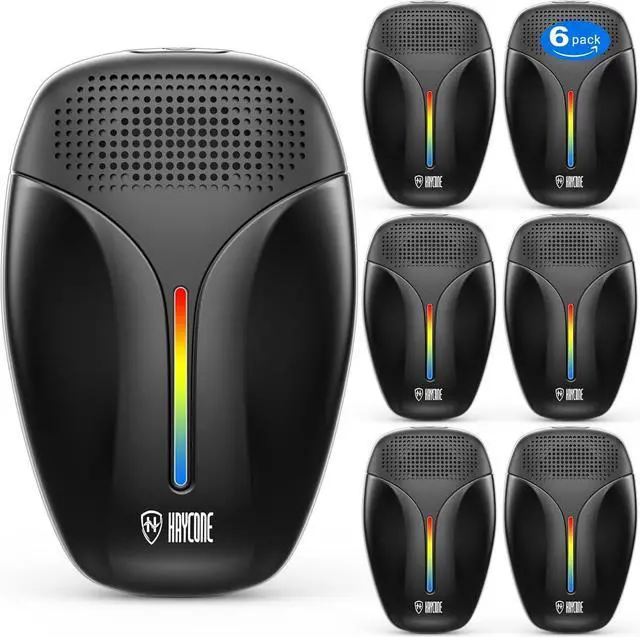
1. Press and hold the power button to check if the device can be turned on normally, and whether the blue light is on after turning on. 2. Short press the power button to switch modes. The second mode has a yellow light on, and the third mode has a red light on. Check if the indicator light is working properly after switching modes. If the indicator light does not light up properly, it indicates that the device is not working properly. You can return it to us in a timely manner and send you a new device.