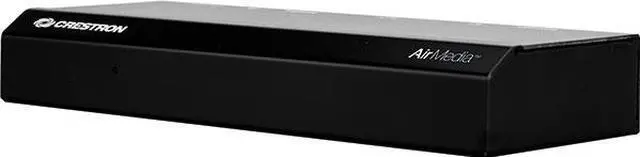
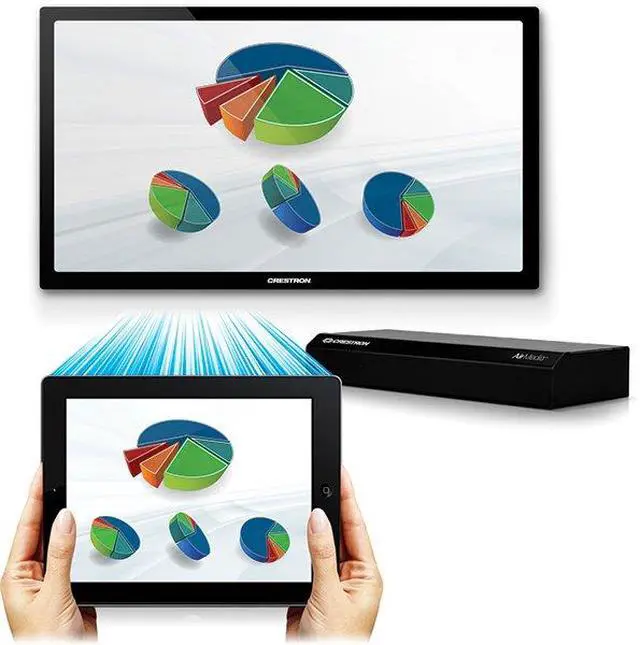
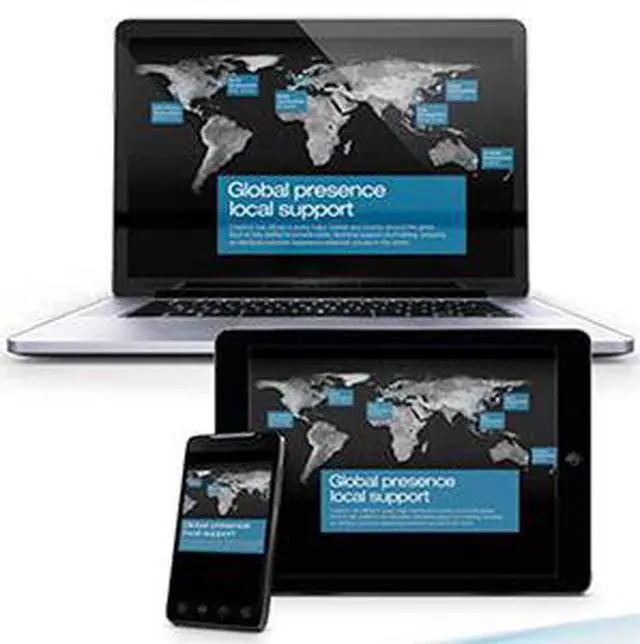
AirMedia™ - Complete wireless HD presentation from any mobile device and any platform With the Crestron (AM-101) AirMedia™, anyone can walk into a room and wirelessly present PowerPoint®, Excel®, Word and PDF documents, as well as photos, on the room display from their personal iOS® or Android™ mobile device. MacBook® and PC laptops can be connected seamlessly as well, making presentations from most any device fast and easy. There are no wires to hook up, no complicated settings to configure, and no AV or control system is required. Simply connect via the local Wi-Fi® network and start sharing content from your portable device. Present anything — without wires Bring your own device to a meeting or collaboration session and share your content through the big screen without hooking up any wires. AirMedia supports Windows® and OS X® computers, as well as Apple® iOS and Android mobile devices. Presenters using a Mac® or PC can connect to AirMedia without any special software installed, while iPad® and other mobile device users need only download the free AirMedia app from the iTunes® App Store or Google Play™. Are you presenting from a smartphone or tablet? Download the free app for your iOS or Android device and instantly connect to AirMedia. Simply select the file to present on the room display and then swipe through slides on your mobile device. Are you presenting with a laptop? No software installation is required. Just use your web browser and follow the simple instructions on the room display. Alternatively, your IT group may have pre-loaded the AirMedia application on your computer. Look for "AirMedia" in your Windows Start Menu or OS X Applications folder. Do you want to deploy the AirMedia app enterprise-wide? Download the free AirMedia enterprise PC application for Windows or Mac OS®. You can use it to silently deploy the AirMedia app to employee desktops. Then, they can connect to any approved AirMedia device with a single mouse click





 here!
here!