













• $39.99
  • Price alert

    Shipped by WeiErSieJiaFang

    Shop it at NeweggBusiness.

    Meet Your Seller

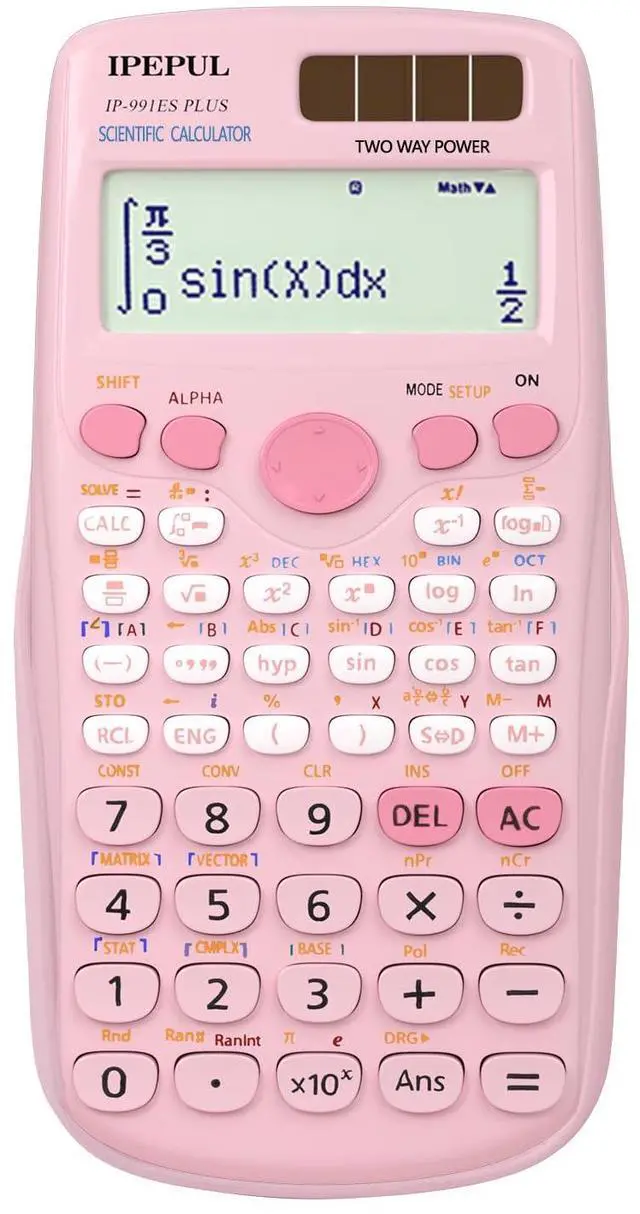
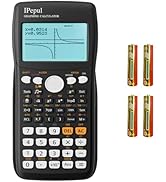
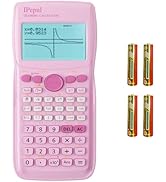
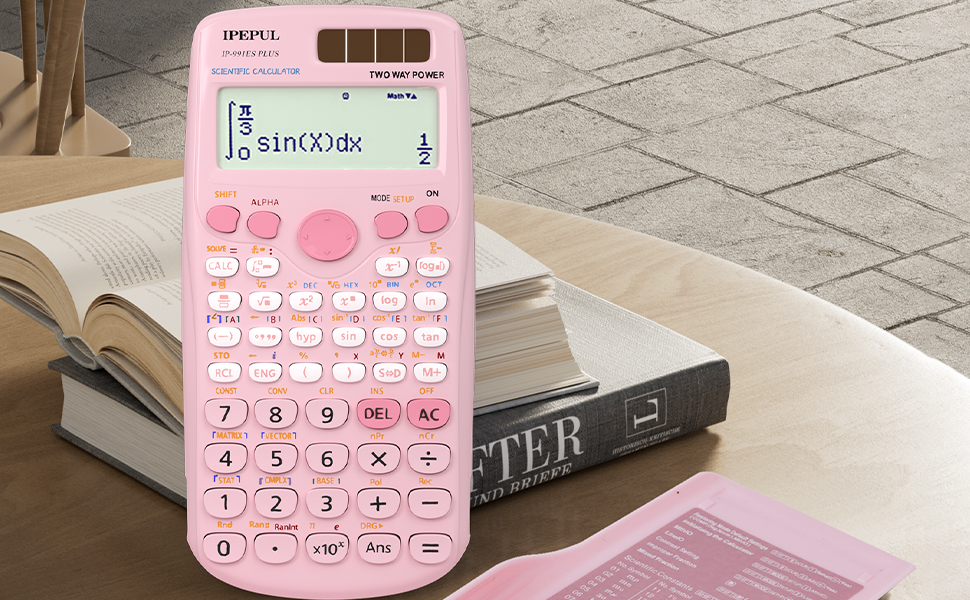
    Scientific Calculators, Pink Math Calculator with 417 Function, Solar Battery Power and 4-Line Display, School Supplies for Middle High College Students Teachers (Pink 991ES Plus)

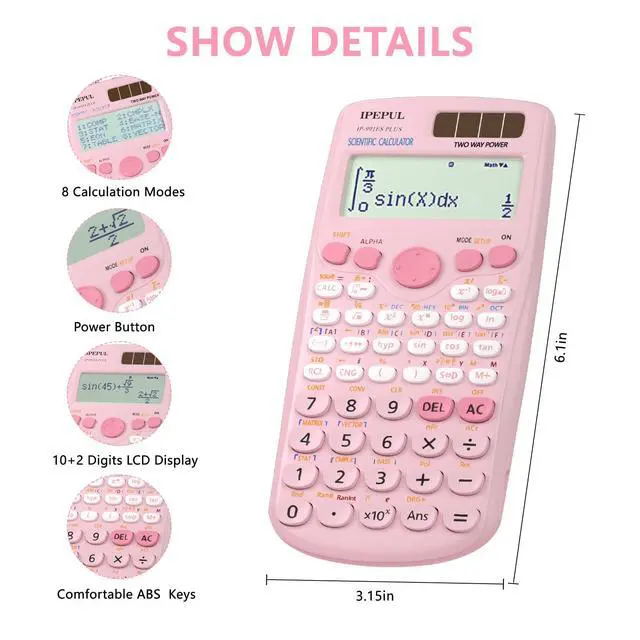
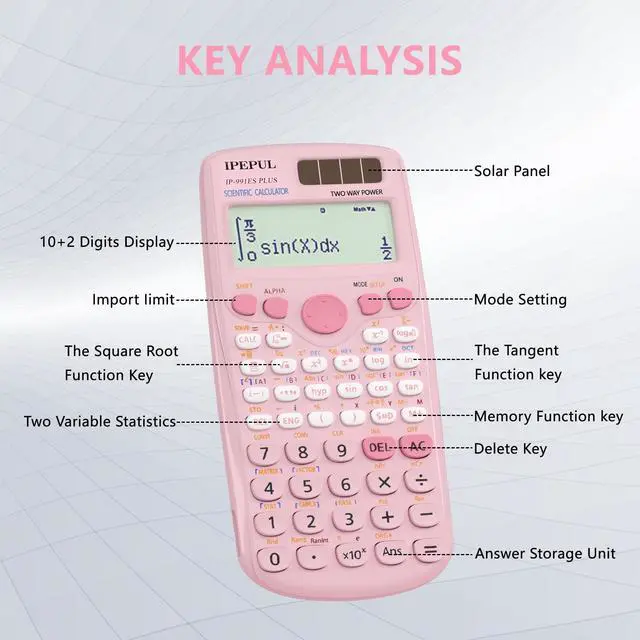
    • 417 Calculation Functions: The scientific calculators has 417 different calculation function built-in, including trigonometric function, exponential function, logarithmic function, calculus, statistics, algebra, and other advanced mathematical functions. It also supports complex number calculations, matrix calculations, vector calculations, etc., and can meet the various scientific and engineering calculation needs .
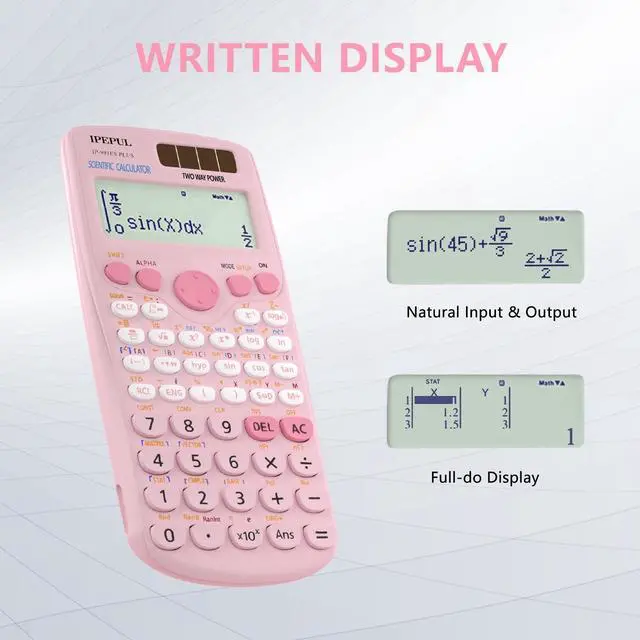
    • Large Screen Four-Line Display: The scientific calculator adopts a four-line large screen design, which is convenient for users to read. It also supports the natural display, which can directly display the input and output of mathematical formulas on the screen, making complex calculations more intuitive.The key -MODE (SETUP) DOWN -6( LEFT Continue RIGHT ).Use LEFT and RIGHT to adjust screen brightness .
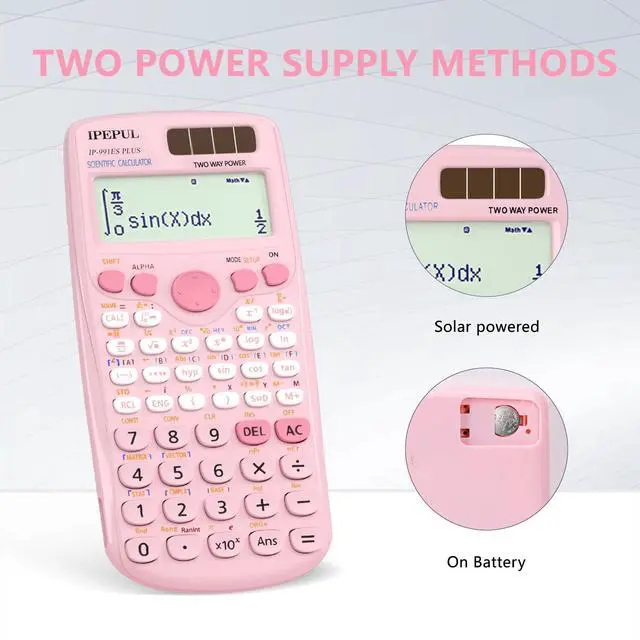
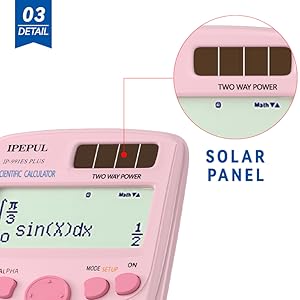
    • Dual Power: This calculator has a built-in solar panel and durable battery, which can be used continuously for many years in indoor and outdoor environments, reducing the frequency of battery replacement and making it more economical. This also makes it the best choice for people who need to use it for a long time, such as school supplies, high school students, accountants, and non-programmable calculators .
    +
    +
    Overview
    Specs
    Reviews
    avatar

    Any questions? Our AI beta will help you find out quickly.

    Scientific Calculators 991ES For Students Casio Ti-84 Texas Instruments Ti-30xiis Non Programmable
    Scientific Calculators For Students Casio Ti-84 Texas Instruments Ti-30xiis Non Programmable

    NOTICE

    1. Please allow a slight deviation in the measurement data.
    • 2. Do not immerse in any liquid.
    • 3. Keep dry.
    • 4. If the user manual is not clear, we have an electronic user manual.

    IPepul 991ES PLUS Solar PIink Scientific Calculator

    1?The calculator can adjust the screen brightness using the following buttons.

    SHIFT -MODE (SETUP) -(down arrow symbol)-6(Continue).Use LIGHT and BACK to adjust screen brightness.

    2.Please initialize the calculator before performing any calculations.

    SHIFT-9(CLR)-3(All)=(Yes)

    3.The calculator is rich in functions, please read the User’s Guide before use.
    Scientific Calculators For Students Casio Ti-84 Texas Instruments Ti-30xiis Non Programmable

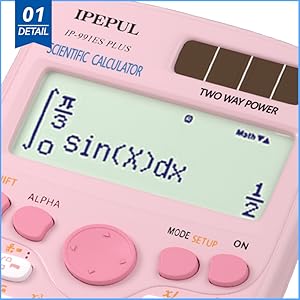
    THE SCREEN BRIGHTNESS CAN BE ADJUSTED

    The calculator stands out with its large screen display, allowing you to view calculation results clearly. Additionally, you can adjust the brightness using buttons, according to your personal preferences and environmental needs.

    Scientific Calculators For Students Casio Ti-84 Texas Instruments Ti-30xiis Non Programmable

    COMFORTABLE ABS KEYS

    This calculator features buttons made of comfortable ABS material, providing an excellent tactile experience. Whether you are performing quick calculations or using it for extended periods, the buttons offer a comfortable and smooth touch feel.
    Scientific Calculators For Students Casio Ti-84 Texas Instruments Ti-30xiis Non Programmable

    SOLAR POWER & BATTERY

    This calculator is powered by both solar energy and battery. Solar energy provides sustainable power, while batteries serve as a backup power source when needed. This design enables the calculator to be conveniently used at any time and in any location.
    Scientific Calculators For Students Casio Ti-84 Texas Instruments Ti-30xiis Non Programmable
    Scientific Calculators 991ES For Students Casio Ti-84 Texas Instruments Ti-30xiis Non Programmable
    Scientific Calculators For Students Casio Ti-84 Texas Instruments Ti-30xiis Non Programmable

    NOTICE

    1. Please allow a slight deviation in the measurement data.
    • 2. Do not immerse in any liquid.
    • 3. Keep dry.
    • 4. If the user manual is not clear, we have an electronic user manual.

    IPepul 991ES PLUS Solar PIink Scientific Calculator

    1?The calculator can adjust the screen brightness using the following buttons.

    SHIFT -MODE (SETUP) -(down arrow symbol)-6(Continue).Use LIGHT and BACK to adjust screen brightness.

    2.Please initialize the calculator before performing any calculations.

    SHIFT-9(CLR)-3(All)=(Yes)

    3.The calculator is rich in functions, please read the User’s Guide before use.

    Scientific Calculators For Students Casio Ti-84 Texas Instruments Ti-30xiis Non Programmable

    THE SCREEN BRIGHTNESS CAN BE ADJUSTED

    The calculator stands out with its large screen display, allowing you to view calculation results clearly. Additionally, you can adjust the brightness using buttons, according to your personal preferences and environmental needs.

    Scientific Calculators For Students Casio Ti-84 Texas Instruments Ti-30xiis Non Programmable

    COMFORTABLE ABS KEYS

    This calculator features buttons made of comfortable ABS material, providing an excellent tactile experience. Whether you are performing quick calculations or using it for extended periods, the buttons offer a comfortable and smooth touch feel.

    Scientific Calculators For Students Casio Ti-84 Texas Instruments Ti-30xiis Non Programmable

    SOLAR POWER & BATTERY

    This calculator is powered by both solar energy and battery. Solar energy provides sustainable power, while batteries serve as a backup power source when needed. This design enables the calculator to be conveniently used at any time and in any location.

    Scientific Calculators For Students Casio Ti-84 Texas Instruments Ti-30xiis Non Programmable
    Scientific Calculators, Pink Math Calculator with 417 Function, Solar Battery Power and 4-Line Display, School Supplies for Middle High College Students Teachers (Pink 991ES Plus)

    Warranty & Returns

    Warranty, Returns, And Additional Information

    Warranty

    • Please contact the Seller directly for warranty information. Warranty information may also be found on the Manufacturer's website.
    • CONTACT

    Return Policies

    Manufacturer Contact Info

    LOADING...