






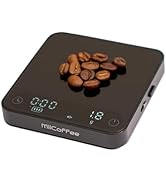
MiiCoffee Nano Pro Coffee Scale with Timer
Designed for Making Espresso
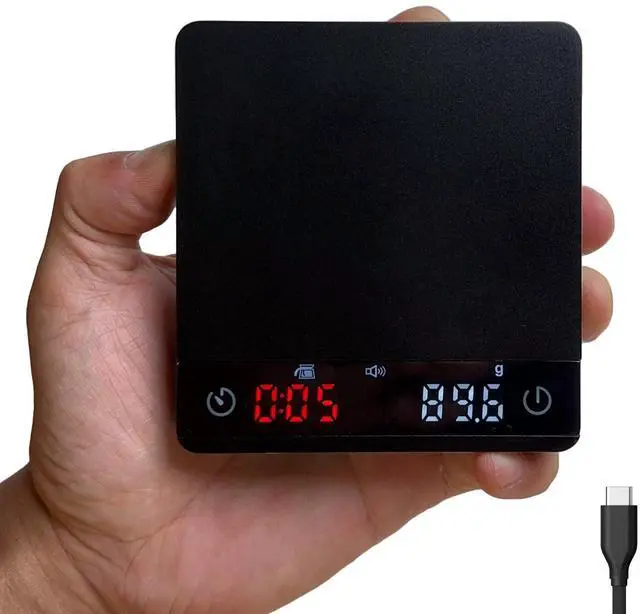
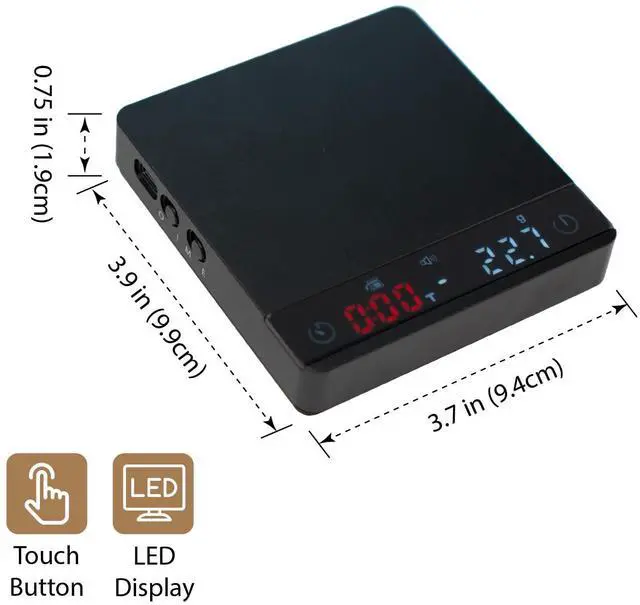
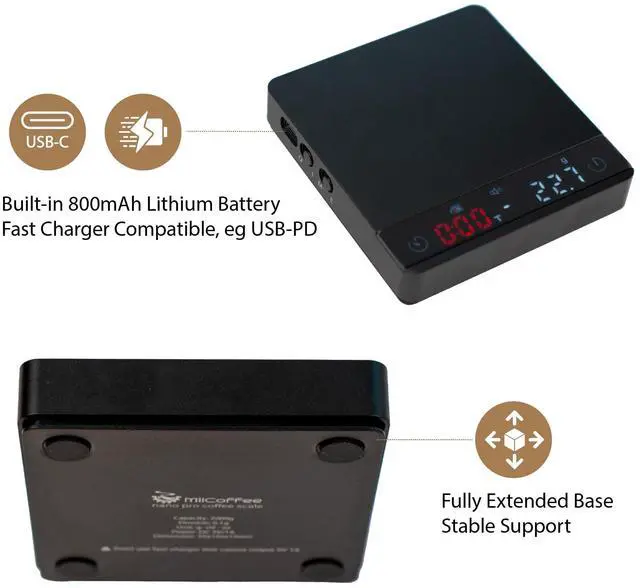
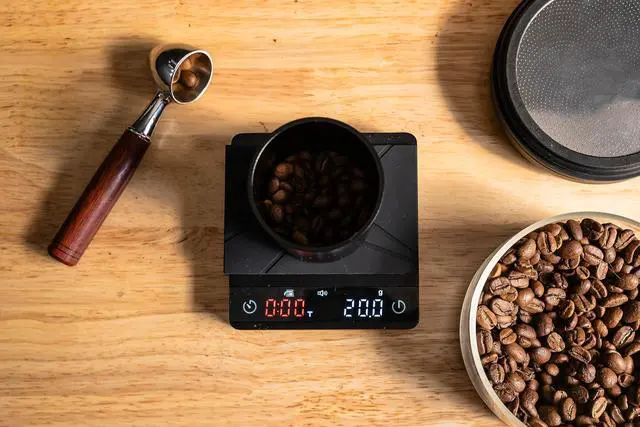
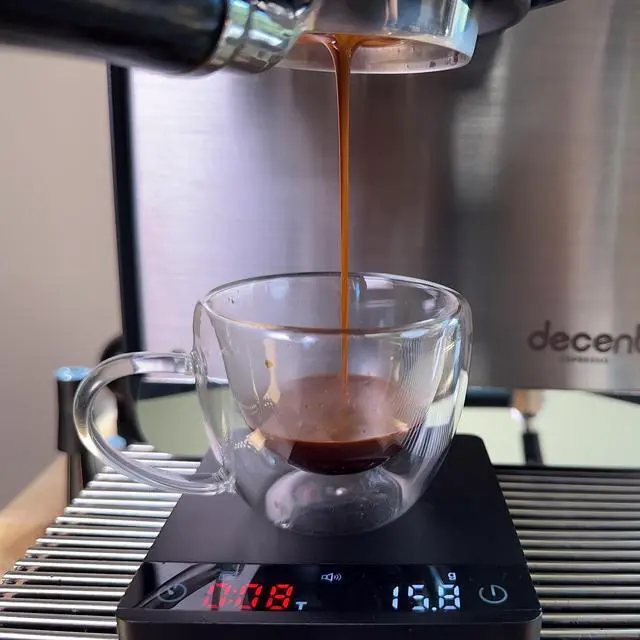
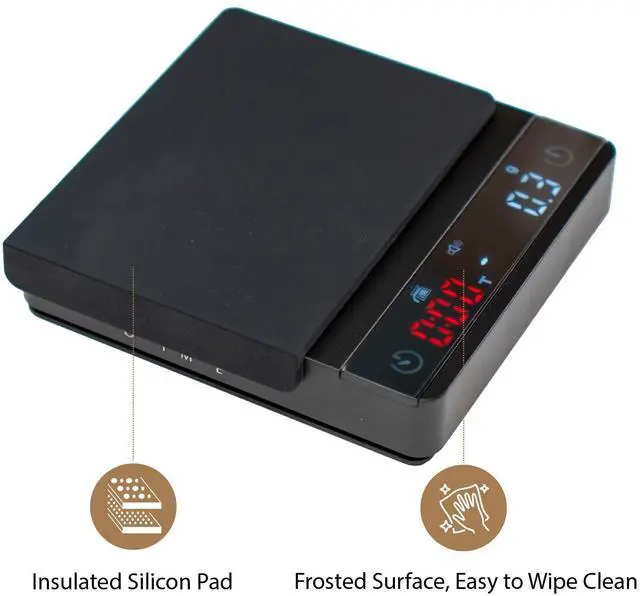
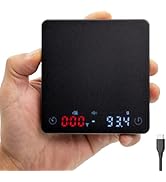
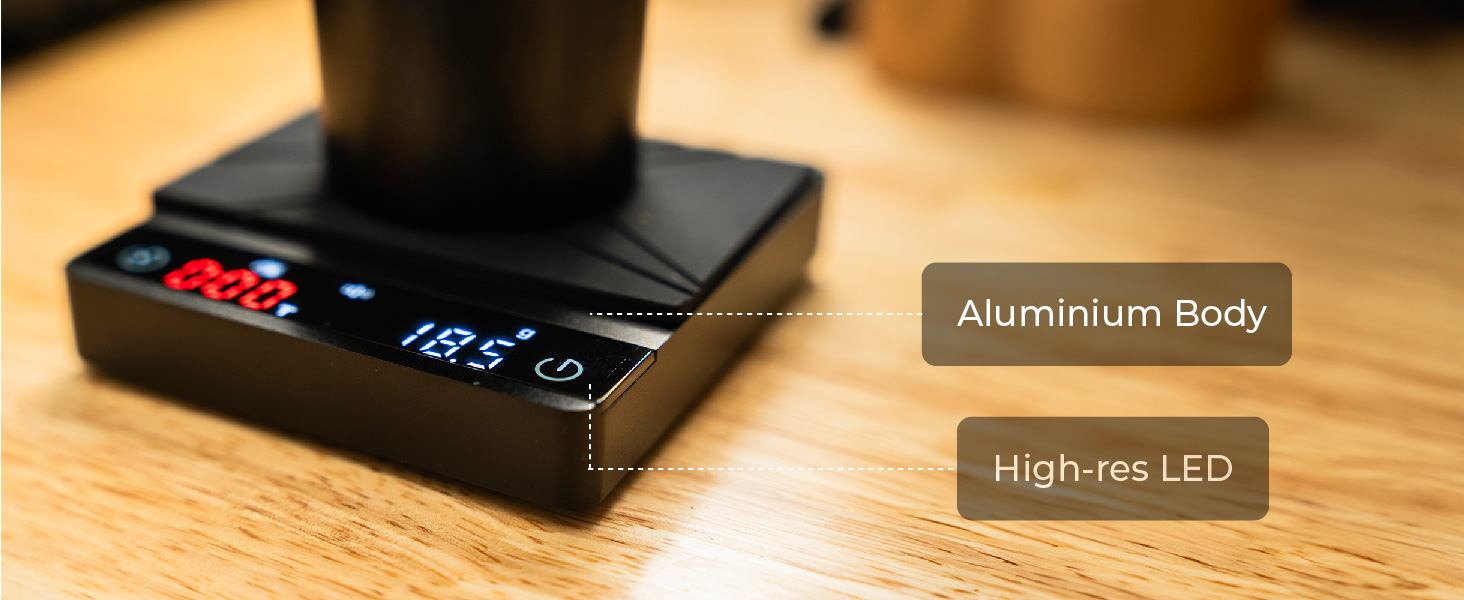
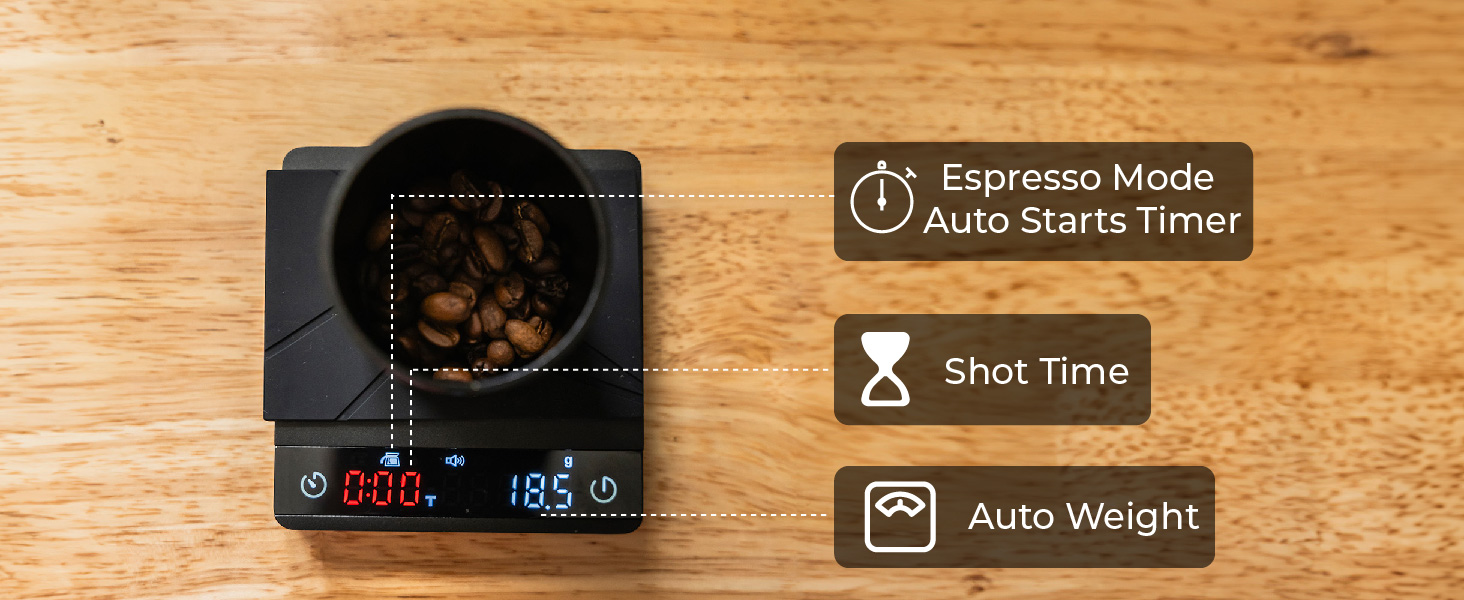
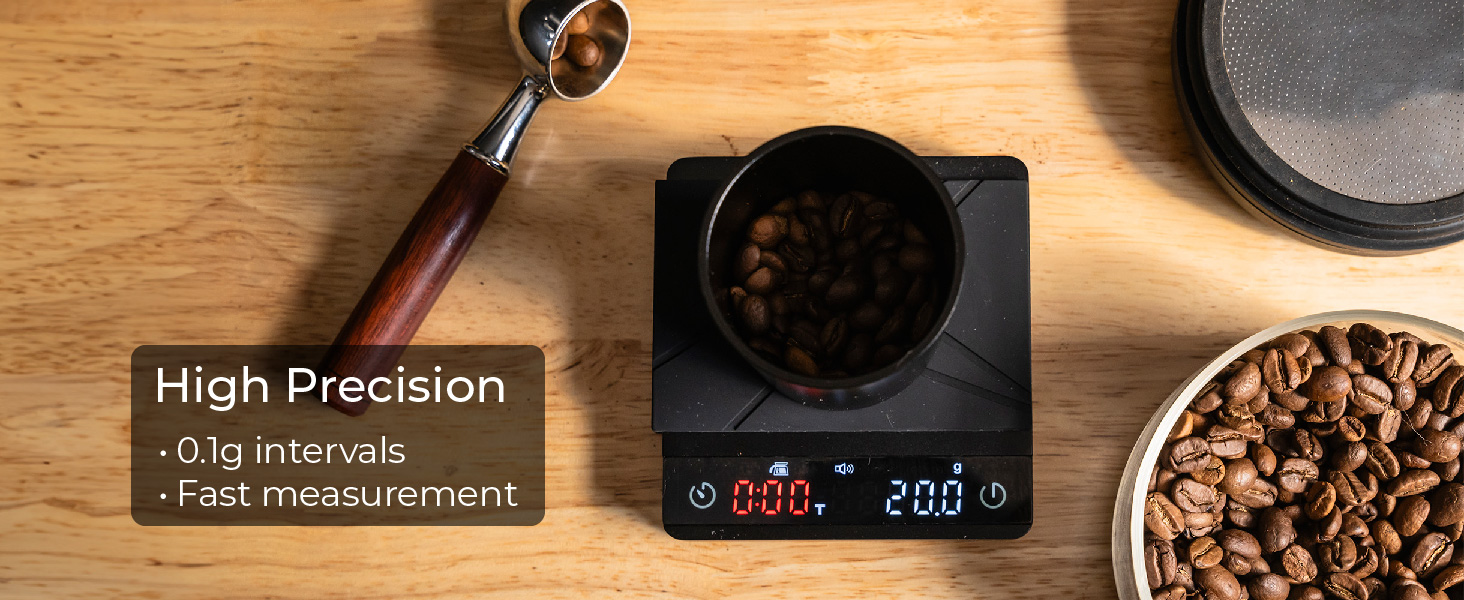
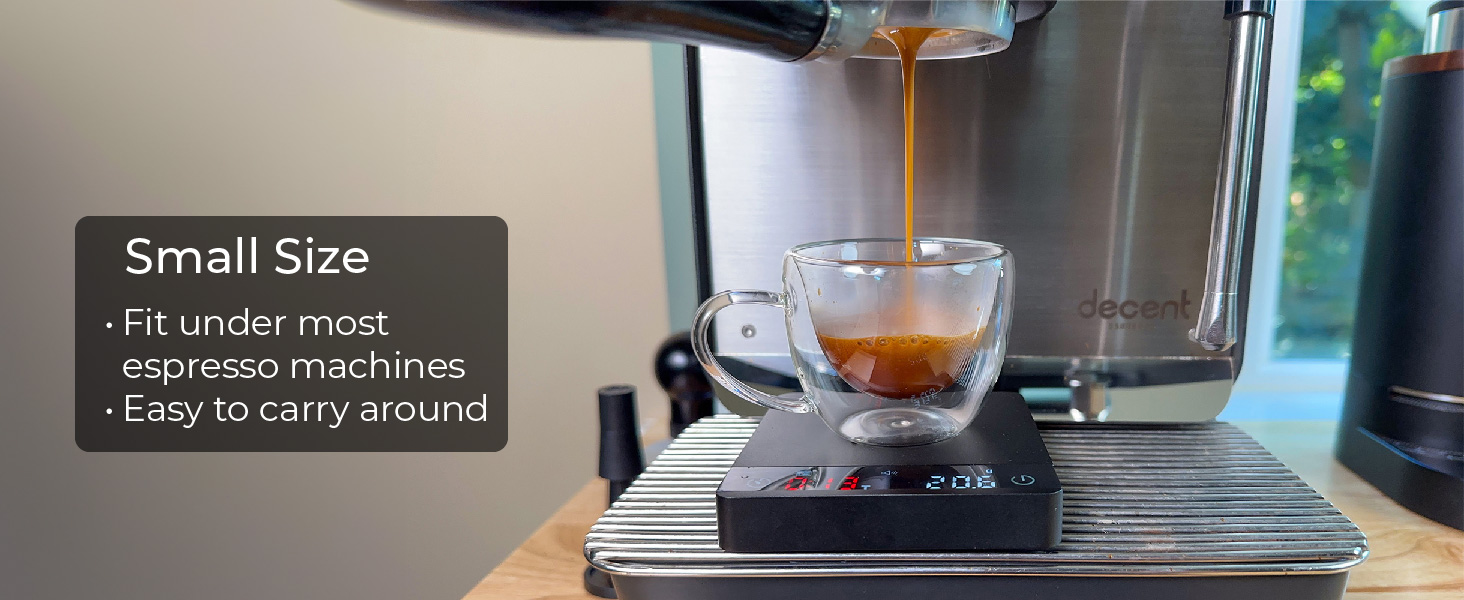
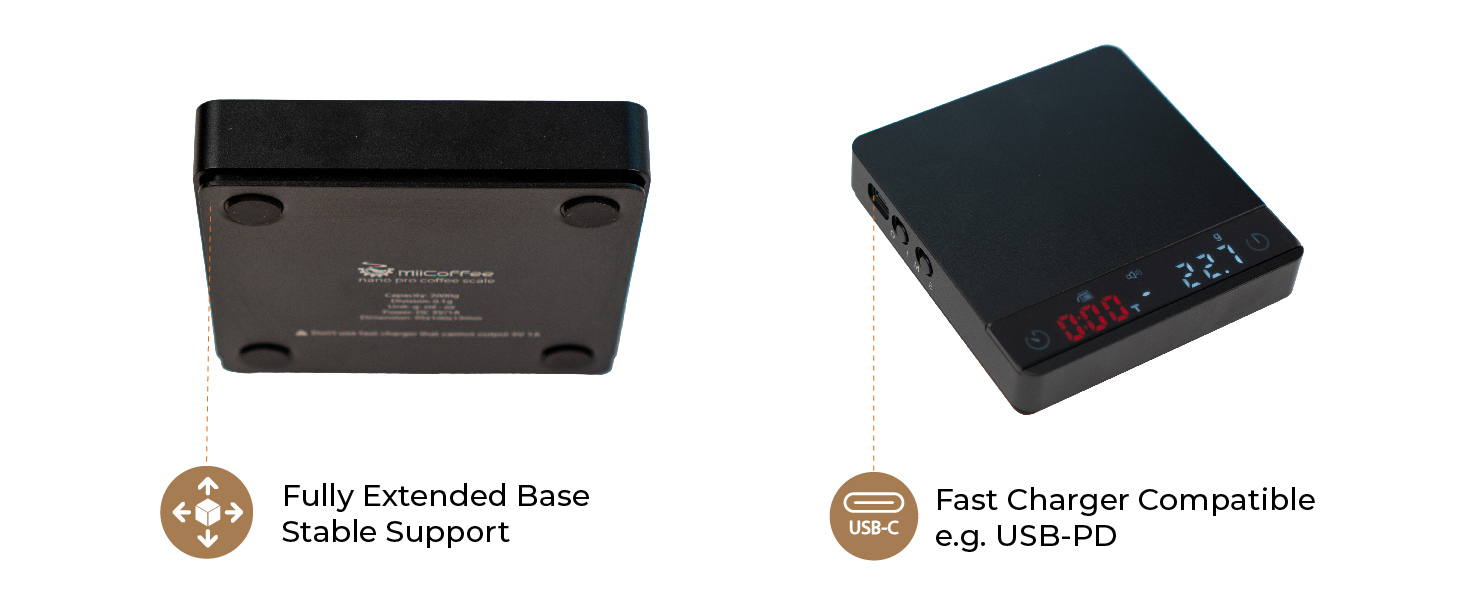
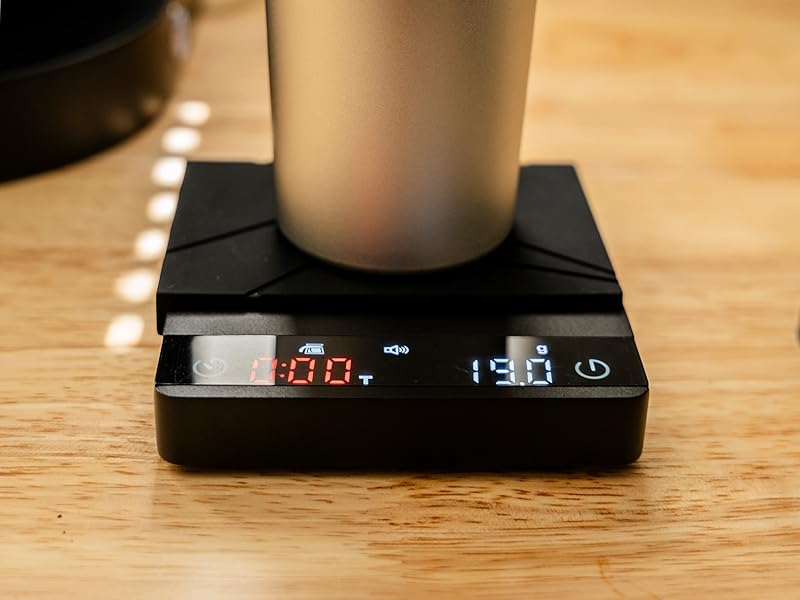
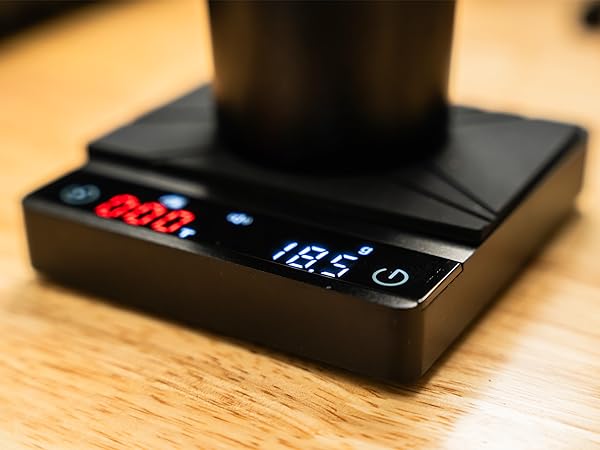
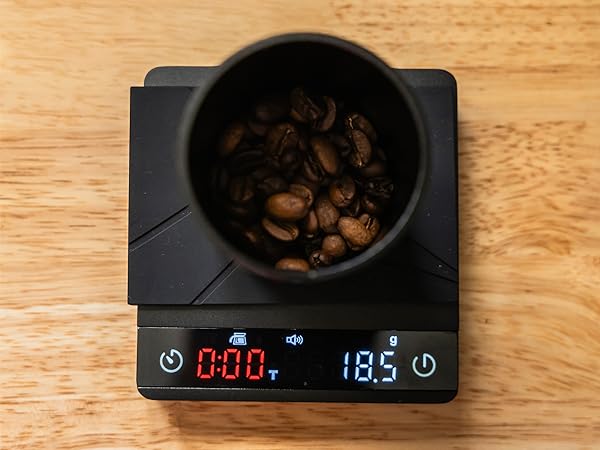
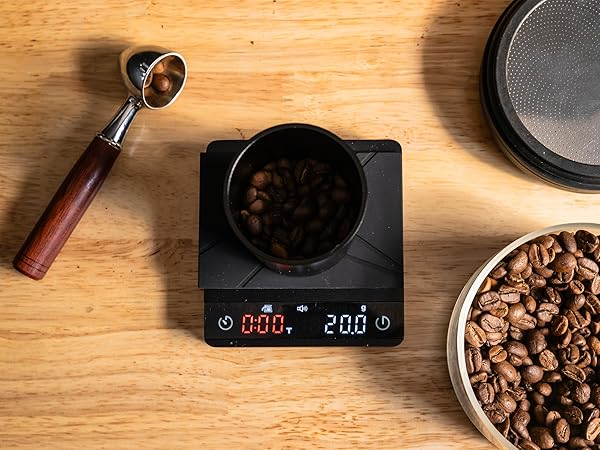
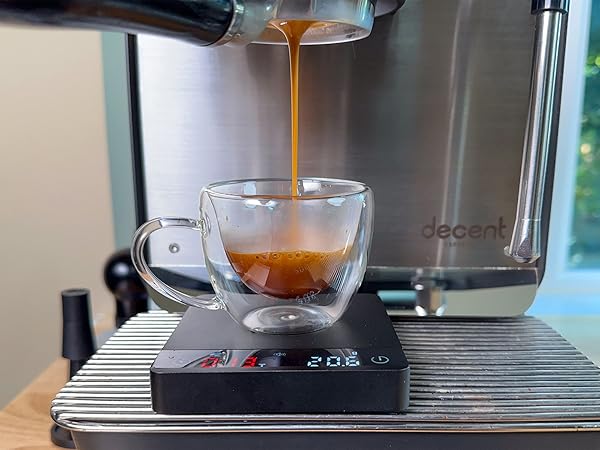
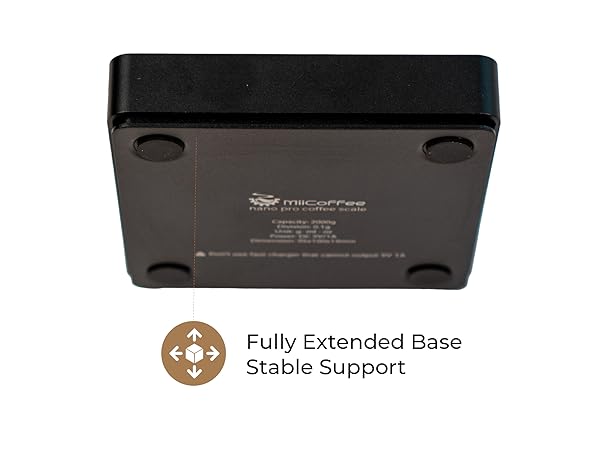
MiiCoffee Nano Pro Coffee Scale is an upgraded version of our popular Nano Coffee Scale. It's made of aluminum body and a higher resolution LED display. It now supports most fast USB-C charging blocks and is compatible with USB-C PD chargers. It is small enough to slide under most espresso machines. Built-in auto timer and weighting is for making espresso. Insulated Silicon Pad protects scale from hot sources. Frosted Surface is easy to clean.
How do I switch from Manual to Espresso mode?
On the left side switch the mode button from M to E. Another way is to touch button. Double press timer button once to enable mode change and you will see mode light flashing. Then double press timer button for the second time.
How do I disable the beep sound?
Press and hold the timer button and the tare button to turn on/off the beep sound.
How do I charge the scale?
First make sure the scale is switched to the "ON" position. And then use a USB charger block that outputs 5V/1A. When it's charging you will see the battery icon flashing on the panel.
MiiCoffee Nano Pro Coffee Scale Video Manual
MiiCoffee Nano Pro Coffee Scale with Timer
Designed for Making Espresso
MiiCoffee Nano Pro Coffee Scale is an upgraded version of our popular Nano Coffee Scale. It's made of aluminum body and a higher resolution LED display. It now supports most fast USB-C charging blocks and is compatible with USB-C PD chargers. It is small enough to slide under most espresso machines. Built-in auto timer and weighting is for making espresso. Insulated Silicon Pad protects scale from hot sources. Frosted Surface is easy to clean.
How do I switch from Manual to Espresso mode?
On the left side switch the mode button from M to E. Another way is to touch button. Double press timer button once to enable mode change and you will see mode light flashing. Then double press timer button for the second time.
How do I disable the beep sound?
Press and hold the timer button and the tare button to turn on/off the beep sound.
How do I charge the scale?
First make sure the scale is switched to the "ON" position. And then use a USB charger block that outputs 5V/1A. When it's charging you will see the battery icon flashing on the panel.
MiiCoffee Nano Pro Coffee Scale Video Manual
MiiCoffee - for Home Barista
MiiCoffee sells home espresso machines, coffee grinders and espresso accessories.
Single Dose Grinders
Single Dose Grinders
Espresso Accessories
Espresso Accessories
Espresso Accessories
Espresso Accessories
Flat Burrs