




 here!
here!
I’m your shopping assistant for PC builds, upgrades, and everything tech.
Got questions? Ask away!
Start a conversation
here!
I’m your shopping assistant for PC builds, upgrades, and everything tech.
Got questions? Ask away!
Start a conversation
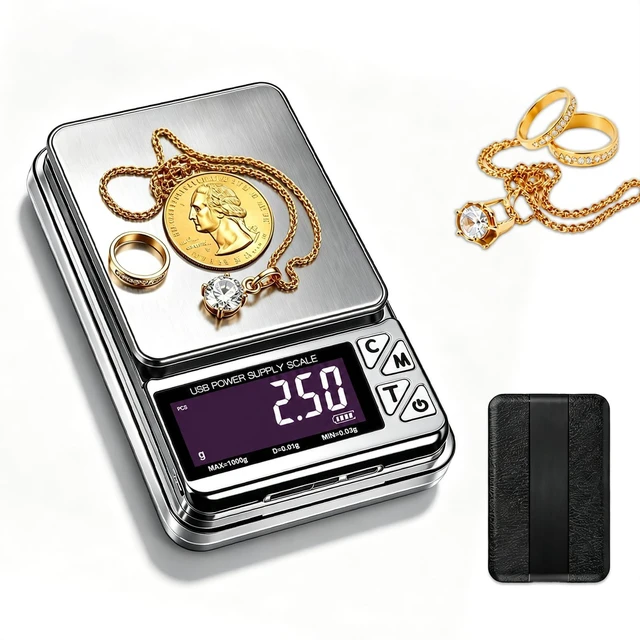
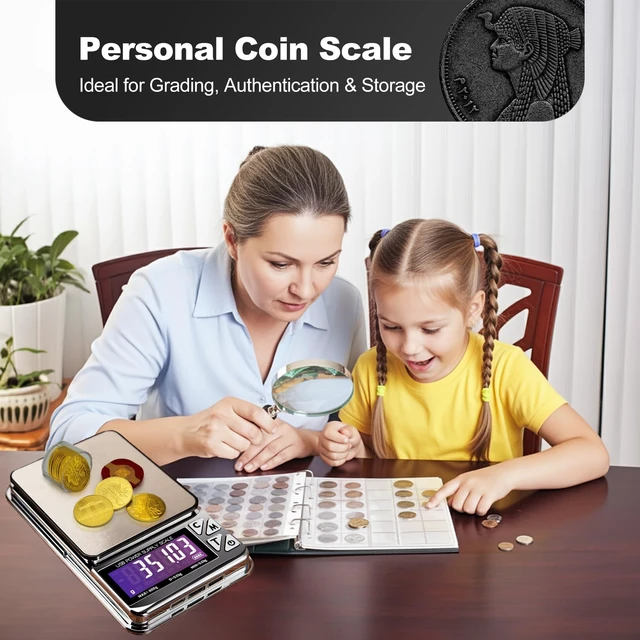
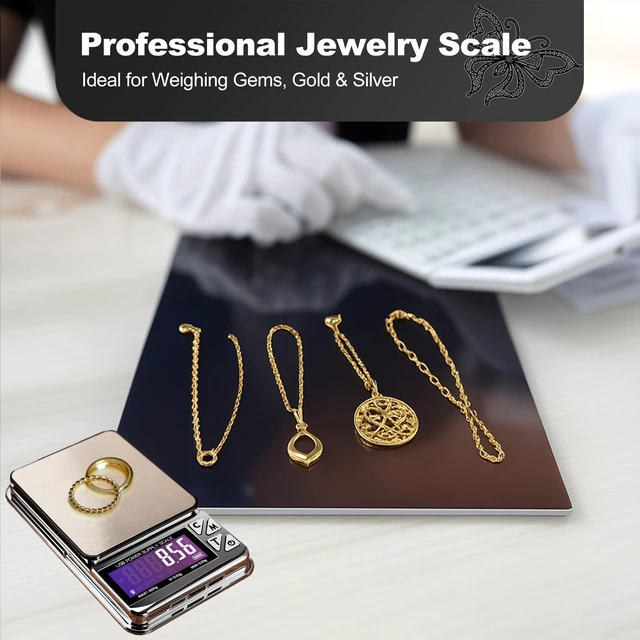
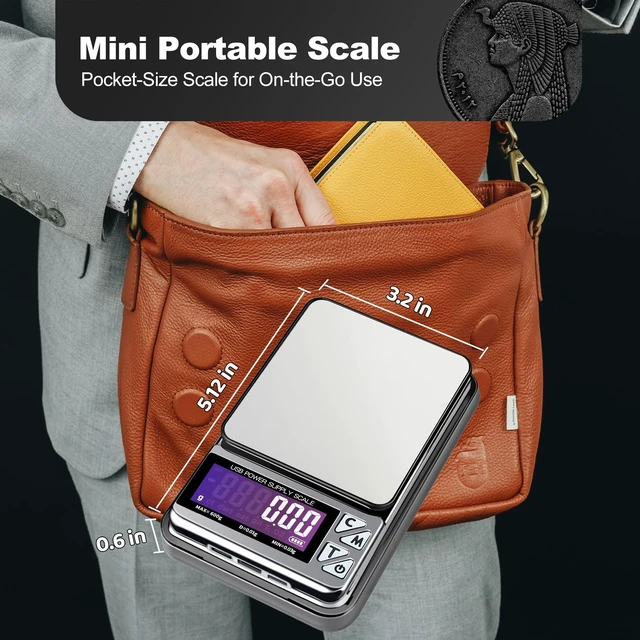



Any questions? Ask CelesteSM will help you find out quickly.
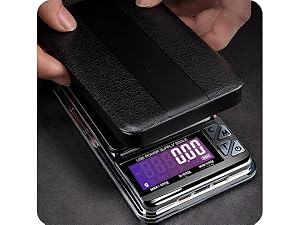
Remove the protective cover and use it as a weighing tray
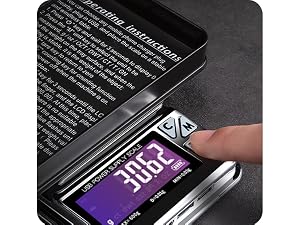
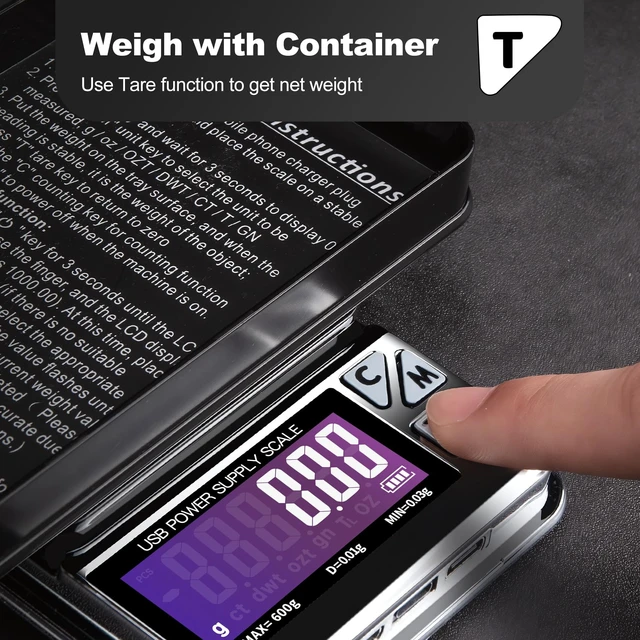
Press "T" to reset the display to zero
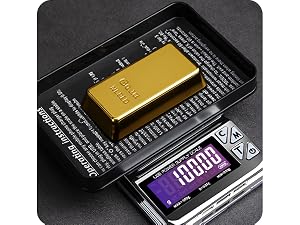
Place the item to be weighed on the tray to get the net weight
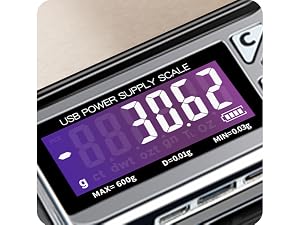
After removing all items, the display will show a negative value. Press "T" again to reset the gold scale back to zero
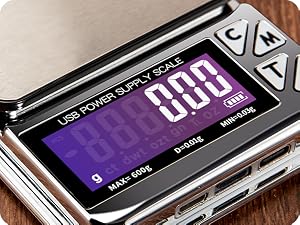
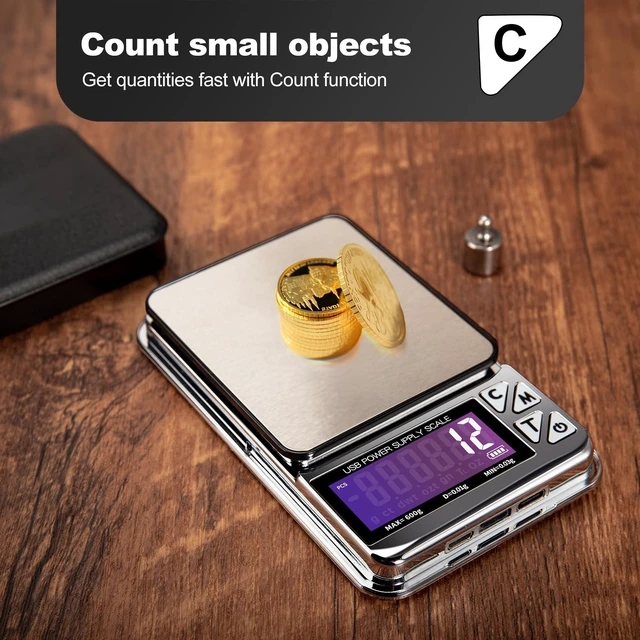
Long press "C" to enter the counting mode and wait for the PSC indicator (top left) to flash
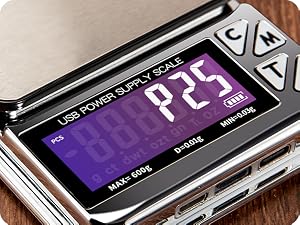
Press "M" to select the sample quantity (25 / 50 / 75 / 100)
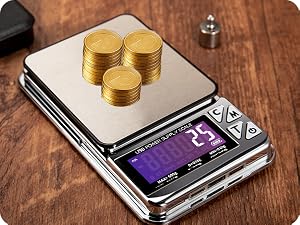
Place the corresponding number of items on the coin scale, then press "C" again to confirm
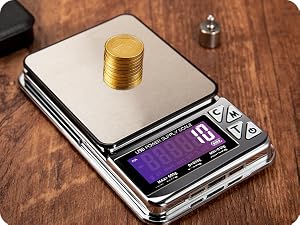
Once set, the coin scale can quickly count items of the same weight
Long press the "Power button" to enter calibration mode
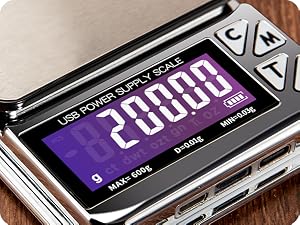
Press "M" to select the calibration weight (100 / 200 / … / 500 / 600)
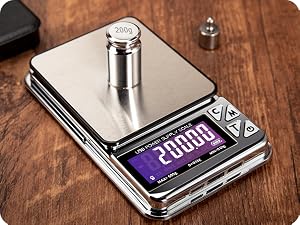
Place the corresponding calibration weight on the Jewelry scale and wait for the display to flash, indicating calibration is complete
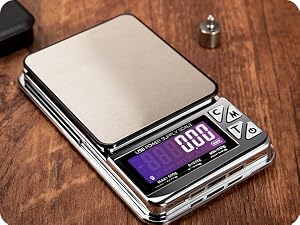
Once finished, the Jewelry scale is ready for use (Calibration weight is not included. Do not use the calibration function without a standard weight)
Long press "T" to enter the auto-off time setting mode (display shows AU + seconds)
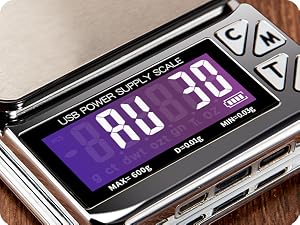
Press "M" to select the seconds (30 / 60 / … / 300)
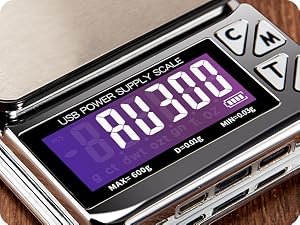
Press "T" again to confirm the setting
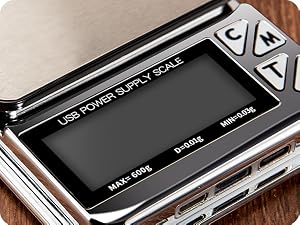
The gram scale will automatically power off after the set time

MEIYA Originated in 1997


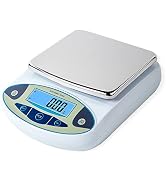
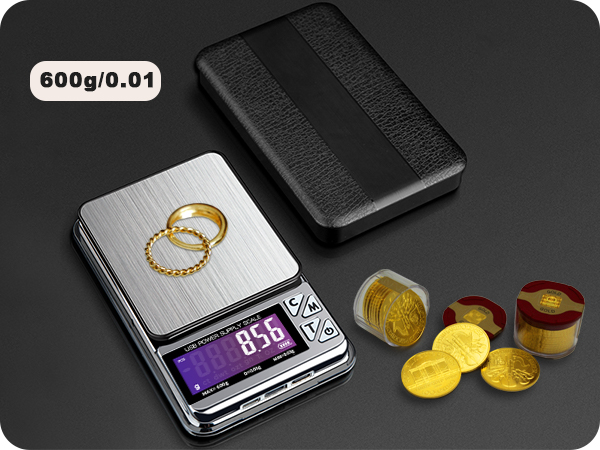
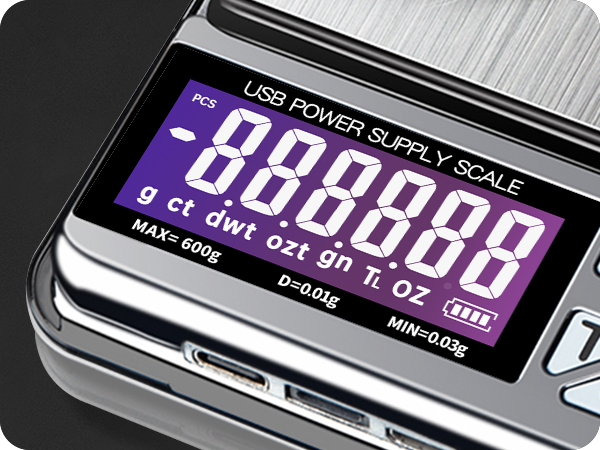
Remove the protective cover and use it as a weighing tray
Press "T" to reset the display to zero
Place the item to be weighed on the tray to get the net weight
After removing all items, the display will show a negative value. Press "T" again to reset the gold scale back to zero
Long press "C" to enter the counting mode and wait for the PSC indicator (top left) to flash
Press "M" to select the sample quantity (25 / 50 / 75 / 100)
Place the corresponding number of items on the coin scale, then press "C" again to confirm
Once set, the coin scale can quickly count items of the same weight
Long press the "Power button" to enter calibration mode
Press "M" to select the calibration weight (100 / 200 / … / 500 / 600)
Place the corresponding calibration weight on the Jewelry scale and wait for the display to flash, indicating calibration is complete
Once finished, the Jewelry scale is ready for use (Calibration weight is not included. Do not use the calibration function without a standard weight)
Long press "T" to enter the auto-off time setting mode (display shows AU + seconds)
Press "M" to select the seconds (30 / 60 / … / 300)
Press "T" again to confirm the setting
The gram scale will automatically power off after the set time
MEIYA Originated in 1997


