





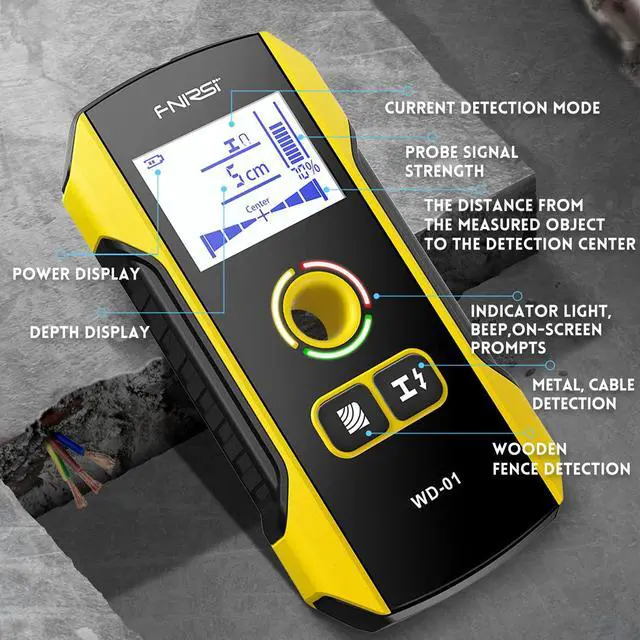


FNIRSI Stud Finder Keep Drilling Out of Danger
- After the detector is turned on, it will enter the "metal detection" mode by default.At this time, if there is no metal interference, there is a signal on the display.Indicates that calibration is required.
- Calibration method: place the detector in an environment free of metal and strong magnetic field interference (eg: lift the detector into the air, etc.). Press and hold the "Metal/Cable Detection" button again.Until the signal display returns to zero and the green light turns on.Release the button at this point, the calibration is complete.
- When detecting metal objects.Press the metal detection button to enter the detection metal state.At this time, the pattern of metal detection will appear on the display, and the green indicator will light up.
- Place the detector on the object surface and move the instrument left or right towards the same horizontal direction.When the instrument gets closer to the metal object, the scale on the signal strength display area of the display will gradually increase.At the same time, the intensity percentage will gradually increase.
- When the instrument is slowly moving away from the object, the scale on the signal strength display area of the display will gradually decrease.At the same time, the intensity percentage will gradually decrease.
- When the program determines that the signal received by the instrument reaches the maximum.Indicates that the metal object is just below the center of the detector.The center icon (Center) appears on the display.
- The yellow or red indicator light of the detector will light up when metal material is detected.
- When the metal substance and AC signal are detected at the same time, the red indicator light of the detector will flash.And the detector will beep continuously.
- When the detector displays a non-magnetic metal symbol, it means that the current measured object is generally a wire or copper pipe.
- When the detector displays a magnetic metal symbol, it means that the currently measured object is generally a steel bar.
- When the detector does not display magnetic or non-magnetic metal symbols, it means that the currently measured object is generally an alloy.
- When the AC symbol on the instrument flashes, it means there is an AC signal nearby A Detection Note.
- When detecting metal, the displayed depth of detection value on the display is synchronized with the detection operation.The accuracy of the depth value is related to the shape and material of the measured metal, the distribution of the measured object relative to the detector, and the properties of the surrounding medium of the measured object, etc.
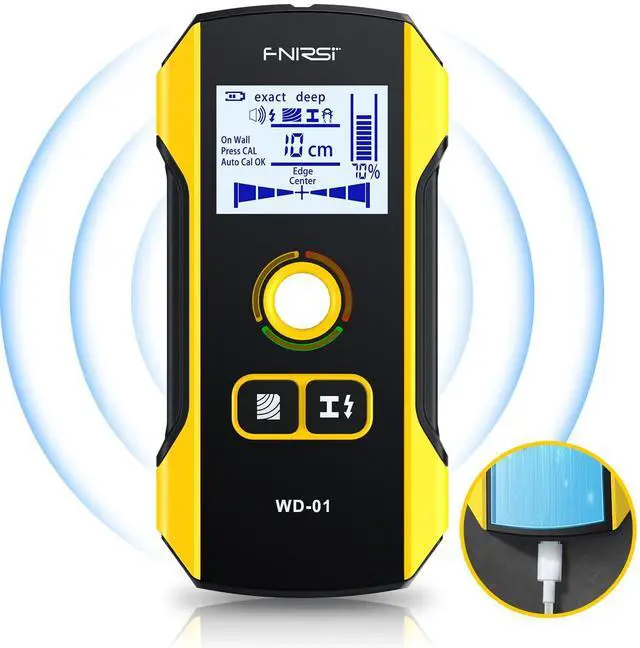
Why choose FNIRSI stud finder wall scanner
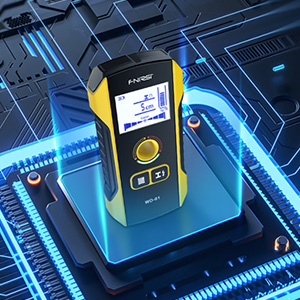
HPC Interference Chip
Reduce falsepositives and detect depth more accurately.
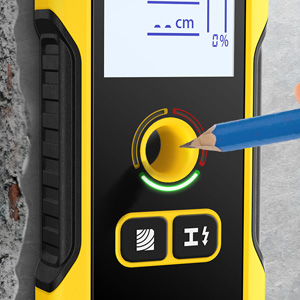
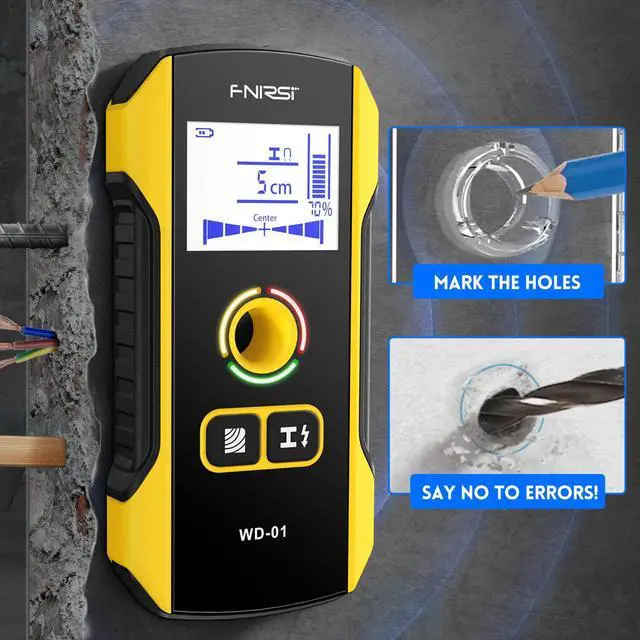
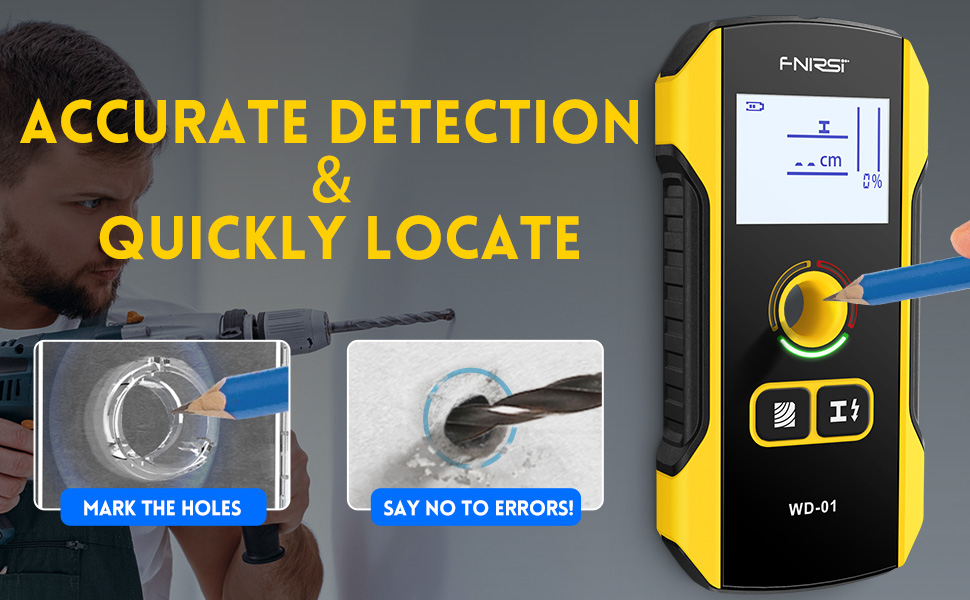
Position Marker Hole
Unique positioning hole design for easy marking
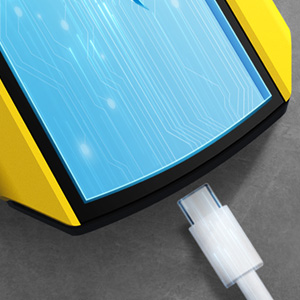
Rechargeable Mode
Built-in rechargeable lithium battery-300mAh
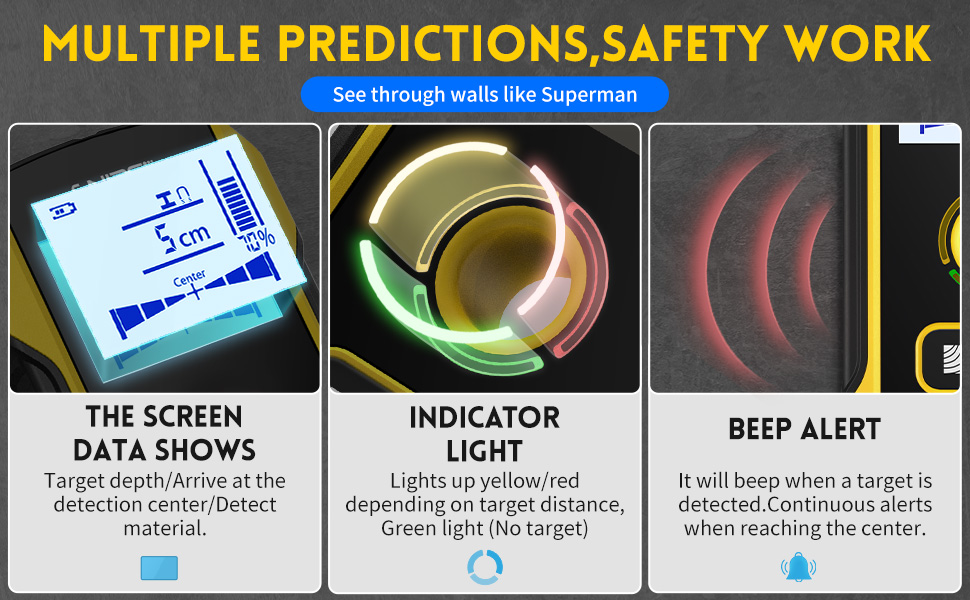
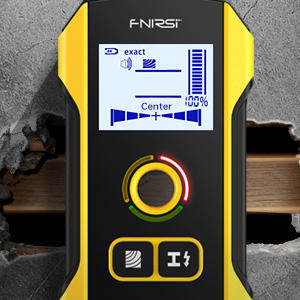
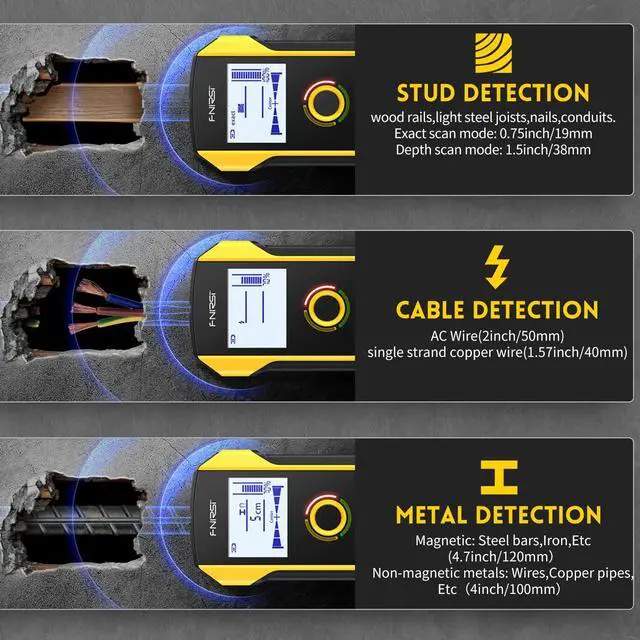
Stud Scan Detection
- Detects foreign objects behind plasterboard walls,bare wood floors, plywood,coated wood walls, includingwood rails, light steel joists, nails, conduits.
- Exact scan mode: 0.75inch/19mm
- Depth scan mode: 1.5inch/38mm
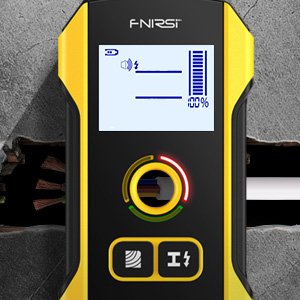
Wire Warning Detection
- Detects live cables under walls(Non-live cables may be detected by metal objects)
- AC Wire(2inch/50mm)
- Non-live cables wire(1.57inch/40mm)
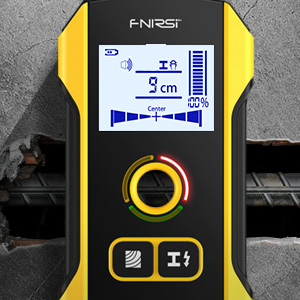
Metal Scan Detection
- Magnetic: Steel bars,Iron, Etc (4.7inch/120mm)
- Non-magnetic metals: Wires, Copper pipes, Etc (4inch/100mm)
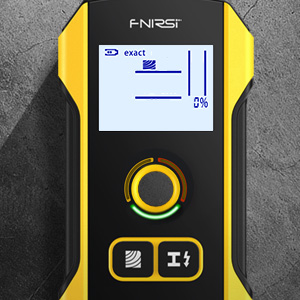
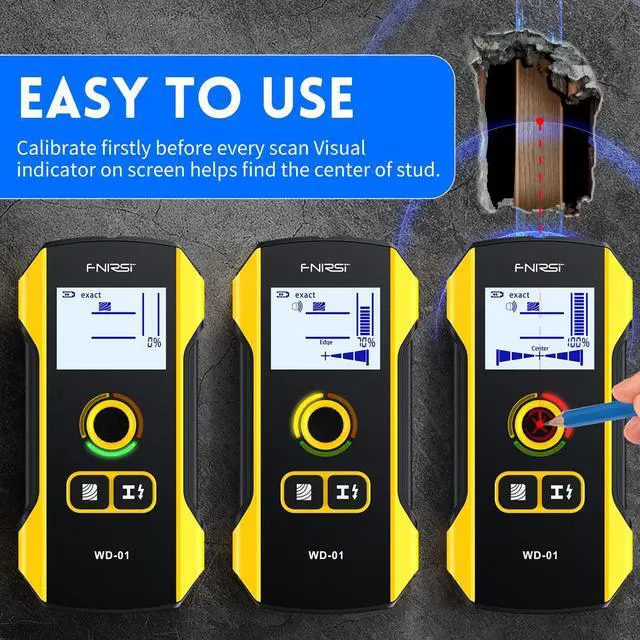
Scan the wall
After finishing calibration, Place the whole device against the wall, Then move the stud finder along the wall slowly.
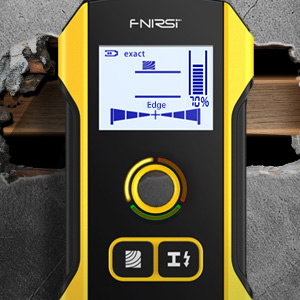
Find the studs
The narrow on the screen together with the beep signal alter, guides you to find the location of the stud. But note that if shake or lift the scanner accidentally, the device needs to be re-calibrated.
Located the stud
When the signal bar is full and the beep alarm is loudest, it means you have found the center of an object. Mark it with your pencil.
FNIRSI Stud Finder Keep Drilling Out of Danger
- After the detector is turned on, it will enter the "metal detection" mode by default.At this time, if there is no metal interference, there is a signal on the display.Indicates that calibration is required.
- Calibration method: place the detector in an environment free of metal and strong magnetic field interference (eg: lift the detector into the air, etc.). Press and hold the "Metal/Cable Detection" button again.Until the signal display returns to zero and the green light turns on.Release the button at this point, the calibration is complete.
- When detecting metal objects.Press the metal detection button to enter the detection metal state.At this time, the pattern of metal detection will appear on the display, and the green indicator will light up.
- Place the detector on the object surface and move the instrument left or right towards the same horizontal direction.When the instrument gets closer to the metal object, the scale on the signal strength display area of the display will gradually increase.At the same time, the intensity percentage will gradually increase.
- When the instrument is slowly moving away from the object, the scale on the signal strength display area of the display will gradually decrease.At the same time, the intensity percentage will gradually decrease.
- When the program determines that the signal received by the instrument reaches the maximum.Indicates that the metal object is just below the center of the detector.The center icon (Center) appears on the display.
- The yellow or red indicator light of the detector will light up when metal material is detected.
- When the metal substance and AC signal are detected at the same time, the red indicator light of the detector will flash.And the detector will beep continuously.
- When the detector displays a non-magnetic metal symbol, it means that the current measured object is generally a wire or copper pipe.
- When the detector displays a magnetic metal symbol, it means that the currently measured object is generally a steel bar.
- When the detector does not display magnetic or non-magnetic metal symbols, it means that the currently measured object is generally an alloy.
- When the AC symbol on the instrument flashes, it means there is an AC signal nearby A Detection Note.
- When detecting metal, the displayed depth of detection value on the display is synchronized with the detection operation.The accuracy of the depth value is related to the shape and material of the measured metal, the distribution of the measured object relative to the detector, and the properties of the surrounding medium of the measured object, etc.
Why choose FNIRSI stud finder wall scanner
HPC Interference Chip
Reduce falsepositives and detect depth more accurately.
Position Marker Hole
Unique positioning hole design for easy marking
Rechargeable Mode
Built-in rechargeable lithium battery-300mAh
Stud Scan Detection
- Detects foreign objects behind plasterboard walls,bare wood floors, plywood,coated wood walls, includingwood rails, light steel joists, nails, conduits.
- Exact scan mode: 0.75inch/19mm
- Depth scan mode: 1.5inch/38mm
Wire Warning Detection
- Detects live cables under walls(Non-live cables may be detected by metal objects)
- AC Wire(2inch/50mm)
- Non-live cables wire(1.57inch/40mm)
Metal Scan Detection
- Magnetic: Steel bars,Iron, Etc (4.7inch/120mm)
- Non-magnetic metals: Wires, Copper pipes, Etc (4inch/100mm)
Scan the wall
After finishing calibration, Place the whole device against the wall, Then move the stud finder along the wall slowly.
Find the studs
The narrow on the screen together with the beep signal alter, guides you to find the location of the stud. But note that if shake or lift the scanner accidentally, the device needs to be re-calibrated.
Located the stud
When the signal bar is full and the beep alarm is loudest, it means you have found the center of an object. Mark it with your pencil.