




 here!
here!
I’m your shopping assistant for PC builds, upgrades, and everything tech.
Got questions? Ask away!
Start a conversation
here!
I’m your shopping assistant for PC builds, upgrades, and everything tech.
Got questions? Ask away!
Start a conversation



Any questions? Ask CelesteSM will help you find out quickly.
 Basic Cable Tester |  Crimp QC Tester |  Fiber Cable Tester |  4-in-1 Tester |  Scan & VFL Tester |  Pro Cable Tester | |
|---|---|---|---|---|---|---|
Customer Reviews | — | — | — | — | — | — |
Price | — | — | — | — | — | — |
Model | TLP-123A | TLP-528A | TLP-528B | TLP-528C | TLP-528D | TLP-900AR |
PAIR | v | v | v | v | v | v |
QC | v | v | v | |||
SCAN | v | v | v | |||
LIGHT | v | v | v | |||
NCV | v | |||||
VFL | v | v |
Basic Cable Tester |  Crimp QC Tester | Fiber Cable Tester | 4-in-1 Tester | Scan & VFL Tester | Pro Cable Tester |
|---|---|---|---|---|---|
| Customer Reviews | |||||
| — | — | — | — | — | — |
| Price | |||||
| — | — | — | — | — | — |
| Model | |||||
| TLP-123A | TLP-528A | TLP-528B | TLP-528C | TLP-528D | TLP-900AR |
| PAIR | |||||
| v | v | v | v | v | v |
| QC | |||||
| v | v | v | |||
| SCAN | |||||
| v | v | v | |||
| LIGHT | |||||
| v | v | v | |||
| NCV | |||||
| v | |||||
| VFL | |||||
| v | v |
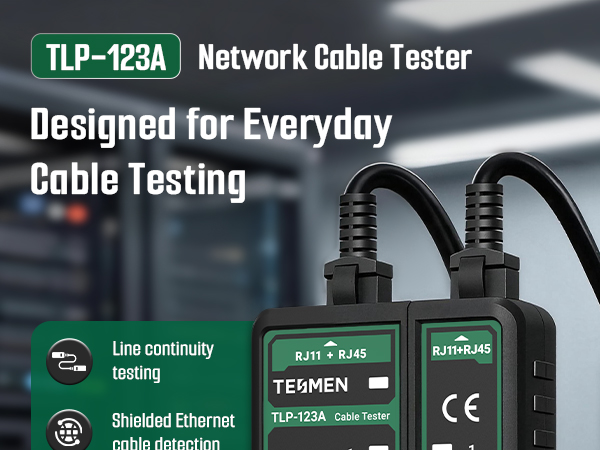
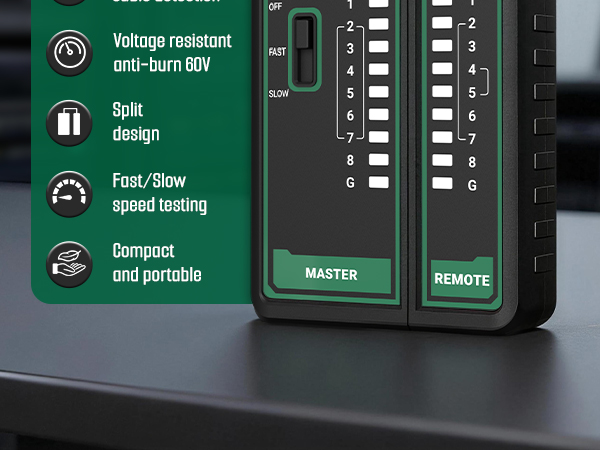
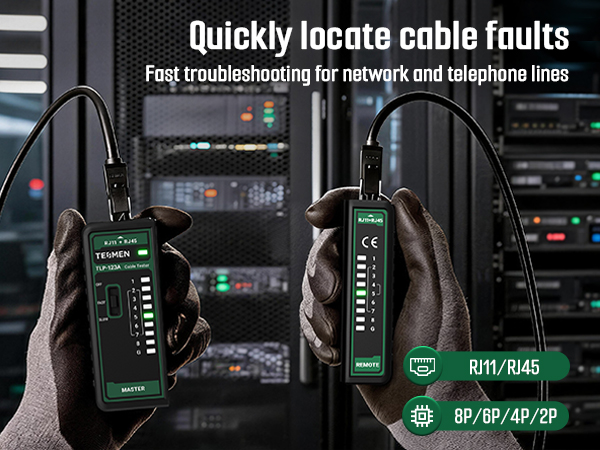
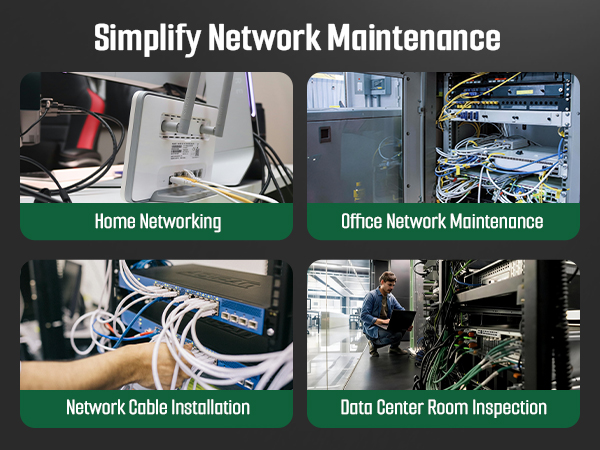
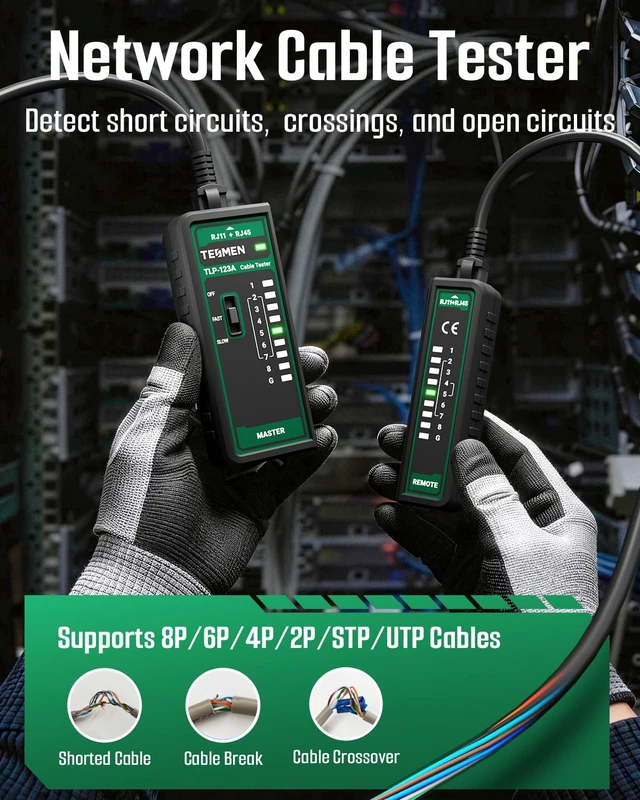
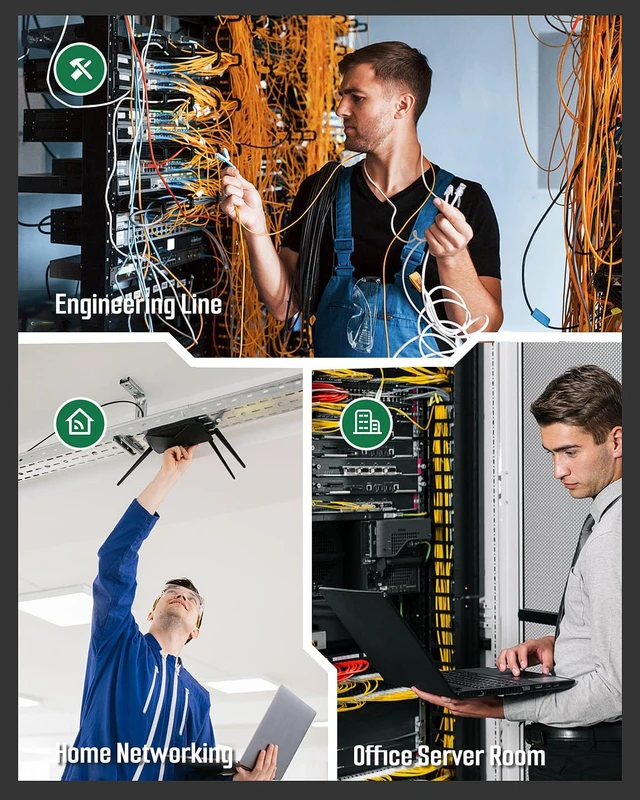
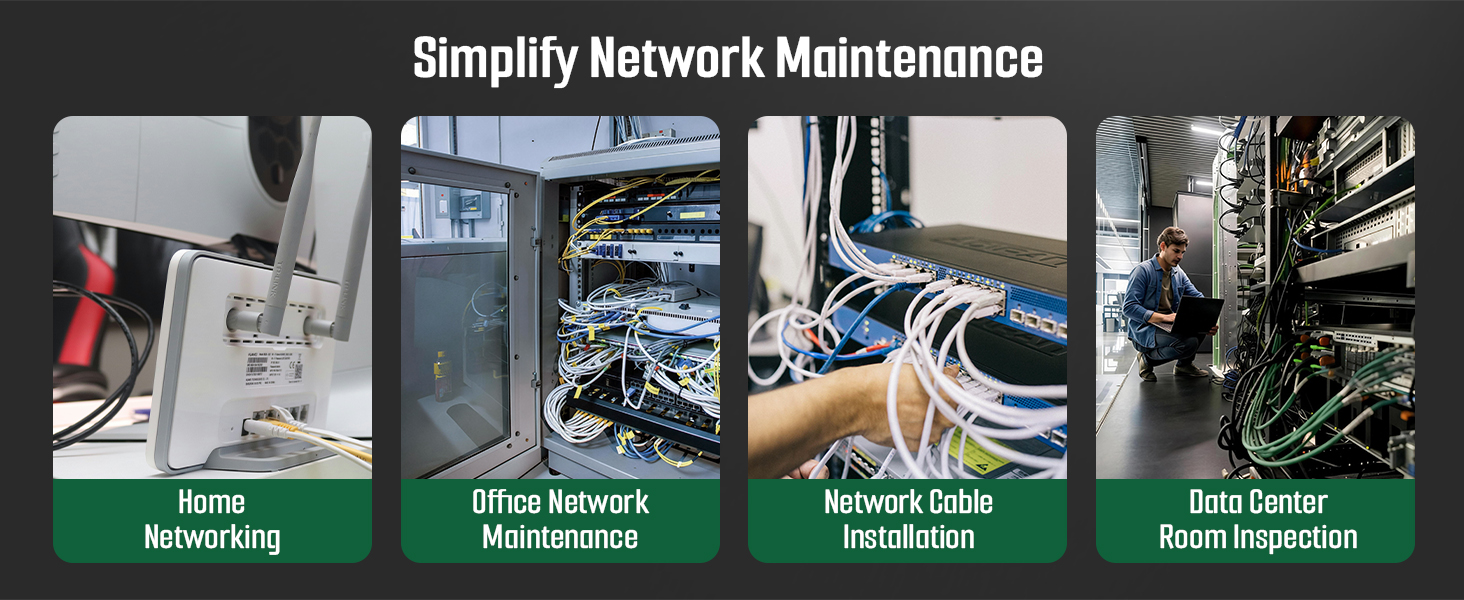
Network cable tester usage scenarios:
Home network micro-repair: Save money on electricians while improving your quality of life
Engineer Wiring: Easily maintain and organize cables to improve your work efficiency
How to use network cable tester:
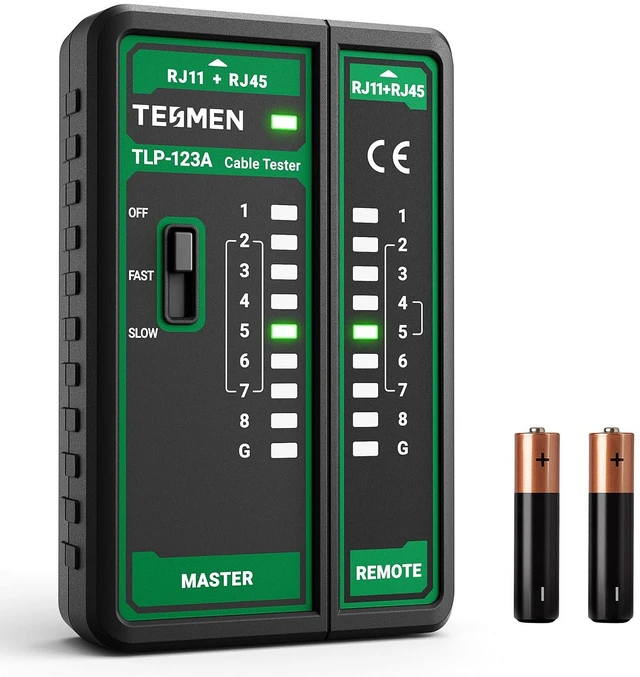
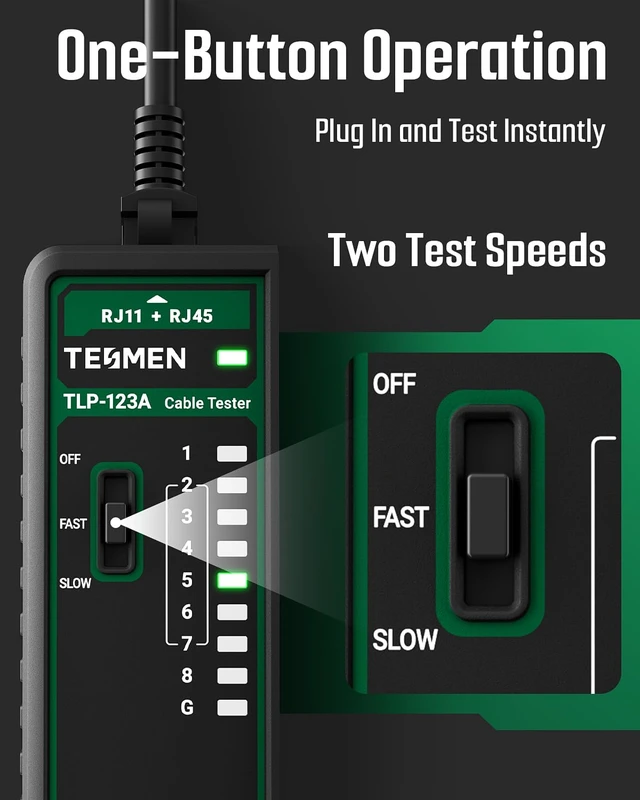
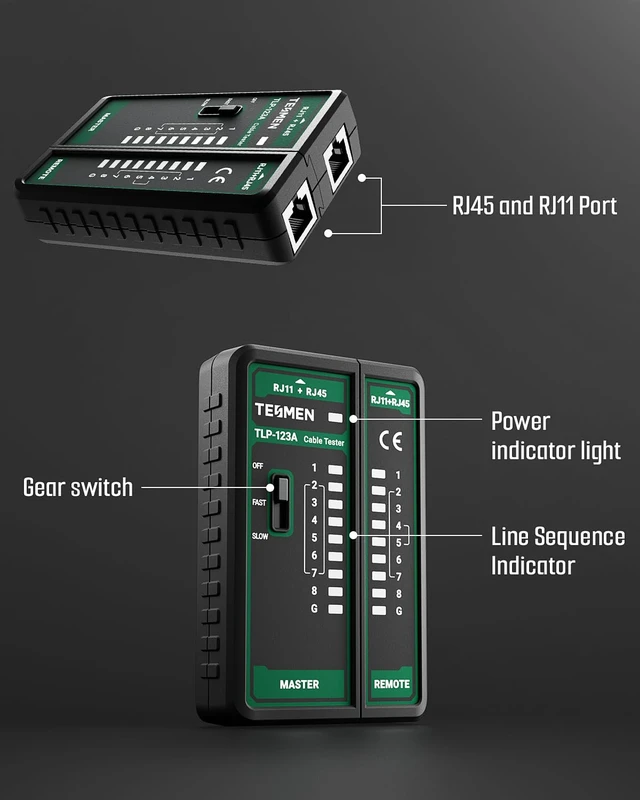
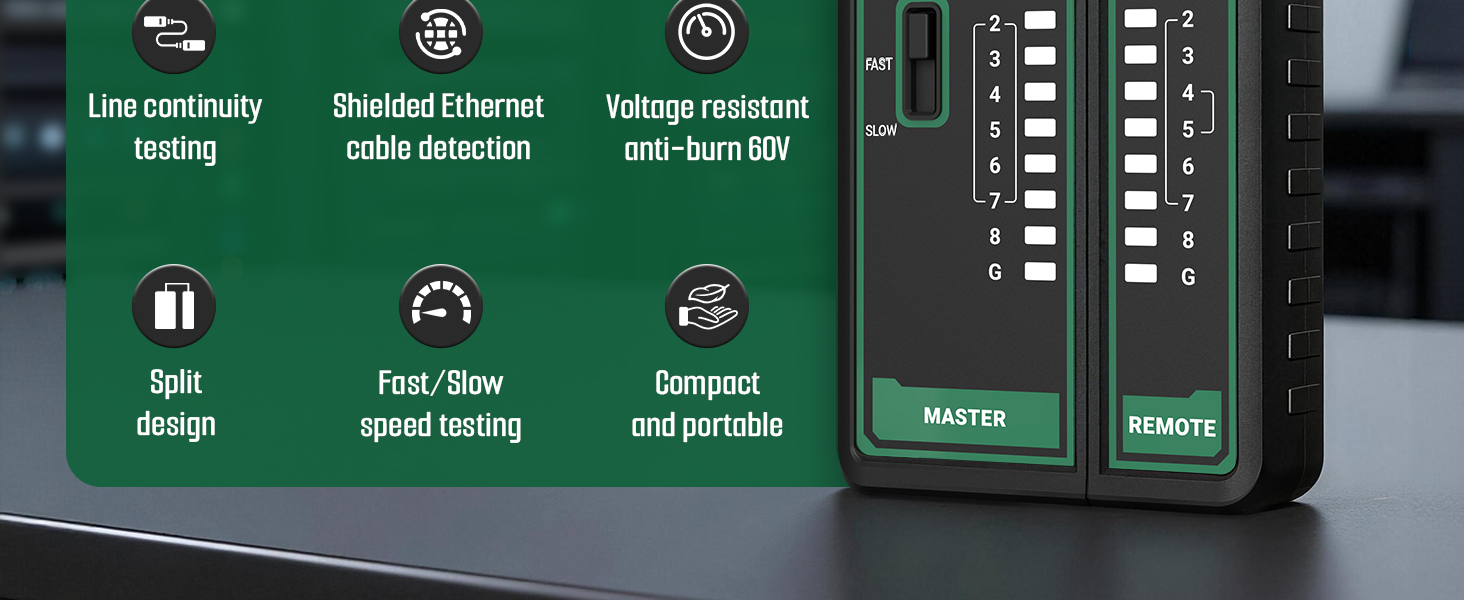
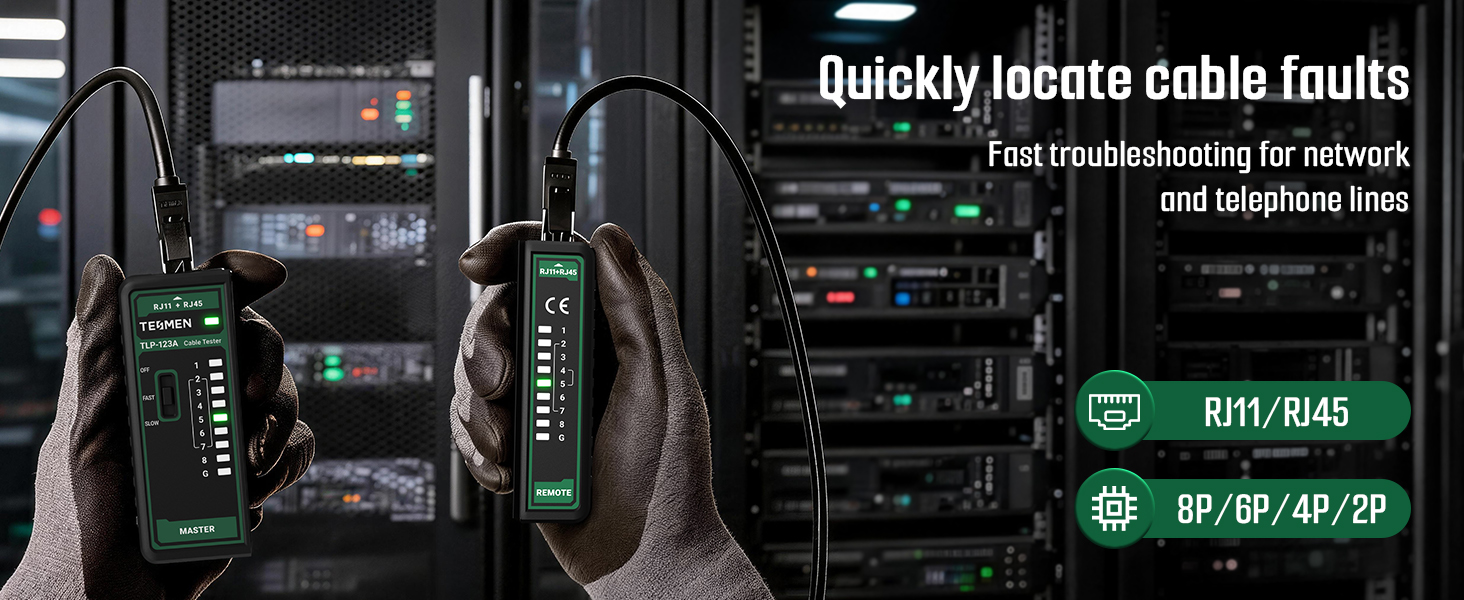
Connect the cable ends to the Master and Remote unit respectively. Slide the switch to any position to activate the device. Use the LED indicators to determine the physical status of the cable.
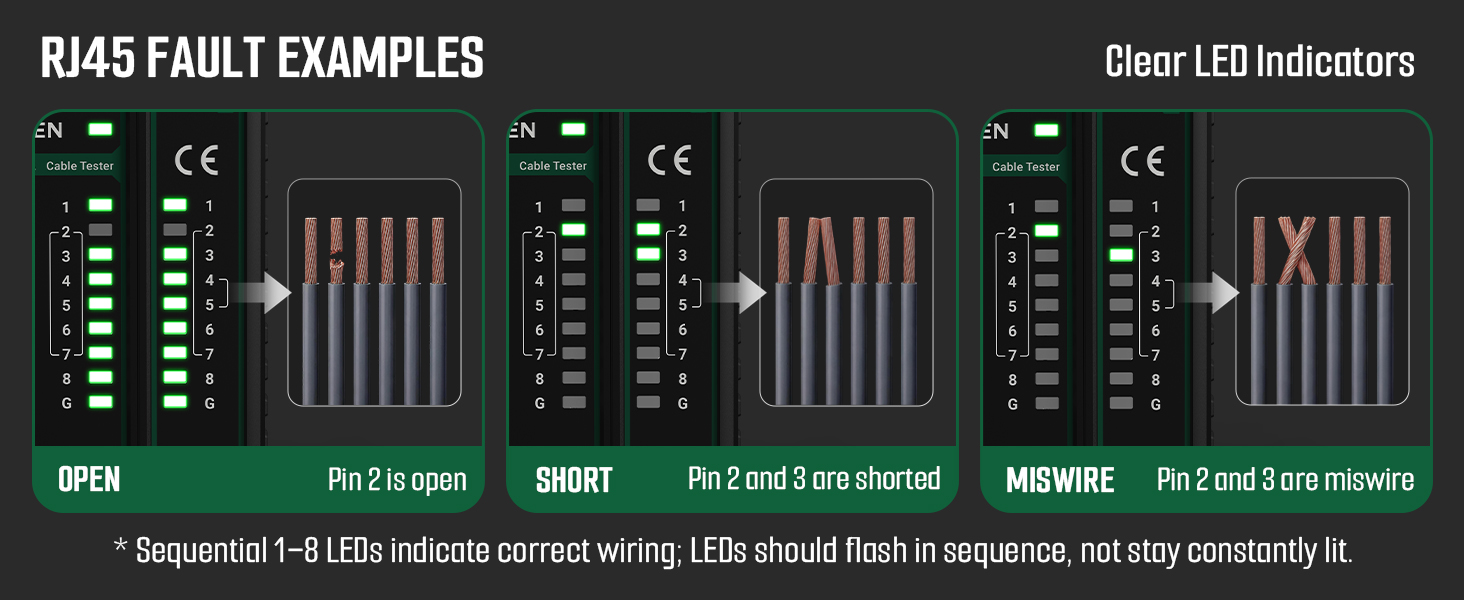
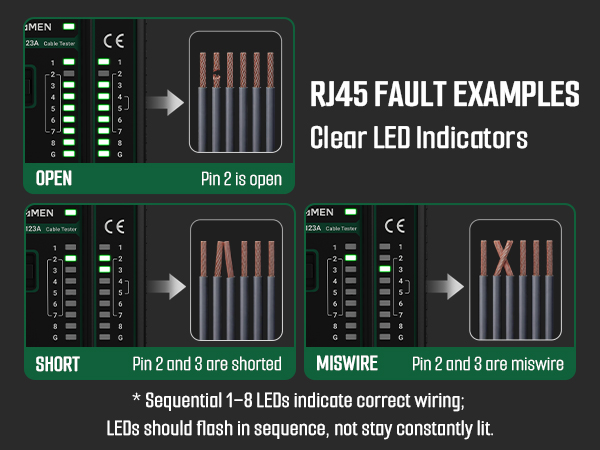
1. If wiring is correct, the indicator light sequence on both the main unit and remote unit will be: 1-2-3-4-5-6-7-8 (G light illuminates for shielded cable).
2. The following indicate abnormal connections:
If one wire (e.g., Cable NO.2) is open-circuited, neither the NO.2 indicator on the main tester nor the remote tester will illuminate.
If multiple wires (3 or more) are disconnected, none of the indicators will illuminate.
If the cable ends are reversed, e.g., NO.1 and NO.2 swapped, the display will be as follows:Main Tester: 1-2-3-4-5-6-7-8 / Remote Tester: 2-1-3-4-5-6-7-8
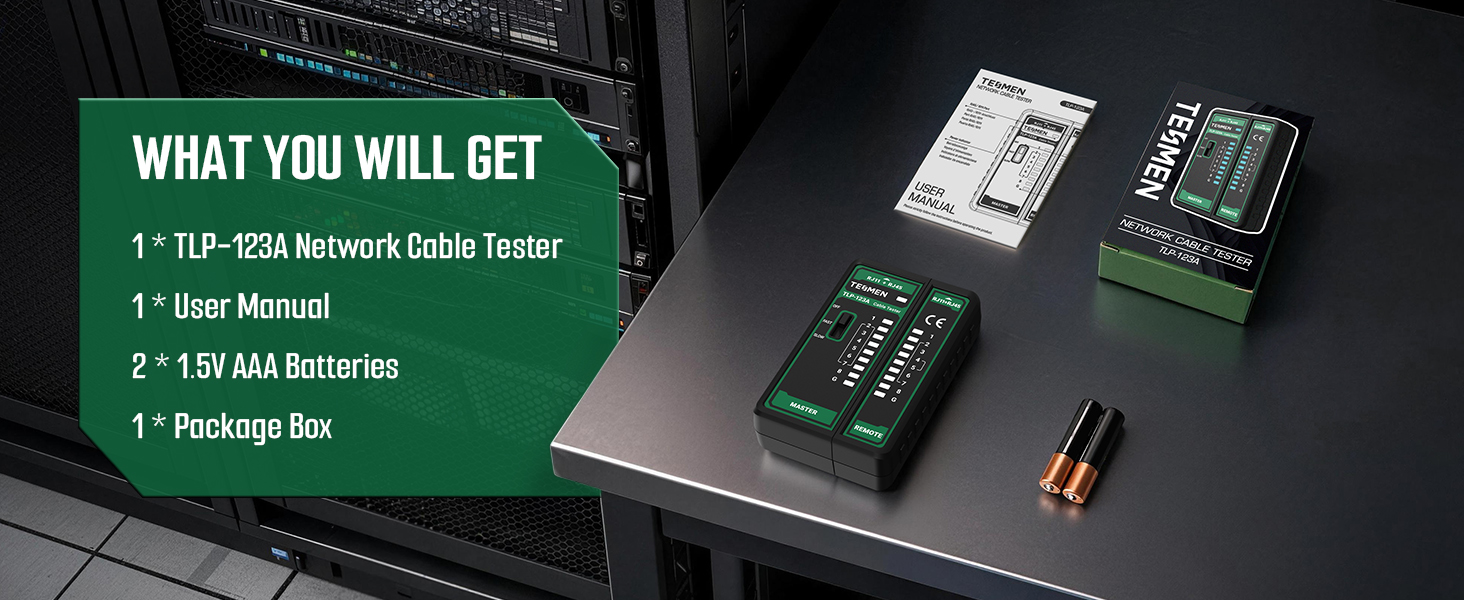
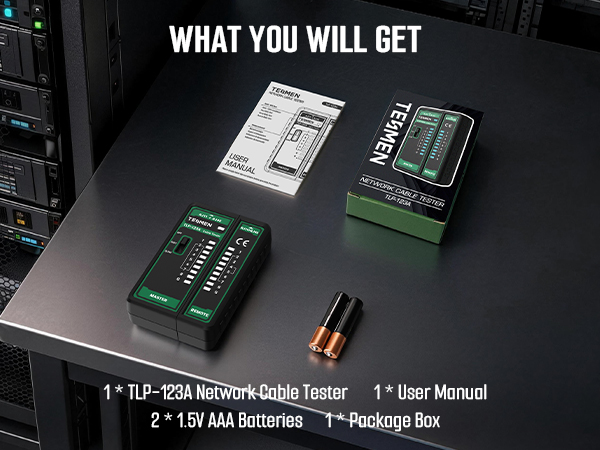
What will you get:
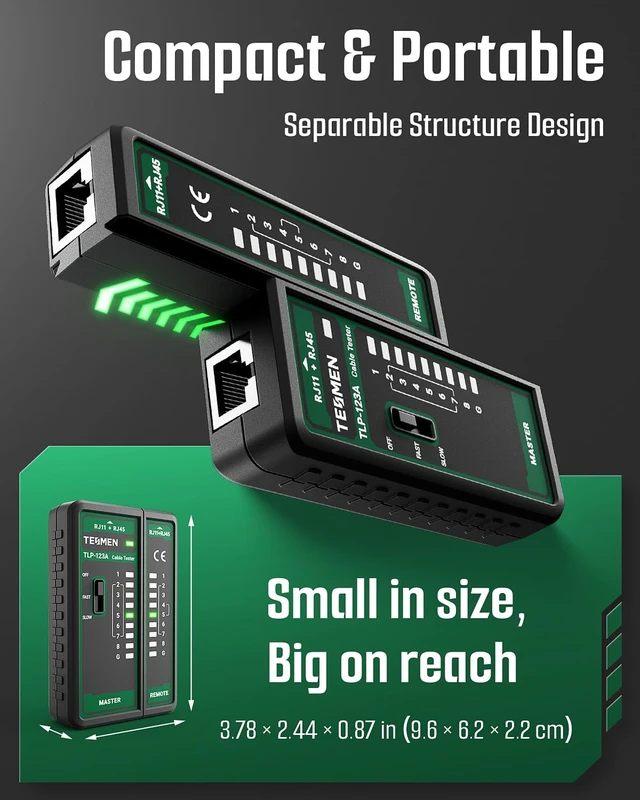
1 TLP-123A with dual RJ11 RJ45 interface, 1 user manual, 2 * 1.5V AAA batteries



