




 here!
here!
I’m your shopping assistant for PC builds, upgrades, and everything tech.
Got questions? Ask away!
Start a conversation
here!
I’m your shopping assistant for PC builds, upgrades, and everything tech.
Got questions? Ask away!
Start a conversation



Any questions? Ask CelesteSM will help you find out quickly.


Determine the polarity of the telephone line and identify the standby, ringing and off-hook states

Automatically shuts down after half an hour of inactivity to conserve battery power, accompanied by a low-battery alert

Refuse to burn out the machine to protect your personal safety

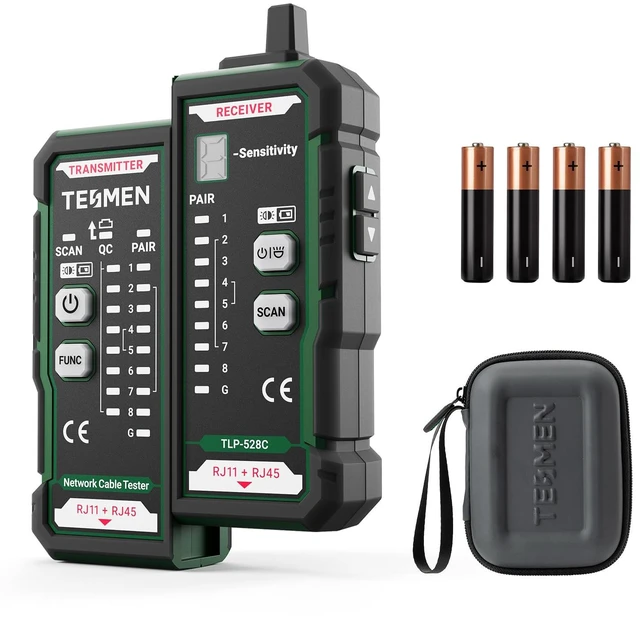
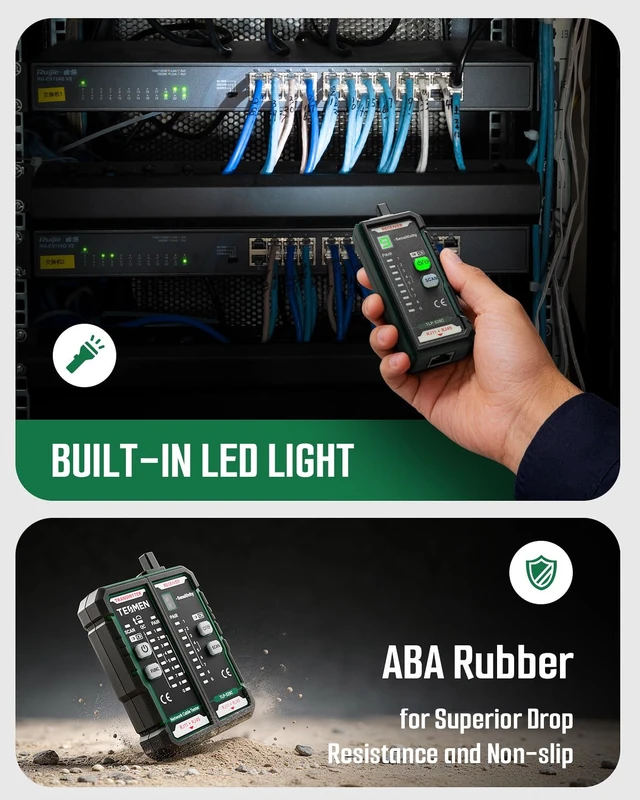
Comes with a portable toolkit, waterproof and drop-proof, flexible storage of the cable finder and other accessories, easy to go out


Determine the polarity of the telephone line and identify the standby, ringing and off-hook states
Automatically shuts down after half an hour of inactivity to conserve battery power, accompanied by a low-battery alert
Refuse to burn out the machine to protect your personal safety
Comes with a portable toolkit, waterproof and drop-proof, flexible storage of the cable finder and other accessories, easy to go out


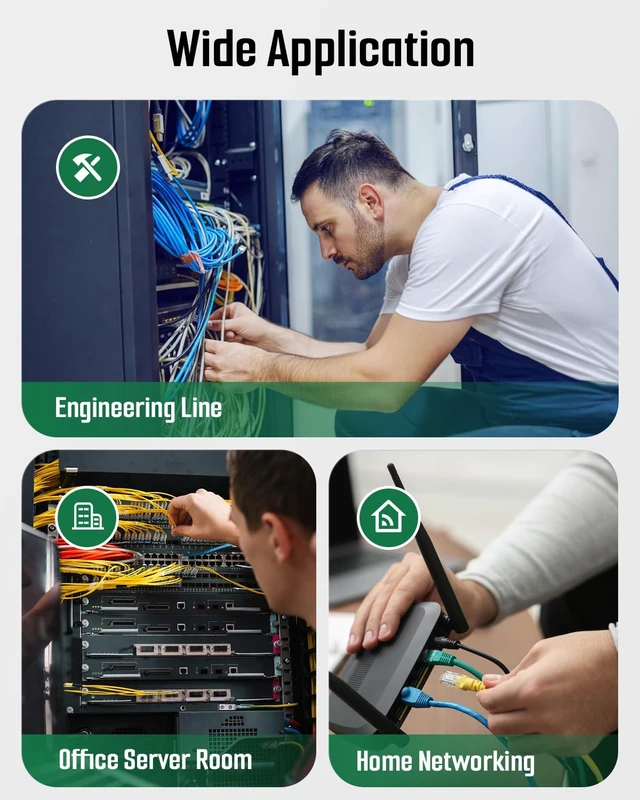
Network cable tester usage scenarios:
Home network micro-repair: Save money on electricians while improving your quality of life
Engineer Wiring: Easily maintain and organize cables to improve your work efficiency
Automotive circuit checking and finding: trace and maintain complex wiring harnesses to make you safer on the road
How to use network cable tester:
1.Scanning the cable:
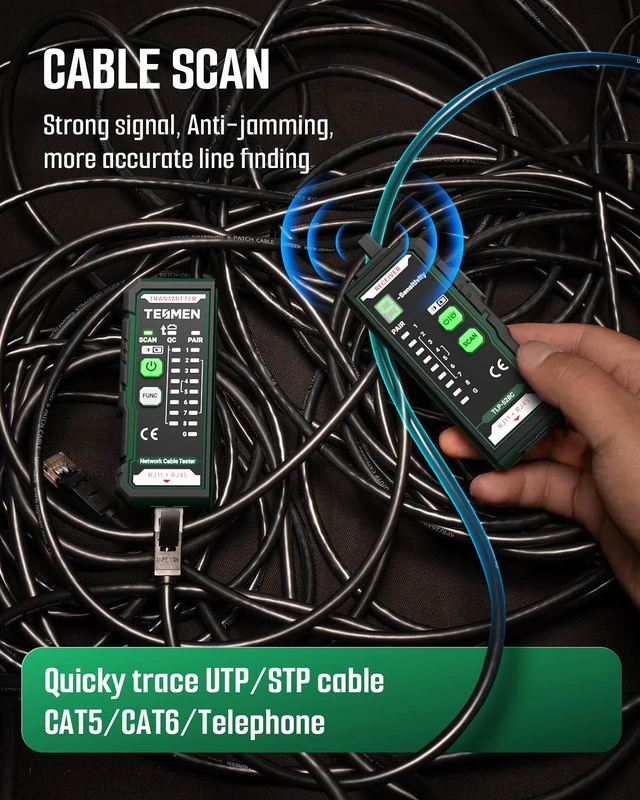
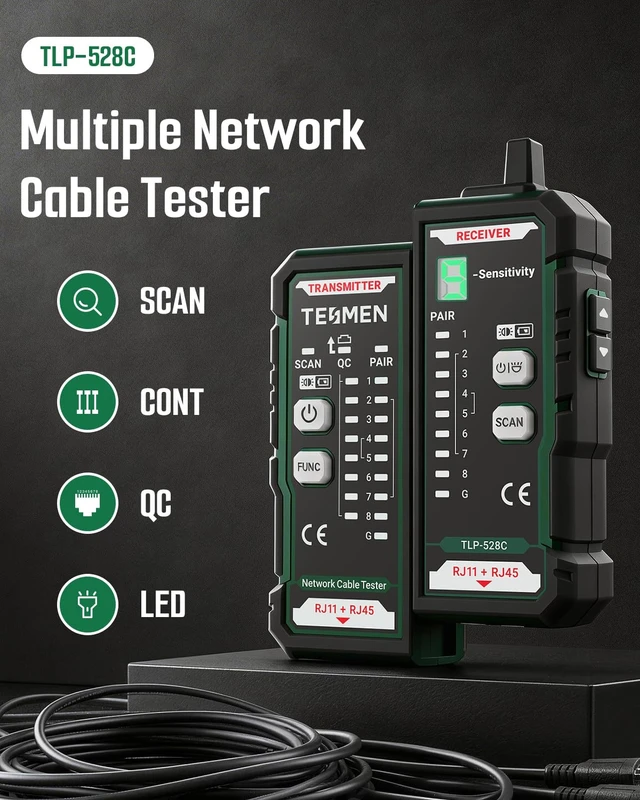
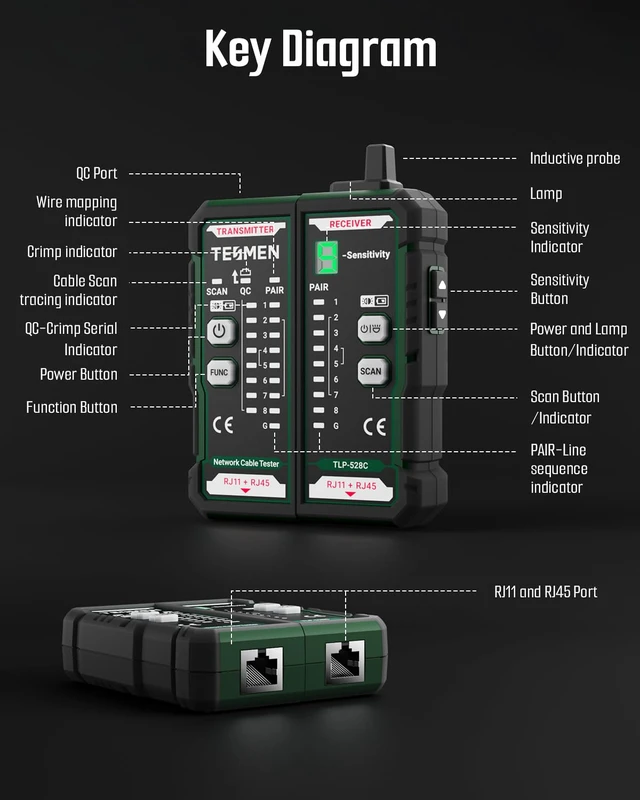
Insert one end of the cable into the transmitter port, press the switch to turn on the device, use the receiver probe to adjust the sensitivity to find the target cable, the fastest frequency of buzzing sound from the receiver is the correct cable.
2.PAIR
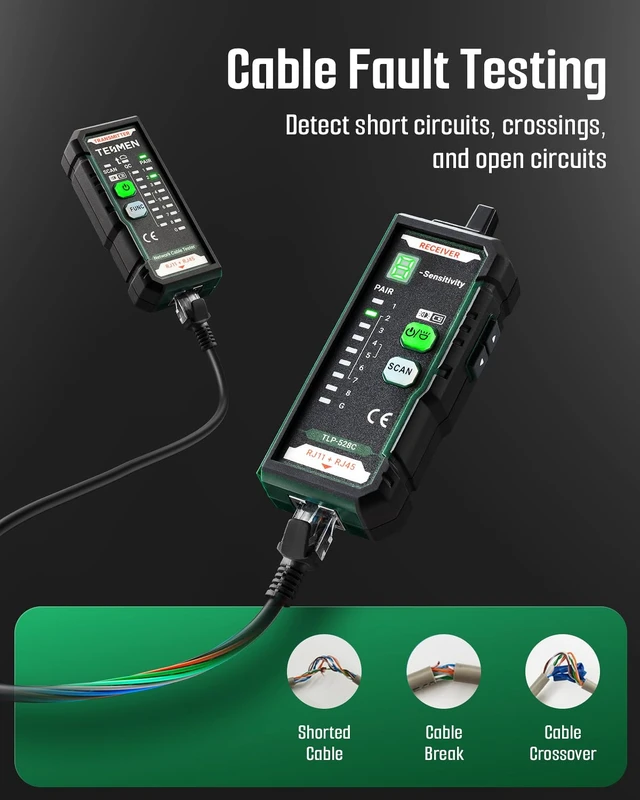
Connect the cable ends to the transmitter and receiver unit respectively. Slide the switch to any position to activate the device. Use the LED indicators to determine the physical status of the cable.
(1) If wiring is correct, the indicator light sequence on both the transmitter and receiver unit will be: 1-2-3-4-5-6-7-8 (G light illuminates for shielded cable).
(2) The following indicate abnormal connections:
If one wire (e.g., Cable NO.2) is open-circuited, neither the NO.2 indicator on the transmitter nor the receiver will illuminate.
If multiple wires (3 or more) are disconnected, none of the indicators will illuminate.
If the cable ends are reversed, e.g., NO.1 and NO.2 swapped, the display will be as follows: transmitter: 1-2-3-4-5-6-7-8 / receiver: 2-1-3-4-5-6-7-8
3.QC
Press and hold the function key to switch to QC mode, then Insert the cable crystal head into the top of the transmitter, if all the QC lights on the transmitter are on, it indicates that the crystal head is crimped correctly.
FAQs:
Q: Why does the receiver keep beeping during network cable fault detection?
A: If you wish to use the fault detection function, please set the transmitter to PAIR mode without turning on the receiver.
Please note: when the receiver is on, if you select both PAIR and SCAN on the transmitter and connect the cable ends to the transmitter and receiver, the receiver will emit a continuous beep, which is a normal phenomenon.
Q: Why does the receiver beep for every wire during tracing?
For long-distance tracing, set the receiver sensitivity to maximum, then lower it gradually until the target cable is located. If not reduced, strong nearby signals may cause continuous buzzing.
To confirm youve found the correct cable, please set the transmitter to PAIR and insert the cable end into the receiver port. If both panels LEDs light up, its the correct cable.
What will you get:
1 TLP-528C with dual RJ11 RJ45 interface, 1 user manual, 4 * 1.5V AAA batteries, 1 storage box





