here!
here!
I’m your shopping assistant for PC builds, upgrades, and everything tech.
Got questions? Ask away!
Start a conversation
here!
I’m your shopping assistant for PC builds, upgrades, and everything tech.
Got questions? Ask away!
Start a conversation



Any questions? Ask CelesteSM will help you find out quickly.
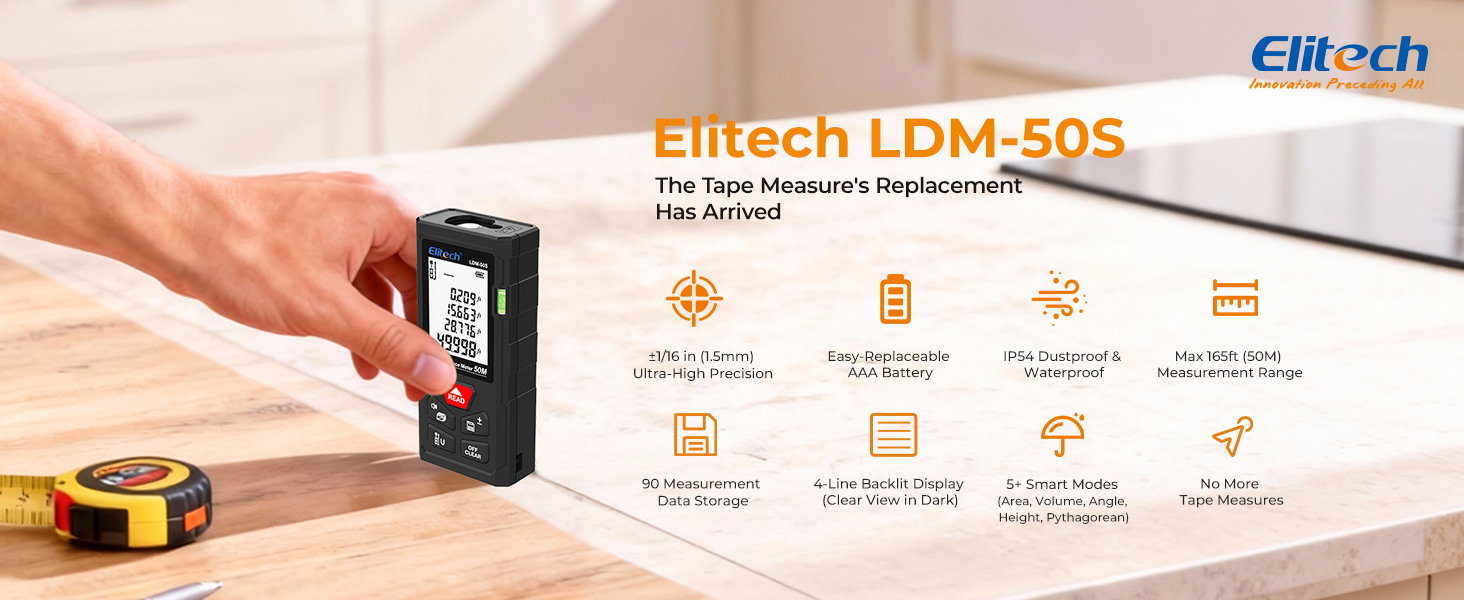
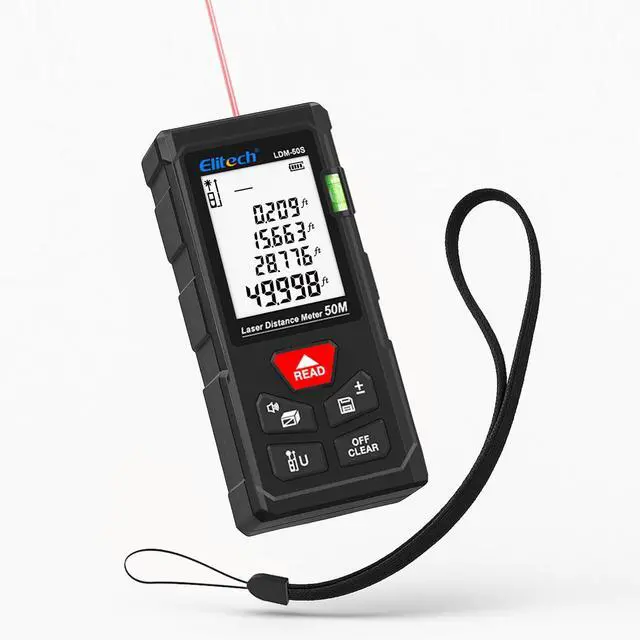
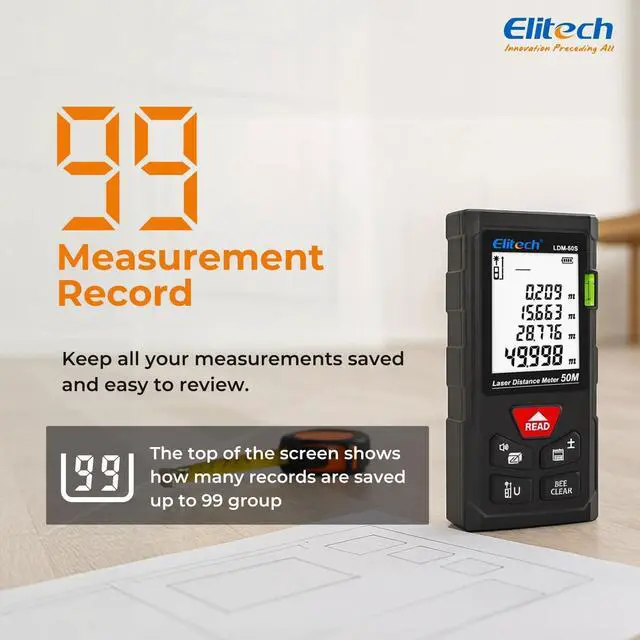
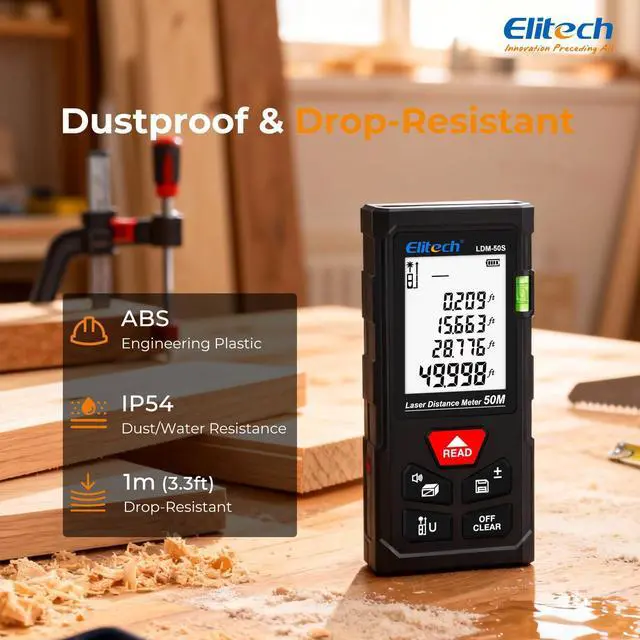
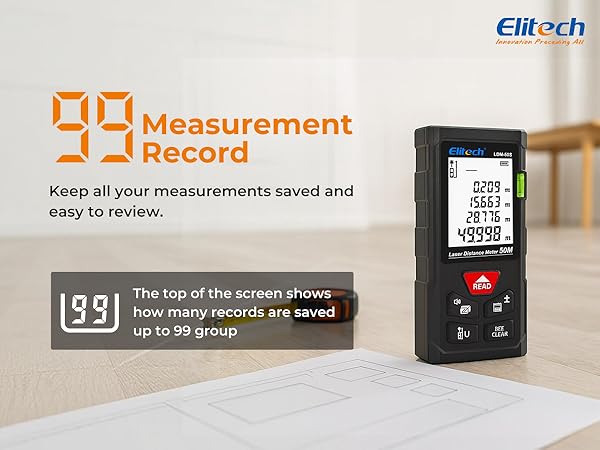
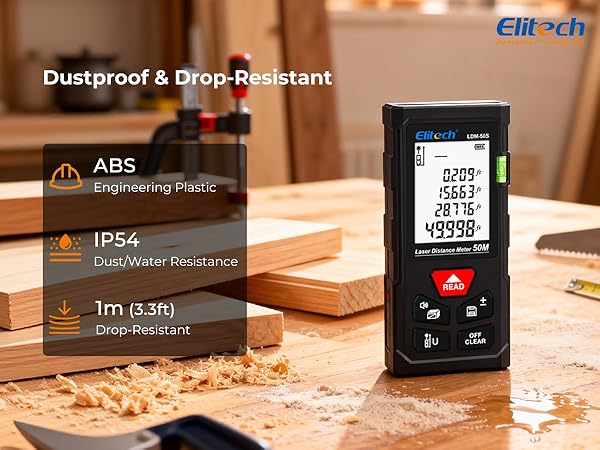
Measure with confidence – up to 164ft with ±2mm accuracy. The Elitech LDM-50S is dust and splash resistant, powered by easy-replace AAA batteries, and stores up to 99 measurements. One button, one laser, no more wrestling with a tape measure.
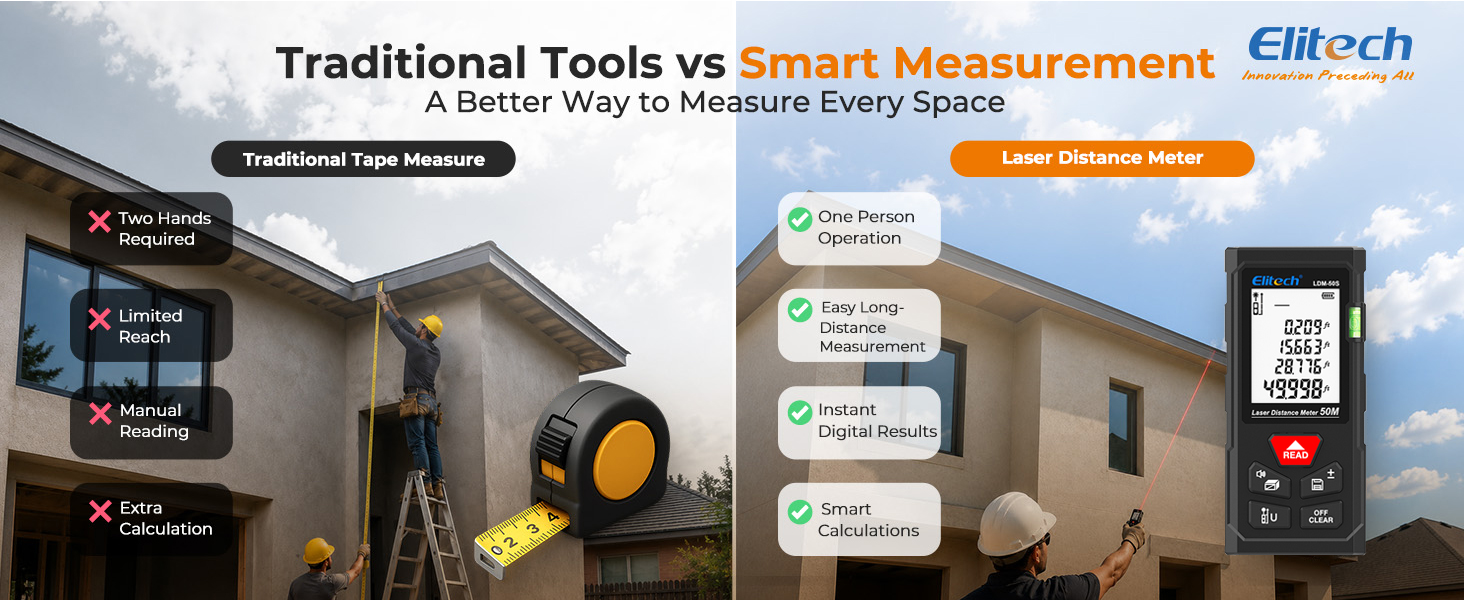
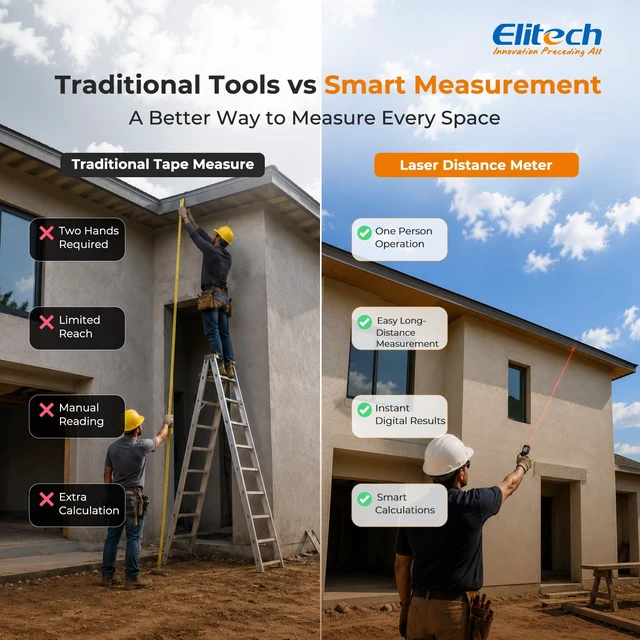
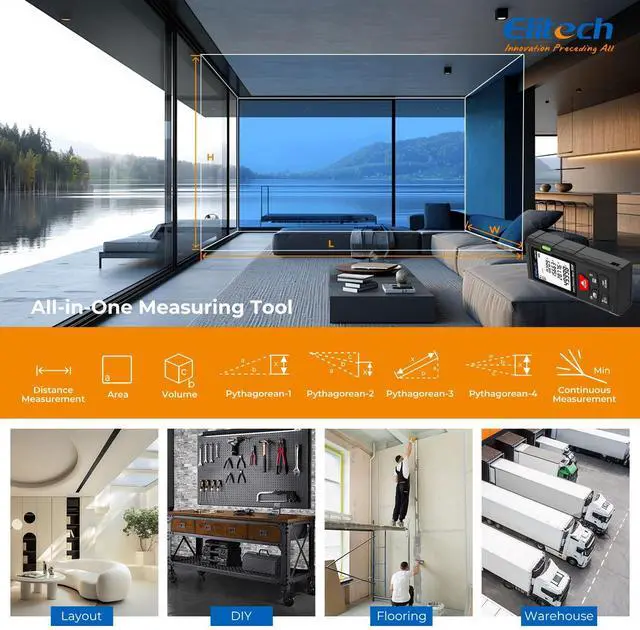
Replace slow and complicated tape measurements with Elitech LDM-50S laser precision. Enjoy one-person operation, instant digital results, and effortless long-distance measuring. Built-in calculation modes make distance, area, and volume measurements faster and easier for any project.

Go beyond simple distance measuring with continuous measurement, area, volume, angle, and height calculations. The LDM-50S combines multiple measuring tools into one pocket-sized device, helping you complete projects faster without extra math or manual calculations.
Red | Laser Color | Green |
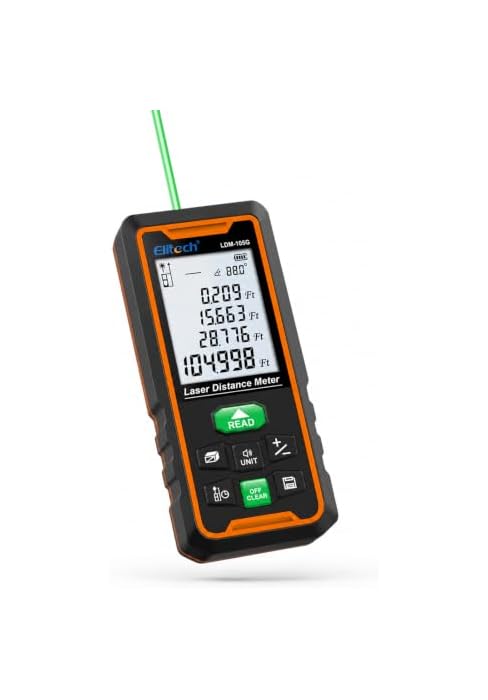
164ft / 50m | Range | 344ft / 105m |
5 | Measurement Modes | 7 |
No, single bubble | Angle Sensor | Yes, electronic |
±2mm typical | Precision | ±3mm typical |
AAA only | Power Source | AAA or rechargeable |
99 records | Memory Storage | 99 records |
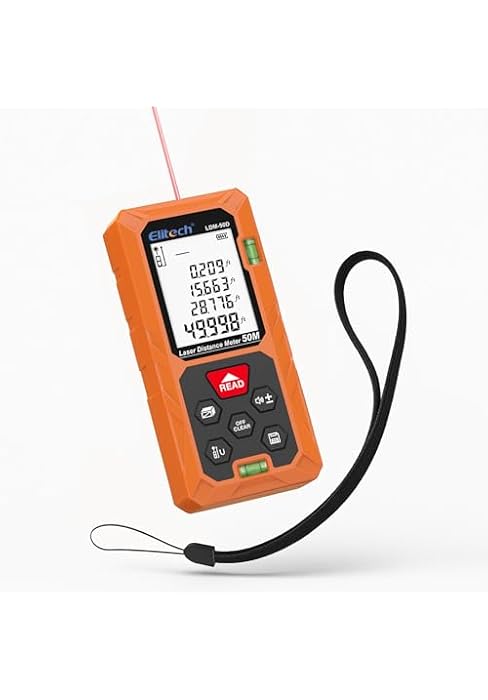
Red | Laser Color | Red |
164ft / 50m | Range | 164ft / 50m |
5 | Measurement Modes | 5 |
No, single bubble | Angle Sensor | No, dual bubble |
±2mm typical | Precision | ±2mm typical |
AAA only | Power Source | AAA only |
99 records | Memory Storage | 99 records |

Designed for versatile use, this laser distance meter is ideal for home improvement, construction, interior design, real estate, and DIY projects. Accurate and easy to use, it helps you measure faster and work smarter in a wide range of applications.
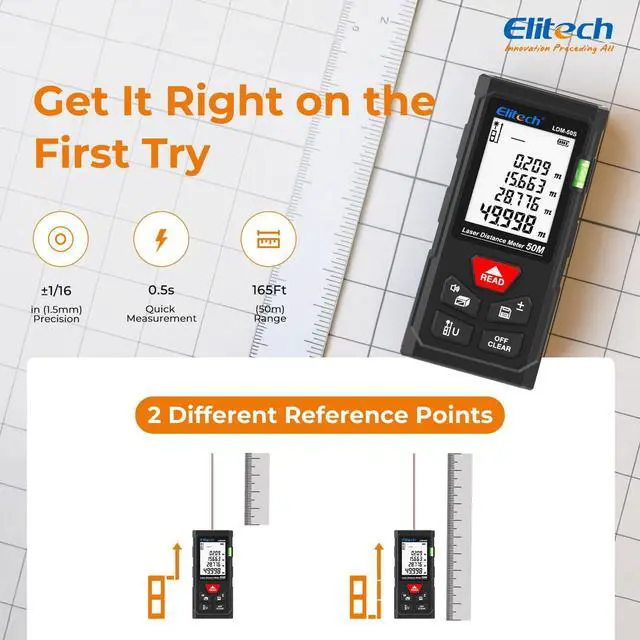
Why are my measurements not matching my tape measure?
Short press the lower-left button to change the reference point. The default reference point is the terminal baseline.
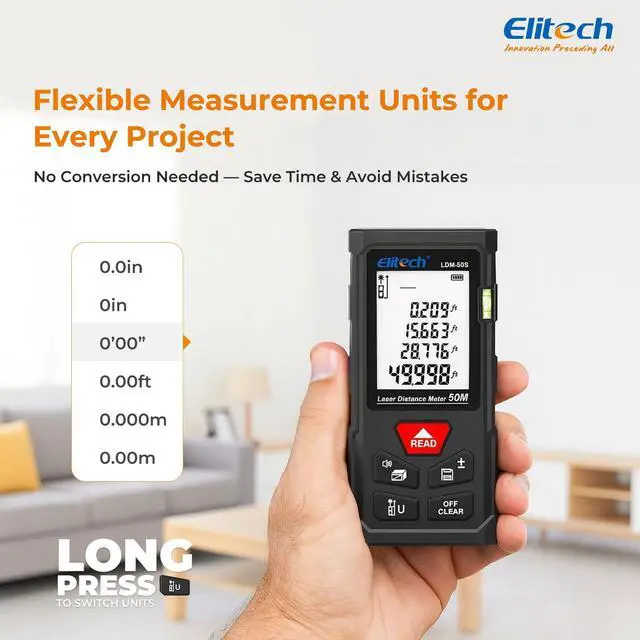
Can I change the measurement units (feet/meters/inches)?
Yes. Long press the lower-left button on the device to switch units. The device supports 6 unit options.
How do I measure area and volume?
Press the mode button once for area, twice for volume. Follow the prompts to measure length/width/height, and the device will calculate automatically.
Can it measure continuously?
Yes. Long press the measurement(READ) button to enter continuous measurement mode. The max/min values will show on screen.
What do error codes mean (Err1–Err5)?
Err1: Signal too weak ? stay in range / use reflector.
Err2: Signal too strong ?avoid reflective surfaces.
Err3: Low battery ? replace batteries.
Err4: Beyond working temperature ? within 32–104°F.
Err5: Pythagoras rule error ? hypotenuse > legs.


Elitech Vision: AI Tools Create Green Future




Elitech has set up 120,000 square meters of modern factories in China, and we also have plans to open factories in Vietnam and North America in the future to increase production capacity.
Our mission is to lead the new generation of intelligent HVAC tools by combining intelligence and innovation in the refrigeration industry and making all work easier.
We will focus more on the research of digitalization and intelligence of all kinds of instrument tools in low carbon, and create a green future together with our users and partners.

More than 200 Engineers: Independent Research & Development
Elitech Vision: AI Tools Create Green Future
Elitech has set up 120,000 square meters of modern factories in China, and we also have plans to open factories in Vietnam and North America in the future to increase production capacity.
Our mission is to lead the new generation of intelligent HVAC tools by combining intelligence and innovation in the refrigeration industry and making all work easier.
We will focus more on the research of digitalization and intelligence of all kinds of instrument tools in low carbon, and create a green future together with our users and partners.

More than 200 Engineers: Independent Research & Development
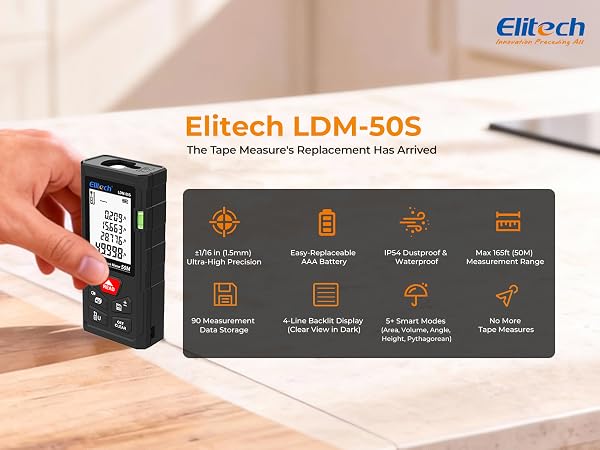
Measure with confidence – up to 164ft with ±2mm accuracy. The Elitech LDM-50S is dust and splash resistant, powered by easy-replace AAA batteries, and stores up to 99 measurements. One button, one laser, no more wrestling with a tape measure.
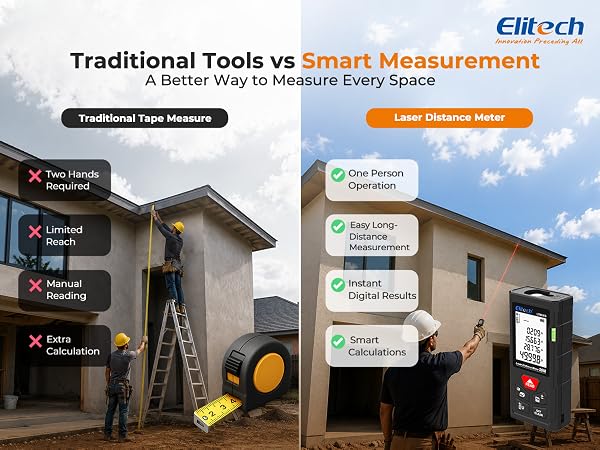
Replace slow and complicated tape measurements with Elitech LDM-50S laser precision. Enjoy one-person operation, instant digital results, and effortless long-distance measuring. Built-in calculation modes make distance, area, and volume measurements faster and easier for any project.

Go beyond simple distance measuring with continuous measurement, area, volume, angle, and height calculations. The LDM-50S combines multiple measuring tools into one pocket-sized device, helping you complete projects faster without extra math or manual calculations.

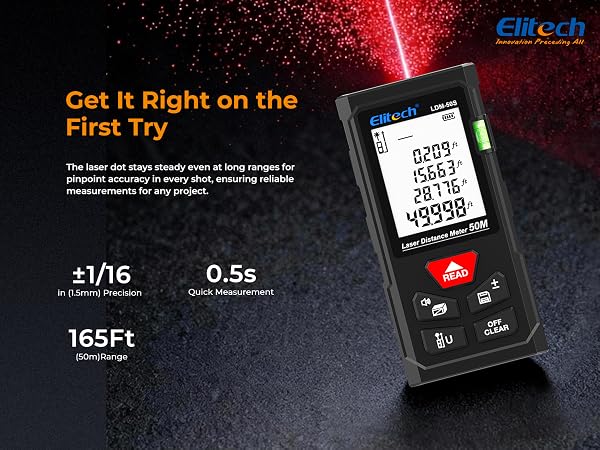

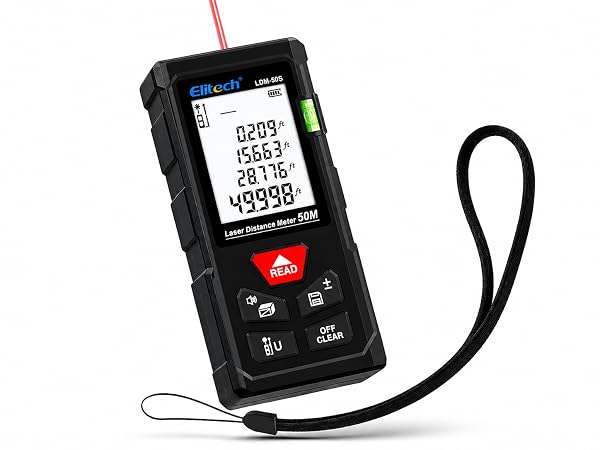
Laser Color | Red |
Range | 164ft / 50m |
Measurement Modes | 5 |
Angle Sensor | No, single bubble |
Precision | ±2mm typical |
Power Source | AAA only |
Memory Storage | 99 records |
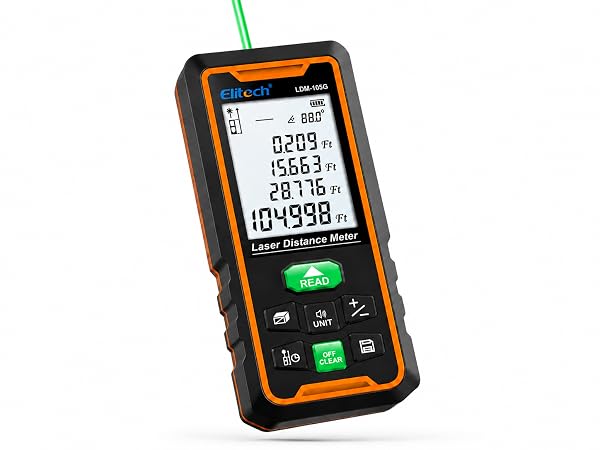
Laser Color | Green |
Range | 344ft / 105m |
Measurement Modes | 7 |
Angle Sensor | Yes, electronic |
Precision | ±3mm typical |
Power Source | AAA or rechargeable |
Memory Storage | 99 records |
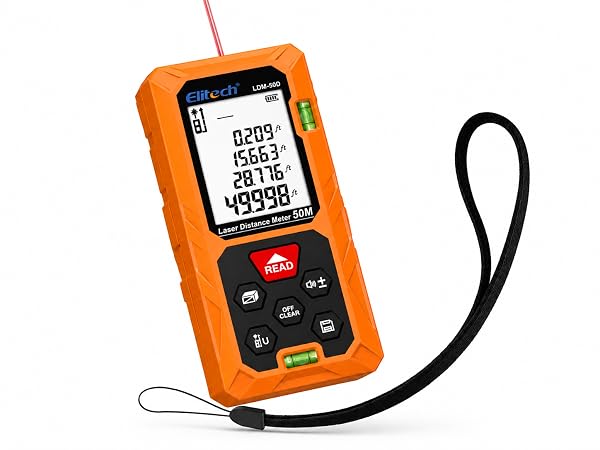
Laser Color | Red |
Range | 164ft / 50m |
Measurement Modes | 5 |
Angle Sensor | No, dual bubble |
Precision | ±2mm typical |
Power Source | AAA only |
Memory Storage | 99 records |

Designed for versatile use, this laser distance meter is ideal for home improvement, construction, interior design, real estate, and DIY projects. Accurate and easy to use, it helps you measure faster and work smarter in a wide range of applications.
Why are my measurements not matching my tape measure?
Short press the lower-left button to change the reference point. The default reference point is the terminal baseline.
Can I change the measurement units (feet/meters/inches)?
Yes. Long press the lower-left button on the device to switch units. The device supports 6 unit options.
How do I measure area and volume?
Press the mode button once for area, twice for volume. Follow the prompts to measure length/width/height, and the device will calculate automatically.
Can it measure continuously?
Yes. Long press the measurement(READ) button to enter continuous measurement mode. The max/min values will show on screen.
What do error codes mean (Err1–Err5)?
Err1: Signal too weak ? stay in range / use reflector.
Err2: Signal too strong ?avoid reflective surfaces.
Err3: Low battery ? replace batteries.
Err4: Beyond working temperature ? within 32–104°F.
Err5: Pythagoras rule error ? hypotenuse > legs.