The configuration page dose not appear after installed sucessfully? Please try the following specific steps:
1. Check the
System Tray: The configurator may be running as a background icon. Please look at the bottom-right corner of your taskbar, near the clock.
2. Click the small ^ arrow (or up-arrow) to show hidden icons.
3. Look for our app' s icon in that menu. If you find it, clicking it once should open the main configuration window.
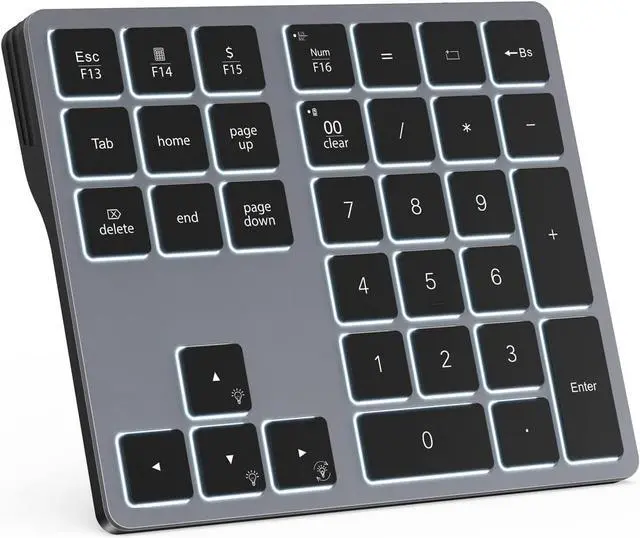
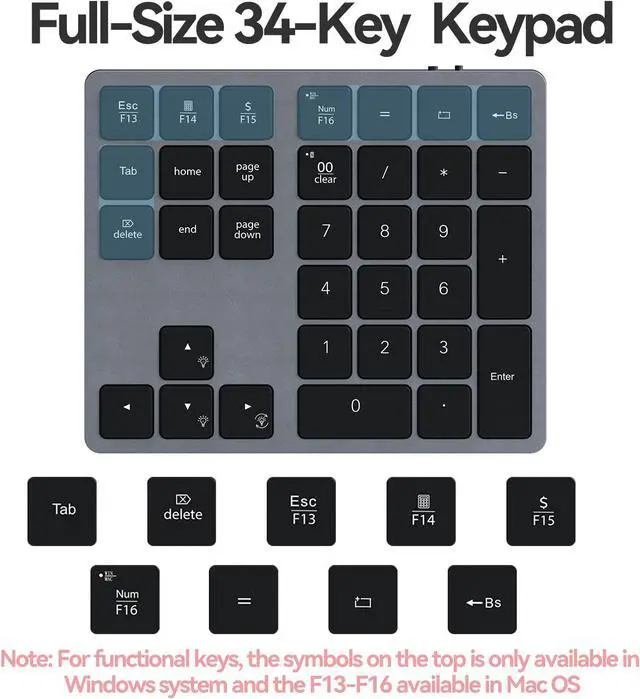
Familiar Number Configuration for Efficiency: Forget hunting through a full row of numbers on no numpad keyboards. This keypad is a must-have for those who needs intense data input but is not used to typing with that kind of keyboards.
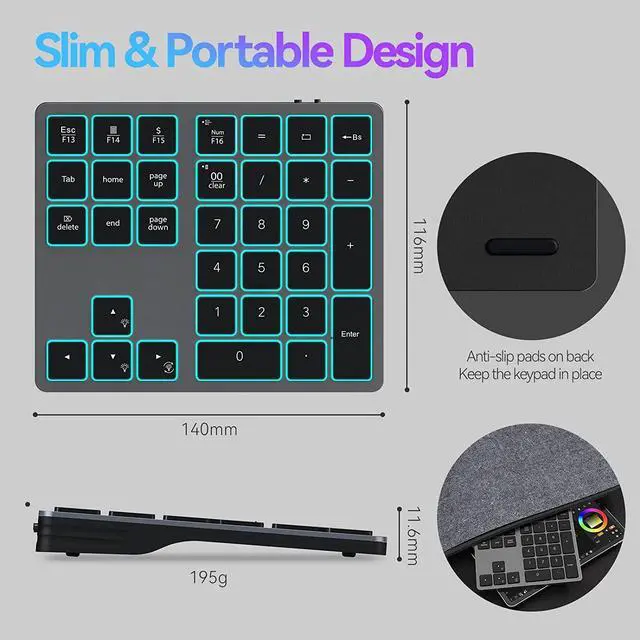
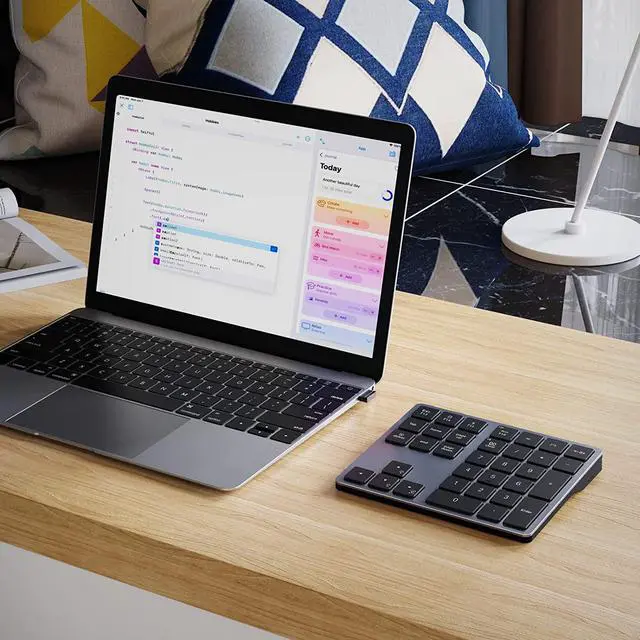
Portable and Sturdy: Type wherever you like thanks to the slim and portable design (195g weight; 143mm*118mm*14mm). It also built with the high quality of ABS material that keeps it from falling and scratching.
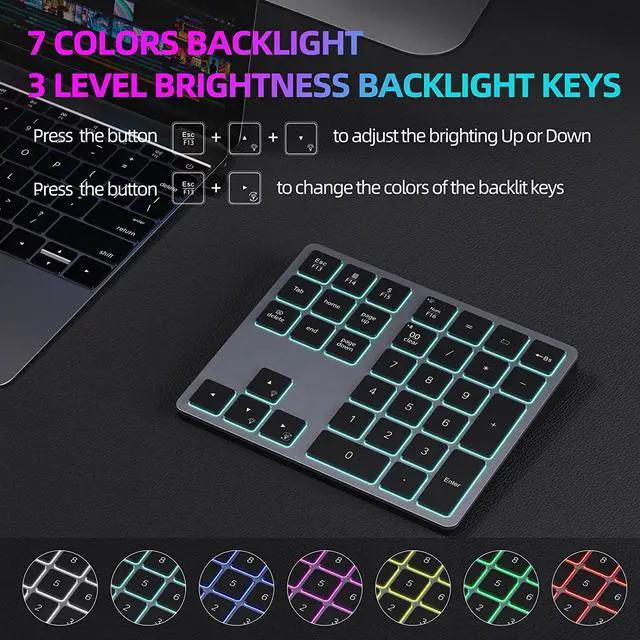
Backlit Keys for Any Lighting Environment: The keyboard with 7 colors and 3 levels of brightness allow you to type day or night. The backlit shortcut keys (Esc + the arrow keys) allow you to manually adjust the color and brightness of the keys.
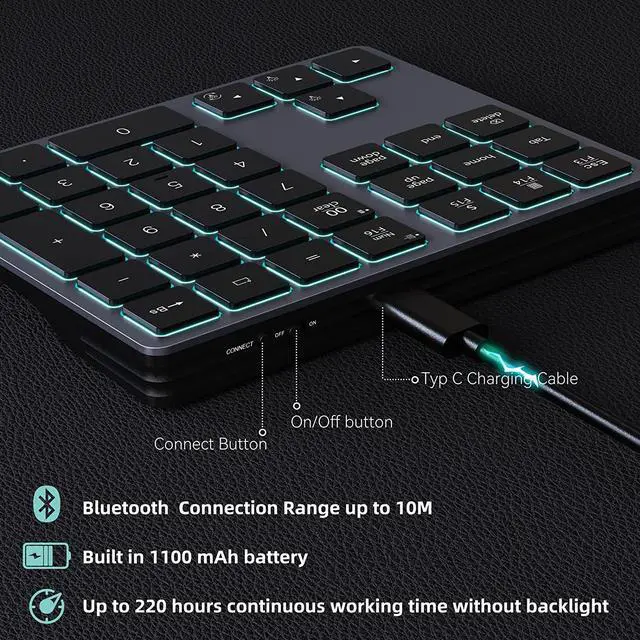
Reliable 5.0 Bluetooth Connection: The strong and secure Bluetooth connection allows you to work efficiently with a 10m range. You only need to press CONNECT button to enter Bluetooth pairing mode.
Long Lasting Rechargeable Battery: It can work up to 220 hours without backlighting thanks to auto-sleep power saving mode and an/off switch button.
Note: The battery life may vary based on use and computing conditions.
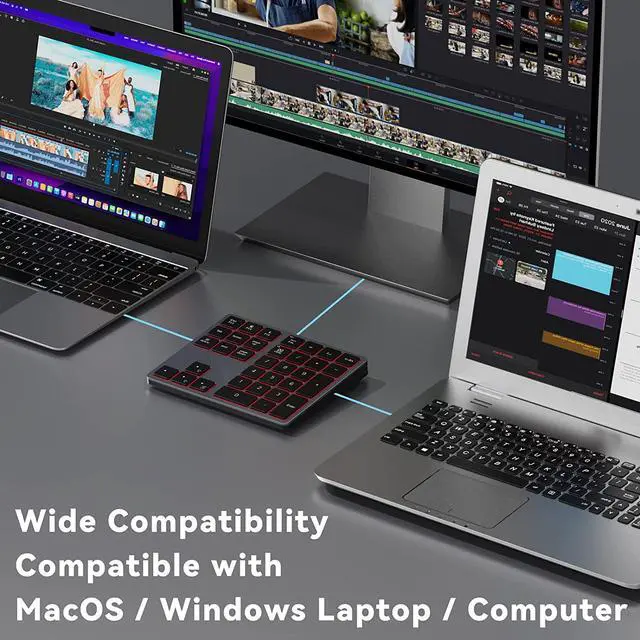
Wide Compatibility: The keypad is compatible with both Windows and mackbook devices. Please configure the keypad to the corresponding operating system after paring it.





 here!
here!