here!
here!
I’m your shopping assistant for PC builds, upgrades, and everything tech.
Got questions? Ask away!
Start a conversation
here!
I’m your shopping assistant for PC builds, upgrades, and everything tech.
Got questions? Ask away!
Start a conversation




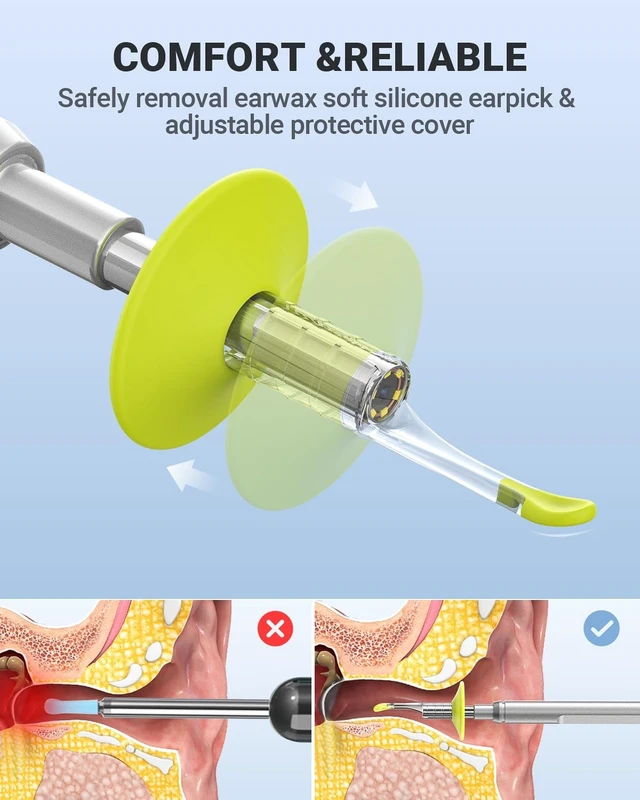
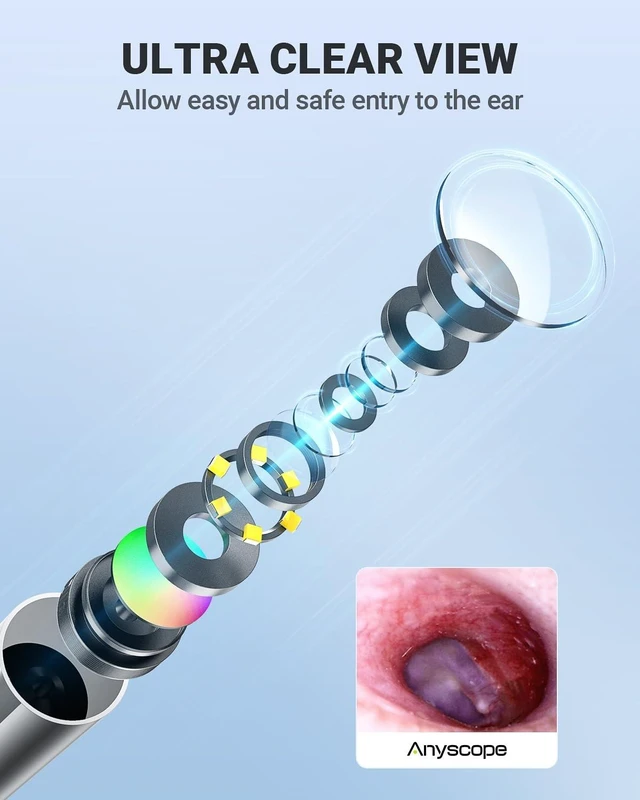



Any questions? Ask CelesteSM will help you find out quickly.


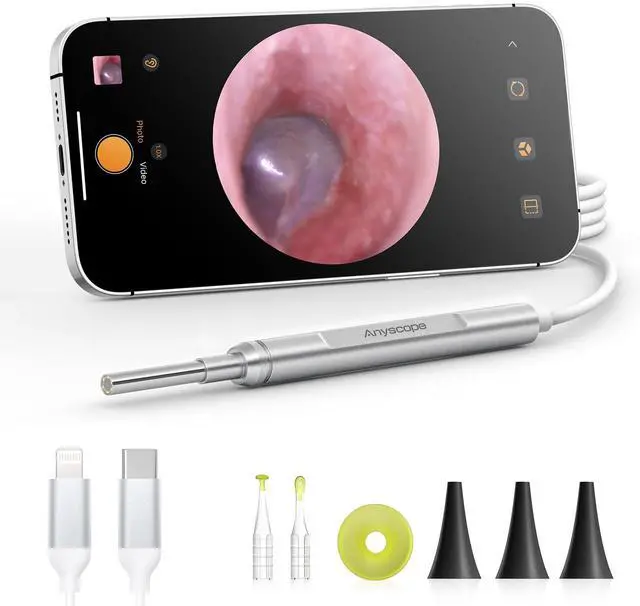
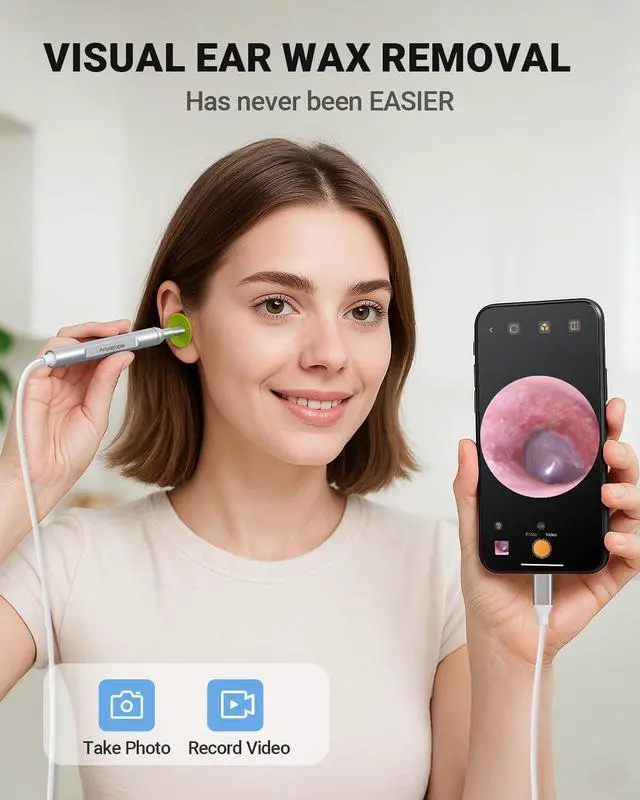
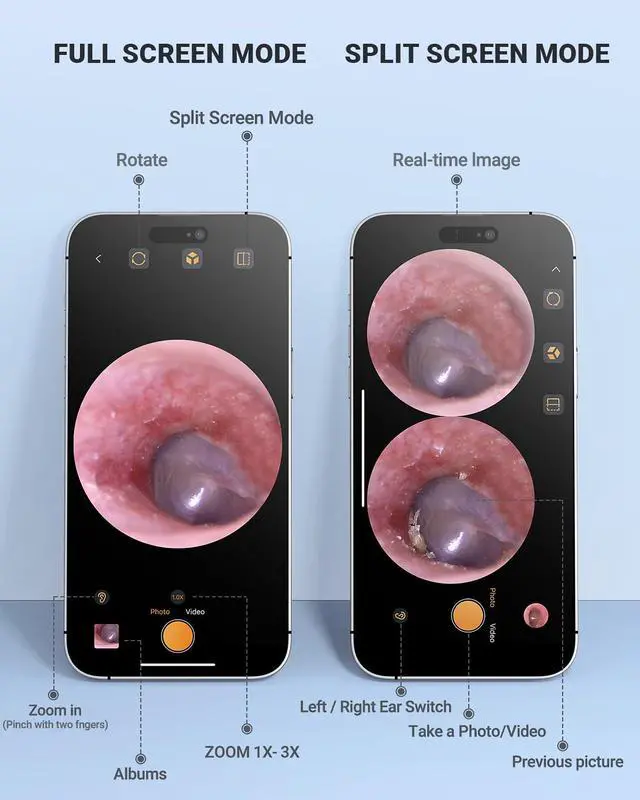
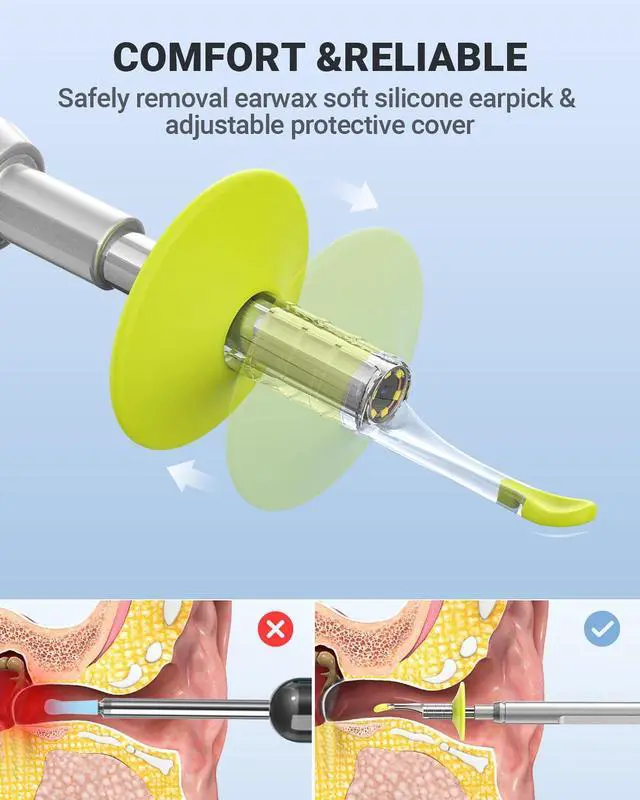
HD Ear Camera with Ear Wax Removal Tools
 ASK450 | 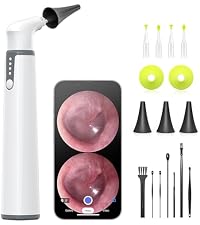 SA39W-7P-Kit |  AKE390S |  AKE390I |  AKE100i |  Ear-Specula |  Ear-Spoon | |
|---|---|---|---|---|---|---|---|
Customer Reviews | — | — | — | — | — | — | — |
Price | — | — | — | — | — | — | — |
Pixels | 1.0MP | 0.3MP | 0.3MP | 0.3MP | 1.0MP | — | — |
LED | 6 | 6 | 6 | 6 | 6 | — | — |
APP | X | ? | ? | ? | ? | — | — |
Gyroscope | ? | ? | X | X | ? | — | — |
Display | 4.5 Inches Screen | X | X | X | X | — | — |
Camera Dia | 3.9 mm | 3.9 mm | 3.9 mm | 3.9 mm | 3.9 mm | — | — |
Accessories | Silicone ear spoon | Silicone ear spoon | Silicone ear spoon | Silicone ear spoon | Silicone ear spoon | — | — |
Tips
1. No response to connect the phone: Please confirm whether the phone supports OTG function (Android) and check check whether it is inserted in place, repeat plugging and unplugging several times.
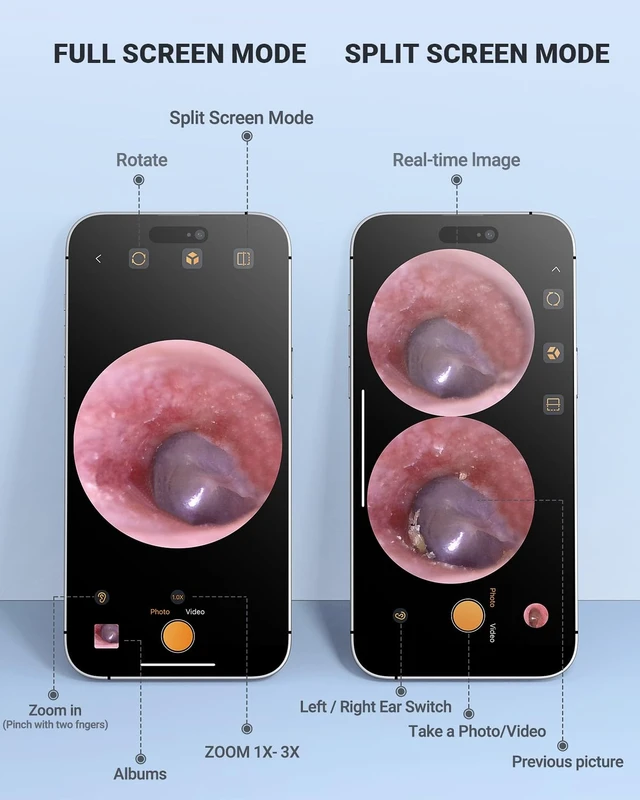
2.APP Image stuck: When the APP is stuck, please keep the mobile phone's battery above 20%.
3.Ear camera is hot: It is usual for the camera to heat up, it may reach up to 36?/96.8F after 30 minutes usage, this does not affect normal use or service life.
4.Storage environment: store at temperature from -20? (-4?) to 50? (122?), relative humidity 15%-95%; avoid direct sunlight and damp places.
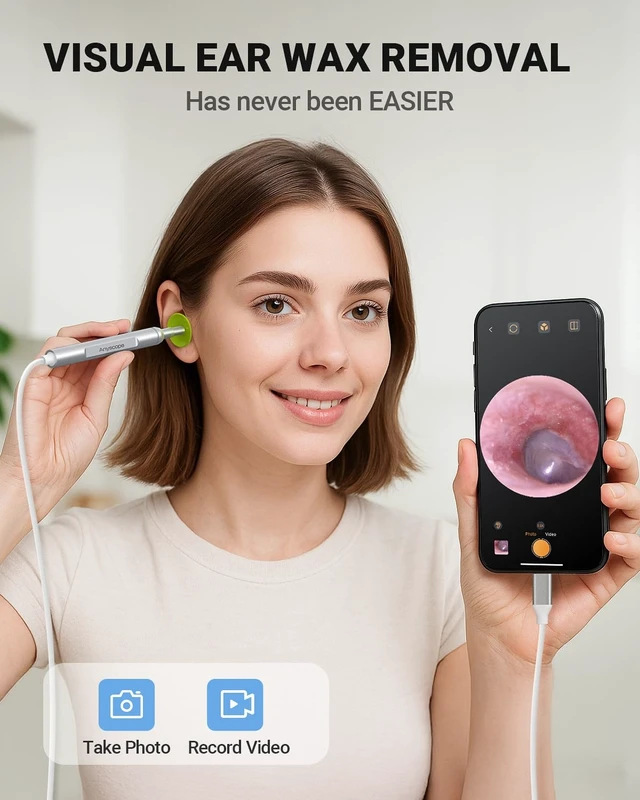
5.Can not see eardurm: Ear canal is not perfectly straight, please gently pull the top of your ear up and back to help viewing your eardrum easily.
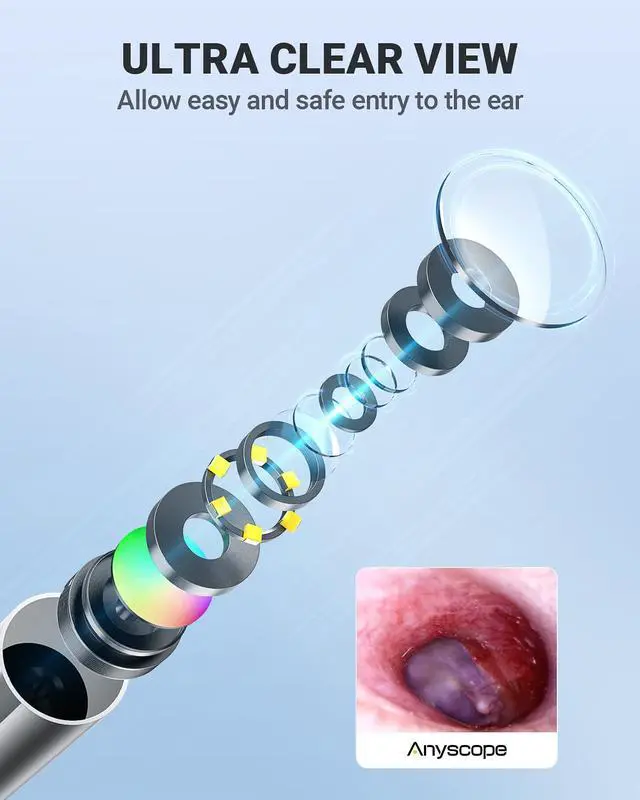
6.Blurry image: The focal length is fixed at 2-3cm (1 inch), please adjust the distance between the camera lens and your ear to get focused. Please keep the camera clean to avoid blurry image. Blurred images after a period of use are caused by the earwax on the camera lens. (In general, earwax is oily and can cause glare, unclear image) If the earwax does not carefully wiped out, this will make it stick to the lens more firmly.
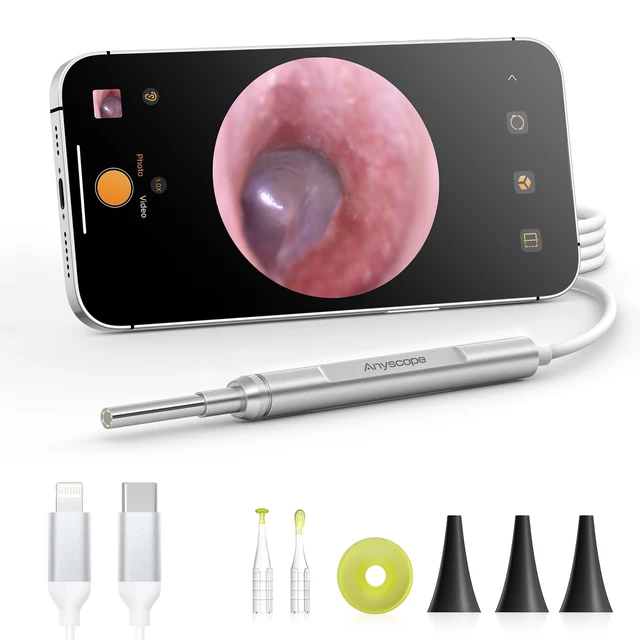
Full compatible device( Android 8.0+ devices (supports OTG), iPhones with iOS 9.0+, and iPad . NOTE: Not compatible with PCs, iPad Pro (4th generation), iPad 4, or iPad 2.
Ear Camera with Ear Wax Removal Tools



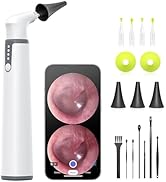


HD Ear Camera with Ear Wax Removal Tools


ASK450 | SA39W-7P-Kit | AKE390S | AKE390I | AKE100i | Ear-Specula | Ear-Spoon |
|---|---|---|---|---|---|---|
| Customer Reviews | ||||||
| — | — | — | — | — | — | — |
| Price | ||||||
| — | — | — | — | — | — | — |
| Pixels | ||||||
| 1.0MP | 0.3MP | 0.3MP | 0.3MP | 1.0MP | — | — |
| LED | ||||||
| 6 | 6 | 6 | 6 | 6 | — | — |
| APP | ||||||
| X | ? | ? | ? | ? | — | — |
| Gyroscope | ||||||
| ? | ? | X | X | ? | — | — |
| Display | ||||||
| 4.5 Inches Screen | X | X | X | X | — | — |
| Camera Dia | ||||||
| 3.9 mm | 3.9 mm | 3.9 mm | 3.9 mm | 3.9 mm | — | — |
| Accessories | ||||||
| Silicone ear spoon | Silicone ear spoon | Silicone ear spoon | Silicone ear spoon | Silicone ear spoon | — | — |
Tips
1. No response to connect the phone: Please confirm whether the phone supports OTG function (Android) and check check whether it is inserted in place, repeat plugging and unplugging several times.
2.APP Image stuck: When the APP is stuck, please keep the mobile phone's battery above 20%.
3.Ear camera is hot: It is usual for the camera to heat up, it may reach up to 36?/96.8F after 30 minutes usage, this does not affect normal use or service life.
4.Storage environment: store at temperature from -20? (-4?) to 50? (122?), relative humidity 15%-95%; avoid direct sunlight and damp places.
5.Can not see eardurm: Ear canal is not perfectly straight, please gently pull the top of your ear up and back to help viewing your eardrum easily.
6.Blurry image: The focal length is fixed at 2-3cm (1 inch), please adjust the distance between the camera lens and your ear to get focused. Please keep the camera clean to avoid blurry image. Blurred images after a period of use are caused by the earwax on the camera lens. (In general, earwax is oily and can cause glare, unclear image) If the earwax does not carefully wiped out, this will make it stick to the lens more firmly.
Full compatible device( Android 8.0+ devices (supports OTG), iPhones with iOS 9.0+, and iPad . NOTE: Not compatible with PCs, iPad Pro (4th generation), iPad 4, or iPad 2.