

Your Browsing History
- Free 30-day Returns
$33.95
Ships from China.

Meet Your Seller



Visit Hetai Store
FOLLOW
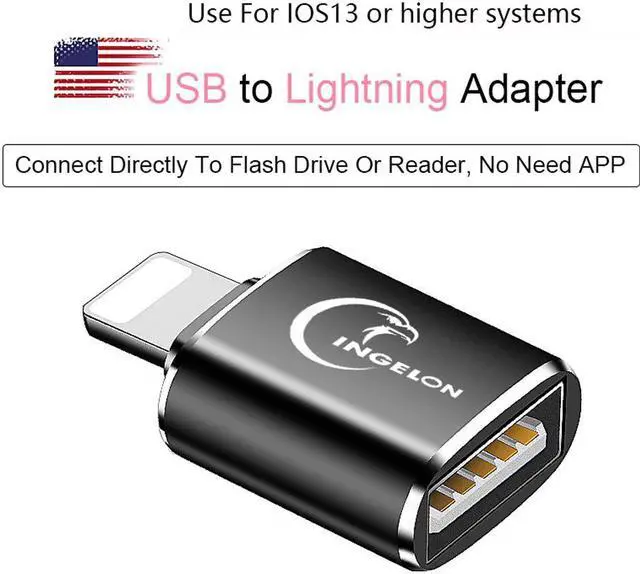
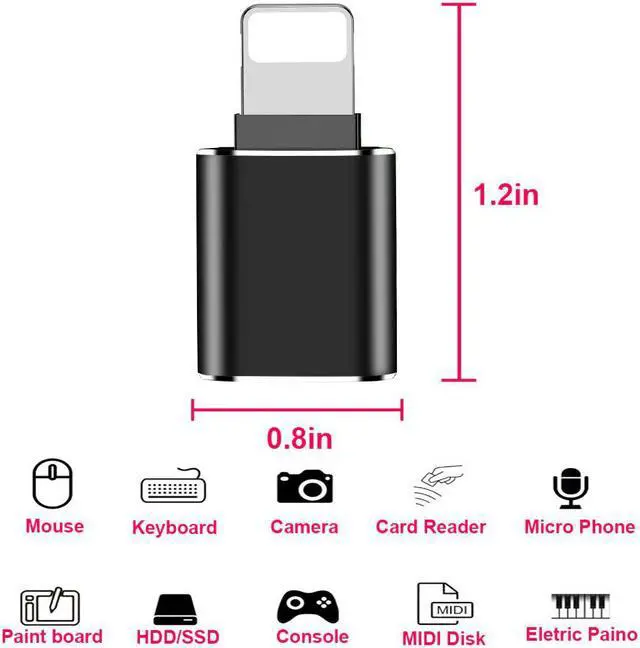
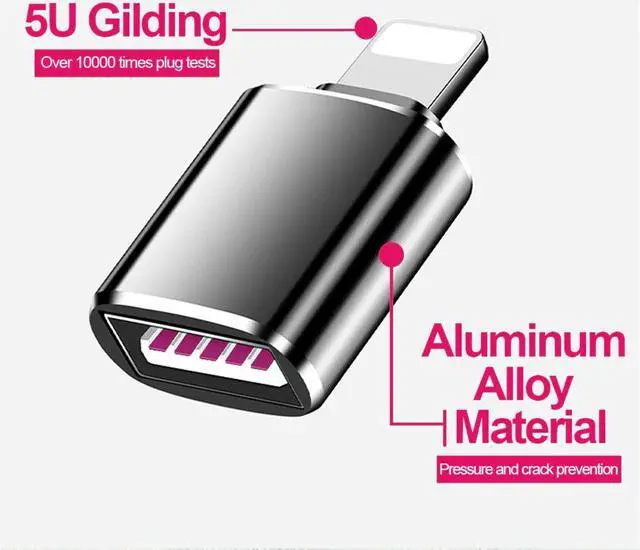
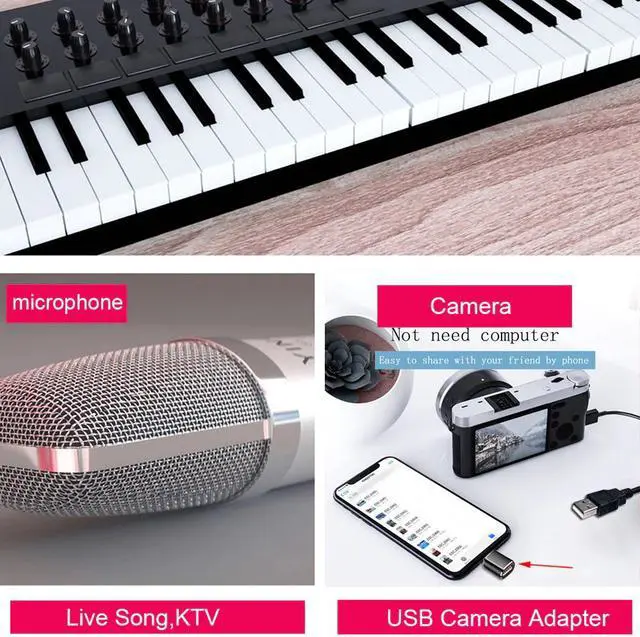
Card Reader to Camera Adapter 3.0 for Lightning USB Cable Converter Electric Piano MIDI Keyboard for iphone 7 8 ios 13 ipad
- Good Quality
+
+
Overview
Specs
Reviews

Any questions? Our AI beta will help you find out quickly.
Try me now
Common issues not recognized by Apple adapters.
1. iPhone / ipad must be iOS 13 or iPad OS software version.
How to check: Settings-General-About Phone-Software Version]
2. How to find the [File] icon is usually on the desktop of the mobile phone.
If not found, download from APP Store] [File]
3. After inserting the USB flash drive, after waiting for 20 seconds, the USB flash drive cannot be ejected from the file. Format; if the U disk file is too large, create multiple folders and store them separately]
4. The mouse and keyboard are not recognized
Open Settings-Accessibility-Touch-Turn on Assistive Touch] If the mouse and keyboard are all wired, you can add a USB splitter. Some Bluetooth keyboards and mice are not compatible.
5. Non-MP4 video format cannot be opened
Download an OPayer Life player in the APP Store]
6. Cannot be used for U shield.
Card Reader to camera adapter for lightning USB cable earphone converter Electric piano MIDI Keyboard for iphone 7 8 ios13Instruction Manual
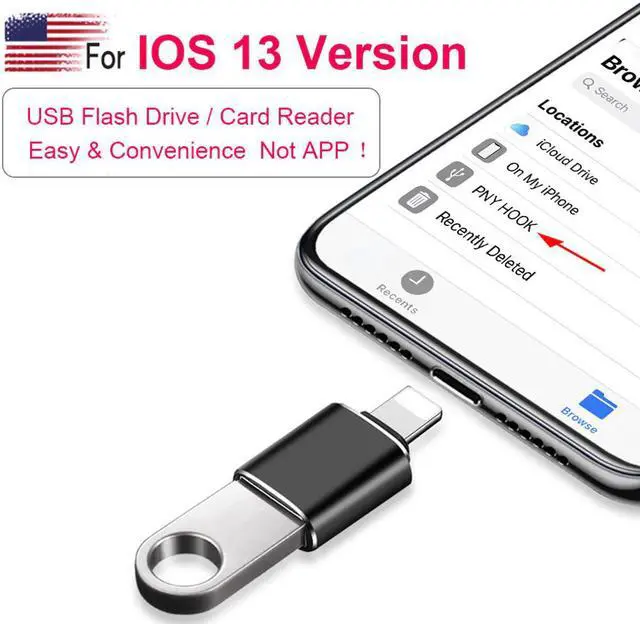
How to check if the USB flash drive is recognized]
Find "File" on the desktop of the device, and then click "Browse" in the upper left corner. You can see the U disk under my iPhone.
Transfer pictures and videos to U disk]
Enter the phone photo, select the picture / video to be exported, click the icon of the arrow in the lower left corner, select Save to "File", and save to the USB flash drive.
Import a file from a USB flash drive to the device]
Enter U disk, press and hold the file to be imported, pop up the operation box, select "Move", select My iPhone, and then click the copy in the upper right corner.
Export the file of the device to the U disk]
Warranty & Returns
Warranty, Returns, And Additional Information
Warranty
- Please contact the Seller directly for warranty information. Warranty information may also be found on the Manufacturer's website.
- CONTACT
Return Policies
- Return for refund within: 30 days
- Return for replacement within: 30 days
- This item is covered by Hetai Return Policy
Manufacturer Contact Info
- For a directory of all our manufacturers, please click below.
- Manufacturers Directory
LOADING...