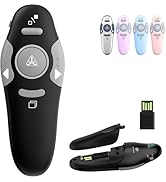
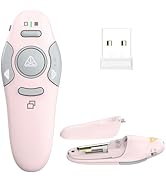
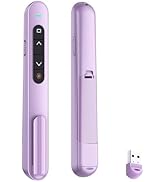
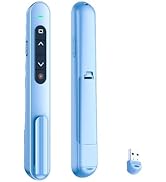
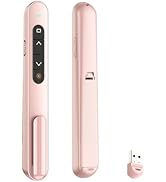
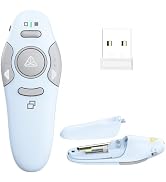
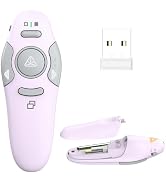
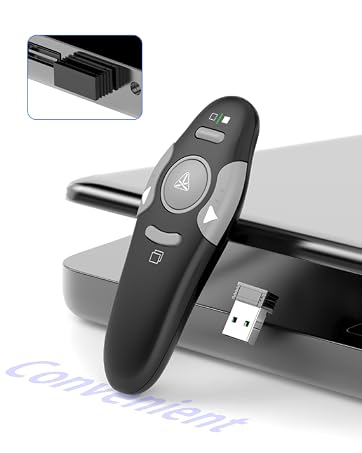
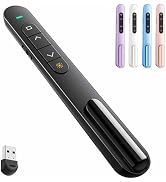
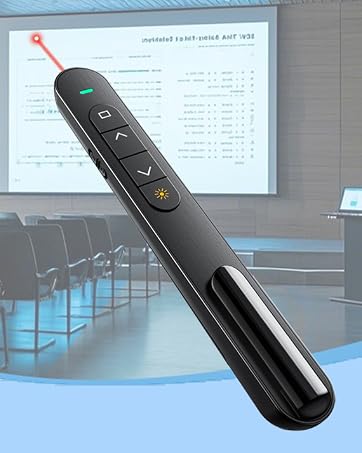
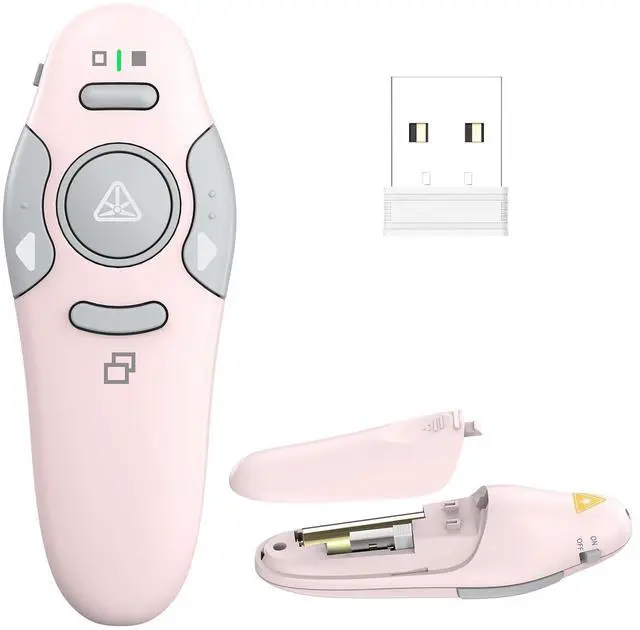
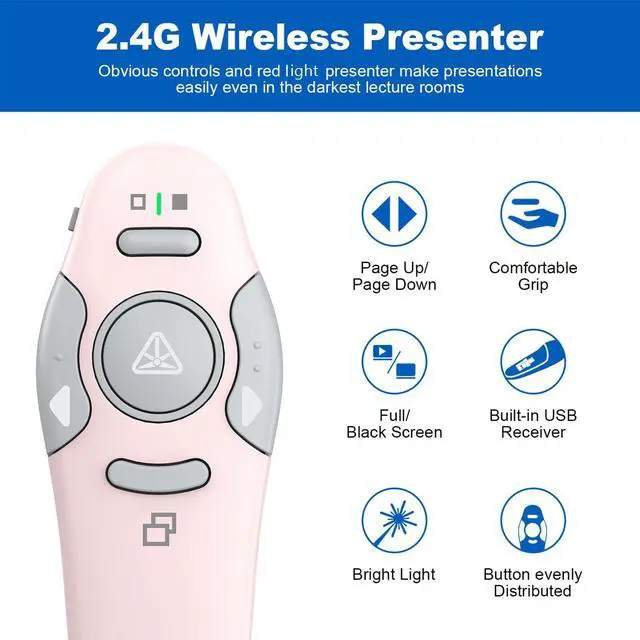
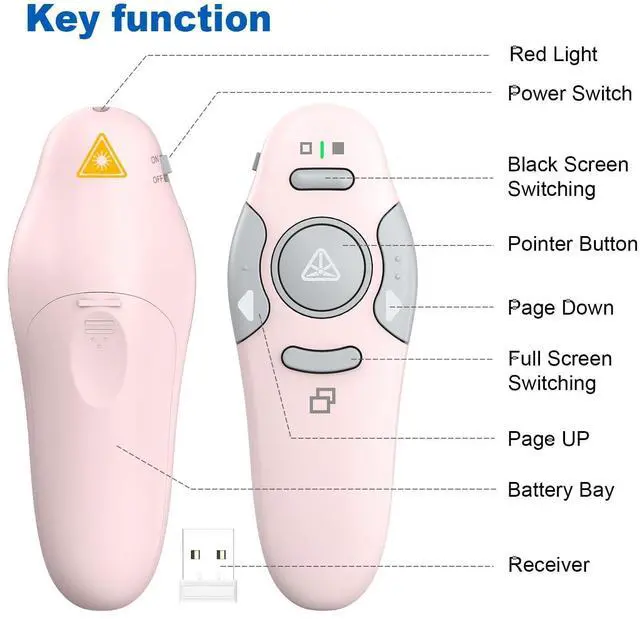
Red Light for Clarity: Featuring a built-in red light that stands out on most backgrounds, this presentation clicker helps you highlight key points in your presentation. The clicker for powerpoint presentations has standard buttons like page up/down, black/full screen switching, etc. With the light button held on, the remote works well reliably and effectively. The power switch to turn off after use helps extends battery life
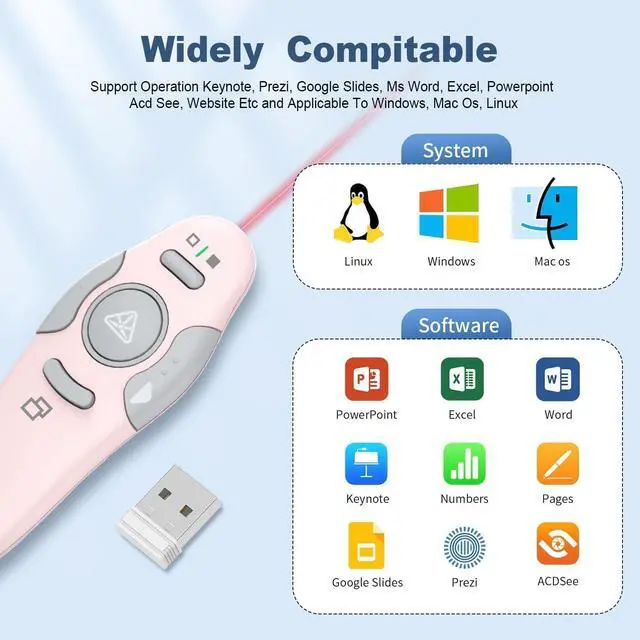
Broad Compatibility: Compatible with Windows 2003/XP/Vista/7/8/10 and above, macOS, Linux, and Android, this slide clicker supports popular software like PowerPoint, Excel, Prezi, Google Slides, and iWork (Keynote, Numbers, Pages). Please ensure to select the correct USB-A or USB-A&C receiver option for your device at checkout of the presentation clicker
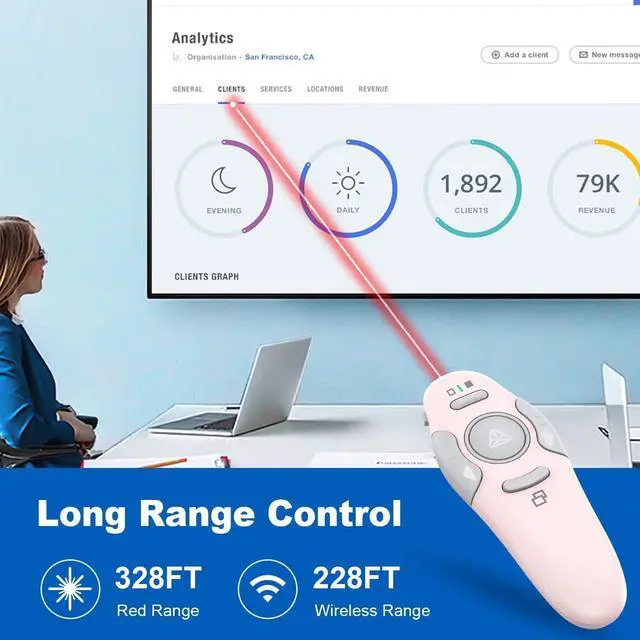
100m Long Range Control: With a wireless range of up to 328 feet, this PowerPoint clicker lets you move freely around the stage, interact with your audience, and deliver dynamic presentations without being stuck at your desk. The clicker for presentation is ideal for creating a more engaging and interactive experience
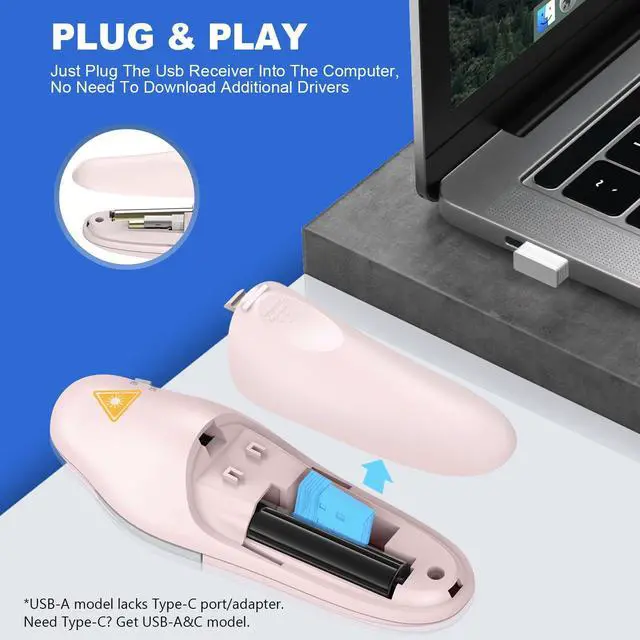
How to Use: This wireless presenter requires no software installation. Simply insert one AAA battery (not included), plug the 2.4GHz USB receiver in the battery compartment into your computer, and turn on the power switch on the left side. It's a must-have for classrooms, conference rooms, and more.
+
+
Overview
Specs
Reviews
Any questions? Our AI mode will help you find out quickly.
Try me now
QUI
Quality, Uncomplicated, Intuitive
Presentation Clickers
Click. Present. Impress.
Presentation Pointers
Smooth Presentations
QUI
Quality, Uncomplicated, Intuitive
Presentation Clickers
Click. Present. Impress.
Presentation Pointers
Smooth Presentations
Presentation Clicker Wireless Presenter Remotee, Pink, A | Clicker for PowerPoint Presentation Remote, PowerPoint Slide Advancer for Mac/Windows/Google Slide/Keynote
Learn more about the Detailed Specifications
Additional Information
First Listed on Newegg
August 15, 2026
There are no reviews yet.
Do you own this product?
Warranty & Returns
Warranty, Returns, And Additional Information
Warranty
Please contact the Seller directly for warranty information. Warranty information may also be found on the Manufacturer's website.