



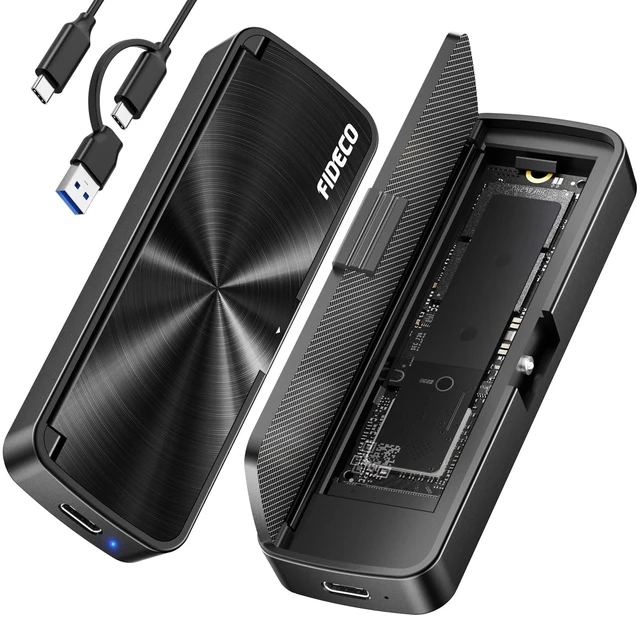


Troubleshooting for FIDECO M.2 NVMe SSD Enclosure:
1. For new SSD, please go to "Disk Management" to initialize it first, and then it can be recognized.
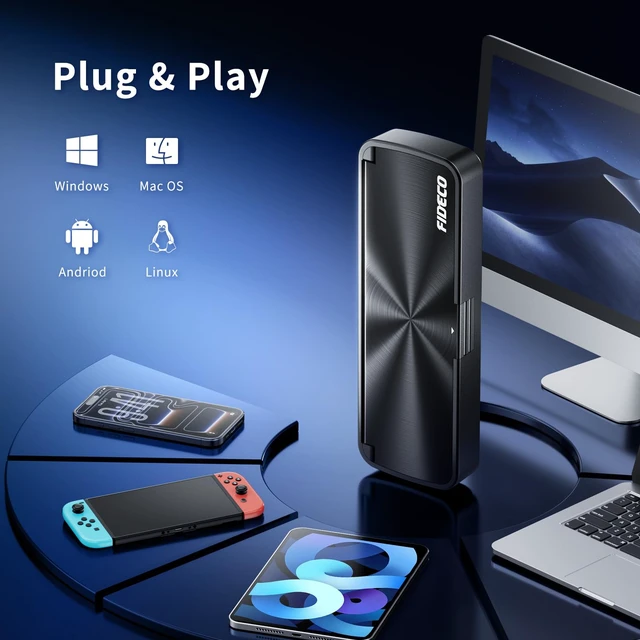
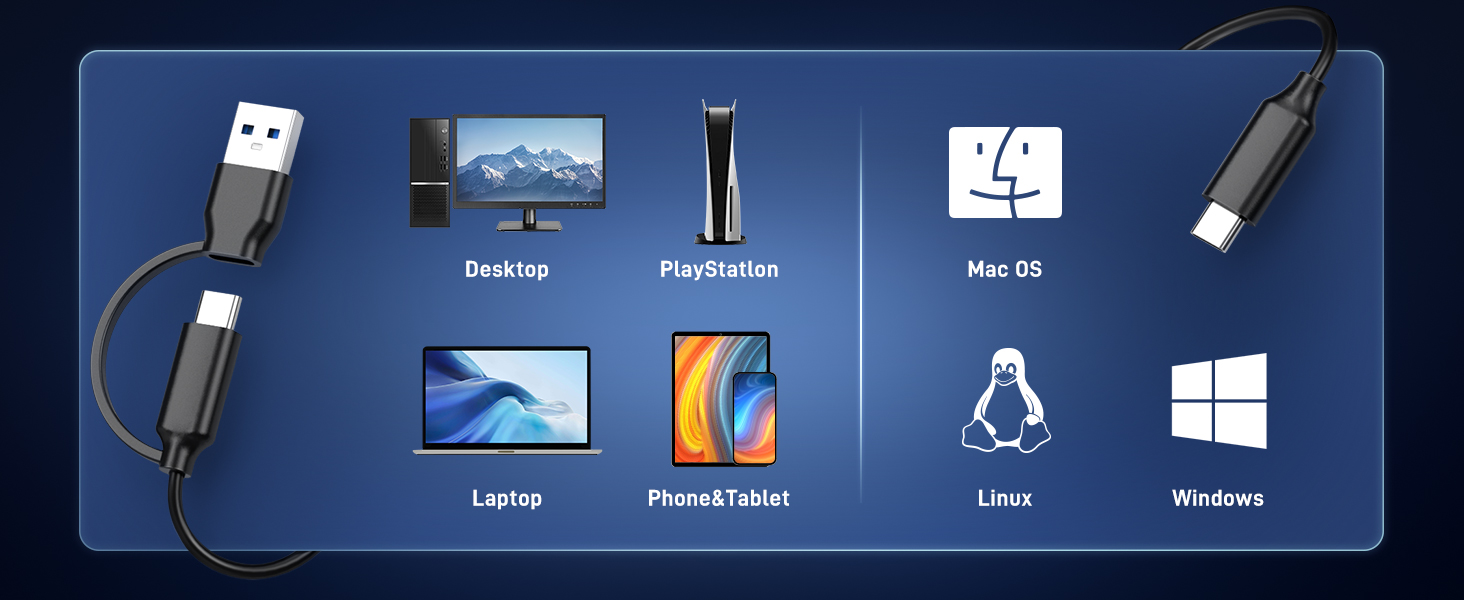
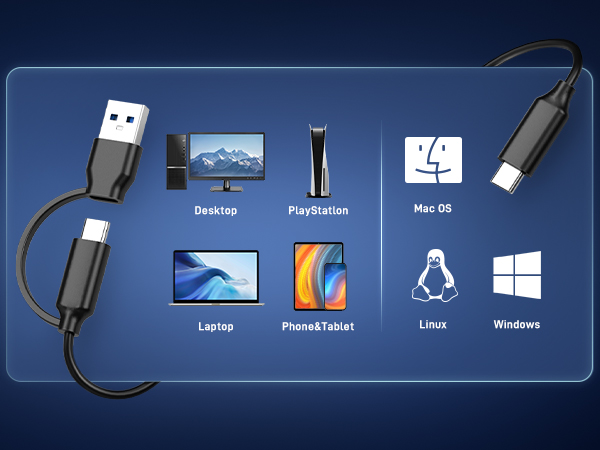
2. For Mac OS, please set the format into exFAT. Before formatting your SSD, please confirm there is backup for your data.
3. For WinXP 32-bit systems, it cannot support the solid state drives above 2TB.
4. For some legacy SSDs, the compatibility may not be good, and we can offer firmware update if there is any need.
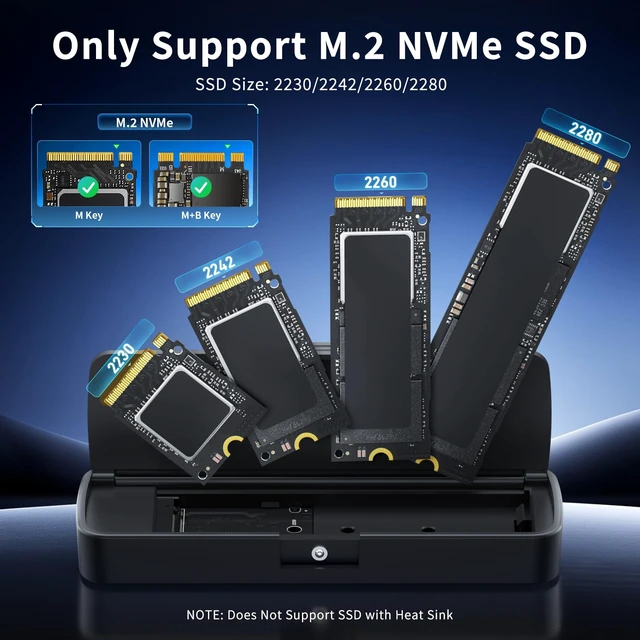
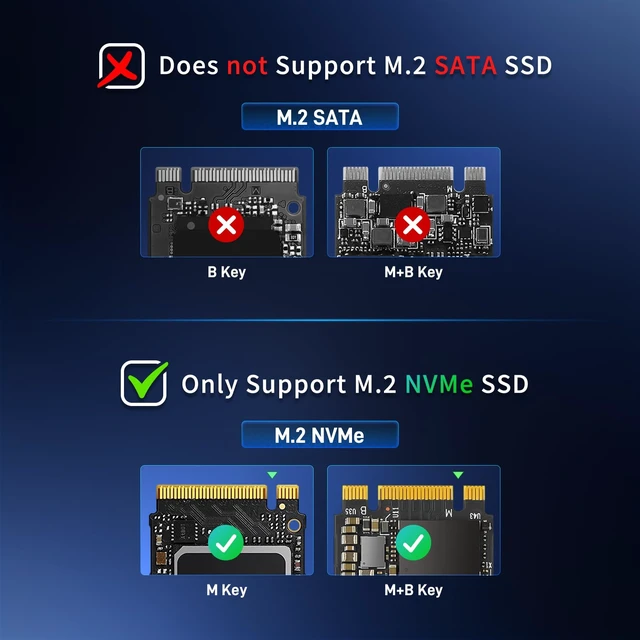
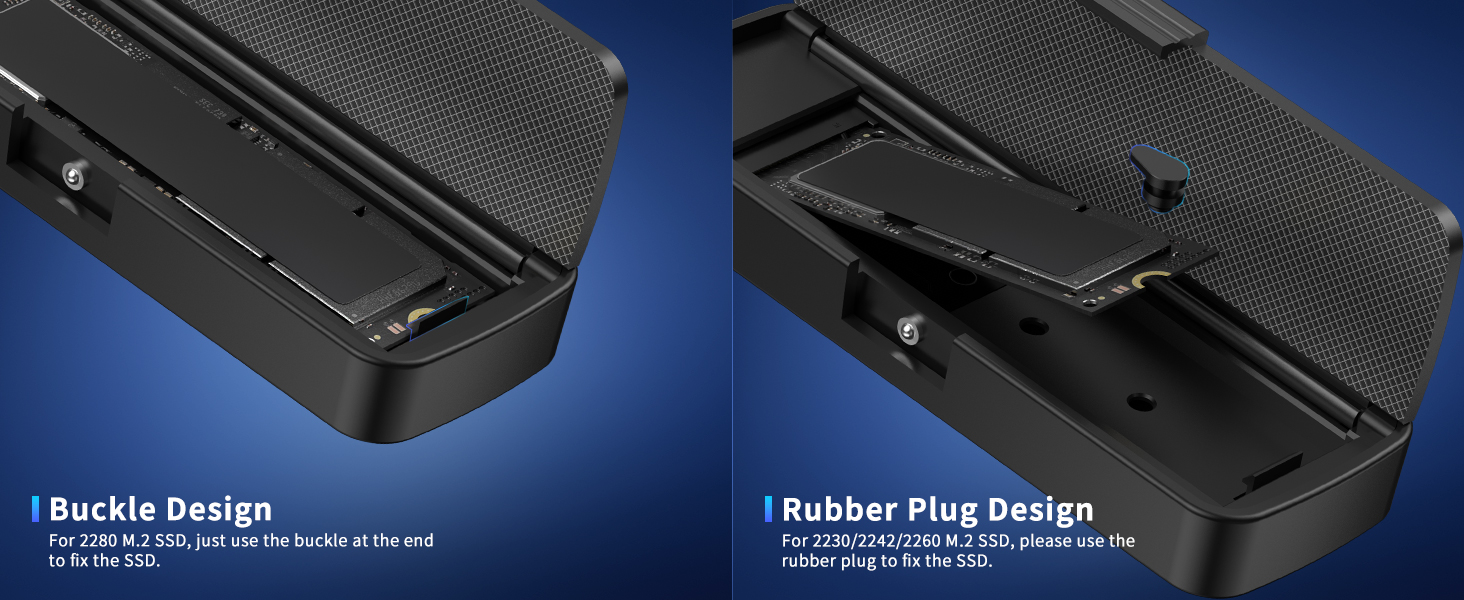
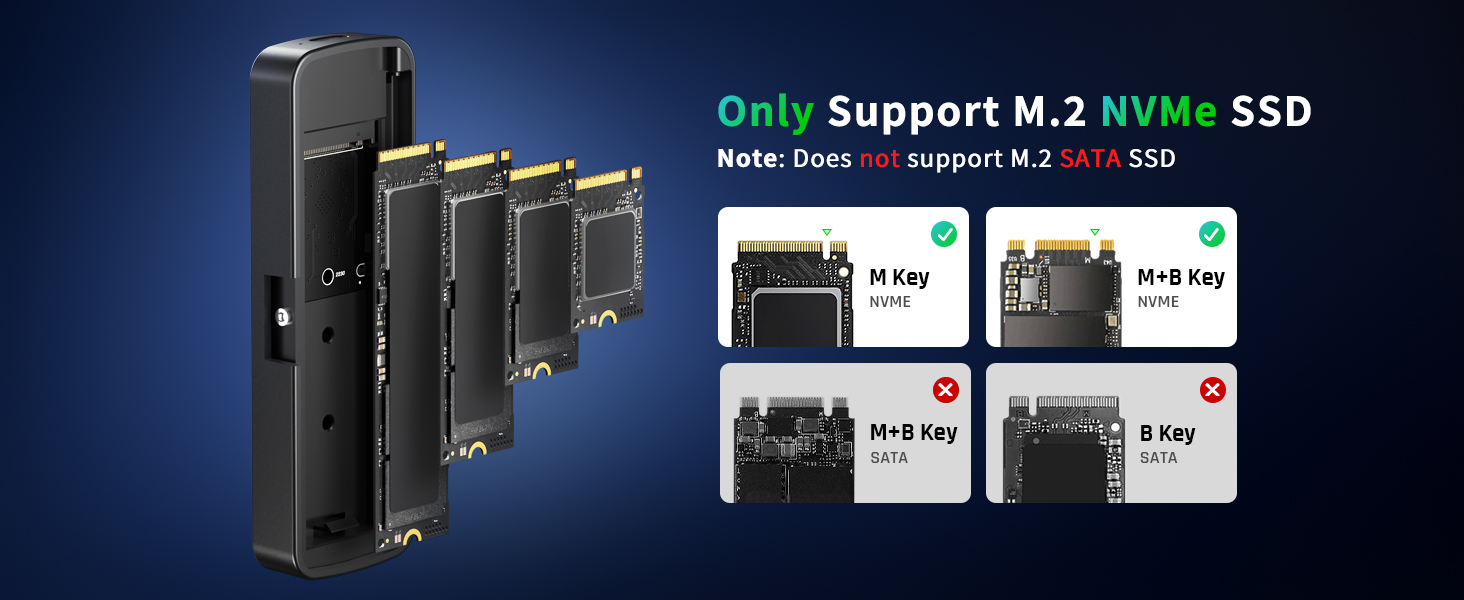
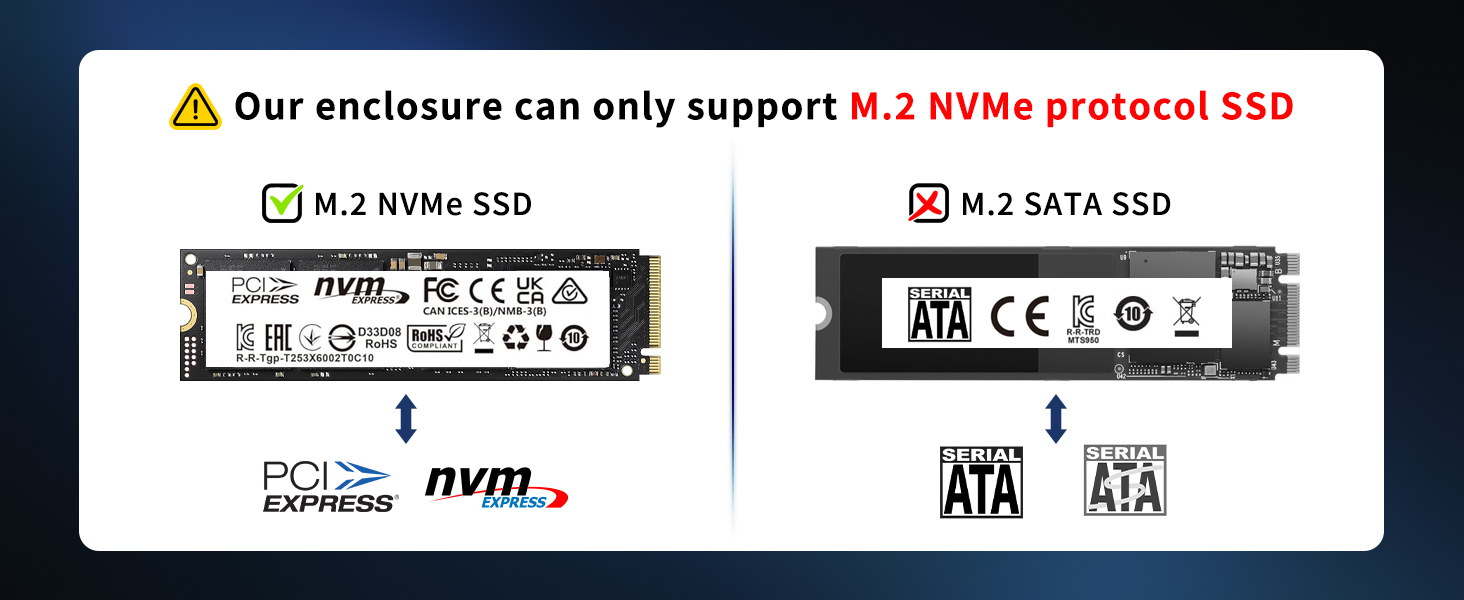
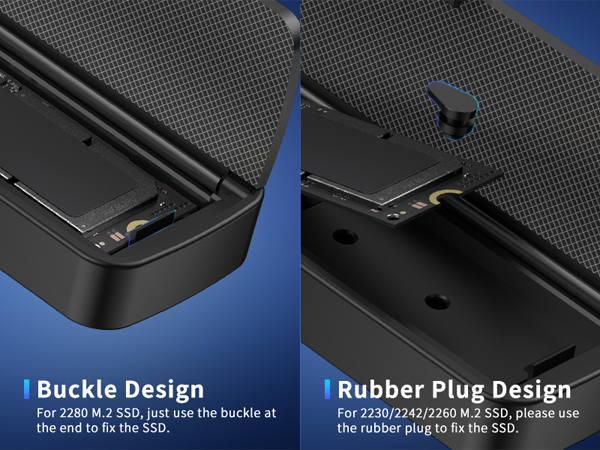
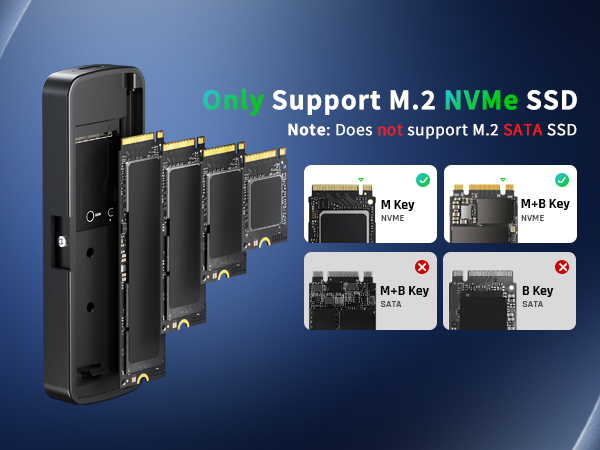
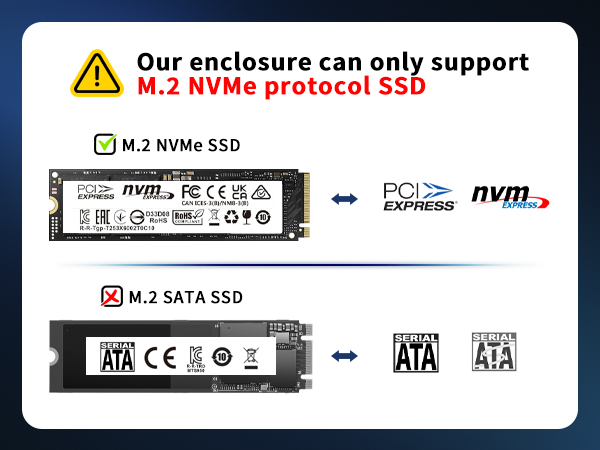
5. This SSD enclosure can only support M.2 NVMe SSD with M-Key or B+M Key. It cannot support any M.2 SATA SSD. For B+M Key SATA SSD, it can be installed into the enclosure, but cannot be recognized due to different protocols.
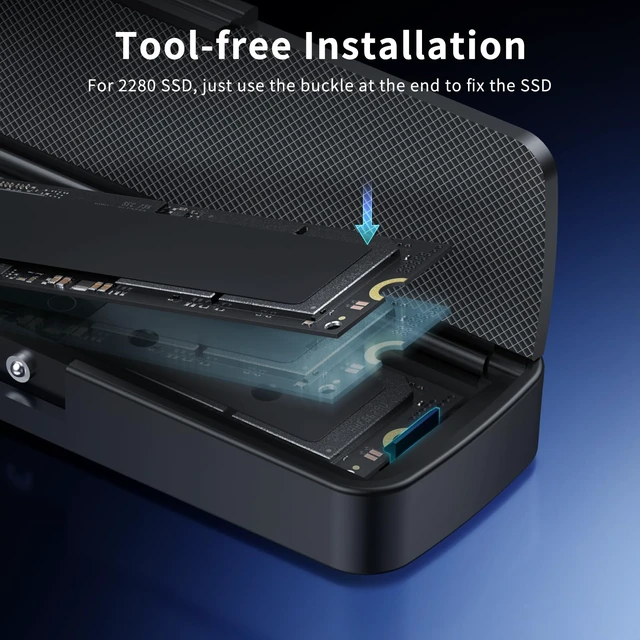
6. This M.2 enclosure cannot support any SSD with heatsink, and it can only support NVMe SSD with thickness less than 0.14 inches.
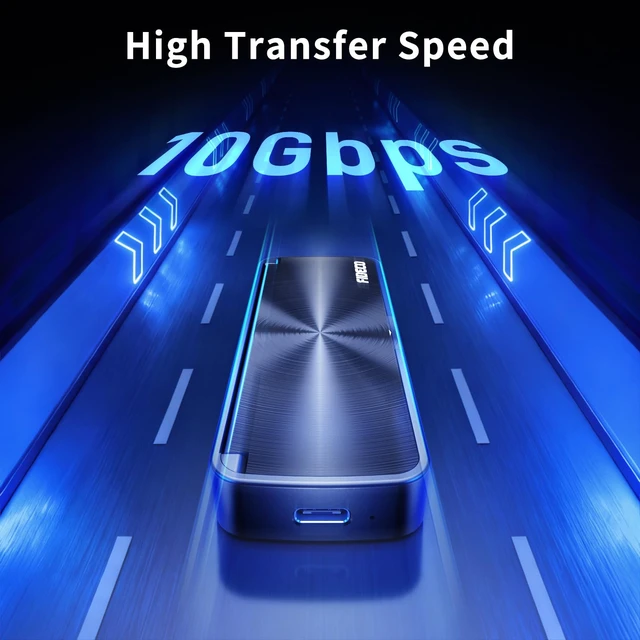
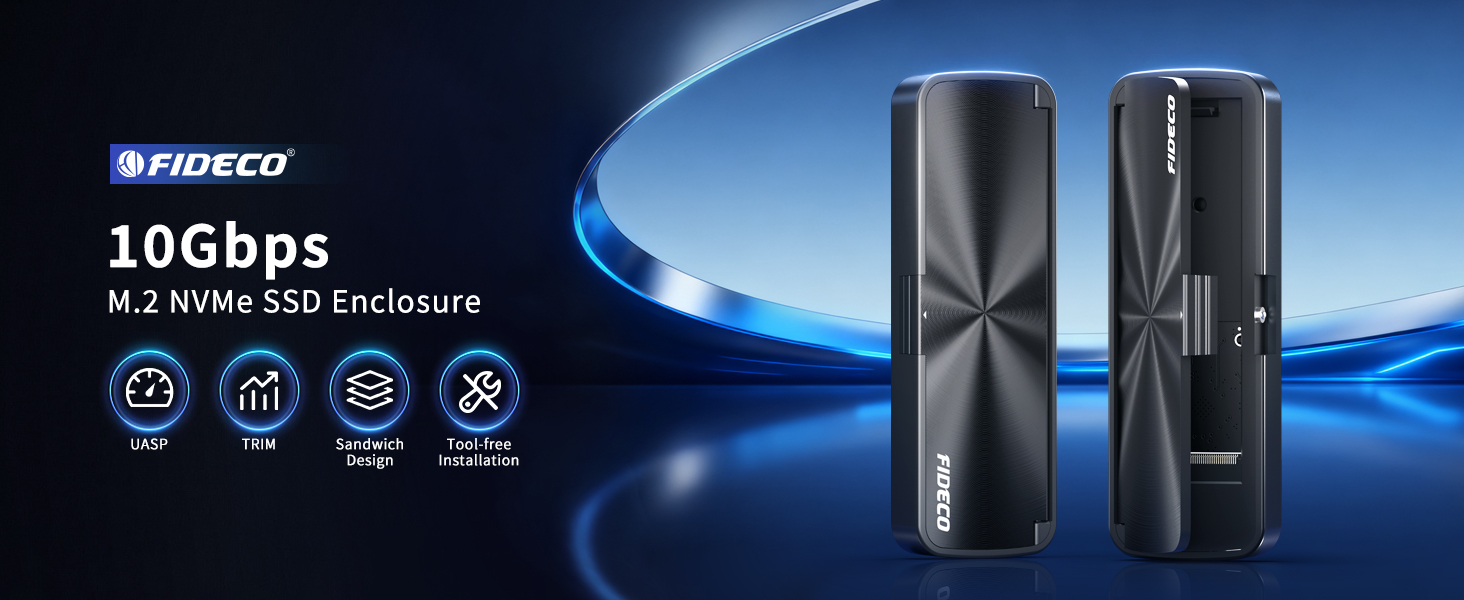
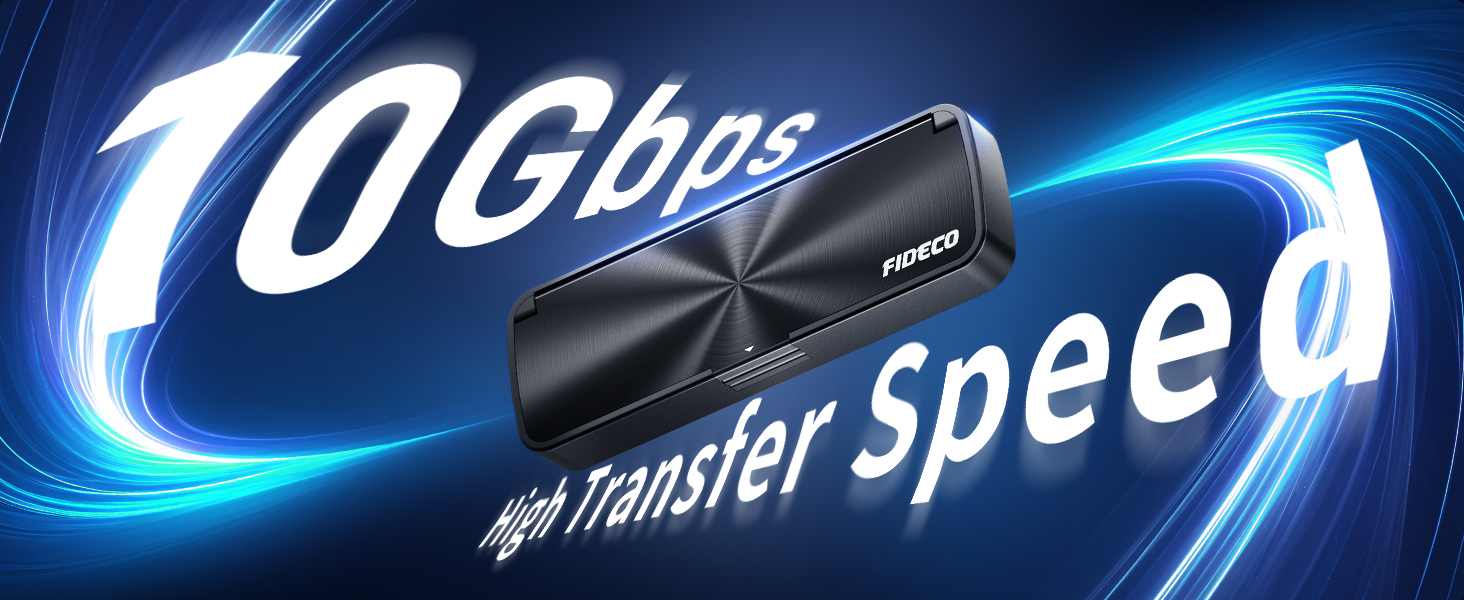
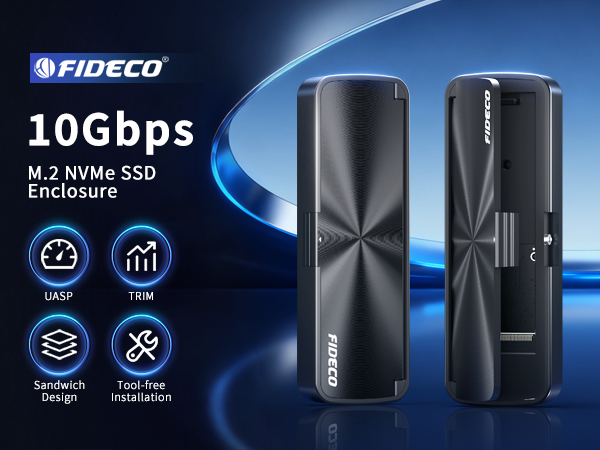
7. To reach the full performance of the item (up to 10Gbps), please connect the NVMe to USB adapter to the device with USB 3.2 Gen 2 standard interface.
8. If you connect the NVMe enclosure to computer and shows "no media" in "Disk Management", please confirm whether the USB cable is plugged tightly between the enclosure and the computer, and then re-plug the USB cable.
Troubleshooting for FIDECO M.2 NVMe SSD Enclosure:
1. For new SSD, please go to "Disk Management" to initialize it first, and then it can be recognized.
2. For Mac OS, please set the format into exFAT. Before formatting your SSD, please confirm there is backup for your data.
3. For WinXP 32-bit systems, it cannot support the solid state drives above 2TB.
4. For some legacy SSDs, the compatibility may not be good, and we can offer firmware update if there is any need.
5. This SSD enclosure can only support M.2 NVMe SSD with M-Key or B+M Key. It cannot support any M.2 SATA SSD. For B+M Key SATA SSD, it can be installed into the enclosure, but cannot be recognized due to different protocols.
6. This M.2 enclosure cannot support any SSD with heatsink, and it can only support NVMe SSD with thickness less than 0.14 inches.
7. To reach the full performance of the item (up to 10Gbps), please connect the NVMe to USB adapter to the device with USB 3.2 Gen 2 standard interface.
8. If you connect the NVMe enclosure to computer and shows "no media" in "Disk Management", please confirm whether the USB cable is plugged tightly between the enclosure and the computer, and then re-plug the USB cable.