


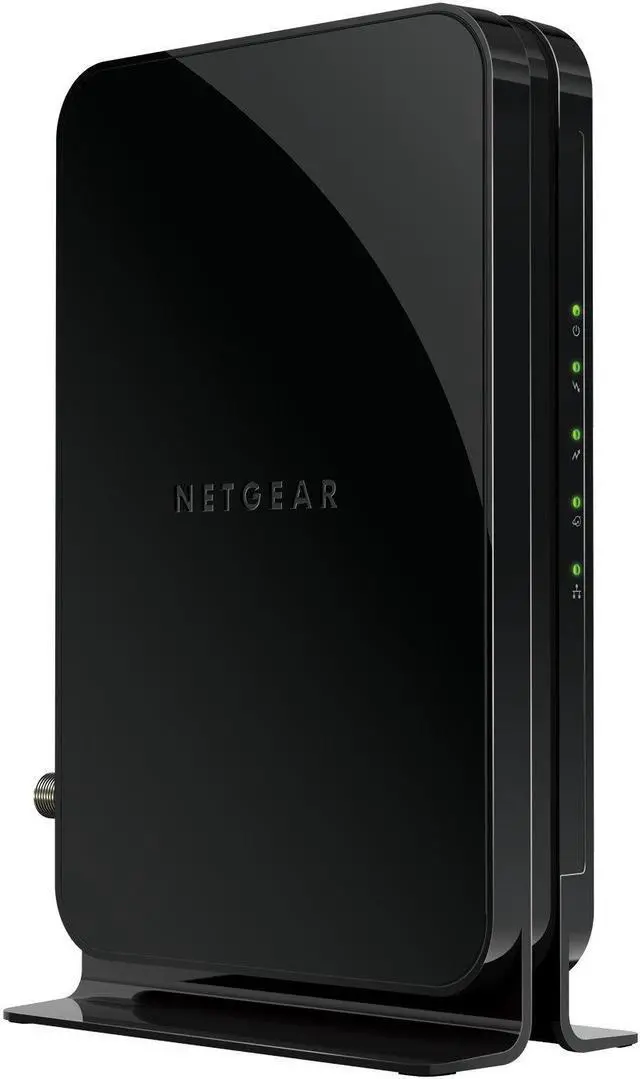



Why Buy Your Own Modem?
Save up to 168 Dollars/year
Eliminates monthly rental fees that can amount to 168 dollars or more per year.
No WiFi limits
You’re free to choose & connect the best router for your home’s WiFi needs.

Built for Serious Speed
Supports cable internet plans with speeds up to 400Mbps ensuring fast, reliable internet speed for HD streaming and more.

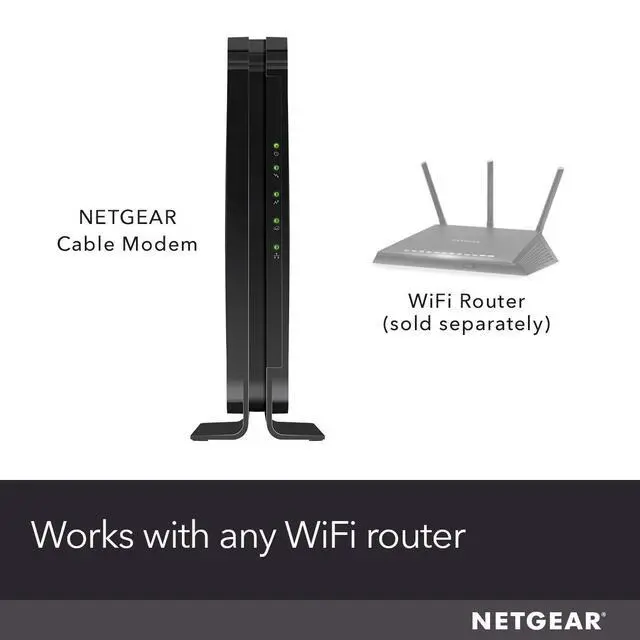
Works with Any Wi-Fi Router
Plug the modem into the router that best meets your wireless needs and start streaming.

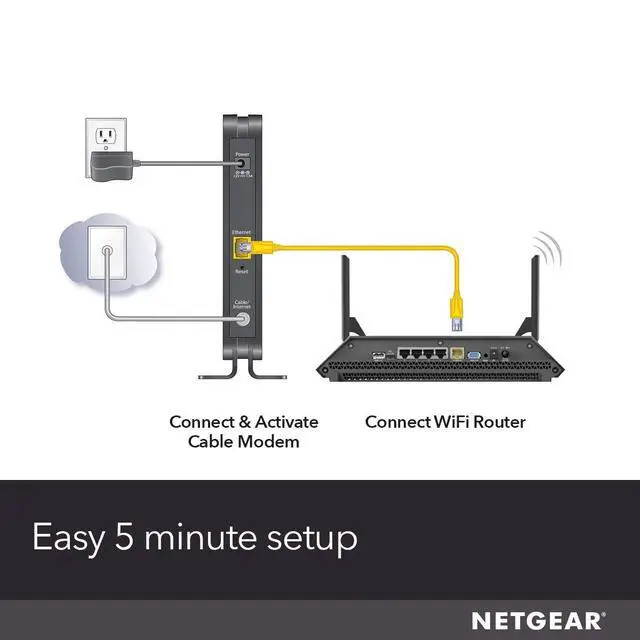
Easy 5 Minute Setup
Step 1: Plug your coax cable into the modem.
Step 2: Activate by either
(a) connect an Ethernet cable to your computer and follow the on-screen setup, or
(b) call your cable provider to activate over the phone.
Step 3: Plug an ethernet cable between the modem and your Wi-Fi router.
 CM500 |  CM700 |  CM1000 | |
|---|---|---|---|
| Customer Reviews | — | — | — |
| Price | — | — | — |
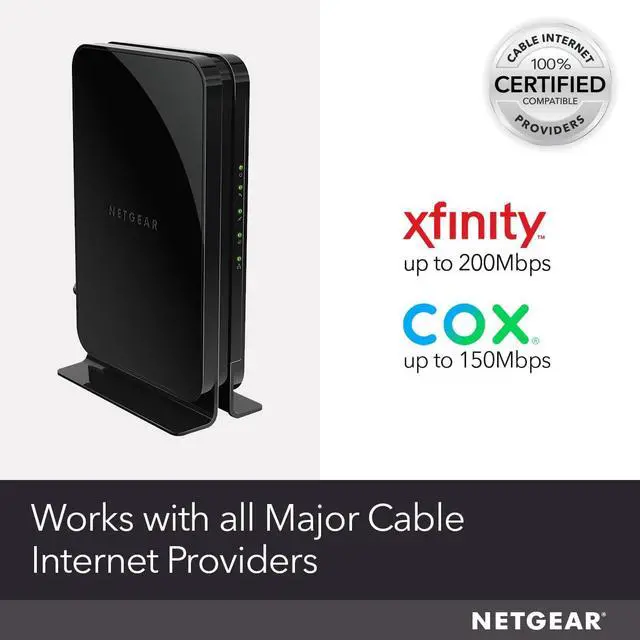
| Cable Provider Compatibility | All Major Cable Providers,Xfinity by Comcast, COX | All Major Cable Providers,Xfinity by Comcast, COX | All Major Cable Providers,Xfinity by Comcast, COX |
| Cable Internet Plan Speed Compatibility | Up to 400Mbps | Up to 800Mbps | Up to 1Gbps |
| Works With Any Wi-Fi Router | ? | ? | ? |
| Gigabit Ethernet Ports | 1 x 1G | 1 x 1G | 1 x 1G |
| Telephone Voice Ports (Xfinity by Comcast Only) | no data | no data | no data |
| Modem Technology | DOCSIS 3.0 and 16x4 Channel Bonding | DOCSIS 3.0 and 32x8 Channel Bonding | DOCSIS 3.1, 32x8 Channel Bonding, OFDM 2x2 |
Why Buy Your Own Modem?
Save up to 168 Dollars/year
Eliminates monthly rental fees that can amount to 168 dollars or more per year.
No WiFi limits
You’re free to choose & connect the best router for your home’s WiFi needs.
Built for Serious Speed
Supports cable internet plans with speeds up to 400Mbps ensuring fast, reliable internet speed for HD streaming and more.

Works with Any Wi-Fi Router
Plug the modem into the router that best meets your wireless needs and start streaming.

Easy 5 Minute Setup
Step 1: Plug your coax cable into the modem.
Step 2: Activate by either
(a) connect an Ethernet cable to your computer and follow the on-screen setup, or
(b) call your cable provider to activate over the phone.
Step 3: Plug an ethernet cable between the modem and your Wi-Fi router.
CM500 | CM700 | CM1000 | |
|---|---|---|---|
| Customer Reviews | — | — | — |
| Price | — | — | — |
| Cable Provider Compatibility | All Major Cable Providers,Xfinity by Comcast, COX | All Major Cable Providers,Xfinity by Comcast, COX | All Major Cable Providers,Xfinity by Comcast, COX |
| Cable Internet Plan Speed Compatibility | Up to 400Mbps | Up to 800Mbps | Up to 1Gbps |
| Works With Any Wi-Fi Router | ? | ? | ? |
| Gigabit Ethernet Ports | 1 x 1G | 1 x 1G | 1 x 1G |
| Telephone Voice Ports (Xfinity by Comcast Only) | no data | no data | no data |
| Modem Technology | DOCSIS 3.0 and 16x4 Channel Bonding | DOCSIS 3.0 and 32x8 Channel Bonding | DOCSIS 3.1, 32x8 Channel Bonding, OFDM 2x2 |