
Your Browsing History


Make informed decisions with expert advice. Learn More


Any questions? Our AI beta will help you find out quickly.
FAQ:
Why can't find an amplifier in my device?
You need to choose mainland China, then find this device, and then connect, because the amplifier is in Chiness version
What do the different colors of the indicator light mean?
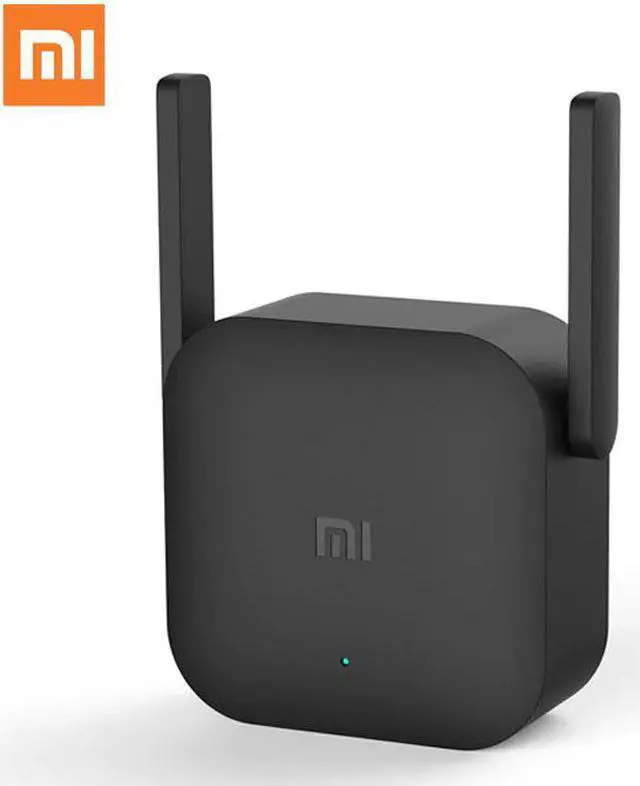
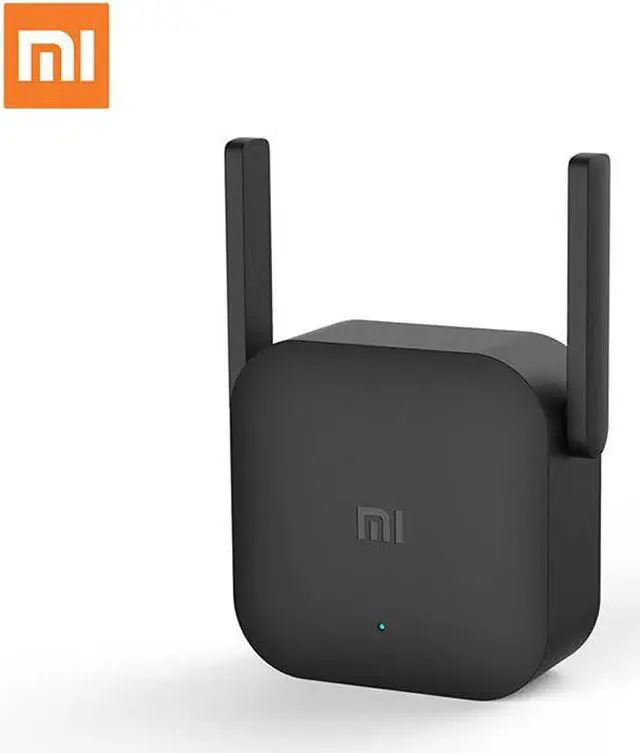
The blue light is always on: the amplifier is running normally, and the WiFi pairing is successful.
The yellow light is always on: the amplifier is starting up, the process is very short, about 10 seconds.
Bing blue: Waiting for pairing, pairing, or pairing failed.The pairing failed. The original network's WiFi password may be changed or it may be far from the original network.
Steady red light: The boot failed, please re-plug and try to repair. If the problem persists, please call after-sales service.
Why The amplifier is always flashing orange, then the blue light is flashing?
The initial setting was unsuccessful. After inserting the router USB, the pairing could not be completed.
Please upgrade your router to the latest development or stable version (2.0 or above)
Check if the amplifier has been paired. If it has been paired, please reset the amplifier to the factory settings (hold the reset hole with the card pin for 5 seconds), then re-pair
The paired amplifier appears blue flashing
Try plugging or unplugging the amplifier, or reset the amplifier (use the PIN pin to hold the reset hole for 5 seconds) before re-pairing
How to customize the network name and password of the amplifier?
Not supported yet,
How to upgrade the firmware?
When the amplifier is idle, it is found that the upgradeable version will automatically complete the upgrade;
Why can't the amplifier get the signal from the router?