
Your Browsing History

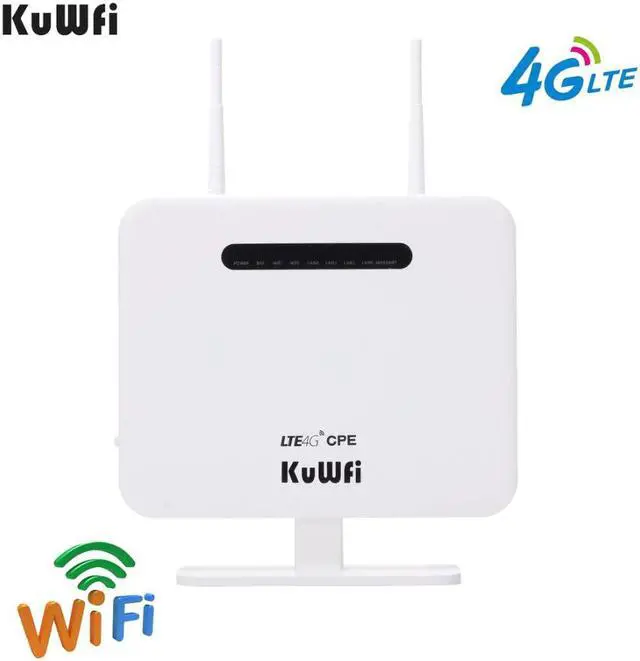
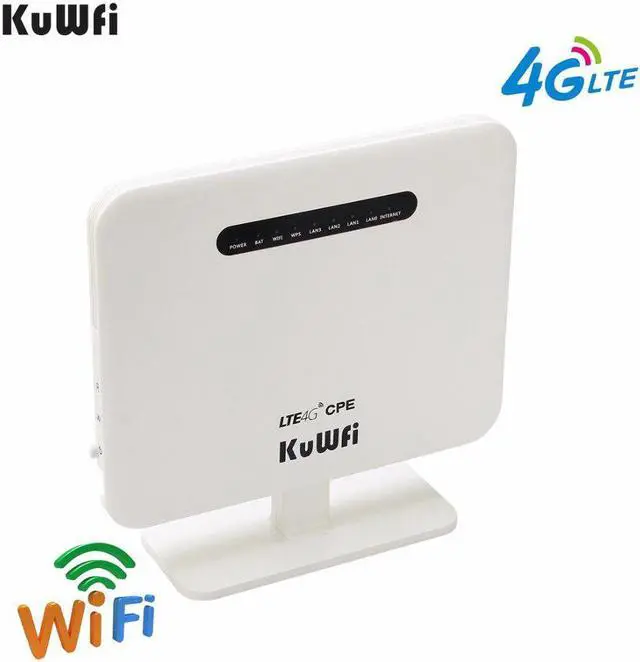
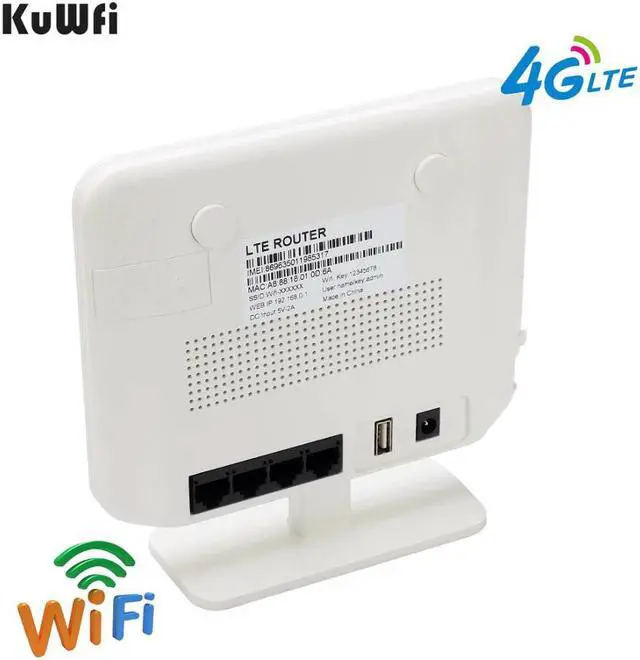
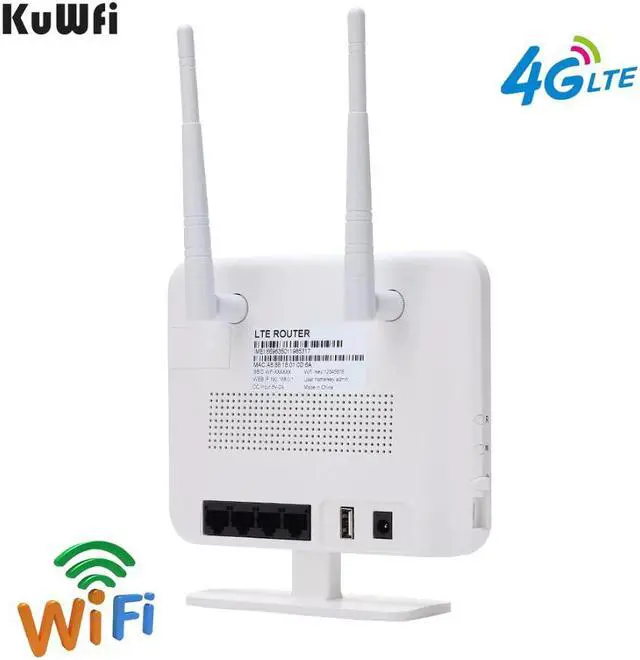

Make informed decisions with expert advice. Learn More


Any questions? Our AI beta will help you find out quickly.
Support ALL Russian SIM cards such as: Yota Tele2 MegaFon Beeline MTS
LTE FDD: B1/B3/B7/B8/B20
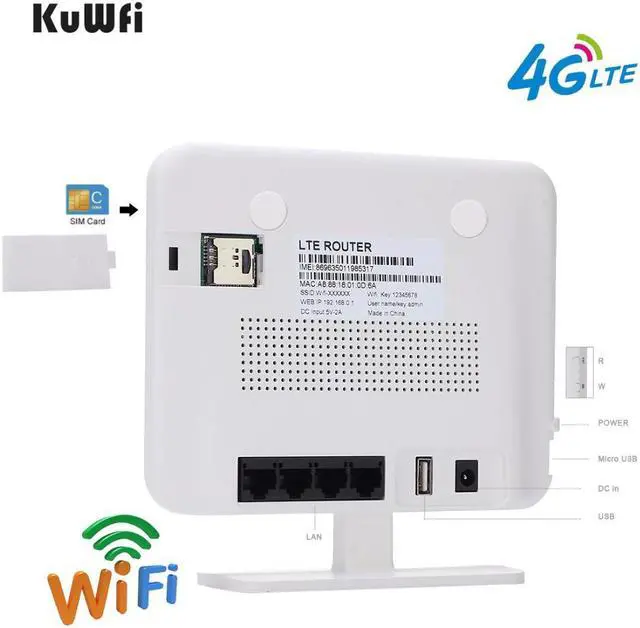
4G wireless modeDefaultChoose 3G/4G Wireless modem mode as default, pulg in to standard SIM Card, KuWFi CPE will identify 3G/4G automatically.for some SIM Card should be update APN.
4G To LAN: Insert 3G/4G SIM card to the Router , connect the LAN cable the router to PC/Desktop ,
Wired Mode:
Standard wireless modem mode:Static online mode/Dynamic Internet access/PPPoE online modem
Instruction manual
https://drive.google.com/drive/folders/1XrSlBjEZLOx5MEB-bEVG4XxNchYyt8xb?usp=sharing
Latest firmware
https://drive.google.com/open?id=1BvB8vxcNsec-Q7swtmS9juv3cilgMK-n
FAQ:
Dear if you use the router in RU ,you can just use Tele2 SIM card
if you use the router in Spain,you can use Movistar/Orange/Vodafone/Yoigo sim card
Q1. the router come with sim card ?
A1.Dear, it need you to buy in your local
Q2.how to use the router ?
A2.1.Pulg in standard SIM Card to convert WiFi
A2.2.Use it without broadband also access to enjoy surfing the Internet
Q3.Why i plug the sim card to this router ,i can not get wifi
A3.1.Please check the frequency of your sim card if it can work in our router
A3.2.If yes ,it need you to change APN.
Q4. how to setup APN
A4.Dear ,This is importhat , first the APN name should becorrect .
please log in 192.168.0.1 and find 3G/4G- setup- 3G/4G ISP (choose user Defined)
then Wirte APN(APN confirm sim card provider) then Apply.
Q5:I have updated the APN ,Why i can not get wifi
A5.1:Please check the APN if it is correct
Q6. how to Log in web interface