• $99.95
  • Free 30-day Returns
  • Ships from China.
    Price alert
    Shop it at NeweggBusiness.

    Meet Your Seller

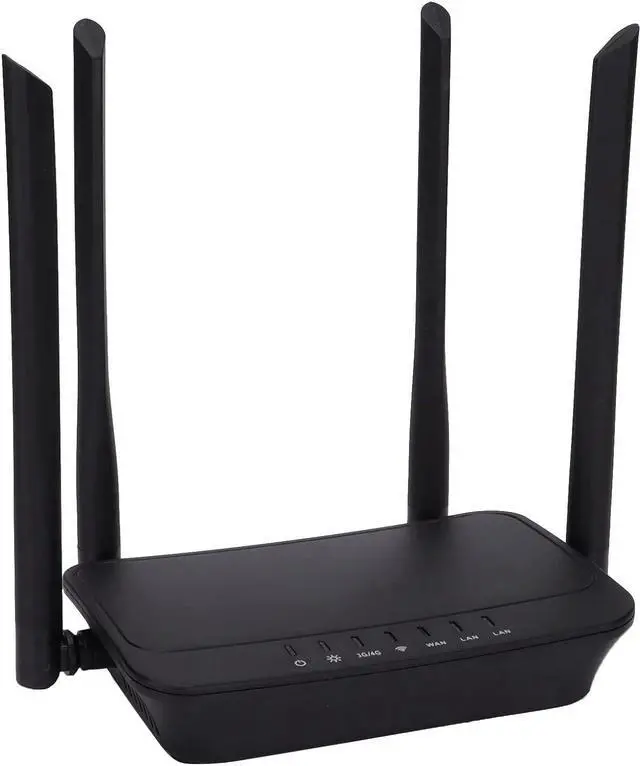
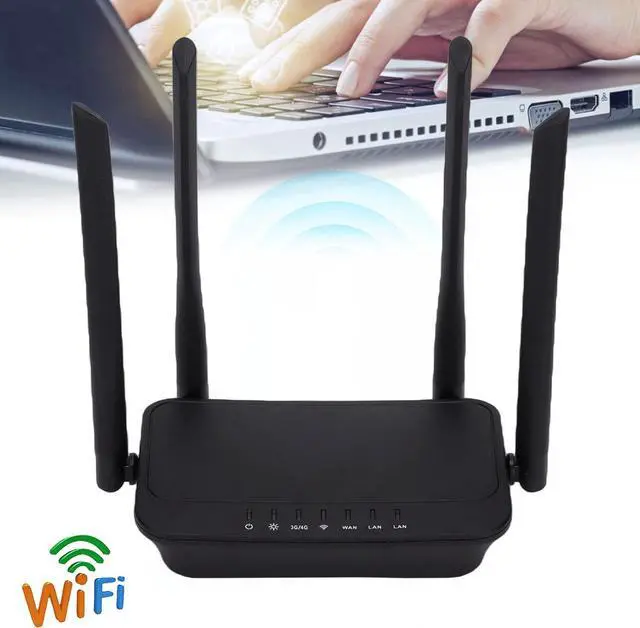
    WiFi Unlocked 4G LTE Modem Router with SIM Card Slot, 300Mbps 4G WiFi Router with Four Antennas Portable WiFi Mobile WiFi Hotspot Support FDD

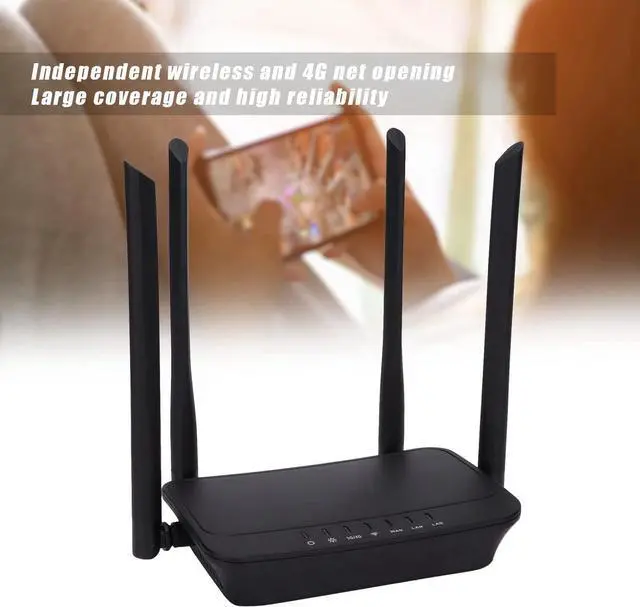
    • Better Coverage Area: Independent wireless and 4G net opening provides better coverage area, high reliability and strong signal strength.
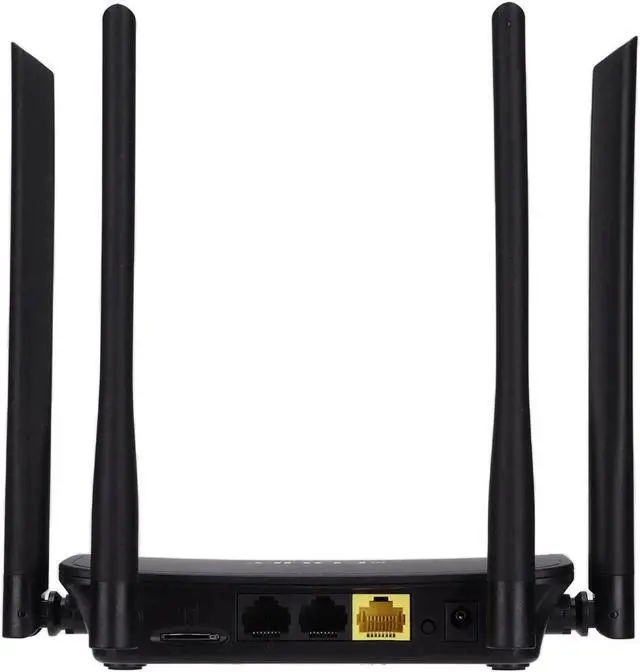
    • Card Slot: This 4G WiFi router is equipped with card slot which can meet various needs of SIM card size.
    • Plug and Play: Inserting the SIM card, and you can access to the internet without broadband. Providing more convenience.
    • Easy to Install: With small and lightweight design, this 4G WiFi router is easy to install, suitable for office and home, etc.
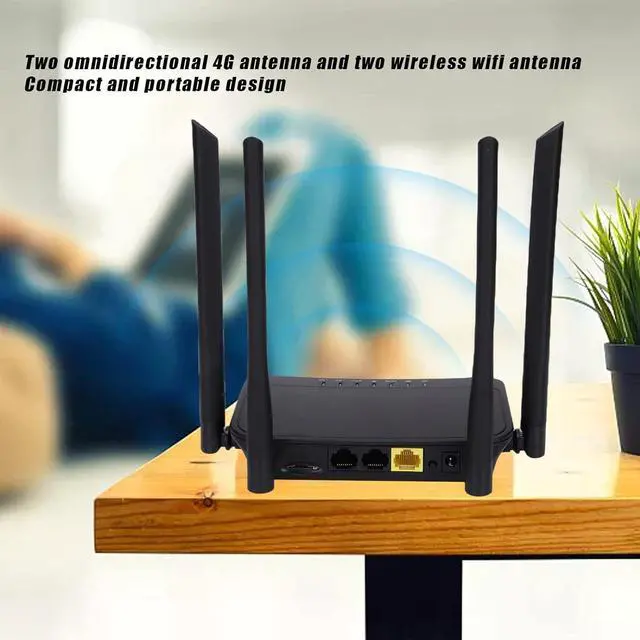
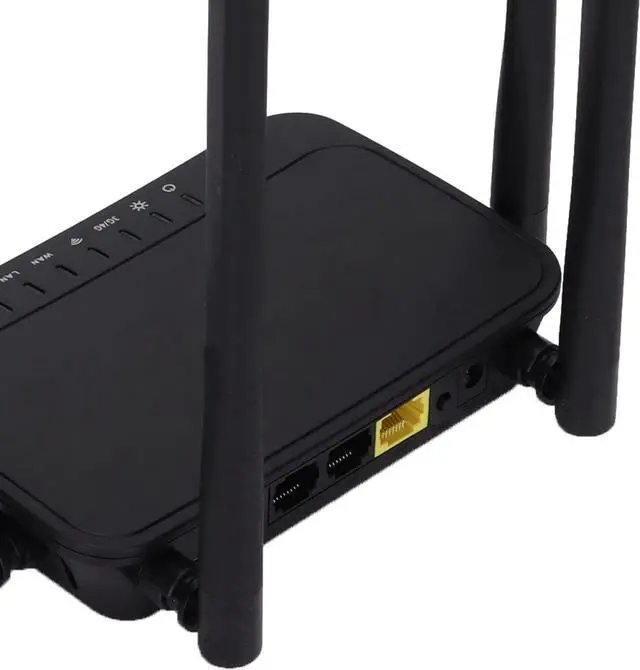
    • Four Antenna: Equipped with 2 omnidirectional 4G antenna and 2 WiFi antenna, receiving the 4G signal with high stability.
    +
    +
    Overview
    Specs
    Reviews
    avatar

    Any questions? Our AI beta will help you find out quickly.

    Specification:
    Item Type: 4G WiFi Router
    Material: ABS and Aluminium Alloy
    Model: EP-N9531US
    Chip: ML358
    Wireless Standard: IEEE 802.11b/g/n, IEEE 802.3u, CSMA/CD/DHCP/TCP/IP
    Network Protocol: TCP/IP, PPPOE, DHCP, ICMP, NAT, NAPT, ARP, PPP, PAP, CHAP, PPTP
    Wireless Rate: 300Mbps
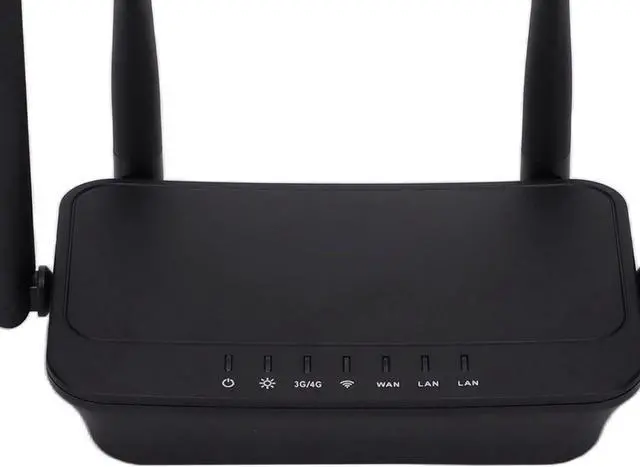
    Network Interface: 1 x 10/100M WAN+2 x 10/100M LAN
    SIM Interface: Micro SIM
    Frequency Band: 2.4-2.4835GHz
    VPN: Support
    Firewall: Inbuilt Firewall
    Input Voltage/Current: DC 12V/1A
    Plug Specification: US Plug (100-240V)
    American Version of the SIM Frequency Band:
    FDD: B2/3/4/5/7/8/12/13/17/25/26/66
    TDD: B41
    WCDMA: B2/4/5/8
    GSM: 850/900/1800/1900

    How to Use:
    1. Insert the SIM card.
    2. Connect the power adapter, power on to start the router.
    3. Turn on the mobile wifi, search for and connect to the wireless signal of the device.

    Package List:
    1 x4G WiFi Router
    3 x SIM Card Tray
    1 x Card Needle
    1 x Power Adapter
    1 x User Manual

    Note:
    Before purchase, you need to confirm with the communication provider whether the cell phone card band is the same as the applicable band of the product, if the network is interrupted, you can press the reset button to restart the product to restore the network.

    Warranty & Returns

    Warranty, Returns, And Additional Information

    Warranty

    • Please contact the Seller directly for warranty information. Warranty information may also be found on the Manufacturer's website.
    • CONTACT

    Return Policies

    Manufacturer Contact Info

    LOADING...