Out of stock
This item is currently out of stock and it may or may not be restocked.
Most customers receive within 5-9 days.
Shop it at NeweggBusiness.

Meet Your Seller

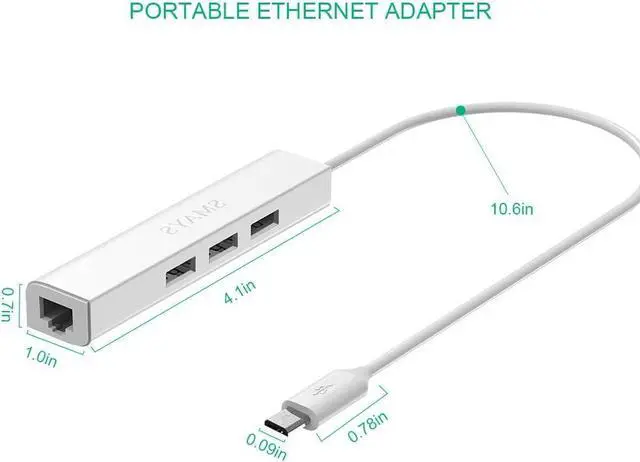
Wired Ethernet Adapter for Fire Stick Basic/2nd/4k/Lite/Cube, Google Chromecast Ultra, Tivo Stream 4K - Micro USB OTG Cable, 3 USB 2.0 Hub with Power DC

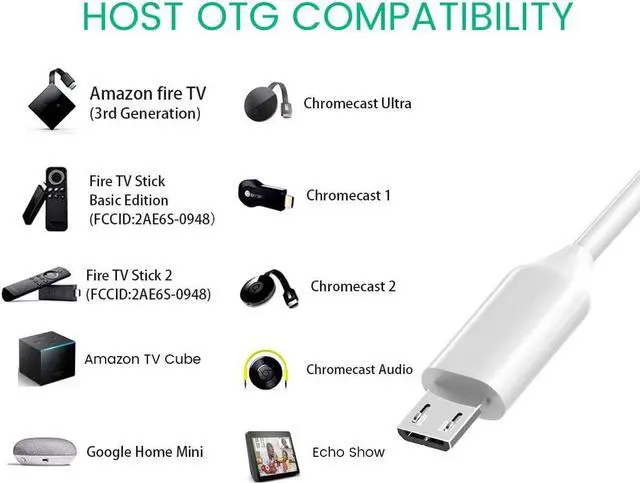
  • LAN adapter compatibility - Replacement for Fire Stick Lite 2020, Firestick 3rd gen/4K Max 2021, Fire TV Stick with Alexa Voice Remote (2nd Gen -- 2016 release), all-new Fire TV (2017 release), Fire TV Cube, Echo Show 5, Echo Show 2nd Generation, Echo Show 8; Shark Roku TV; Chromecast Ultra/2nd gen/1st gen/Audio, Google Home Mini
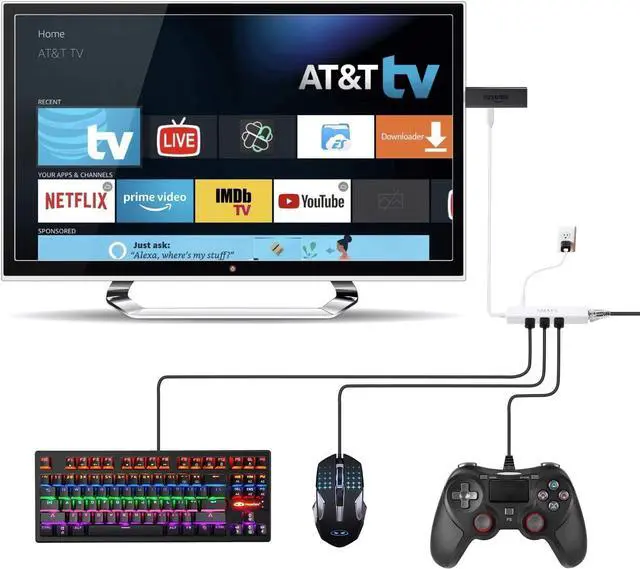
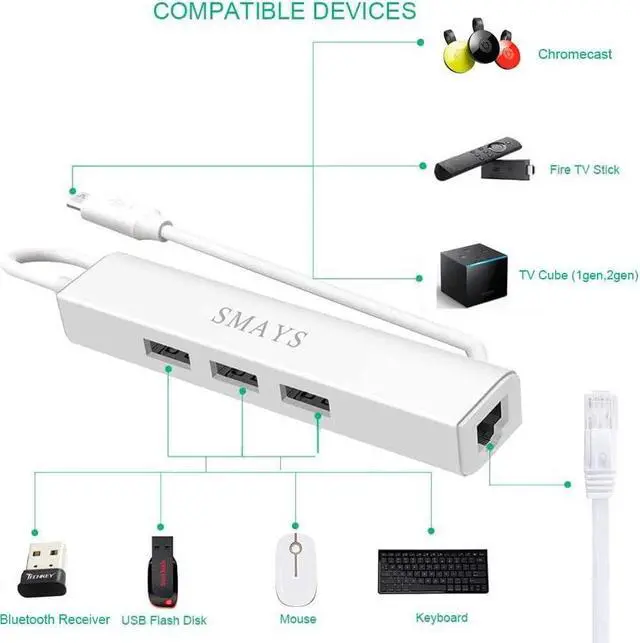
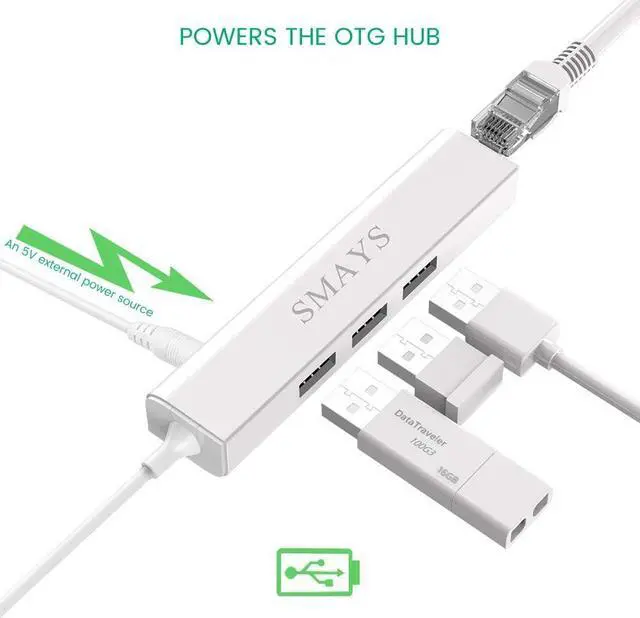
  • 3-port USB 2.0 Hub (OTG Cable) - Allows streaming stick to access and store apps and files on an external USB flash drive; works with mouse, keyboard, SSD, and memory card reader to transfer data
  • Supports 10/100M Internet speed, Stable wired internet, no buffering, no lag
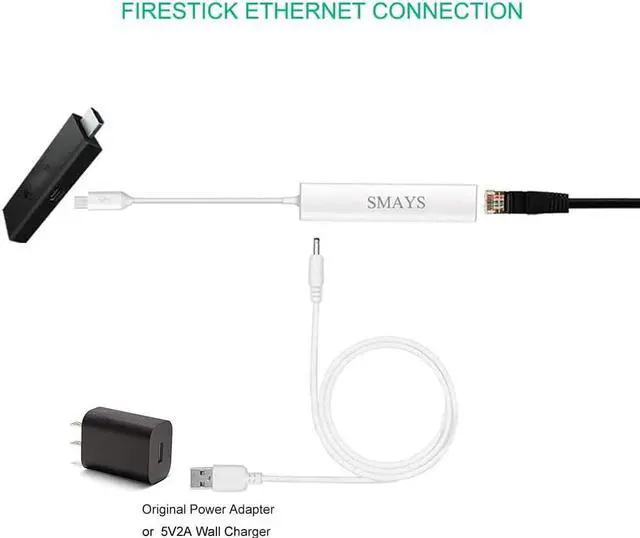
  • 5V DC-in power cord - Connect with your original power adapter or 5V/2A wall charger to power the Fire TV Stick and 3 USB port
  • Easy to set up - 1. Connect the Ethernet/HUB adapter with the Fire TV stick; 2. Plug network cable into Ethernet/HUB adapter; 3. Connect our USB-DC cable with your Original or 5V/2A wall charger

Overview
Specs
Reviews
avatar

Any questions? Our AI beta will help you find out quickly.

LAN adapter compatibility - Replacement for Fire Stick Lite 2020, Firestick 3rd gen/4K Max 2021, Fire TV Stick with Alexa Voice Remote (2nd Gen -- 2016 release), all-new Fire TV (2017 release), Fire TV Cube, Echo Show 5, Echo Show 2nd Generation, Echo Show 8; Shark Roku TV; Chromecast Ultra/2nd gen/1st gen/Audio, Google Home Mini
3-port USB 2.0 Hub (OTG Cable) - Allows streaming stick to access and store apps and files on an external USB flash drive; works with mouse, keyboard, SSD, and memory card reader to transfer data
Supports 10/100M Internet speed, Stable wired internet, no buffering, no lag
5V DC-in power cord - Connect with your original power adapter or 5V/2A wall charger to power the Fire TV Stick and 3 USB port
Easy to set up - 1. Connect the Ethernet/HUB adapter with the Fire TV stick; 2. Plug network cable into Ethernet/HUB adapter; 3. Connect our USB-DC cable with your Original or 5V/2A wall charger

Warranty & Returns

Warranty, Returns, And Additional Information

Warranty

  • Please contact the Seller directly for warranty information. Warranty information may also be found on the Manufacturer's website.
  • CONTACT

Return Policies

  • Return for refund within: 30 days
  • Return for replacement within: 30 days
  • This item is covered by DianLan Return Policy

Manufacturer Contact Info

LOADING...