

Your Browsing History
- Free 30-day Returns
$59.99



Meet Your Seller


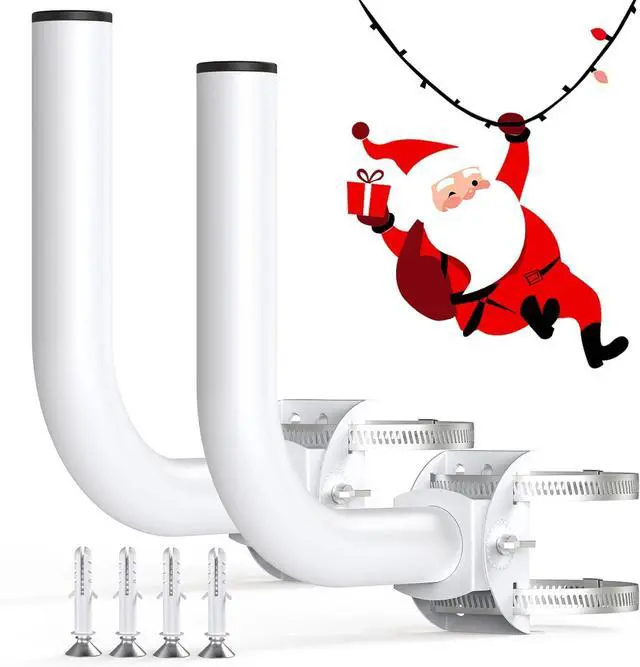


Universal Wireless Bridge Bracket Mount, Pole and Wall-Mounted Mount for Outdoor Point to Point AP Access Point Client Bridge CPE, Antenna Mounting Pole Bracket (2-Pack)
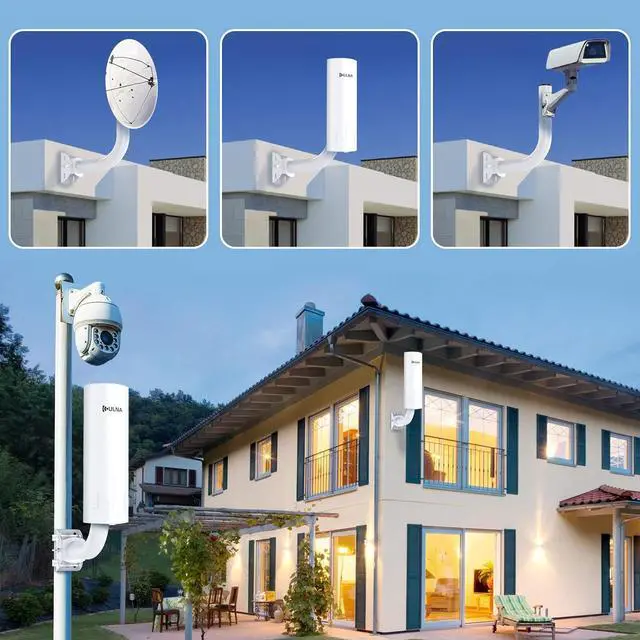
- This pole mount bracket is for easy installation of outdoor antennas for all wireless bridges, CPE, outdoor security cameras for home or other wireless systems. TIP: Weight capacity of 4 pounds within the use of the best results, high load is not recommended to use
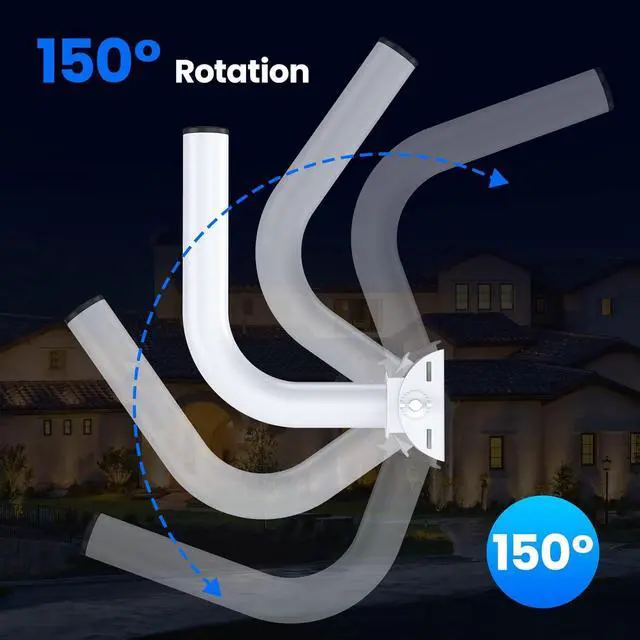
- The wireless bridge mount pole can be adjusted 150°up and down. After you install the CPE or antenna, adjust the angle of the pole to receive a stronger signal
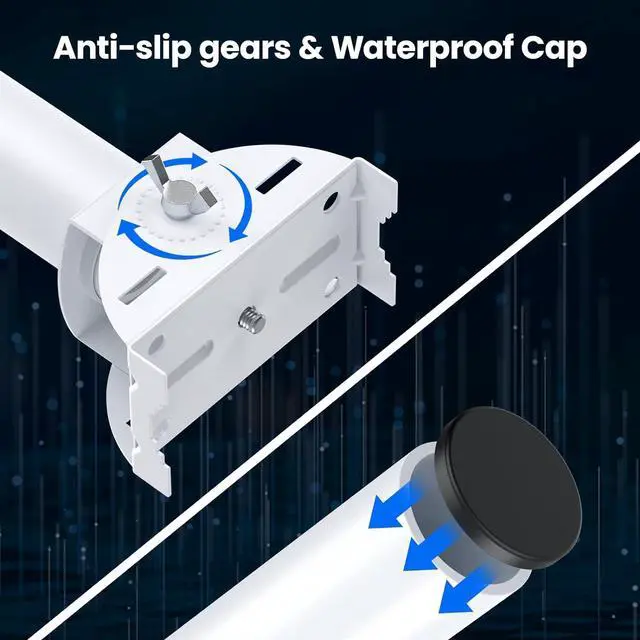
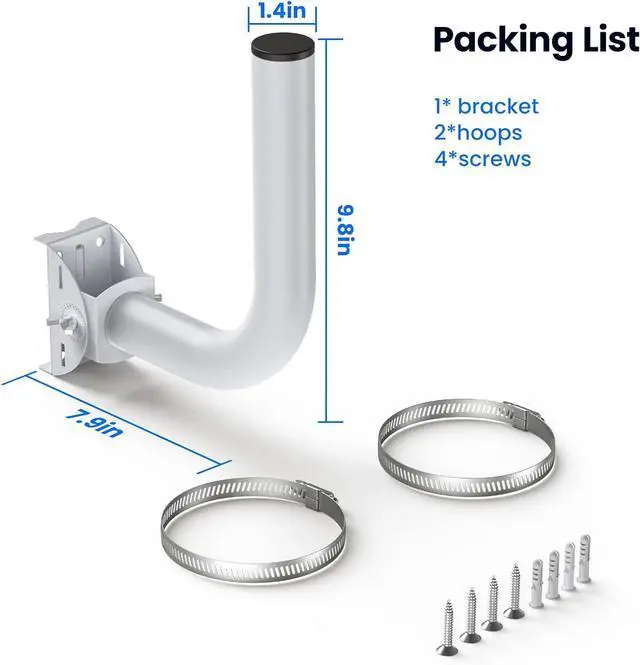
- This antenna mount comes with non-slip gears. After adjusting the angle of the pole, you only need to give it a slight twist and the pole will be securely fixed. And this pole mount bracket is equipped with two hoops, which can completely secure your bracket firmly to the pole
+
+
Overview
Specs
Reviews

Any questions? Our AI mode will help you find out quickly.
Try me now
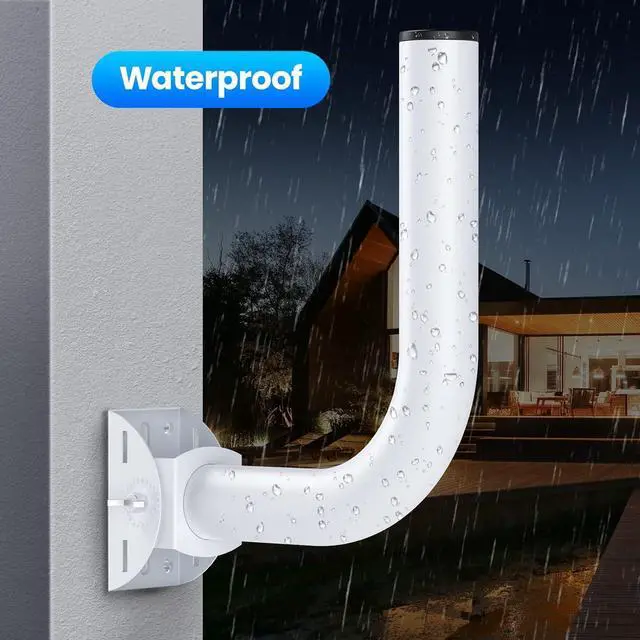
This antenna mounting pole has a painted surface and is equipped with a waterproof cap on top to prevent rain from entering the bracket and rusting. This makes this bracket mount a good waterproof performance. With proper installation, can withstand rain
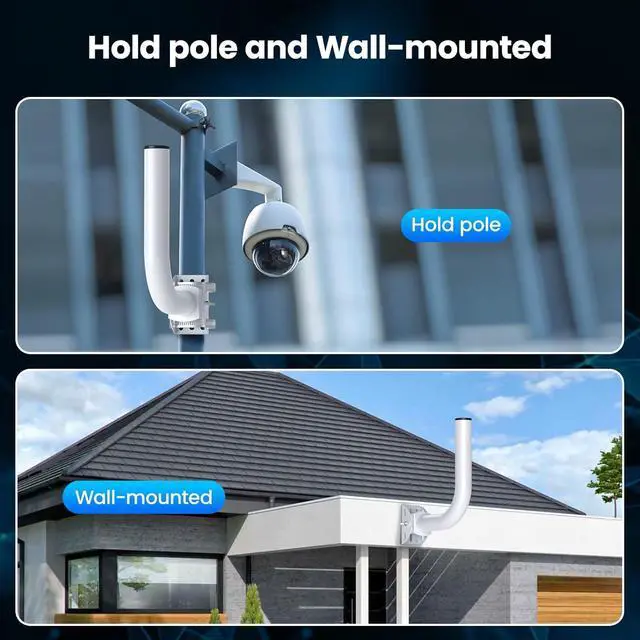
This antenna mount pole bracket can be installed on a pole or wall-mounted, both installation methods are very simple, you can choose according to your needs
This antenna mount pole bracket can be installed on a pole or wall-mounted, both installation methods are very simple, you can choose according to your needs
Warranty & Returns
Warranty, Returns, And Additional Information
Warranty
- Please contact the Seller directly for warranty information. Warranty information may also be found on the Manufacturer's website.
- CONTACT
Return Policies
- Return for refund within: 30 days
- Return for replacement within: 30 days
- This item is covered by B-IN Electronics Return Policy
Manufacturer Contact Info
- For a directory of all our manufacturers, please click below.
- Manufacturers Directory
LOADING...