




 here!
here!
I’m your shopping assistant for PC builds, upgrades, and everything tech.
Got questions? Ask away!
Start a conversation
here!
I’m your shopping assistant for PC builds, upgrades, and everything tech.
Got questions? Ask away!
Start a conversation Top Rated
 Hot Seller Top Rated






Any questions? Ask CelesteSM will help you find out quickly.
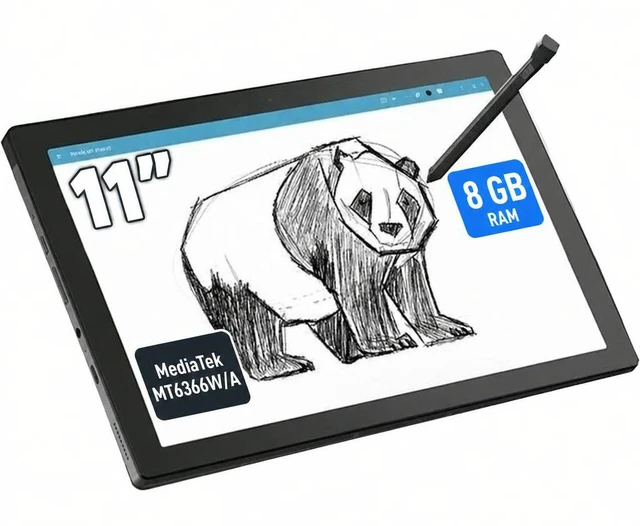
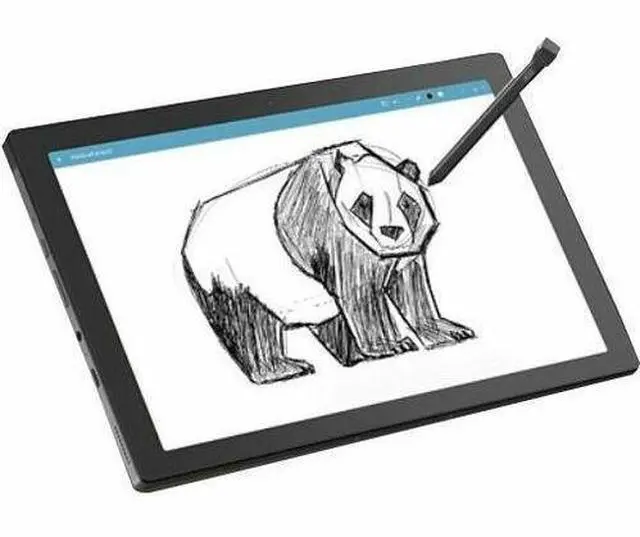
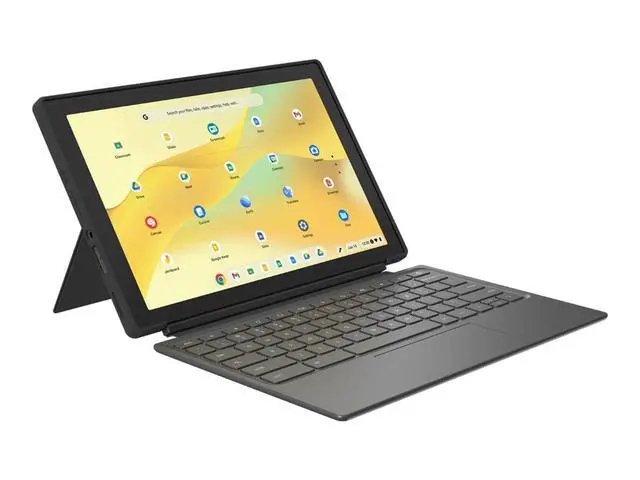
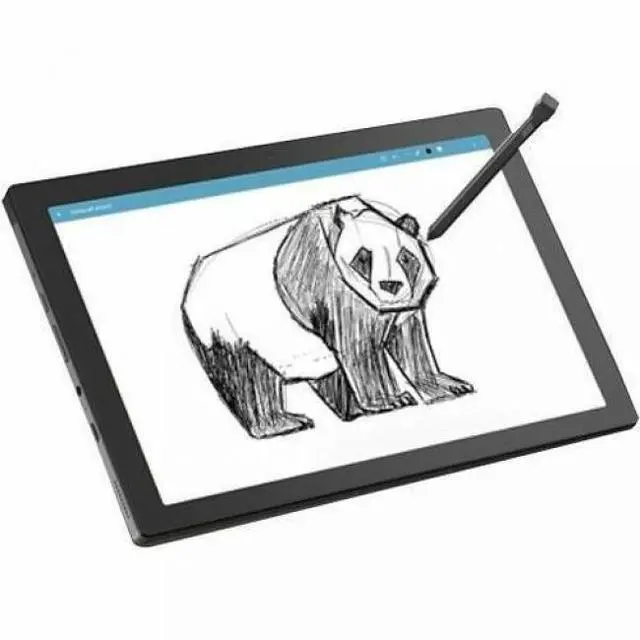
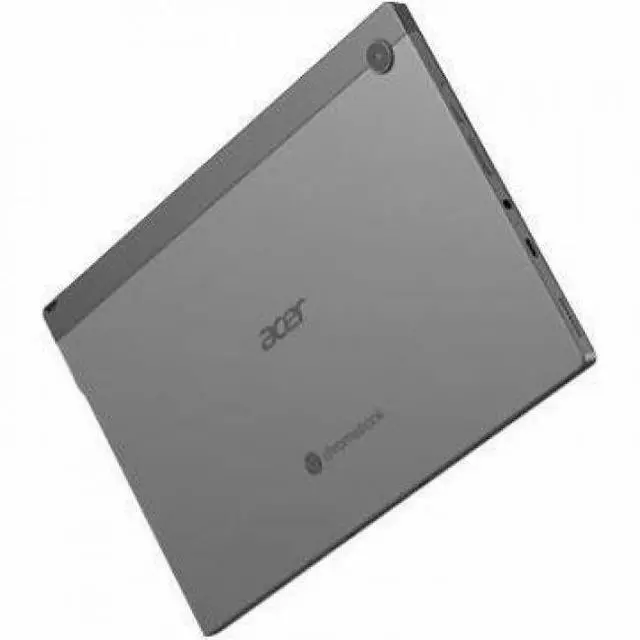
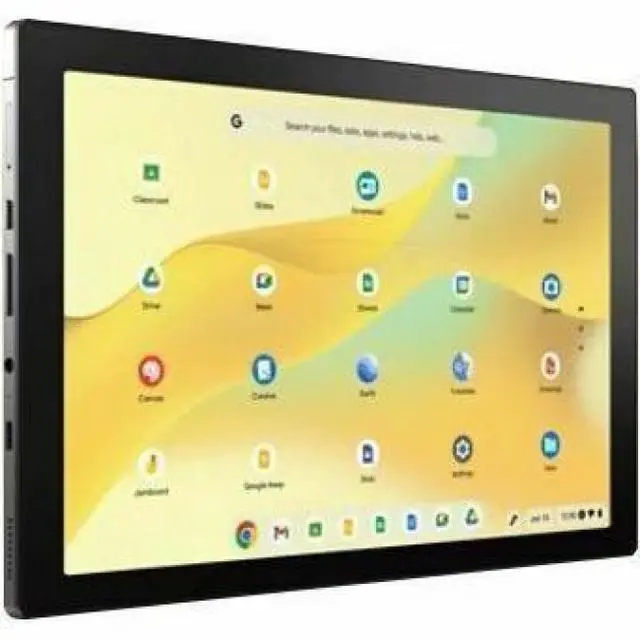
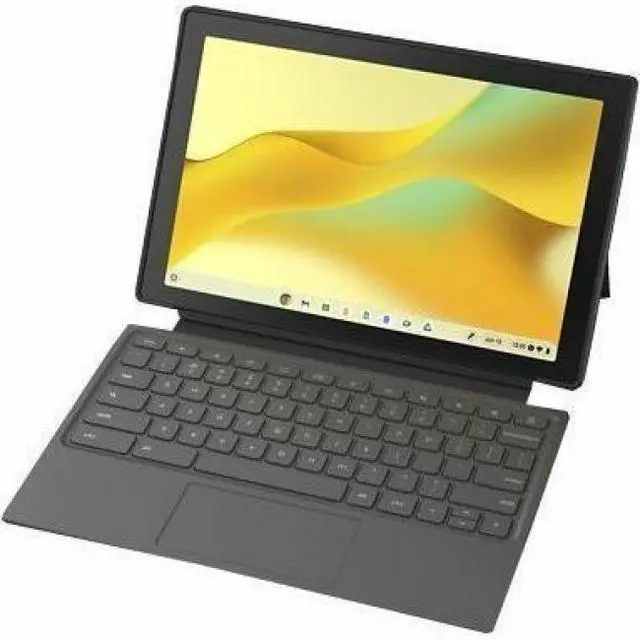
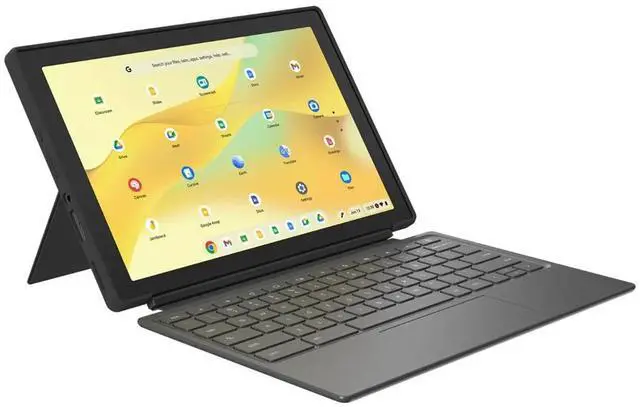
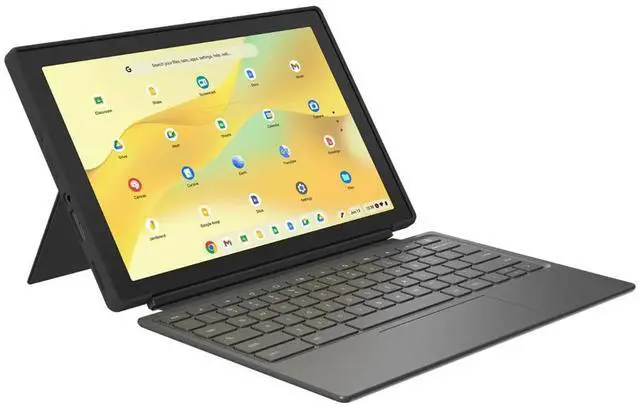
The Acer Chromebook Tab 311 D723N-K3NR is an 11-inch ChromeOS tablet with a 1920 x 1200 touch display, 8GB memory, 64GB storage, Wi-Fi 6E, and bundled stylus and keyboard, making it a strong fit for students, note-taking, web apps, and lightweight everyday productivity.
| Attribute | Value |
|---|---|
| Best For | Mobile Chrome OS productivity and general personal use — an 11" touchscreen tablet with included stylus and portfolio keyboard for note-taking, light productivity and media consumption; lightweight (1.34 lb) design and ~10-hour battery support all‑day mobile use |
| Processor And Clock Speed | MediaTek MT6366W/A processor running at 2 GHz |
| Memory Configuration | 8 GB DDR4 RAM installed |
| Storage And Expansion | 64 GB internal SSD / flash storage |
| Display Spec | 11" WUXGA touchscreen (1920 x 1200, 16:10) Active Matrix TFT panel, 300 nit brightness and ~52% NTSC color gamut, 60 Hz refresh |
| Battery And Power | Single-cell lithium‑ion battery (4000 mAh) rated for about 10 hours; charges via included adapter or USB charging (USB charging 5 V, 1.5 A) and supports DC-in 20 V (45 W) |
| Wired And Wireless Networking | 802.11ax Wi‑Fi (Wi‑Fi 6) and Bluetooth 5.0 |
| High Speed I O | USB 3.2 Gen 1 (up to 5 Gbps), USB-C with DisplayPort over USB-C and USB charging; DC-in 20 V (45 W) for adapter charging |
| Camera And Video | 5 MP front camera and 5 MP rear camera with 5 MP video capture |
| Input And Sensors | Capacitive touchscreen with included active stylus and support for portfolio keyboard; OCR input supported and includes accelerometer |
| Accessories And Package Contents | Includes Chromebook Tab 311 tablet, active stylus, portfolio keyboard, adapter and power cord, and 1-year Acer warranty card |
| Operating System | Chrome OS |
| Graphics | Integrated graphics |
| Dimensions And Weight | 0.4" thick × 10.5" wide × 6.8" deep; weight 1.34 lb |
| Model Identifiers | Acer Chromebook Tab 311 D723N series, model D723N-K3NR (Part Number NT.DBJAA.001) |
| Additional Product Info | Color: Silver; 1st generation model year 2026; marketed for personal use; manufacturer Acer, Inc |
Q: Should I buy the Acer Chromebook Tab 311 or the Lenovo Chromebook Duet 11?
A: Choose the Acer Chromebook Tab 311 if you want a ChromeOS tablet bundle with the keyboard and active stylus included, and you prefer a lighter, simple tablet-first design for web apps, note-taking, and school use. Choose the Lenovo Chromebook Duet 11 if display quality and overall hardware refinement matter more, since Lenovo positions it with a brighter 400-nit display, Gorilla Glass, dual USB-C, and a newer Kompanio 838 platform. Community discussion also suggests the Acer's keyboard setup is easier to use across more viewing angles, while review coverage of the Duet 11 points to a better screen but only light-duty performance overall.
Q: Is the Acer Chromebook Tab 311 a better fit than a standard 11-inch budget clamshell Chromebook?
A: The Acer Chromebook Tab 311 is the better choice when portability, handwriting, and tablet use matter more than traditional laptop ergonomics. Its detachable design, touch display, included stylus, and included portfolio keyboard make it more flexible for reading, sketching, and classroom use than a low-cost clamshell. A standard clamshell Chromebook is usually the better fit if your priority is long typing sessions, more stable lap use, or a more desk-oriented experience.
Q: Should I choose this 8GB Acer Chromebook Tab 311 or a 4GB Chromebook tablet or detachable?
A: Choose this 8GB configuration if you expect to keep many Chrome tabs open, switch between Android apps, or use the device for schoolwork over several years. In ChromeOS, the jump from 4GB to 8GB usually matters more for day-to-day smoothness than small storage differences. A 4GB model can still work for lighter browsing and media use, but 8GB is the safer choice for multitasking and longer-term usability.
Q: Is the Acer Chromebook Tab 311 worth choosing over an older Chromebook tablet?
A: Yes, if you want a more current ChromeOS tablet platform with modern connectivity and a complete accessory bundle. Compared with older Chromebook tablets, the Tab 311 moves to Wi-Fi 6E, 8GB memory in this configuration, a 1920 x 1200 display, and bundled keyboard plus stylus support out of the box. Older Chromebook tablets can still be fine for basic browsing, but this Acer makes more sense for buyers who want a current model without piecing together accessories separately.
Q: Is this a good travel work device for email, web apps, and light document editing?
A: Yes for light travel work. The Acer Chromebook Tab 311 is a better fit for browser-based tasks, Google Workspace, meetings, and simple Office-style editing than for heavy multitasking or desktop-class software. Its main travel advantages are low weight, roughly 10-hour stated battery life, detachable keyboard, stylus, and Chromebook simplicity. The trade-off is that ChromeOS and 64GB storage are limiting if you need large local files, specialized Windows or Mac apps, or more demanding productivity workflows.
Q: Is it good for note-taking, meetings, and school or office basics?
A: Yes, if your work is centered on notes, video calls, browser apps, and basic document tasks. The included active stylus and detachable keyboard make it more practical than a plain tablet for handwritten notes and light typing. It is suitable for students, field work, and meeting use, but it is not the best choice for advanced creative apps, large spreadsheets, or software that depends on Windows-only programs.
Q: Who is this Chromebook tablet best suited for?
A: It is best suited for students, frequent travelers, frontline or field users, and buyers who want a very portable ChromeOS device with pen input and a keyboard in the box. It makes the most sense for people who live in the browser, use Google services, and value simplicity over raw performance. It is less suitable for buyers who need desktop-class multitasking, large local storage, or professional software outside the ChromeOS and Android app ecosystem.
Q: How does it compare with a Lenovo Duet or similar detachable Chromebook?
A: The Acer Tab 311 follows the same buyer logic as detachable Chromebooks like the Lenovo Duet: portability first, laptop second. Its strongest value point is that the keyboard and active stylus are included, which reduces accessory cost and makes it immediately usable for notes and light work. The main trade-offs versus stronger alternatives are the modest 64GB storage, tablet-sized workspace, and likely lower ceiling for multitasking than larger Chromebook 2-in-1 models designed more like laptops.
Q: Should I buy this instead of a regular laptop or Windows tablet?
A: Buy it instead of a regular laptop only if your priorities are low weight, long battery life, pen input, and web-first computing. Do not buy it as a laptop replacement if you need full Windows software, stronger local file management, or heavier multitasking. In short: it is a practical Chromebook tablet for lightweight productivity, but not a full substitute for a traditional laptop for advanced office or professional workloads.
Q: Is the Acer Chromebook Tab 311 a good fit for note-taking and school work?
A: Yes, if your work is mainly web-based and you want pen input out of the box. This model includes an active stylus and portfolio keyboard, has 8 GB RAM, a 1920 x 1200 11-inch touch display, and ChromeOS support for browser-first school tasks. The main trade-off is that ChromeOS tablets are usually better for notes, reading, docs, and web apps than for specialized desktop software.
Q: Should I buy this instead of an Android tablet if I need real browser and keyboard use?
A: Usually yes, if your priority is desktop-style browsing and regular typing. Reddit discussions repeatedly favor ChromeOS devices over Android tablets when the buyer needs a stronger browser experience or plans to use a keyboard often. The trade-off is that app-first tablet use, casual media use, and some games may still be better on a traditional Android tablet.
Q: Is the Acer Chromebook Tab 311 suitable as a light travel or secondary work device?
A: Yes. Its 11-inch size, 1.34 lb weight, detachable-style setup with included keyboard, and rated 10-hour battery life make it a practical travel or backup device for email, web work, documents, and video calls. It is less suitable if you need heavy multitasking, large-screen comfort, or full desktop app compatibility.
Q: What are the main trade-offs of buying this Chromebook tablet?
A: The main trade-off is versatility versus tablet polish. This Acer gives you a keyboard, stylus, desktop-class Chrome browsing, and ChromeOS productivity features in a compact tablet format. Community discussion also points out common Chromebook-tablet limits: touch-first interaction is not always as polished as iPad or Android tablets, many workflows still work better with keyboard and mouse, and ChromeOS tablets are not the best choice for demanding creative apps or gaming.


