












What systems does the GAROGYI 5.3 Bluetooth adapter support? Is driver installation required for its use?
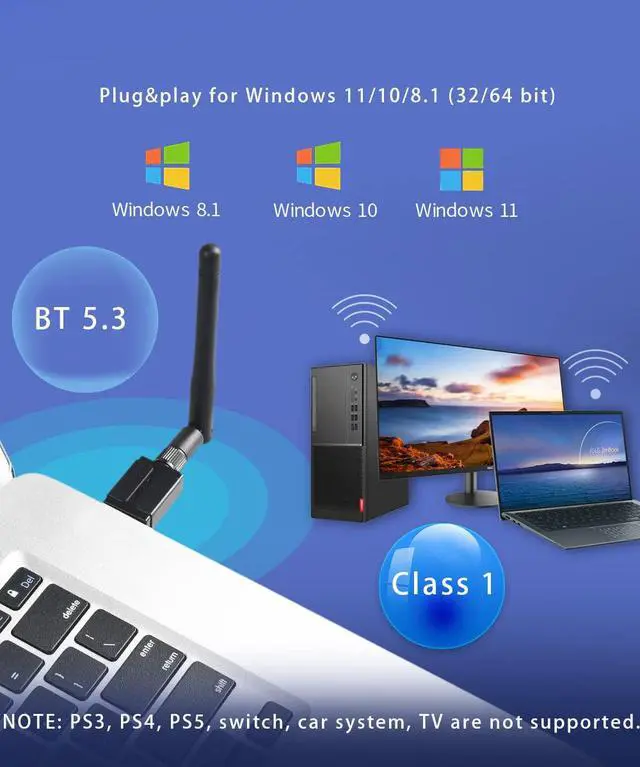
The GAROGYI 5.3 Bluetooth adapter supports Windows 7, 8.1, 10, and 11. It's plug-and-play for Windows 11, 10, and 8.1, but Windows 7 may need driver installation. Please take note that Driver URL:dropbox.com/s/3ktdqbq7egr50ee/Rtl5.3%20Driver.zip?dl=0
If your computer already has built-in Bluetooth functionality, can you still use the GAROGYI Bluetooth adapter?
Yes.GAROGYI 5.3 Bluetooth adapter solves the problem of computers without Bluetooth or with outdated Bluetooth versions. If your computer already has Bluetooth, you need to disable the built-in Bluetooth, then insert the GAROGYI 5.3 Bluetooth adapter
If your computer has additional built-in Bluetooth, disable them before using the GAROGYI 5.3 Bluetooth adapter.Steps :
Follow steps:(1)Open the Device Manager on your computer.(2)Locate the Bluetooth section.(3)Disable any other Bluetooth devices listed.(4)Once the other Bluetooth functionalities are disabled, you can proceed to use the GAROGYI 5.3 Bluetooth adapter.
Why does the GAROGYI adapter not display the Bluetooth icon when plugged into the computer?
Ensure Bluetooth is enabled on computer.1.Insert GAROGYI Bluetooth adapter. 2. Open computer menu, find "Bluetooth and other devices," enable Bluetooth, go to "Additional Bluetooth settings," check option to show Bluetooth icon in notification area.
Is it possible for the adapter to support multiple devices at the same time?
The USB Bluetooth adapter can support up to different types of devices simultaneously. However, it is unable to connect two devices of the same function at once, such as two Bluetooth speakers.
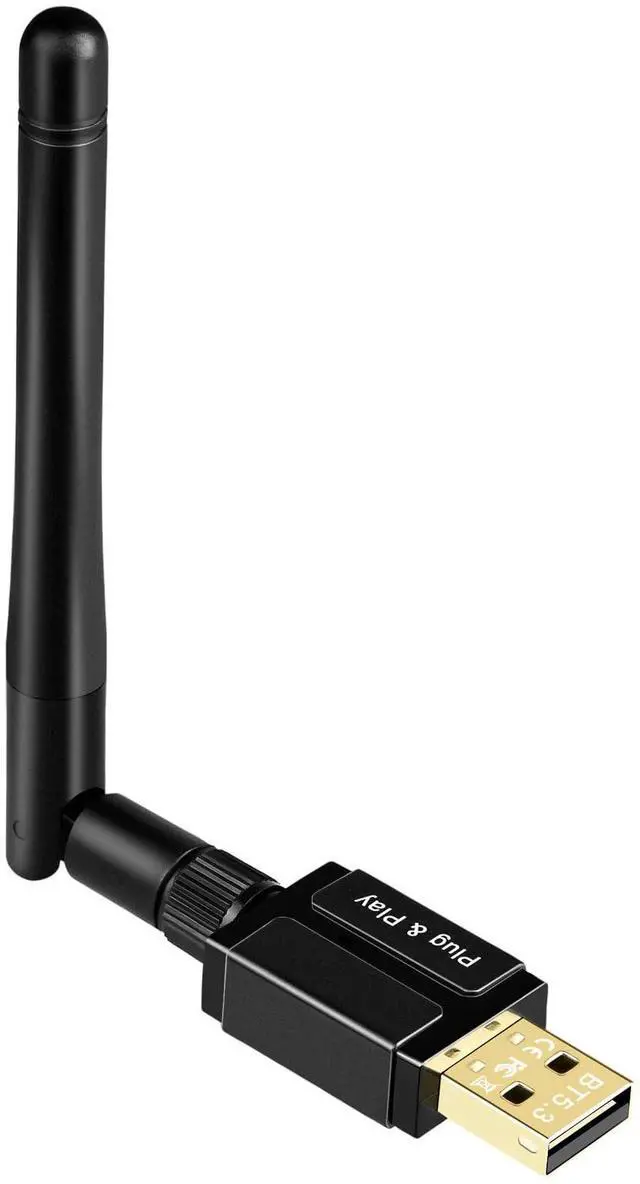
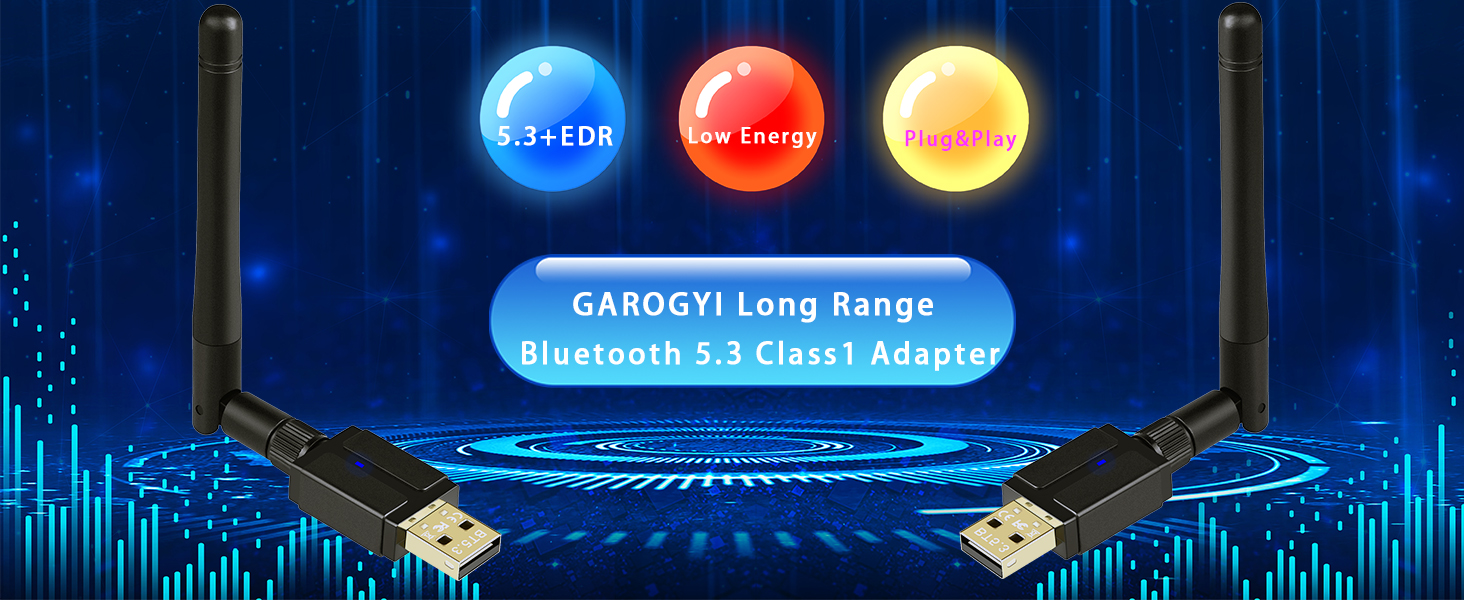
GAROGYI USB Bluetooth Adapter for PC
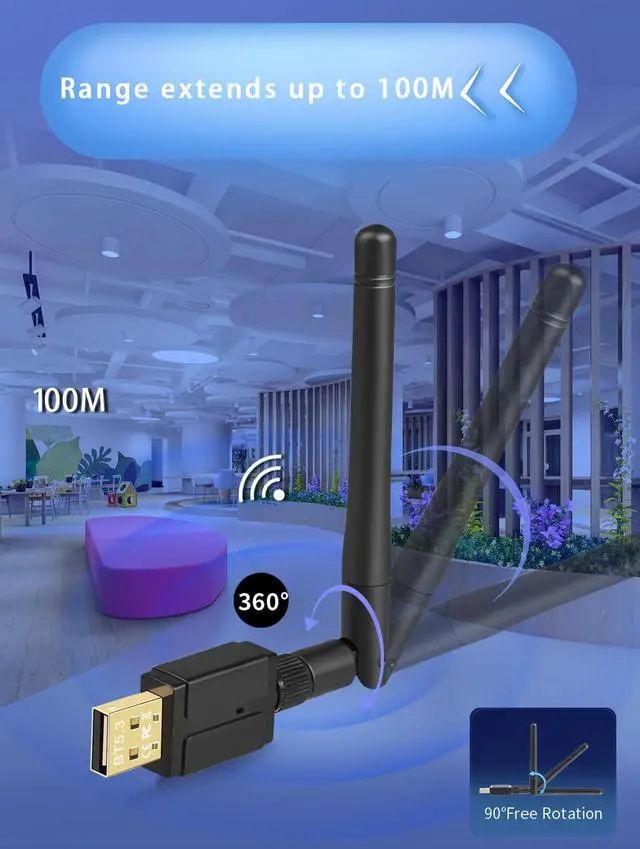
 Bluetooth 5.3 USB Adapter | 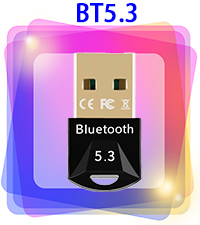 Bluetooth 5.3 USB Adapter |  Bluetooth 5.3 USB Adapter |  Bluetooth 5.3 USB Adapter | 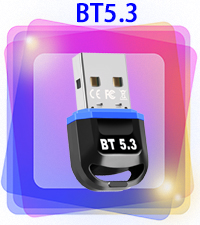 Bluetooth 5.3 USB Adapter | 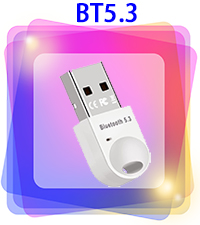 Bluetooth 5.3 USB Adapter | 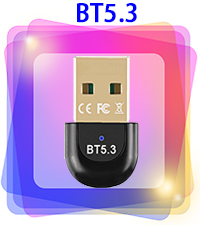 Bluetooth 5.3 USB Adapter | |
|---|---|---|---|---|---|---|---|
Customer Reviews | — | — | — | — | — | — | — |
Price | — | — | — | — | — | — | — |
Bluetooth Version | Bluetooth 5.3 USB Adapter | Bluetooth 5.3 USB Adapter | Bluetooth 5.3 USB Adapter | Bluetooth 5.3 USB Adapter | Bluetooth 5.3 USB Adapter | Bluetooth 5.3 USB Adapter | Bluetooth 5.3 USB Adapter |
Supported OS | Windows 11/10 | Windows 11/10 | Windows 11/10 | Windows 11/10 | Windows 11/10 | Windows 11/10 | Windows 11/10 |
Plug and Play | ? | ? | ? | ? | ? | ? | ? |
Interface | USB A | USB A | USB A | USB A | USB A | USB A | USB A |
Entertainment Function | Data & Audio Transmission | Data & Audio Transmission | Data & Audio Transmission | Data & Audio Transmission | Data & Audio Transmission | Data & Audio Transmission | Data & Audio Transmission |

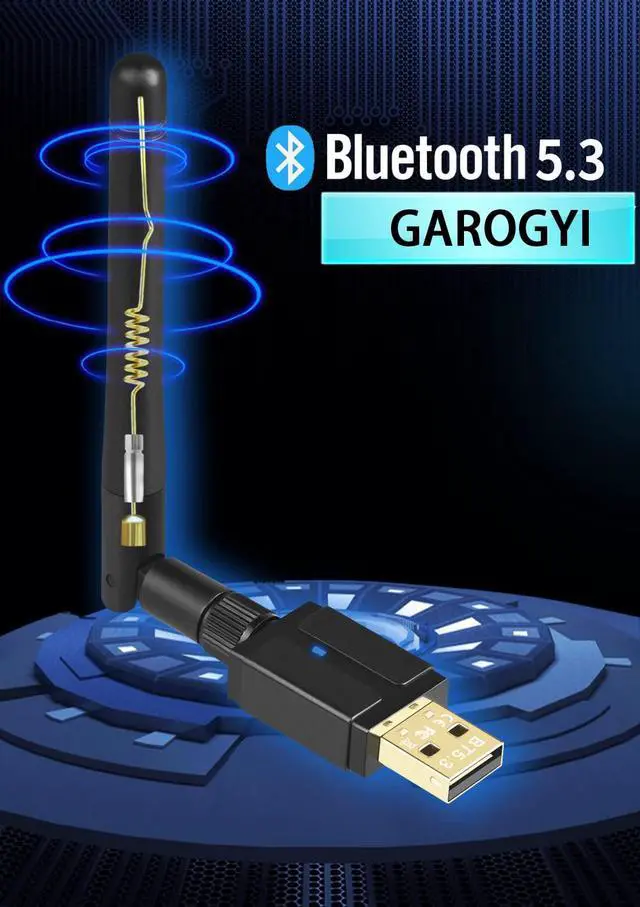
GAROGYI
Electrifying Innovation: GAROGYI - Fusing Electronics, Empowering Green. Redefining Tech, Energizing Tomorrow.
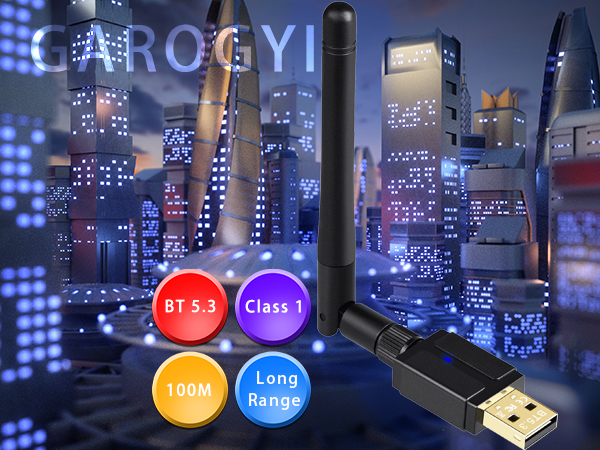
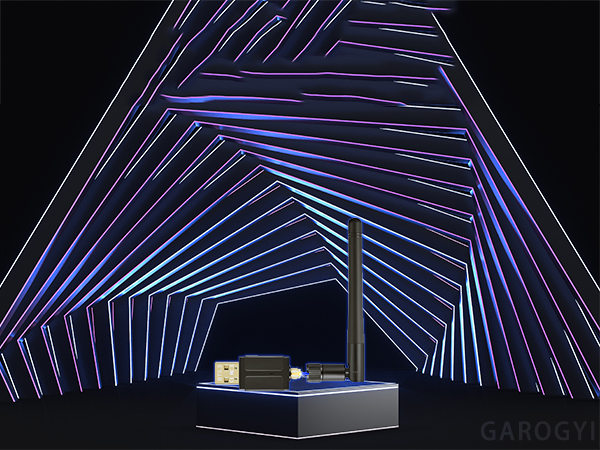
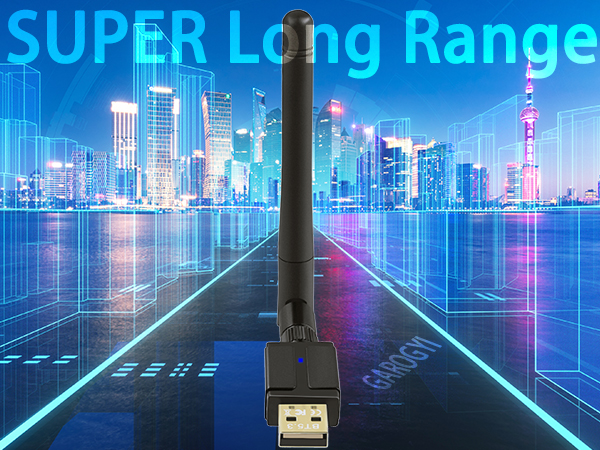

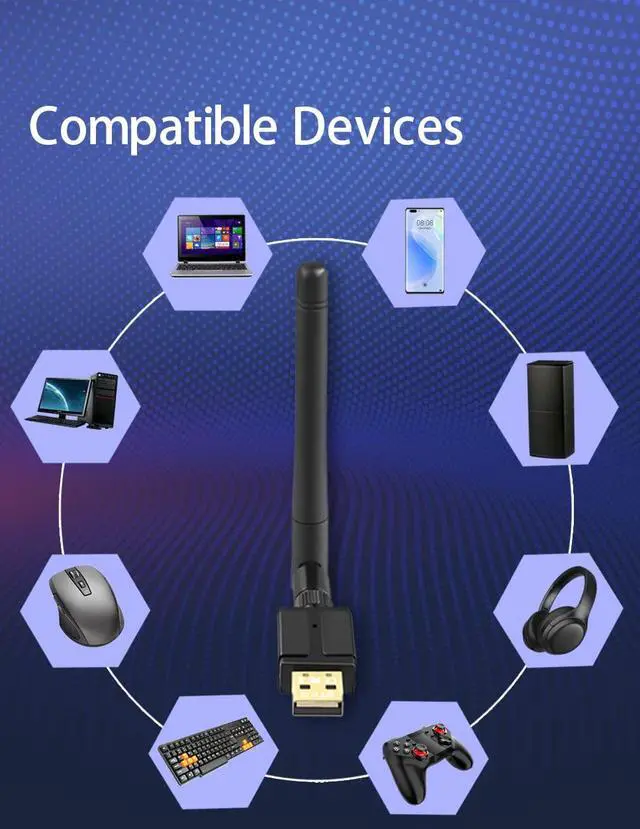
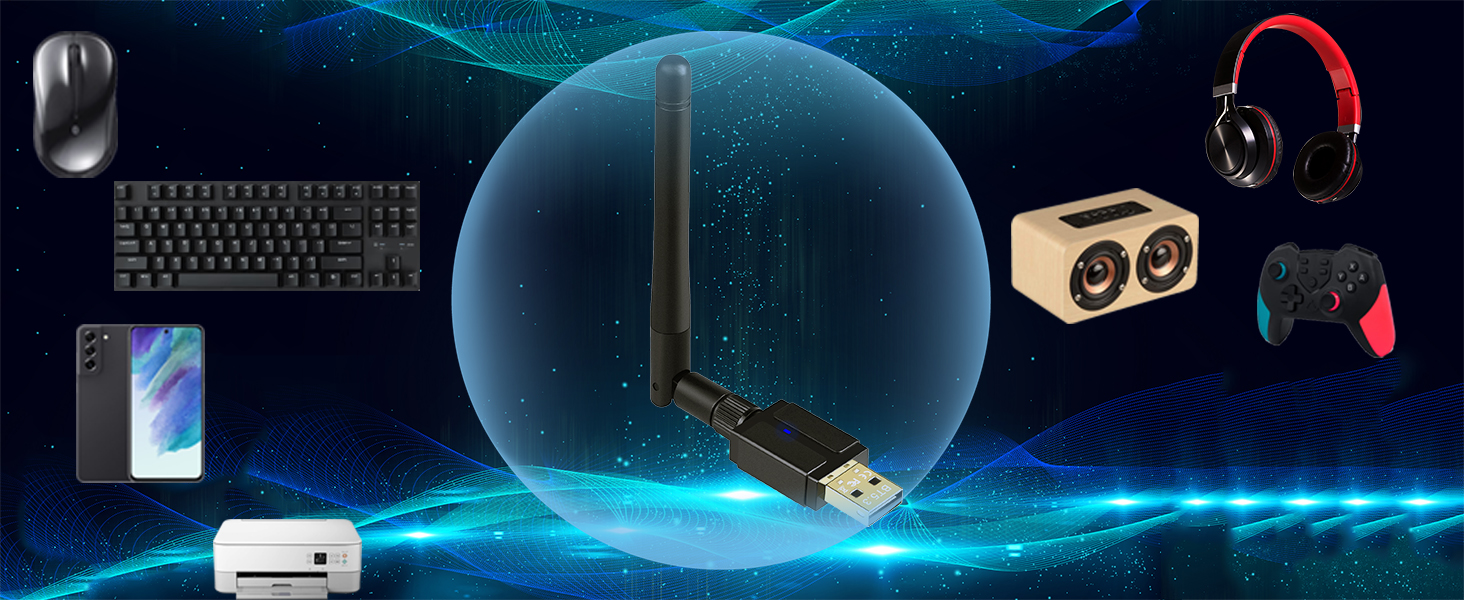
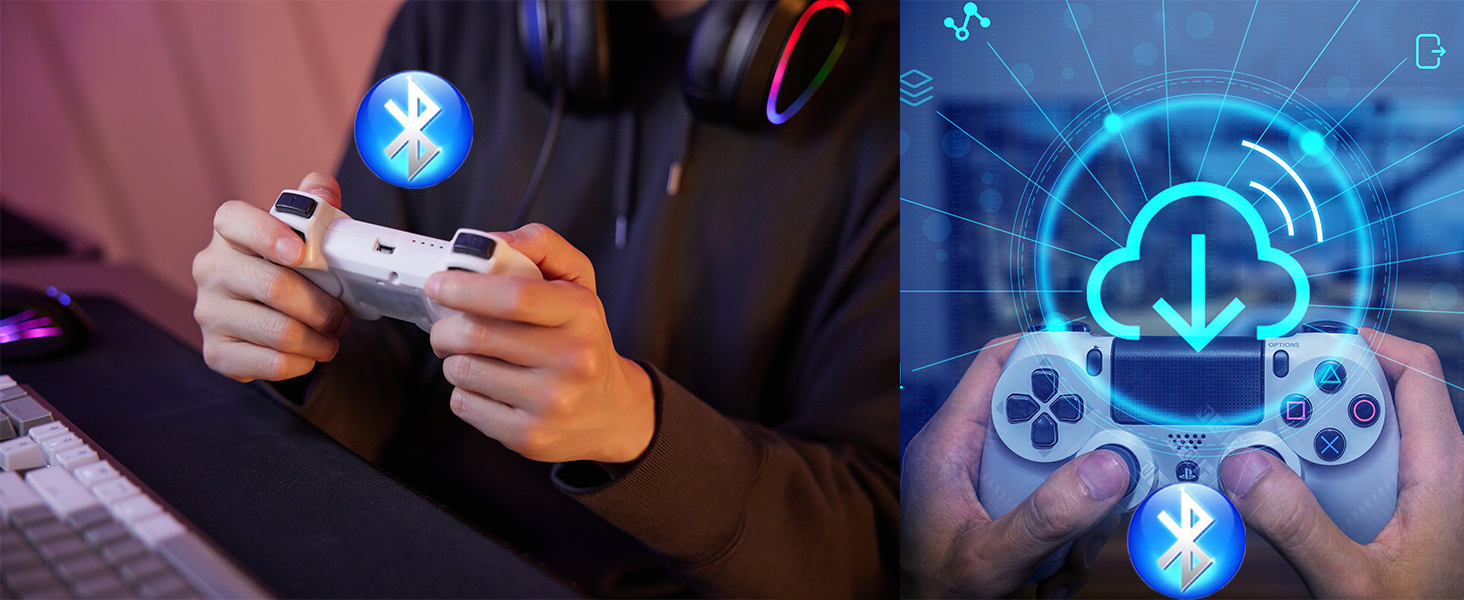
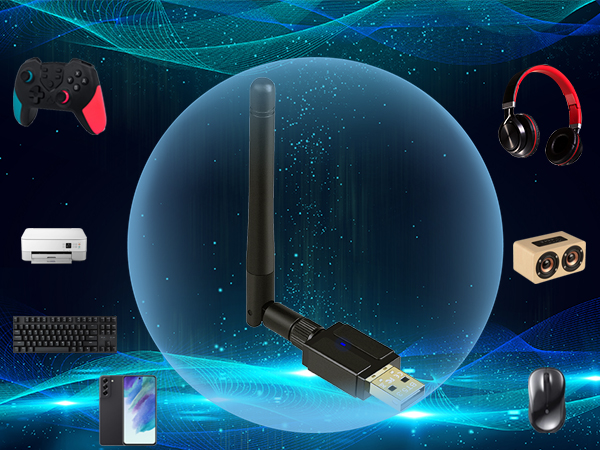
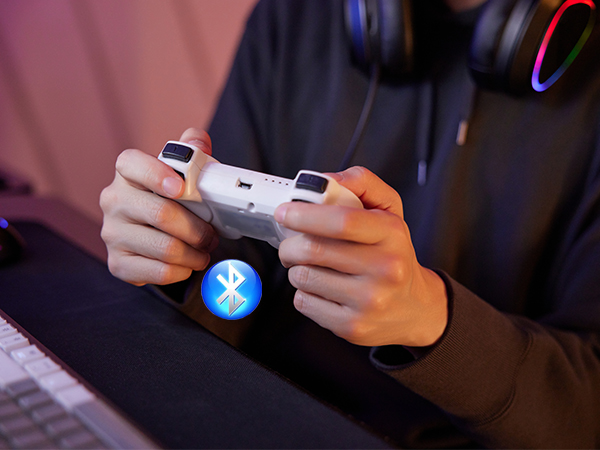
Bluetooth headsets, speakers, keyboards, mouse, mobile phones, game controllers, tablets, printers
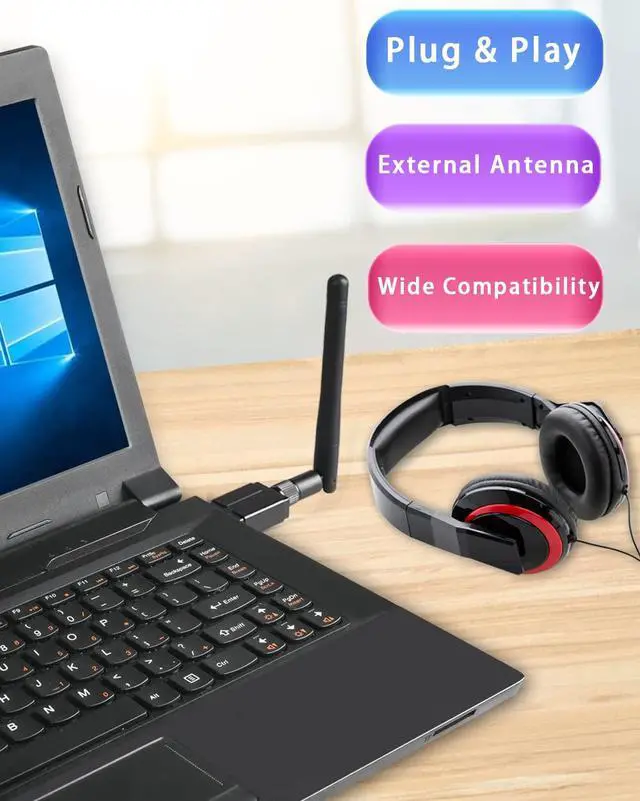
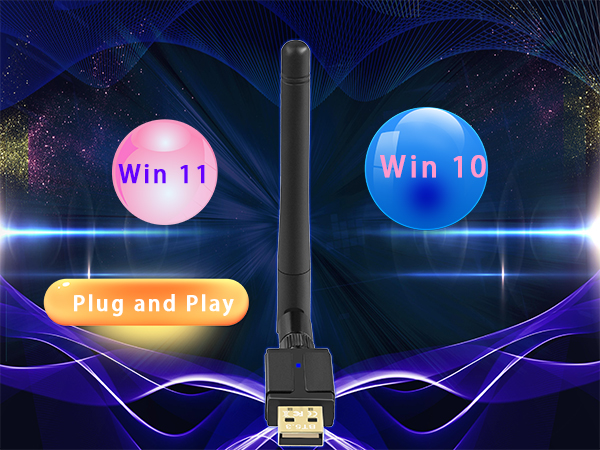
Plug&play Windows 11/10
NOTE: Not Support Win11 THIS version number: 22H2
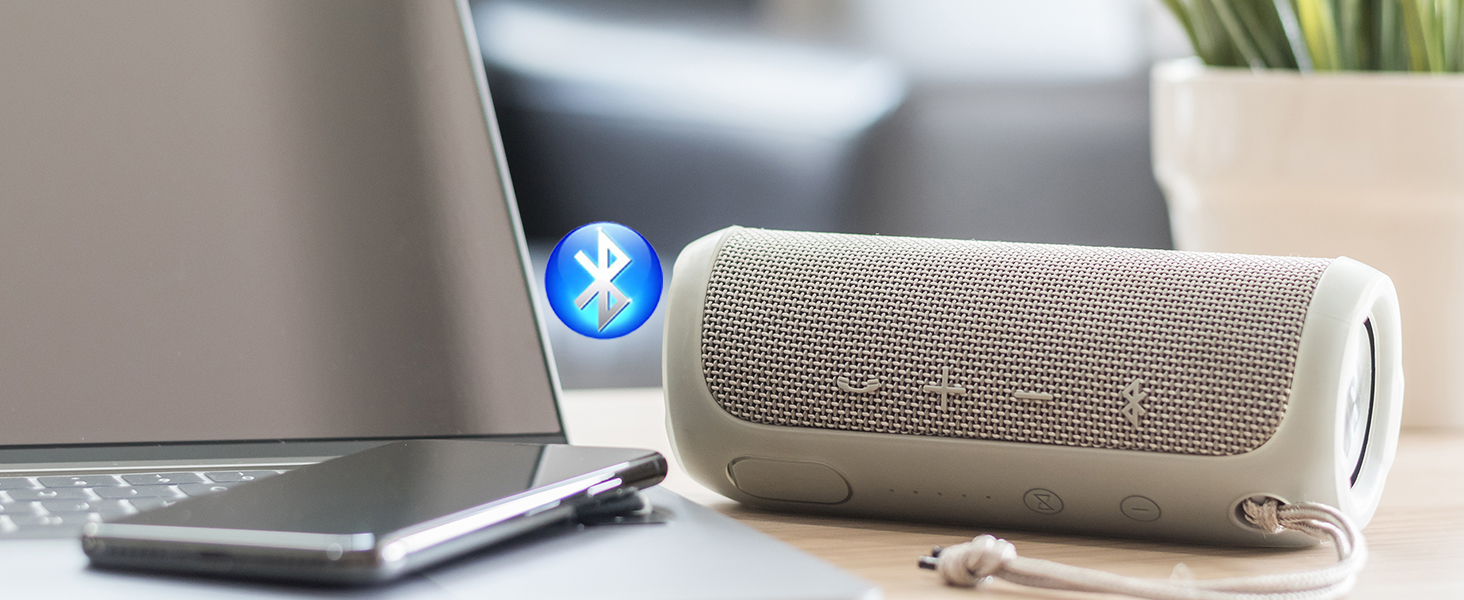
Enjoy the GAROGYI SUPER Long Range Bluetooth 5.3 Adapter Entertainment!
Open GAROGYI Bluetooth 5.3 Adapter


What systems does the GAROGYI 5.3 Bluetooth adapter support? Is driver installation required for its use?
The GAROGYI 5.3 Bluetooth adapter supports Windows 7, 8.1, 10, and 11. It's plug-and-play for Windows 11, 10, and 8.1, but Windows 7 may need driver installation. Please take note that Driver URL:dropbox.com/s/3ktdqbq7egr50ee/Rtl5.3%20Driver.zip?dl=0
If your computer already has built-in Bluetooth functionality, can you still use the GAROGYI Bluetooth adapter?
Yes.GAROGYI 5.3 Bluetooth adapter solves the problem of computers without Bluetooth or with outdated Bluetooth versions. If your computer already has Bluetooth, you need to disable the built-in Bluetooth, then insert the GAROGYI 5.3 Bluetooth adapter
If your computer has additional built-in Bluetooth, disable them before using the GAROGYI 5.3 Bluetooth adapter.Steps :
Follow steps:(1)Open the Device Manager on your computer.(2)Locate the Bluetooth section.(3)Disable any other Bluetooth devices listed.(4)Once the other Bluetooth functionalities are disabled, you can proceed to use the GAROGYI 5.3 Bluetooth adapter.
Why does the GAROGYI adapter not display the Bluetooth icon when plugged into the computer?
Ensure Bluetooth is enabled on computer.1.Insert GAROGYI Bluetooth adapter. 2. Open computer menu, find "Bluetooth and other devices," enable Bluetooth, go to "Additional Bluetooth settings," check option to show Bluetooth icon in notification area.
Is it possible for the adapter to support multiple devices at the same time?
The USB Bluetooth adapter can support up to different types of devices simultaneously. However, it is unable to connect two devices of the same function at once, such as two Bluetooth speakers.
GAROGYI USB Bluetooth Adapter for PC
Bluetooth 5.3 USB Adapter | Bluetooth 5.3 USB Adapter | Bluetooth 5.3 USB Adapter | Bluetooth 5.3 USB Adapter | Bluetooth 5.3 USB Adapter | Bluetooth 5.3 USB Adapter | Bluetooth 5.3 USB Adapter |
|---|---|---|---|---|---|---|
| Customer Reviews | ||||||
| — | — | — | — | — | — | — |
| Price | ||||||
| — | — | — | — | — | — | — |
| Bluetooth Version | ||||||
| Bluetooth 5.3 USB Adapter | Bluetooth 5.3 USB Adapter | Bluetooth 5.3 USB Adapter | Bluetooth 5.3 USB Adapter | Bluetooth 5.3 USB Adapter | Bluetooth 5.3 USB Adapter | Bluetooth 5.3 USB Adapter |
| Supported OS | ||||||
| Windows 11/10 | Windows 11/10 | Windows 11/10 | Windows 11/10 | Windows 11/10 | Windows 11/10 | Windows 11/10 |
| Plug and Play | ||||||
| ? | ? | ? | ? | ? | ? | ? |
| Interface | ||||||
| USB A | USB A | USB A | USB A | USB A | USB A | USB A |
| Entertainment Function | ||||||
| Data & Audio Transmission | Data & Audio Transmission | Data & Audio Transmission | Data & Audio Transmission | Data & Audio Transmission | Data & Audio Transmission | Data & Audio Transmission |
GAROGYI
Electrifying Innovation: GAROGYI - Fusing Electronics, Empowering Green. Redefining Tech, Energizing Tomorrow.