





Technology Made Easy
Simple, reliable tech designed for real people so you can focus on what matters, not on tech problems.

About Us
Red Star Tec creates simple, reliable technology designed for real people. Our products are built to work when you need them most, without complicated setup or confusing features. From classrooms to meetings and everyday tasks, we focus on tools that are easy to use and dependable. With clear guidance and friendly support, we help you focus on what matters ,not on tech problems.
What makes Red Star Tec products easy to use?
Our products are designed with simplicity in mind. Most devices are plug-and-play with clear instructions, so you can start using them quickly without complicated setup.
Who are Red Star Tec products designed for?
Our products are made for teachers, presenters, students, professionals, and anyone who wants reliable technology that simply works without stress.
What should I do if I have trouble with a product?
We stand behind our products. If something goes wrong, our support team will guide you through troubleshooting
Our Products
Our Products
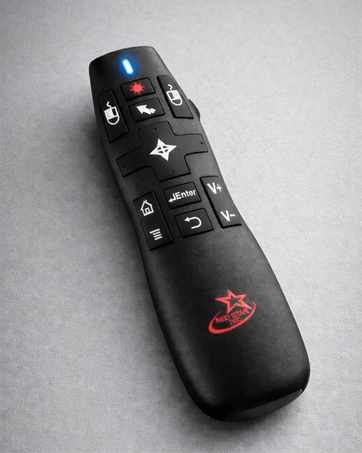
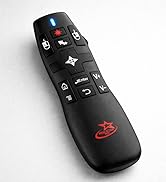
PR-820 Presentation Clicker
Take control of every presentation with a reliable wireless remote equipped with air mouse , volume, media control
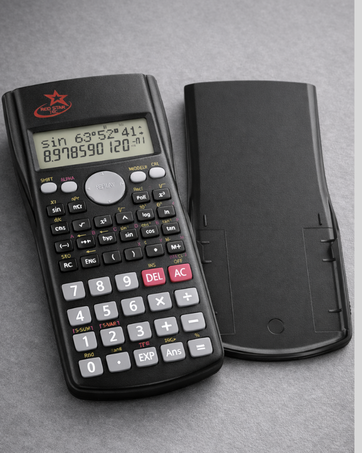
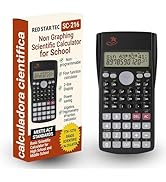
SC-216 Scientific Calculator
A reliable scientific calculator built for students and professionals ,clear display, essential functions, and dependable performance
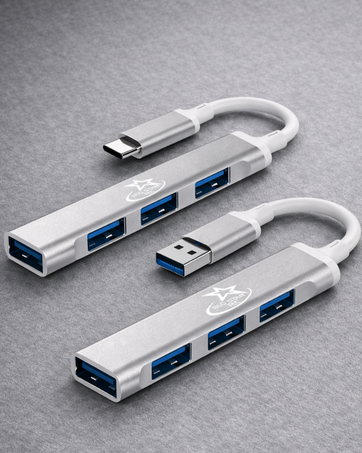
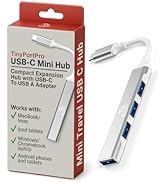
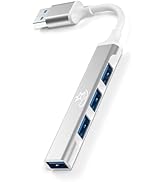
USB C and A Hub
Expand your laptop instantly with a USB-C and A hub .Add fast USB ports for accessories, storage, and everyday productivity.
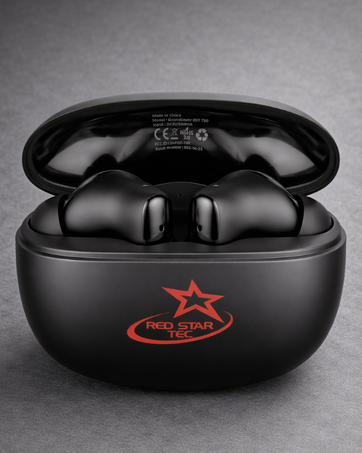
T-90 Wireless Earbuds
Enjoy clear wireless audio with compact earbuds designed for everyday listening, comfortable fit, and fast charging.
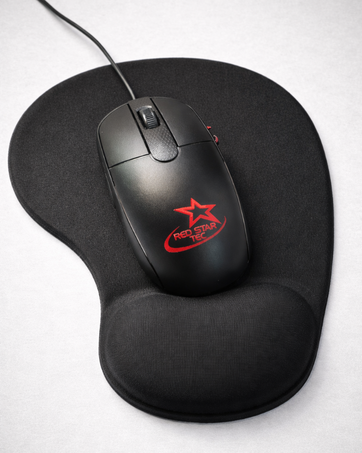
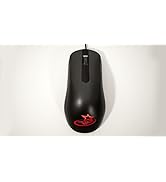
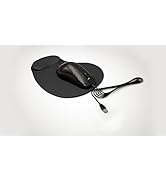
[NEW] Mouse & Mousepad
Work comfortably with a smooth precision mouse and ergonomic wrist-support mousepad designed for all-day productivity.

Red Star Tec PR-820 Presentation Clicker Remote
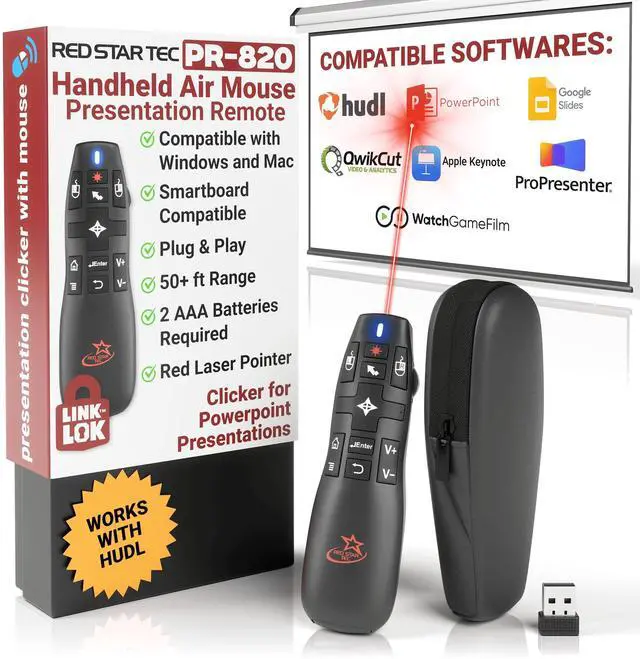
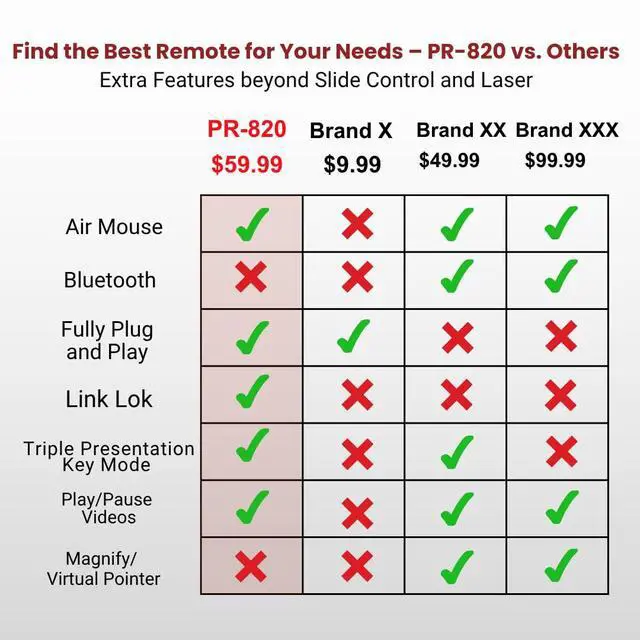
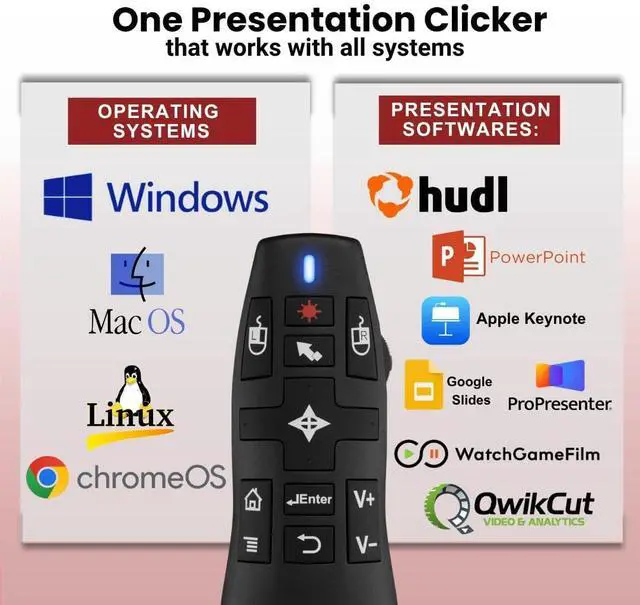
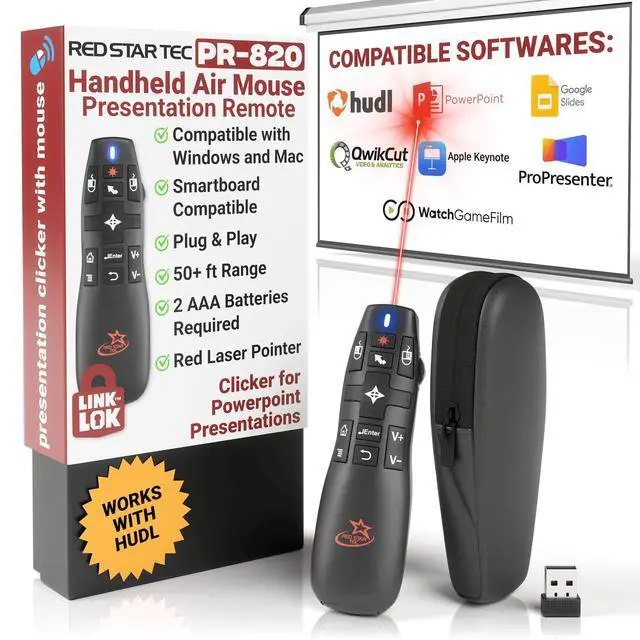
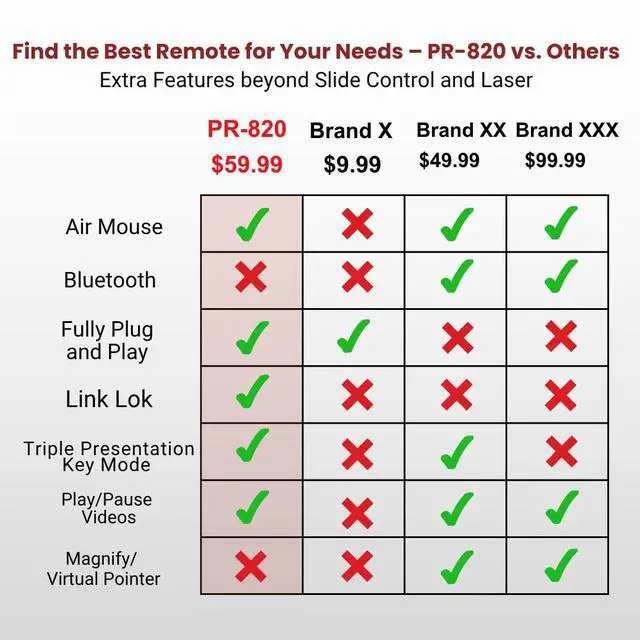
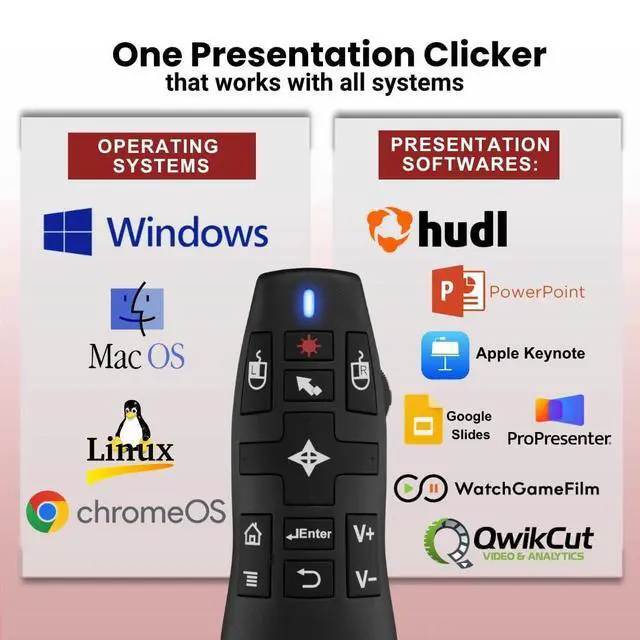
Looking for a presentation remote that does it all? The PR-820 is your Swiss Army knife—compact, powerful, and packed with features. From classrooms to boardrooms, enjoy plug & play ease, Link Lok tech, and seamless control across all major platforms.
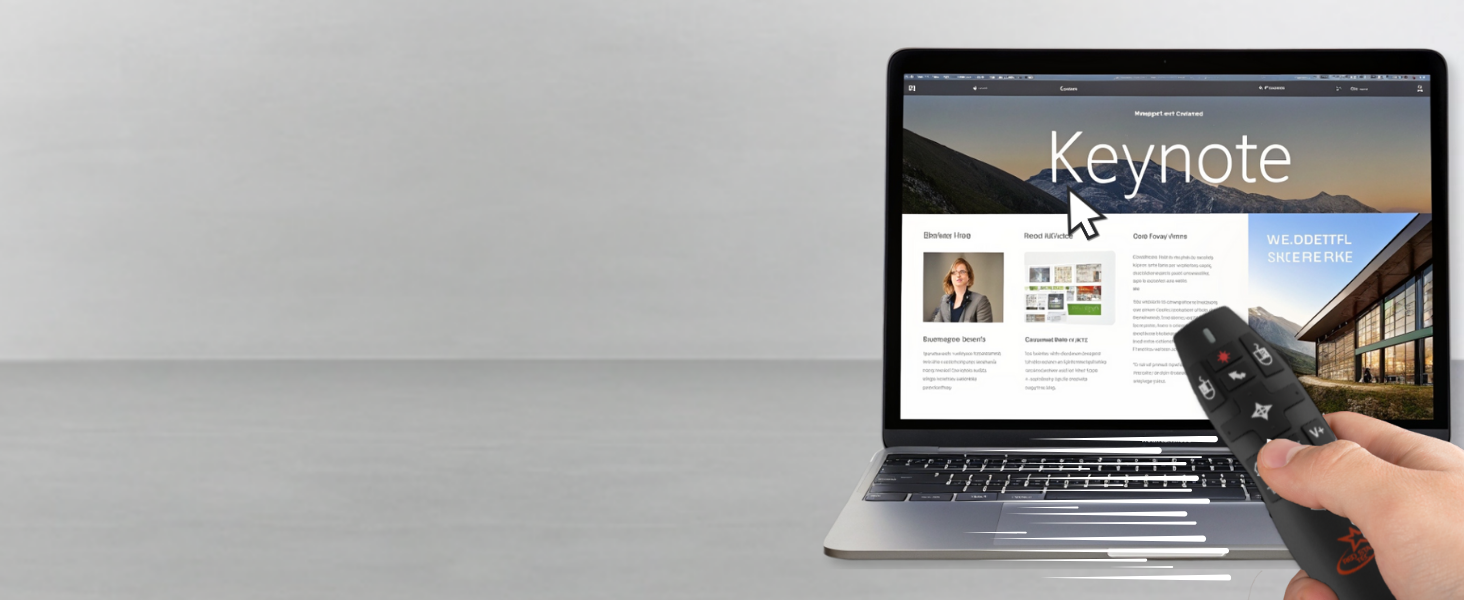
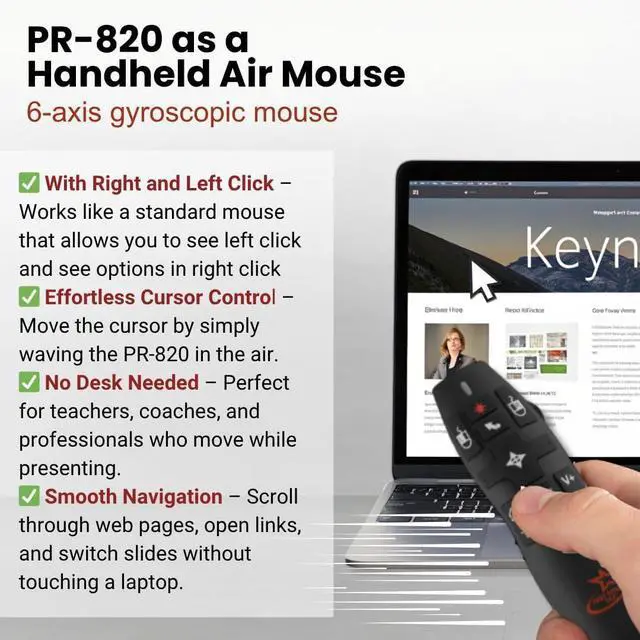
Air Mouse / Mouse Lock
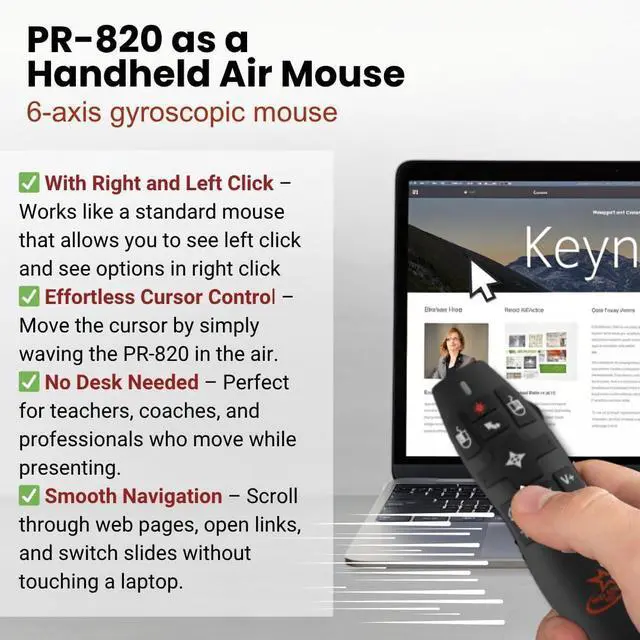
Move your cursor freely or lock it in place with precision using built-in air mouse control.
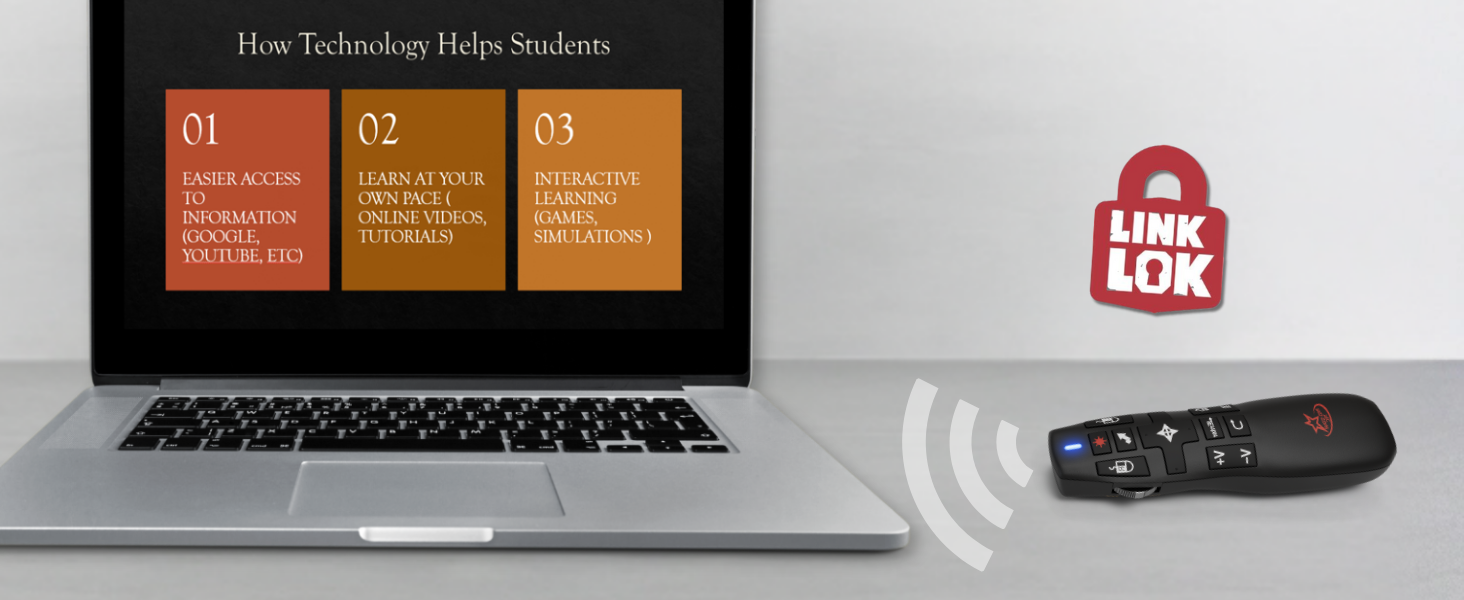
Link Lok
Easily reconnect your remote whenever the connection is lost. No app, no software, no hassle.
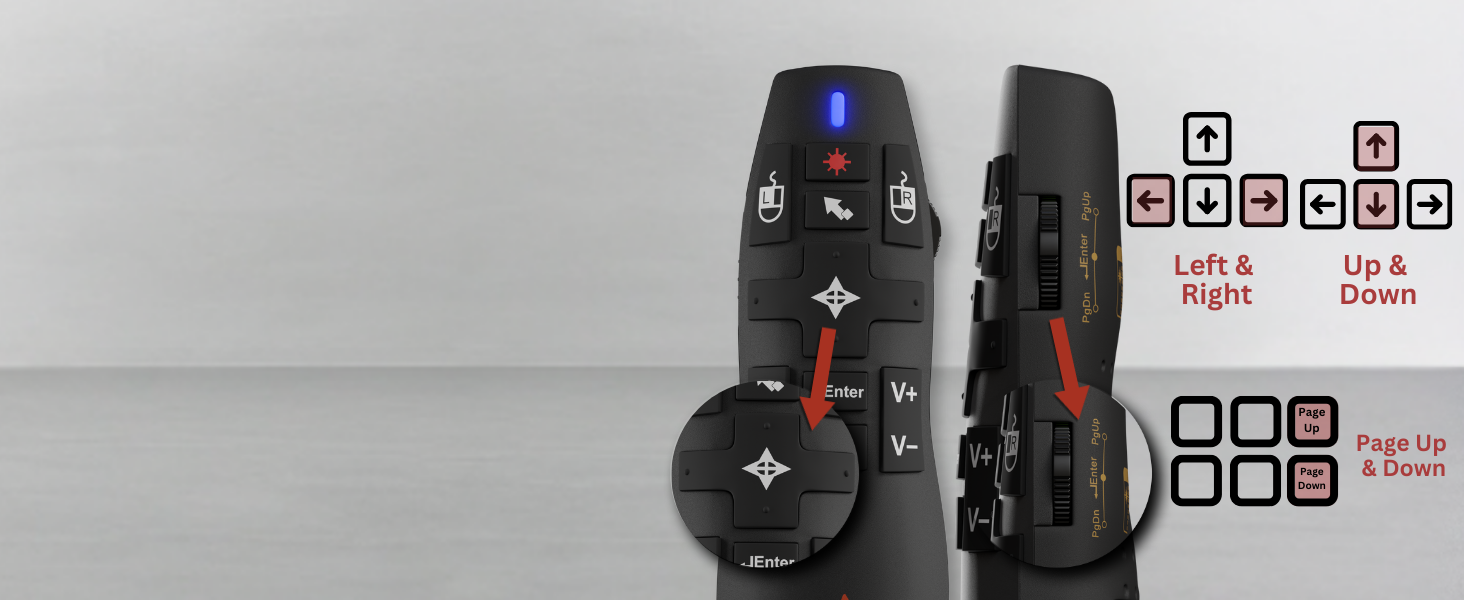
Triple Presentation Key Mode
Ultimate flexibility and control, allowing you to navigate slides in a way that suits your style.
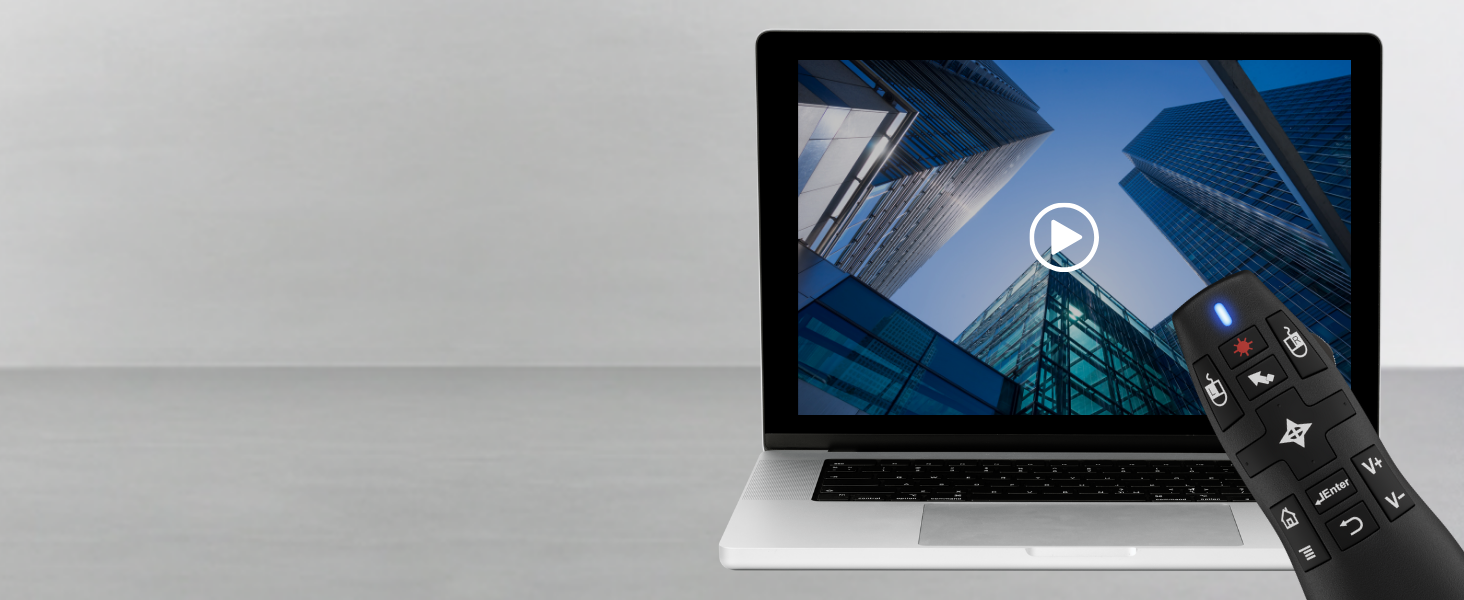
Pause/Play Videos
Control video playback instantly. Pause or play media without reaching for your laptop.
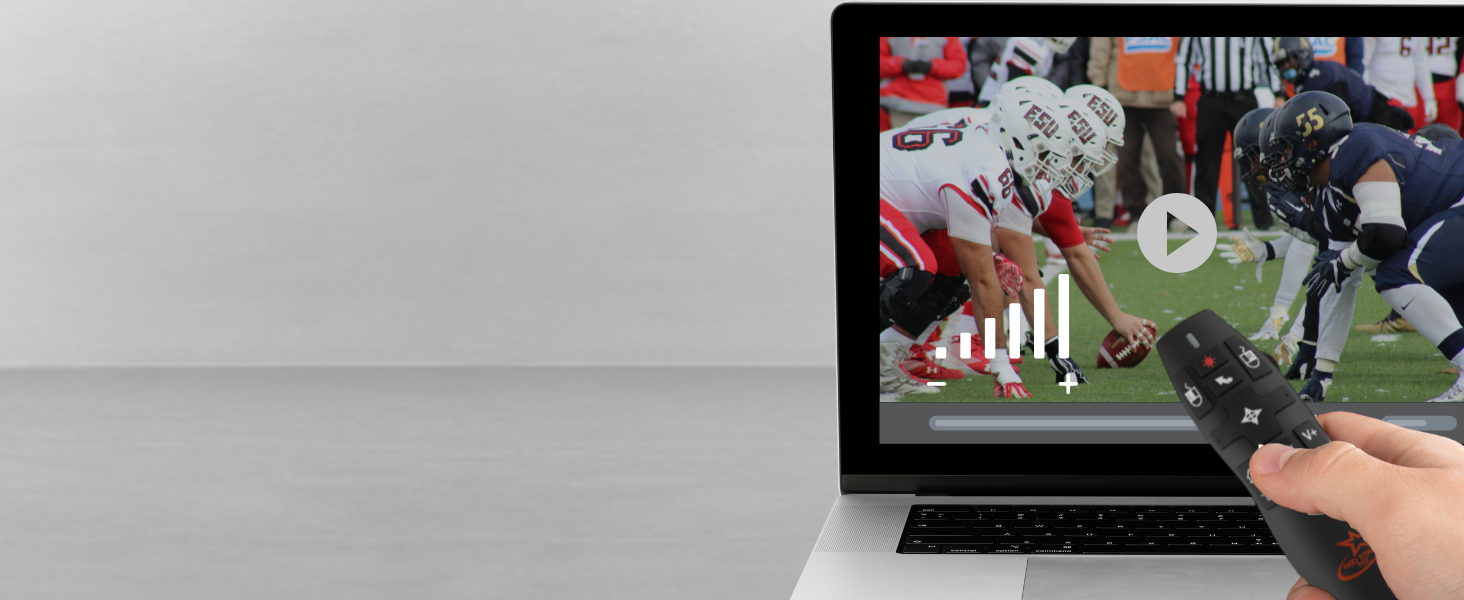
Volume Control
Adjust your laptop's volume directly from your remote, no need to touch your device.

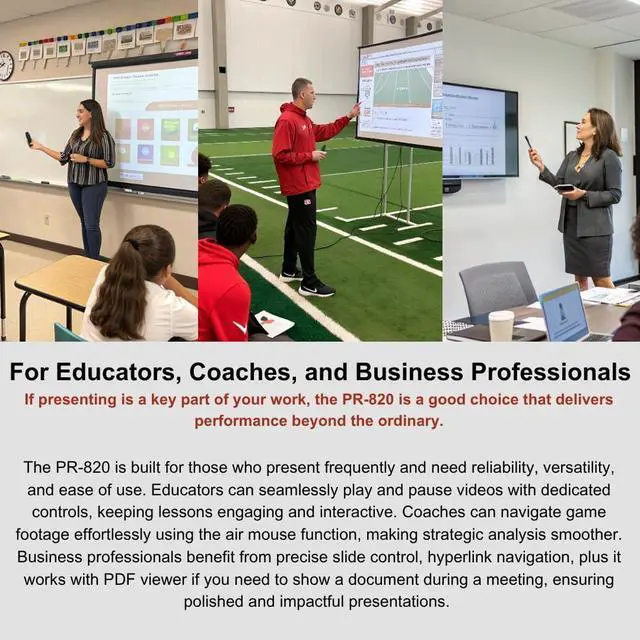
Educators
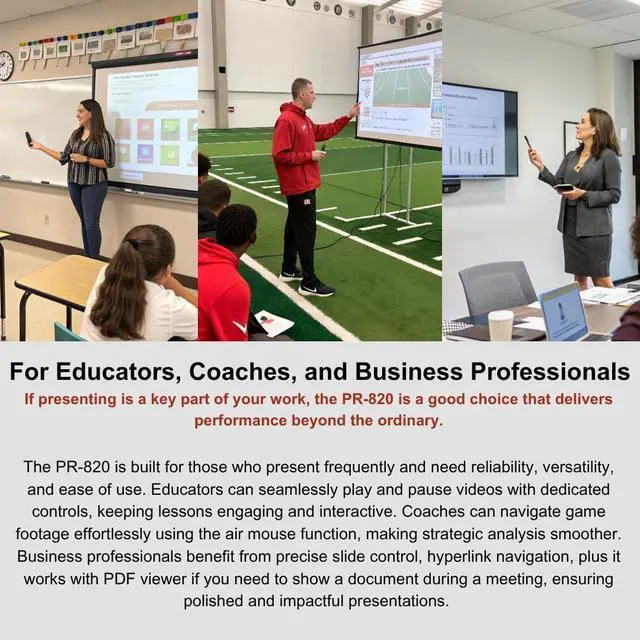
Keep students engaged with this classroom pointer for teachers, featuring a slide remote clicker and a laser pointer for presentations

Coaches
Move freely while presenting strategies with this clicker remote for presentations. Easily navigate game footage using the mouse clicker

Business Professionals
Navigate hyperlinks and open PDFs with ease using this office presentation remote. This presentation laser pointer allows you to point out

Public Speakers
Deliver impactful speeches with ease using this laptop remote control for PowerPoint. This slide show clicker for laptop

Remote for Football Game Analysis
The Must-Have Presentation Clicker for Football Coaches
The PR-820 presentation remote clicker is the perfect coaching companion—compact, powerful, and reliable on and off the field. Seamlessly control Hudl, QwikCut, and WatchGameFilm with precise slide and video playback features. Use the red laser to highlight plays, pause and analyze footage, and adjust volume—all from across the room. With Link Lok pairing, you will never worry about losing connection. The PR-820 gives you total control during team meetings, film sessions, and game prep.

Lightweight, Travel-Ready & Always Protected with Padded Carrying Pouch
Designed for professionals on the go, the PR-820 combines power and portability. Its lightweight build fits easily in your bag or pocket, while the included padded pouch keeps it safe during travel. Whether you're presenting in classrooms, boardrooms, or conference halls, the PR-820 is your reliable, go-anywhere remote that’s ready when you are.

Why is my presentation Clicker not working Properly ?
Try to change to new batteries, Unplug and plug back the receiver, if possible in different receiver. Restart Device, Reset Pairing by using Link Lok. Check picture # 4 above.
How do I keep the mouse from moving when I'm doing presentations?
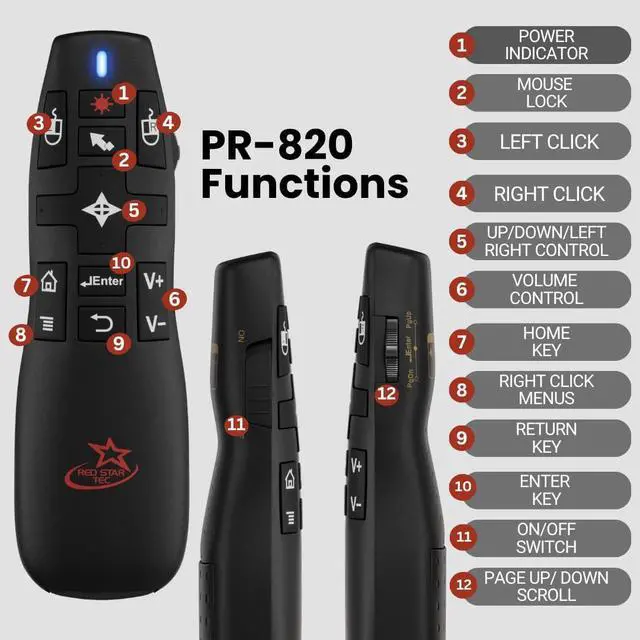
you can press the mouse lock which is the second button in the center of the remote ( the one with an arrow symbol) to prevent the mouse from moving.
Do you need to install any other software for this remote to work ?
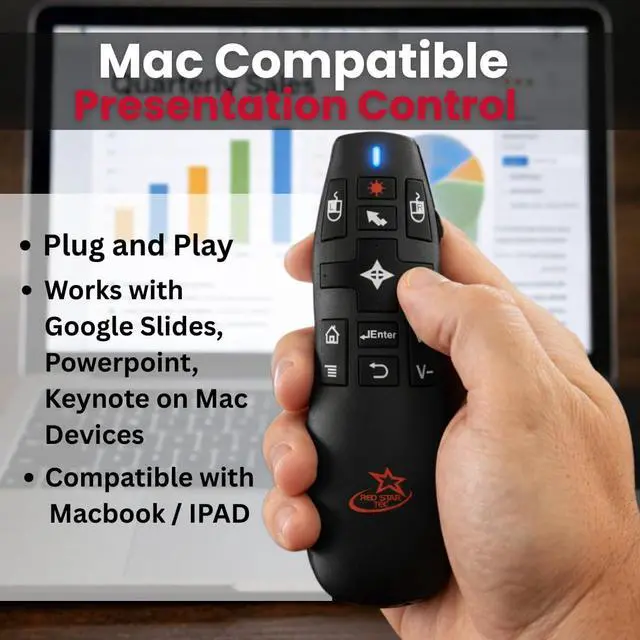
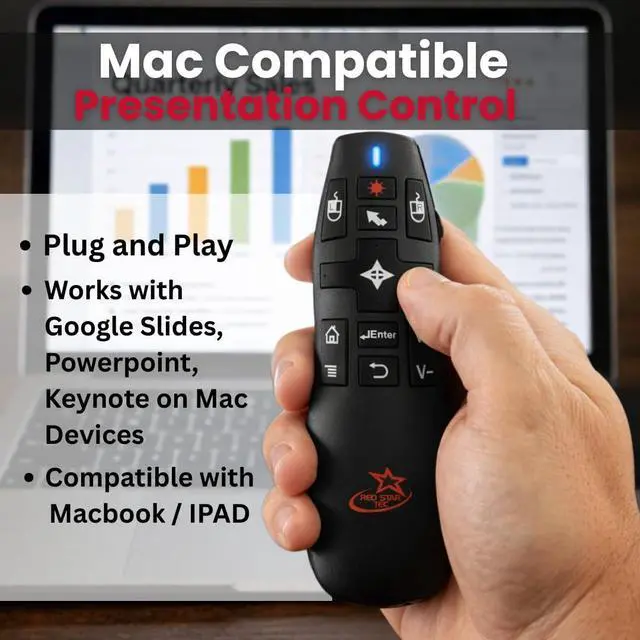
No, it’s a plug and play remote so you don’t need to install any other software, you can just plug in the usb and the remote should work right away.
What do I do if i lose the original receiver of the remote?
You can repurchase a new in our store and perform the Link Lok steps to reconnect the old remote on your new receiver. Check out picture # 4 for full Link Lok instructions
Does it work with smartboard in classrooms?
Yes, it’s compatible with classroom smartboards.

Red Star Tec PR-820 Presentation Clicker Remote
Looking for a presentation remote that does it all? The PR-820 is your Swiss Army knife—compact, powerful, and packed with features. From classrooms to boardrooms, enjoy plug & play ease, Link Lok tech, and seamless control across all major platforms.
Air Mouse / Mouse Lock
Move your cursor freely or lock it in place with precision using built-in air mouse control.
Link Lok
Easily reconnect your remote whenever the connection is lost. No app, no software, no hassle.
Triple Presentation Key Mode
Ultimate flexibility and control, allowing you to navigate slides in a way that suits your style.
Pause/Play Videos
Control video playback instantly. Pause or play media without reaching for your laptop.
Volume Control
Adjust your laptop's volume directly from your remote, no need to touch your device.


Educators
Keep students engaged with this classroom pointer for teachers, featuring a slide remote clicker and a laser pointer for presentations
Coaches
Move freely while presenting strategies with this clicker remote for presentations. Easily navigate game footage using the mouse clicker
Business Professionals
Navigate hyperlinks and open PDFs with ease using this office presentation remote. This presentation laser pointer allows you to point out
Public Speakers
Deliver impactful speeches with ease using this laptop remote control for PowerPoint. This slide show clicker for laptop
Remote for Football Game Analysis
The Must-Have Presentation Clicker for Football Coaches
The PR-820 presentation remote clicker is the perfect coaching companion—compact, powerful, and reliable on and off the field. Seamlessly control Hudl, QwikCut, and WatchGameFilm with precise slide and video playback features. Use the red laser to highlight plays, pause and analyze footage, and adjust volume—all from across the room. With Link Lok pairing, you will never worry about losing connection. The PR-820 gives you total control during team meetings, film sessions, and game prep.
Lightweight, Travel-Ready & Always Protected with Padded Carrying Pouch
Designed for professionals on the go, the PR-820 combines power and portability. Its lightweight build fits easily in your bag or pocket, while the included padded pouch keeps it safe during travel. Whether you're presenting in classrooms, boardrooms, or conference halls, the PR-820 is your reliable, go-anywhere remote that’s ready when you are.
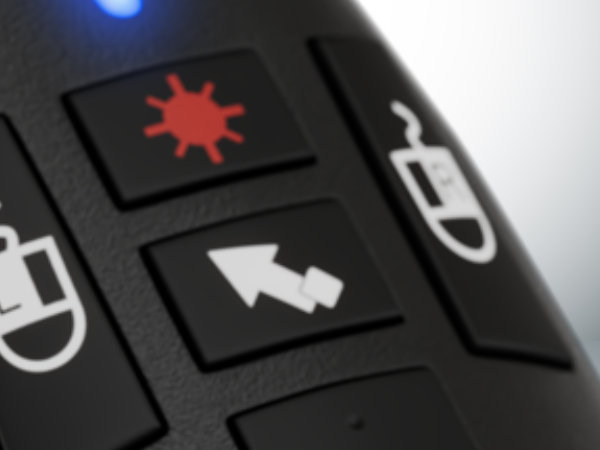
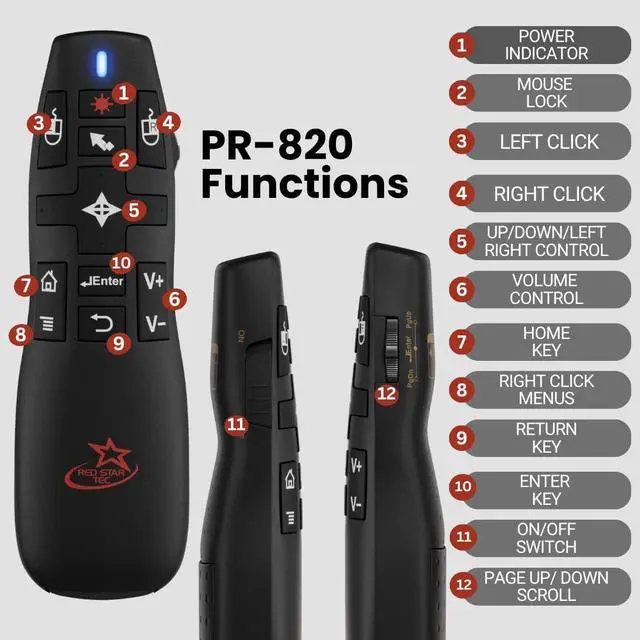
air mouse /mouse lock
Use it like a regular mouse to control the cursor on your device.
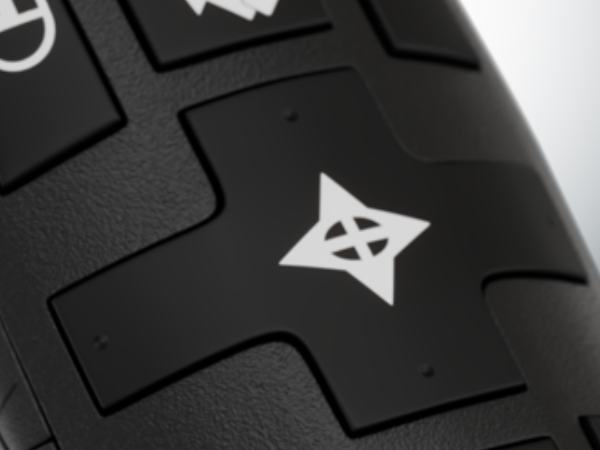
Previous/ next /up and down button
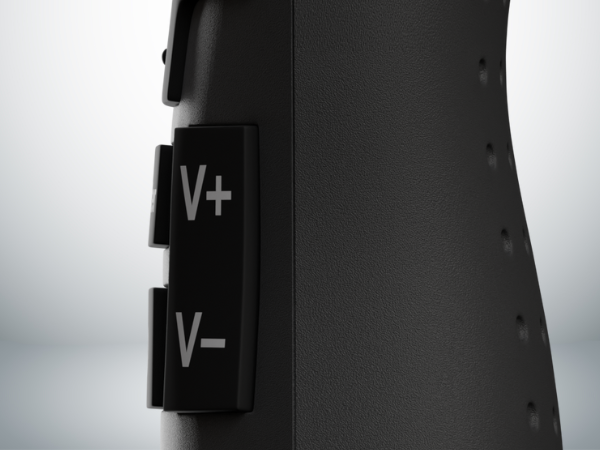
Volume control
allows you to control volume of your device
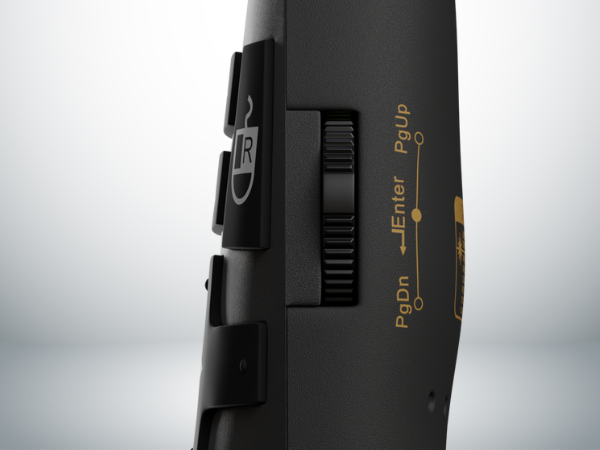
Page Up and Down Scroll
move slides, webpages, or document files using the page up and down scroll
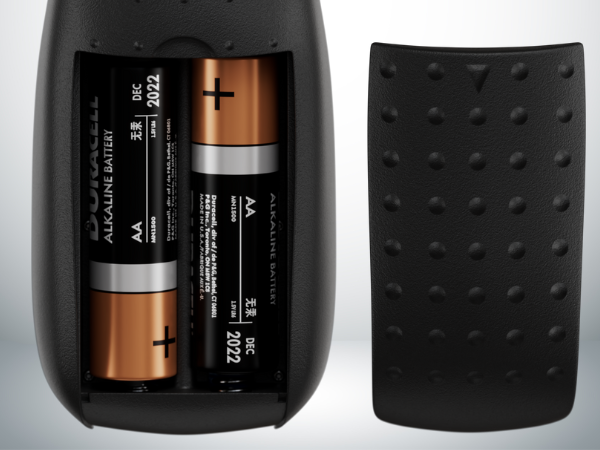
Battery Compartment
contains 2 AAA batteries to power up your remote clicker
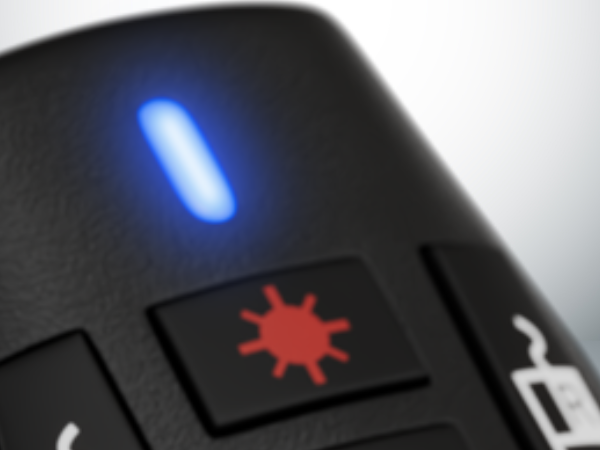
Laser pointer
allows you to point out and highlight something in your slides
Why is my presentation Clicker not working Properly ?
Try to change to new batteries, Unplug and plug back the receiver, if possible in different receiver. Restart Device, Reset Pairing by using Link Lok. Check picture # 4 above.
How do I keep the mouse from moving when I'm doing presentations?
you can press the mouse lock which is the second button in the center of the remote ( the one with an arrow symbol) to prevent the mouse from moving.
Do you need to install any other software for this remote to work ?
No, it’s a plug and play remote so you don’t need to install any other software, you can just plug in the usb and the remote should work right away.
What do I do if i lose the original receiver of the remote?
You can repurchase a new in our store and perform the Link Lok steps to reconnect the old remote on your new receiver. Check out picture # 4 for full Link Lok instructions
Does it work with smartboard in classrooms?
Yes, it’s compatible with classroom smartboards.
Technology Made Easy
Simple, reliable tech designed for real people so you can focus on what matters, not on tech problems.
About Us
Red Star Tec creates simple, reliable technology designed for real people. Our products are built to work when you need them most, without complicated setup or confusing features. From classrooms to meetings and everyday tasks, we focus on tools that are easy to use and dependable. With clear guidance and friendly support, we help you focus on what matters ,not on tech problems.
What makes Red Star Tec products easy to use?
Our products are designed with simplicity in mind. Most devices are plug-and-play with clear instructions, so you can start using them quickly without complicated setup.
Who are Red Star Tec products designed for?
Our products are made for teachers, presenters, students, professionals, and anyone who wants reliable technology that simply works without stress.
What should I do if I have trouble with a product?
We stand behind our products. If something goes wrong, our support team will guide you through troubleshooting
Our Products
Our Products
PR-820 Presentation Clicker
Take control of every presentation with a reliable wireless remote equipped with air mouse , volume, media control
SC-216 Scientific Calculator
A reliable scientific calculator built for students and professionals ,clear display, essential functions, and dependable performance
USB C and A Hub
Expand your laptop instantly with a USB-C and A hub .Add fast USB ports for accessories, storage, and everyday productivity.
T-90 Wireless Earbuds
Enjoy clear wireless audio with compact earbuds designed for everyday listening, comfortable fit, and fast charging.
[NEW] Mouse & Mousepad
Work comfortably with a smooth precision mouse and ergonomic wrist-support mousepad designed for all-day productivity.