











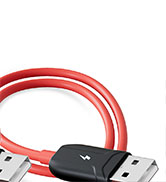
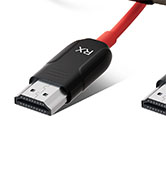
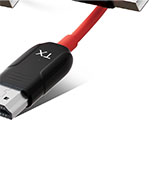


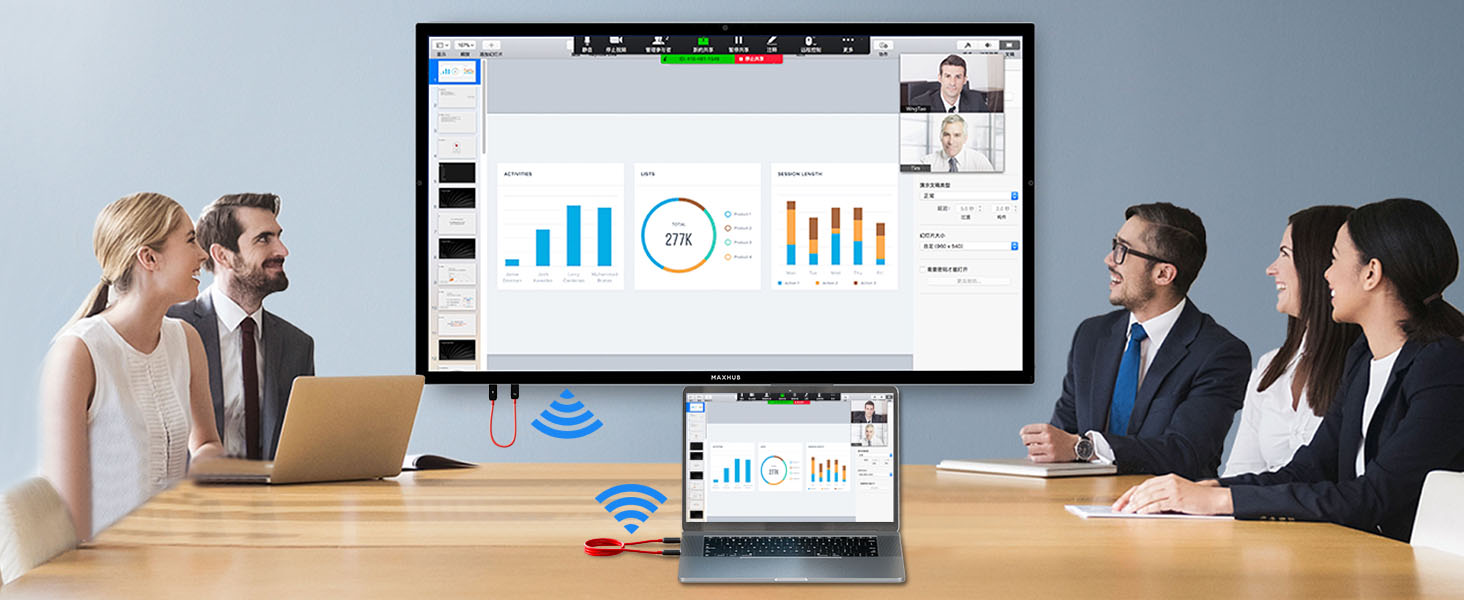
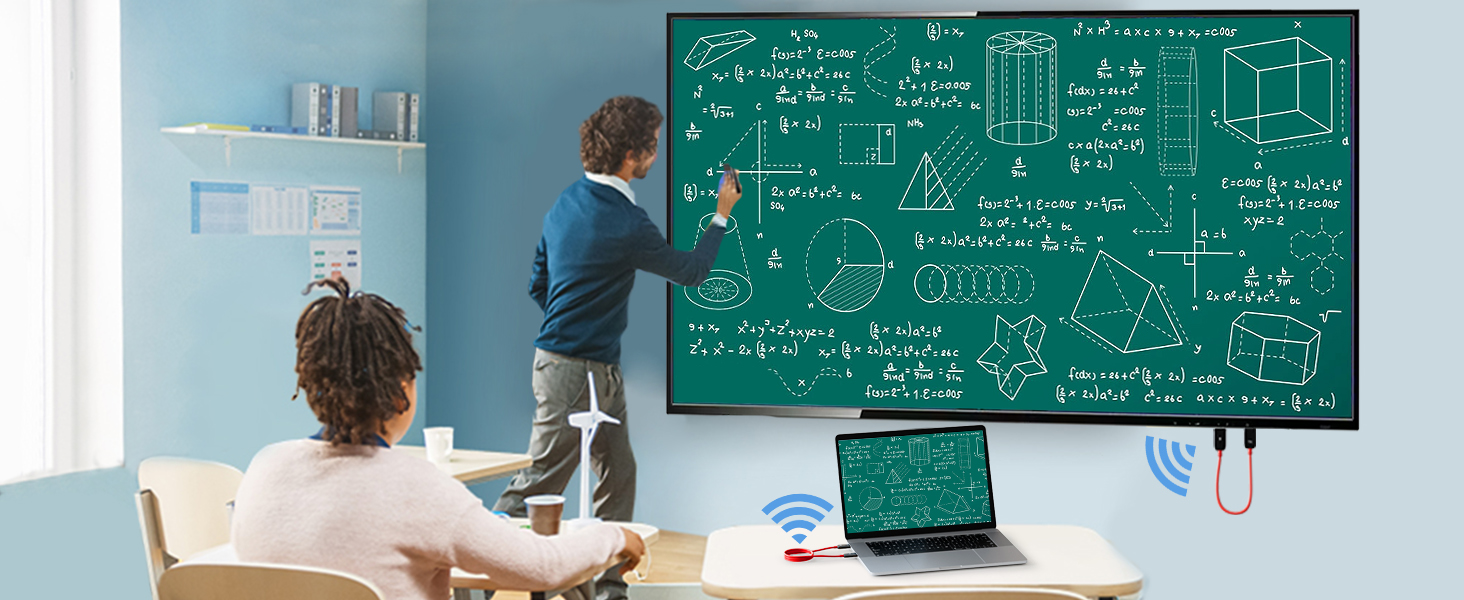
How to connect ?
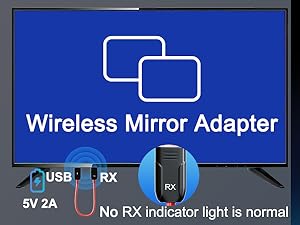
Step 1: Receiver (RX) Setup
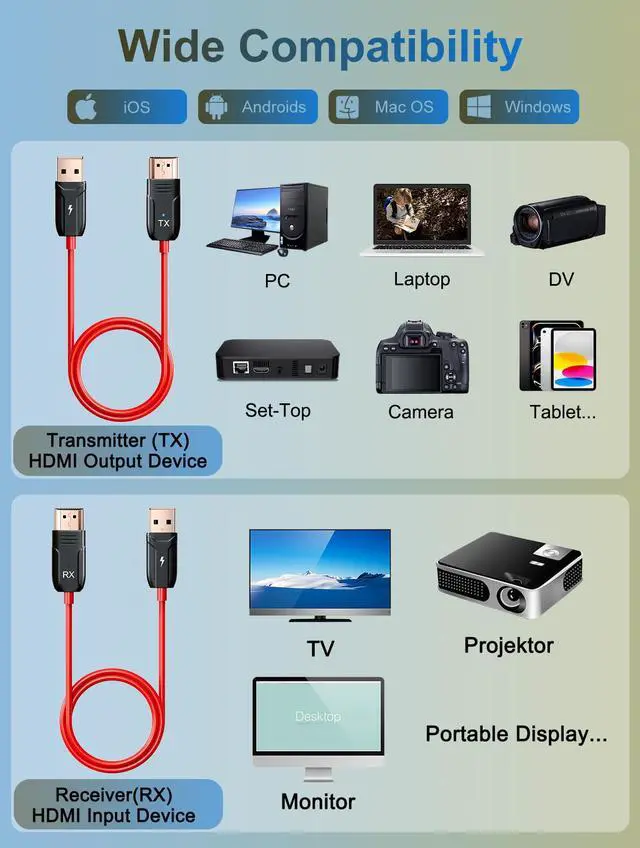
Connect the RX cable to the HDMI input and use a 5V 2A power adapter (Note: The RX device has no indicator light, which is normal).
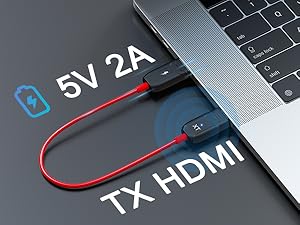
Step 2: Transmitter (TX) Setup
Connect the RX to your TV or other display device. (Note: if the display device has no USB port, connect an additional power adapter for power supply)
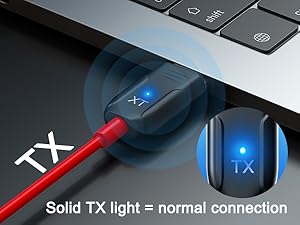
Step 3: Connection and Pairing
During pairing, the TX LED blinks and stays solid once connected. If "No Signal" appears with a blinking LED, re-pair the devices.
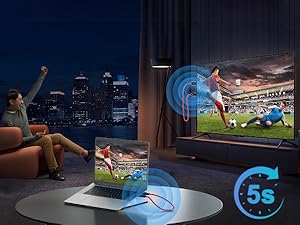
Connection successful
Wait for the automatic streaming to begin after 5 seconds. You can then enjoy clear images and sound.
Does this wireless HDMI extender require power?
Yes, power needs to be supplied from the USB side. If your device does not have a USB port for power supply, an additional power connection is required.
Does this Wireless HDMI Extender Kit support multiple monitors?
No, this Wireless HDMI Extender Kit can only be used one-to-one for now.
What should I do if "No signal..." is displayed on the screen?
1. Make sure there is power on the USB end.
2. Download the "Wireless HDMI re-pairing method.pdf" document from the Product guides and documents on the details page and perform the reset.
My Mac Book doesn't have an HDMI port. Can I use this device?
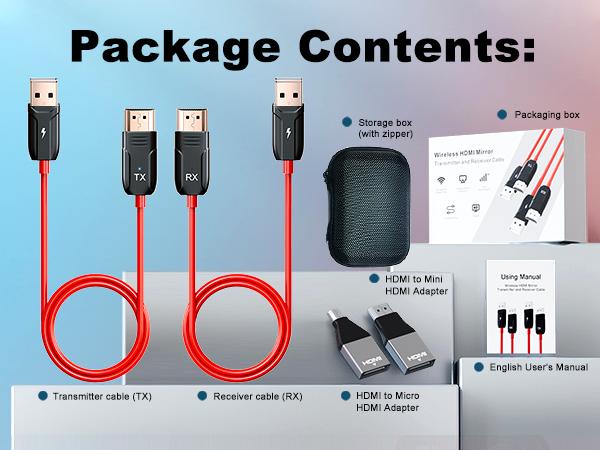
Yes, you can use this HDMI transmitter with a device that has an HDMI port converter.
Does the product require WiFi to work?
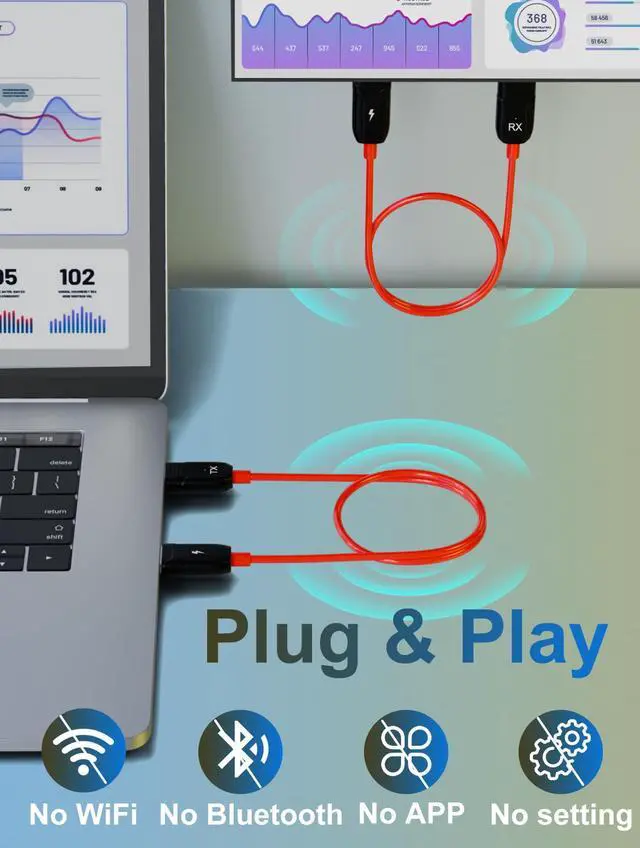
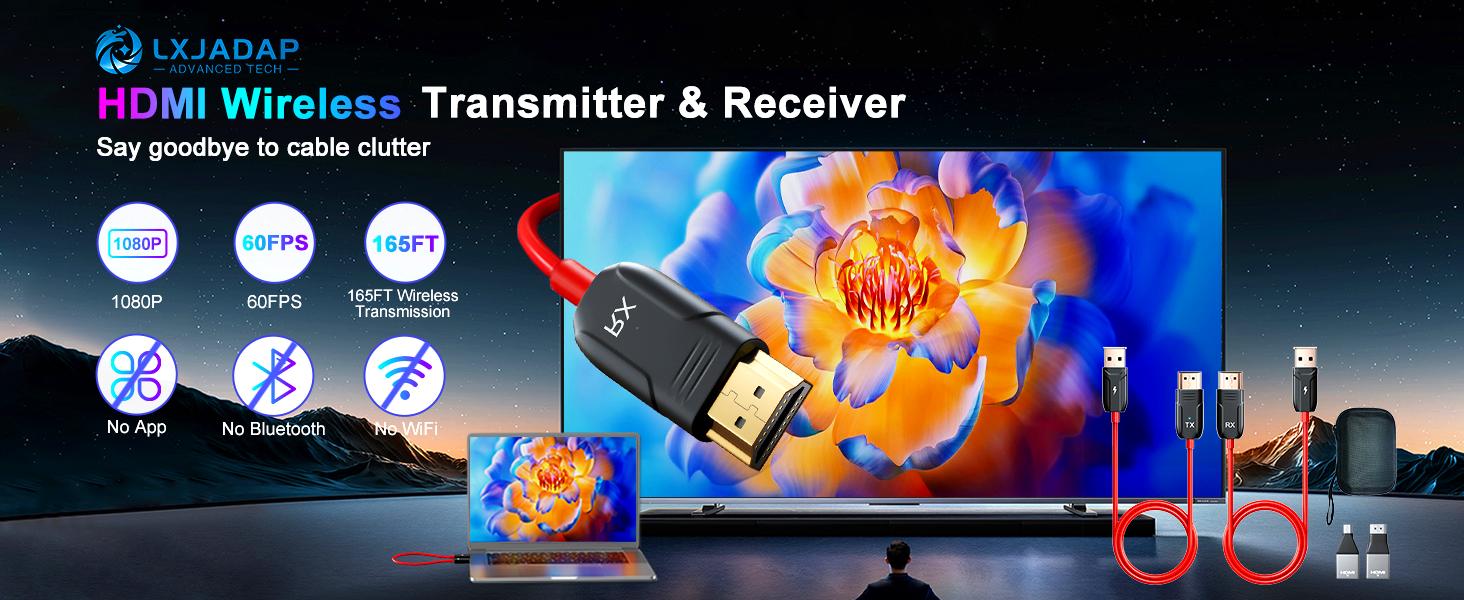
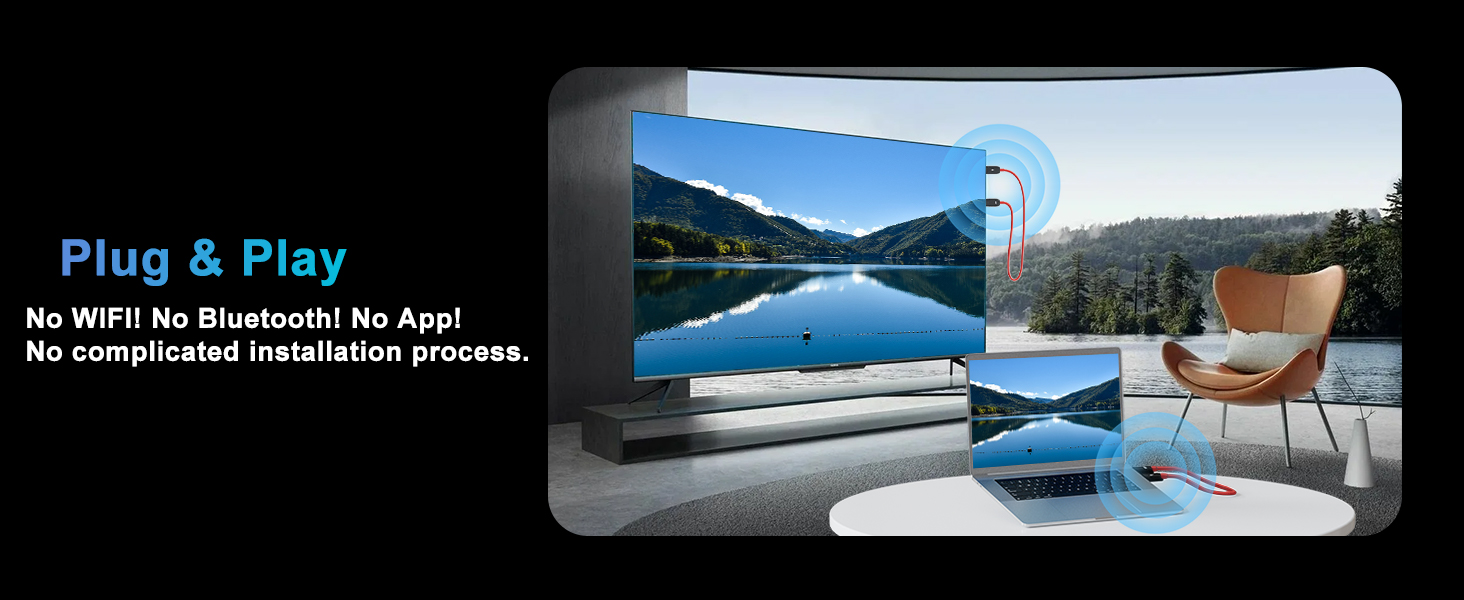
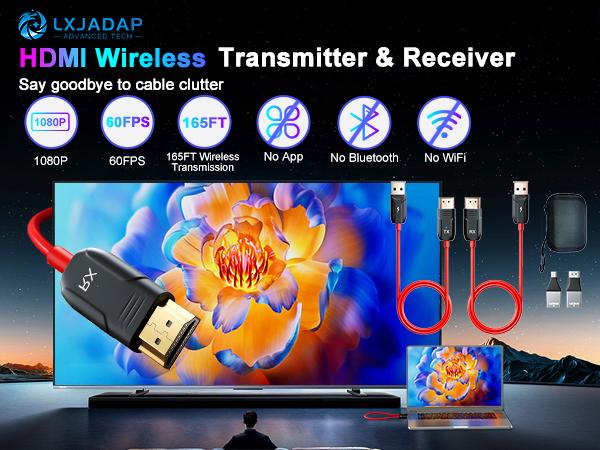
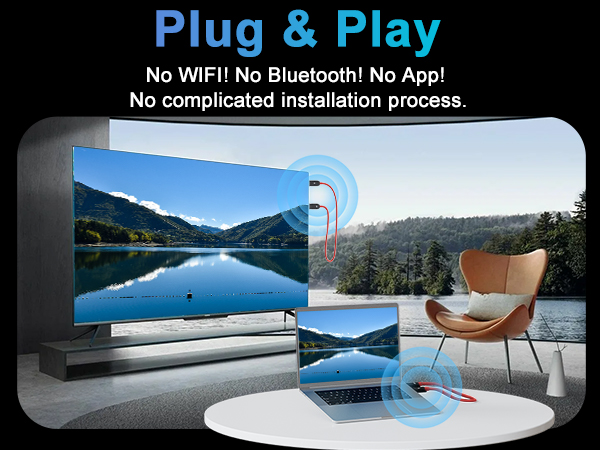
This wireless HDMI transmitter and receiver operate without WiFi. They function through a wireless plug-and-play mechanism. No Bluetooth! No WiFi! No App!


How to connect ?
Step 1: Receiver (RX) Setup
Connect the RX cable to the HDMI input and use a 5V 2A power adapter (Note: The RX device has no indicator light, which is normal).
Step 2: Transmitter (TX) Setup
Connect the RX to your TV or other display device. (Note: if the display device has no USB port, connect an additional power adapter for power supply)
Step 3: Connection and Pairing
During pairing, the TX LED blinks and stays solid once connected. If "No Signal" appears with a blinking LED, re-pair the devices.
Connection successful
Wait for the automatic streaming to begin after 5 seconds. You can then enjoy clear images and sound.
Does this wireless HDMI extender require power?
Yes, power needs to be supplied from the USB side. If your device does not have a USB port for power supply, an additional power connection is required.
Does this Wireless HDMI Extender Kit support multiple monitors?
No, this Wireless HDMI Extender Kit can only be used one-to-one for now.
What should I do if "No signal..." is displayed on the screen?
1. Make sure there is power on the USB end.
2. Download the "Wireless HDMI re-pairing method.pdf" document from the Product guides and documents on the details page and perform the reset.
My Mac Book doesn't have an HDMI port. Can I use this device?
Yes, you can use this HDMI transmitter with a device that has an HDMI port converter.
Does the product require WiFi to work?
This wireless HDMI transmitter and receiver operate without WiFi. They function through a wireless plug-and-play mechanism. No Bluetooth! No WiFi! No App!
| Color | Red and black |
|---|---|
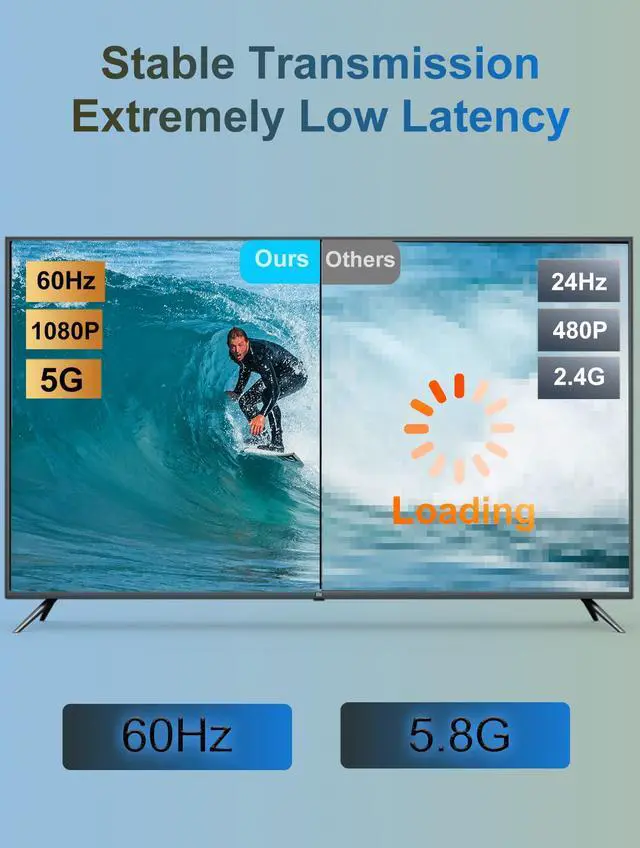
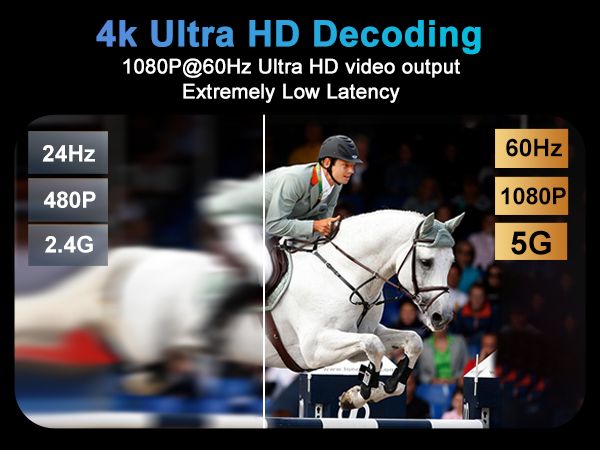
| Resolusion | 1080P@36-60hz |
| Wire length | 25 inches |
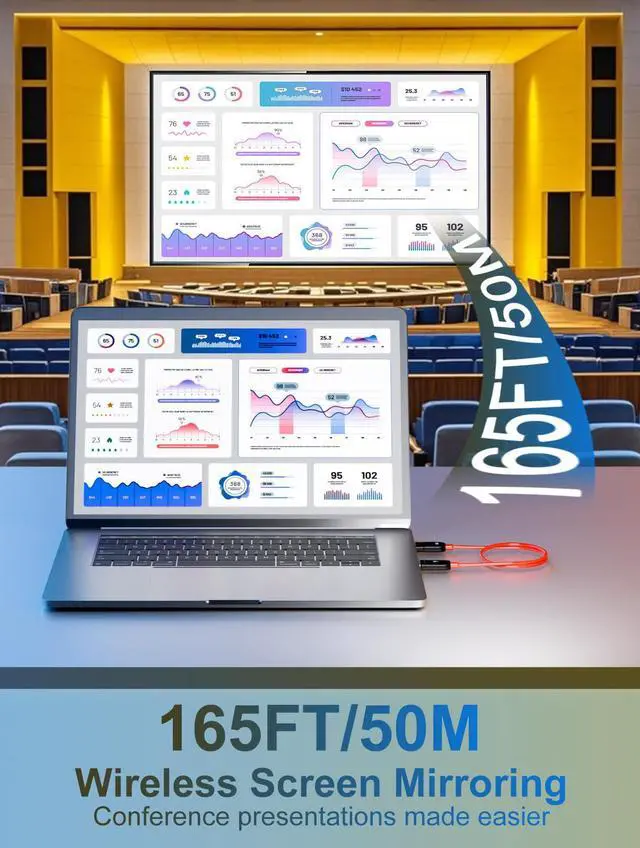
| Transmit distance | 50M / 165FT |
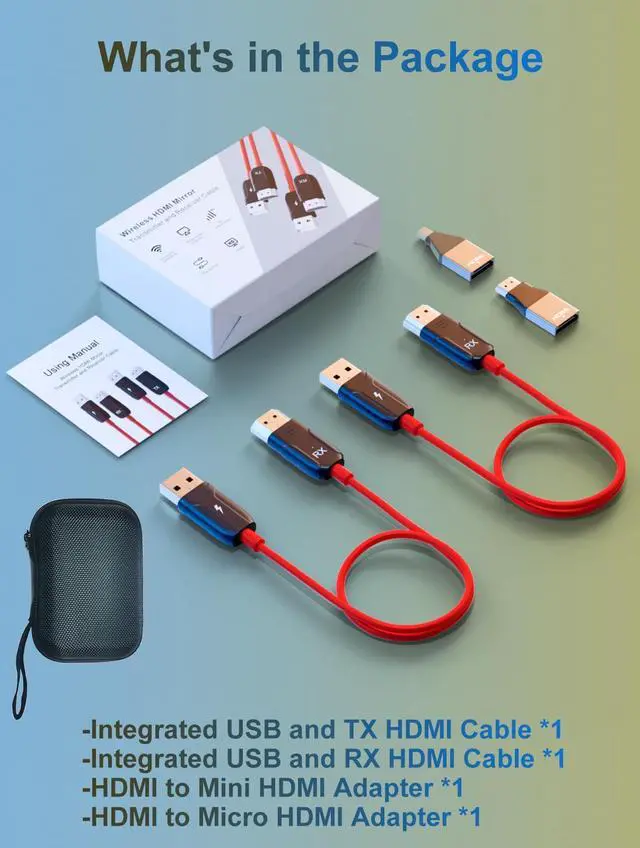
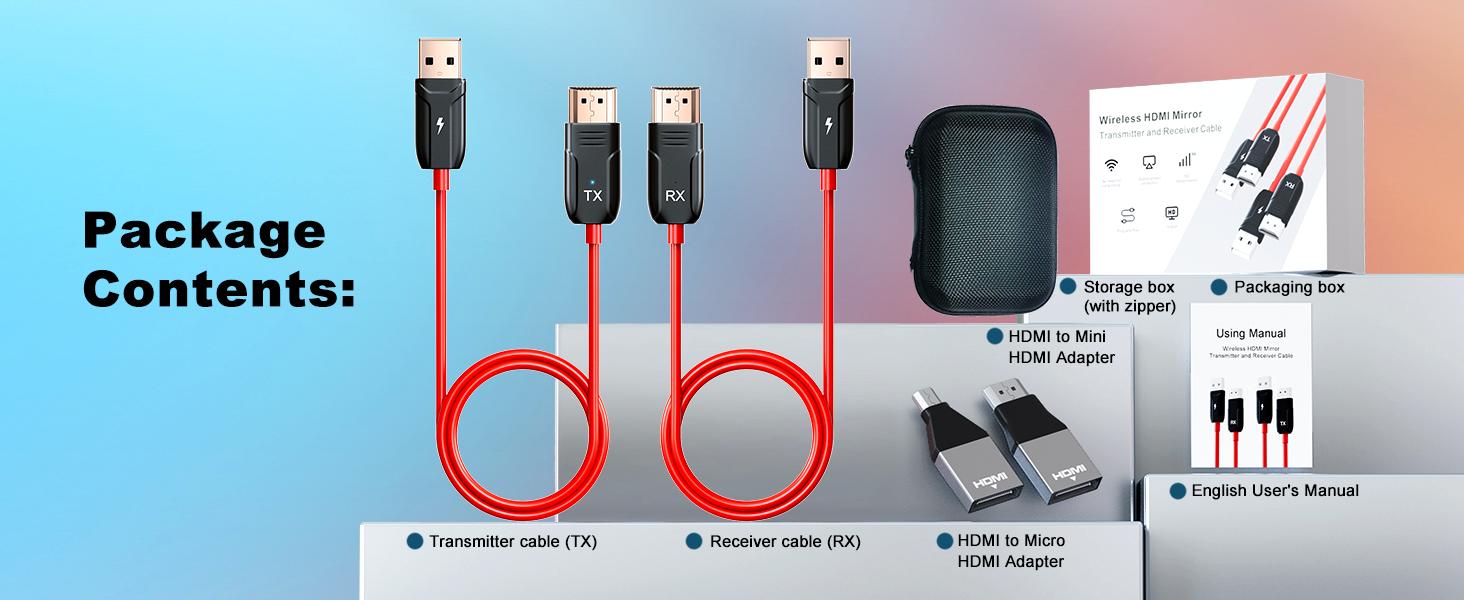
| Port type | HDMI , Mini HDMI , Micro HDMI , USB |
| Support modes | Mirror mode; Extend mode |
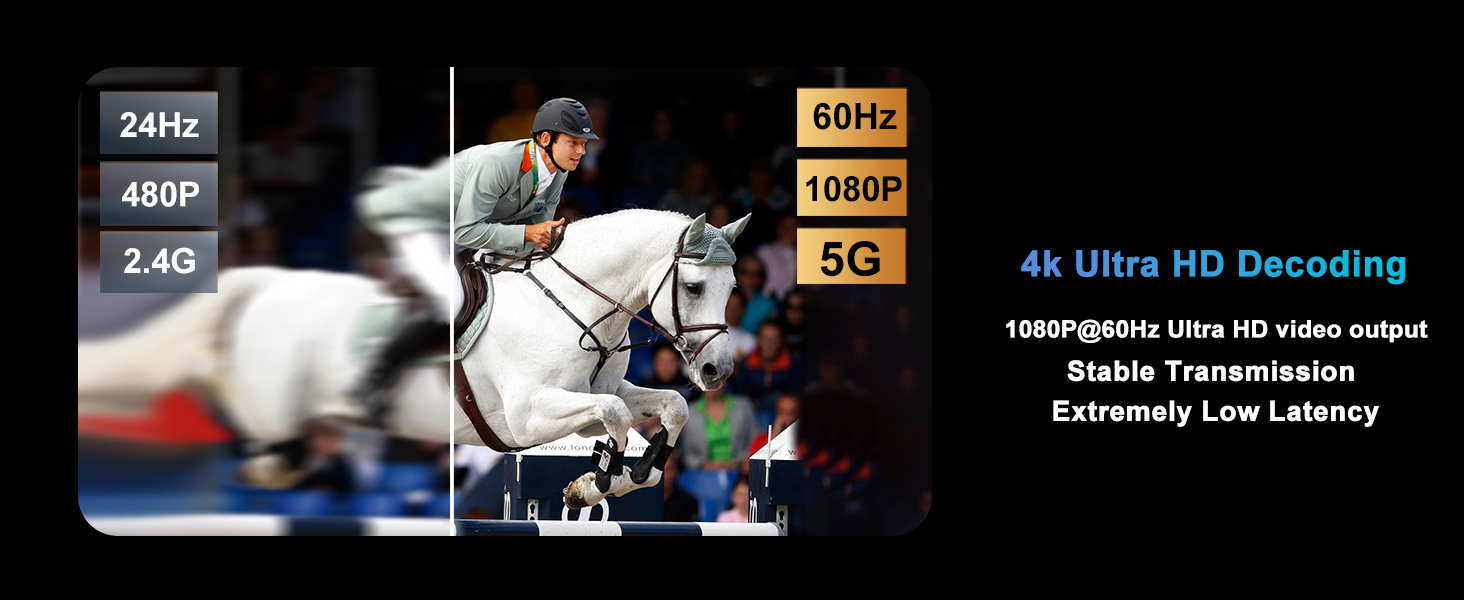
| Signal | 5G Wifi |
| Material | Plastic / Rubber |
| Input devices | PC, laptop, PS 3/4/5, Xbox, TV box; camera; blue-ray player; DVD; VCD... |
| Output devices | HD TV; monitor; VR, projector... |
| Operating system | Windows; Mac OS; linux... |
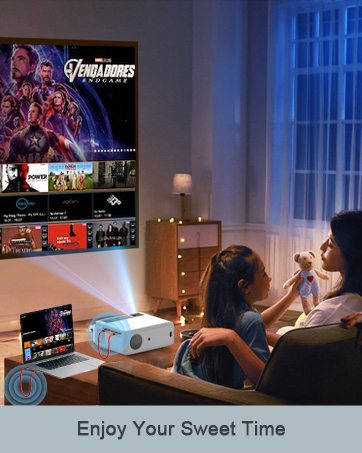
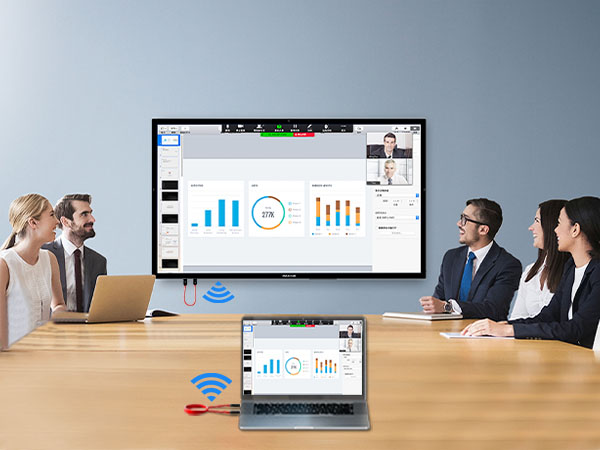
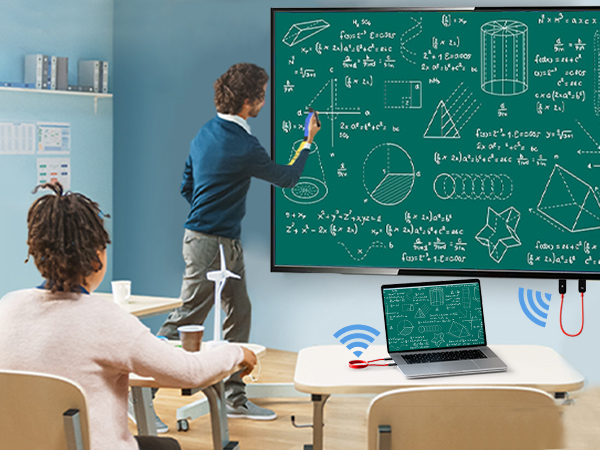
| Applicable scene | Home theater; office; conference room; sports bar; classroom... |
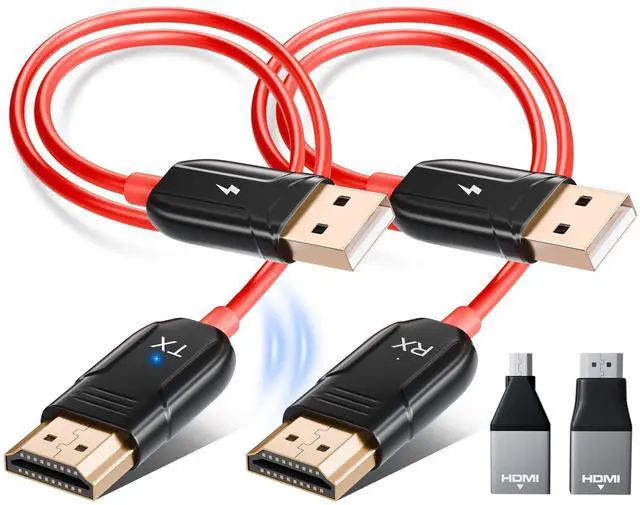
Wireless HDMI Adapter Kit