






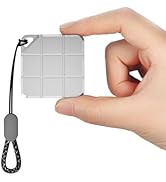
Portable Mini External SSD
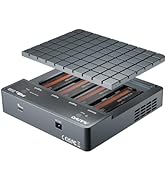
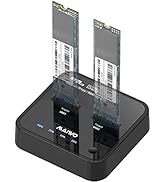
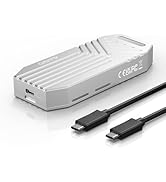
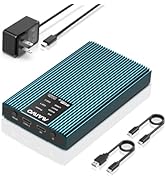
PCIe NVMe Enclosure Duplicator
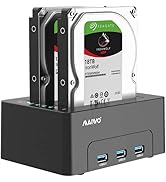
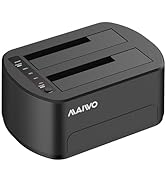
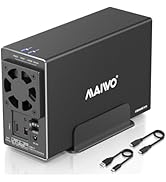
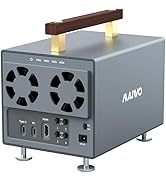
HDD RAID Enclosure/Cloner
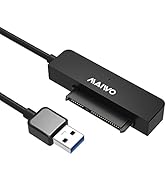
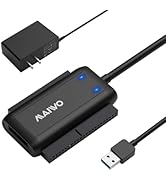
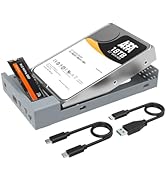
SATA/SAS Drive to USB Adapter

Founded in 2005, MAIWO is dedicated to designing and manufacturing innovative data storage solutions such as External Portable SSD, HDD Enclosure, Docking Station, Duplicator and USB Hub with the mission of helping users "Enjoy Digital Life." The company specializes in creating simple, user-friendly, and high-performance computer peripherals, offering consumers reliable, efficient, and seamless solutions for managing and storing their data.

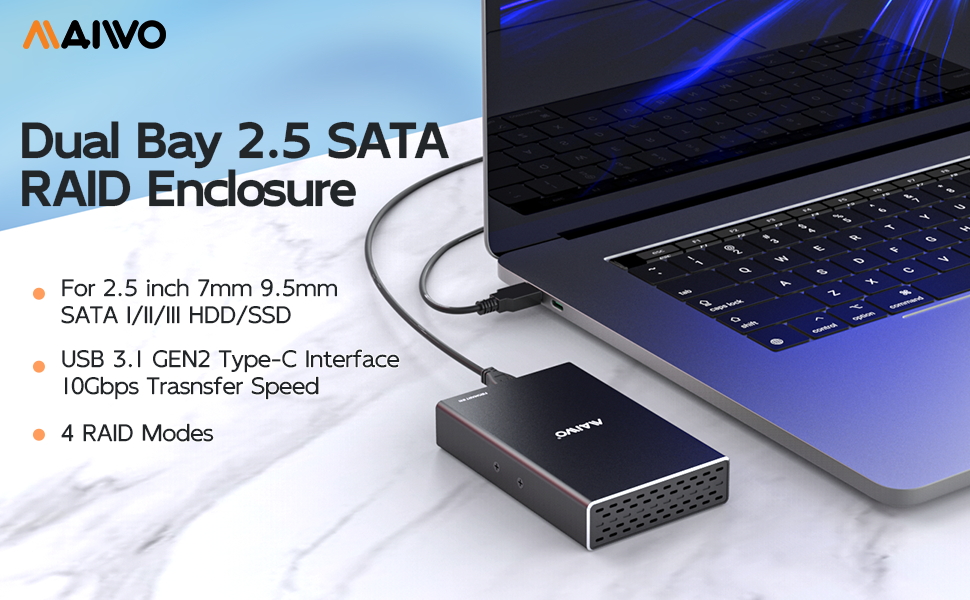
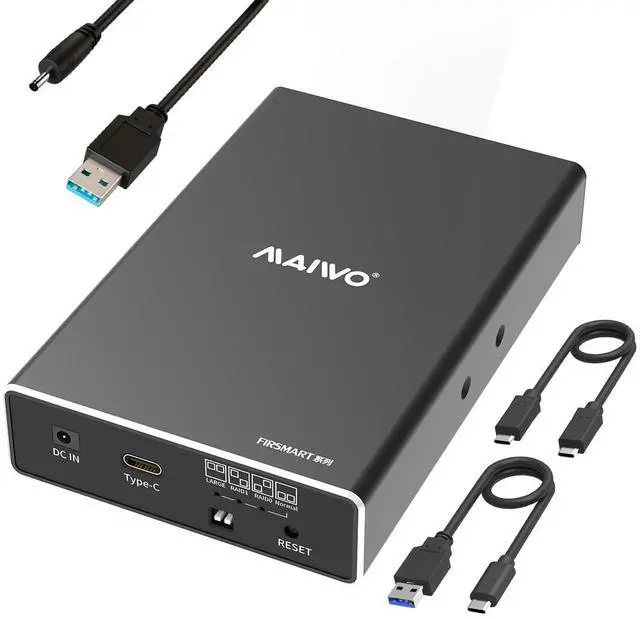
MAIWO Dual Bay External Hard Drive RAID Enclosure, USB 3.1 GEN 2 to 2.5 inch SATA SSD/HDD Adapter
User Friendly
- Tool-free installation
- Support hot swapping
- Plug and play
- Built-in sponge cushion, stable and shockproof
LED Indicator
- Blue LED lights up when it is connected to power supply.
- Blue LED blinks when read and write.
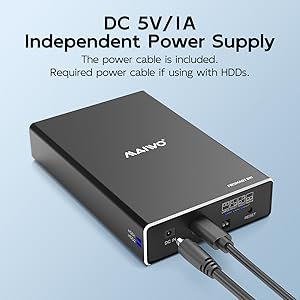
Additional power is required when using this enclosure, a power cable will come with this enclosure.
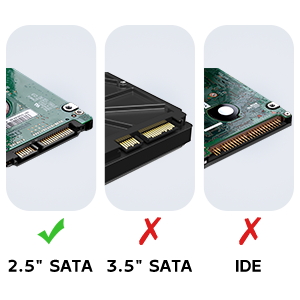
Compatibility
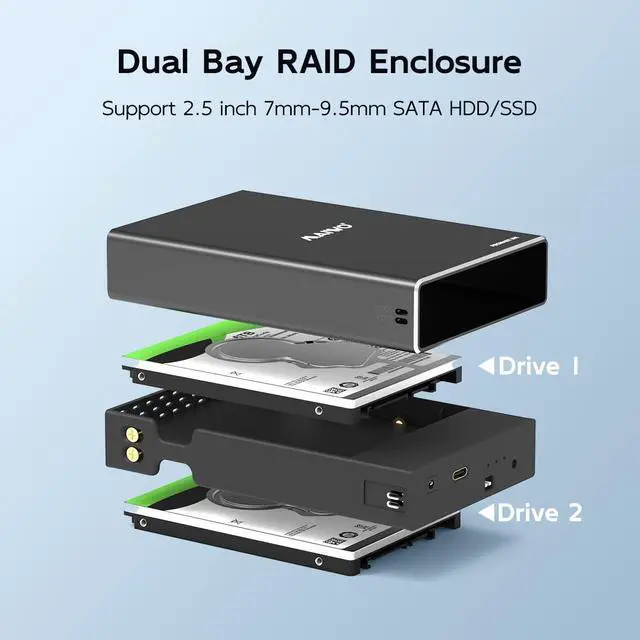
This dual bay hard drive raid enclosure supports 2.5 inch 7-9.5mm SATA SSD/HDD.
NOTE: Do not support 3.5 inch HDD and any IDE drive.
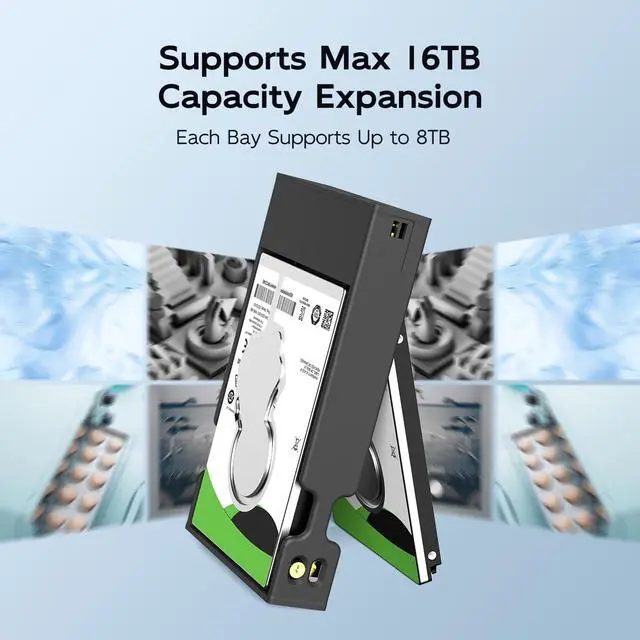
Supports 16TB capacity expansion, can read and write 2X 8TB 2.5 inch SATA hard drives at the same time.
High Speed and Powerful
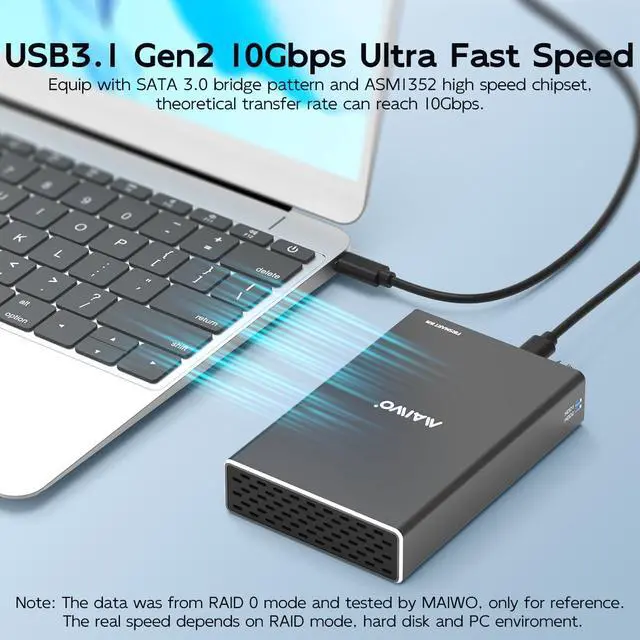
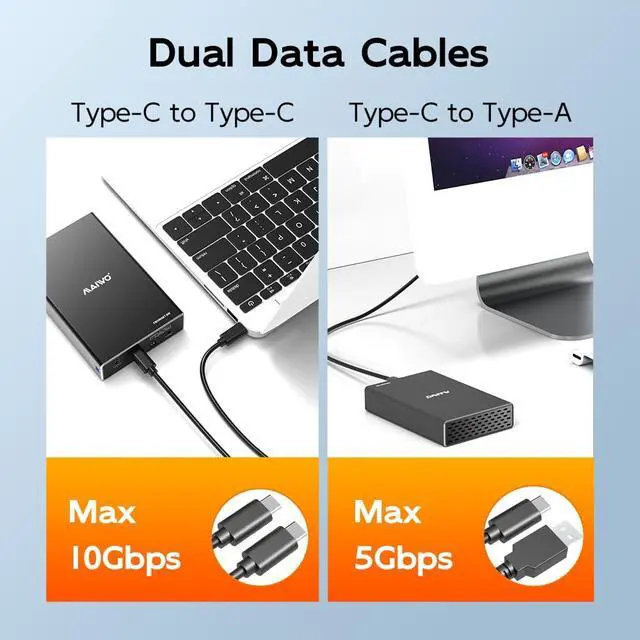
This dual bay raid enclosure equips with 10Gbps ASM1352R chipset and USB 3.1 port. NOTE: Transfer speed can only reach 6Gbps due to the limit of SATA drive itself.
A power cable will come with this raid enclosure, you will need it when operate with HDD.
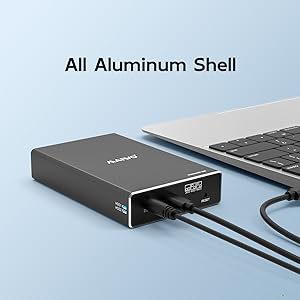
All Aluminum Shell
The aluminum alloy casing delivers exceptional thermal dissipation efficiency, effectively cooling your drives to ensure sustained peak performance.
This RAID enclosure features an independent USB power connection, providing both operational convenience and enhanced electrical stability.
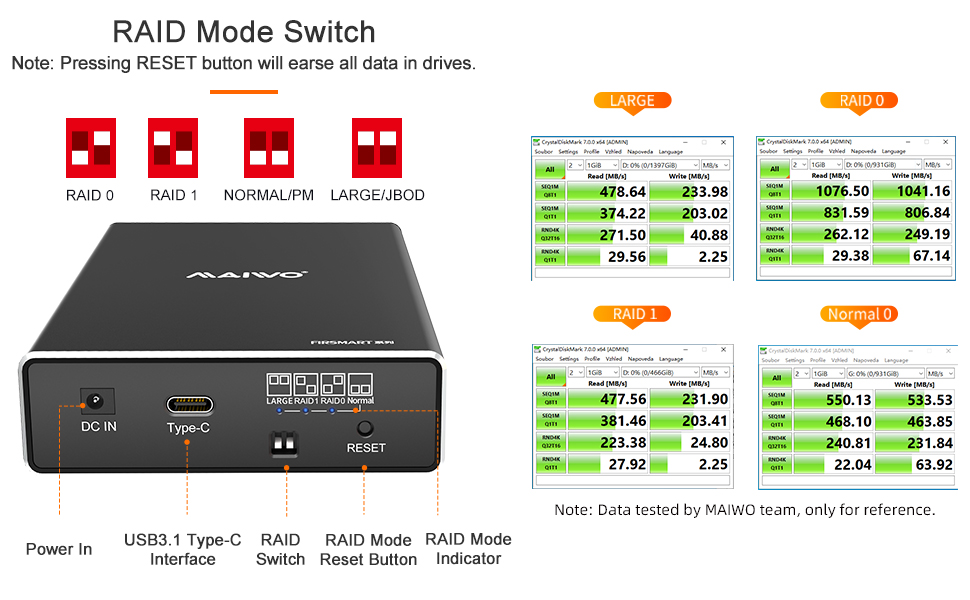
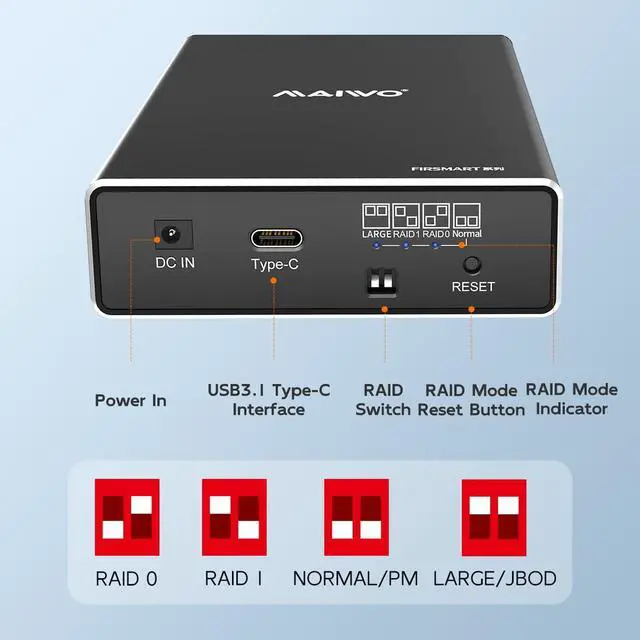
4 RAID Modes
- RAID 0: Merge all HDD's capacity in the HDD enclosure and upgrade it's performance (reading and writting speed).
- RAID 1: Two HDD's in the HDD enclosure can backup each other, cannot upgrade it's performance (reading and writing speed), and it can support self restoration function (RAID 0 modes cannot support this function), which makes files can be restored when mistaks and faults occur.
- LARGE/JBOD: Merge all HDD's capacity in the HDD enclosure to make it easy to manage but can not upgrade it's performance.
- NORMAL/PM: Means normal state, all HDDs in the HDD enclosure work independently without forming any RAID modes.
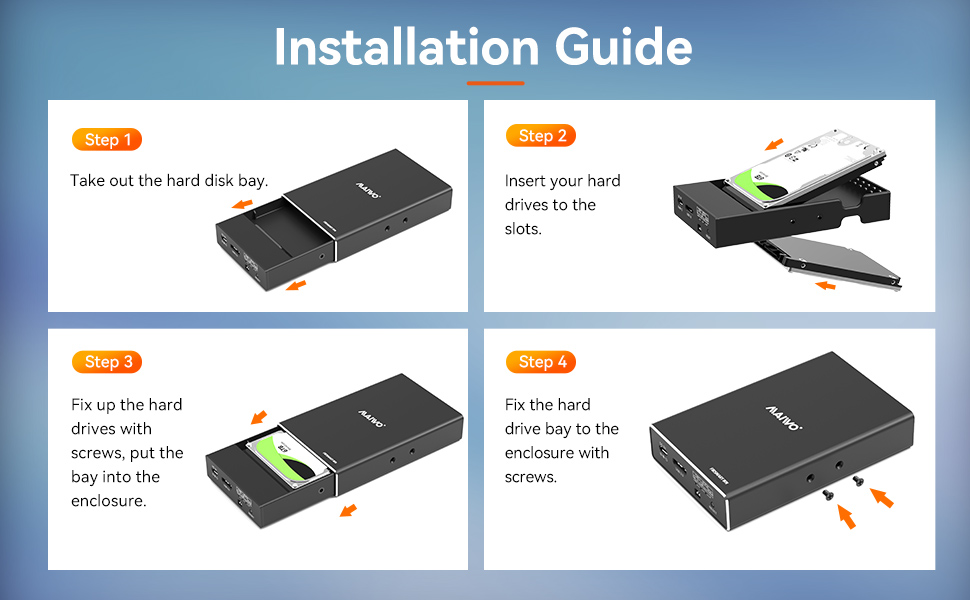
Installation Instruction of MAIWO Dual Bay 2.5" SATA HDD/SSD RAID Enclosure
- Take out the middle frame of the enclosure, install 2.5 inch hard disks into HDD1/HDD2 slots at 45 degrees, fix the hard disks with screws, put the middle frame back into enclosure and fix the middle frame with screws.
- Set the RAID mode you need via RAID Switch, connect enclosure to the PC with data cable and connect to power supply with power cable, press and hold the RESET button, turn on the power switch, wait 5-8 seconds, loosen RESET buttion until RAID indicator lights up, then USB driver will be installed automatically to your PC.
- Note: If you are connecting to a new hard disk, right click on the computer desktop "Computer" - "Management" - "Disk Management" - find the corresponding disk first "Initialize Disk", then "New Simple Volume". See the user manual for details on RAID usage.
MAIWO Dual Bay External Hard Drive RAID Enclosure, USB 3.1 GEN 2 to 2.5 inch SATA SSD/HDD Adapter
User Friendly
- Tool-free installation
- Support hot swapping
- Plug and play
- Built-in sponge cushion, stable and shockproof
LED Indicator
- Blue LED lights up when it is connected to power supply.
- Blue LED blinks when read and write.
Additional power is required when using this enclosure, a power cable will come with this enclosure.
Compatibility
This dual bay hard drive raid enclosure supports 2.5 inch 7-9.5mm SATA SSD/HDD.
NOTE: Do not support 3.5 inch HDD and any IDE drive.
Supports 16TB capacity expansion, can read and write 2X 8TB 2.5 inch SATA hard drives at the same time.
High Speed and Powerful
This dual bay raid enclosure equips with 10Gbps ASM1352R chipset and USB 3.1 port. NOTE: Transfer speed can only reach 6Gbps due to the limit of SATA drive itself.
A power cable will come with this raid enclosure, you will need it when operate with HDD.
All Aluminum Shell
The aluminum alloy casing delivers exceptional thermal dissipation efficiency, effectively cooling your drives to ensure sustained peak performance.
This RAID enclosure features an independent USB power connection, providing both operational convenience and enhanced electrical stability.
4 RAID Modes
- RAID 0: Merge all HDD's capacity in the HDD enclosure and upgrade it's performance (reading and writting speed).
- RAID 1: Two HDD's in the HDD enclosure can backup each other, cannot upgrade it's performance (reading and writing speed), and it can support self restoration function (RAID 0 modes cannot support this function), which makes files can be restored when mistaks and faults occur.
- LARGE/JBOD: Merge all HDD's capacity in the HDD enclosure to make it easy to manage but can not upgrade it's performance.
- NORMAL/PM: Means normal state, all HDDs in the HDD enclosure work independently without forming any RAID modes.
Installation Instruction of MAIWO Dual Bay 2.5" SATA HDD/SSD RAID Enclosure
- Take out the middle frame of the enclosure, install 2.5 inch hard disks into HDD1/HDD2 slots at 45 degrees, fix the hard disks with screws, put the middle frame back into enclosure and fix the middle frame with screws.
- Set the RAID mode you need via RAID Switch, connect enclosure to the PC with data cable and connect to power supply with power cable, press and hold the RESET button, turn on the power switch, wait 5-8 seconds, loosen RESET buttion until RAID indicator lights up, then USB driver will be installed automatically to your PC.
- Note: If you are connecting to a new hard disk, right click on the computer desktop "Computer" - "Management" - "Disk Management" - find the corresponding disk first "Initialize Disk", then "New Simple Volume". See the user manual for details on RAID usage.
Portable Mini External SSD
PCIe NVMe Enclosure Duplicator
HDD RAID Enclosure/Cloner
SATA/SAS Drive to USB Adapter
Founded in 2005, MAIWO is dedicated to designing and manufacturing innovative data storage solutions such as External Portable SSD, HDD Enclosure, Docking Station, Duplicator and USB Hub with the mission of helping users "Enjoy Digital Life." The company specializes in creating simple, user-friendly, and high-performance computer peripherals, offering consumers reliable, efficient, and seamless solutions for managing and storing their data.