

Your Browsing History
- Free 30-day Returns
$46.79


Meet Your Seller

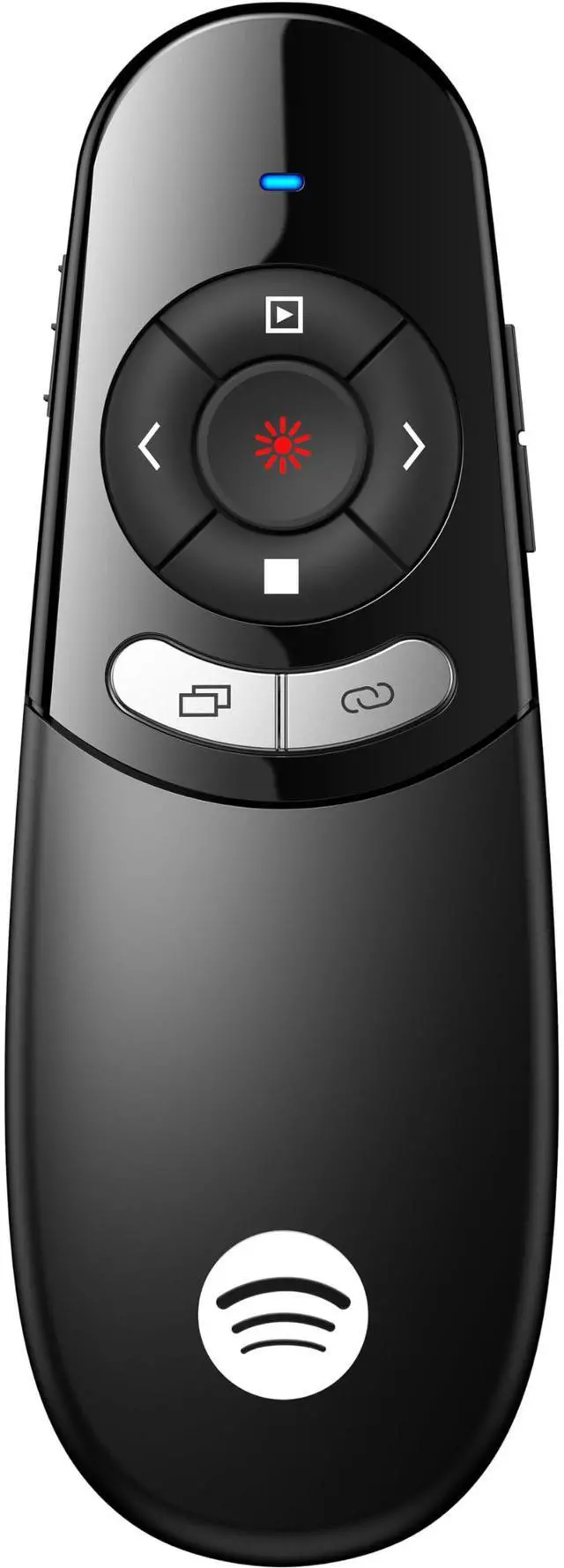


USB Type C Wireless Presentation Clicker, BT&RF 2.4GHz Dual Modes Presenter Remote for PowerPoint Presentations Compatible with Bluetooth-Enabled Laptops Desktop Computers
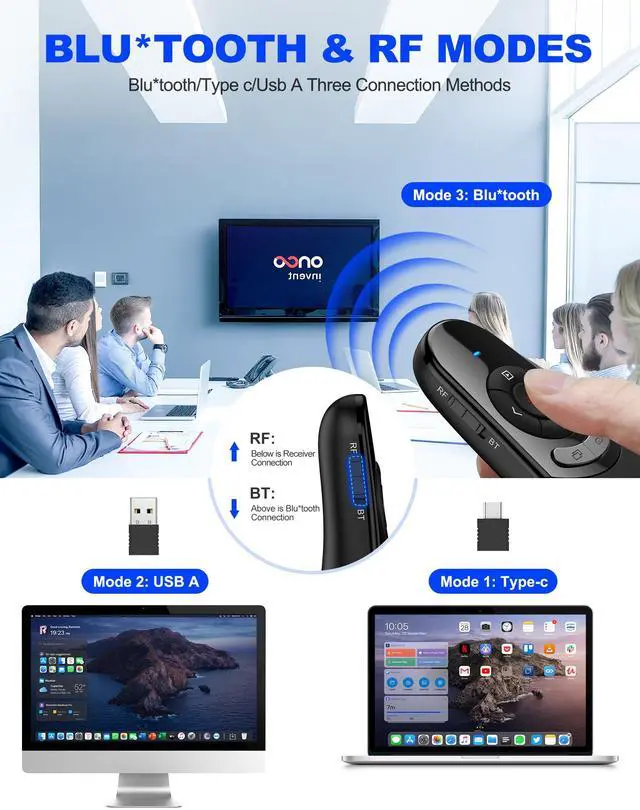
- BT & RF 2.4 GHz dual modes clicker for presentationsThis presenter can quickly switch between BT and RF 2.4GHz modes with a single button,compatible with various Bluetooth-enabled laptops and desktop computers.(Please note that this presenter has no power button. It automatically enters sleep mode after 30 seconds of inactivity to conserve energy - simply press any button to wake it)
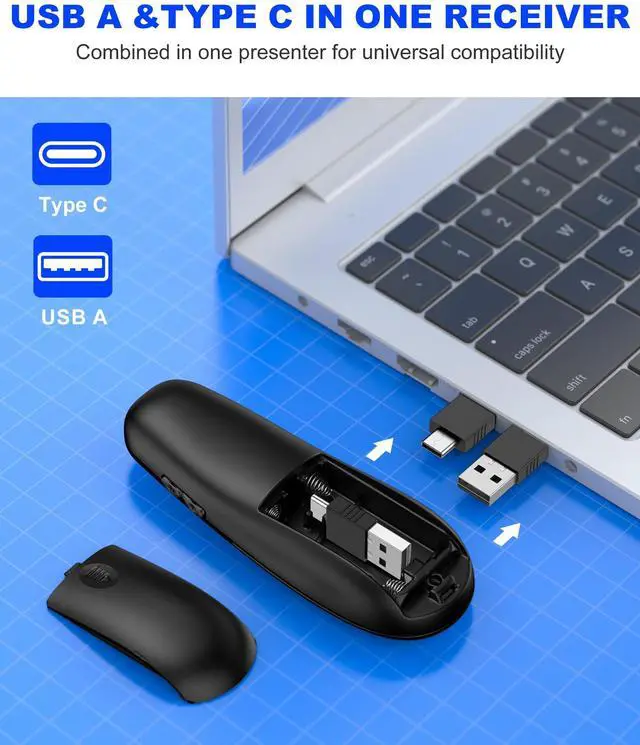
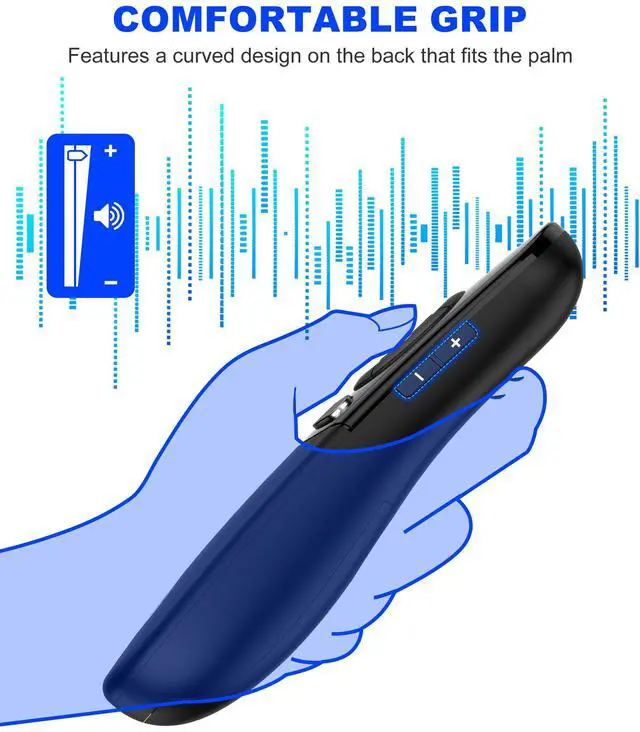
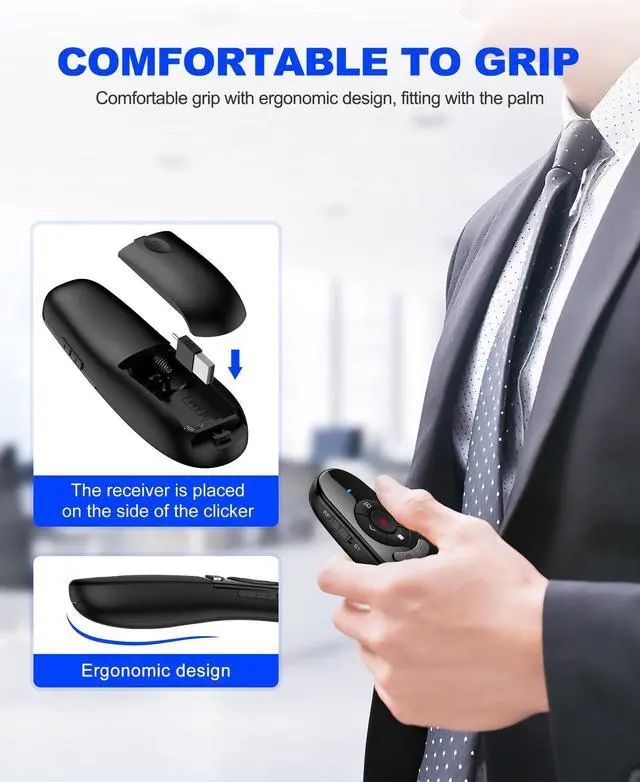
- Plug & Play USB A & C Presentation ClickerEquipped with dual USB-A/USB-C connectors, combined in one presenter for universal compatibility. Ergonomics design and large rubber buttons makes comfortable hold feeling and easily using. Bumped-buttons design for operating without looking down at it
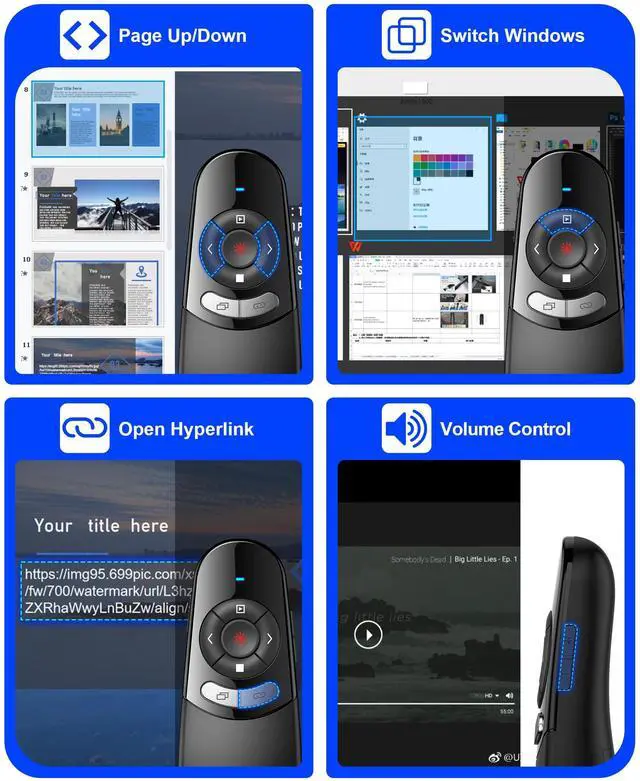
- Multi-featured Presentation PointerThe powerpoint remot offers all the essential functions like page forward/backward and full/black screen. Additionally, it includes extra features such as volume control, hyperlink activation, and window switching. With these capabilities, you can effortlessly present and control your computer
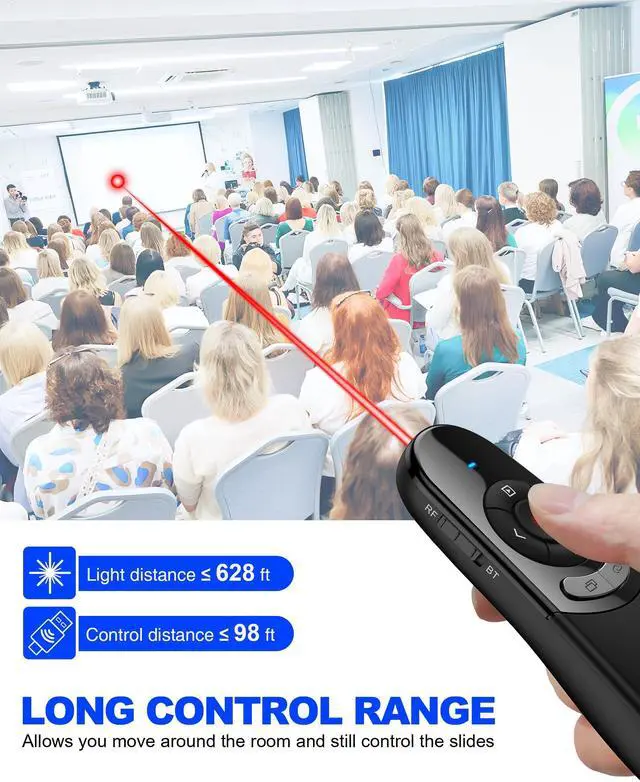
- Long Control Wireless RangeEnjoy a maximum wireless control range of 164FT. This allows you to freely move around the room without any limitations from your computer, ensuring a seamless presentation experience. With bright laser light, you can highlight the key areas of the slide to attract the attention of the audience
+
+
Overview
Specs
Reviews

Any questions? Our AI mode will help you find out quickly.
Try me now
Wireless Presenter Remote
Warranty & Returns
Warranty, Returns, And Additional Information
Warranty
- Please contact the Seller directly for warranty information. Warranty information may also be found on the Manufacturer's website.
- CONTACT
Return Policies
- Return for refund within: 30 days
- Return for replacement within: 30 days
- This item is covered by Firentioner Return Policy
Manufacturer Contact Info
- For a directory of all our manufacturers, please click below.
- Manufacturers Directory
LOADING...