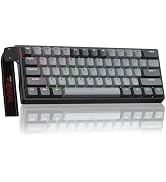
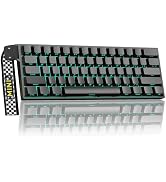
here!
here!
I’m your shopping assistant for PC builds, upgrades, and everything tech.
Got questions? Ask away!
Start a conversation
here!
I’m your shopping assistant for PC builds, upgrades, and everything tech.
Got questions? Ask away!
Start a conversation
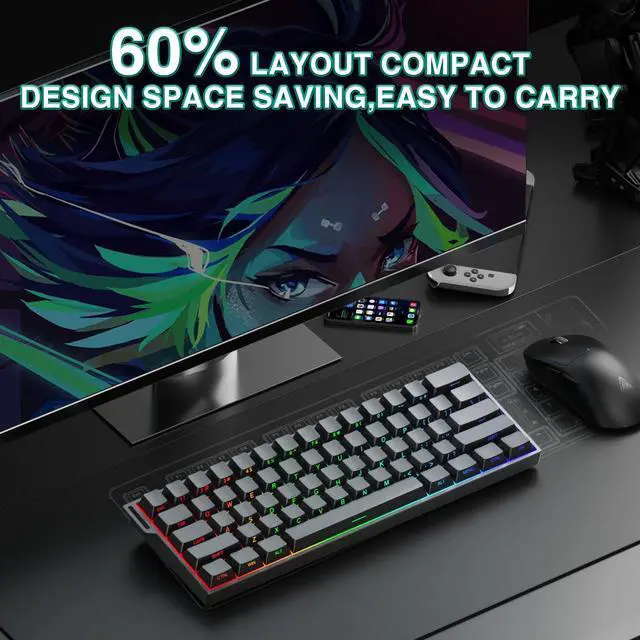
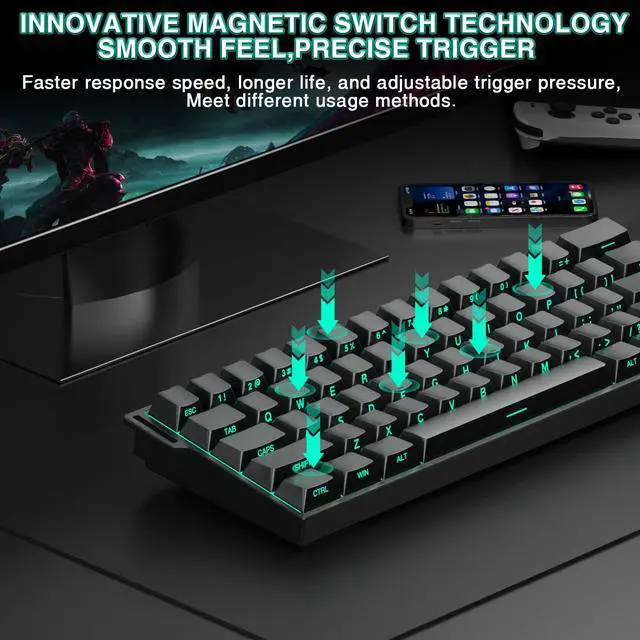
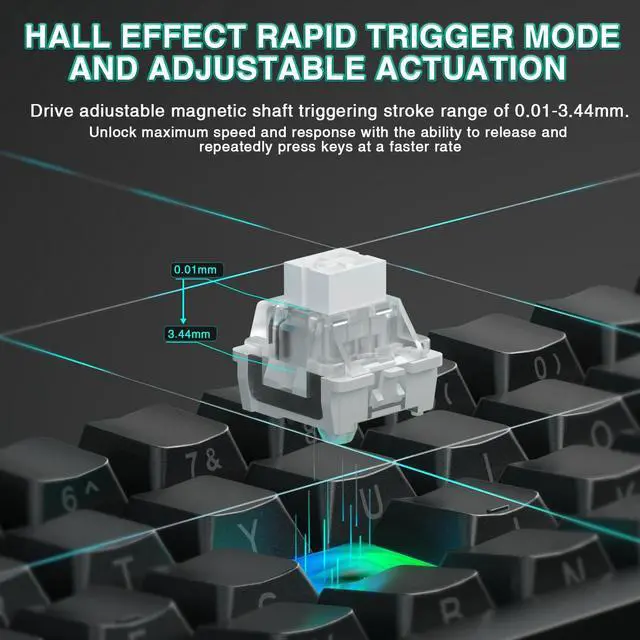
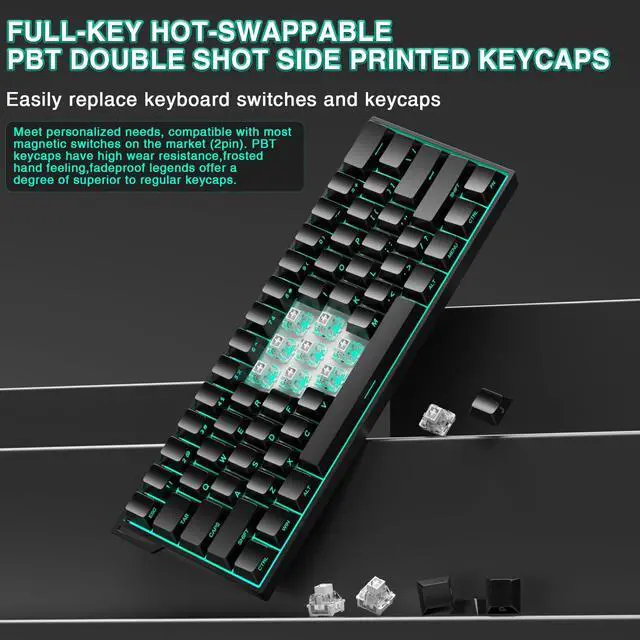



Any questions? Ask CelesteSM will help you find out quickly.


What is the Hall Effect?
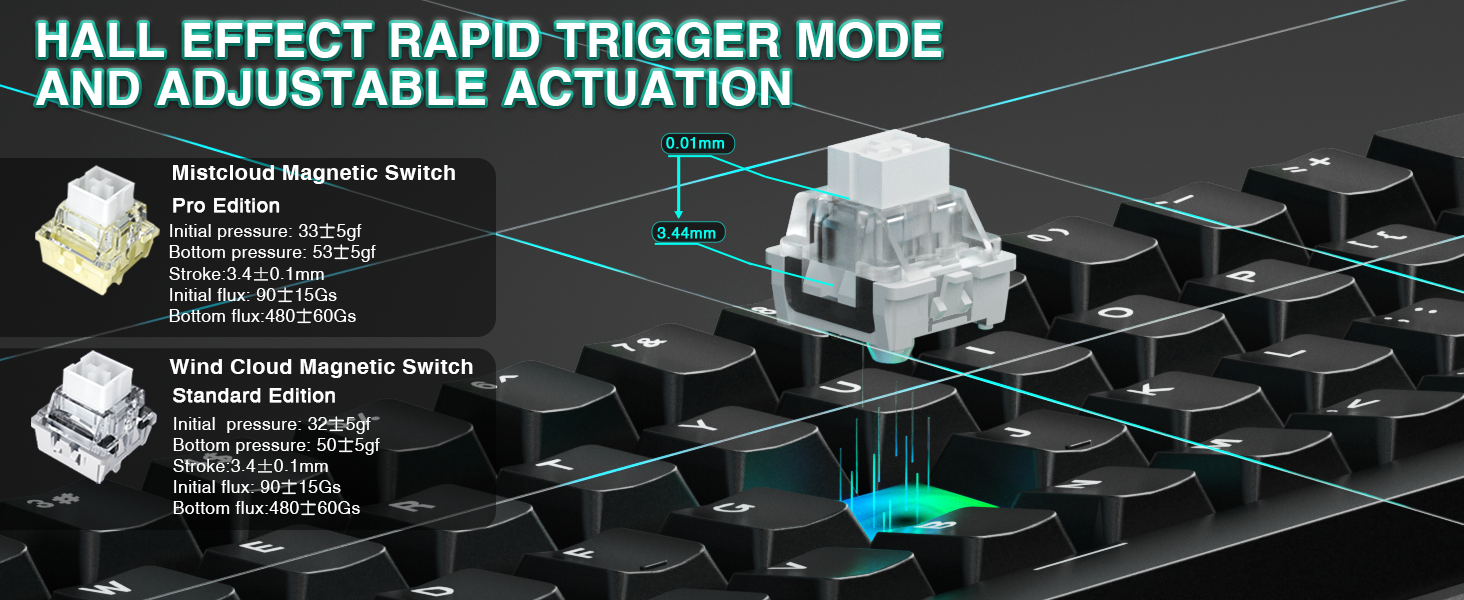
The Hall Effect is a physical phenomenon that allows our keyboard, like the AULA Mini60 HE Pro, to detect whether a key has been pressed by sensing changes in the position of a tiny magnet beneath each key, rather than relying on traditional mechanical contact. This means every keystroke can be recognized with exceptional precision, while also avoiding the wear and tear issues common to traditional switches over time.
Why Choose the AULA Mini60 HE Pro Hall Effect Keyboard?
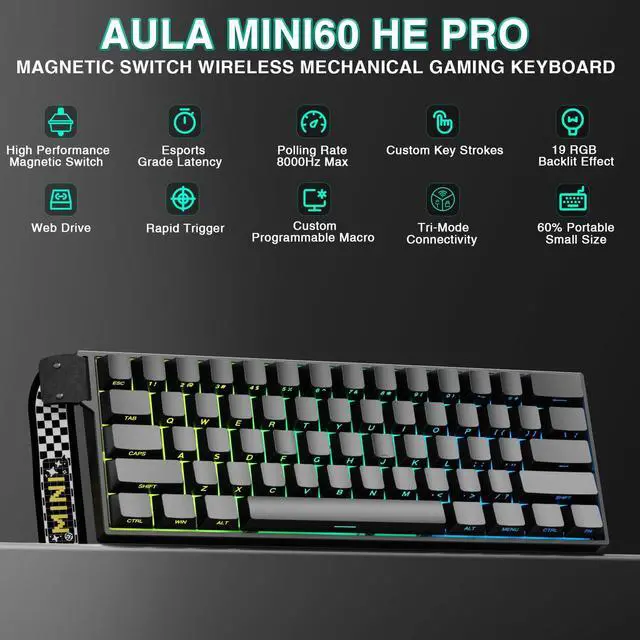
Whether you're a gamer, a professional, or a daily user, the AULA Mini60 HE Pro Hall Effect keyboard is an ideal choice to enhance your input experience. Say goodbye to the limitations of traditional keyboards and enjoy unprecedented precision, durability, and customization with the Mini60 HE Pro!
Why won't my keyboard connect to the device?
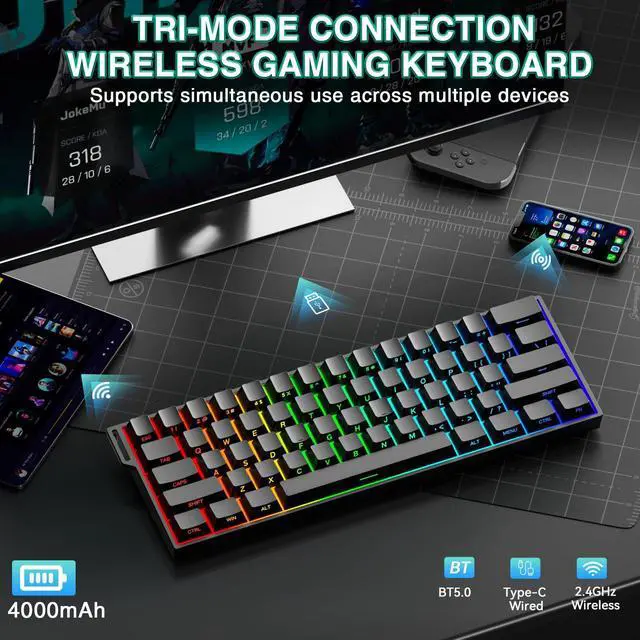
The keyboard is equipped with a mode isolation feature; you must use the switch on top to switch it to the appropriate mode before you can use it.
Why can't my device detect the keyboard after I switch to BT mode? Why can't I connect to the PS5 via BT mode?
After switching to BT mode, you’ll need to press and hold FN+1/2/3 to pair the channels.
The PS5 has limited compatibility with third-party Bluetooth keyboards, so it may not be able to successfully detect or pair with this keyboard via Bluetooth.
Why is the typing so loud? Why doesn't this keyboard use a PC palm rest to provide a more comfortable typing experience?
PC plates offer a softer feel but may reduce Hall-effect sensor stability. Aluminum alloy plates provide superior rigidity, maintaining precise switch alignment for accurate actuation and Rapid Trigger performance.
Where can I download the drivers to use this keyboard?
You can visit our official driver website (soaidriver.com) to download AULA Hub and use the software driver, or you can find and use the web-based driver on website.
Why is the RGB lighting on my keyboard so dim? I don't see any writing on the keyboard surface.
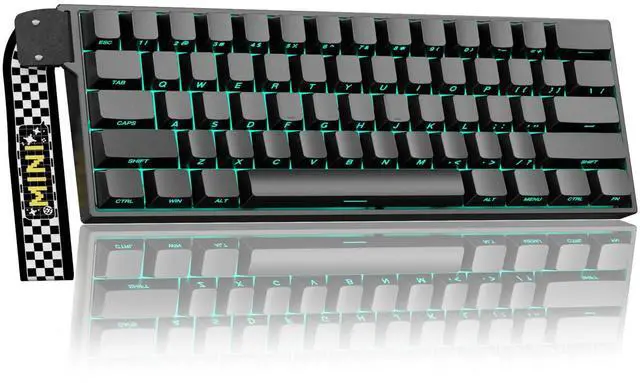
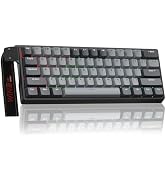
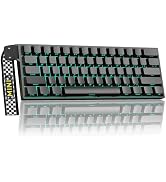
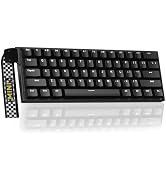
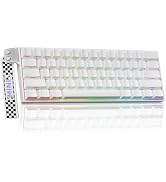
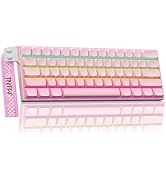
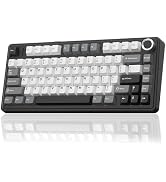
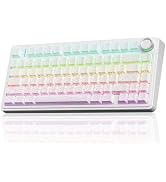
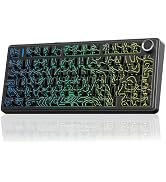
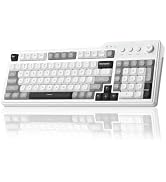
The MINI60 Pro features keycaps with side-printed characters, and the RGB lighting shines through the characters on the sides. You can adjust the keyboard's brightness by pressing FN+{ or }.


CORBOBO keyboards grace desktops worldwide, a testament to our dedication to delivering superior typing solutions. We continue to innovate, ensuring every stroke reflects our promise of excellence. We stand by our motto:Designed for Performance, Crafted for Elegance. And as we move forward, we continue to innovate, ensuring that every keyboard is a testament to our legacy—a blend of functionality and art that transcends time.




What is the Hall Effect?
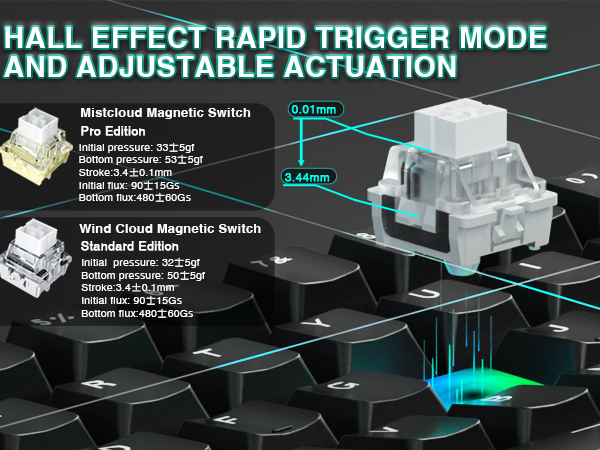
The Hall Effect is a physical phenomenon that allows our keyboard, like the AULA Mini60 HE Pro, to detect whether a key has been pressed by sensing changes in the position of a tiny magnet beneath each key, rather than relying on traditional mechanical contact. This means every keystroke can be recognized with exceptional precision, while also avoiding the wear and tear issues common to traditional switches over time.
Why Choose the AULA Mini60 HE Pro Hall Effect Keyboard?
Whether you're a gamer, a professional, or a daily user, the AULA Mini60 HE Pro Hall Effect keyboard is an ideal choice to enhance your input experience. Say goodbye to the limitations of traditional keyboards and enjoy unprecedented precision, durability, and customization with the Mini60 HE Pro!
Why won't my keyboard connect to the device?
The keyboard is equipped with a mode isolation feature; you must use the switch on top to switch it to the appropriate mode before you can use it.
Why can't my device detect the keyboard after I switch to BT mode? Why can't I connect to the PS5 via BT mode?
After switching to BT mode, you’ll need to press and hold FN+1/2/3 to pair the channels.
The PS5 has limited compatibility with third-party Bluetooth keyboards, so it may not be able to successfully detect or pair with this keyboard via Bluetooth.
Why is the typing so loud? Why doesn't this keyboard use a PC palm rest to provide a more comfortable typing experience?
PC plates offer a softer feel but may reduce Hall-effect sensor stability. Aluminum alloy plates provide superior rigidity, maintaining precise switch alignment for accurate actuation and Rapid Trigger performance.
Where can I download the drivers to use this keyboard?
You can visit our official driver website (soaidriver.com) to download AULA Hub and use the software driver, or you can find and use the web-based driver on website.
Why is the RGB lighting on my keyboard so dim? I don't see any writing on the keyboard surface.
The MINI60 Pro features keycaps with side-printed characters, and the RGB lighting shines through the characters on the sides. You can adjust the keyboard's brightness by pressing FN+{ or }.

CORBOBO keyboards grace desktops worldwide, a testament to our dedication to delivering superior typing solutions. We continue to innovate, ensuring every stroke reflects our promise of excellence. We stand by our motto:Designed for Performance, Crafted for Elegance. And as we move forward, we continue to innovate, ensuring that every keyboard is a testament to our legacy—a blend of functionality and art that transcends time.