here!
here!
I’m your shopping assistant for PC builds, upgrades, and everything tech.
Got questions? Ask away!
Start a conversation
here!
I’m your shopping assistant for PC builds, upgrades, and everything tech.
Got questions? Ask away!
Start a conversation



Any questions? Ask CelesteSM will help you find out quickly.
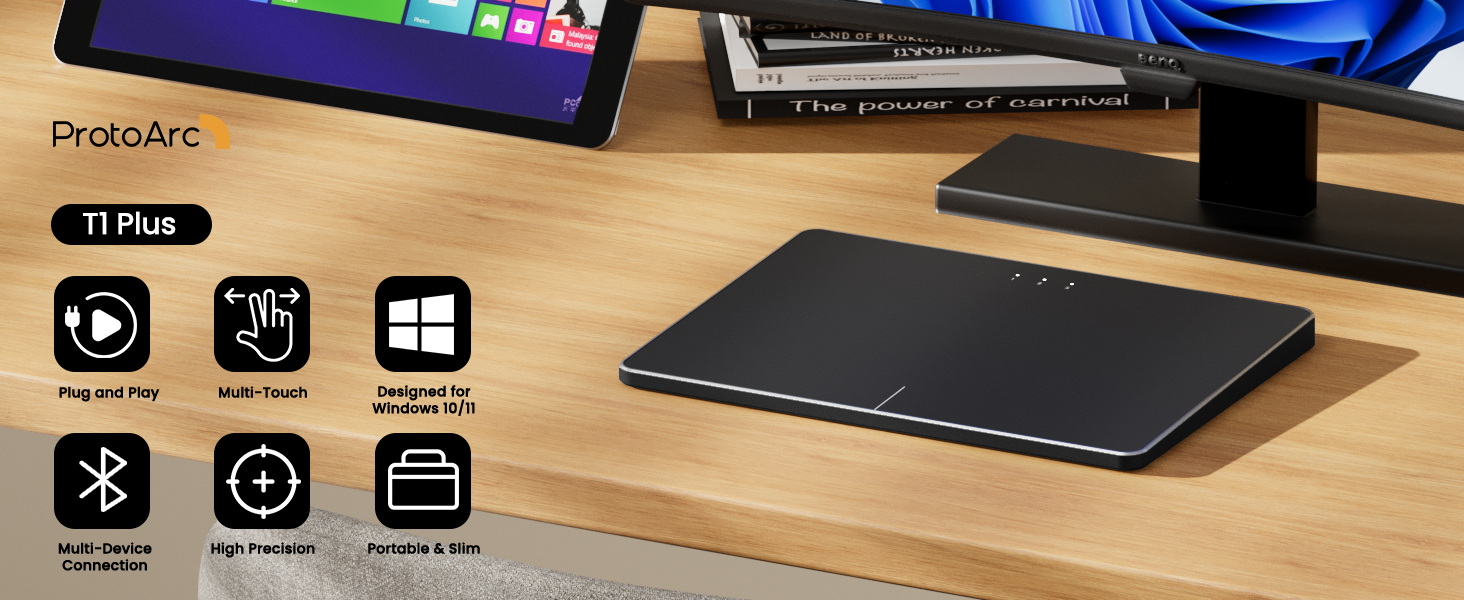
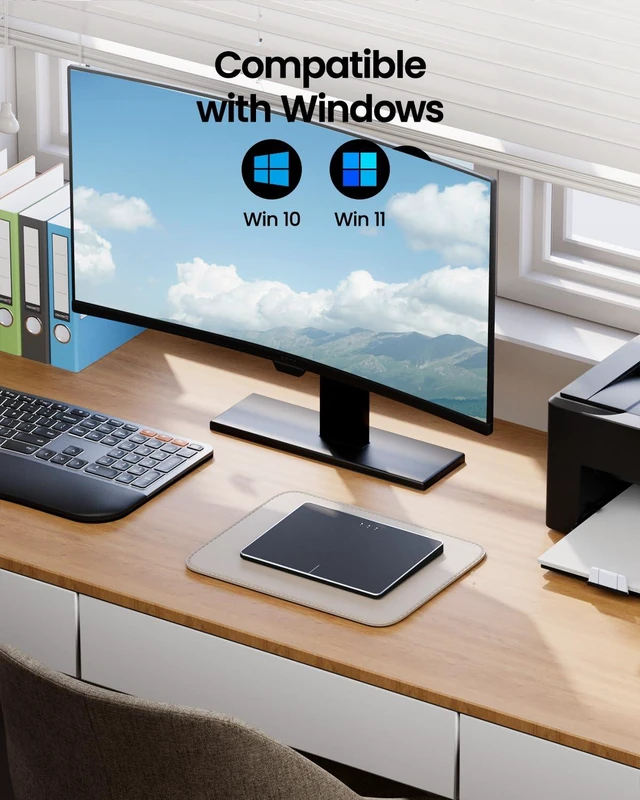
Windows Only: T1 Plus Trackpad is compatible with Windows 10/11 only and Bluetooth Only: Connects only via BLUETOOTH. Ensure that your device supports Bluetooth connectivity
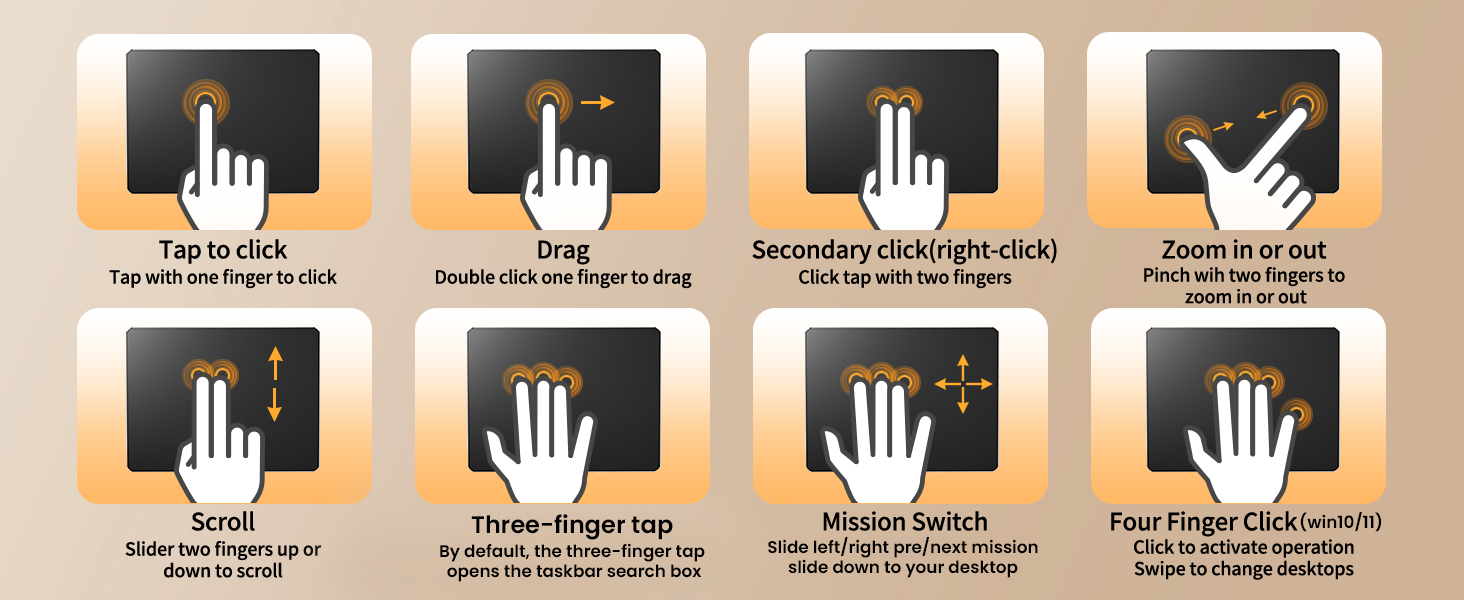
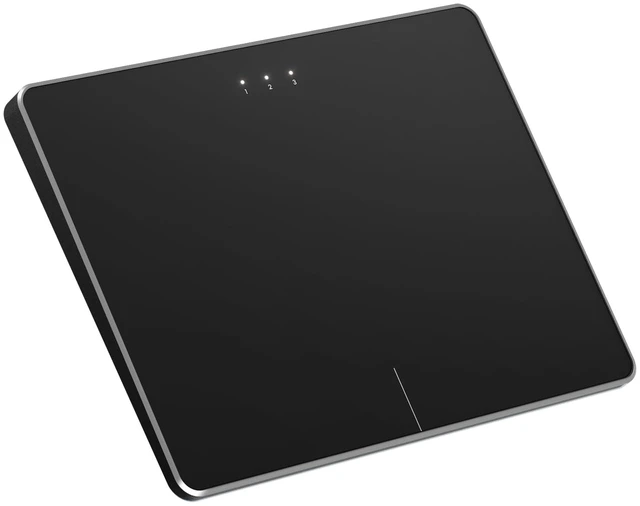
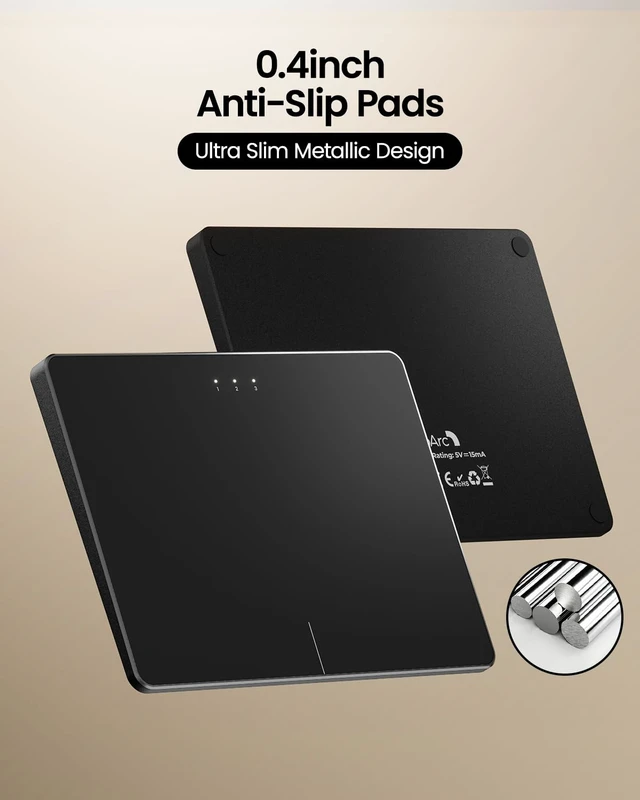
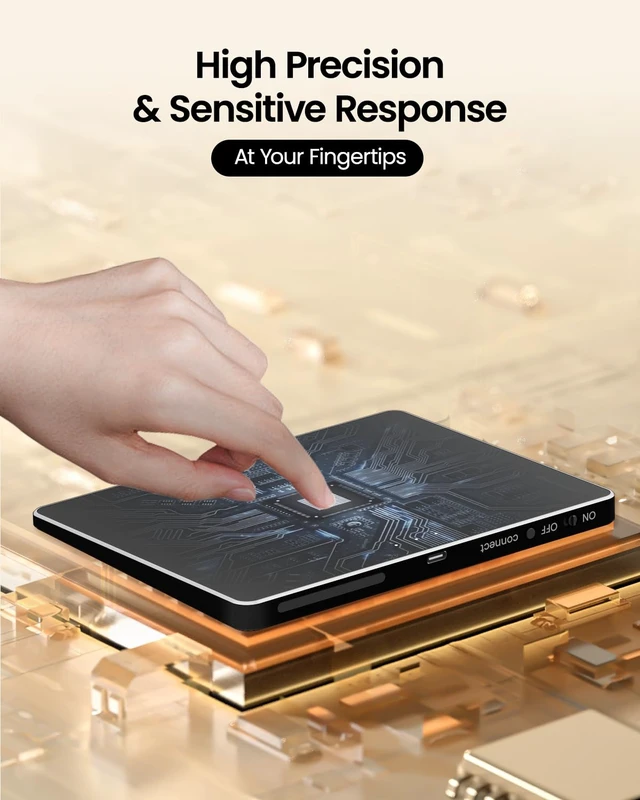
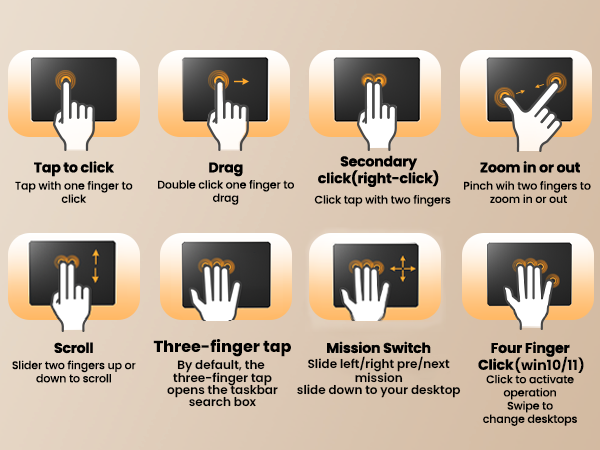
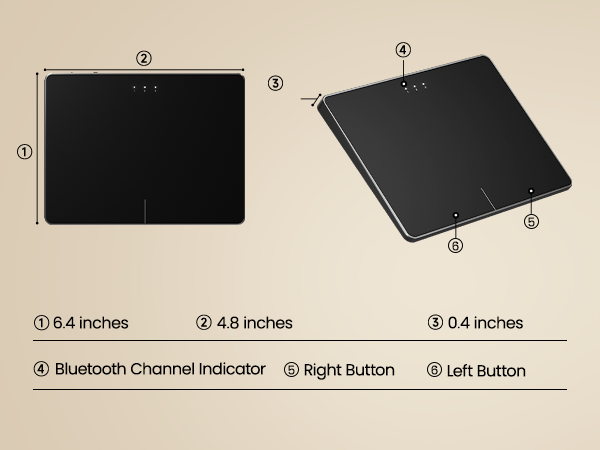
Boasting a large high-precision surface, multi-device compatibility, durable metal build, intuitive gestures, and ergonomic design, enhancing your productivity effortlessly
1.For Optimal Performance: For the best cursor accuracy, we recommend using your laptop's touchpad while the device is connected to a power source.
2.Low Laptop Battery: If your laptop battery drops below 10%, you may experience touchpad issues such as unresponsive gestures or a stuck cursor, even if it shows as connected. Please charge your laptop as soon as possible.
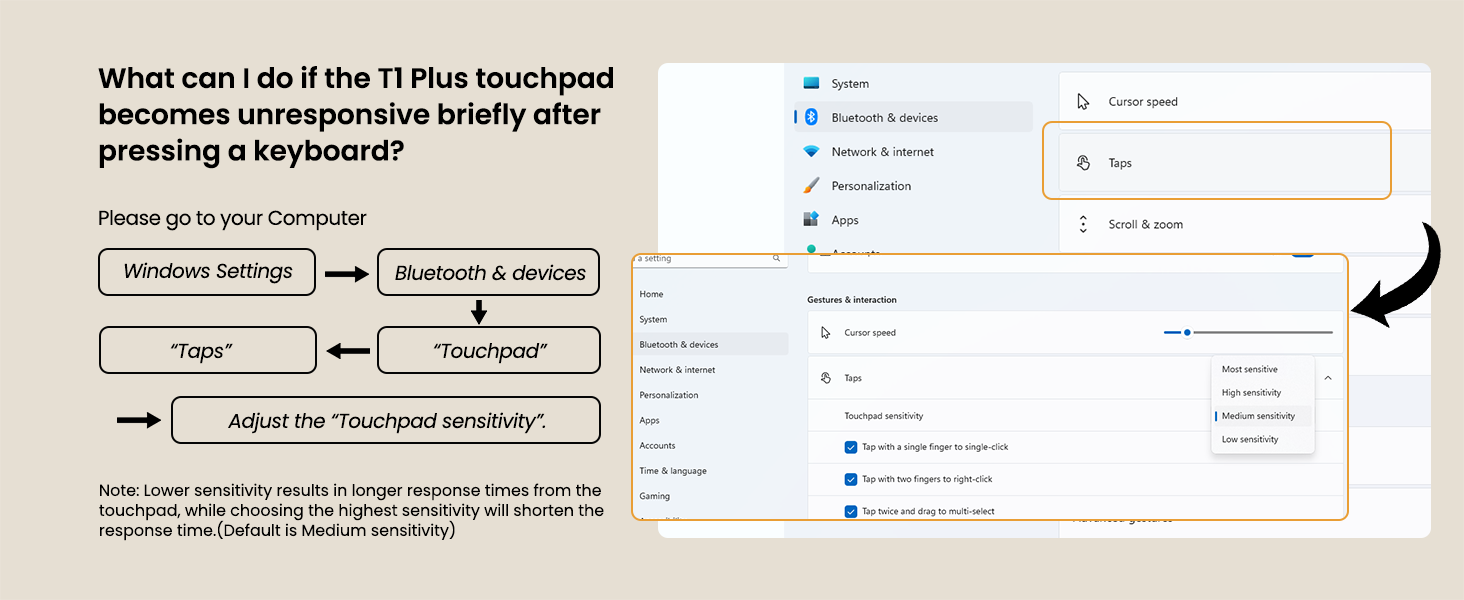
3.Low Touchpad Battery: If the touchpad has very low battery, it may still appear connected but not respond to gestures, or the cursor may lag. Recharge the touchpad promptly.
4.Connection Issues: If the touchpad disconnects and won’t reconnect, please confirm whether the Bluetooth is in the correct channel.
5.Avoid Cursor Jumping: When turning the touchpad from OFF to ON, avoid holding down the touchpad or keeping fingers on it during startup to prevent erratic cursor behavior.
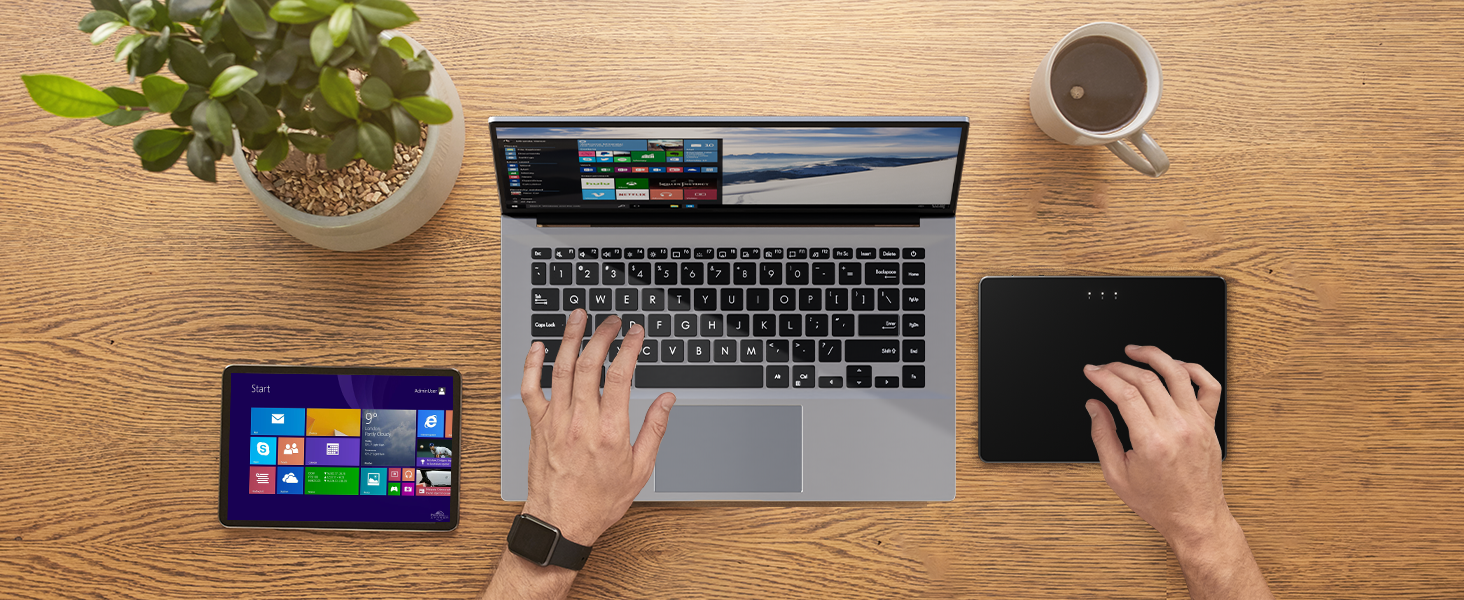
ProtoArc Trackpad is a great alternative to computer mice when desk space is limited. In addition to being a space saver, trackpad can be easier to use than other input devices like mice
Why can't I find the DPI adjustment feature on the T1 Plus Wireless touchpad?
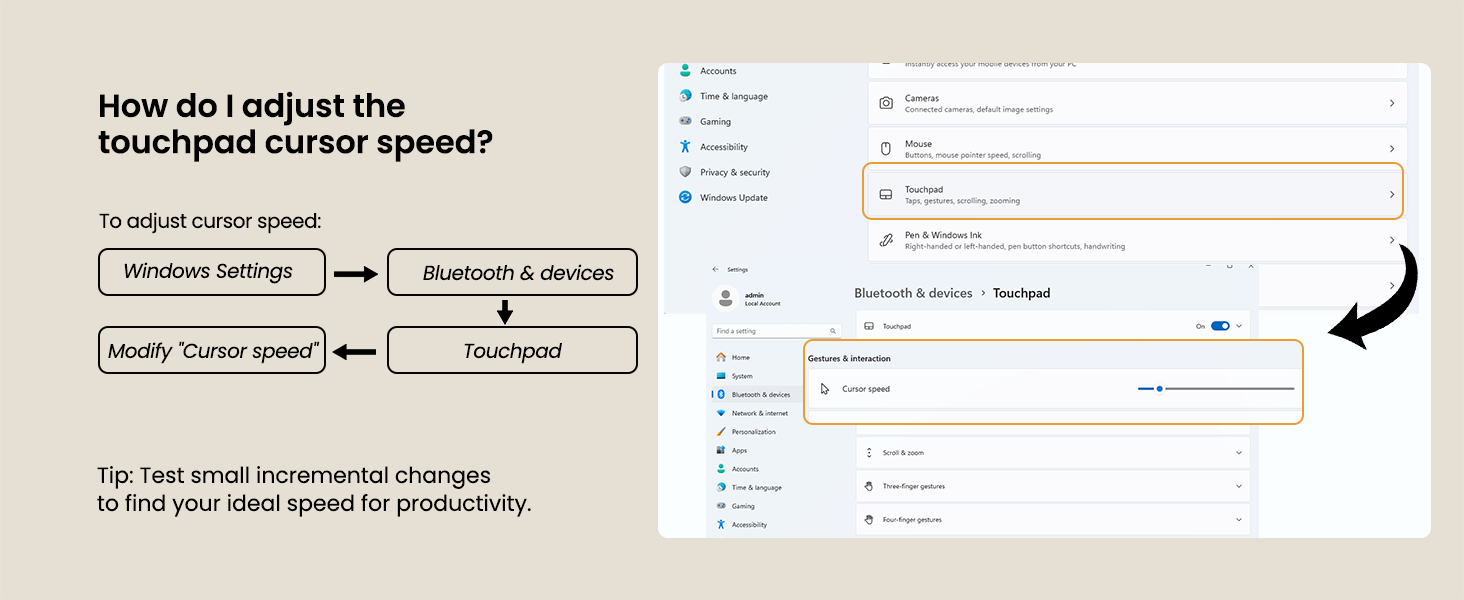
The T1 Plus Wireless touchpad does not include a DPI adjustment feature. However, you can adjust cursor movement sensitivity via:
Open Windows Settings ? Navigate to Bluetooth & devices ? Select Touchpad?Modify Cursor speed
Is T1 Plus trackpad compatible with Mac?
No. It is only compatible with Windows 10, Windows 11. Not compatible with Mac/Chrome/Linux operating system devices.
Can this touchpad work in wired mode?
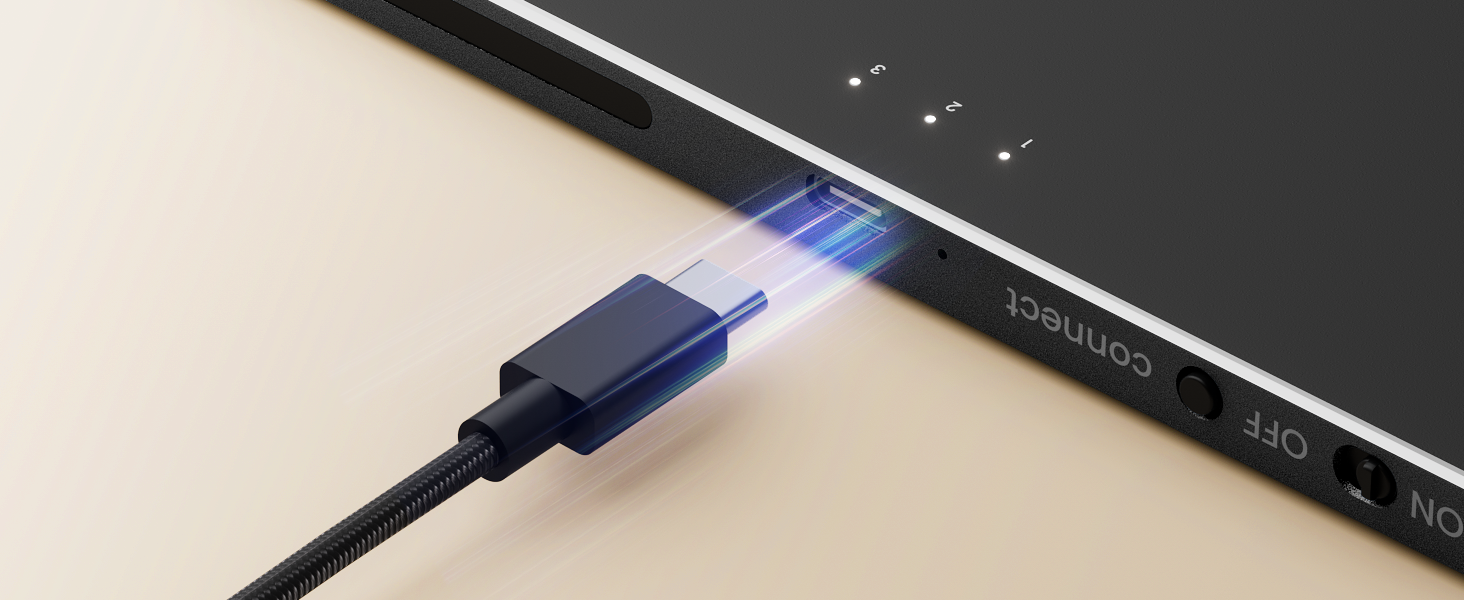
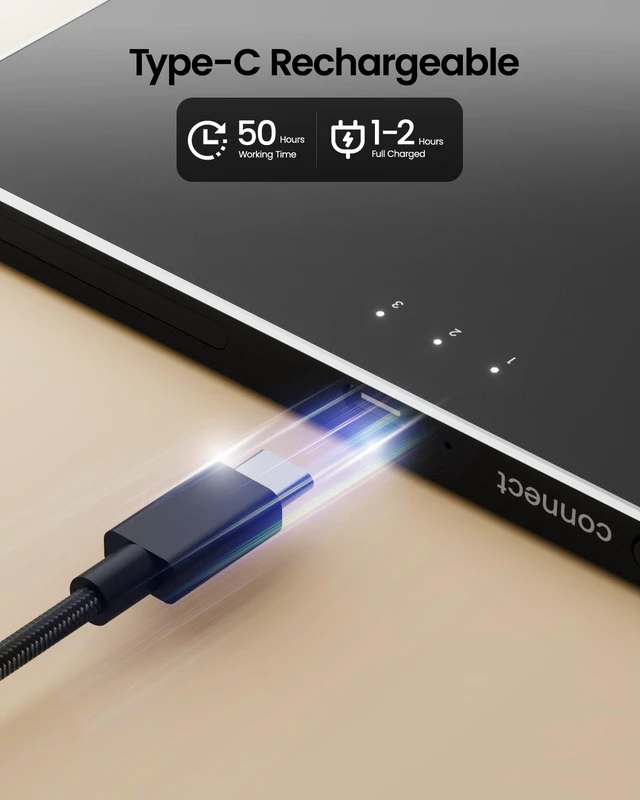
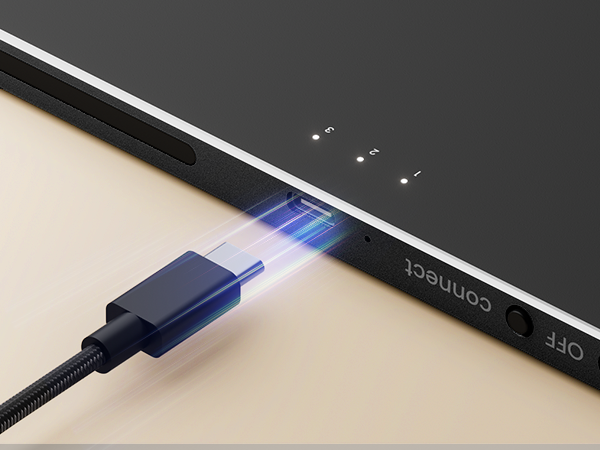
This is a wireless touchpad that does not support wired mode. The Type-c charging cable is only for charging and cannot be connected to a computer to achieve wired touch function.
Does the wireless touchpad support five-finger taps or full-area touch sensitivity?
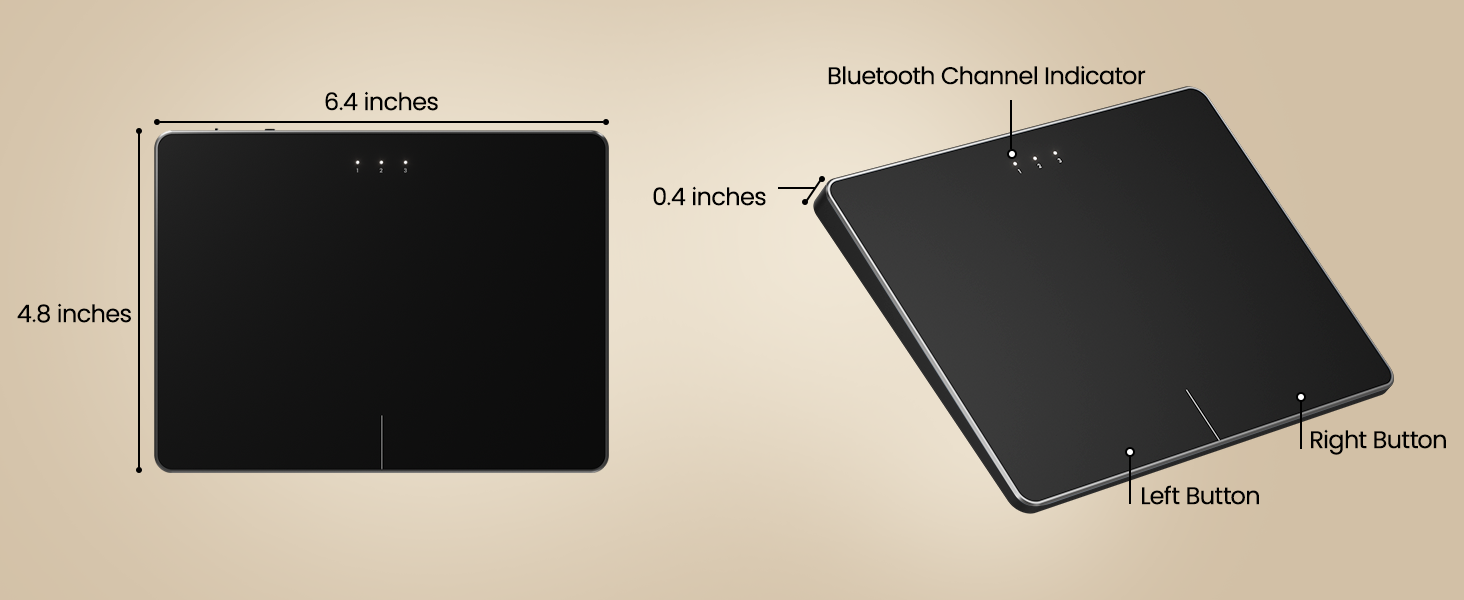
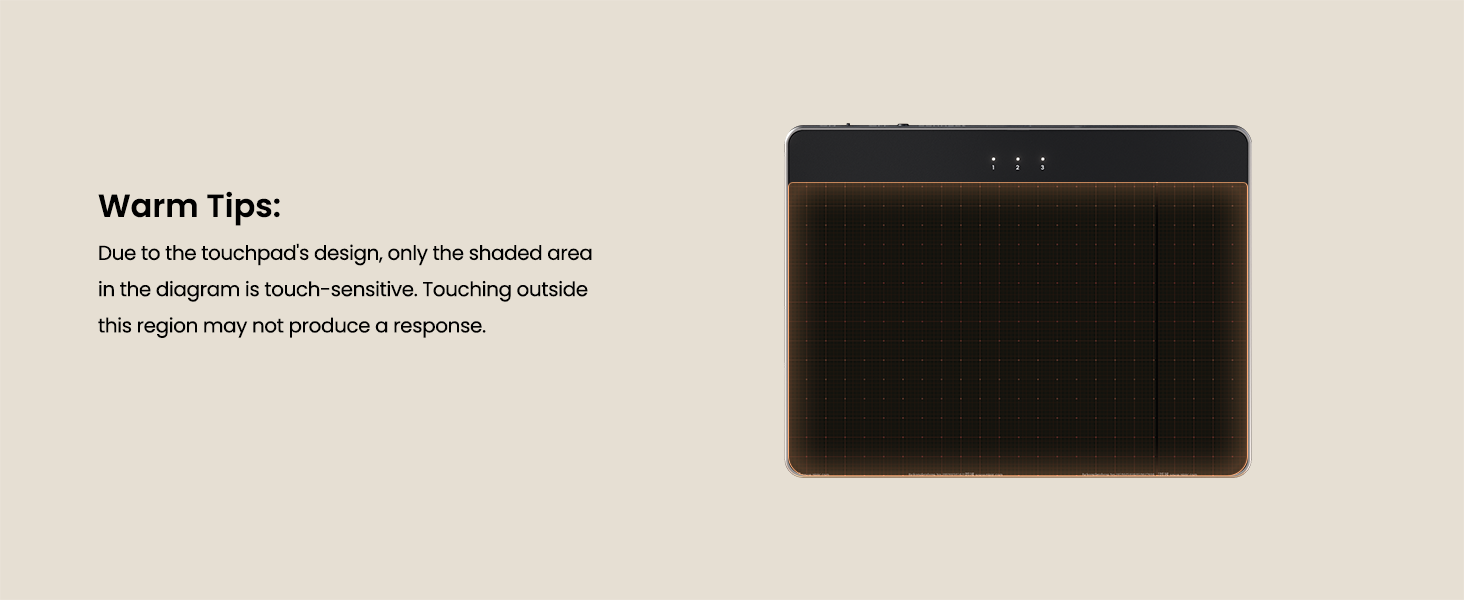
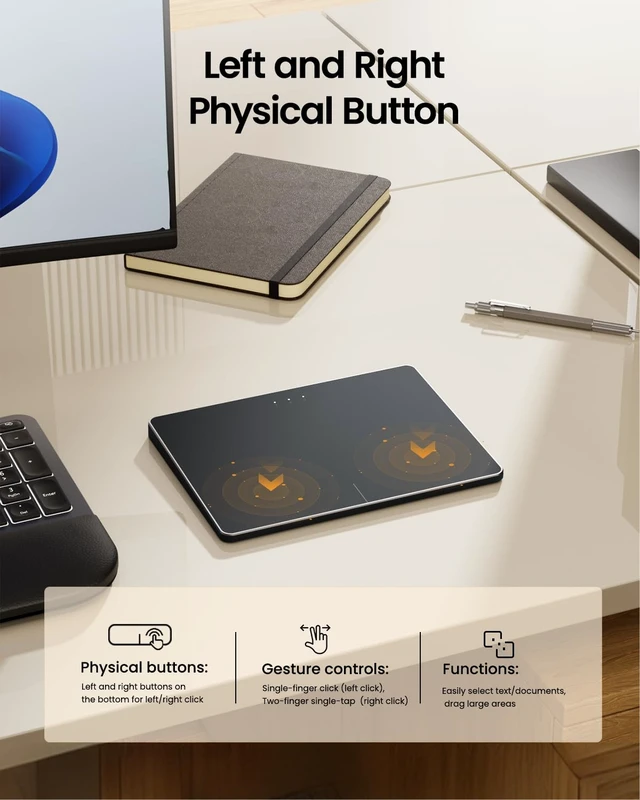
Sorry, the T1 plus wireless win touchpad only supports physical clicks of the left and right buttons at the bottom to realize the left and right mouse button functions
How long does it take for the touchpad to enter sleep mode after being unused?
If you do not use the T1 Plus Touchpad for 30 minutes, it will enter sleep mode
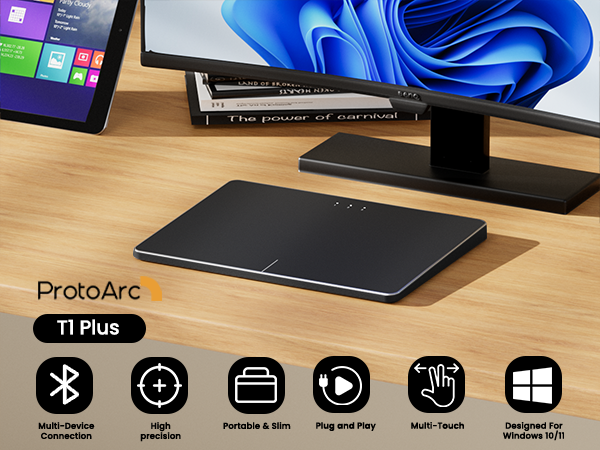
Windows Only: T1 Plus Trackpad is compatible with Windows 10/11 only and Bluetooth Only: Connects only via BLUETOOTH. Ensure that your device supports Bluetooth connectivity
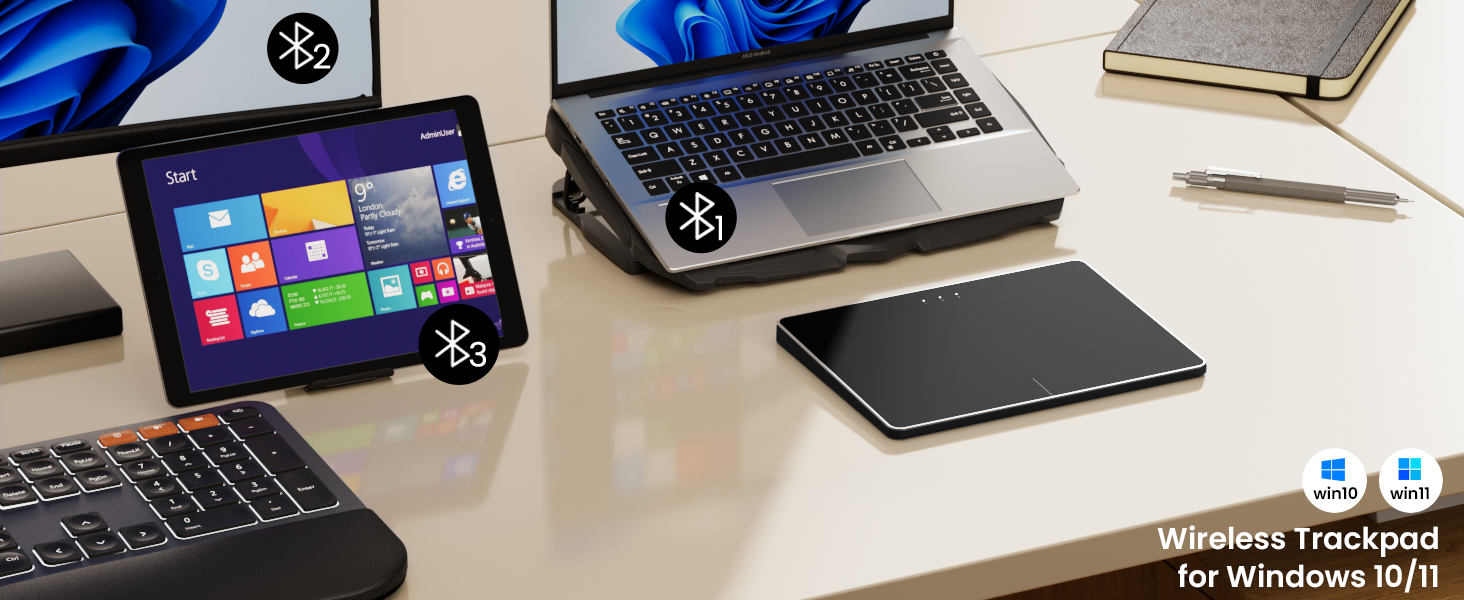
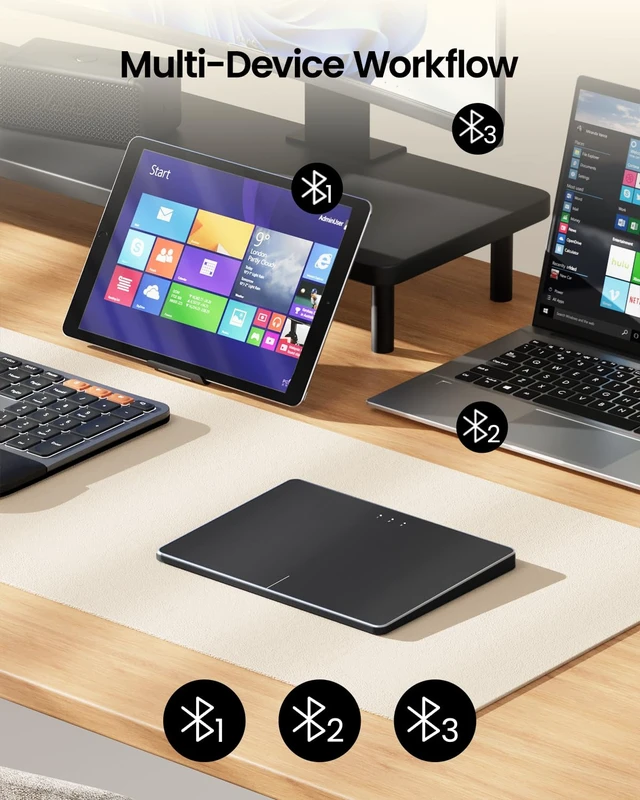
Click mode switch button to switch among three devices (Note:connect via Bluetooth only)
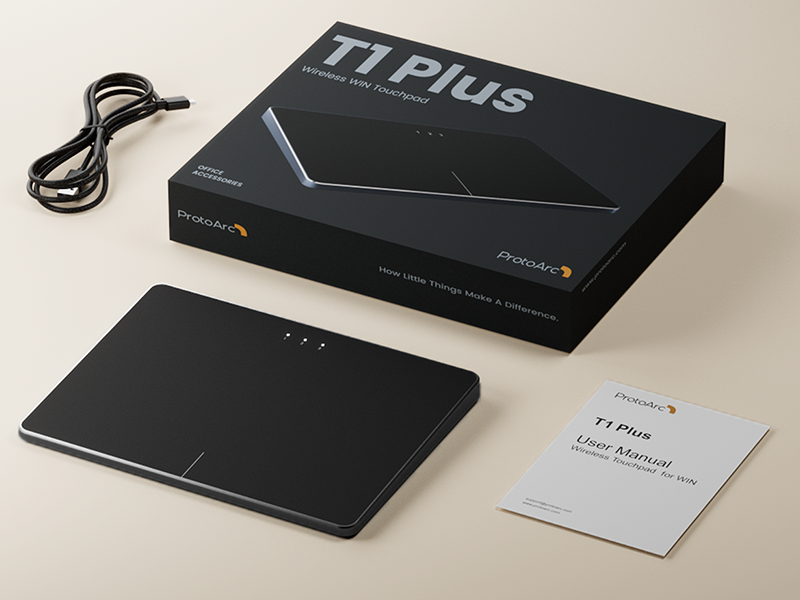
Easily charge the trackpad with the included usb c charging cable anytime or anywhere
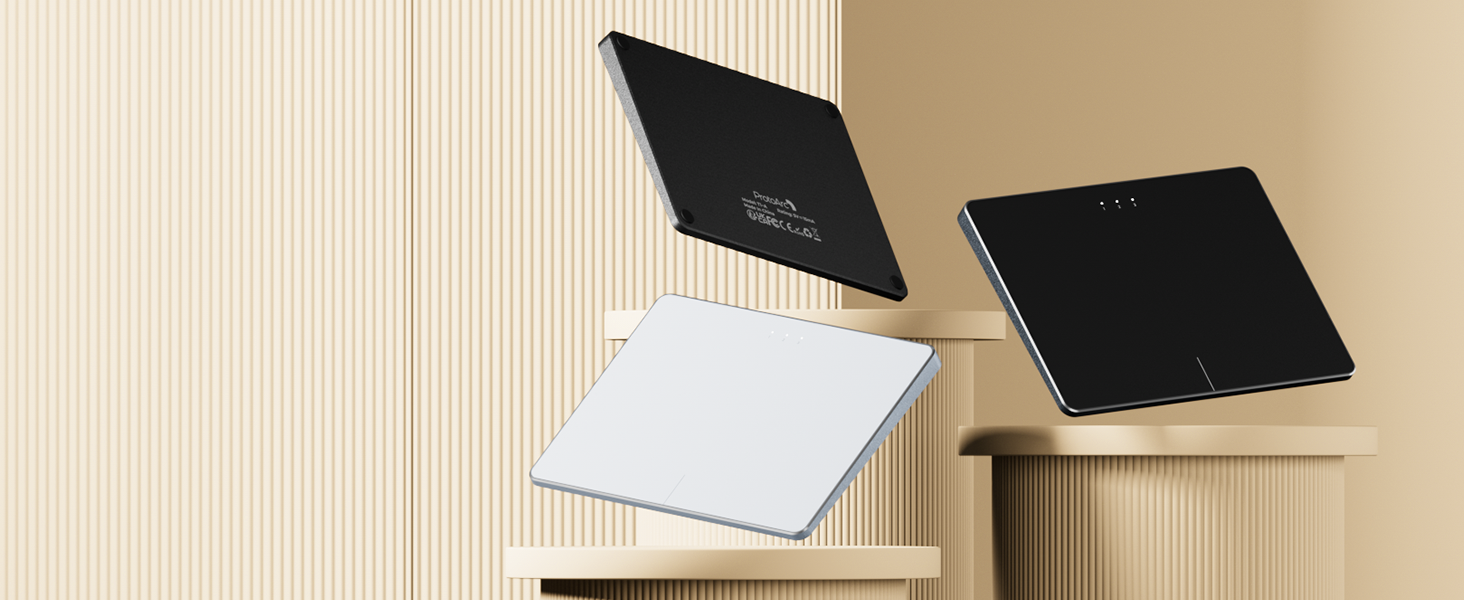
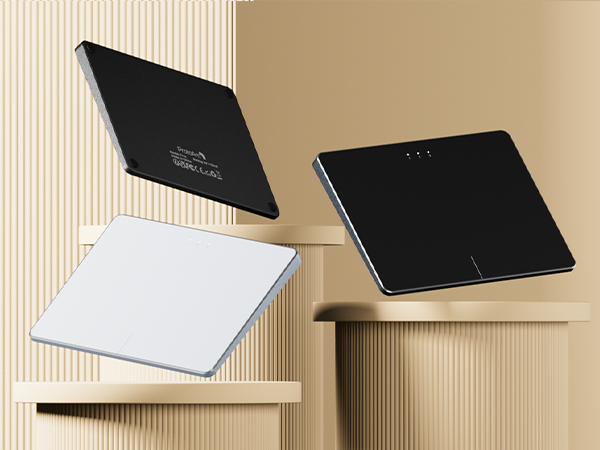
Bluetooth trackpad in 3 colors: Black, Grey Black, White, Silver. Functional and stylish
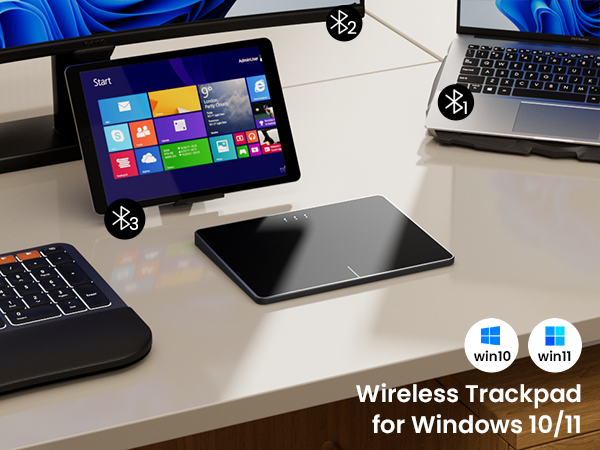
Bluetooth Trackpad for Windows 10/11
Boasting a large high-precision surface, multi-device compatibility, durable metal build, intuitive gestures, and ergonomic design, enhancing your productivity effortlessly
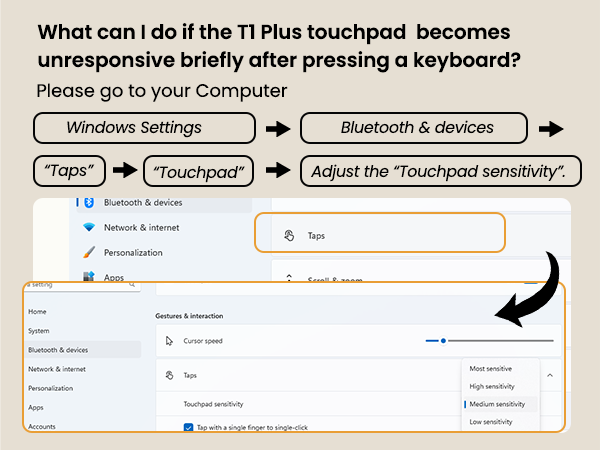
Note: If you disable the built-in touchpad on your laptop, any external wired or wireless touchpad you connect will usually also be disabled and fail to work properly.
1.For Optimal Performance: For the best cursor accuracy, we recommend using your laptop's touchpad while the device is connected to a power source.
2.Low Laptop Battery: If your laptop battery drops below 10%, you may experience touchpad issues such as unresponsive gestures or a stuck cursor, even if it shows as connected. Please charge your laptop as soon as possible.
3.Low Touchpad Battery: If the touchpad has very low battery, it may still appear connected but not respond to gestures, or the cursor may lag. Recharge the touchpad promptly.
4.Connection Issues: If the touchpad disconnects and won’t reconnect, please confirm whether the Bluetooth is in the correct channel.
5.Avoid Cursor Jumping: When turning the touchpad from OFF to ON, avoid holding down the touchpad or keeping fingers on it during startup to prevent erratic cursor behavior.
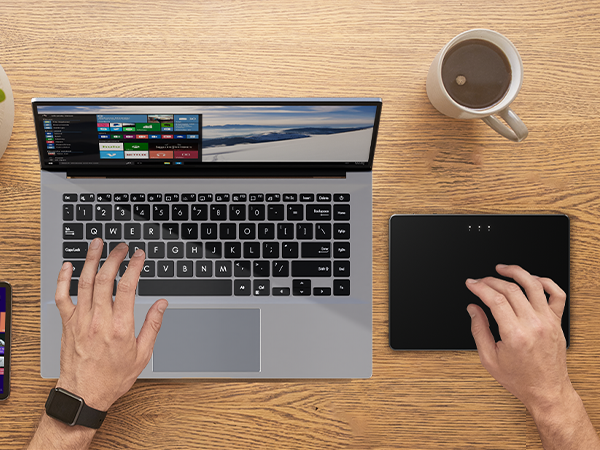
ProtoArc Trackpad is a great alternative to computer mice when desk space is limited. In addition to being a space saver, trackpad can be easier to use than other input devices like mice
Why can't I find the DPI adjustment feature on the T1 Plus Wireless touchpad?
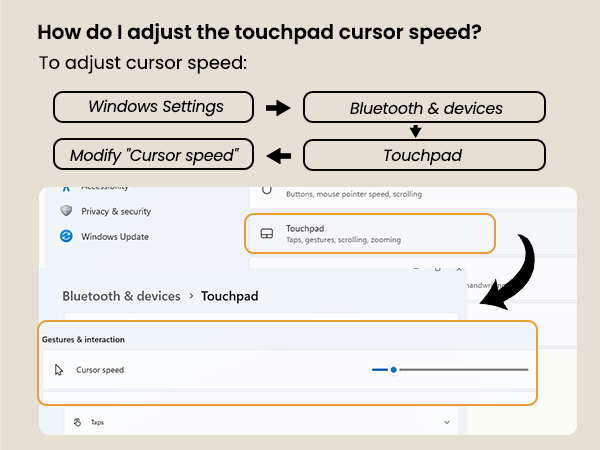
The T1 Plus Wireless touchpad does not include a DPI adjustment feature. However, you can adjust cursor movement sensitivity via:
Open Windows Settings ? Navigate to Bluetooth & devices ? Select Touchpad?Modify Cursor speed
Is T1 Plus trackpad compatible with Mac?
No. It is only compatible with Windows 10, Windows 11. Not compatible with Mac/Chrome/Linux operating system devices.
Can this touchpad work in wired mode?
This is a wireless touchpad that does not support wired mode. The Type-c charging cable is only for charging and cannot be connected to a computer to achieve wired touch function.
Does the wireless touchpad support five-finger taps or full-area touch sensitivity?
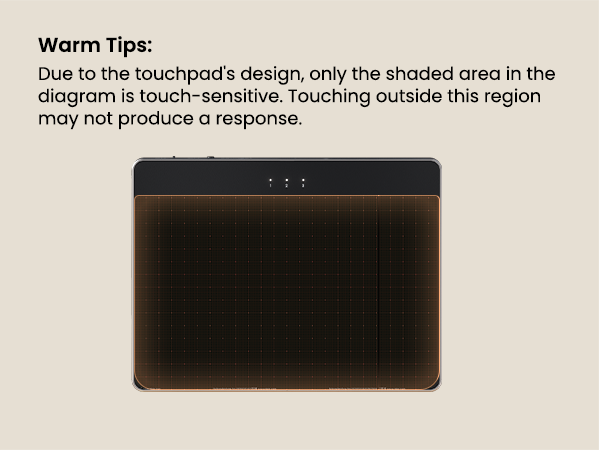
Sorry, the T1 plus wireless win touchpad only supports physical clicks of the left and right buttons at the bottom to realize the left and right mouse button functions
How long does it take for the touchpad to enter sleep mode after being unused?
If you do not use the T1 Plus Touchpad for 30 minutes, it will enter sleep mode