


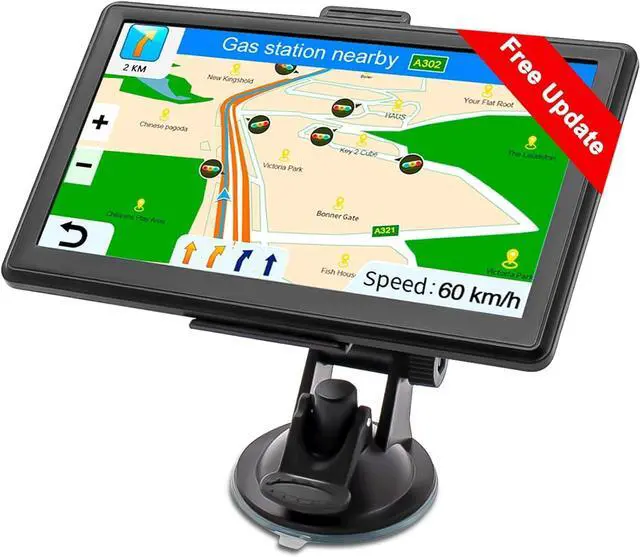


GPS Navigation for Car Truck with US/MX/CA Maps
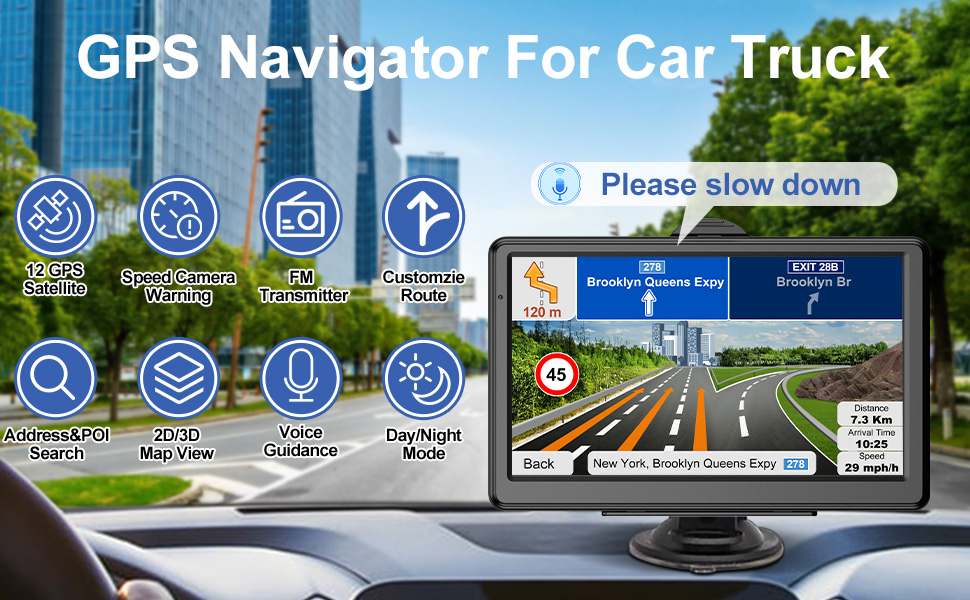
- Location search by address, coordinate or POI(point of interest, e.g., supermarket, restaurant), also support saving favorites and additional stops
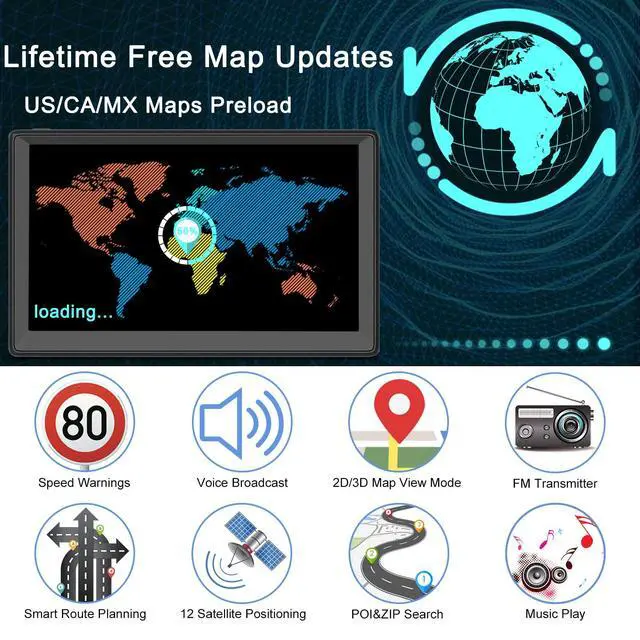
- Pre-installed with 2026 offline maps of 101 regions for the United States, Canada, Mexico
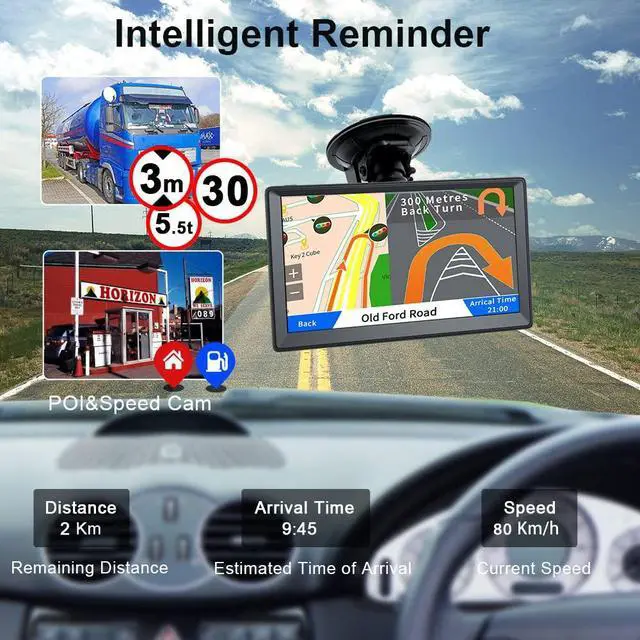
- Get free lifetime map updates by season and view the map in 2D/3D mode with remaining distance, estimated time of arrival and current speed
- Route planning in way of Fast, Green, Economical and Easy. Alternative routes are at your service
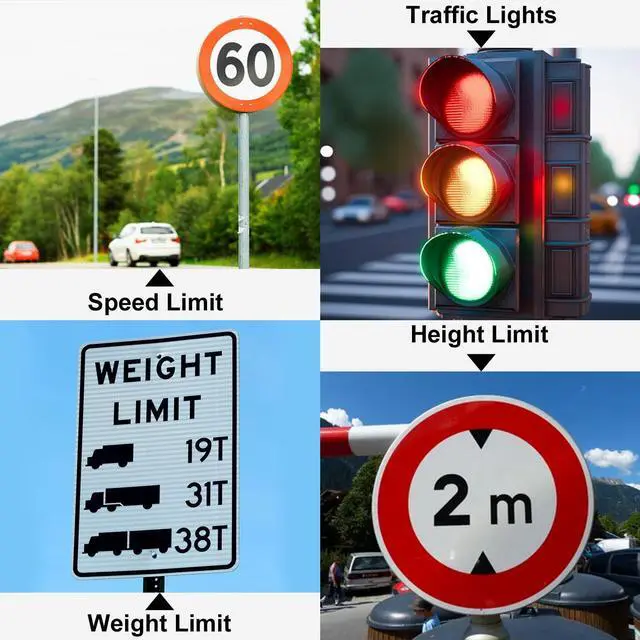
- Drive alerts for speeding, traffic lights and signs are reported via voice broadcast in 29 languages
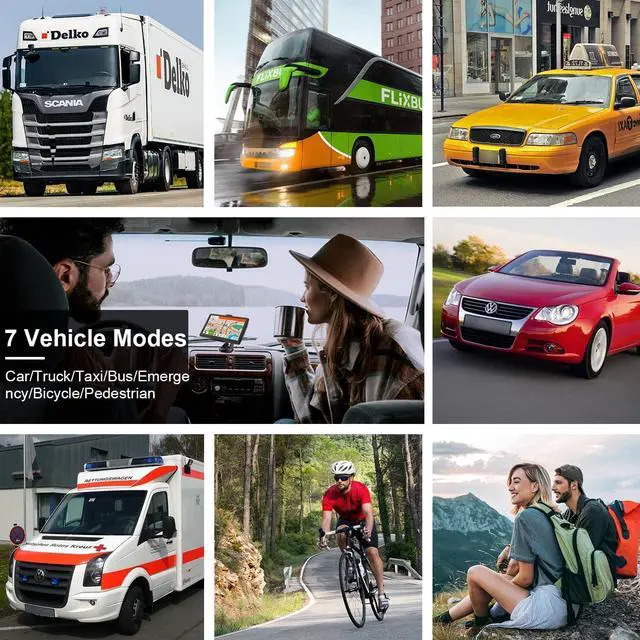
- Suitable for 7 individual vehicle modes: car, truck, bus, taxi, pedestrian, bicycle or emergency. Customize the data for your Vehicle
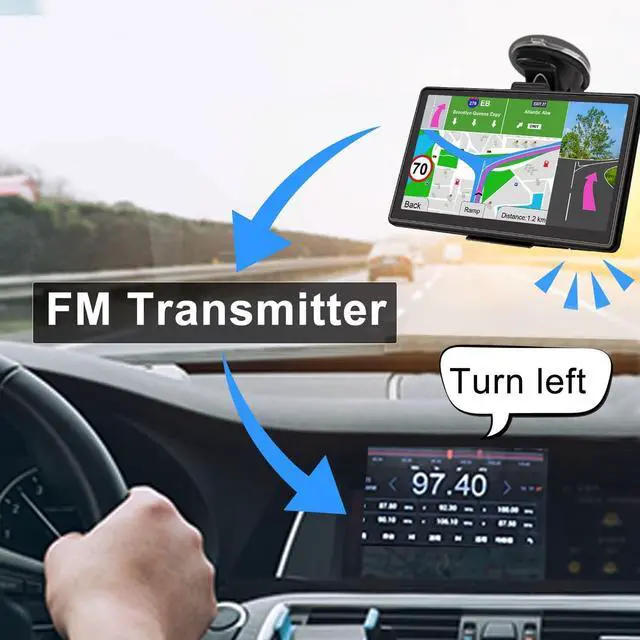
- Built-in FM Transmitter to send GPS navigation for truck navigation sound to your car stereo radio for louder voice guidance
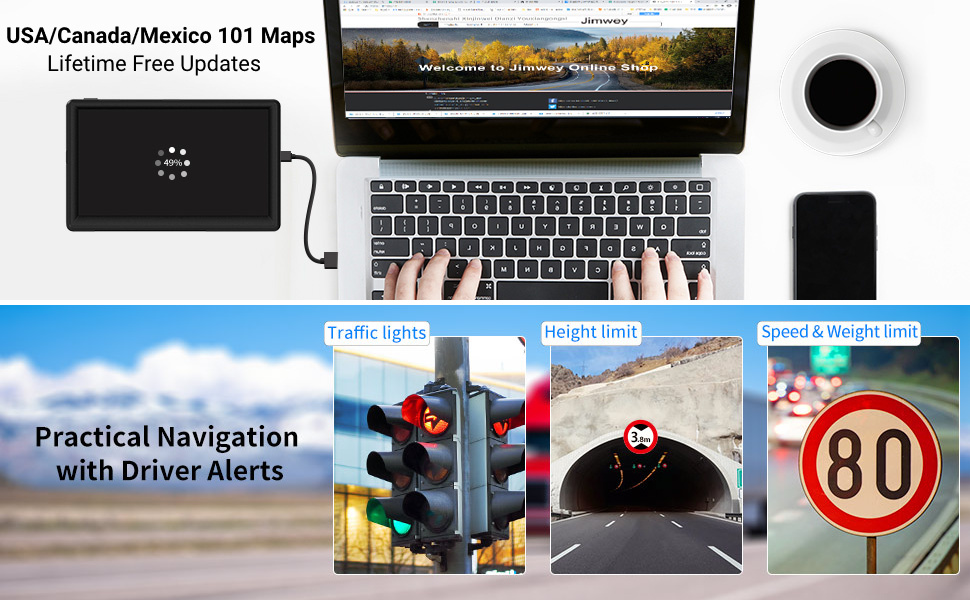
Drive Alert & Voice Broadcast
- Enter the length, height and load weight of the vehicle and the car GPS navigation then optimizes the route
- Warnings at points and for signs such as turns, lanes and overtaking
- Meaningful alerts reported in 29 different languages
Warning setting: Main Menu > Navigation > Settings (Tools icon) > Sound and Warnings > Speed warning Setting
Warn when speeding: click to chose "Audio and Visual/Disabled/Visual". Please notice speed warning is not active while choosing "Disabled".
Alert Point: Main menu > Navigation > Settings (tools icon) > Sound and Warnings > Alert Point Settings > Alert Types
Warning Sign Alerts: Main menu > Navigation > Settings (tools icon) > Sound and Warnings > Warning Sign Alerts
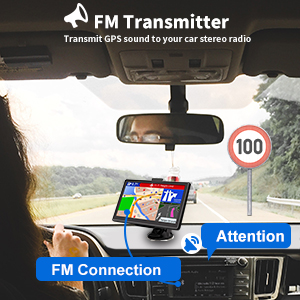
FM Transmitter
Built-in FM function on the navigation system can transmit the handheld GPS unit sound to your car stereo and then you get the louder voice guidance. It does‘t mean that you can listen to FM radio through this vehicle GPS unit.
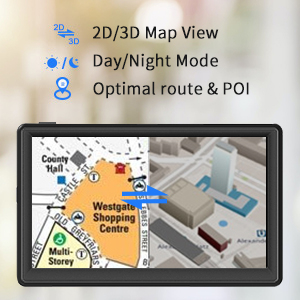
Multiple Routes, Multiple Displays
- Multiple ways to find destinations - Find Address/POI Search/Coordinate Search/Favorites/Additional Stop
- Multiple ways to plan routes - Fast/Green/Economical/Easy
- Multiple points of interest to meet your different needs - Restaurants/Parking/ATM...
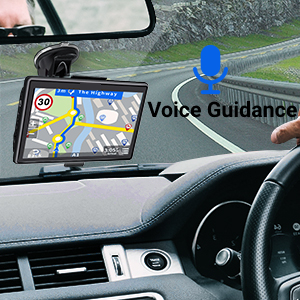
Voice Guidance in 29 Language
Male and female voice broadcasts for you to switch freely. Voice guidance in 29 different languages accompanies you and can be transmitted to your car stereo via FM function, providing speed limit alerts, lane assist, turn guidance, speedcam and red light warnings. Just keep your eyes on the road and let the GPS do the talking!
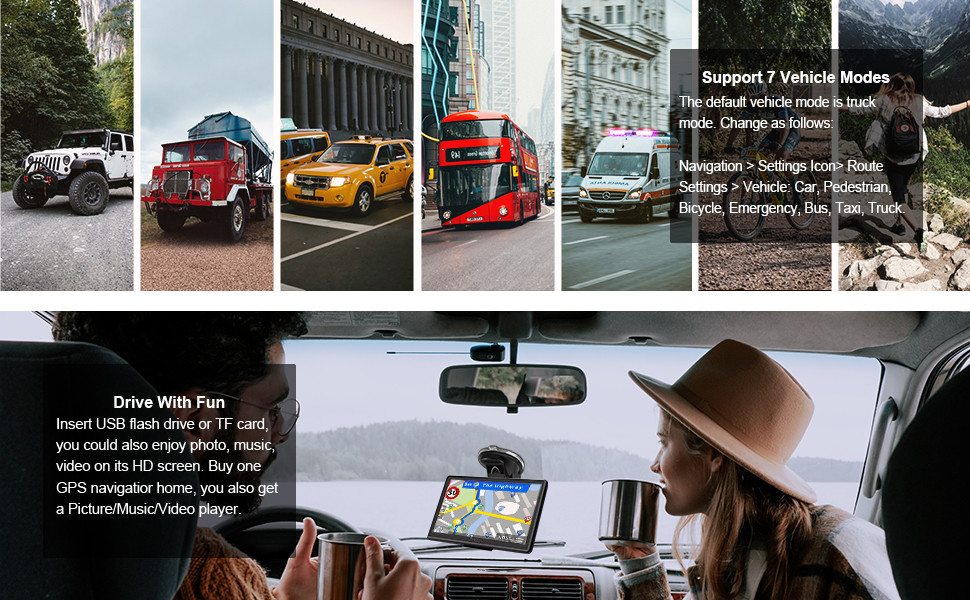
Wide Range of Vehicle Applicability
The GPS navigation for truck supports 7 individual vehicles -- Car/Truck/Taxi/Bus/Emergency/Bicycle/Pedestrian. It also supports route customization according to your vehicle’s weight, length, height and width.
GPS Signal Search
1) When first starting up your GPS, you are suggested to have GPS unit fully charged and then go outdoors to search for satellite. It will take about 30 minutes. If the GPS signal is strong enough, the unit will locate your current location automatically.
2) On the main menu, click 'GPS Info', there are 12 channels. If more than 3 channels have caught satellite, the signal of the GPS unit is good.
3) If not showing the correct map location after entering navigation, please check if the map of your location has been preloaded after finishing step1)and step 2) above. You can check it as the following way: NavigationDestinationfind addressenter an address around your location.
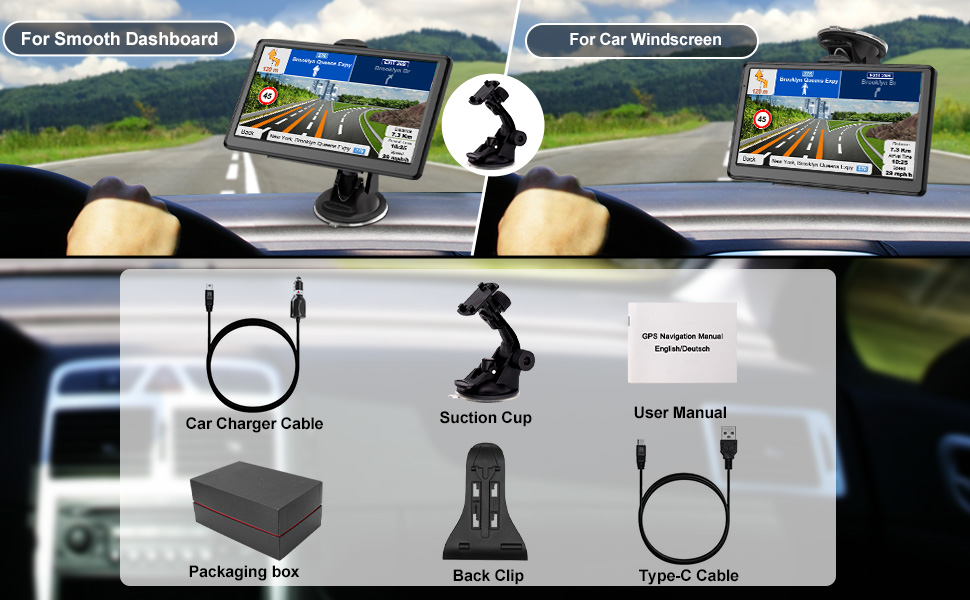
Parameter
Port Details: Type-C Charging Port, AV Port, TF Card Port
Cable Type: Type-C Charging Cable, Car Charger Cable
Firmware Updates: Not Needed
Compatible Device with Model: Universal
GPS Navigation for Car Truck with US/MX/CA Maps
- Location search by address, coordinate or POI(point of interest, e.g., supermarket, restaurant), also support saving favorites and additional stops
- Pre-installed with 2026 offline maps of 101 regions for the United States, Canada, Mexico
- Get free lifetime map updates by season and view the map in 2D/3D mode with remaining distance, estimated time of arrival and current speed
- Route planning in way of Fast, Green, Economical and Easy. Alternative routes are at your service
- Drive alerts for speeding, traffic lights and signs are reported via voice broadcast in 29 languages
- Suitable for 7 individual vehicle modes: car, truck, bus, taxi, pedestrian, bicycle or emergency. Customize the data for your Vehicle
- Built-in FM Transmitter to send GPS navigation for truck navigation sound to your car stereo radio for louder voice guidance
Drive Alert & Voice Broadcast
- Enter the length, height and load weight of the vehicle and the car GPS navigation then optimizes the route
- Warnings at points and for signs such as turns, lanes and overtaking
- Meaningful alerts reported in 29 different languages
Warning setting: Main Menu > Navigation > Settings (Tools icon) > Sound and Warnings > Speed warning Setting
Warn when speeding: click to chose "Audio and Visual/Disabled/Visual". Please notice speed warning is not active while choosing "Disabled".
Alert Point: Main menu > Navigation > Settings (tools icon) > Sound and Warnings > Alert Point Settings > Alert Types
Warning Sign Alerts: Main menu > Navigation > Settings (tools icon) > Sound and Warnings > Warning Sign Alerts
FM Transmitter
Built-in FM function on the navigation system can transmit the handheld GPS unit sound to your car stereo and then you get the louder voice guidance. It does‘t mean that you can listen to FM radio through this vehicle GPS unit.
Multiple Routes, Multiple Displays
- Multiple ways to find destinations - Find Address/POI Search/Coordinate Search/Favorites/Additional Stop
- Multiple ways to plan routes - Fast/Green/Economical/Easy
- Multiple points of interest to meet your different needs - Restaurants/Parking/ATM...
Voice Guidance in 29 Language
Male and female voice broadcasts for you to switch freely. Voice guidance in 29 different languages accompanies you and can be transmitted to your car stereo via FM function, providing speed limit alerts, lane assist, turn guidance, speedcam and red light warnings. Just keep your eyes on the road and let the GPS do the talking!
Wide Range of Vehicle Applicability
The GPS navigation for truck supports 7 individual vehicles -- Car/Truck/Taxi/Bus/Emergency/Bicycle/Pedestrian. It also supports route customization according to your vehicle’s weight, length, height and width.
GPS Signal Search
1) When first starting up your GPS, you are suggested to have GPS unit fully charged and then go outdoors to search for satellite. It will take about 30 minutes. If the GPS signal is strong enough, the unit will locate your current location automatically.
2) On the main menu, click 'GPS Info', there are 12 channels. If more than 3 channels have caught satellite, the signal of the GPS unit is good.
3) If not showing the correct map location after entering navigation, please check if the map of your location has been preloaded after finishing step1)and step 2) above. You can check it as the following way: NavigationDestinationfind addressenter an address around your location.
Parameter
Port Details: Type-C Charging Port, AV Port, TF Card Port
Cable Type: Type-C Charging Cable, Car Charger Cable
Firmware Updates: Not Needed
Compatible Device with Model: Universal