



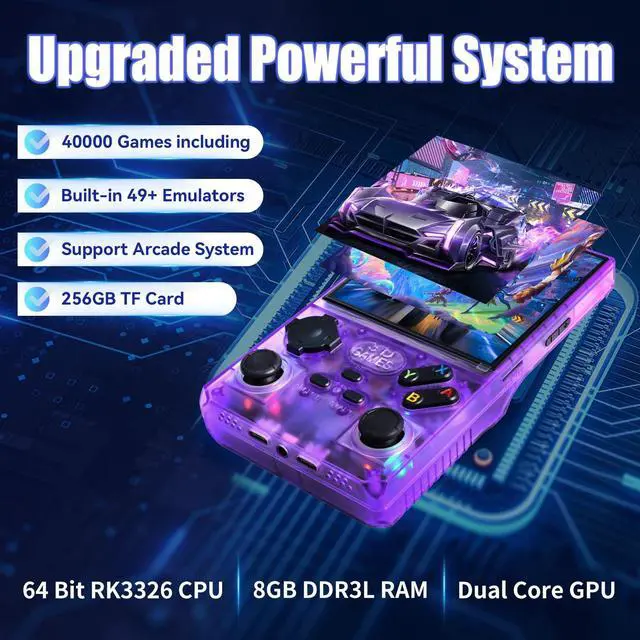
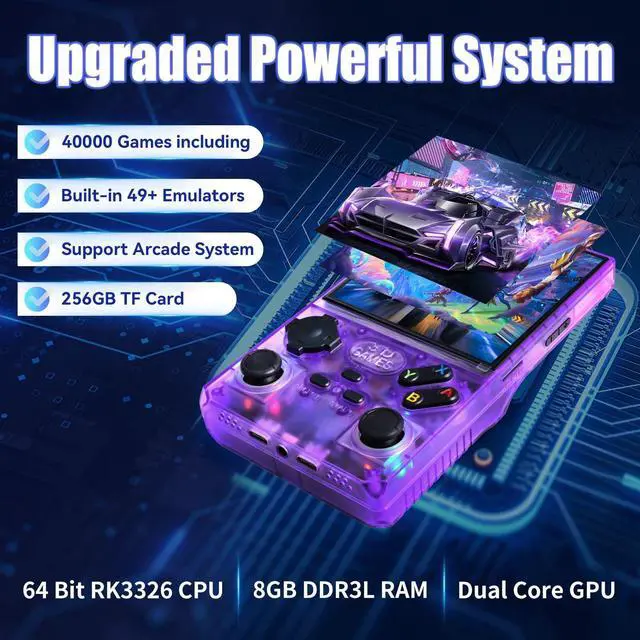


What games including in this console? Can I get the games list?
You can clik on GWALSNTH on the right side of product page, (below button of Buy now) to continue to get to us, then we will send you the full games list.
How to Save Games?
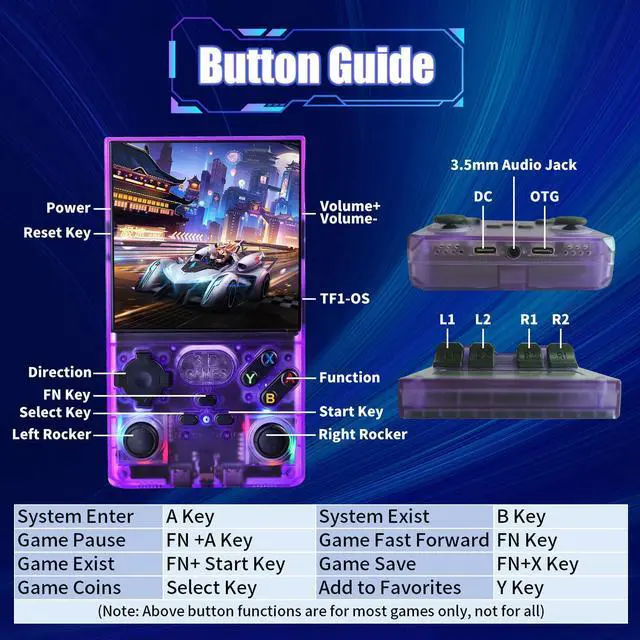
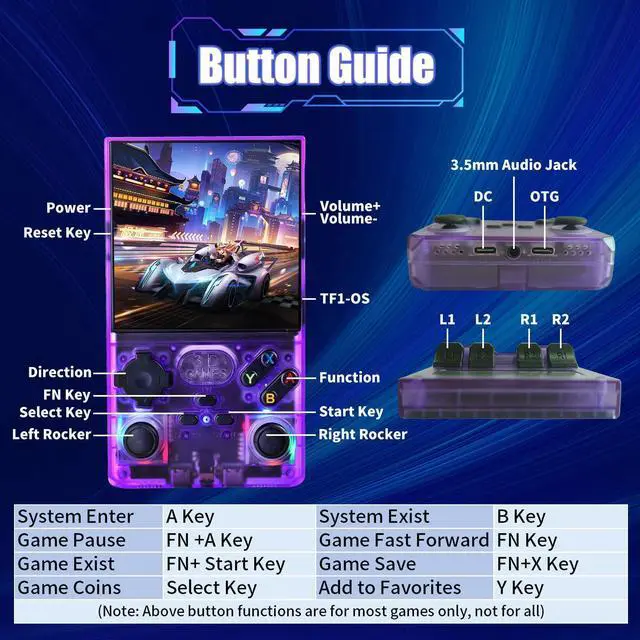
For most emulators: Press “FN + X” to get game save interface. For PSP emulator: Press the right Joystick to enter save interface. Return back to saved state: After entering the game, Press “FN + X”, Select “Save States” then choose “Load State”.
Why press “FN + START” can't exist game?
Most games can be Press “FN + START” twice to exist. Some Games: Press “FN + SELECT” to exit.; A few games: Press the left joystick once to exit. Please try.

High Quality-Price Rate, Easy Operation, Good Service
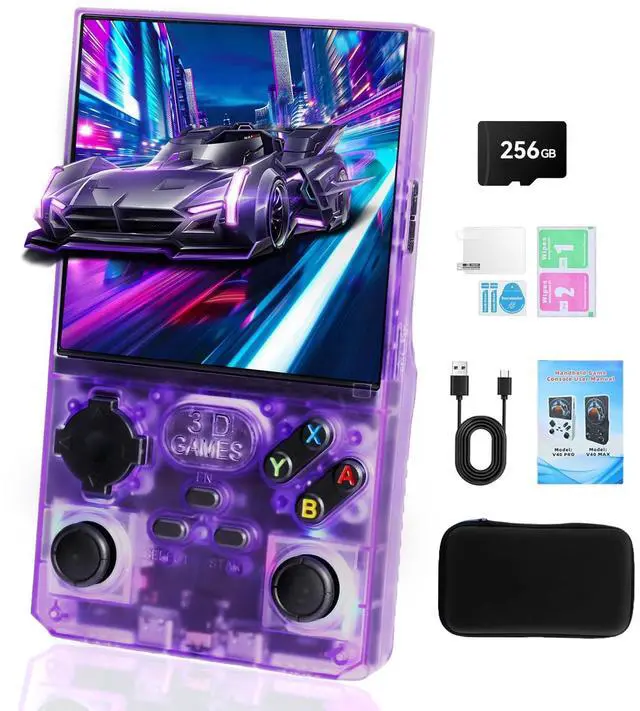
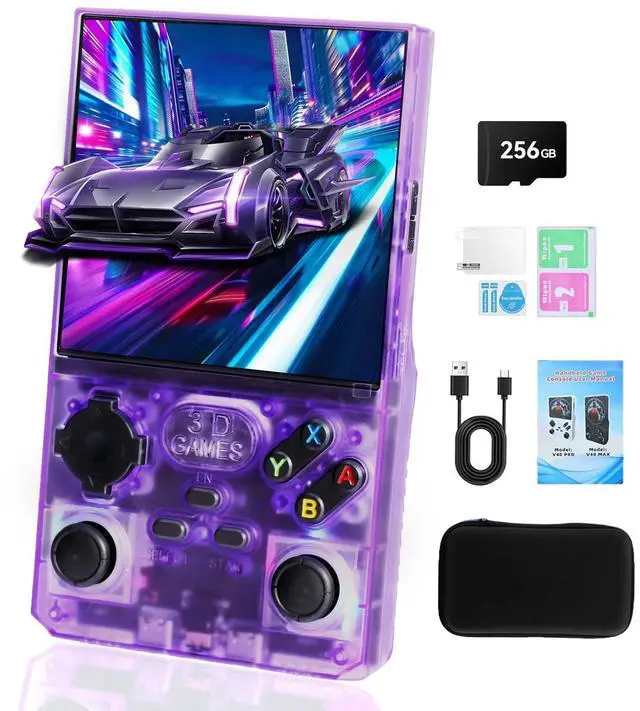
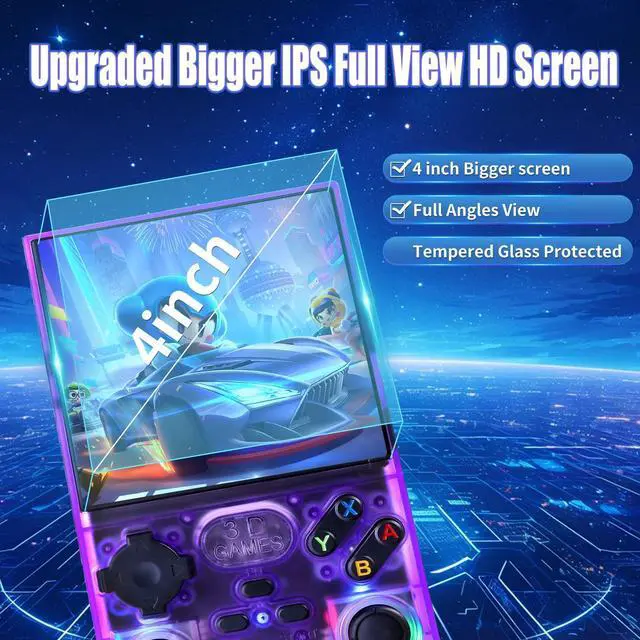
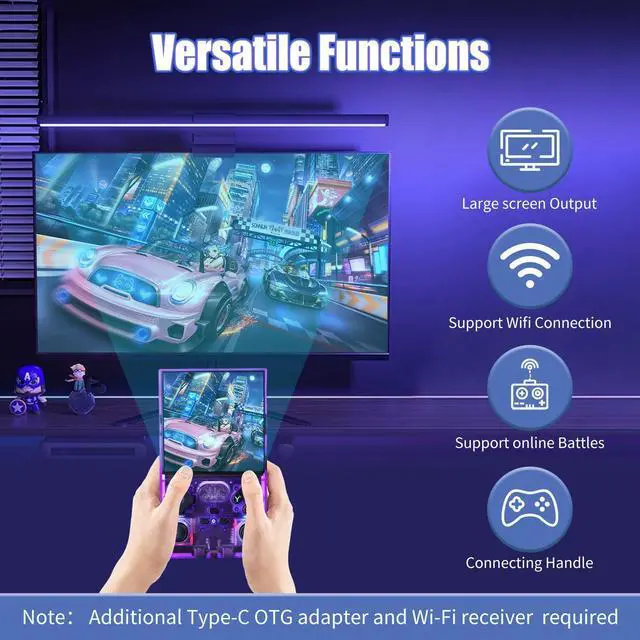
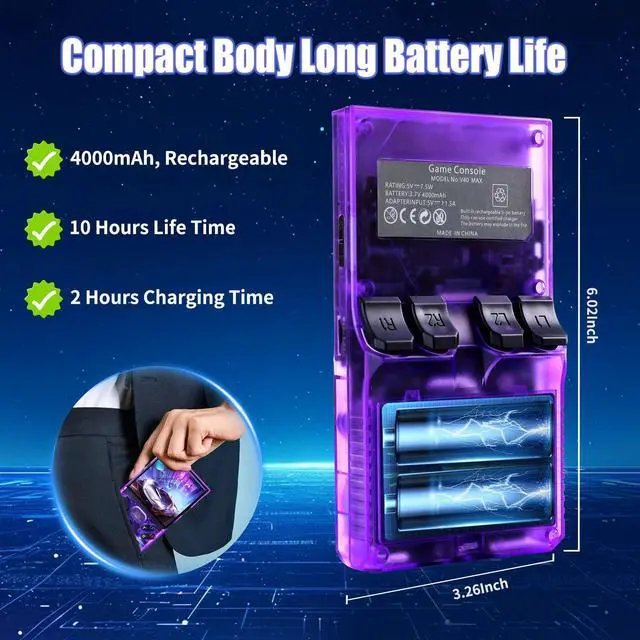
V40 Max Handheld Console
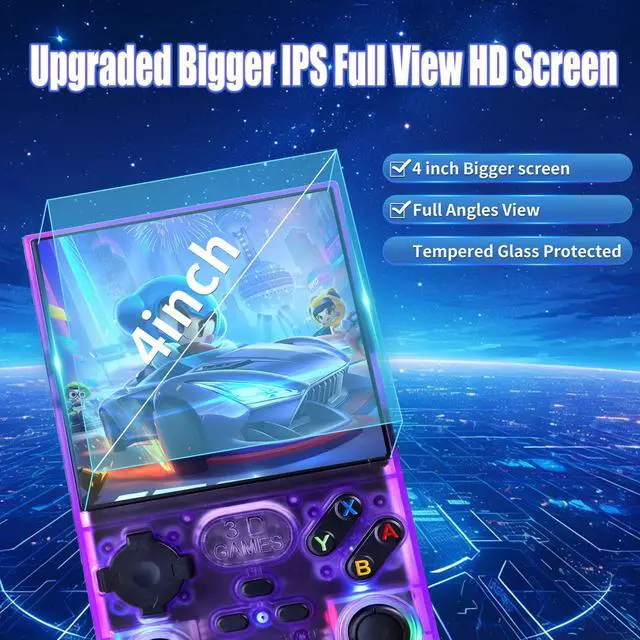
We are situated in Panyu, Guangzhou City, known as the cradle of arcade consoles in China. For over a decade, the GWALSNTH brand has specialized in offering a diverse range of high-quality arcade game consoles. Our mission is to deliver exceptional value and joy to our customers through premium gaming products. Building on the success of the Pandora series and the basic Handheld consoles, here we introduced V40 Max handheld game console.
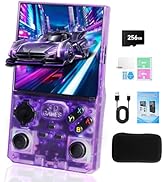
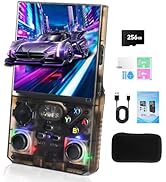
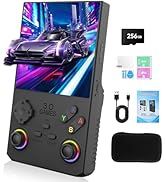
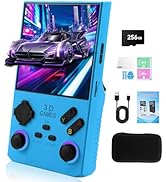
V40 Max Handheld Game Console
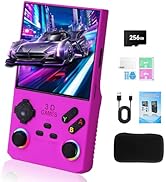
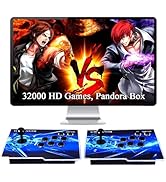
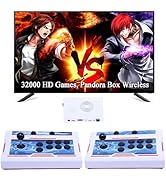
Pandora game console
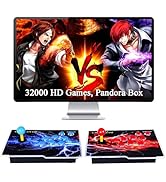
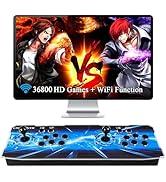
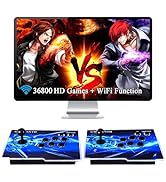
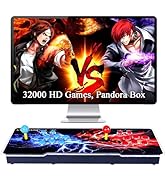
Other Game console


What games including in this console? Can I get the games list?
You can clik on GWALSNTH on the right side of product page, (below button of Buy now) to continue to get to us, then we will send you the full games list.
How to Save Games?
For most emulators: Press “FN + X” to get game save interface. For PSP emulator: Press the right Joystick to enter save interface. Return back to saved state: After entering the game, Press “FN + X”, Select “Save States” then choose “Load State”.
Why press “FN + START” can't exist game?
Most games can be Press “FN + START” twice to exist. Some Games: Press “FN + SELECT” to exit.; A few games: Press the left joystick once to exit. Please try.
High Quality-Price Rate, Easy Operation, Good Service
V40 Max Handheld Console
We are situated in Panyu, Guangzhou City, known as the cradle of arcade consoles in China. For over a decade, the GWALSNTH brand has specialized in offering a diverse range of high-quality arcade game consoles. Our mission is to deliver exceptional value and joy to our customers through premium gaming products. Building on the success of the Pandora series and the basic Handheld consoles, here we introduced V40 Max handheld game console.
V40 Max Handheld Game Console
Pandora game console
Other Game console