




 here!
here!
I’m your shopping assistant for PC builds, upgrades, and everything tech.
Got questions? Ask away!
Start a conversation
here!
I’m your shopping assistant for PC builds, upgrades, and everything tech.
Got questions? Ask away!
Start a conversation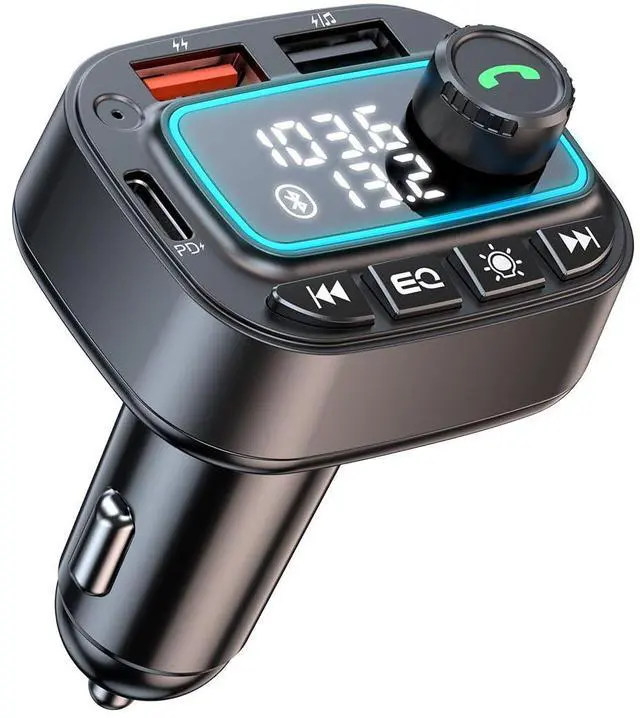



Any questions? Ask CelesteSM will help you find out quickly.

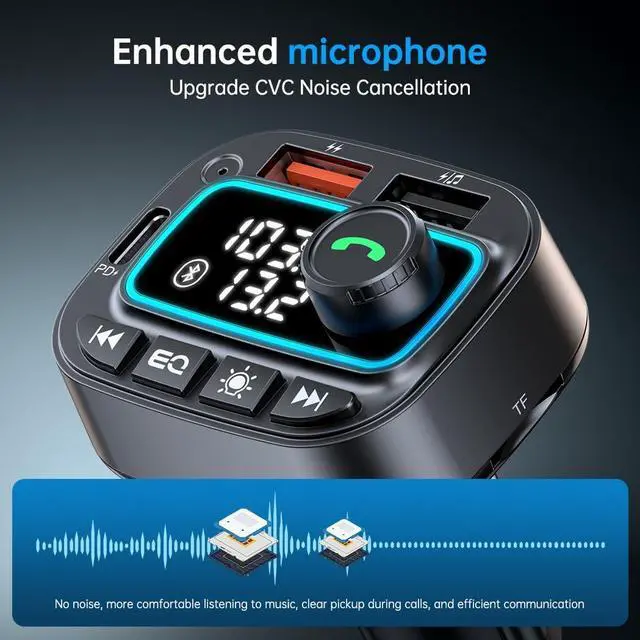
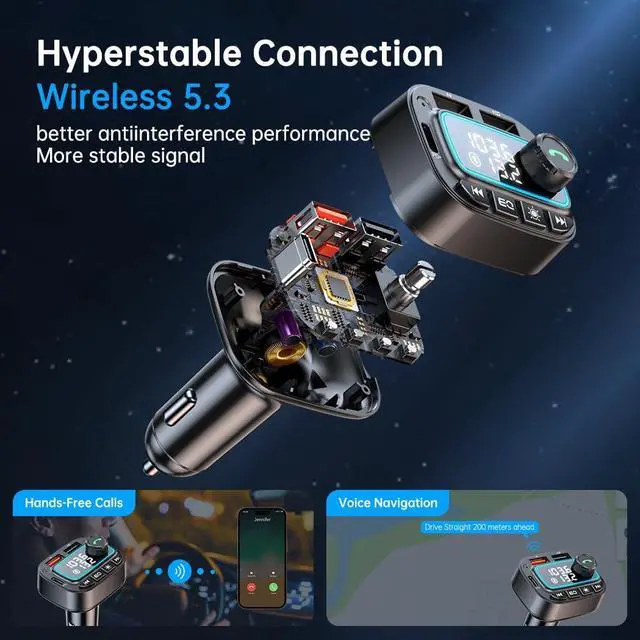
Automatically switch between phone calls and music
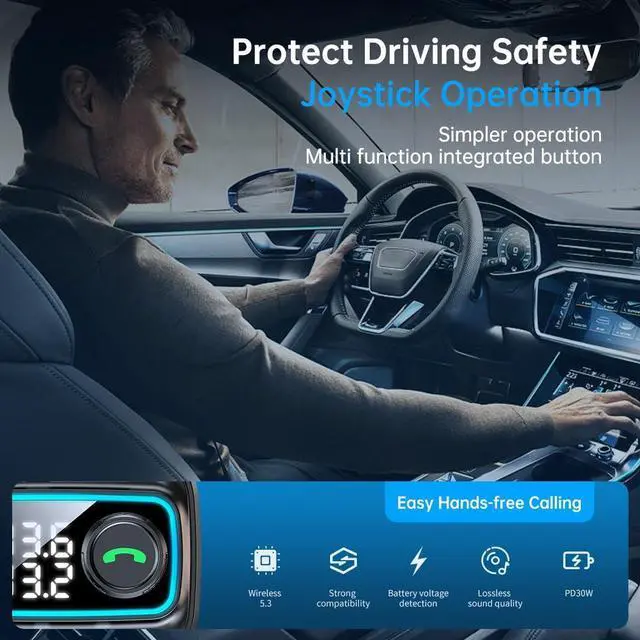
When playing music, if there is an incoming call, it will automatically switch to the call mode. After hanging up, it will automatically switch back to play mode.
Answer incoming calls: Press the phone button
Reject incoming calls: Long press the phone button
Hang up call: Press the phone button
Recall the last call: Quickly press the phone button twice

How to pair the frequency of the car radio and FM transmitter:
1. Plug this FM Transmitter into the cigarette lighter socket
2. Turn on FM mode of the car radio and select a blank channel to avoid interference from local radio signals
3. Press and hold the multifunction knob button until the frequency number starts flashing, and rotate the knob button to adjust the frequency of the FM transmitter to be the same as the frequency of the car radio
4. Enable Bluetooth function on your smartphone, search for available devices, select "T01" and pair with it. Then you can transfer music to the car audio system from your phone/ TF card/ USB disk

How to switch playing between Bluetooth, USB flash drive and TF card?
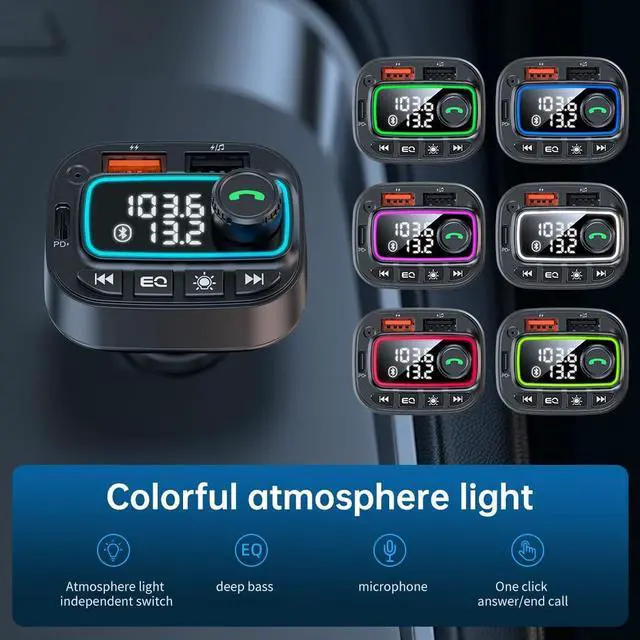
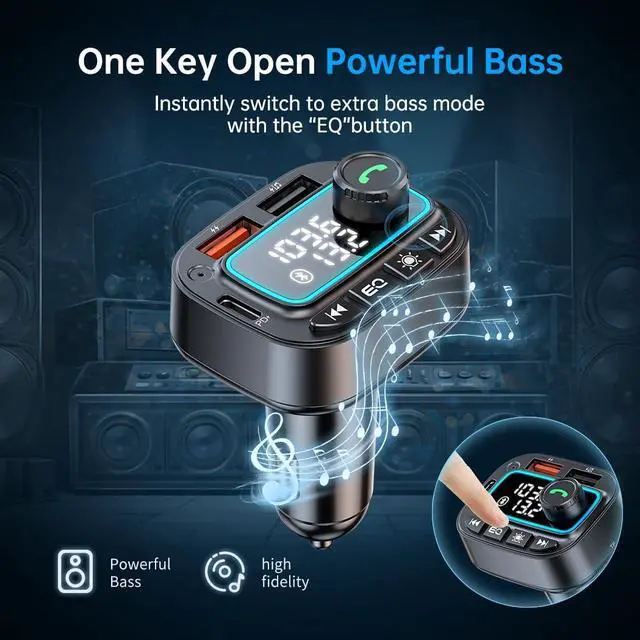
Press and hold "EQ" button until the LED display screen flashes, and then the playback mode will switch.
Press the "EQ" button can switch the sound quality from standard to bass. Press again to switch back to standard mode.

Specifications:
Bluetooth Version: V5.3
Product Dimensions: 3.2 X 2 X 1.57 inches (8.1 X 5.1 X 4 CM)
Product Weight: 1.58 ounces (45G)
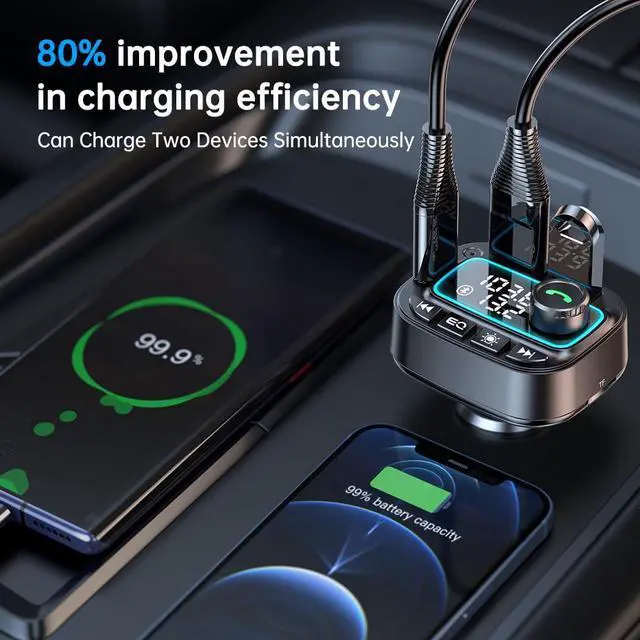
Charging Port: Type-C port & USB port
USB-C Output: PD 30W (Max 30W)
USB Output: 5V/2.4A (Max 12W)
Music Playing Modes: Bluetooth & TF Card & USB Disk

Package Contents:
1 x FM Transmitter
1 x User Manual


Automatically switch between phone calls and music
When playing music, if there is an incoming call, it will automatically switch to the call mode. After hanging up, it will automatically switch back to play mode.
Answer incoming calls: Press the phone button
Reject incoming calls: Long press the phone button
Hang up call: Press the phone button
Recall the last call: Quickly press the phone button twice
How to pair the frequency of the car radio and FM transmitter:
1. Plug this FM Transmitter into the cigarette lighter socket
2. Turn on FM mode of the car radio and select a blank channel to avoid interference from local radio signals
3. Press and hold the multifunction knob button until the frequency number starts flashing, and rotate the knob button to adjust the frequency of the FM transmitter to be the same as the frequency of the car radio
4. Enable Bluetooth function on your smartphone, search for available devices, select "T01" and pair with it. Then you can transfer music to the car audio system from your phone/ TF card/ USB disk
How to switch playing between Bluetooth, USB flash drive and TF card?
Press and hold "EQ" button until the LED display screen flashes, and then the playback mode will switch.
Press the "EQ" button can switch the sound quality from standard to bass. Press again to switch back to standard mode.
Specifications:
Bluetooth Version: V5.3
Product Dimensions: 3.2 X 2 X 1.57 inches (8.1 X 5.1 X 4 CM)
Product Weight: 1.58 ounces (45G)
Charging Port: Type-C port & USB port
USB-C Output: PD 30W (Max 30W)
USB Output: 5V/2.4A (Max 12W)
Music Playing Modes: Bluetooth & TF Card & USB Disk
Package Contents:
1 x FM Transmitter
1 x User Manual




