




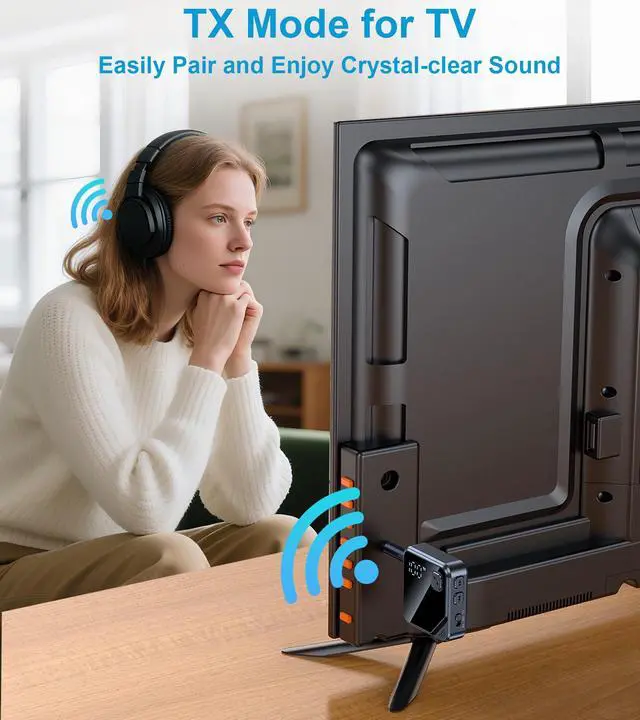



3 Steps to Connect TX Mode
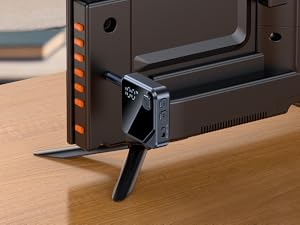
1. Plug
Plug the Bluetooth adapter into your TV's RCA port or 3.5mm audio OUTPUT port.
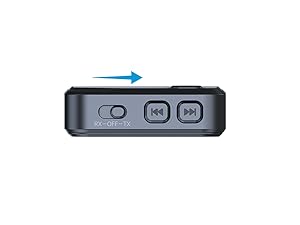
2. Select
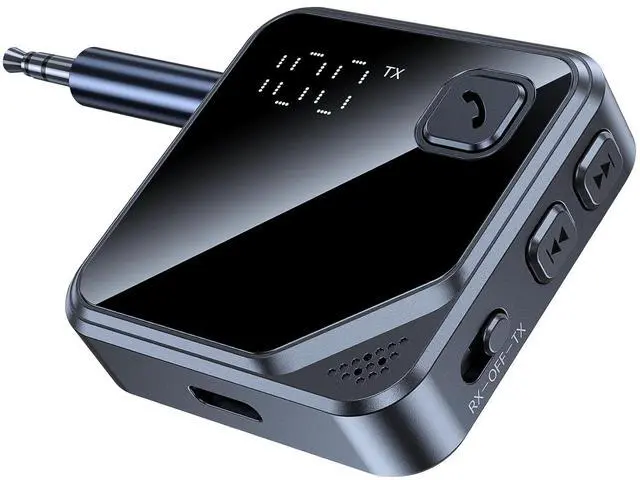
Slide to TX mode, and the "TX" on the display flashes.
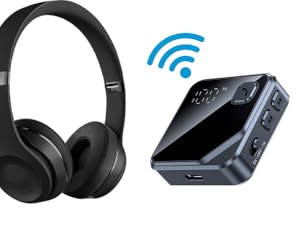
3. Pairing
Put your Bluetooth headphone into pairing mode. When connected, the "TX" on the display will be solid white.
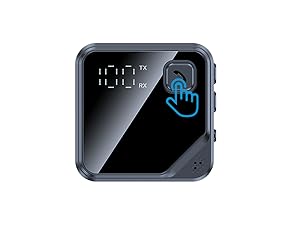
NOTE
If paired with an unwanted device, double-click the multi-function button to re-search.
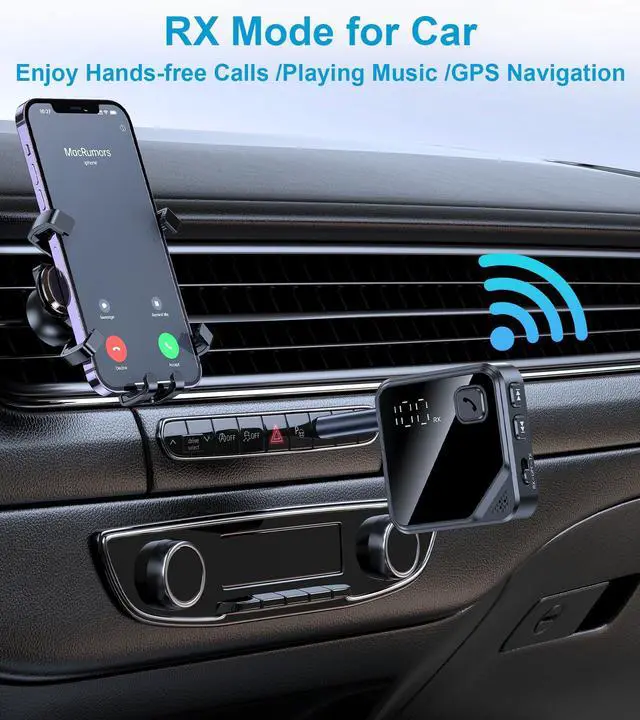
3 Steps to Connect RX Mode
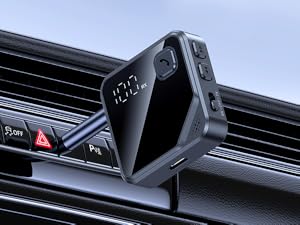
1. Plug
Plug the Bluetooth transmitter receiver into the AUX-IN port.
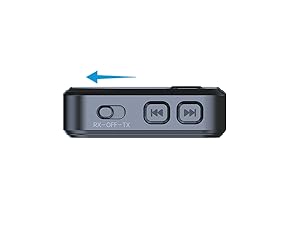
2. Select
Slide to RX mode, and the "RX" on the display flashes.
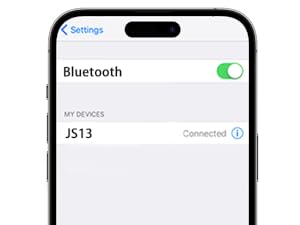
3. Pairing
Connect your phone's Bluetooth to "JS13". When connected, the "RX" on the display will be solid white.
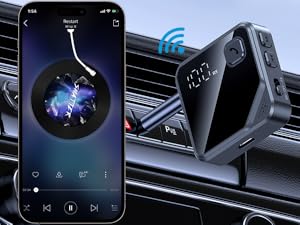
NOTE
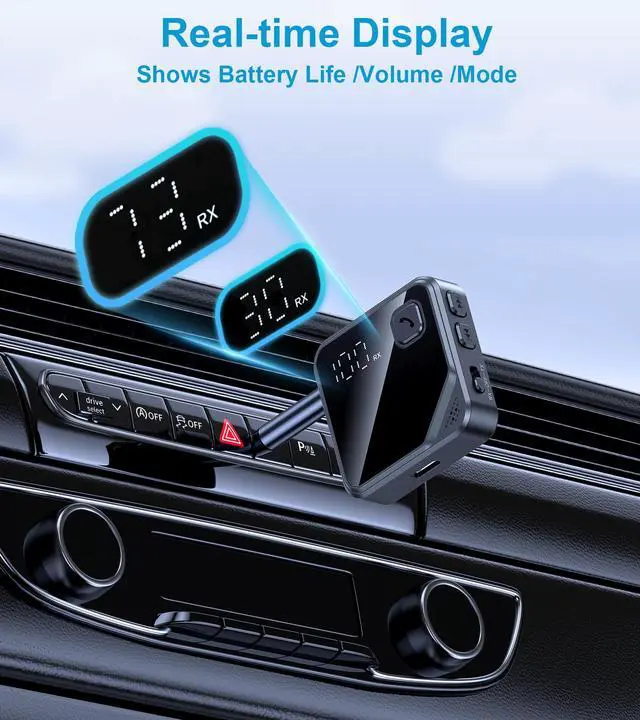
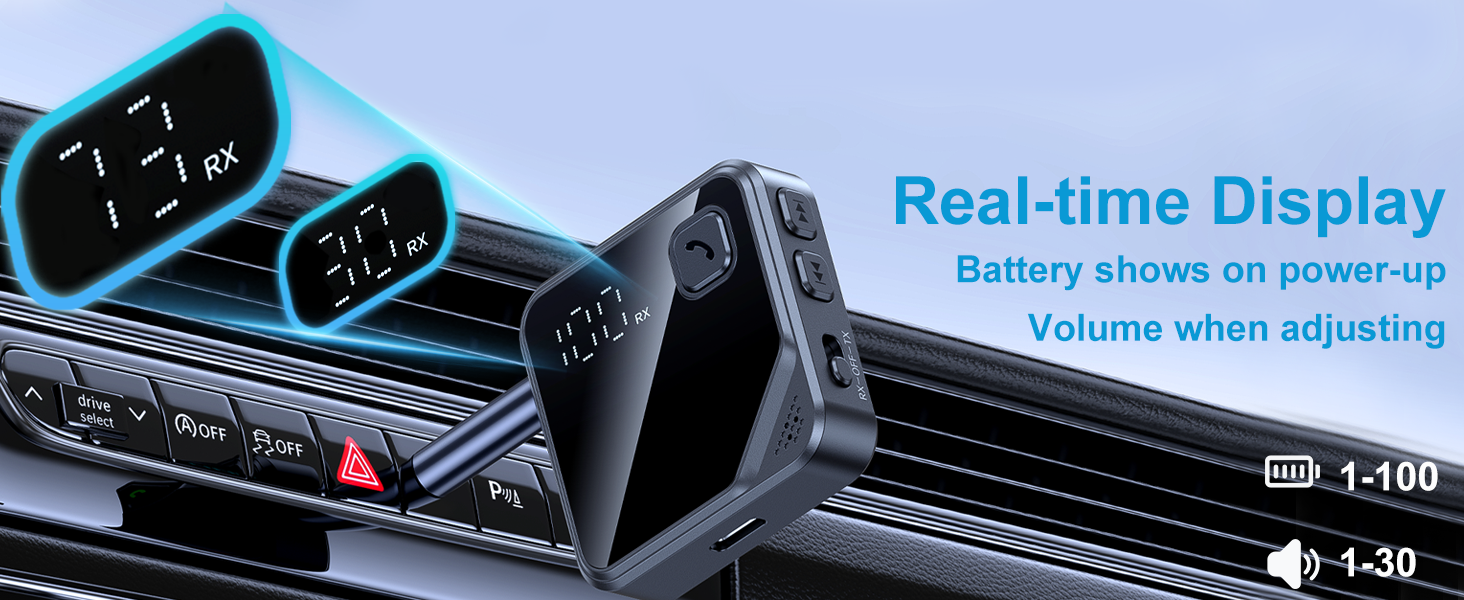
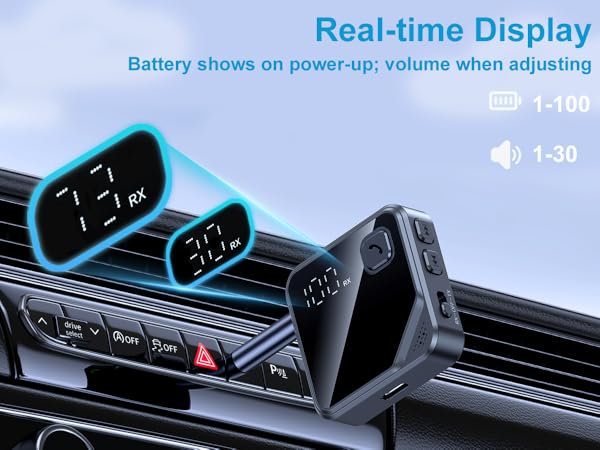
Click the multi-function button to check the aux Bluetooth adapter's battery level during playback.
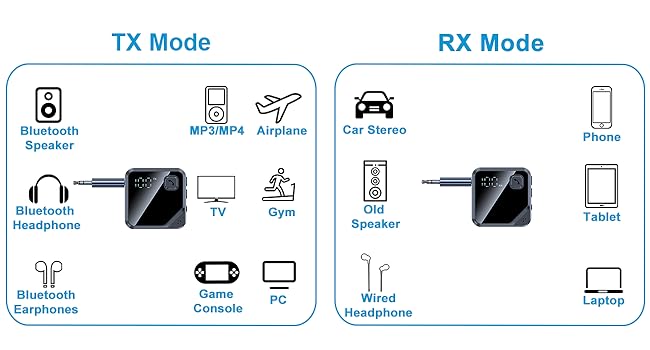
Universal Compatibility
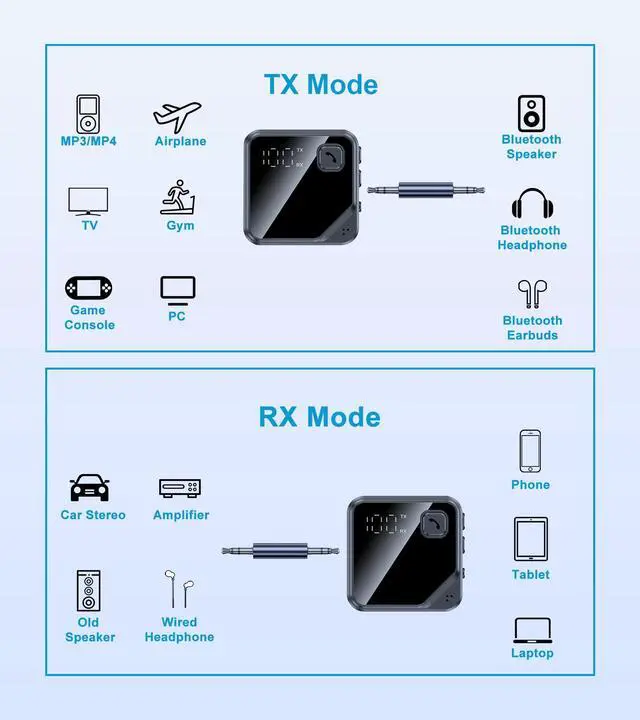
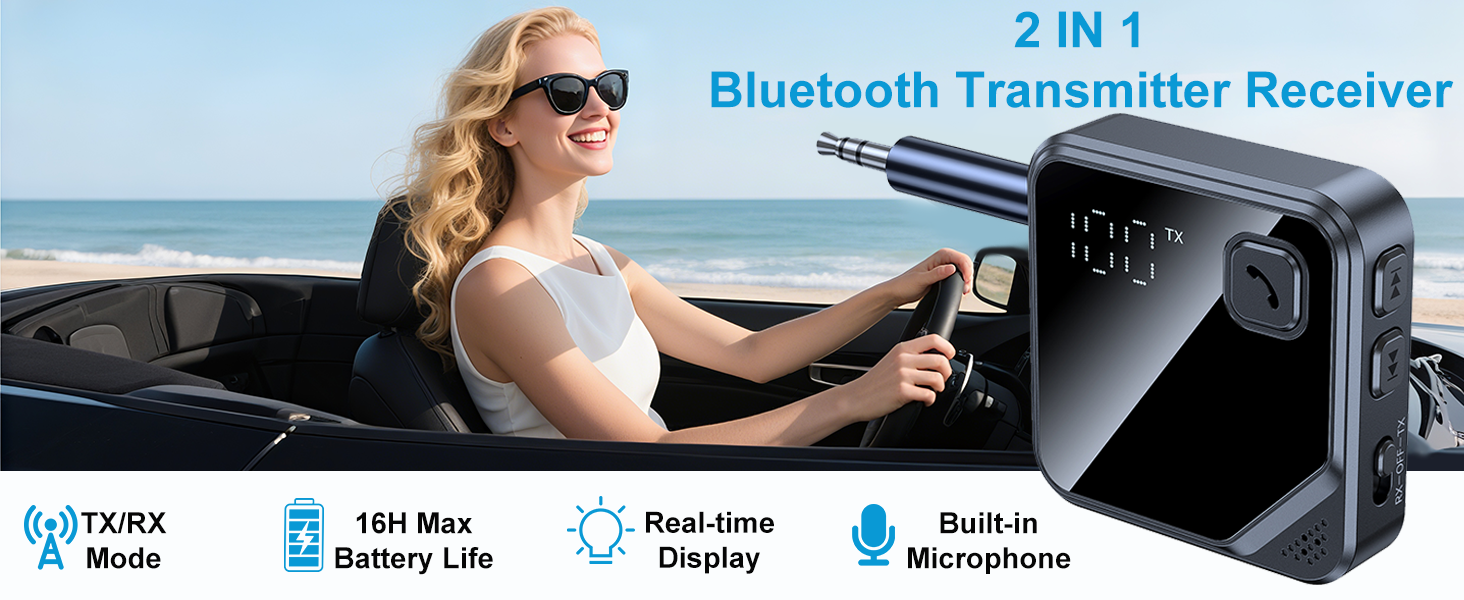
This Bluetooth transmitter receiver is compatible with any device that has a 3.5mm AUX port.
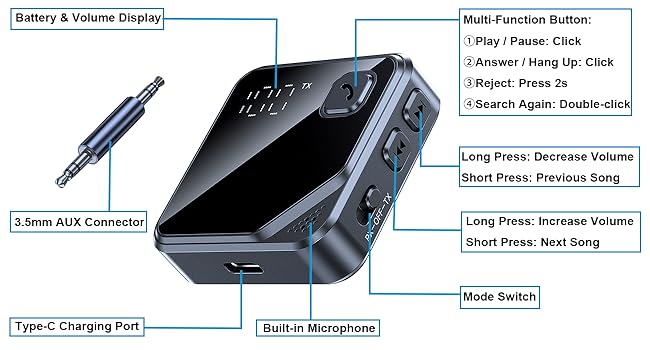
Function
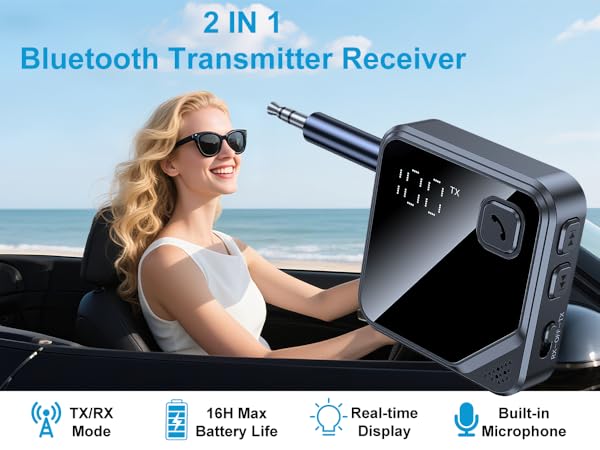
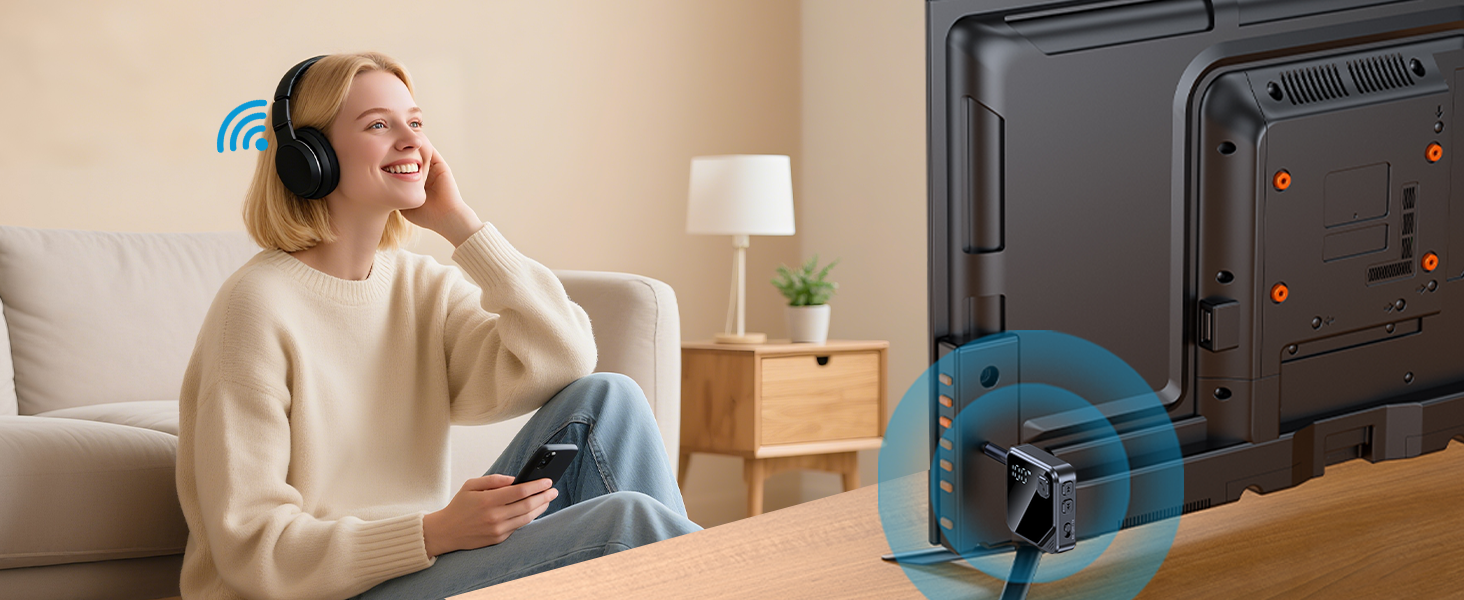
Easy Connect to Your Bluetooth Headphone/Speaker
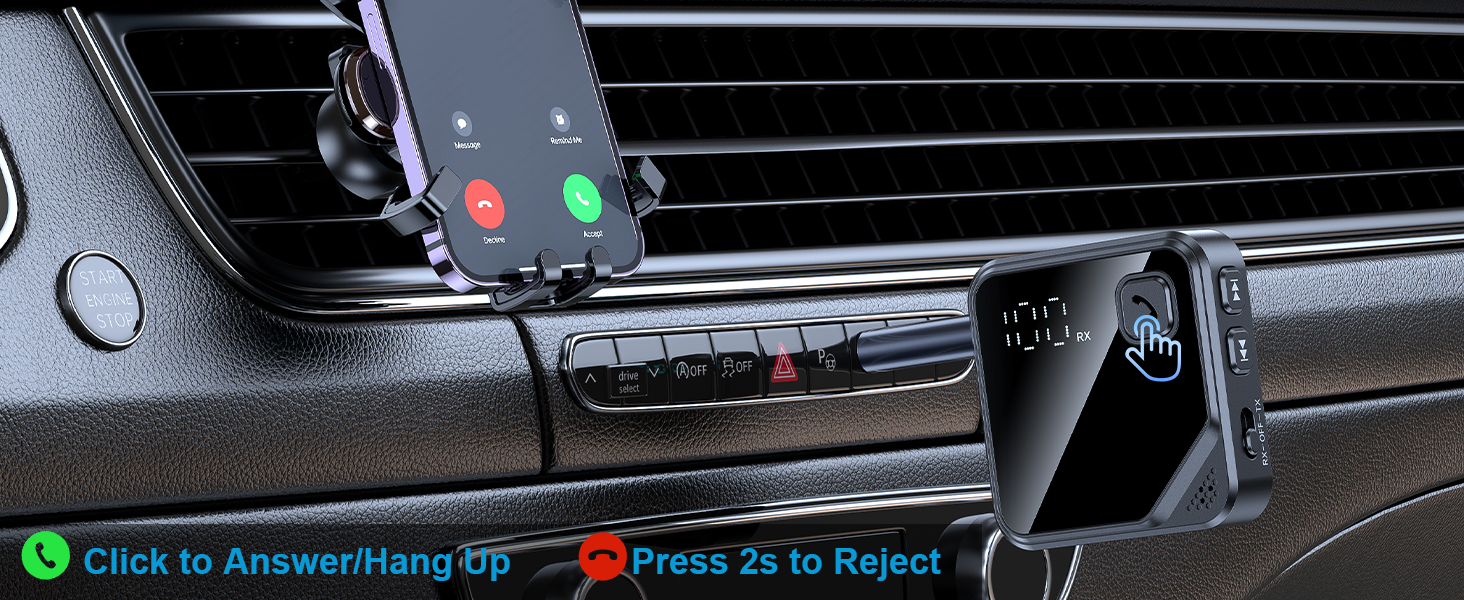
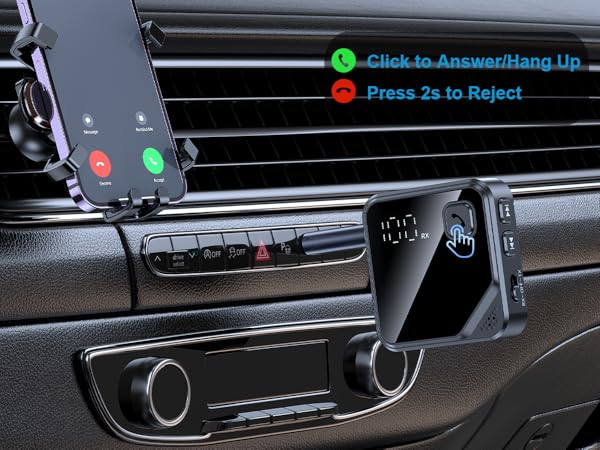
Built-in Microphone - Support Hands-free Calls
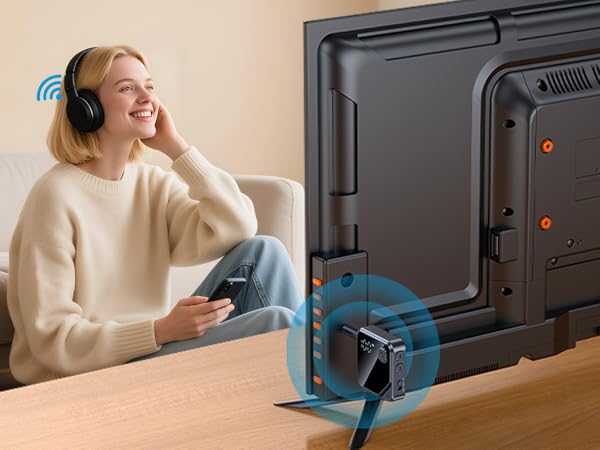

3 Steps to Connect TX Mode
1. Plug
Plug the Bluetooth adapter into your TV's RCA port or 3.5mm audio OUTPUT port.
2. Select
Slide to TX mode, and the "TX" on the display flashes.
3. Pairing
Put your Bluetooth headphone into pairing mode. When connected, the "TX" on the display will be solid white.
NOTE
If paired with an unwanted device, double-click the multi-function button to re-search.
3 Steps to Connect RX Mode
1. Plug
Plug the Bluetooth transmitter receiver into the AUX-IN port.
2. Select
Slide to RX mode, and the "RX" on the display flashes.
3. Pairing
Connect your phone's Bluetooth to "JS13". When connected, the "RX" on the display will be solid white.
NOTE
Click the multi-function button to check the aux Bluetooth adapter's battery level during playback.
Universal Compatibility
This Bluetooth transmitter receiver is compatible with any device that has a 3.5mm AUX port.