




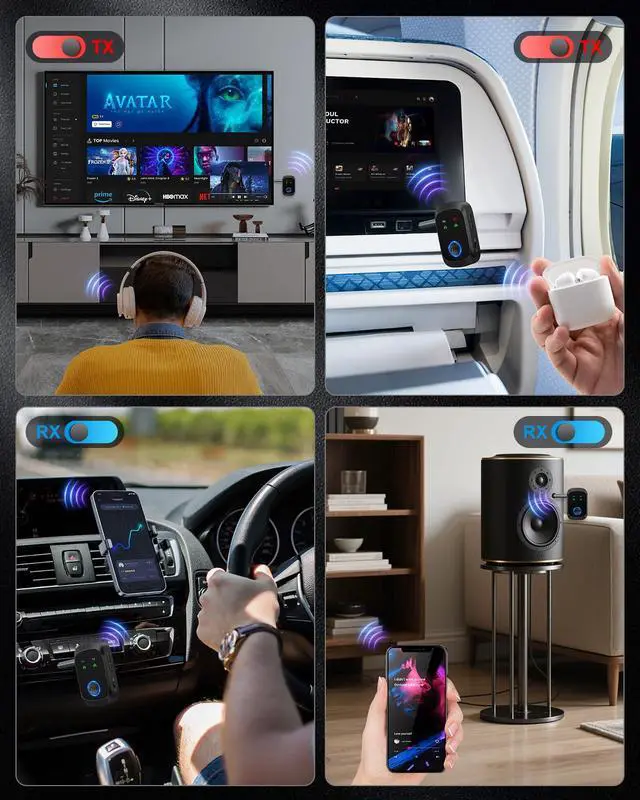
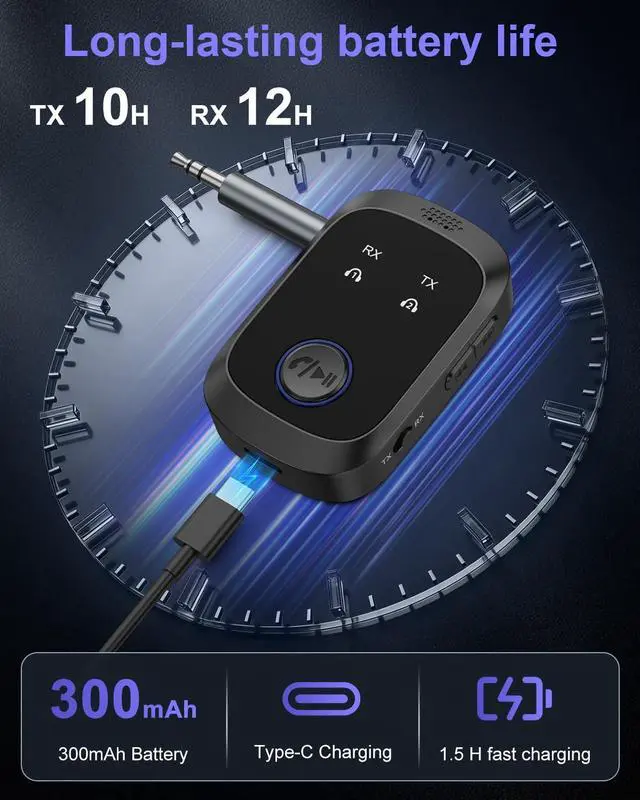
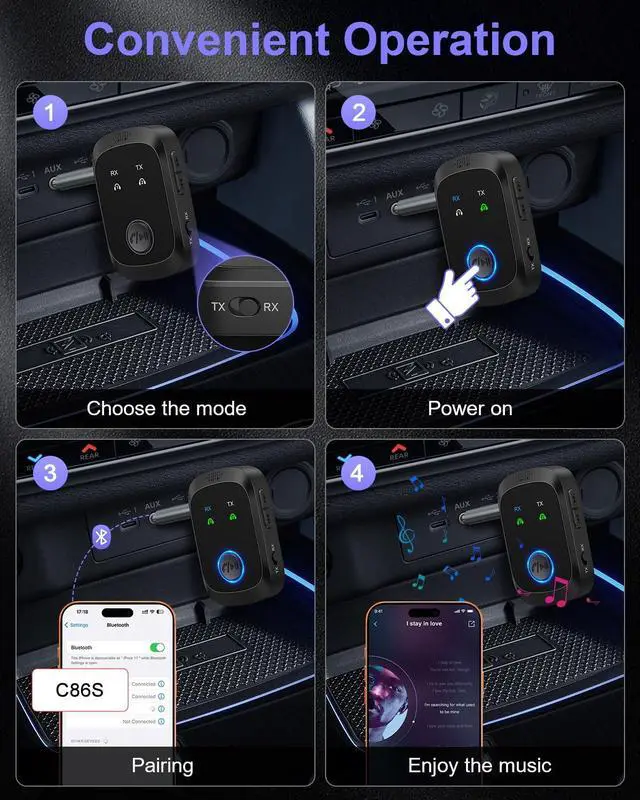


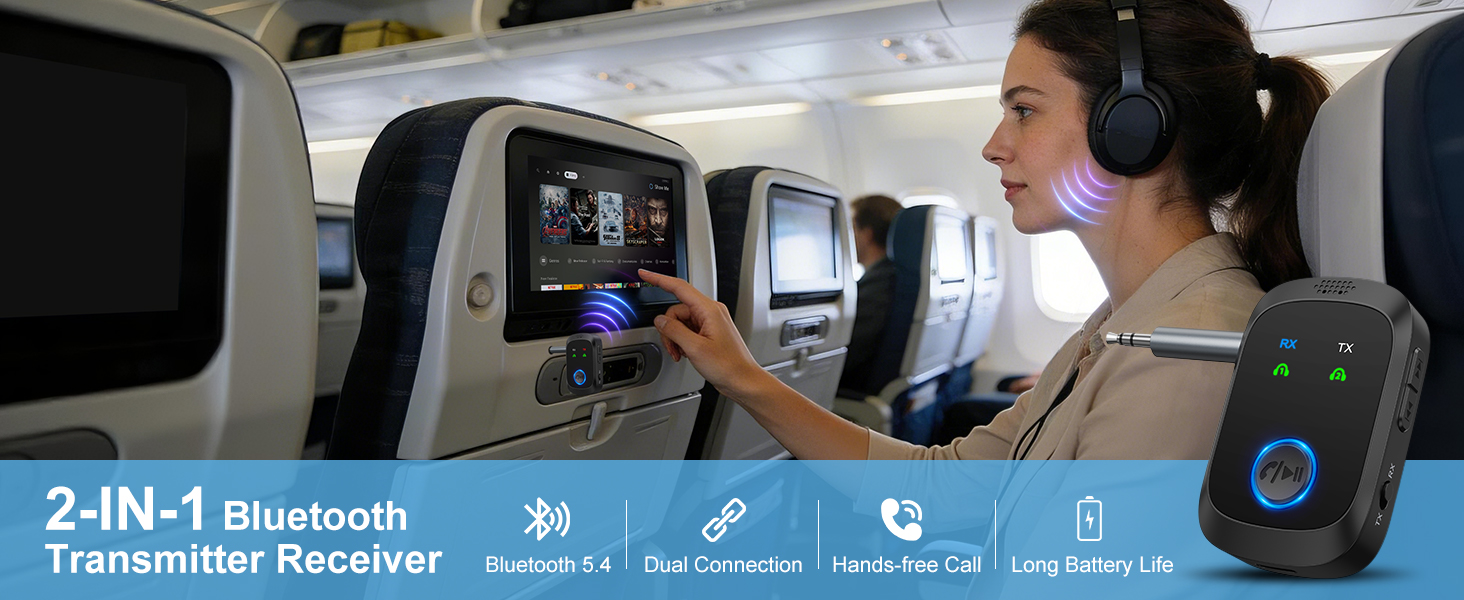

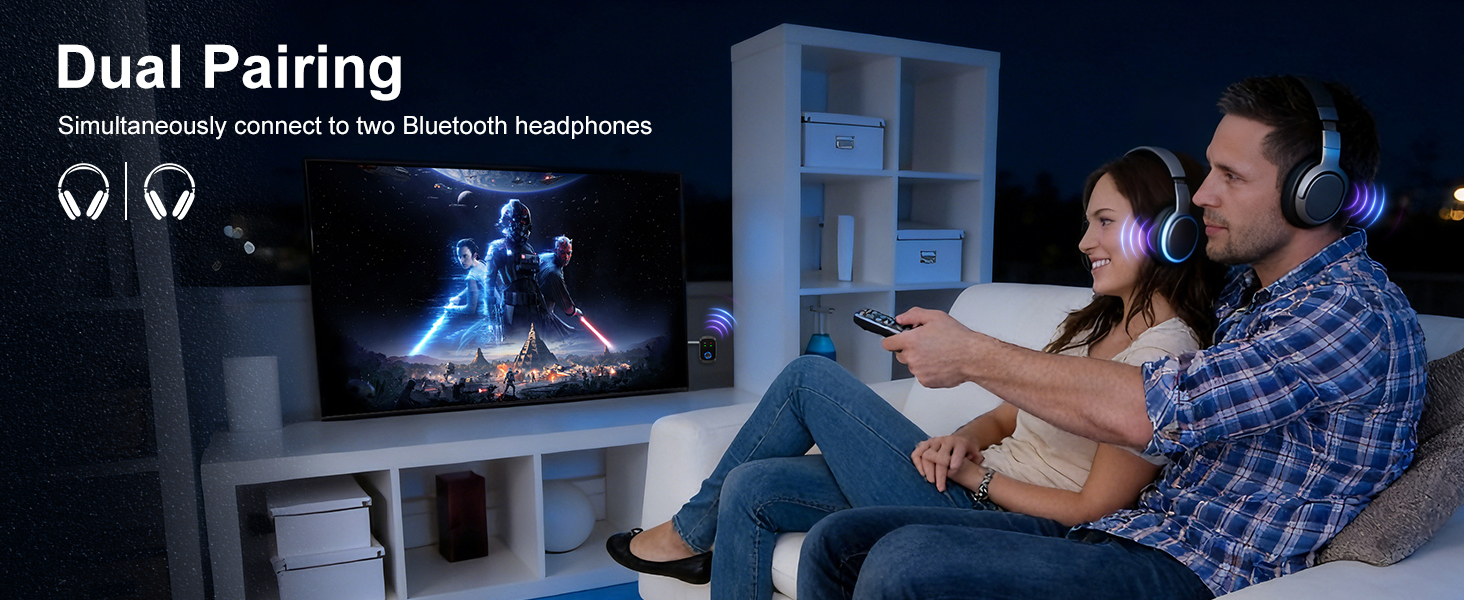
Note: Don't worry if there is no sound from your TV with only AUX or RCA connected.
- Go to Settings ? Audio ? Output Options.
- Change the audio output from your TV speakers to external speakers or headphones.
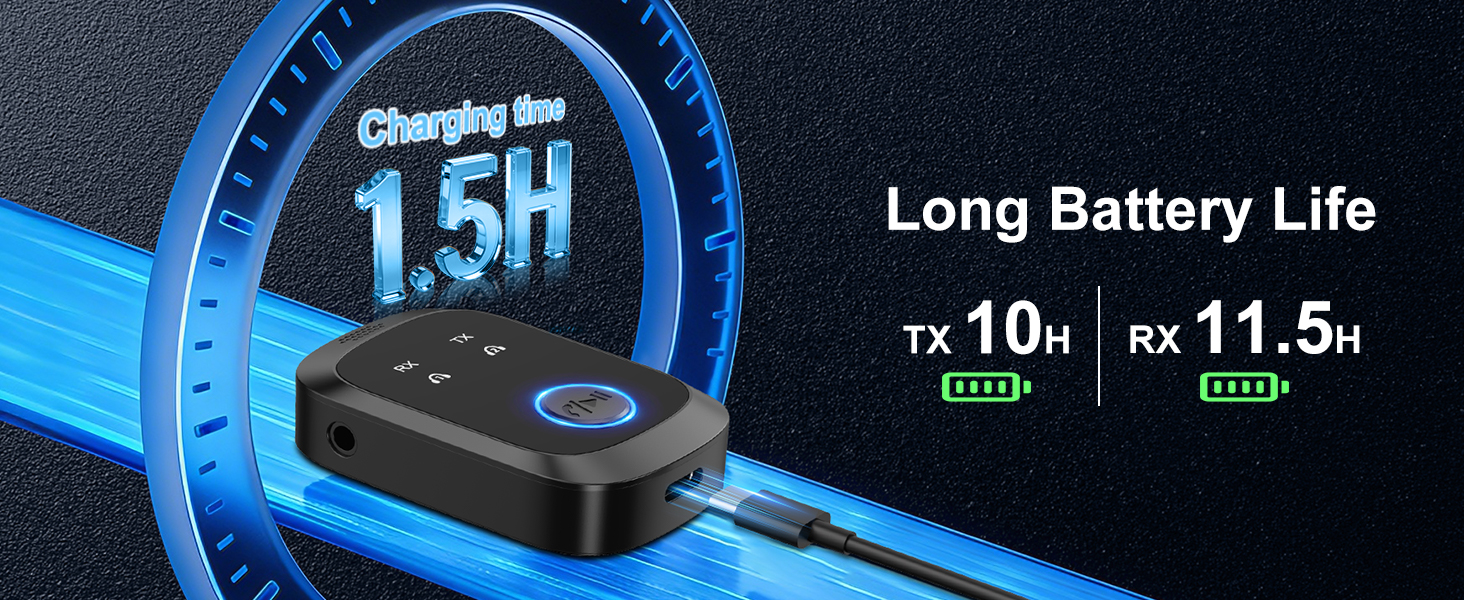
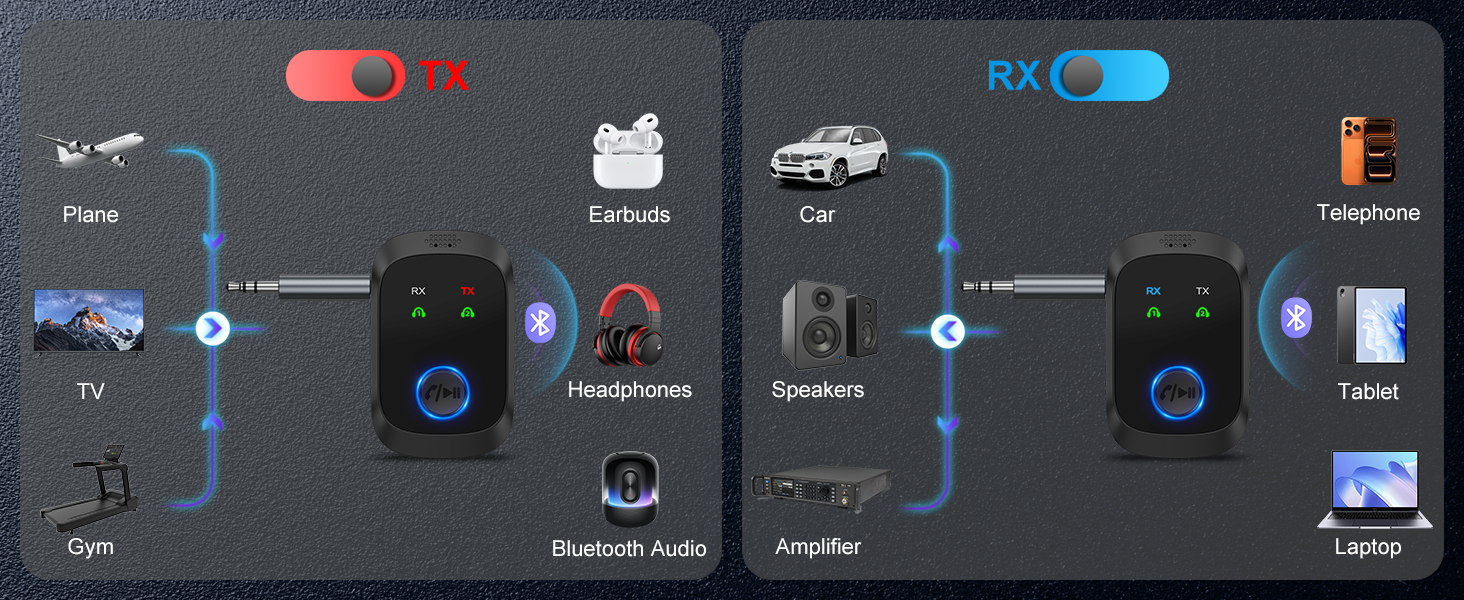
Note: This product is not compatible with devices from Sony.
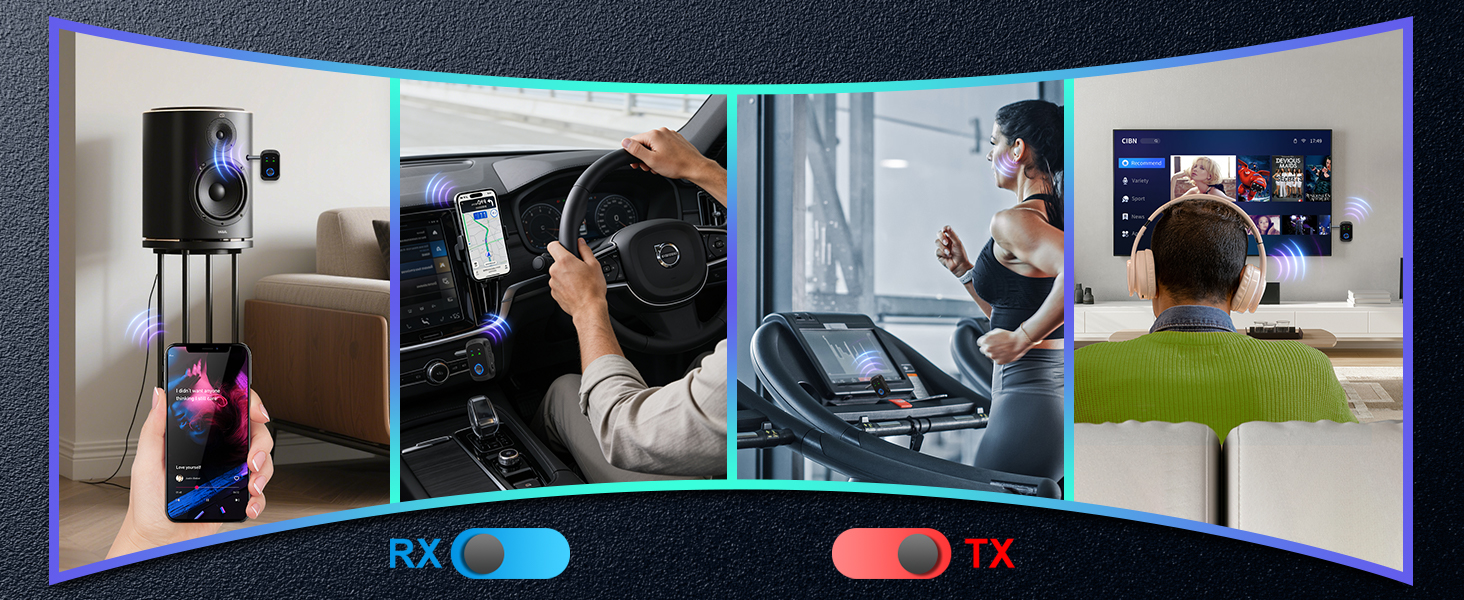
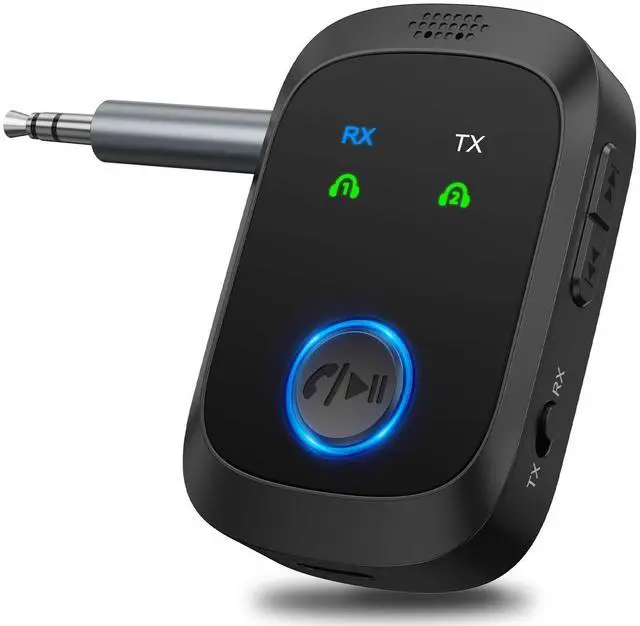
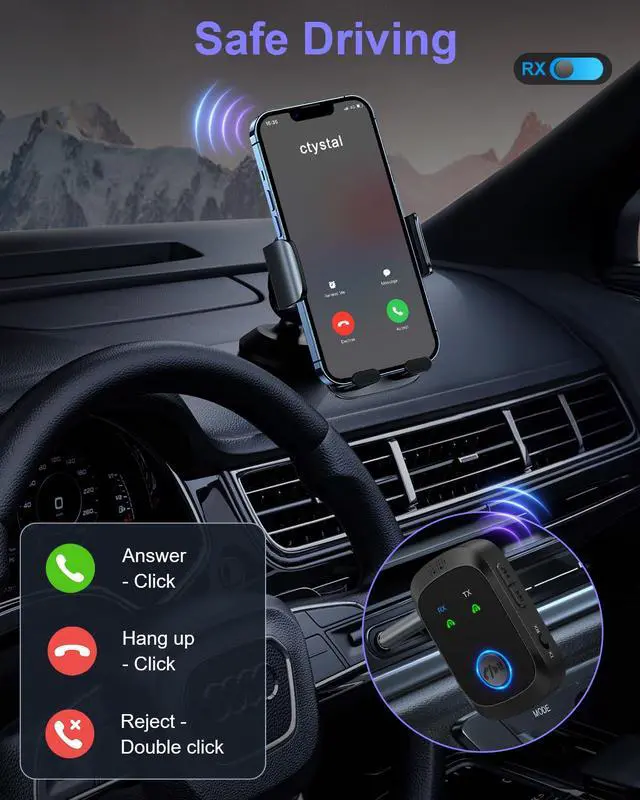
Note: If there is no sound during music or video playback, you can press the multi-function button to turn it on.
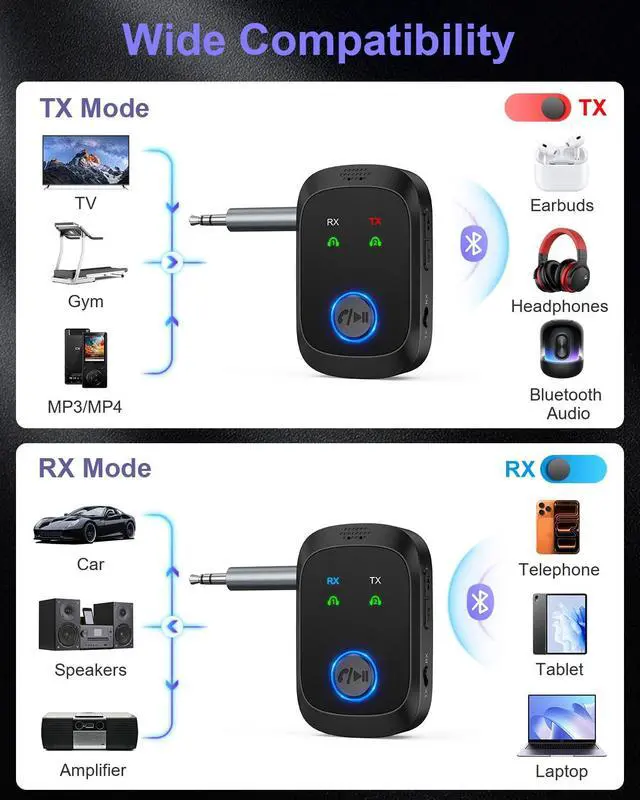
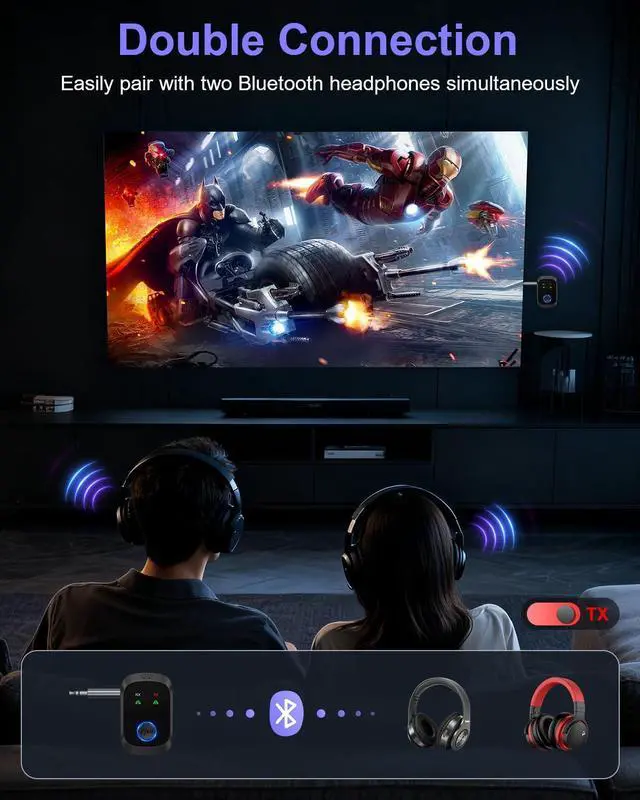
Note: Don't worry if there is no sound from your TV with only AUX or RCA connected.
- Go to Settings ? Audio ? Output Options.
- Change the audio output from your TV speakers to external speakers or headphones.
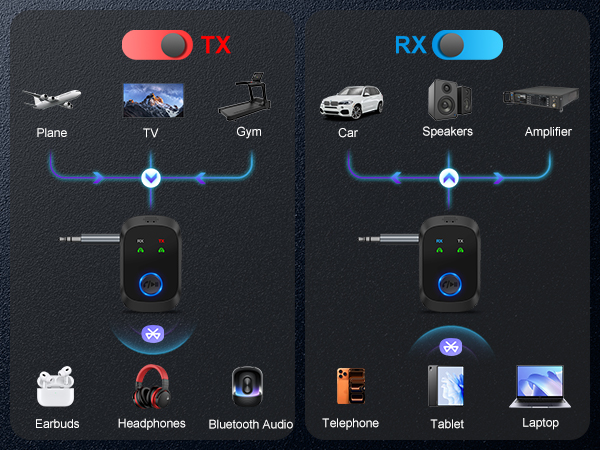
Note: This product is not compatible with devices from Sony.
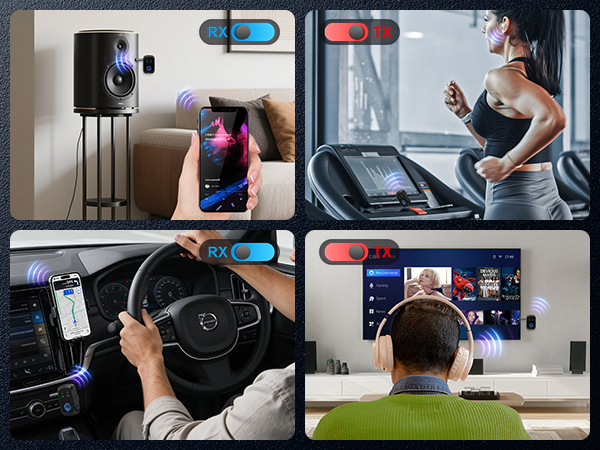
Note: If there is no sound during music or video playback, you can press the multi-function button to turn it on.