




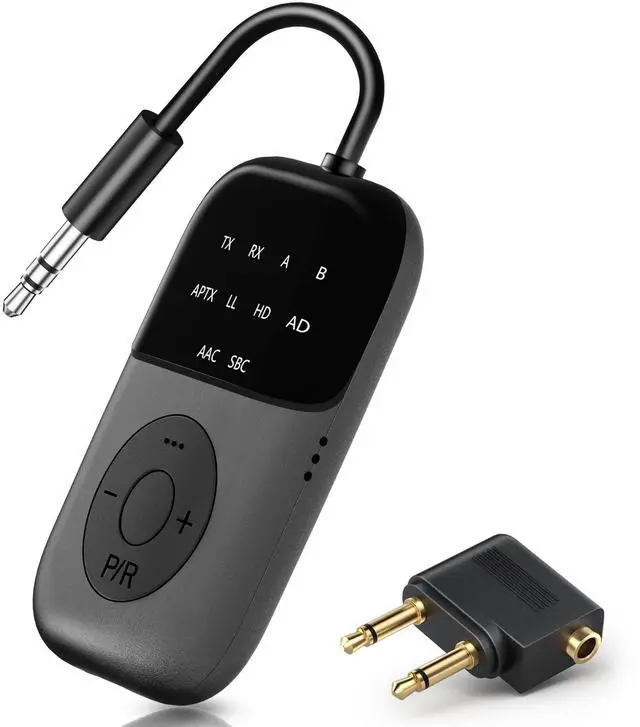
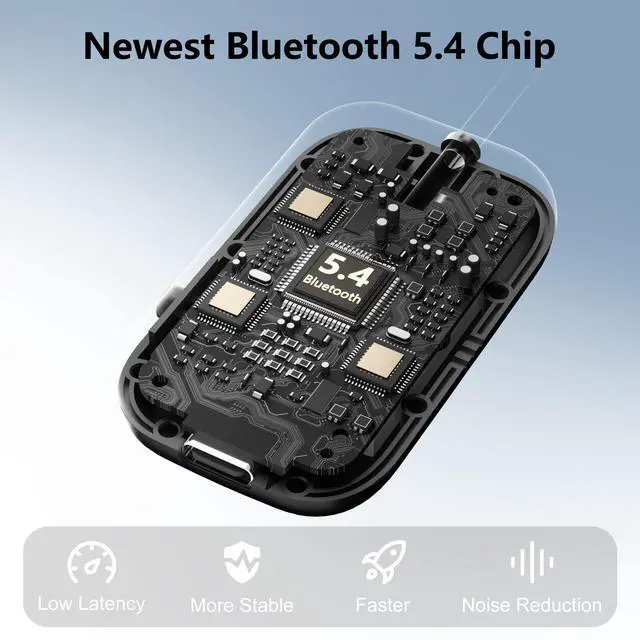
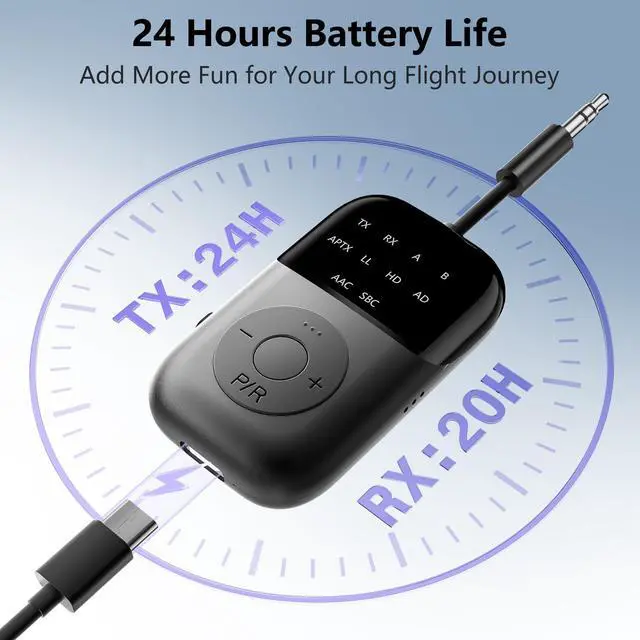
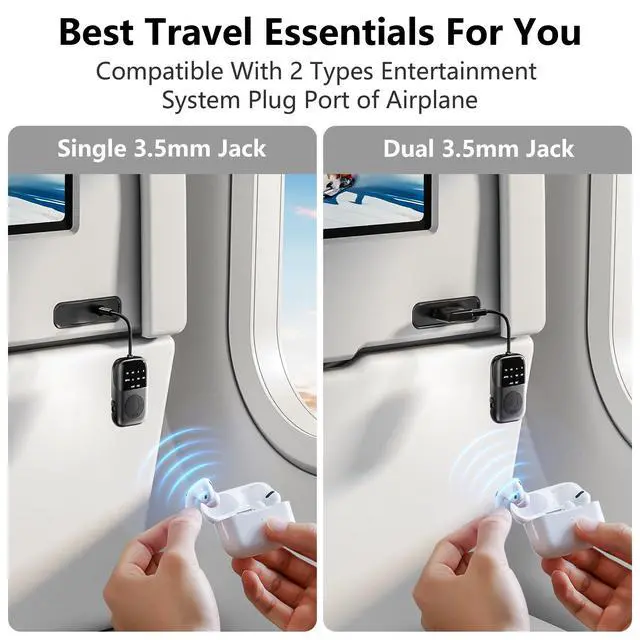

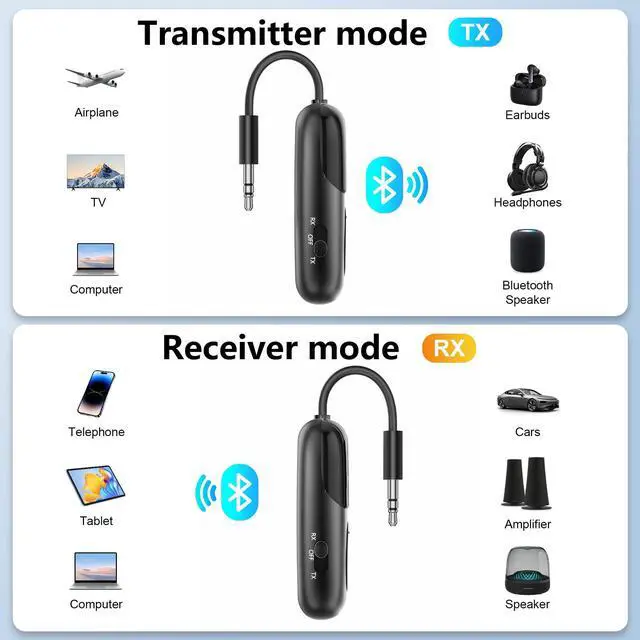


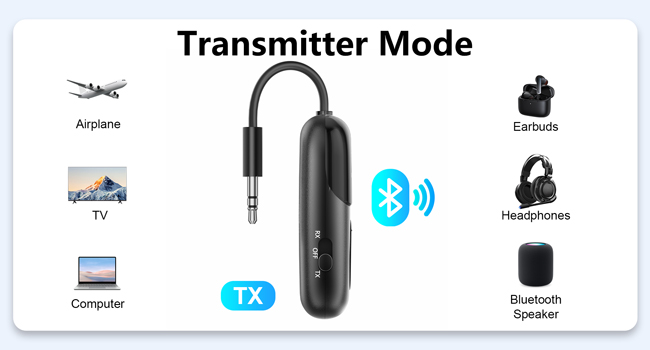
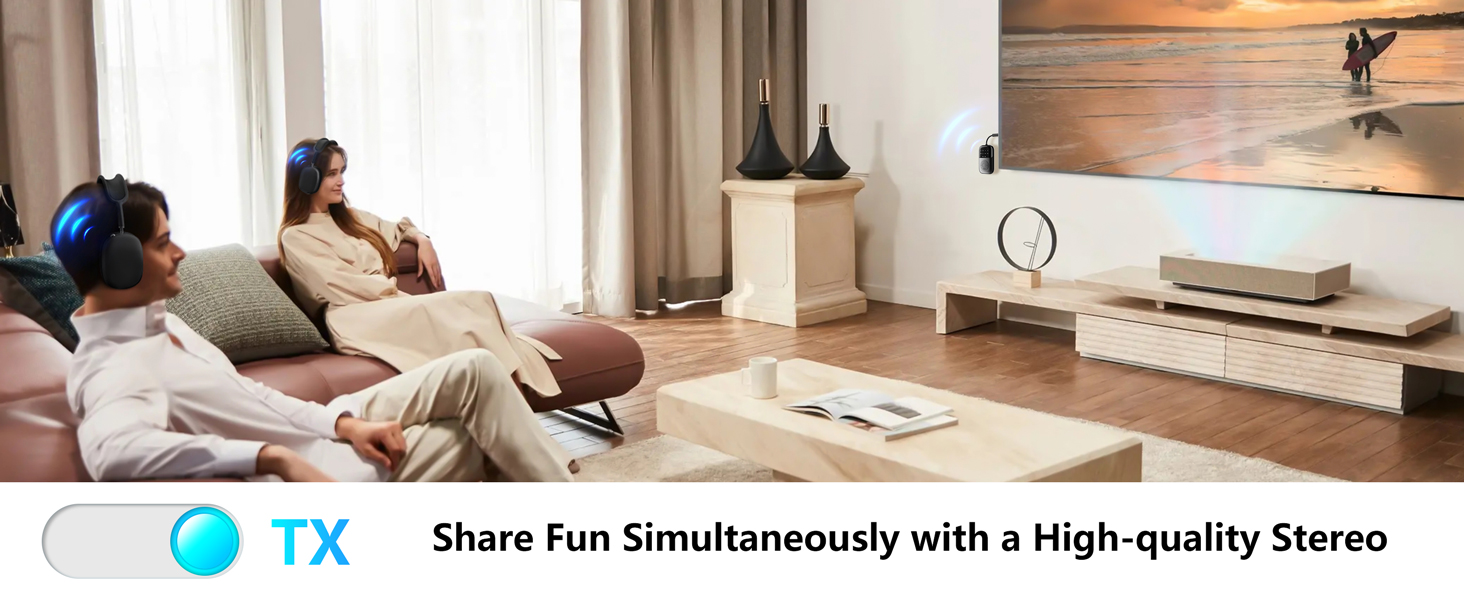
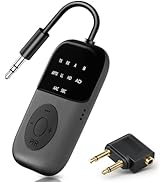
How to use TX mode?
1. Put the Bluetooth headset into pairing mode.
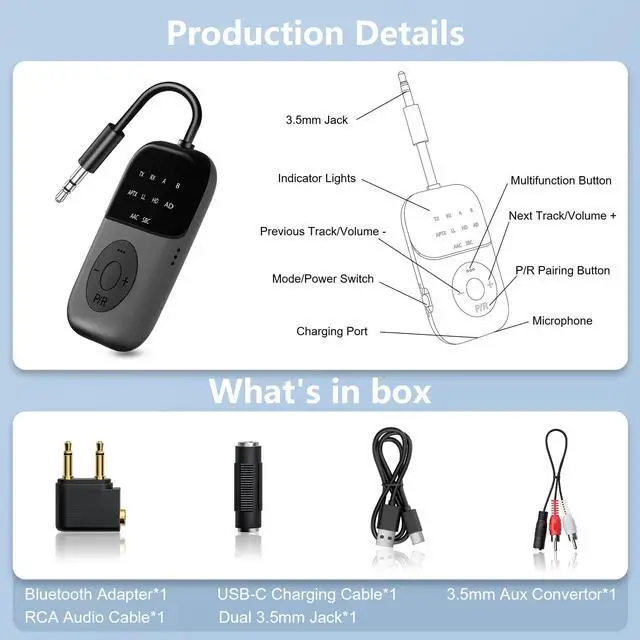
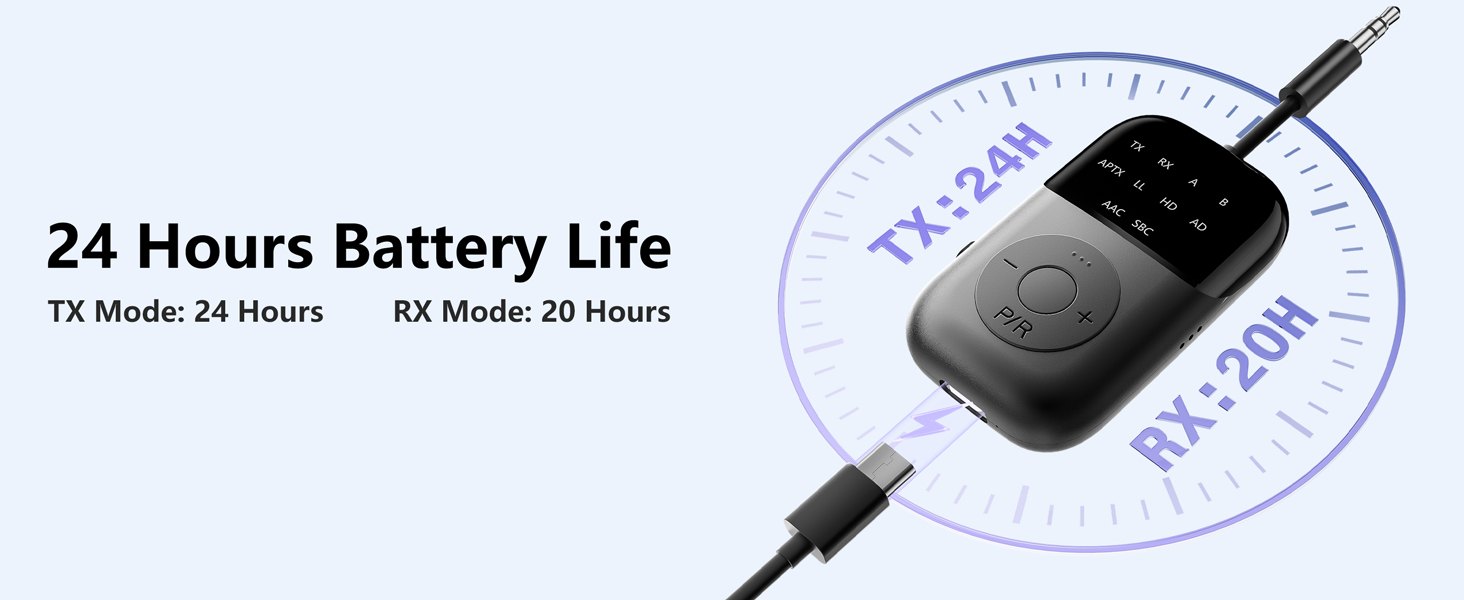
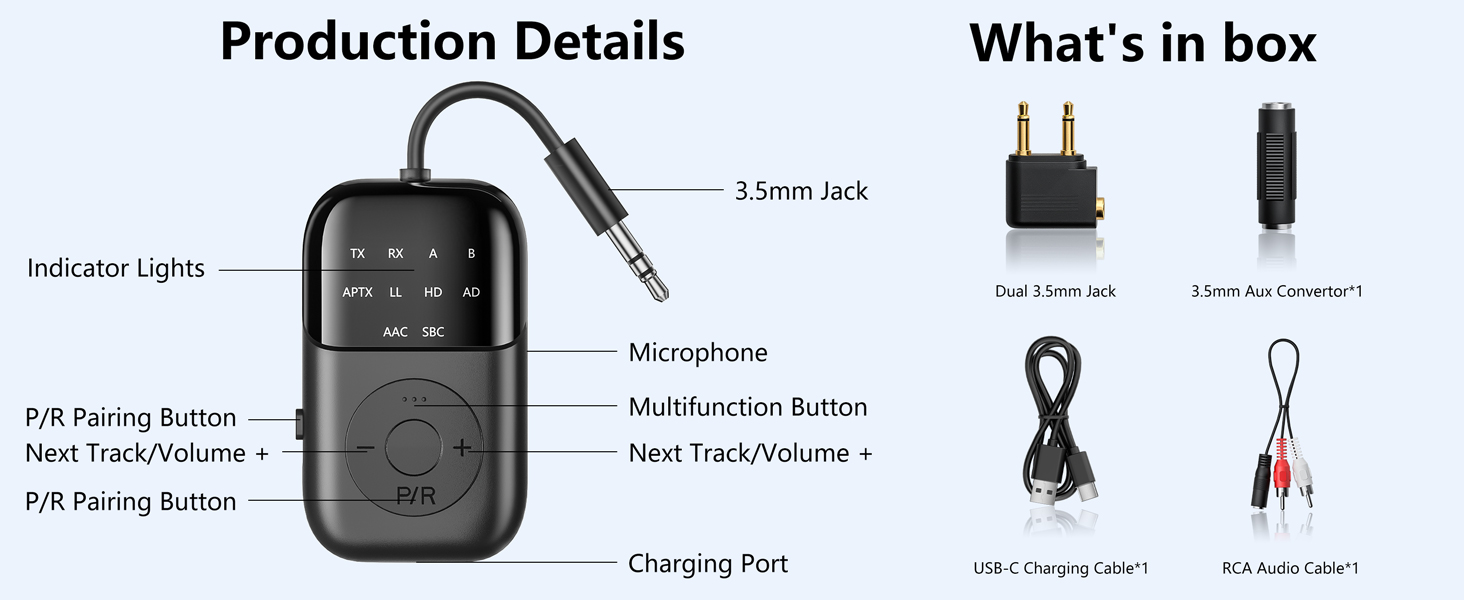
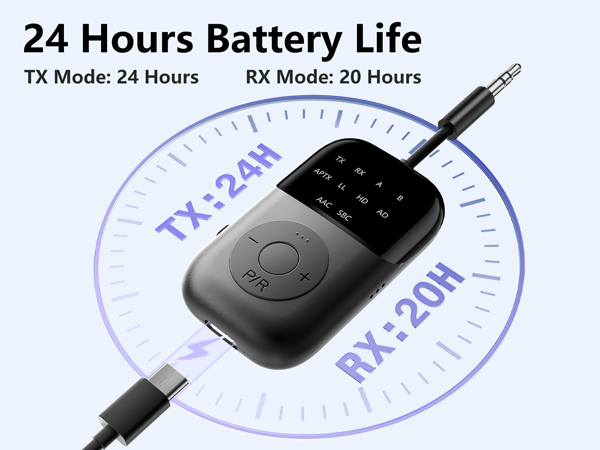
2. Set the product to TX mode and double-click the P/R button to activate pairing mode.
3. When the green light A lights up, pairing is successful.
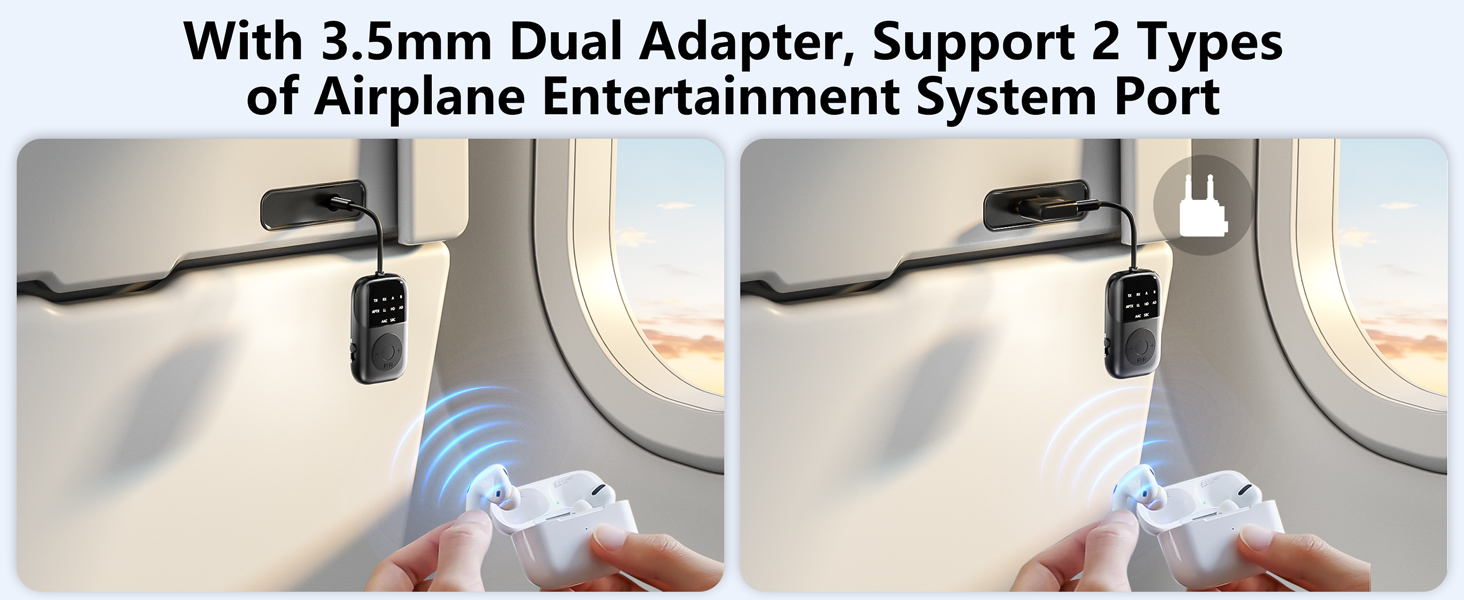
4. Connect the product to the audio device.
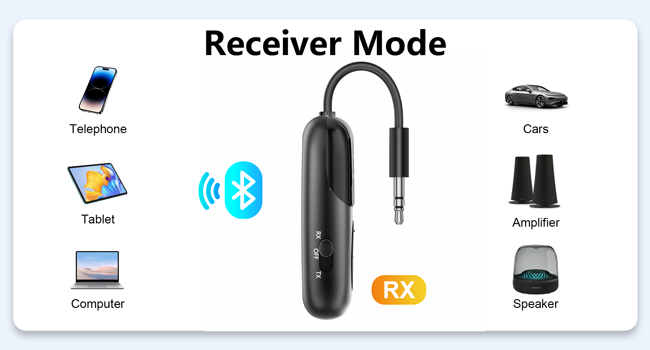
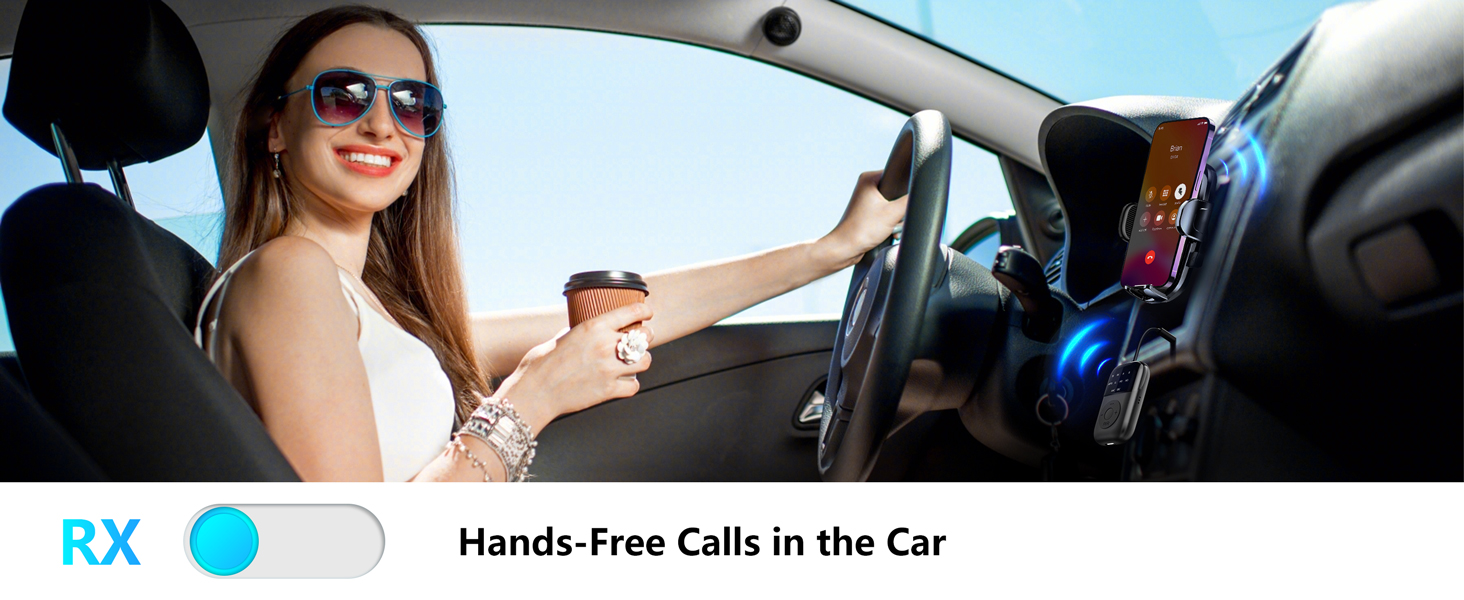
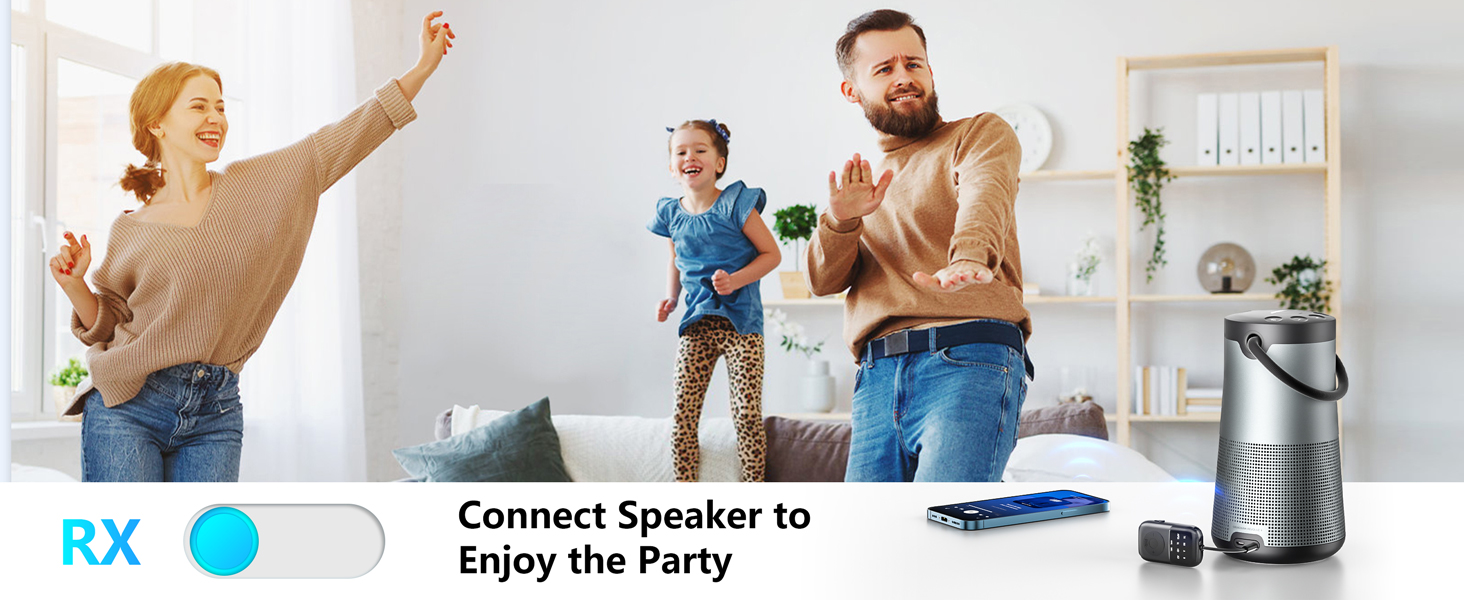
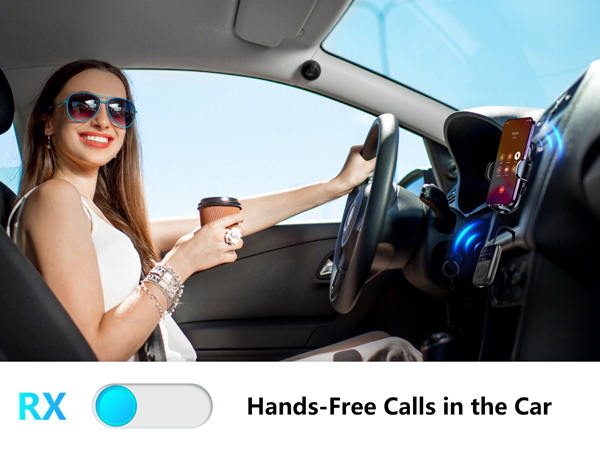
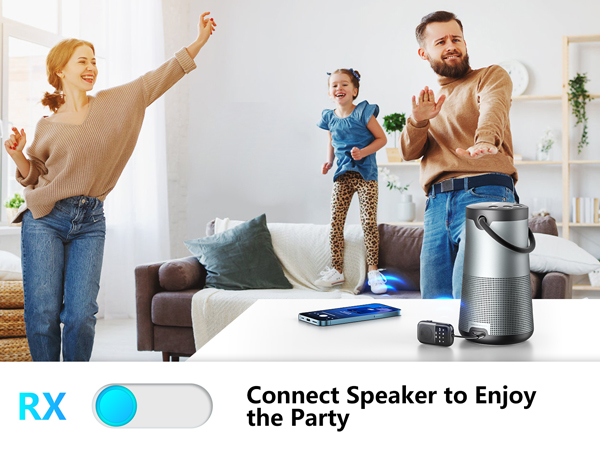
How to use RX mode?
1. Set the product to RX mode and double-click the P/R button to activate pairing mode.
2. Go to your phone's bluetooth settings and select “B108” to connect.
3. Plug the product into a non-Bluetooth device.

SOARUN ----focusing on automotive electronic products.
We are striving for making more breakthroughs about higher quality and original products and turning these discoveries into tools that genuinely benefit customers. We will never stop the pace of exploration.
Our goal is providing more satisfaction solution for customers.

From SOARUN

Professional Support Team
7*24H online service is available, please feel free to let us know.
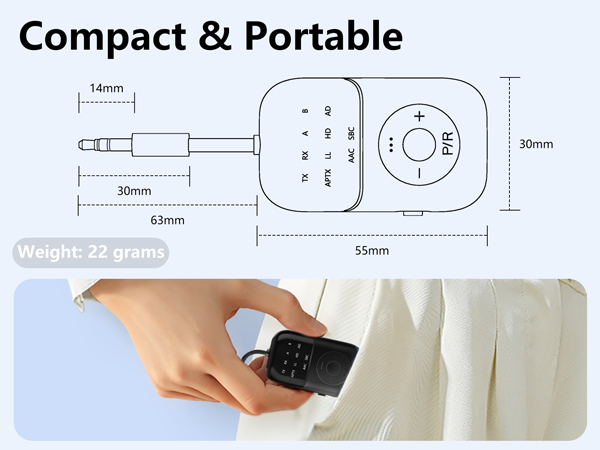
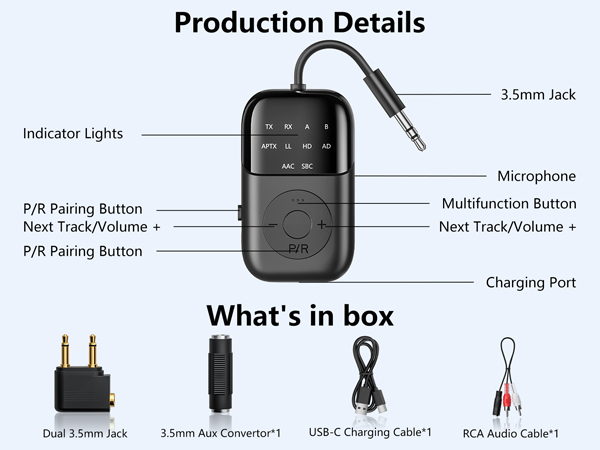
How to use TX mode?
1. Put the Bluetooth headset into pairing mode.
2. Set the product to TX mode and double-click the P/R button to activate pairing mode.
3. When the green light A lights up, pairing is successful.
4. Connect the product to the audio device.
How to use RX mode?
1. Set the product to RX mode and double-click the P/R button to activate pairing mode.
2. Go to your phone's bluetooth settings and select “B108” to connect.
3. Plug the product into a non-Bluetooth device.
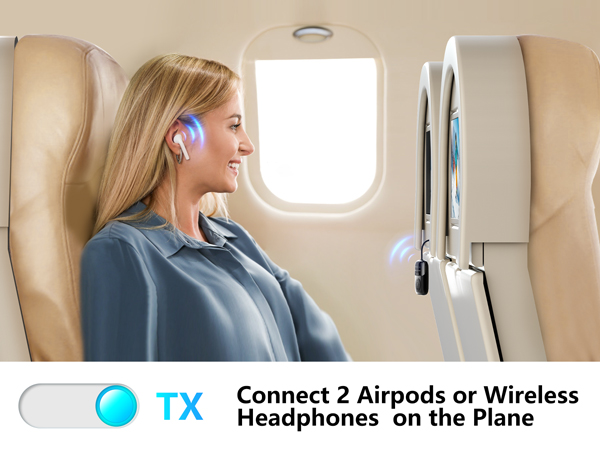

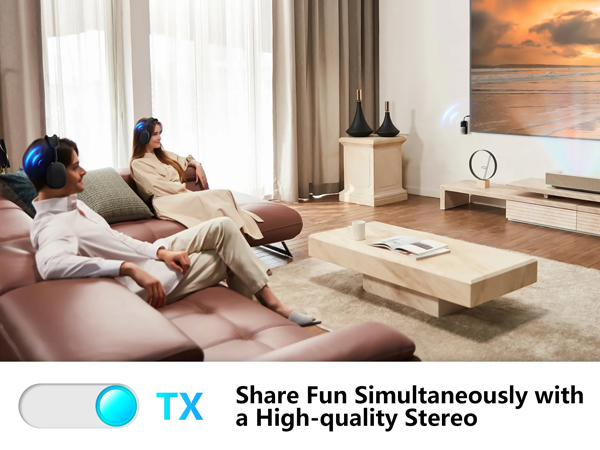
SOARUN ----focusing on automotive electronic products.
We are striving for making more breakthroughs about higher quality and original products and turning these discoveries into tools that genuinely benefit customers. We will never stop the pace of exploration.
Our goal is providing more satisfaction solution for customers.
From SOARUN
Professional Support Team
7*24H online service is available, please feel free to let us know.