• $21.99
  • Free 30-day Returns
  • Price alert
    Shop it at NeweggBusiness.

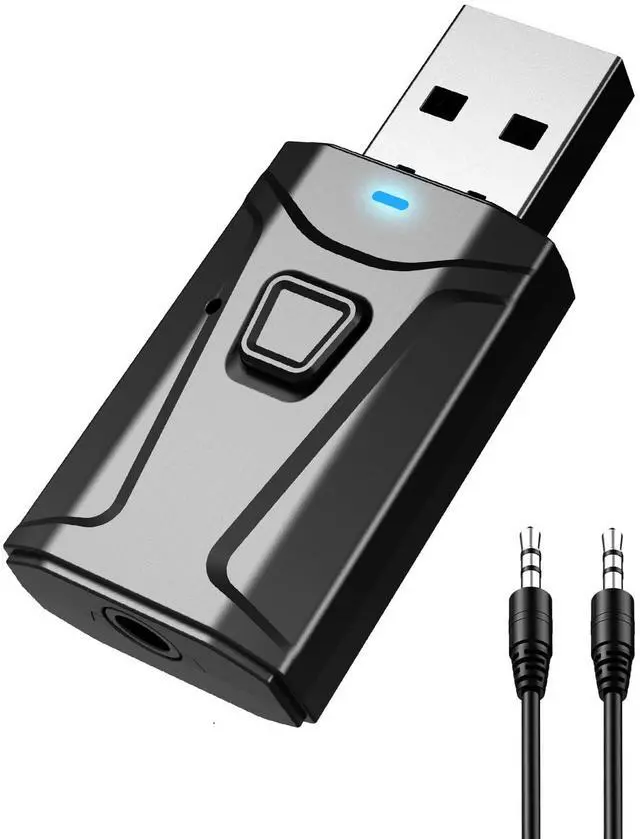
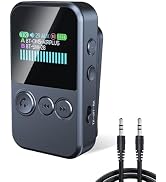
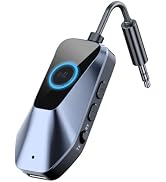
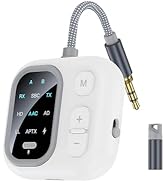
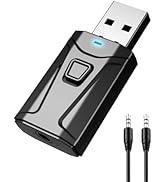
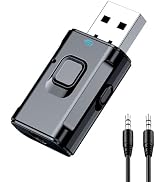
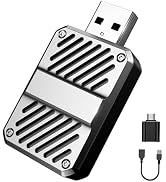
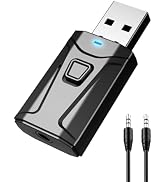
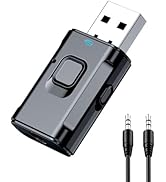
    USB Bluetooth Adapter for Car & TV, 2 in 1 Bluetooth Transmitter Receiver, 3.5mm AUX Wireless Adapter for Car Stereo, TV to Wireless Headphones, Plug & Play Audio Adapter

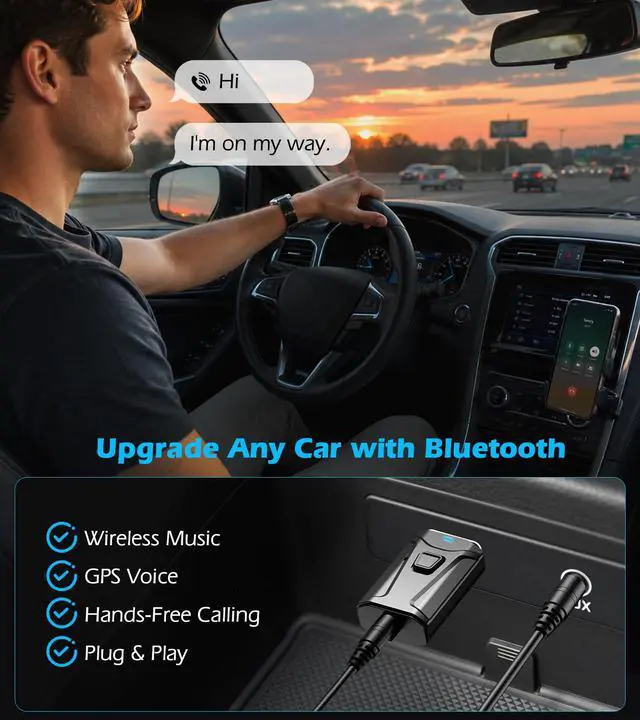
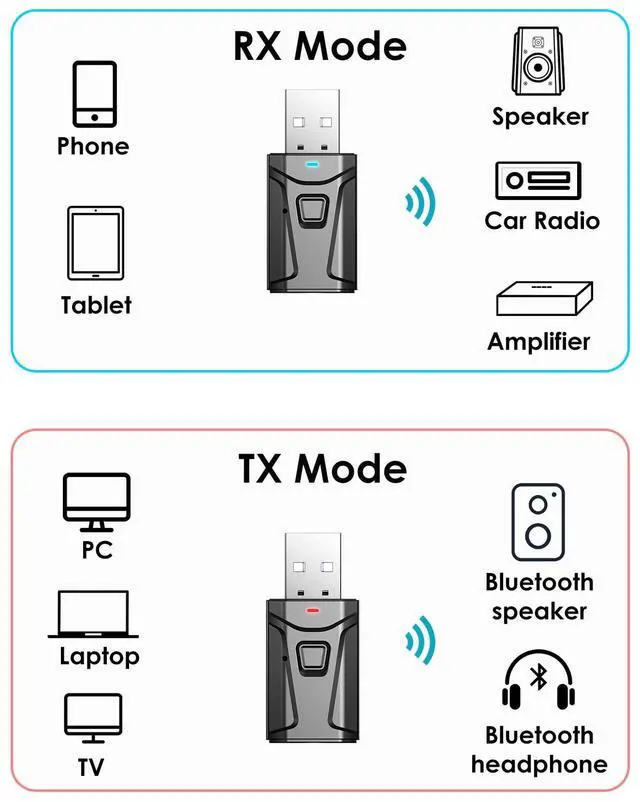
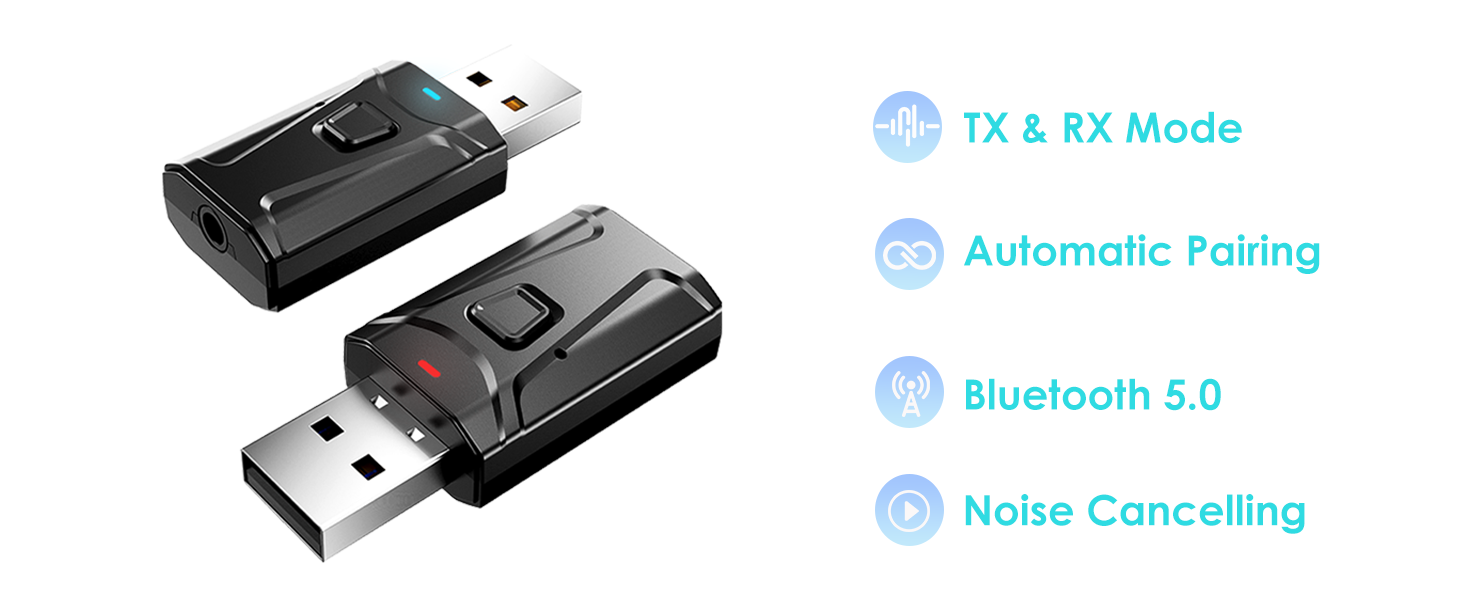
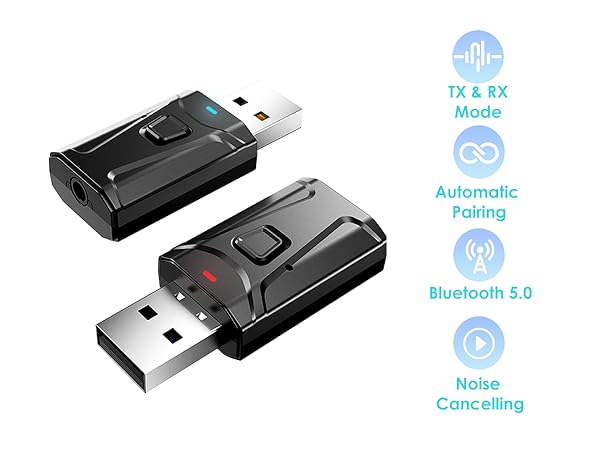
    • UPGRADE ANY CAR WITH BLUETOOTH: Upgrade your factory car stereo with wireless Bluetooth audio. In RX mode, stream music, navigation, and hands-free calls from your phone to your car speakers through the included 3.5 mm AUX cable. Perfect for cars, home stereos, and wired speakers without built-in Bluetooth.
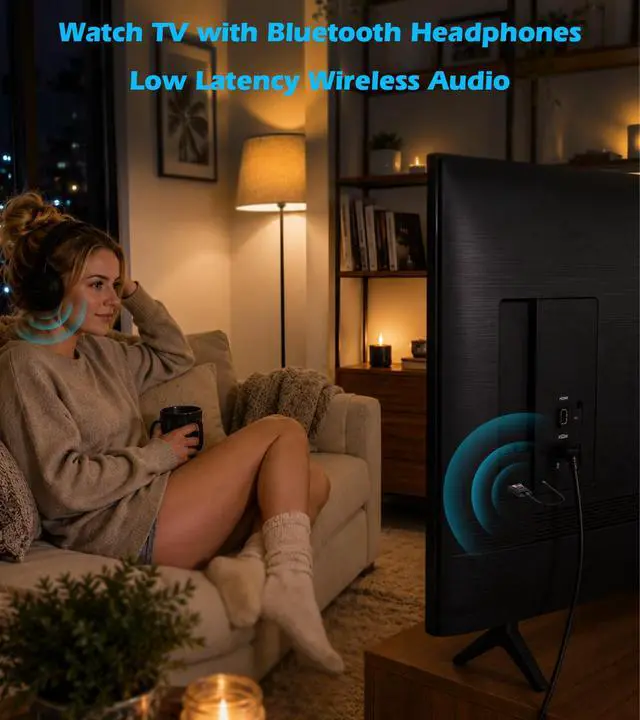
    • WATCH TV WITH BLUETOOTH HEADPHONES: Switch to TX mode to wirelessly stream TV audio to Bluetooth headphones or speakers for private listening. Compatible only with TVs that have a 3.5 mm Headphone or Audio Out port. Not compatible with TVs that only support Optical (TOSLINK), HDMI ARC/eARC, or USB audio output.
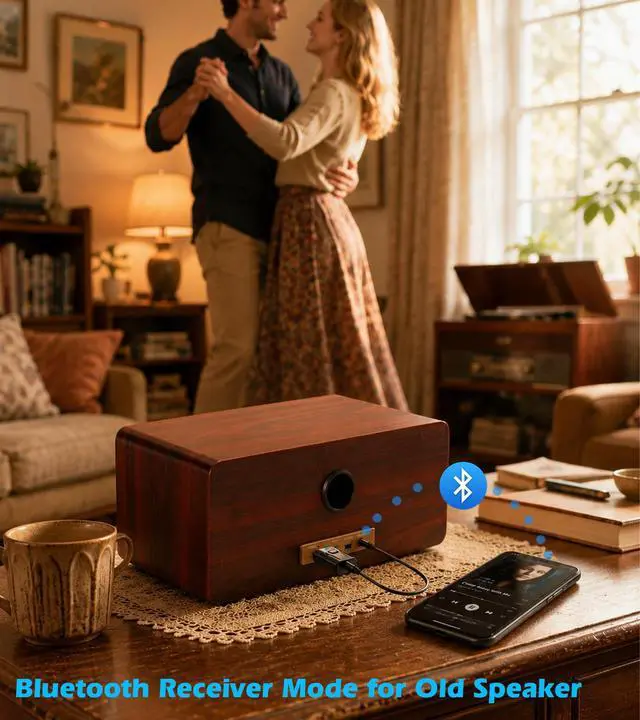
    • RECEIVE MUSIC WIRELESSLY: Convert wired speakers, car stereos, or home audio systems into Bluetooth-enabled devices in seconds. In RX mode, simply pair your phone and enjoy wireless music playback through your existing sound system. Supports automatic reconnection with previously paired devices.
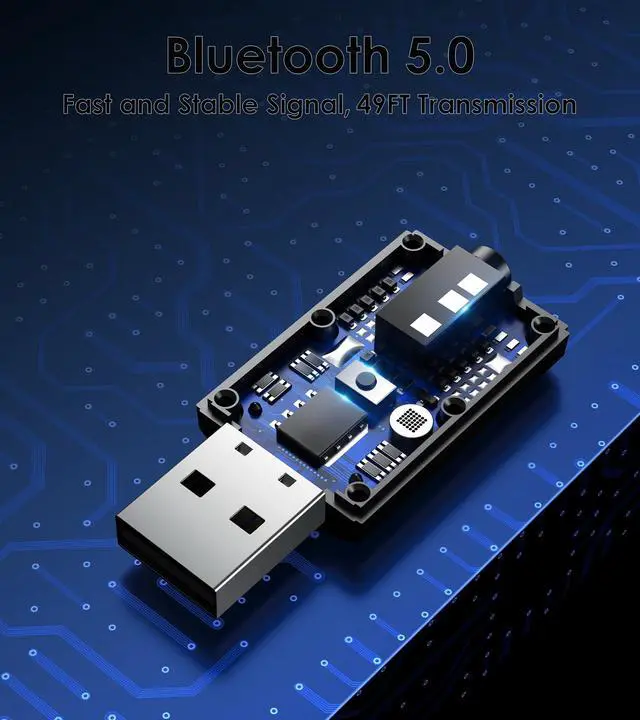
    • PLUG PAIR & PLAY: Easy setup with no app or driver required. USB supplies power only, while the included 3.5 mm AUX cable carries audio. Both connections are required for proper operation. Pair your Bluetooth device in seconds and reconnect automatically after the first setup.
    +
    +
    Overview
    Specs
    Reviews
    avatar

    Any questions? Our AI beta will help you find out quickly.

    wireless carplay adapter

    RX Mode

    bluetooth car adapter

    Bluetooth Receiver for Car

    Built-in Microphone for Hands-free Calls. Press the button to answer or hang up the call.

    If your car’s USB port doesn’t support audio transmission, please use it with the 3.5mm AUX cable we’ve included.

    bluetooth receiver

    Bluetooth Adapter for Stereo

    In RX mode, our Bluetooth transmitter receiver can turn non-Bluetooth devices like old speakers, wired speakers, and home stereos into wireless ones.

    TX Mode

    bluetooth transmitter for tv

    Bluetooth Transmitter for TV

    The Bluetooth adapter transmits audio from the TV to your Bluetooth headphone/speaker.

    bluetooth adapter for pc

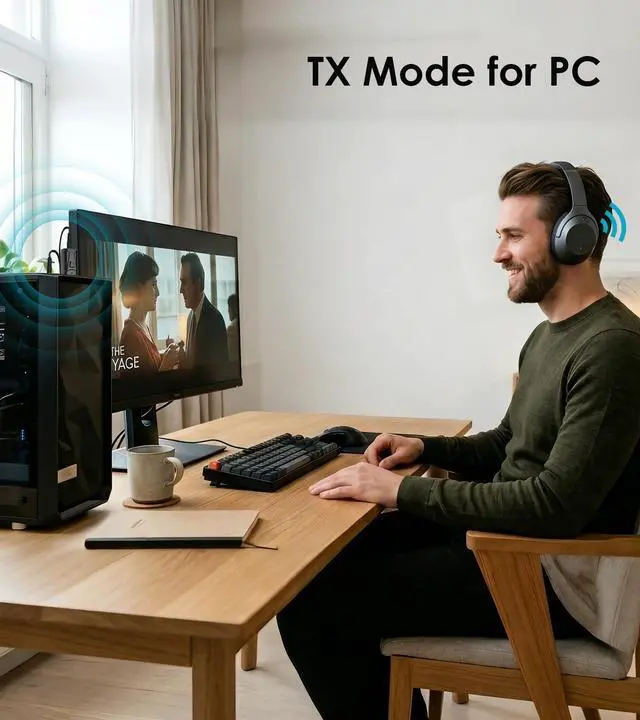
    Bluetooth Dongle for PC

    This USB Bluetooth adapter is compatible with laptop and desktop. Plug and play to enjoy CD-level sound quality.
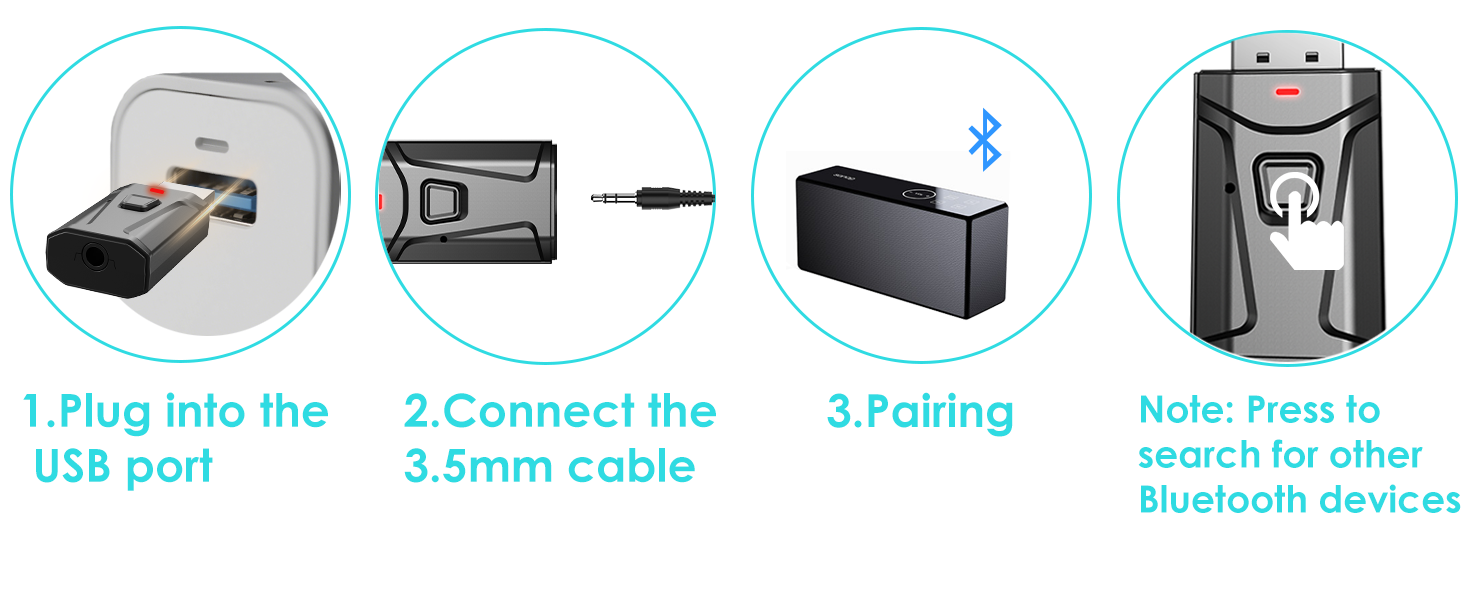
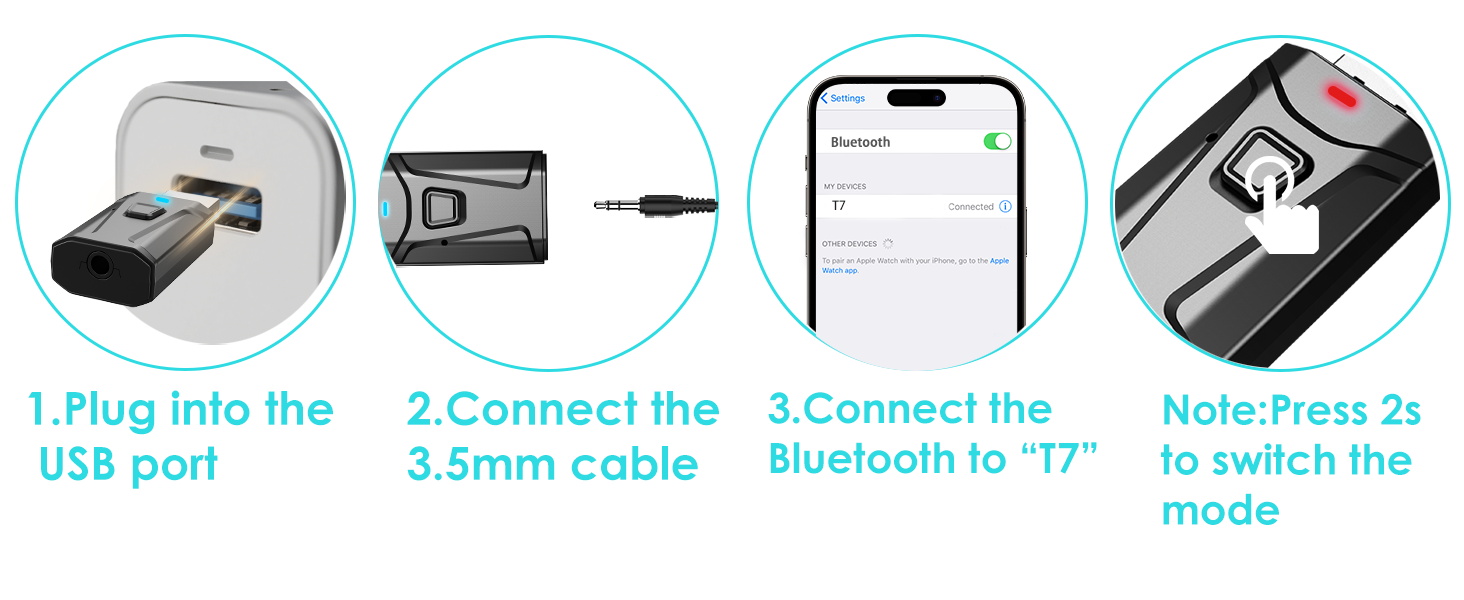
    3 Steps to Pair TX Mode

    wireless car play

    3 Steps to Pair RX Mode

    wireless car play adapter

    HOW TO PAIR WITH TV

    1. Plug the device into your TV’s USB port for power. The Bluetooth adapter will turn on automatically, with a flashing RED light indicating it’s in wireless search mode. (Press the multi-function button for 2 seconds to switch mode.)
    2. Connect the 3.5mm aux cable to the adapter’s 3.5mm port, then plug the other end into your TV's "AUDIO OUT" or headphone jack.
    3. Put your Bluetooth headphones in pairing mode. The adapter will pair automatically—once successful, the red light stays solid.
    4. If you can't hear the sound of the TV, make sure the headphones are paired successfully. Then, change the TV sound settings from "TV speaker" to "Audio out".
    5. To switch to another wireless audio device, quickly press the adapter’s function button. For a fast connection, make sure no other Bluetooth devices are nearby.

    HOW TO USE WITH SPEAKER

    1. For Bluetooth Speaker (TX Mode): Plug the adapter into your TV or PC's USB port for power. Connect the adapter to your device using the included 3.5mm AUX cable. Hold the Multi-function button for 2 seconds to enter TX Mode (the indicator will flash red). Put your Bluetooth speaker into pairing mode, and the adapter will automatically detect and pair with it. Once connected, the light will turn solid red.
    2. For Wired/Old Speaker (RX Mode): Plug the adapter into the speaker's USB port for power. Connect the adapter to your wired speaker using the included 3.5mm AUX cable. Hold the Multi-function button for 2 seconds to enter RX Mode (the indicator will flash blue). On your phone, open the Bluetooth settings and select "T7" to connect. Once paired, the indicator light will turn solid blue.

    bluetooth car adapter

    RX Mode

    bluetooth car adapter

    Bluetooth Receiver for Car

    Built-in Microphone for Hands-free Calls. Press the button to answer or hang up the call.

    If your car’s USB port doesn’t support audio transmission, please use it with the 3.5mm AUX cable we’ve included.

    bluetooth receiver

    Bluetooth Adapter for Stereo

    In RX mode, our Bluetooth transmitter receiver can turn non-Bluetooth devices like old speakers, wired speakers, and home stereos into wireless ones.

    TX Mode

    bluetooth transmitter for tv

    Bluetooth Transmitter for TV

    The Bluetooth adapter transmits audio from the TV to your Bluetooth headphone/speaker.

    bluetooth adapter for pc

    Bluetooth Dongle for PC

    This USB Bluetooth adapter is compatible with laptop and desktop. Plug and play to enjoy CD-level sound quality.
    3 Steps to Pair TX Mode

    carplay adapter for older cars

    3 Steps to Pair RX Mode

    bluetooth pc adapter

    HOW TO PAIR WITH TV

    1. Plug the device into your TV’s USB port for power. The Bluetooth adapter will turn on automatically, with a flashing RED light indicating it’s in wireless search mode. (Press the multi-function button for 2 seconds to switch mode.)
    2. Connect the 3.5mm aux cable to the adapter’s 3.5mm port, then plug the other end into your TV's "AUDIO OUT" or headphone jack.
    3. Put your Bluetooth headphones in pairing mode. The adapter will pair automatically—once successful, the red light stays solid.
    4. If you can't hear the sound of the TV, make sure the headphones are paired successfully. Then, change the TV sound settings from "TV speaker" to "Audio out".
    5. To switch to another wireless audio device, quickly press the adapter’s function button. For a fast connection, make sure no other Bluetooth devices are nearby.

    HOW TO USE WITH SPEAKER

    1. For Bluetooth Speaker (TX Mode): Plug the adapter into your TV or PC's USB port for power. Connect the adapter to your device using the included 3.5mm AUX cable. Hold the Multi-function button for 2 seconds to enter TX Mode (the indicator will flash red). Put your Bluetooth speaker into pairing mode, and the adapter will automatically detect and pair with it. Once connected, the light will turn solid red.
    2. For Wired/Old Speaker (RX Mode): Plug the adapter into the speaker's USB port for power. Connect the adapter to your wired speaker using the included 3.5mm AUX cable. Hold the Multi-function button for 2 seconds to enter RX Mode (the indicator will flash blue). On your phone, open the Bluetooth settings and select "T7" to connect. Once paired, the indicator light will turn solid blue.

    USB Bluetooth Adapter for Car & TV, 2 in 1 Bluetooth Transmitter Receiver, 3.5 mm AUX Wireless Adapter for Car Stereo, TV to Wireless Headphones, Plug & Play Audio Adapter

    Warranty & Returns

    Warranty, Returns, And Additional Information

    Warranty

    • Please contact the Seller directly for warranty information. Warranty information may also be found on the Manufacturer's website.
    • CONTACT

    Return Policies

    Manufacturer Contact Info

    LOADING...