here!
here!
I’m your shopping assistant for PC builds, upgrades, and everything tech.
Got questions? Ask away!
Start a conversation
here!
I’m your shopping assistant for PC builds, upgrades, and everything tech.
Got questions? Ask away!
Start a conversation



Any questions? Ask CelesteSM will help you find out quickly.
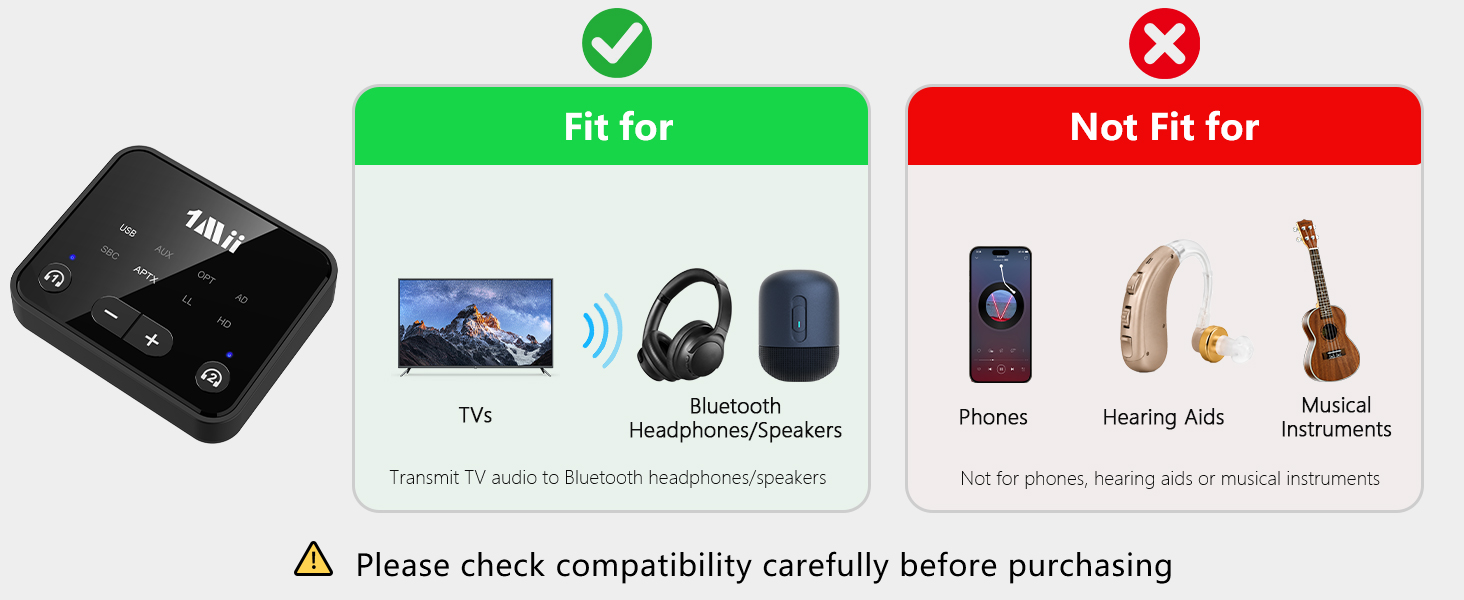

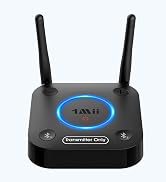
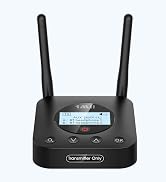
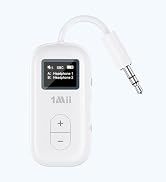
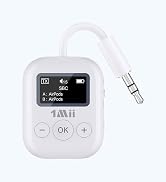
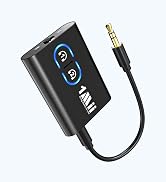
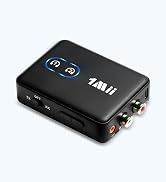
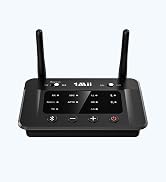
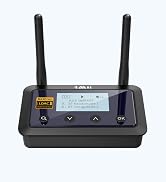
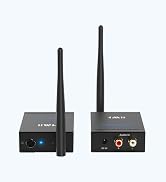
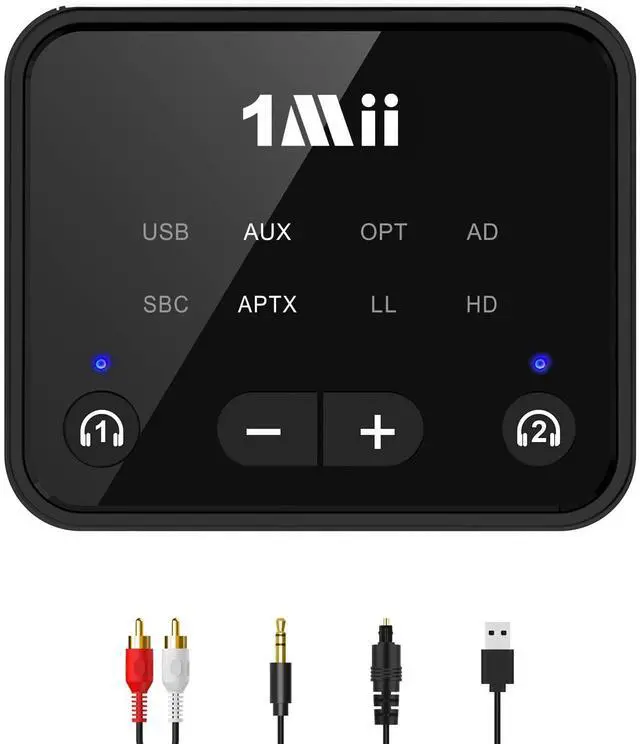
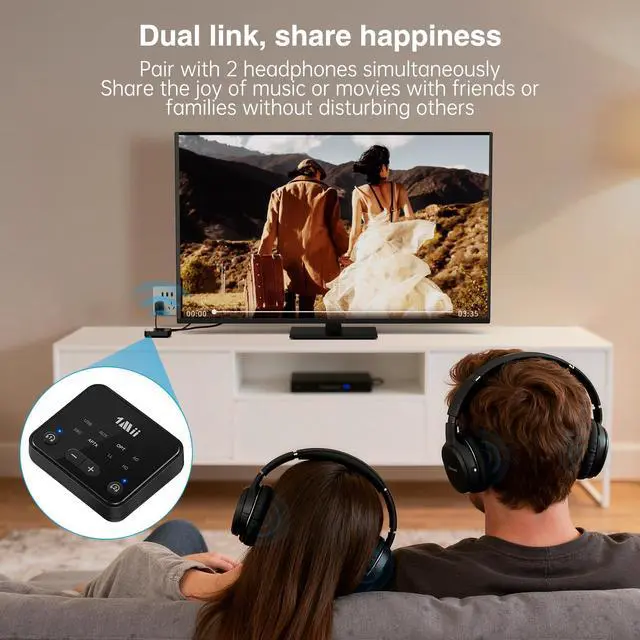
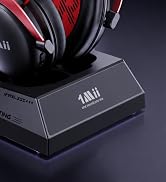
Turn any moment into a shared with the 1Mii NightPair Bluetooth transmitter
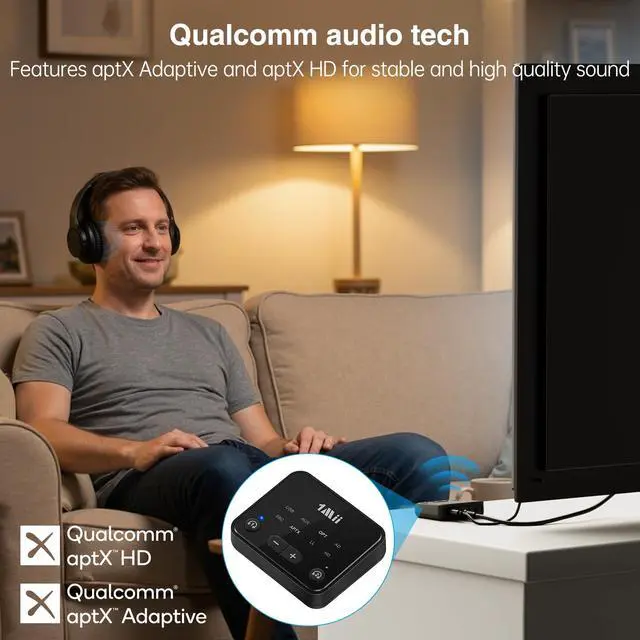
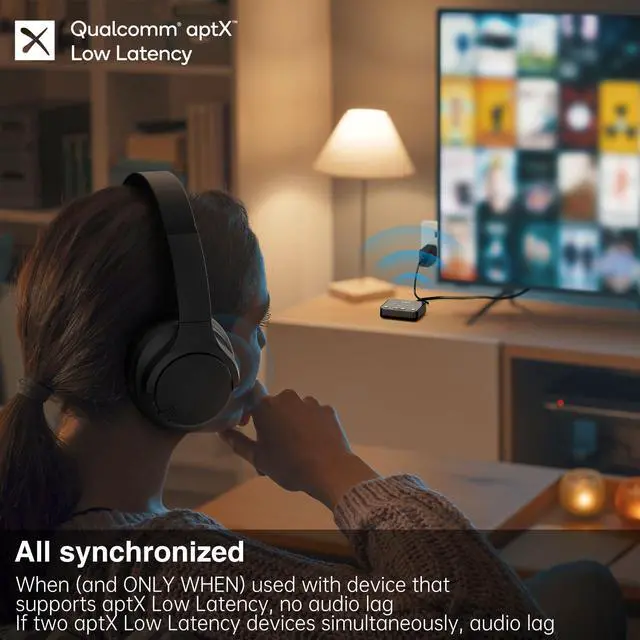
Enjoy perfect sync between audio and video on aptX Low Latency headphones or speakers
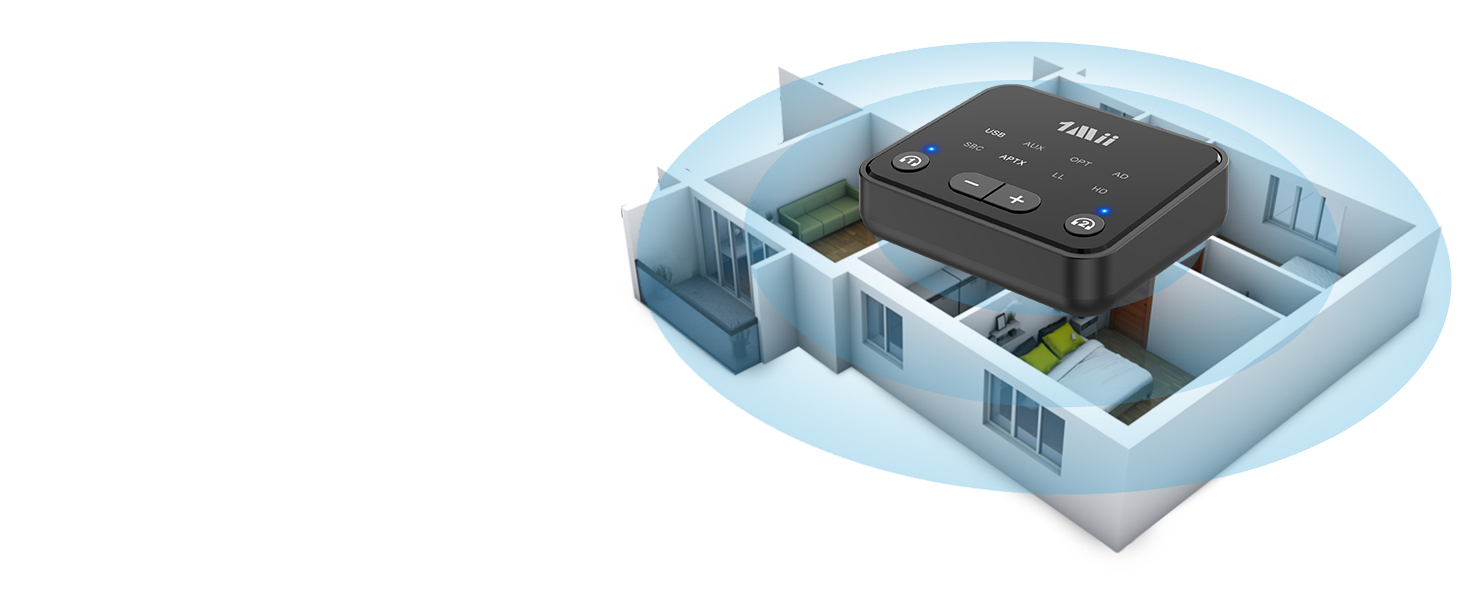
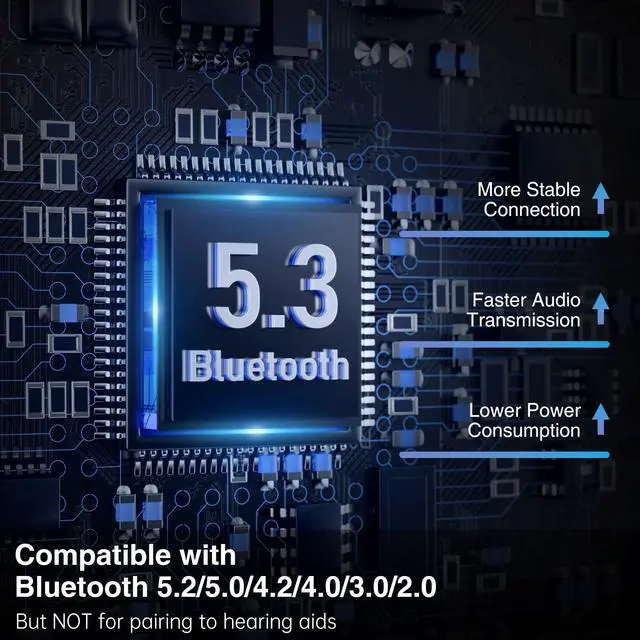
Thanks to reliable Bluetooth 5.3 with an impressive up to 100 ft/30m(without obstacles) range, you can enjoy every detail from your couch, kitchen, or anywhere in between, all without disturbing
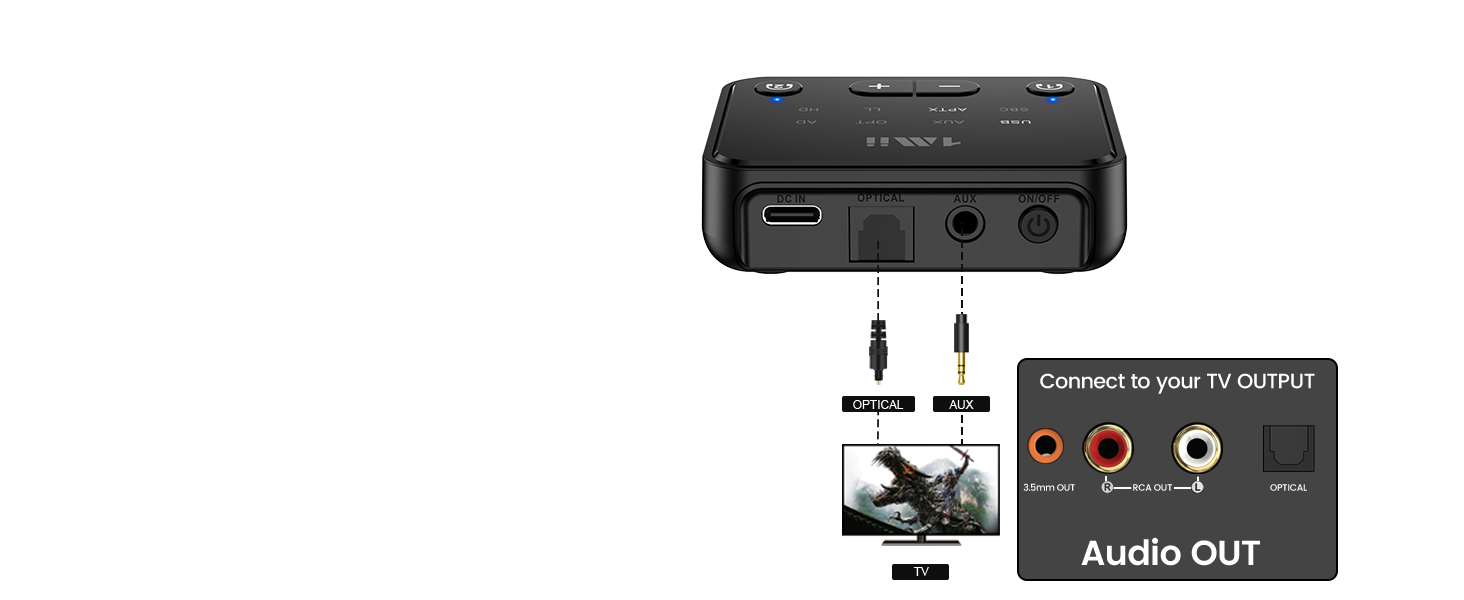
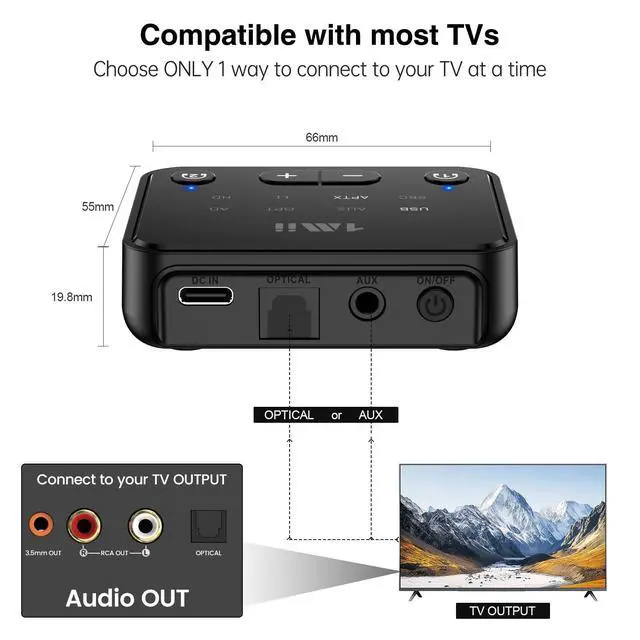
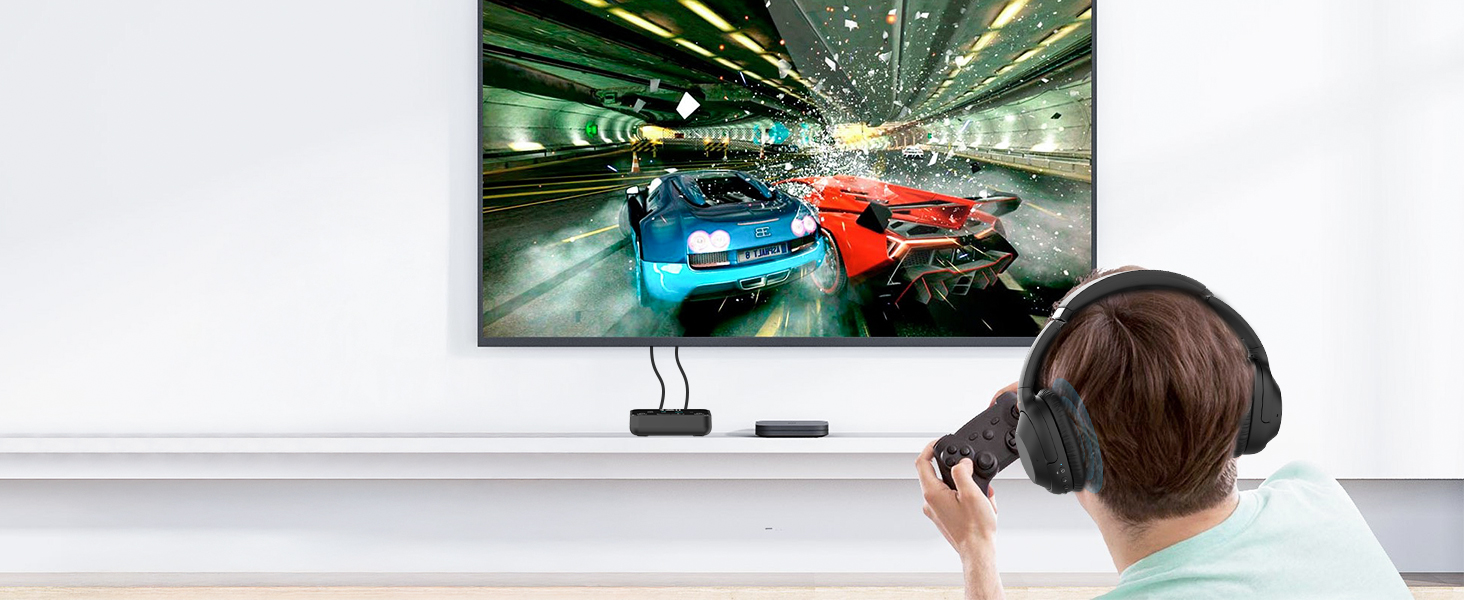
Supports digital optical / AUX 3.5mm/ RCA audio output standards making it compatible with 99% of the TV/PC
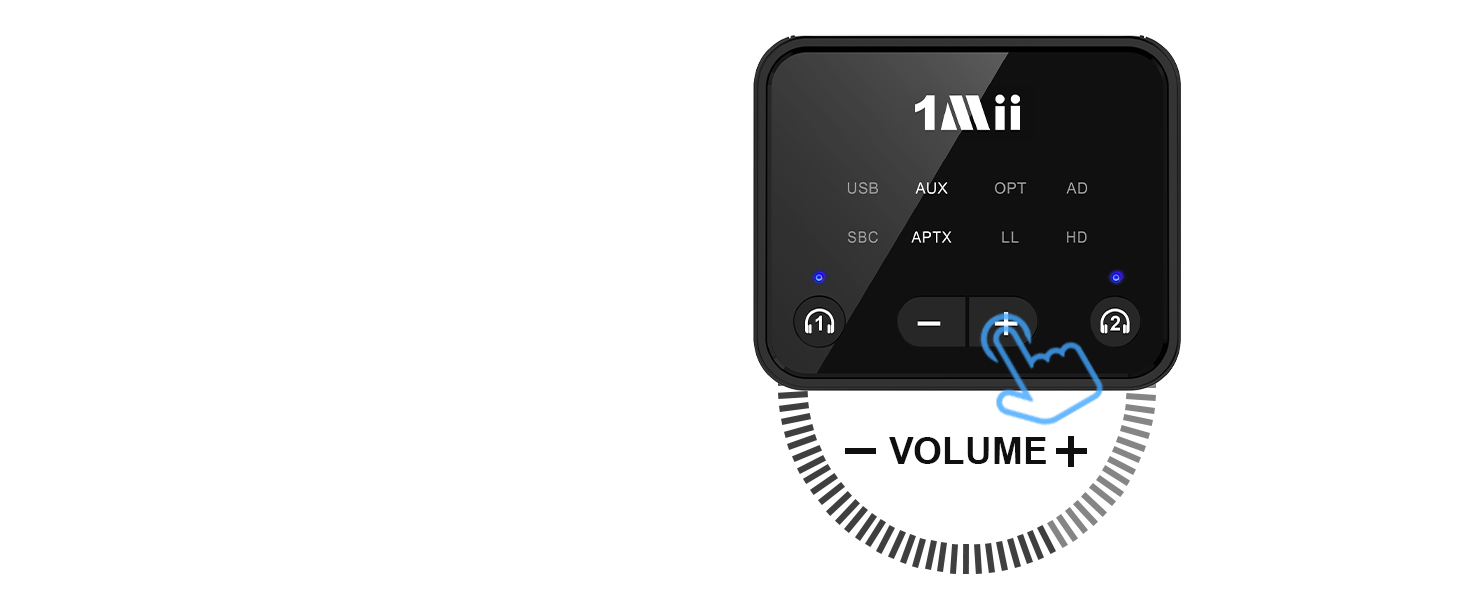
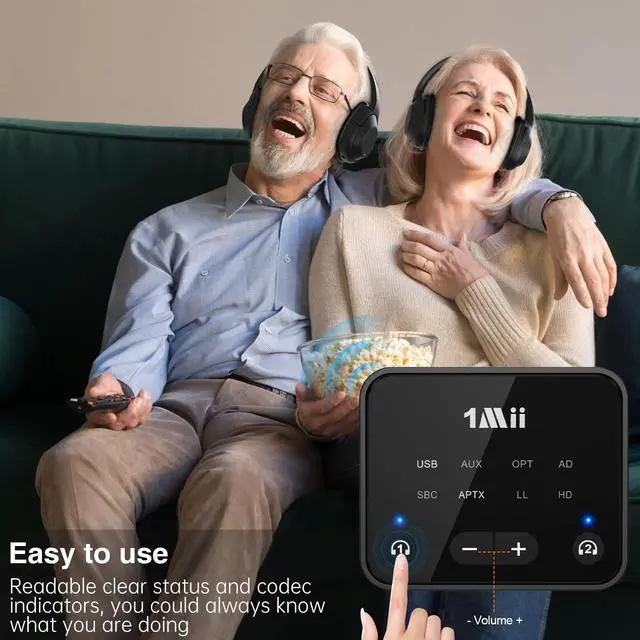
1Mii Bluetooth transmitter has volume control, suitable for middle-aged and elderly friends

Turn any moment into a shared with the 1Mii NightPair Bluetooth transmitter
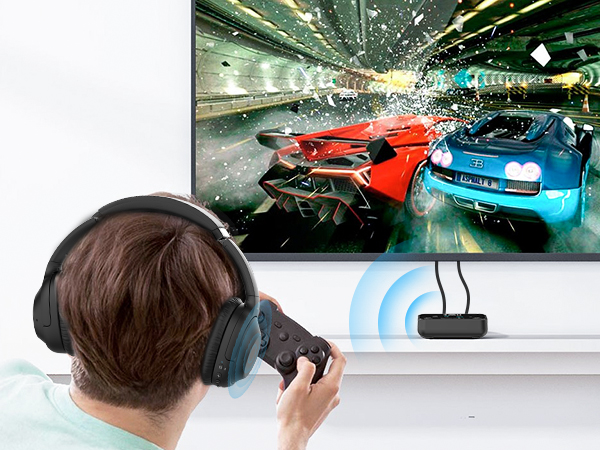
Enjoy perfect sync between audio and video on aptX Low Latency headphones or speakers

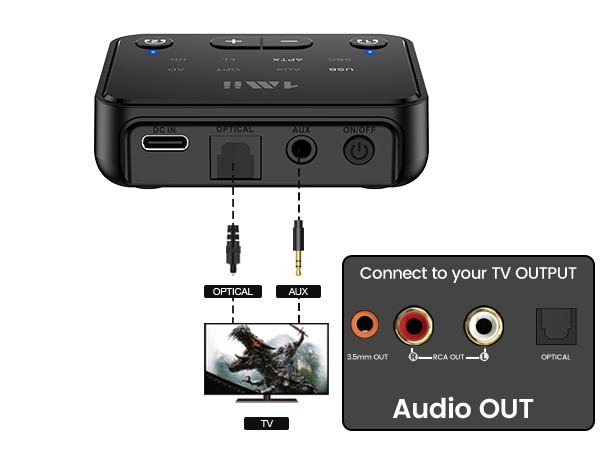

Thanks to reliable Bluetooth 5.3 with an impressive up to 100 ft/30m(without obstacles) range, you can enjoy every detail from your couch, kitchen, or anywhere in between, all without disturbing
Supports digital optical / AUX 3.5mm/ RCA audio output standards making it compatible with 99% of the TV/PC
1Mii Bluetooth transmitter has volume control, suitable for middle-aged and elderly friends
| Q1 | What should I do if I can not get 1Mii NightPair to pair with my Bluetooth headphones or speakers? |
|---|---|
| A1 | 1) Turn off Bluetooth of all mobile phones or PCs in the house. 2) Please ensure that the pairing distance is within 1 meter. 3)If you still can't pair, please set both the NightPair and Bluetooth Headphones/speakers to factory default settings. |
| Q2 | How to reset 1Mii NightPair? |
| A2 | Restore factory default of the 1Mii NightPair by pressing "Headphones 1" and "Headphones 2" buttons together for about 7 seconds, till the indicator flashes purple 3 times, then the transmitter gets to pairing mode with red and blue lights flashing. |
| Q3 | When the TV is connected to 1Mii NightPair, can my Bluetooth headphones play sound simultaneously with TV's built-in speakers? |
| A3 | For many models of TV, the built-in speakers might not work if you choose to use an external audio output device. This is a TV feature and its availability depends on your TV make and model. |
| Q4 | Why I can not control the volume by using my TV remote after use 1Mii NightPair with my TV and listen on headphones? |
| A4 | This is determined by the TV itself not 1Mii NightPair. You could use the volume buttons on your Bluetooth headphones instead. |
| Q5 | Why are the volume buttons + / - of my 1Mii NightPair not working? |
| A5 | If you're using an optical cable to connect, the volume buttons may not work if your device does not support the Audio/Video Remote Control Profile (AVRCP). You could switch to AUX 3.5mm or RCA audio cable, and the volume buttons should work properly. |
| Q6 | Why there is audio delay when using 1Mii NightPair with Bluetooth headphones? |
| A6 | 1) To achieve low latency, your Bluetooth headphones/speakers must support aptX Low Latency. If not, it may default to another codec (SBC, aptX), causing 70-200ms delay. 2) If your headphones support both aptX Low Latency and aptX HD, ensure 1Mii NightPair is set to aptX Low Latency mode. quickly press headphones 1 button on 1Mii NightPair twice to switch modes (you could see from the indicator on panel). 3) Note: When connecting 2 aptX Low Latency headphones, audio will be downgraded to aptX. |
| Q7 | How to switch codec if my Bluetooth headphones support two or more codecs? |
| A7 | To switch to aptX Low Latency, ensure your Bluetooth headphones also support this codec. Otherwise, switching will not be possible. When your headphones support multiple aptX codecs (like aptX LL, aptX HD, or standard aptX), quickly press the headphones 1 button on 1Mii NightPair twice to switch between them. |
| Q8 | Does 1Mii NightPair have built-in battery? |
| A8 | No, it doesn't. |



![[Upgraded] 1Mii B06Pro Long Range Bluetooth Receiver, HiFi Wireless Audio Adapter, Bluetooth 5.3 ...](http://c1.neweggimages.com/sellingpilot/modules/product/a-plus/49bbee7bcb63368ca38340bd1a04be17154c277a499d23977bcd2bd3307b8272.jpg)