here!
here!
I’m your shopping assistant for PC builds, upgrades, and everything tech.
Got questions? Ask away!
Start a conversation
here!
I’m your shopping assistant for PC builds, upgrades, and everything tech.
Got questions? Ask away!
Start a conversation
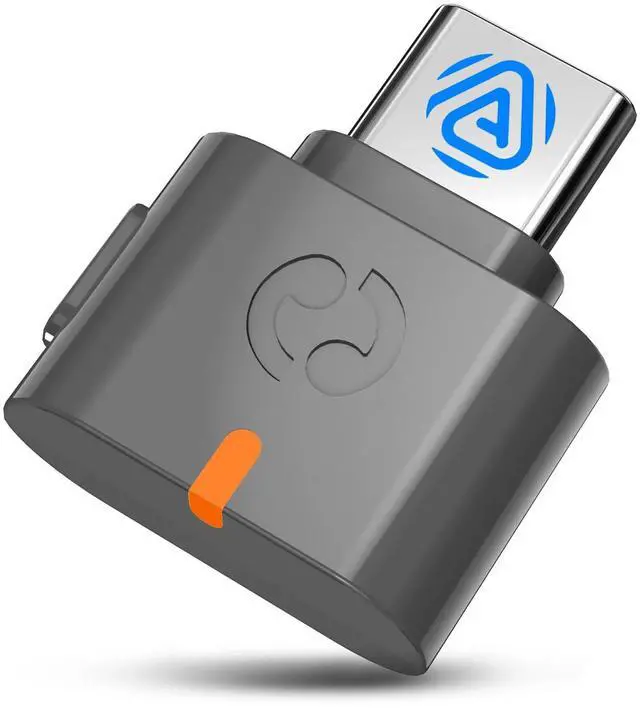
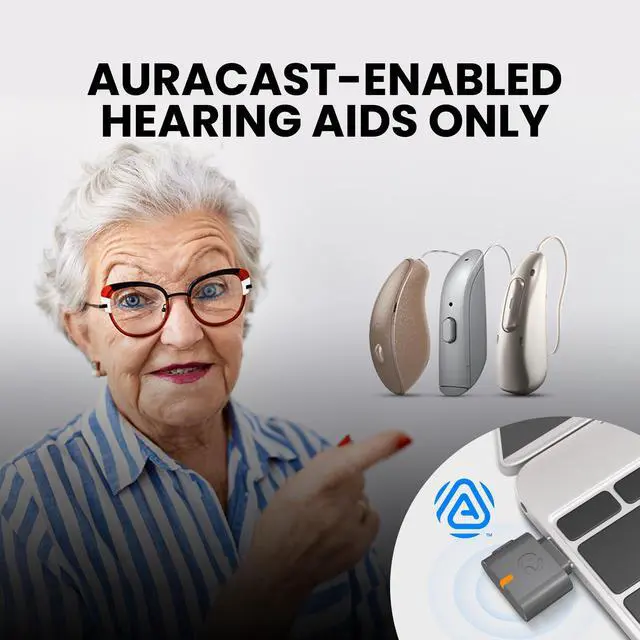



Any questions? Ask CelesteSM will help you find out quickly.
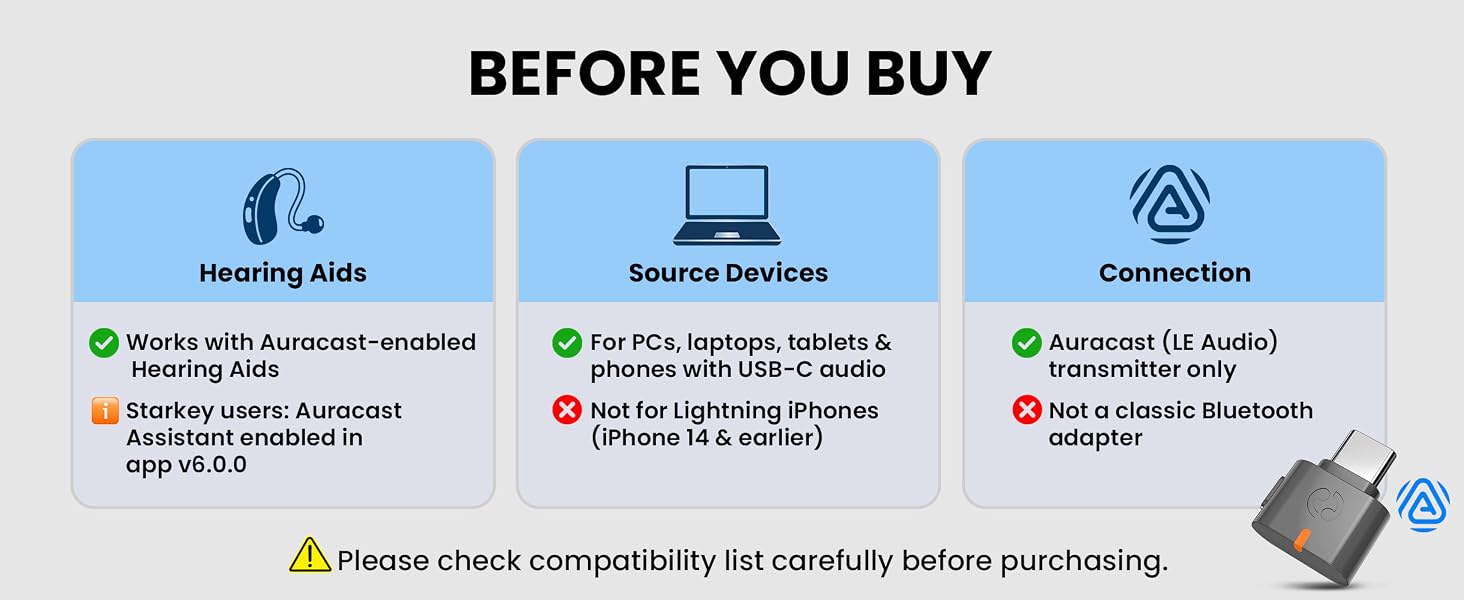
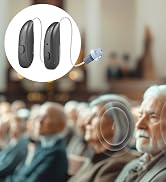
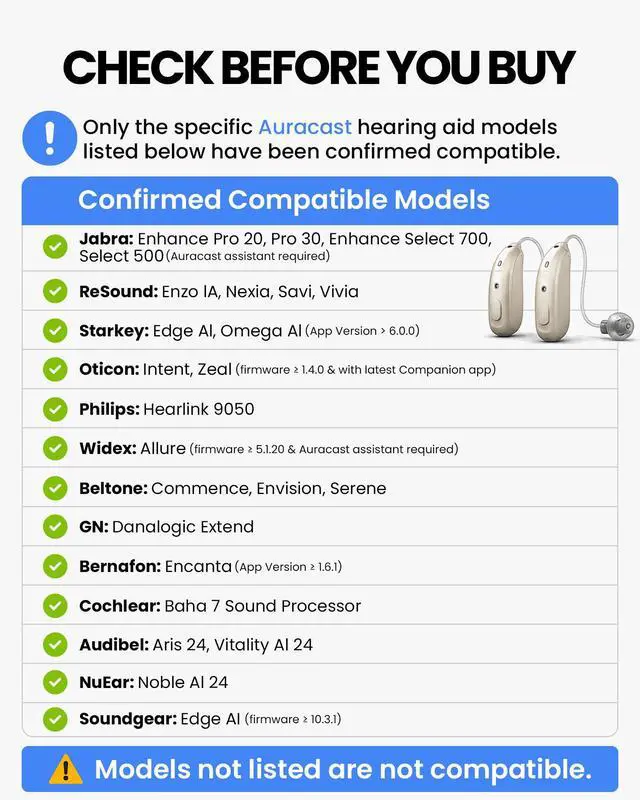
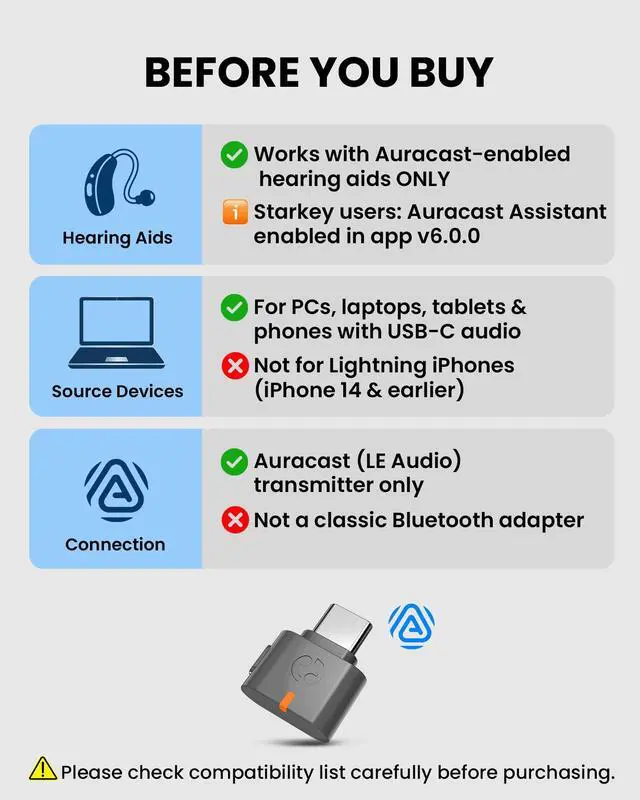
Compatible Hearing Aids: (Connect via their official hearing aid app)
? GN: Danalogic Extend
? Jabra: Enhance Pro 20 / 30, Enhance Select 500 / 700
? ReSound: Nexia / Vivia / Savi / Enzo IA
? Beltone: Envision / Serene / Commence,
? Bernafon: Encanta; ? Cochlear: Baha7 Sound Processor
? Oticon: intent; ? Philips: Hearlink 9050; ? Widex: Allure
? Starkey: Edge AI / Omega Al - Auracast Assistant enabled in app v6.0.0.
? Any hearing aids not listed above are not compatible.
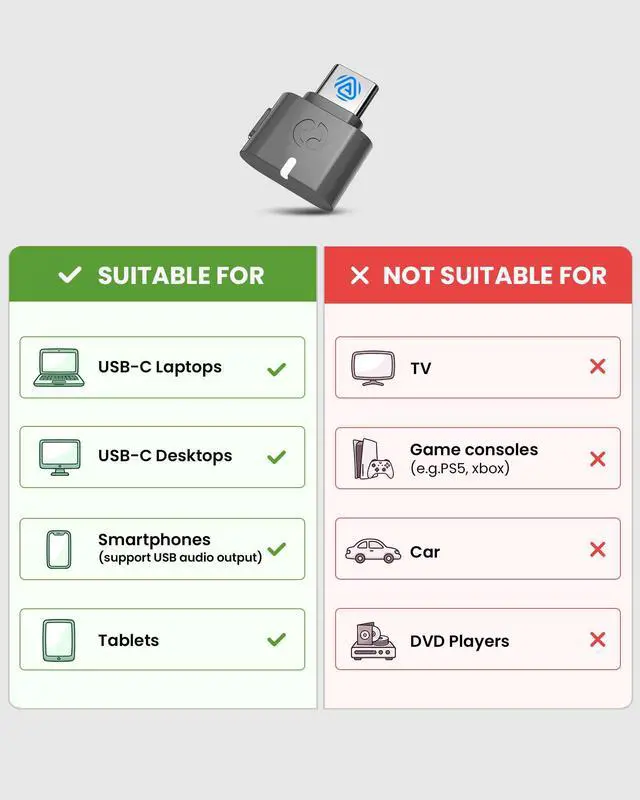
? Not compatible with classic Bluetooth or LE Audio unicast headphones, earbuds, or speakers.
 Avantree C82 Aura |  Avantalk C82 | 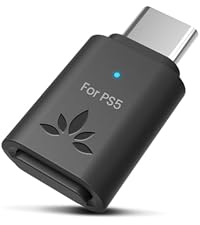 Avantree C81-Gaming |  Avantree DG80-Gaming | |
|---|---|---|---|---|
Customer Reviews | — | — | — | — |
Price | — | — | — | — |
Auracast Hearing Aids | ? | ? | ? | ? |
LE Audio Unicast | ? | ? | ? | ? |
Classic Bluetooth | ? | ? | ? | ? |
Codec Support | LC3 (Auracast) | LC3, aptX Adaptive, aptX, SBC | aptX-Adaptive/HD/LL, aptX, SBC | aptX-Adaptive/HD/LL, aptX, SBC |
Main Use Case | Auracast Hearing Aids | LE Audio Listening | PS5 Gaming | PS5 Gaming |
Compatible Devices | PC, Mac, Tablet, IPhone 15+ | PC, Mac, Tablet, Newer Phones | PS5, PS4, Switch | PS5, PS4, Switch |
Will this work with my hearing aids?
Only with models listed in our compatibility section. Other hearing aids are not supported yet and may be added in future updates.
Can I use it with my Bluetooth headphones?
No. This is for Auracast hearing aids only, not for headphones or voice calls.
Can I make calls with my hearing aids?
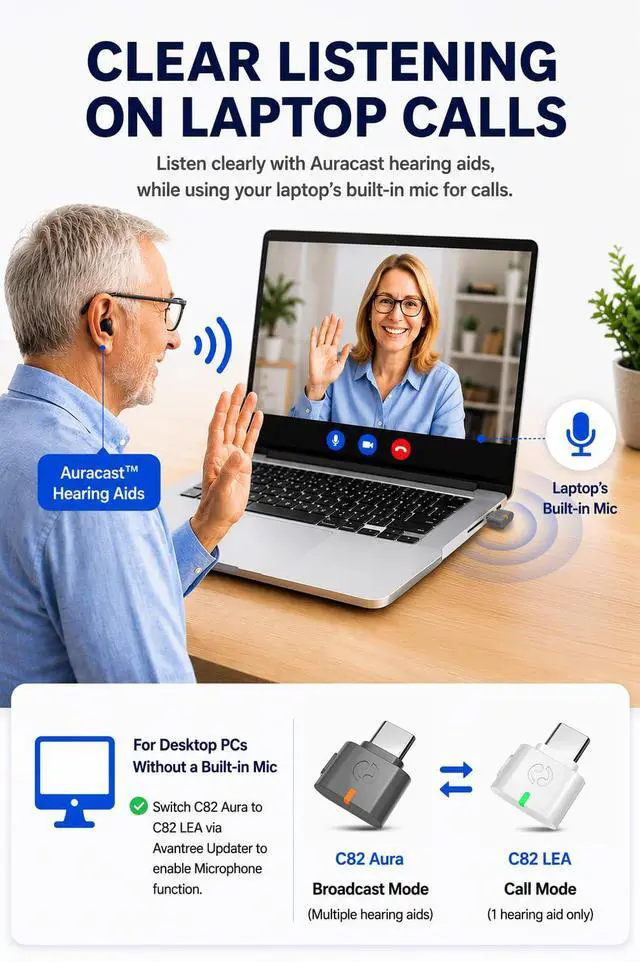
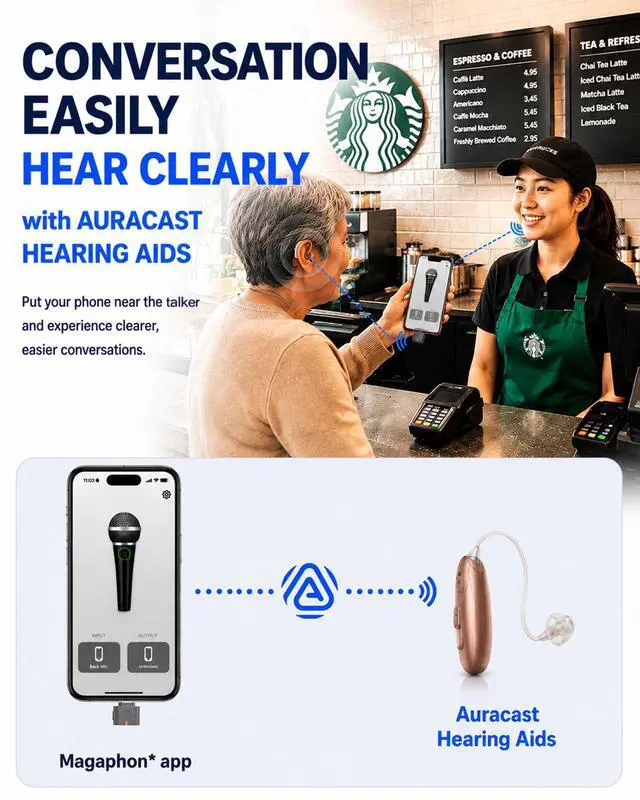
Yes, but you'll need to speak through your phone’s built-in microphone.
Is it easy to use?
Very easy. Plug it in, then connect through your hearing aid app or supported phone.
Can I upgrade the firmware in the future?
Yes! Just download the tool and update it from our website.
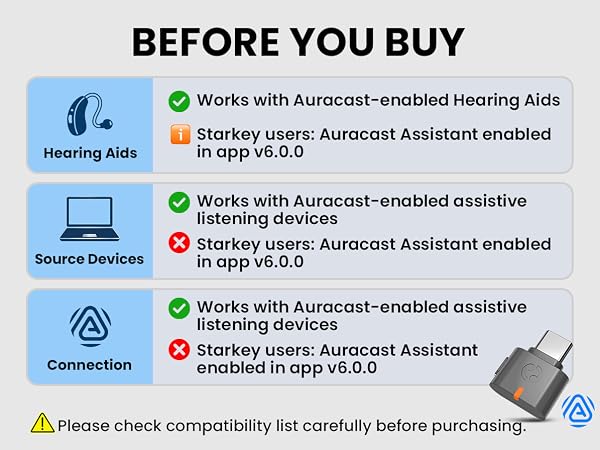
Compatible Hearing Aids: (Connect via their official hearing aid app)
? GN: Danalogic Extend
? Jabra: Enhance Pro 20 / 30, Enhance Select 500 / 700
? ReSound: Nexia / Vivia / Savi / Enzo IA
? Beltone: Envision / Serene / Commence,
? Bernafon: Encanta; ? Cochlear: Baha7 Sound Processor
? Oticon: intent; ? Philips: Hearlink 9050; ? Widex: Allure
? Starkey: Edge AI / Omega Al - Auracast Assistant enabled in app v6.0.0.
? Any hearing aids not listed above are not compatible.
? Not compatible with classic Bluetooth or LE Audio unicast headphones, earbuds, or speakers.
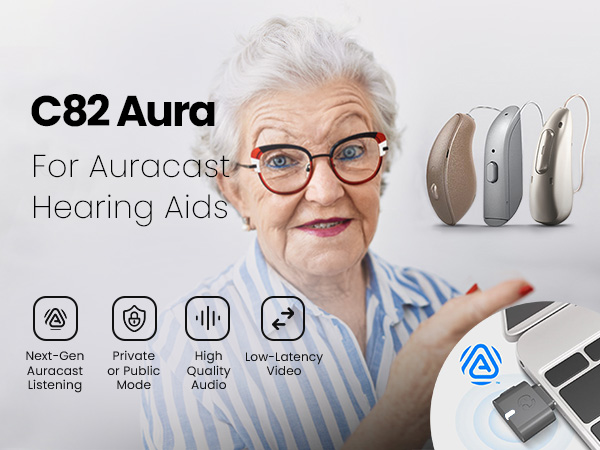
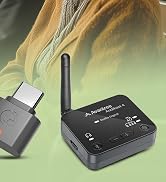
| Bluetooth Version | v5.4 |
|---|---|
| Chipset | Qualcomm QCC Series (LE Audio SoC) |
| Supported Audio Codecs | LC3 (Auracast) |
| Voice Call Support | No |
| Interface | USB-C |
| Latency | 50-80ms |
| Firmware Upgrade | Supported via official Avantree website |
| Private Broadcast Mode | Yes |
| Frequency Range | 2.4 GHz – 2.48 GHz |
| Operating Range | Up to 100 ft (30 m) |
| Size | 17 mm × 21 mm × 7 mm |
| Net Weight | 2g |
Avantree C82 Aura | Avantalk C82 | Avantree C81-Gaming | Avantree DG80-Gaming |
|---|---|---|---|
| Customer Reviews | |||
| — | — | — | — |
| Price | |||
| — | — | — | — |
| Auracast Hearing Aids | |||
| ? | ? | ? | ? |
| LE Audio Unicast | |||
| ? | ? | ? | ? |
| Classic Bluetooth | |||
| ? | ? | ? | ? |
| Codec Support | |||
| LC3 (Auracast) | LC3, aptX Adaptive, aptX, SBC | aptX-Adaptive/HD/LL, aptX, SBC | aptX-Adaptive/HD/LL, aptX, SBC |
| Main Use Case | |||
| Auracast Hearing Aids | LE Audio Listening | PS5 Gaming | PS5 Gaming |
| Compatible Devices | |||
| PC, Mac, Tablet, IPhone 15+ | PC, Mac, Tablet, Newer Phones | PS5, PS4, Switch | PS5, PS4, Switch |
Will this work with my hearing aids?
Only with models listed in our compatibility section. Other hearing aids are not supported yet and may be added in future updates.
Can I use it with my Bluetooth headphones?
No. This is for Auracast hearing aids only, not for headphones or voice calls.
Can I make calls with my hearing aids?
Yes, but you'll need to speak through your phone’s built-in microphone.
Is it easy to use?
Very easy. Plug it in, then connect through your hearing aid app or supported phone.
Can I upgrade the firmware in the future?
Yes! Just download the tool and update it from our website.