





NOT ALL CARS CAN USE. PLEASE DOUBLE CHECK THE CAR COMPATIBILITY BEFORE PURCHASE!
Please check the list of supported models and APPs through the official website: Find the webiste by searching "apple carplay". Or consult the store service in advance.
[COMPATIBILITY TIPS]
1. If your car's system has ever been modified, it may make it impossible to use the adapter.
2. This product is not compatible with vehicles with built-in wireless CarPlay, such as the entire BMW series; Cars without Carplay function itself, such as Tesla; Newer vehicle systems, such as electric models or gasoline models produced in 2024 or later. You can consult the store service in advance.
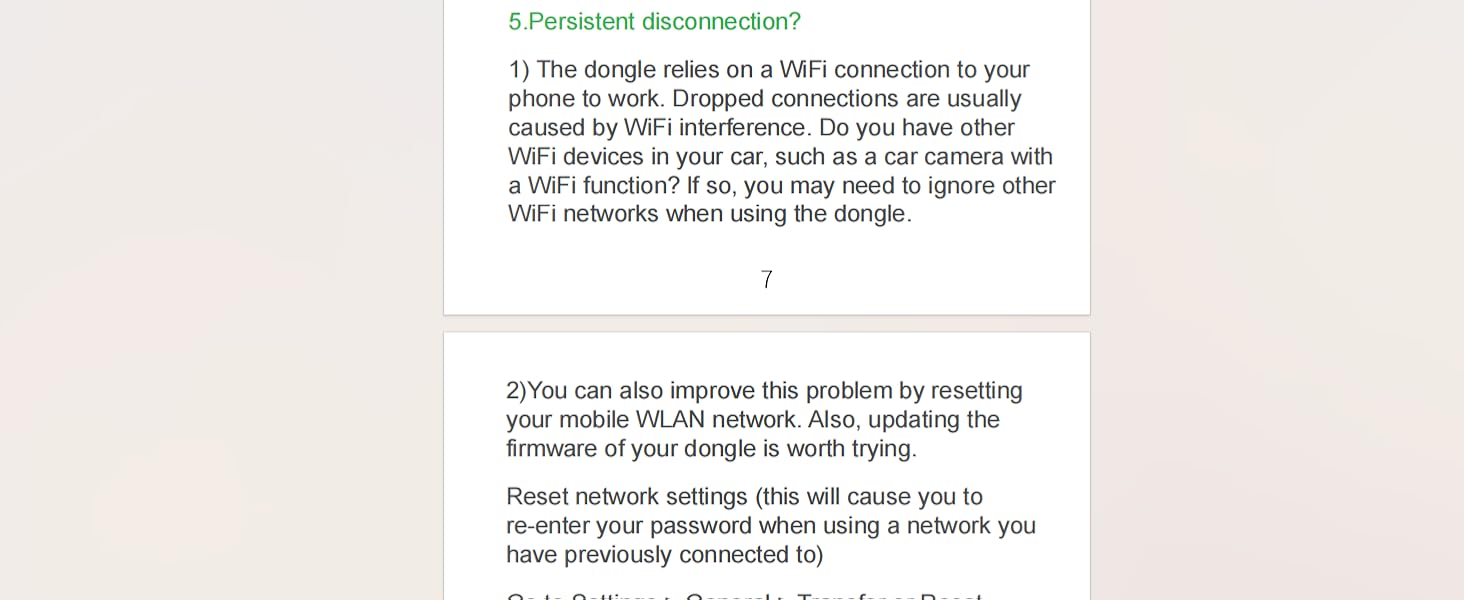
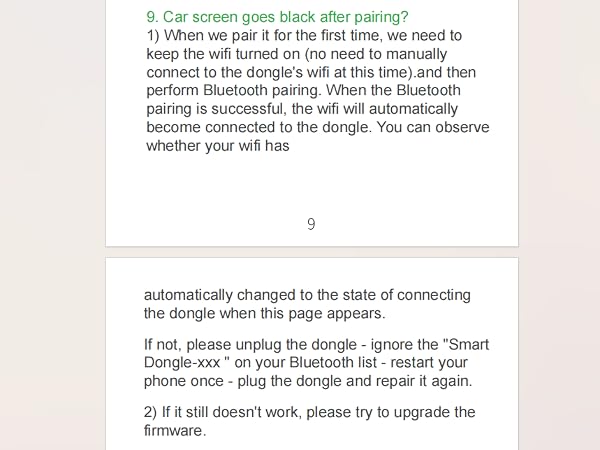
3.Abrupt screen termination during operation is typically a result of network instability. Simply unplug and reconnect the dongle CarPlay wireless adapter without the need to re-initiate iPhone operations.
How do I check if my car and phone are compatible?
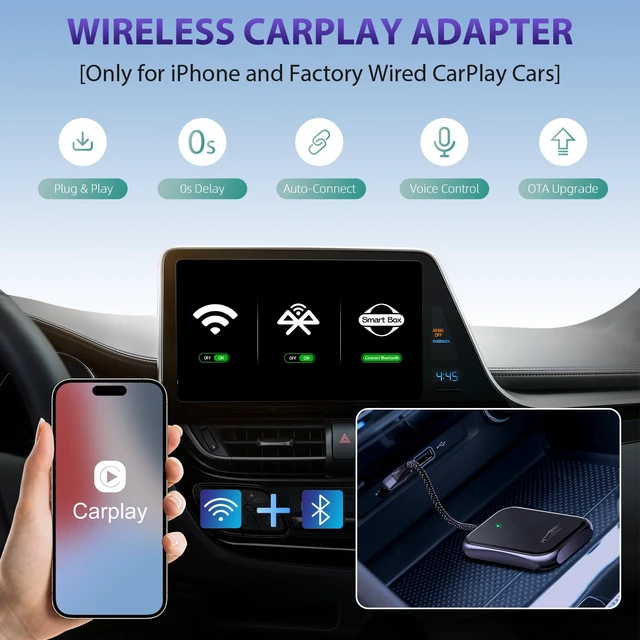
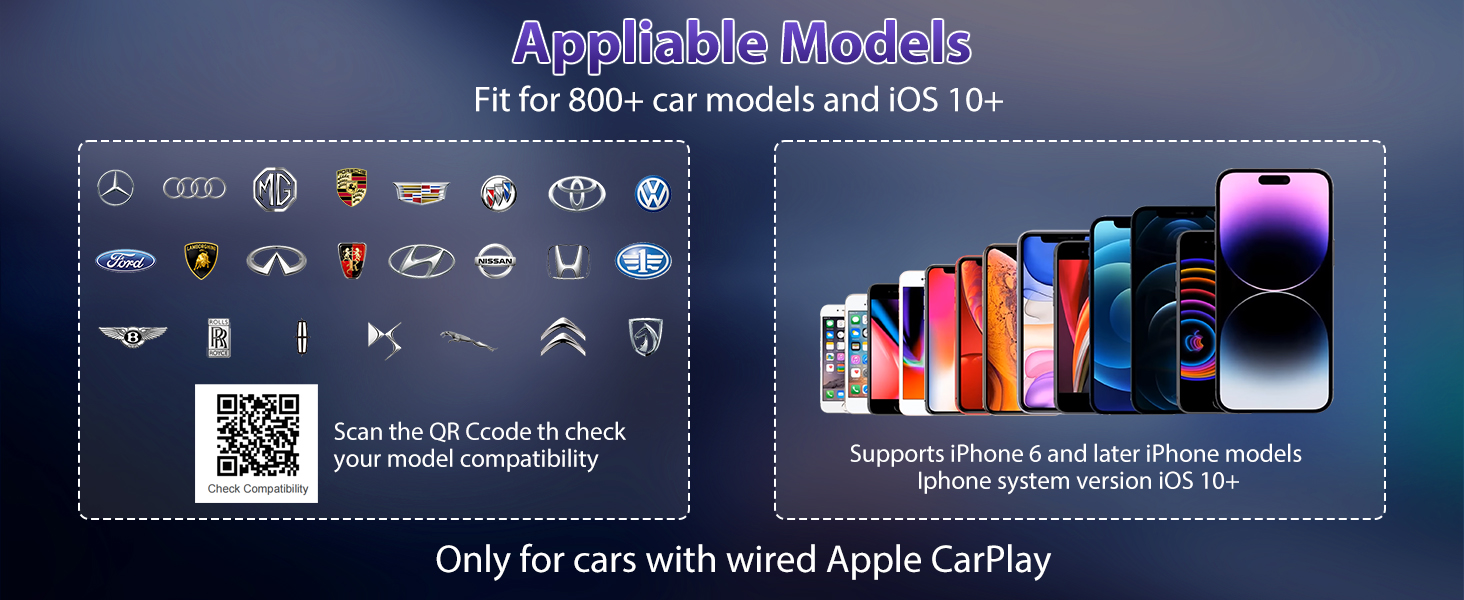
Only supports cars equipped with factoried wired CarPlay and iPhone 6 of iOS 10 or higher.
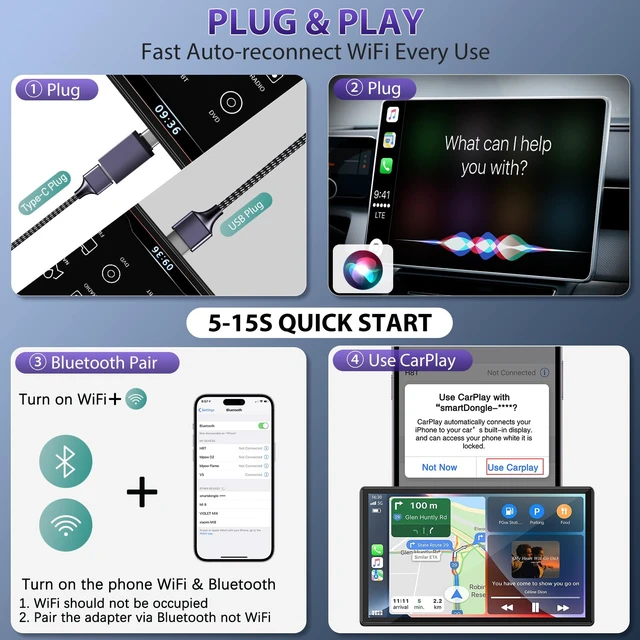
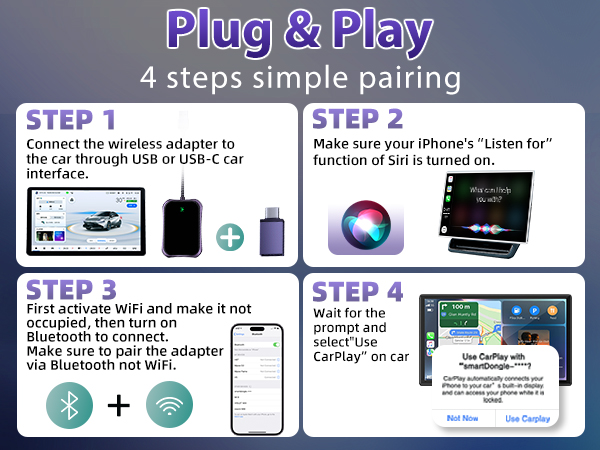
1.Connect your iPhone to your car by USB date cable to see if it can open CarPlay function.
2.Check the list of compatible cars through apple carplay website.
How to fix frequent disconnections?
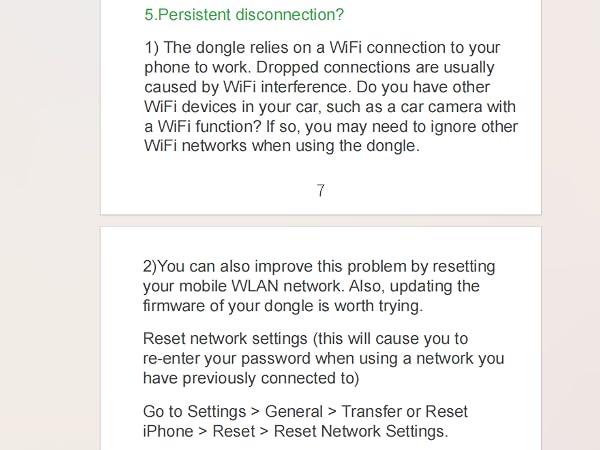
Bad network can result in lagging or disconnection. Please unplug and plugin, clear old pair records, restart your phone, and re-pair the dongle. If the wifi was occpied by other device, go into firmware upgrade URL and change another wifi channel.
How to fix audio delay or sound quality issues (Excluding audio delay during video playback )?
Access the settings interface of the carplay adapter. Locate 'Audio Stream Mode,' Try to use 'Default' mode and 'Mode 2.' or other modes for the best performance.Restart iphone before using the carplay adapter again.
How to fix call rejection, call transferred to voicemail, no sound playback, music playback interruptions or pauses?
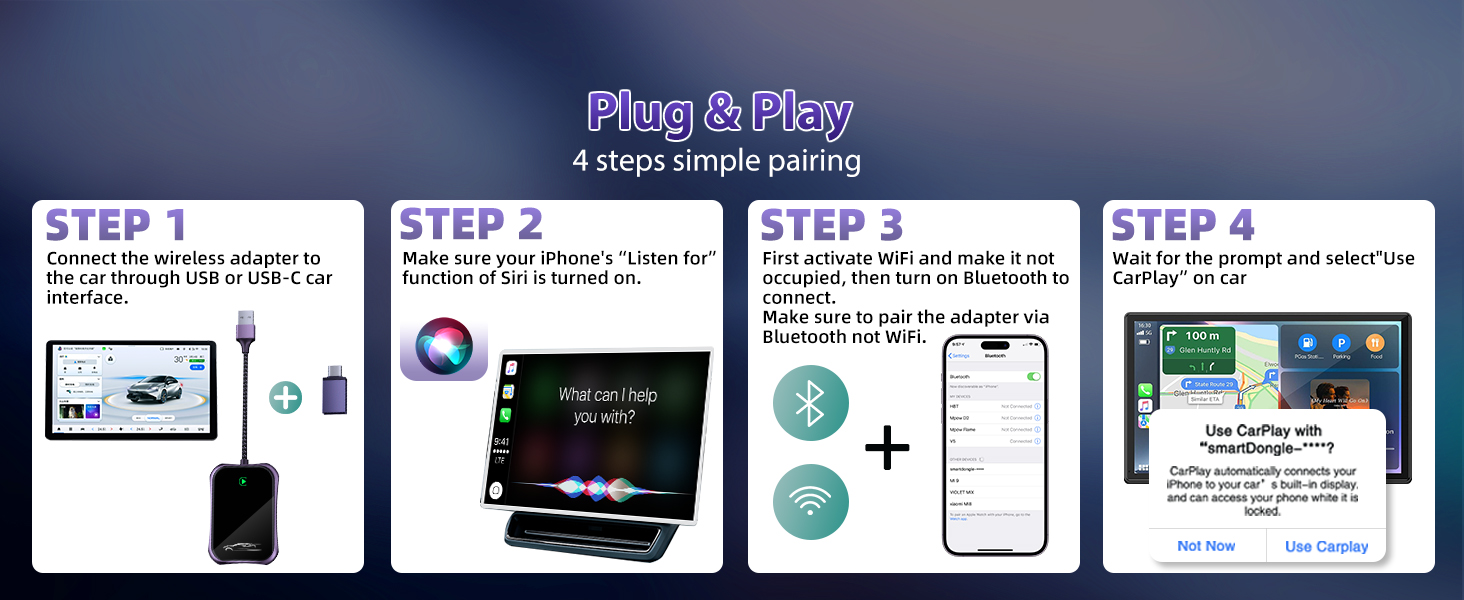
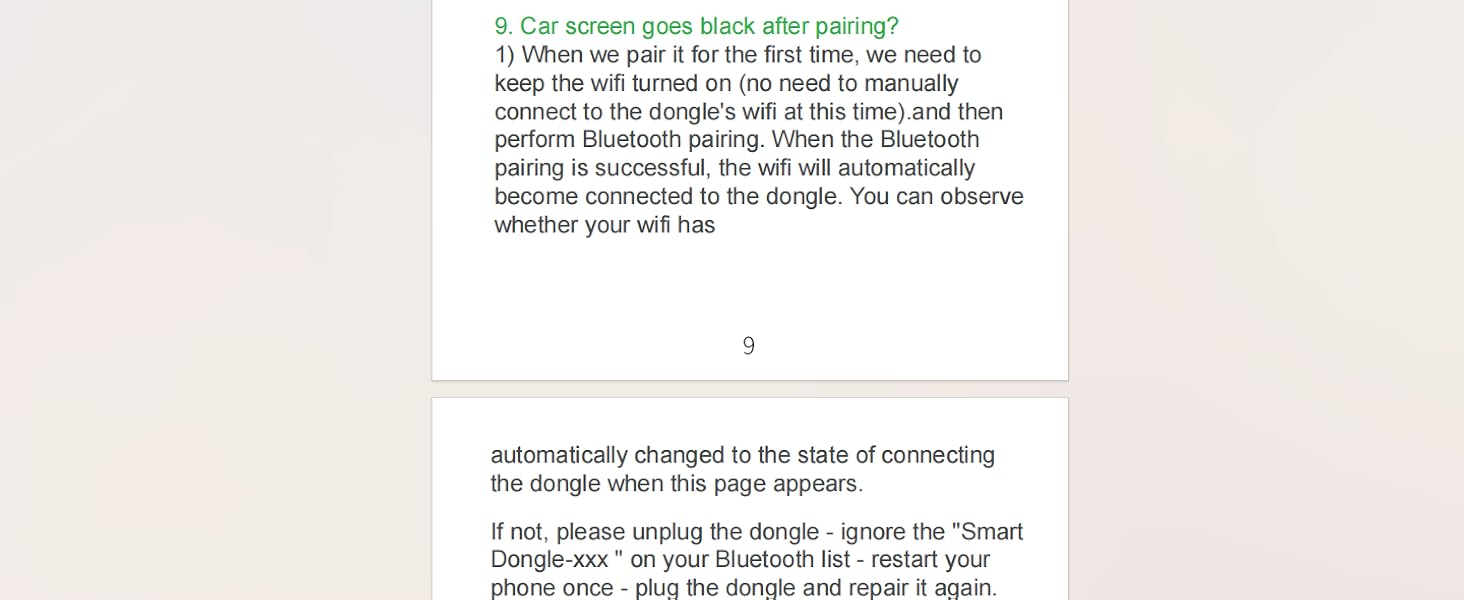
1.Make sure your phone's Bluetooth is not occupied by other device. Turn off the Bluetooth after wifi connected.
2.Clear background-running apps on your phone while using the carplay adapter. When on a call , check the Audio output option is Carplay.
Can the adapter pair with multiple phones? Why can't I connect after changing another iphone?
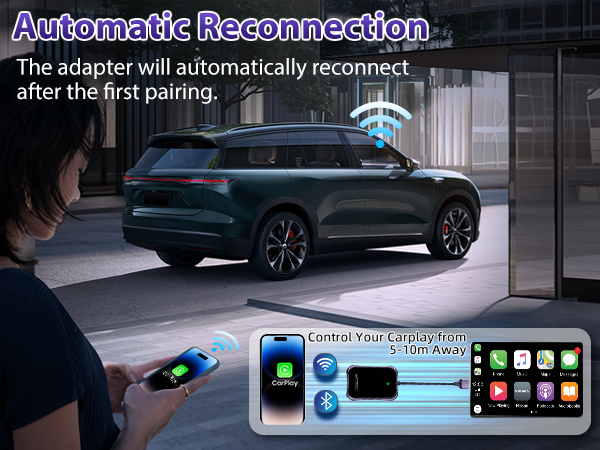
The carplay adapter can only connect to one device at a time. If you wish to pair it with a new iPhone, please disconnect the current connection first.Otherwise, it will reconnect to the last iPhone it was used with.


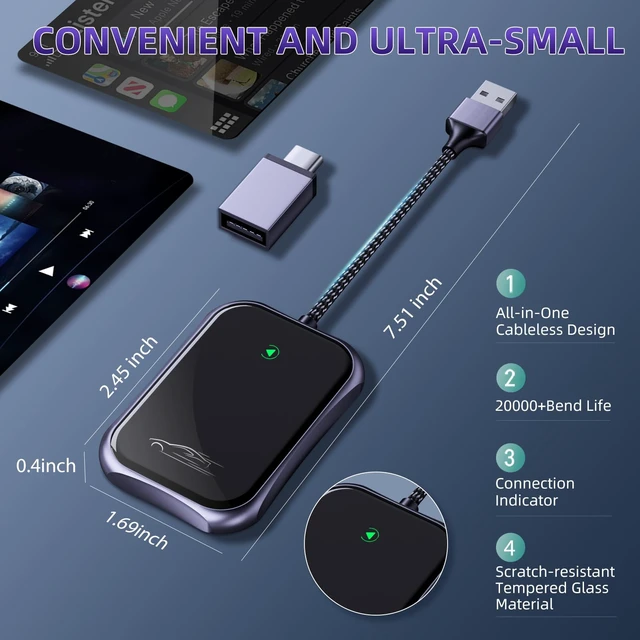
- Tkasio is committed to creating modern, high-quality automotive electronic products. Extensive industry experience enables us to move forward in the field of wireless technology and strive to develop new products to meet the diverse needs of our customers.
- Our products combine advanced technology and high-end exterior design to bring you the ultimate relaxation and endless enjoyment.
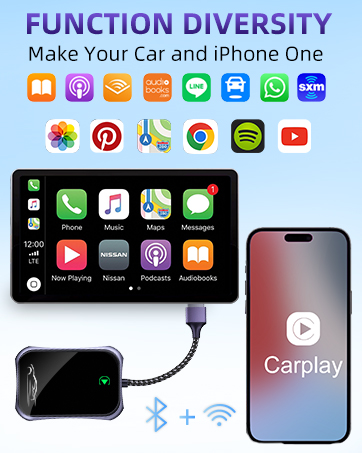
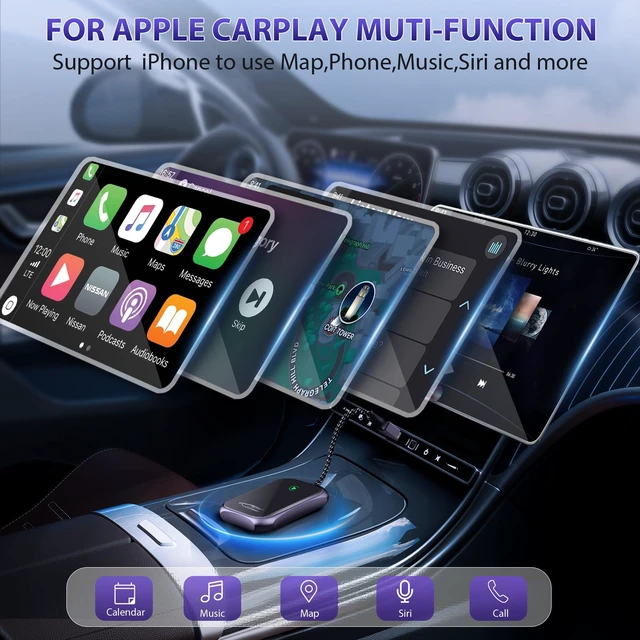
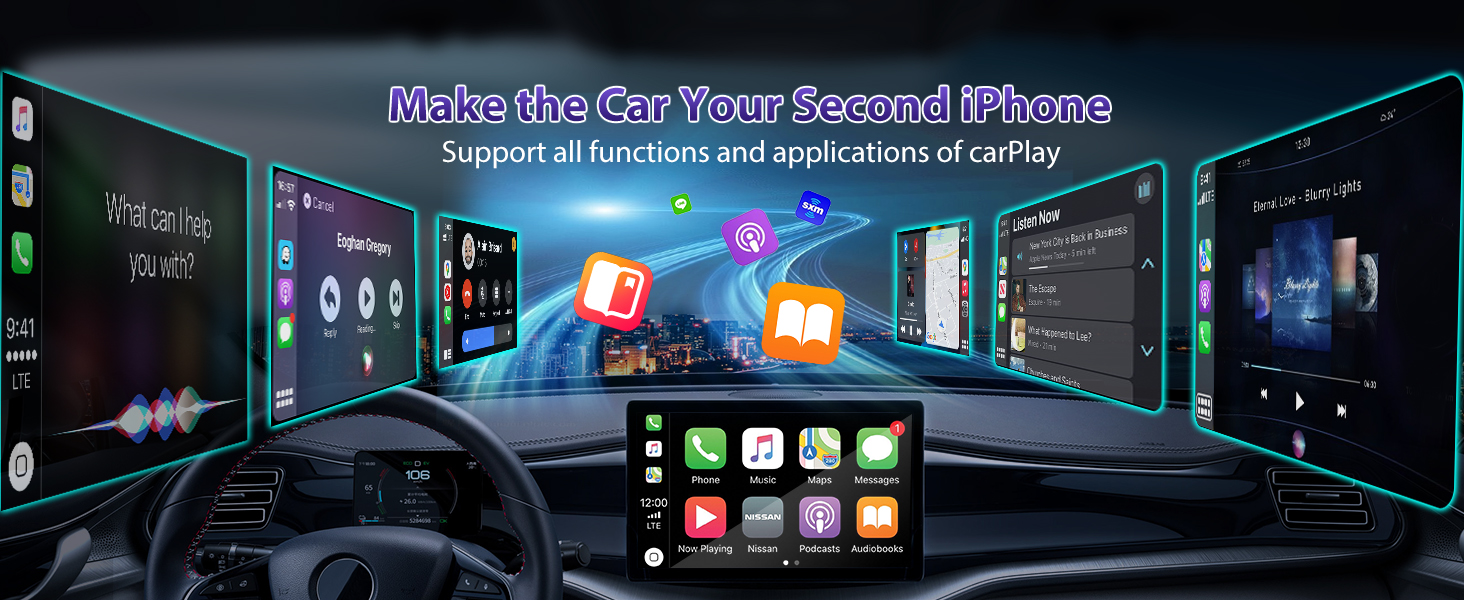
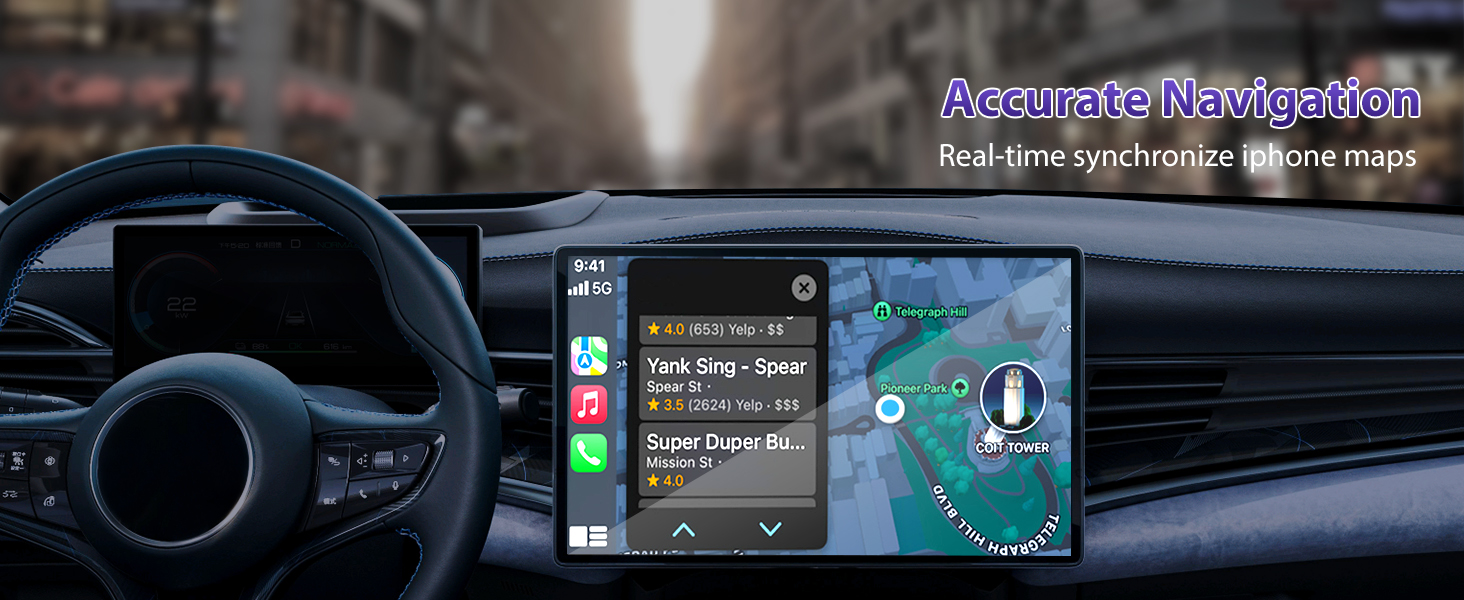
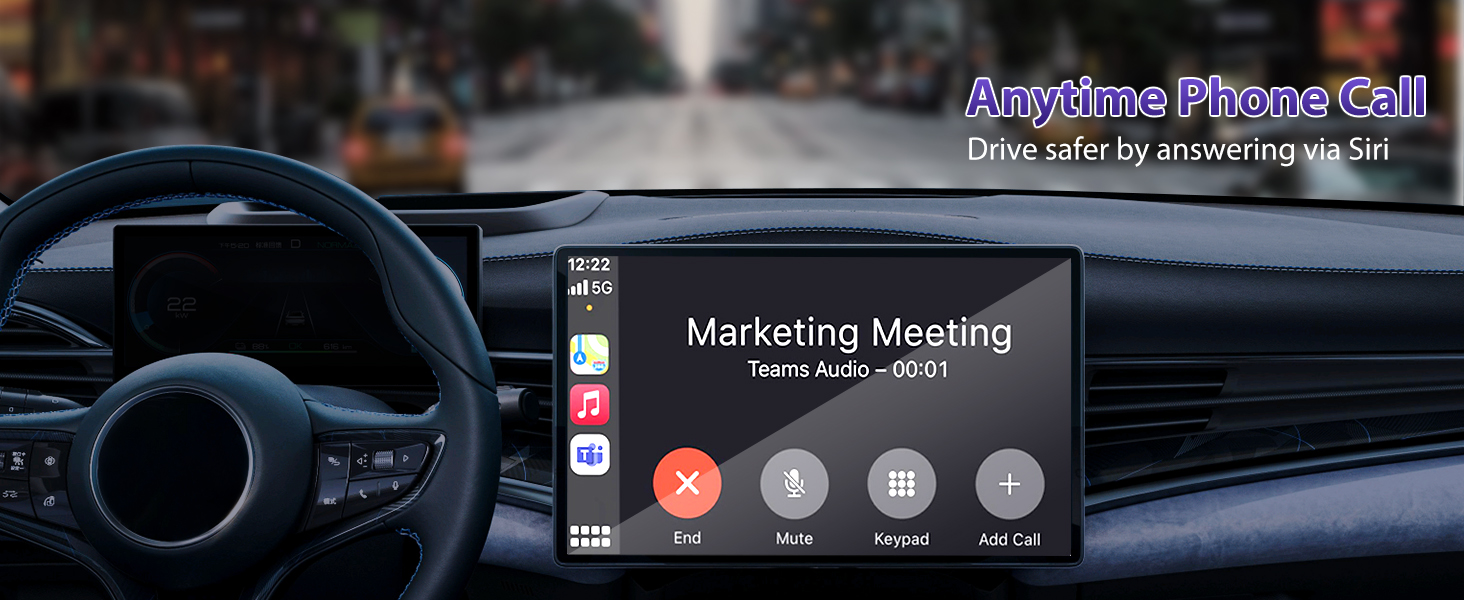
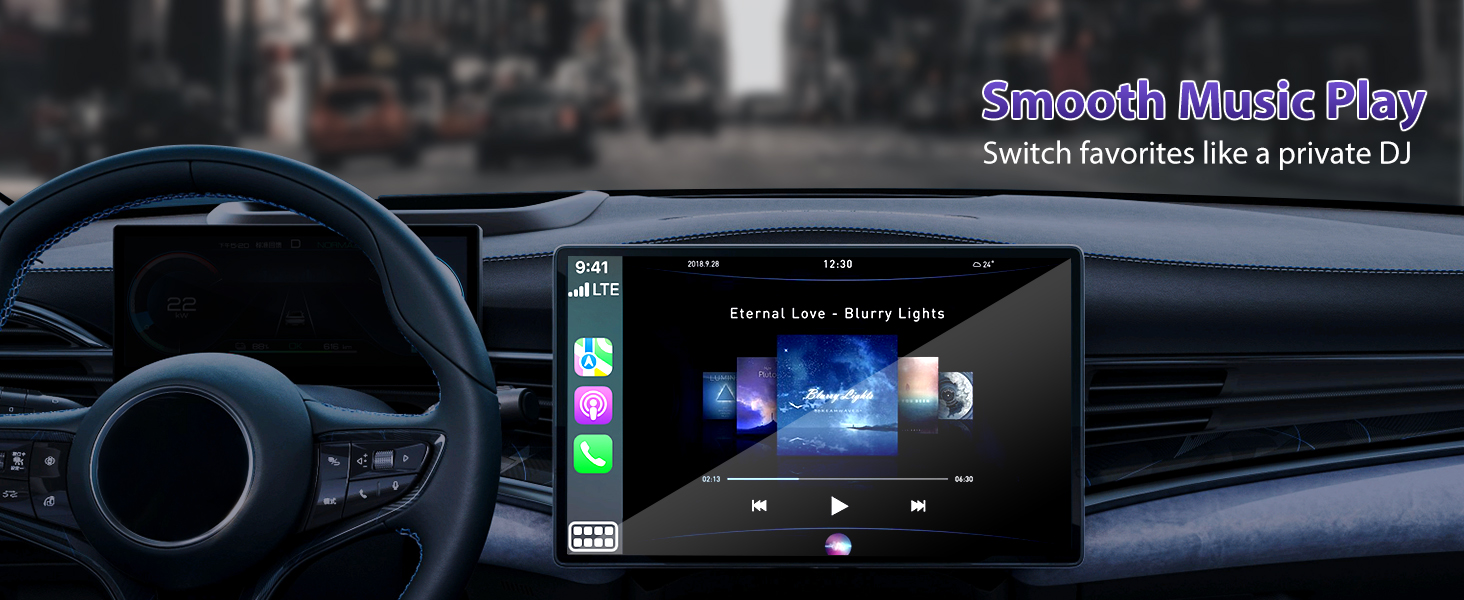
FUNCTION DIVERSITY
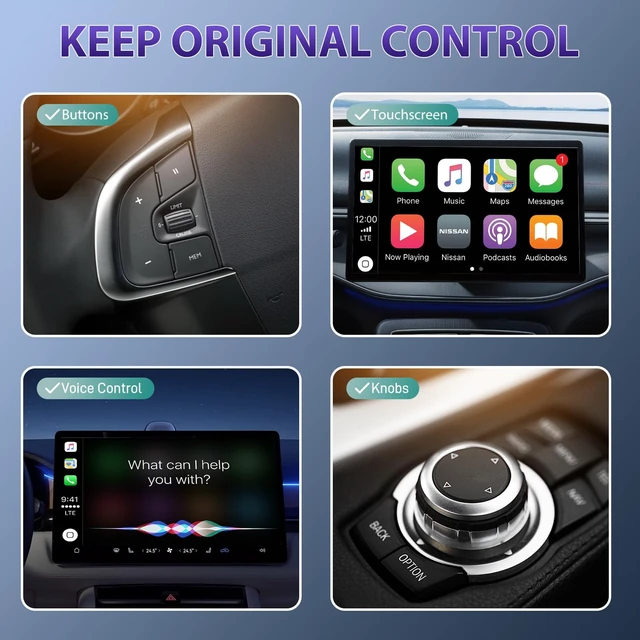
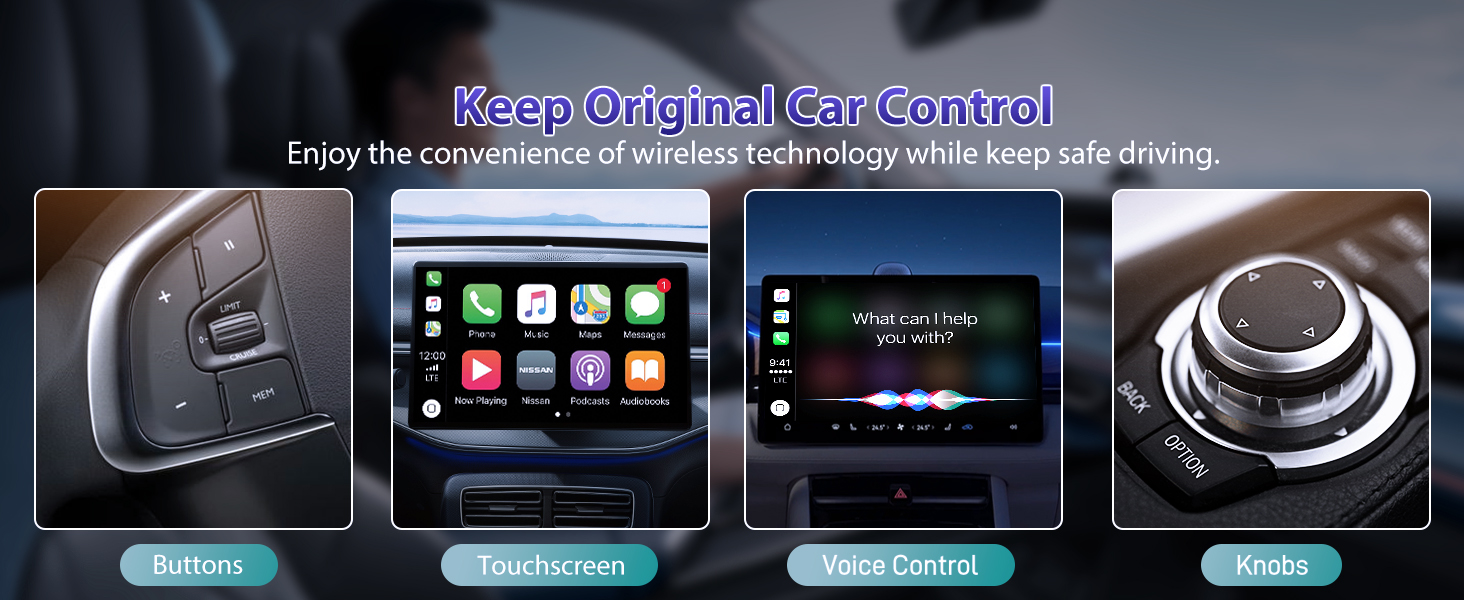
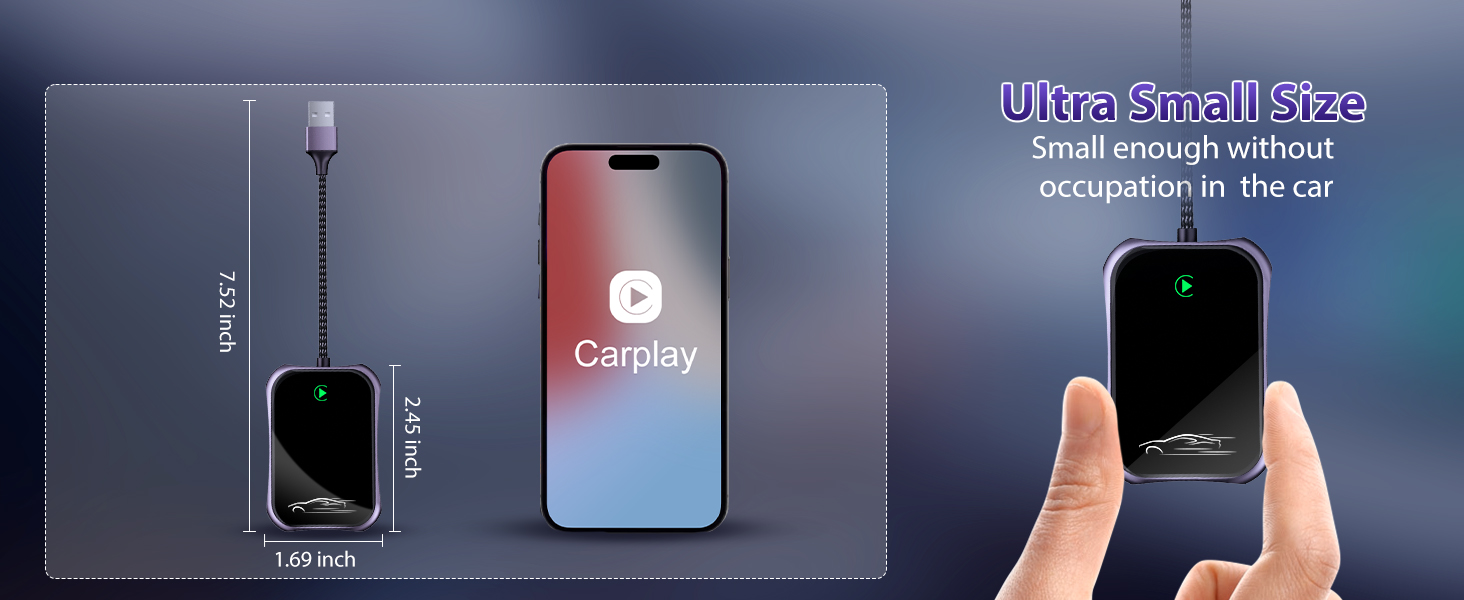
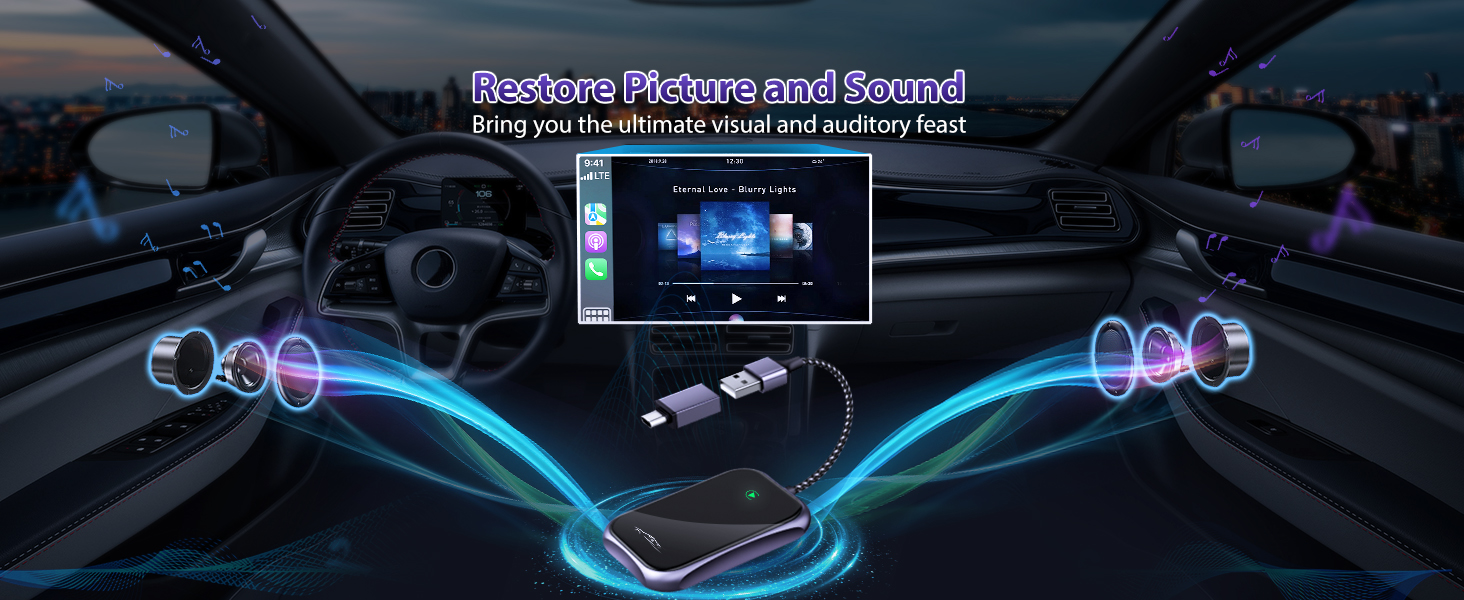
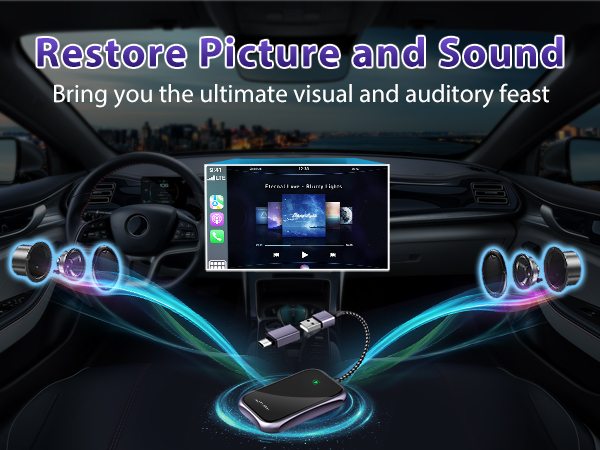
Make Your Car and iPhone One
TECH UPGRAED
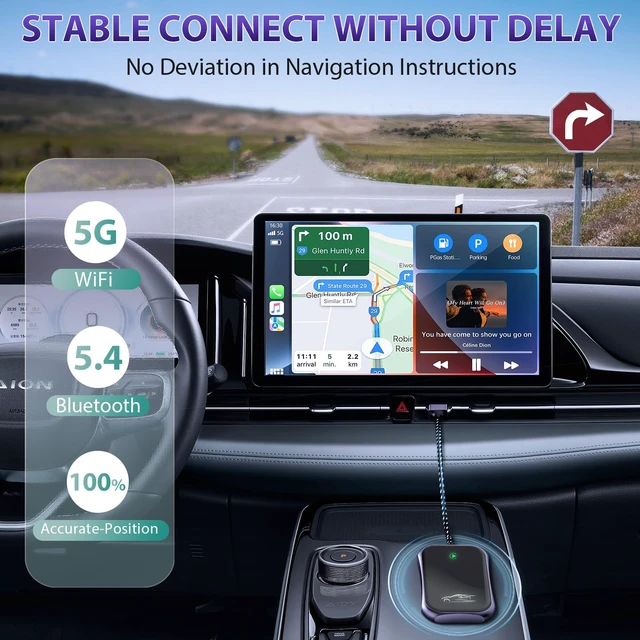
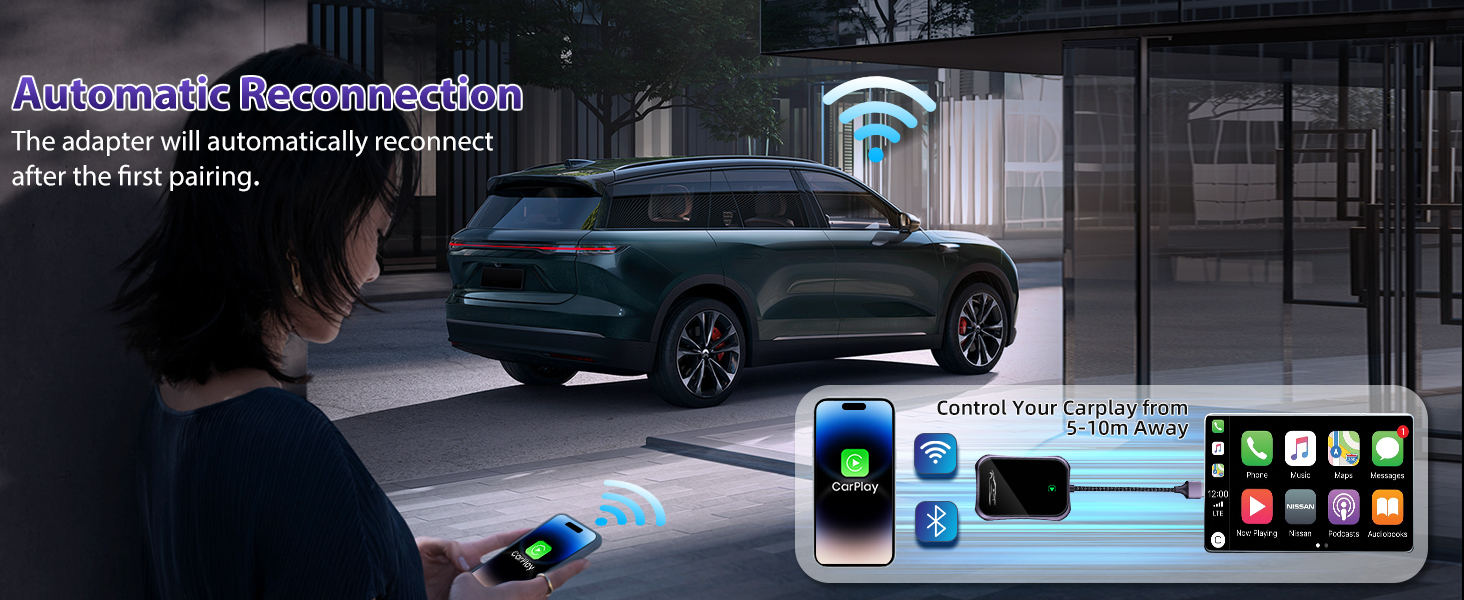
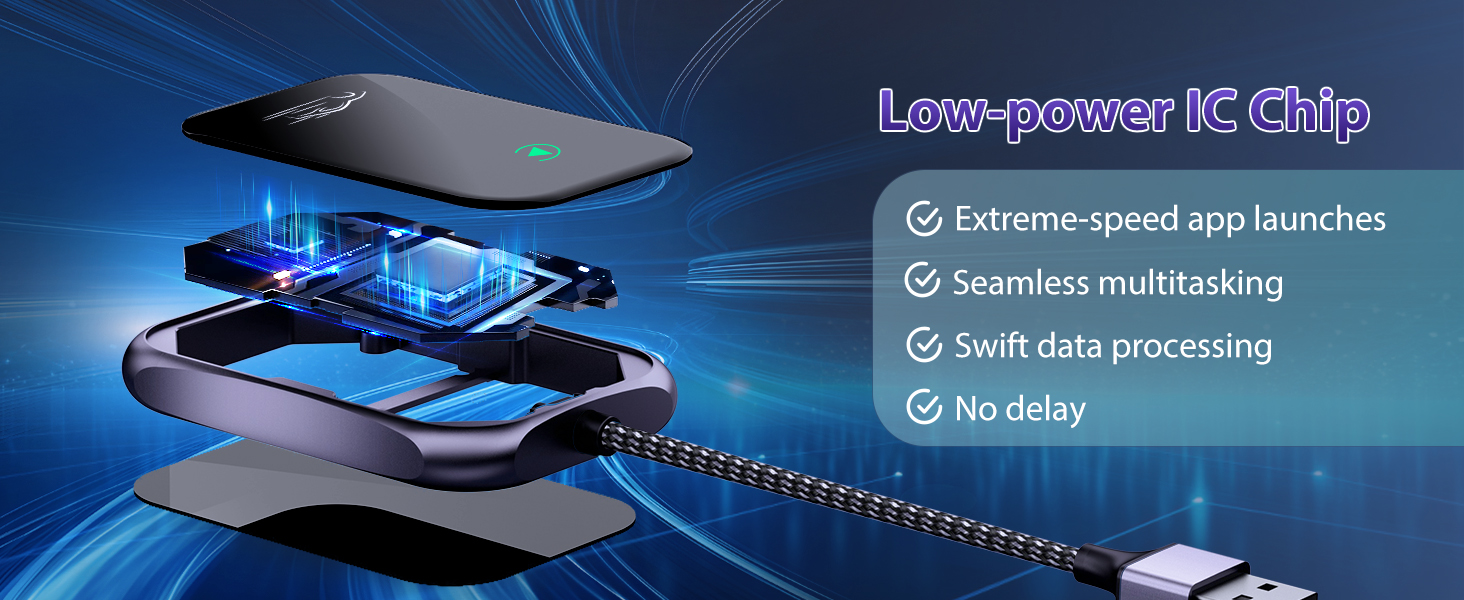
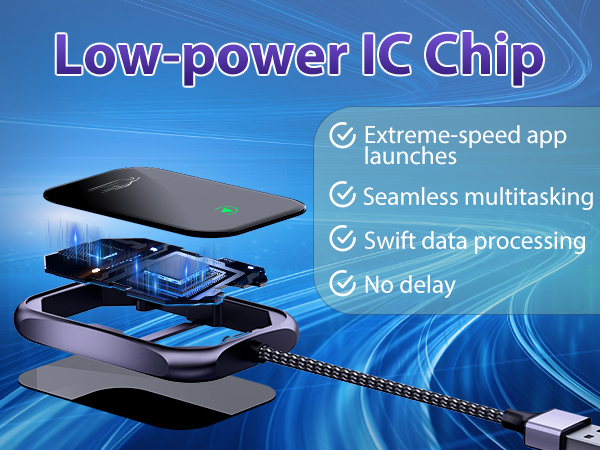
Fast and Stable Connection
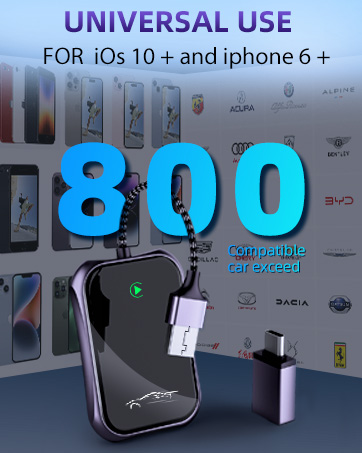
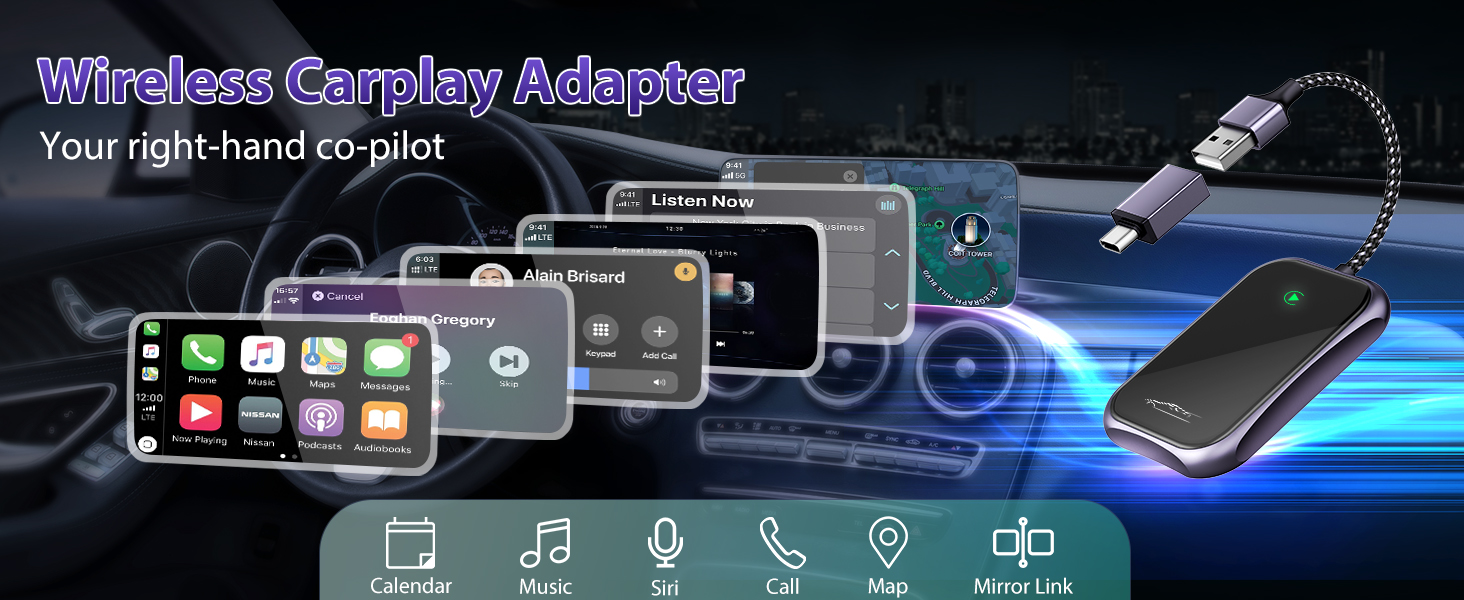
UNIVERSAL USE
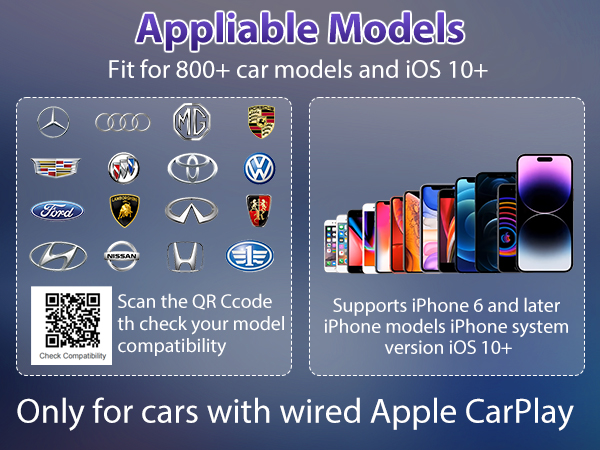
- FOR OVER 800+ CAR MODELS
- FOR iOS 10 + and Iphone 6 +
NOT ALL CARS CAN USE. PLEASE DOUBLE CHECK THE CAR COMPATIBILITY BEFORE PURCHASE!
Please check the list of supported models and APPs through the official website: Find the webiste by searching "apple carplay". Or consult the store service in advance.
[COMPATIBILITY TIPS]
1. If your car's system has ever been modified, it may make it impossible to use the adapter.
2. This product is not compatible with vehicles with built-in wireless CarPlay, such as the entire BMW series; Cars without Carplay function itself, such as Tesla; Newer vehicle systems, such as electric models or gasoline models produced in 2024 or later. You can consult the store service in advance.
3.Abrupt screen termination during operation is typically a result of network instability. Simply unplug and reconnect the dongle CarPlay wireless adapter without the need to re-initiate iPhone operations.
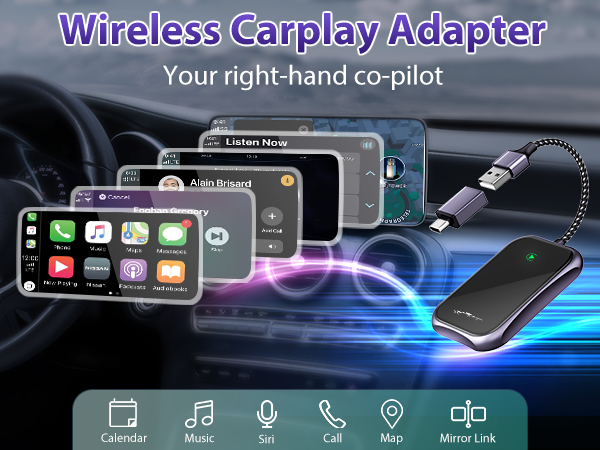
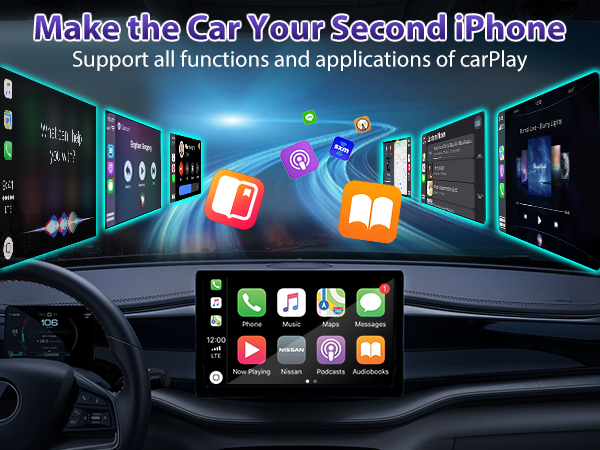
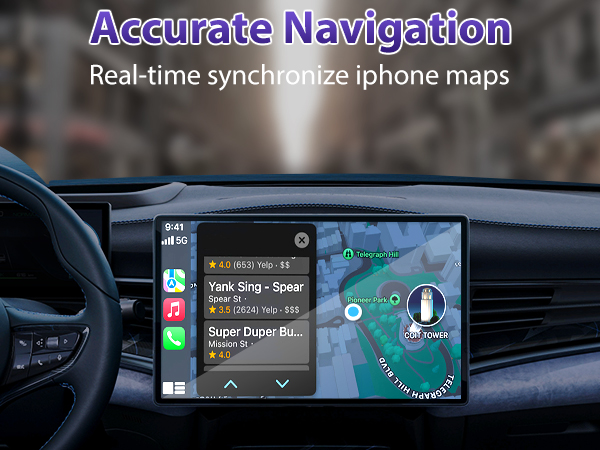
How do I check if my car and phone are compatible?
Only supports cars equipped with factoried wired CarPlay and iPhone 6 of iOS 10 or higher.
1.Connect your iPhone to your car by USB date cable to see if it can open CarPlay function.
2.Check the list of compatible cars through apple carplay website.
How to fix frequent disconnections?
Bad network can result in lagging or disconnection. Please unplug and plugin, clear old pair records, restart your phone, and re-pair the dongle. If the wifi was occpied by other device, go into firmware upgrade URL and change another wifi channel.
How to fix audio delay or sound quality issues (Excluding audio delay during video playback )?
Access the settings interface of the carplay adapter. Locate 'Audio Stream Mode,' Try to use 'Default' mode and 'Mode 2.' or other modes for the best performance.Restart iphone before using the carplay adapter again.
How to fix call rejection, call transferred to voicemail, no sound playback, music playback interruptions or pauses?
1.Make sure your phone's Bluetooth is not occupied by other device. Turn off the Bluetooth after wifi connected.
2.Clear background-running apps on your phone while using the carplay adapter. When on a call , check the Audio output option is Carplay.
Can the adapter pair with multiple phones? Why can't I connect after changing another iphone?
The carplay adapter can only connect to one device at a time. If you wish to pair it with a new iPhone, please disconnect the current connection first.Otherwise, it will reconnect to the last iPhone it was used with.
- Tkasio is committed to creating modern, high-quality automotive electronic products. Extensive industry experience enables us to move forward in the field of wireless technology and strive to develop new products to meet the diverse needs of our customers.
- Our products combine advanced technology and high-end exterior design to bring you the ultimate relaxation and endless enjoyment.
FUNCTION DIVERSITY
Make Your Car and iPhone One
TECH UPGRAED
Fast and Stable Connection
UNIVERSAL USE
- FOR OVER 800+ CAR MODELS
- FOR iOS 10 + and Iphone 6 +