

Out of stock
This item is currently out of stock and it may or may not be restocked.
Most customers receive within 4-6 days.
Shop it at NeweggBusiness.

Meet Your Seller

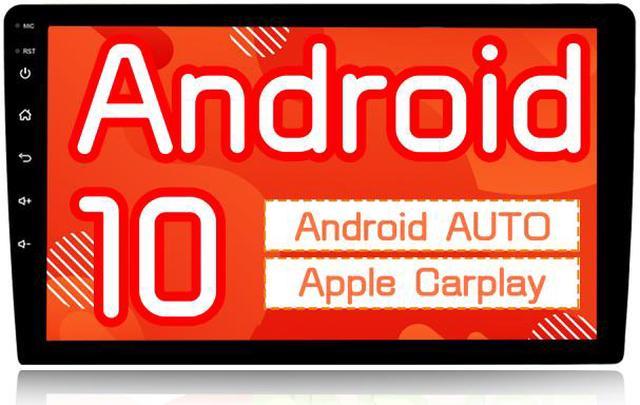
Binize 10.1 Inch Android 10 Double Din Car Stereo with Carplay&Android Auto, Touch Screen Radio Head Unit Multimedia Player,Bluetooth,GPS Navigation,AM,FM,EQ, Front/Rear Camera Input

  • 1.10.1 Inch Android 10 car stereo with 2GB+32GB: After deep customization and optimization, CPU: Quad-core Coretex-A7, frequency up to 1.3GHZ makes it perform better in vehicles. Many vehicle-based functions: FM/AM radio, AUX/front and rear cameras Input, Bluetooth, steering wheel key control. Built-in WIFI receiver, support 4G communication, CarPlay, expandable OBD / tire pressure / external microphone
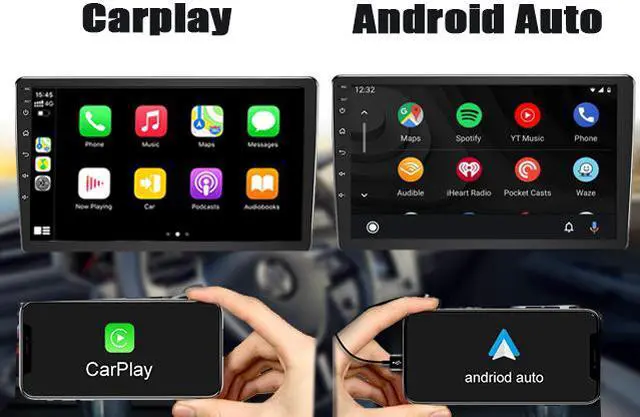
  • 2. Double din stereo with gps has customized Zlink for Wireless Bluetooth connected way for Carplay (Compatible with iPhone 5 and later), Wired original USB cable connected way for Android auto.Free your hands on the road.
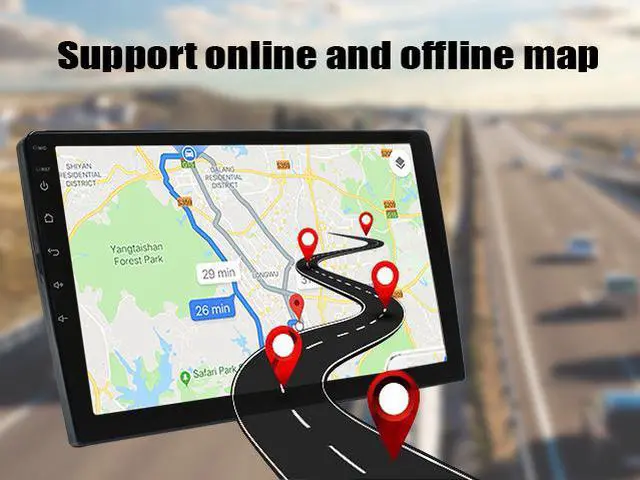
  • 3.Android car stereo double din supports online(built in) and offline(need to download yourself) navigation, convenient connection to WiFi/mobile hotspot (except for Samsung 5G), arrive your destination unimpededly and safely.
  • 4.Two Key/SW wires for Analog steer wheel control,hand-free calling,easy music switch & volume control, enjoy safe driving
Overview
Specs
Reviews
See all Q & A
avatar

Any questions? Our AI beta will help you find out quickly.

BINIZE
Android 10.1  Touch screen  Car Stereo Radio GPS Navigation (AM / FM) Radio with BT Music, HIFI, Carplay and Android Auto(ZLINK), Dual USB

Voltage: 12V

Factory password: 16176699

Reset password: 12346699

Android 10 with 2GB+32GB

7/10 Inch Capacitive Touch Screen (1024*600 )

Compatible with Carplay : Customized Zlink APP for Wireless Bluetooth connected way for Carplay (Compatible with iPhone 5 and later), and please turn on phone wifi option

Compatible with Android Auto: Customized Zlink APP for wired original USB cable connected way for Android auto,and please turn on phone wifi option


Wireless Carplay+ Wired Android Auto

car stereo with GPS has customized Zlink for Wireless Bluetooth connected way for Carplay (Compatible with iPhone 5 and later), Wired original USB cable connected way for Android auto.Free your hands on the road.then you can use phone navigation,music,audio,etc.

Phone Link APP disappeared?
Phone Link (Interface may be different with each mobile phone)

Because Carplay and Phonelink APP can't be use at the same time

Please follow these ways to turn on Easy-connected APP if it was disappeared

1.click car setting
2.click system setting
3.click factory setting(password 16176699)
4.cancel Carplay
5.choose Phone connected

Steering Wheel Control

SW2(key2)-- car SW2

If your car only have one SW wire, connect SW1 and SW2 together to your car SW wires. Please note: It needs to learn steering wheel control buttons on the unit manually

Note: This item support only analog signal steering wheel control,you need to order an extra canbus decoder from your local car shop if your has digital signal steering wheel control.
 

Wifi&Hotspot&Bluetooth

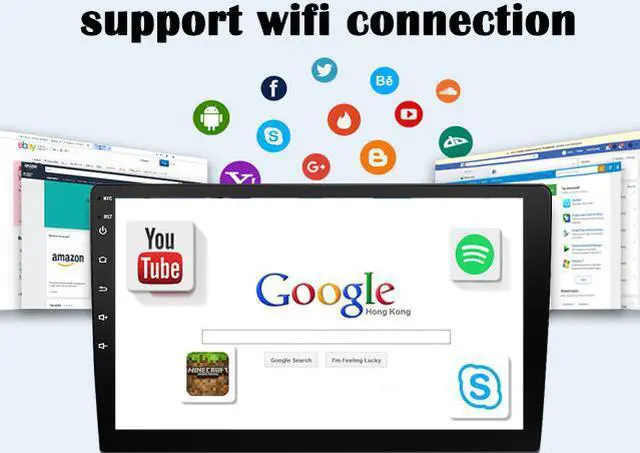
Built-in Wifi receiver,support connecting wifi and hotspot( Samsung 5G hotspoy is not compatible),with the wifi connected, you can download APP what you want and surf the internet,like Youtube,FB, Google map navigation,etc

Support Bluetooth connection, first,please turn on Phone APP, then choose Bluetooth pairing,it will connect successfully

Wifi or Bluetooth signal doesn't work well?

It is necessary to plug in the reversing line, which may enhance the signal. If the WiFi and Bluetooth signal still do not work well, please cut the two short wires a little shorter.

Backup Camera Input
Backup Camera Input
  • Support revering image input to make your parking more safe, it's your parking
  • 1.The package includes RCA reversing wire, and there have a reversing trigger line come with the power cable, please connect all wires correctly
  • 2.The unit shows "no signal"
  • Please click Car setting,Factory setting,Backcar setting,HD reversing system,choose suitable camera type,then save
  • 3.Reversing image adjustment
  • one method: Car setting,General setting,common, select the corresponding setting
Android 10.1 10 Inch Touch screen 2Din Car Multimedia Radio GPS Navigation (AM / FM) Radio with WiFi, BT music, HIFI, Car-play(ZLINK), USB
Voltage: 12V
Factory password: 16176699
Reset password: 12346699
Android 10 with 2GB+32GB
10 Inch Capacitive Touch Screen (1024*600 )
Built-in Carplay and Android Auto : Customized Zlink for Wireless Bluetooth connected way for Apple Carplay (Compatible with iPhone 5 and later), Wired original USB cable connected way for Android auto
Built-in Bluetooth : Support hands-free calling and Bluetooth music functions, you can listen music from third music player on your phone, and the unit have built-in microphone and support external microphone(not include)
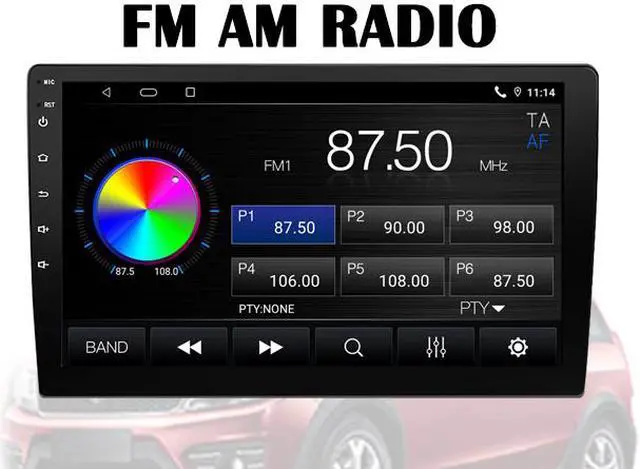
FM&AM&RDS : Stable radio frequency, you can listen to stories, listen to music, your journey is no longer boring.
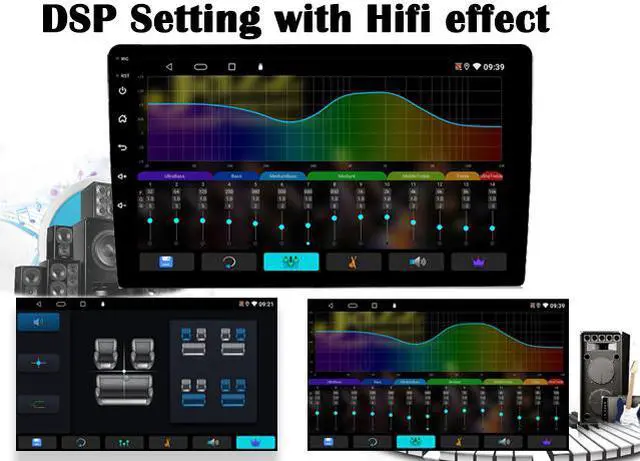
Built-in DSP(EQ) : DSP sound effect, clear sound quality, excellent audio experience.
Built-in WiFi Receiver :Support wifi and hotspot connection, high performance, low power consumption.
GPS Navigation : The unit has built-in GPS module and an external GPS antenna for online or offline map navigation. Anytime, anywhere, even in areas where there is no mobile traffic signal, the unit can lead you to your destination.
Back-up Camera and Front Camera Input :Make your driving and reverse much safer!(please note camera is not including)
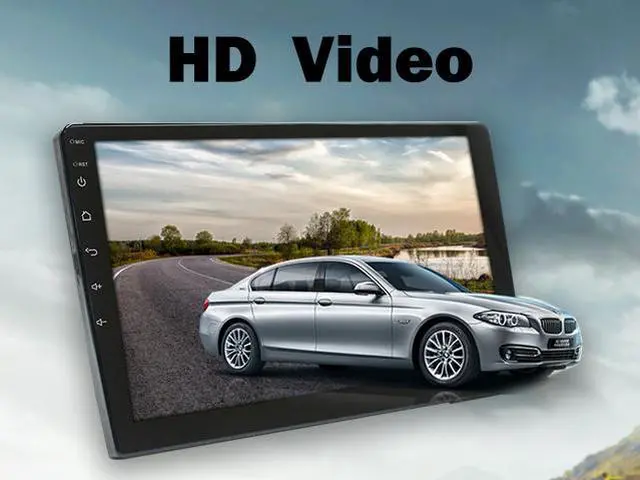
Multimedia Player : HD Video, Hifi Music, Vivid Image ,Clear Photo.
Steering Wheel Control : The steering wheel control function allows you to take easy control on switching songs
Please turn on ZLINK APP to use Apple Carplay and Android Auto
Can't find Carplay APP?

Please follow these ways to turn on Zlink APP if it was disappeared

1.click car setting
2.click system setting
3.click factory setting(password 16176699)
4.cancel Phone connected
5.choose carplay
Phone Link APP disappeared?

Because Carplay and Phonelink APP can't be use at the same time

Please follow these ways to turn on Easy-connected APP if it was disappeared

1.click car setting
2.click system setting
3.click factory setting(password 16176699)
4.cancel Carplay
5.choose Phone connected

Warranty & Returns

Warranty, Returns, And Additional Information

Warranty

  • Please contact the Seller directly for warranty information. Warranty information may also be found on the Manufacturer's website.
  • CONTACT

Return Policies

  • Return for refund within: 30 days
  • Return for replacement within: non-replaceable
  • This item is covered by BINIZE Return Policy

Manufacturer Contact Info

LOADING...